




































































Leading Edge
  1. LeadingEdgeComputers
  2. Photo Gallery Index
  3. Photo Gallery
  1. home
  2. photo gallery index
  3. photo gallery
S1 DISPLAY CONFIG
ON
DIP
LEC photo gallery


Photo Gallery


Page:

     386SX Notebook

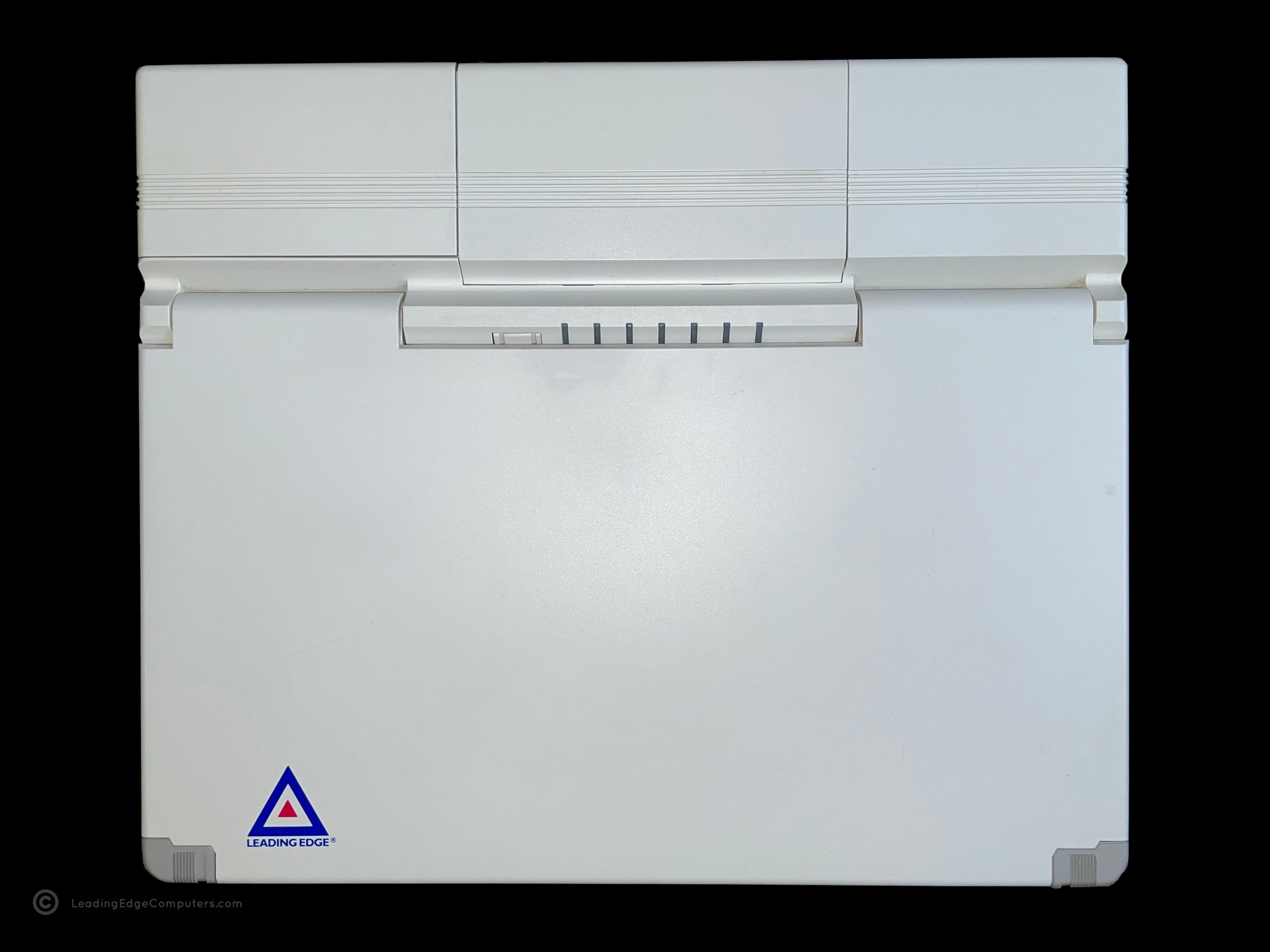
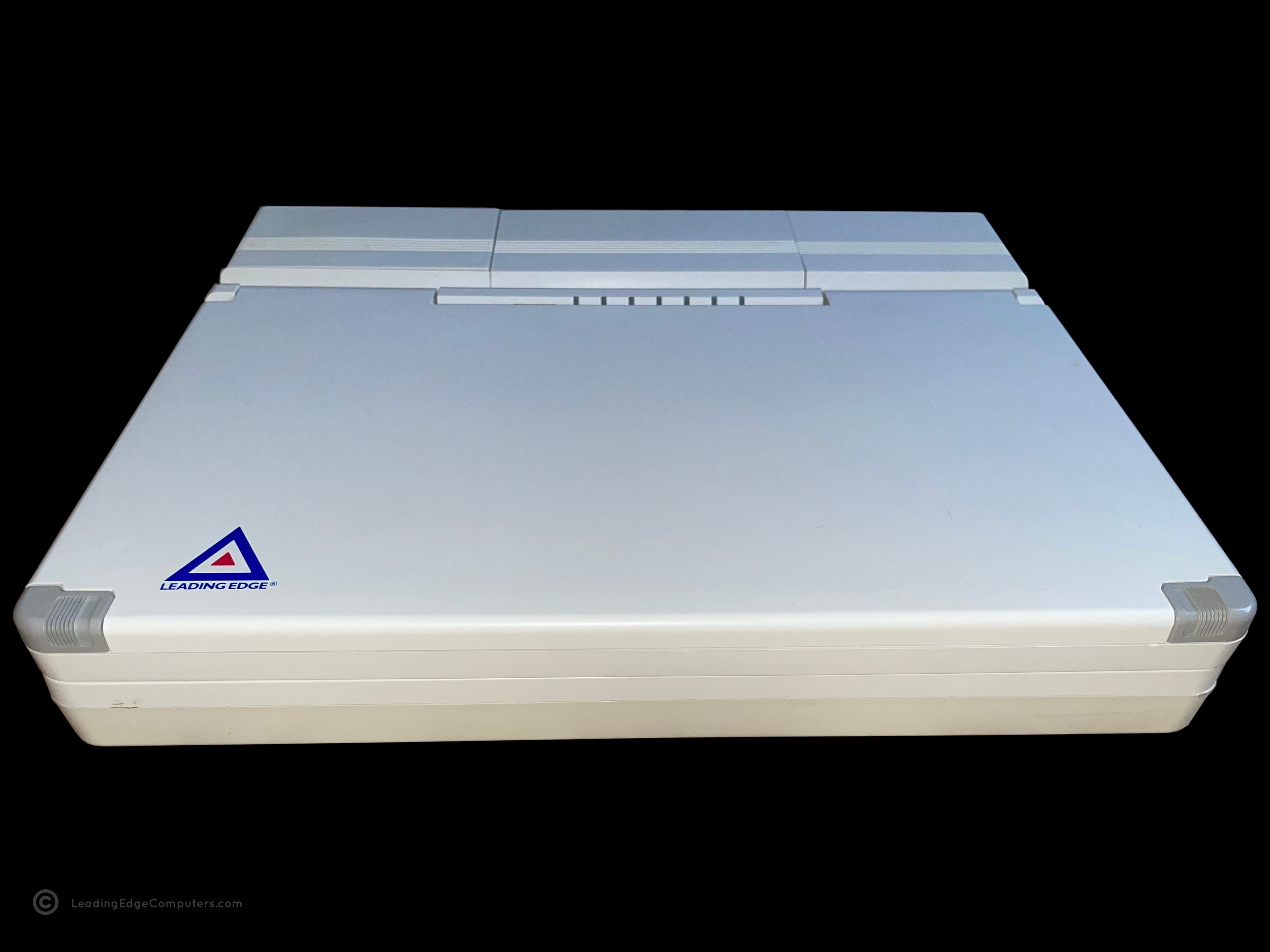
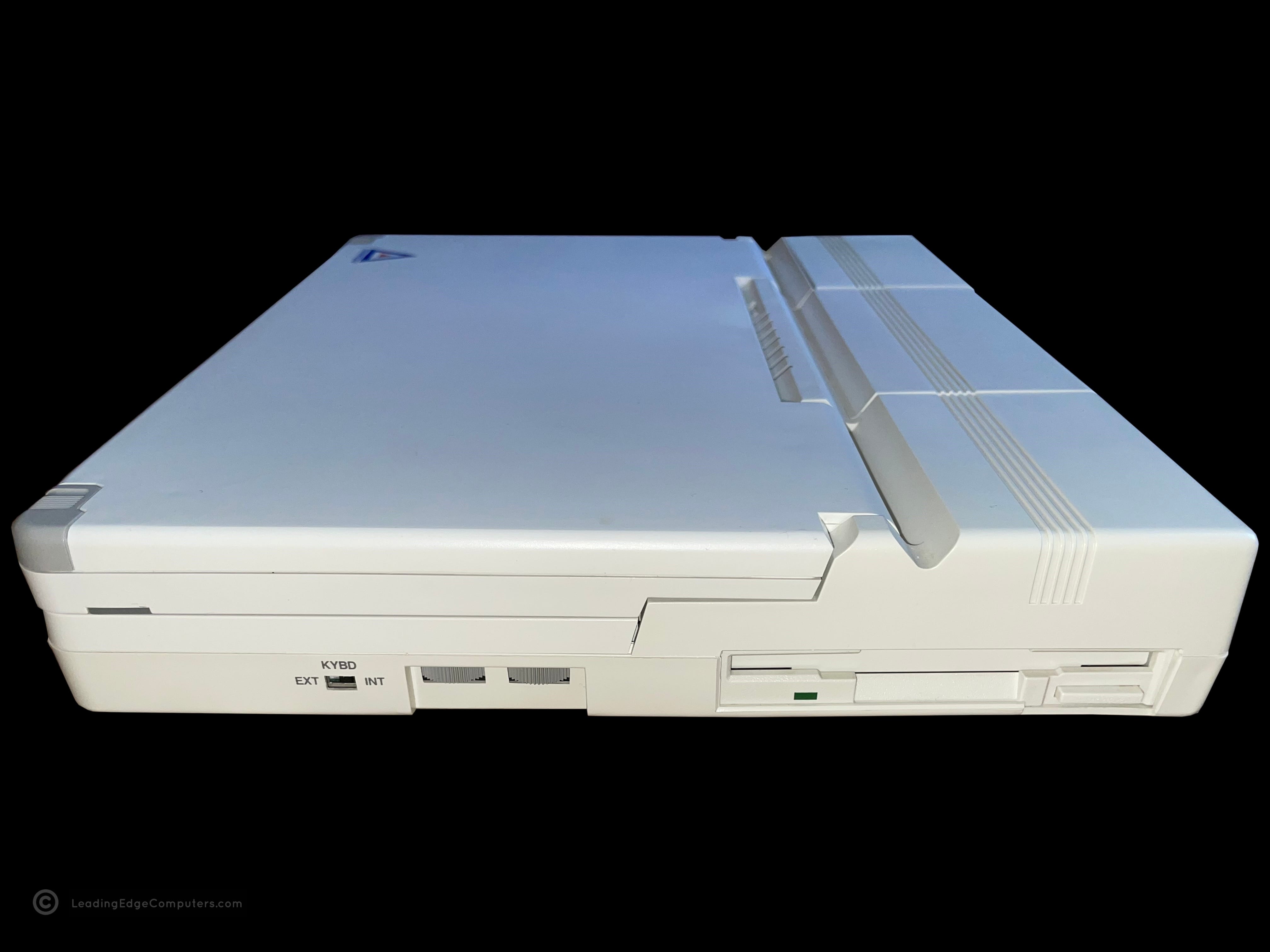
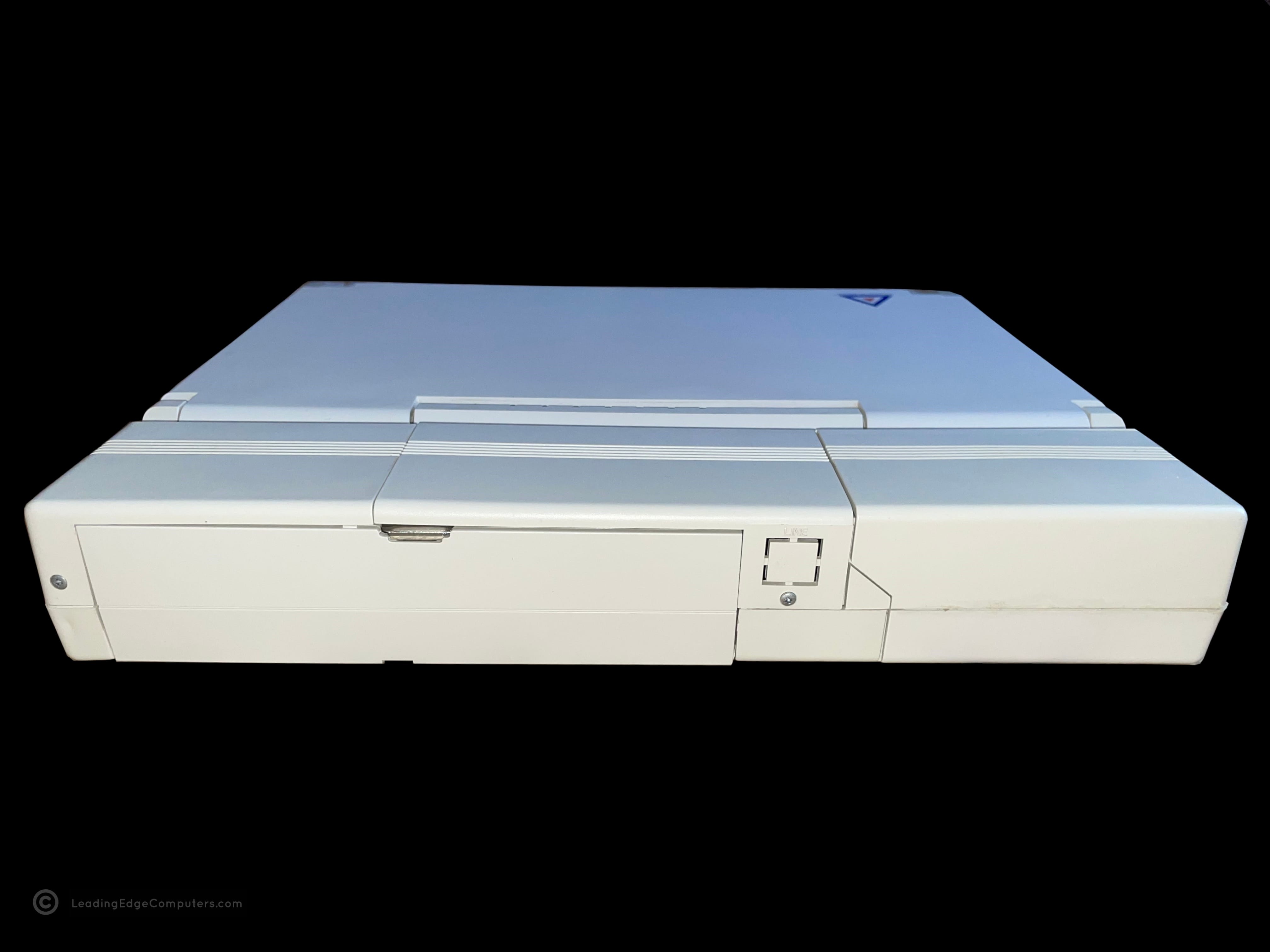
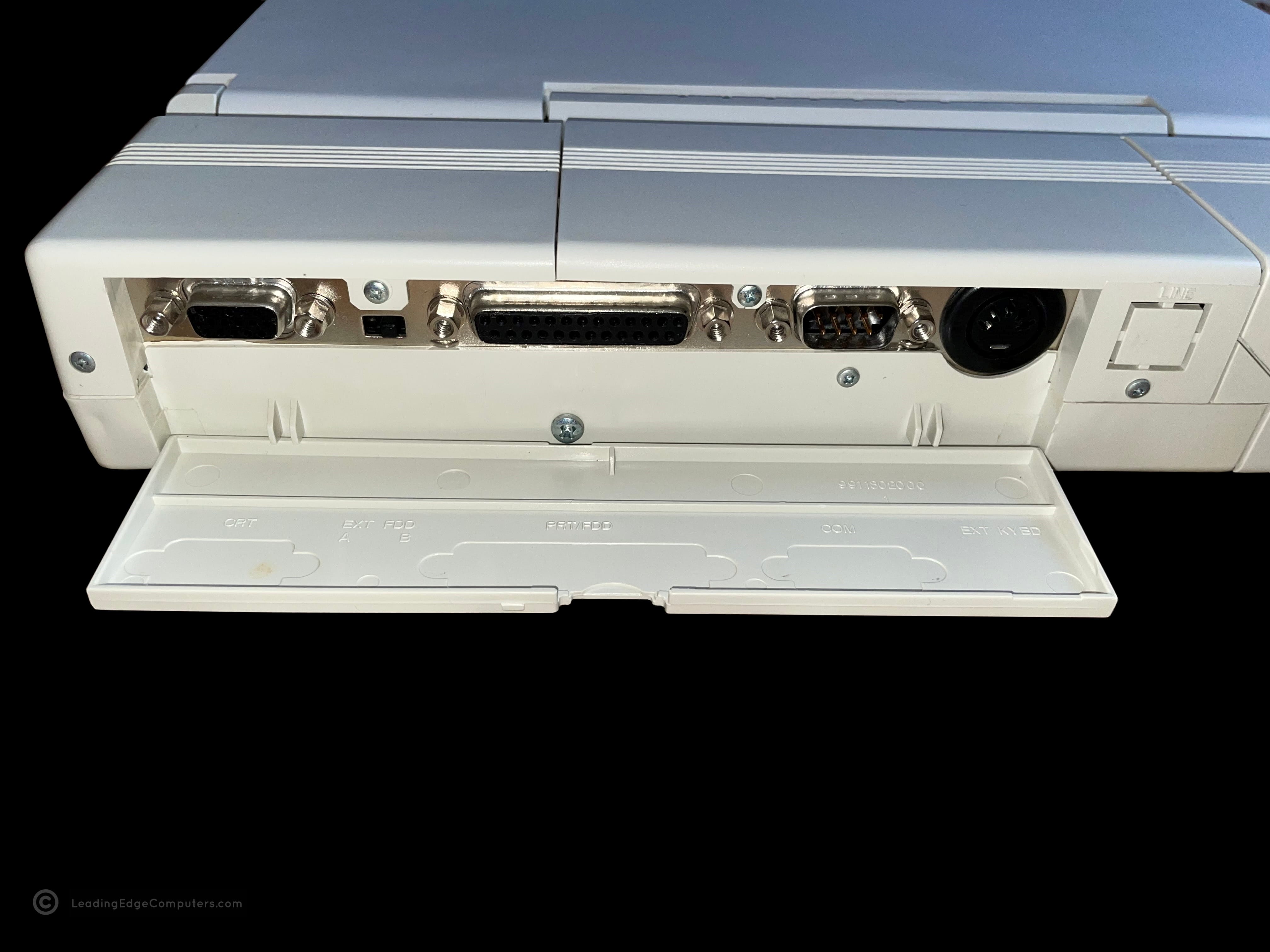
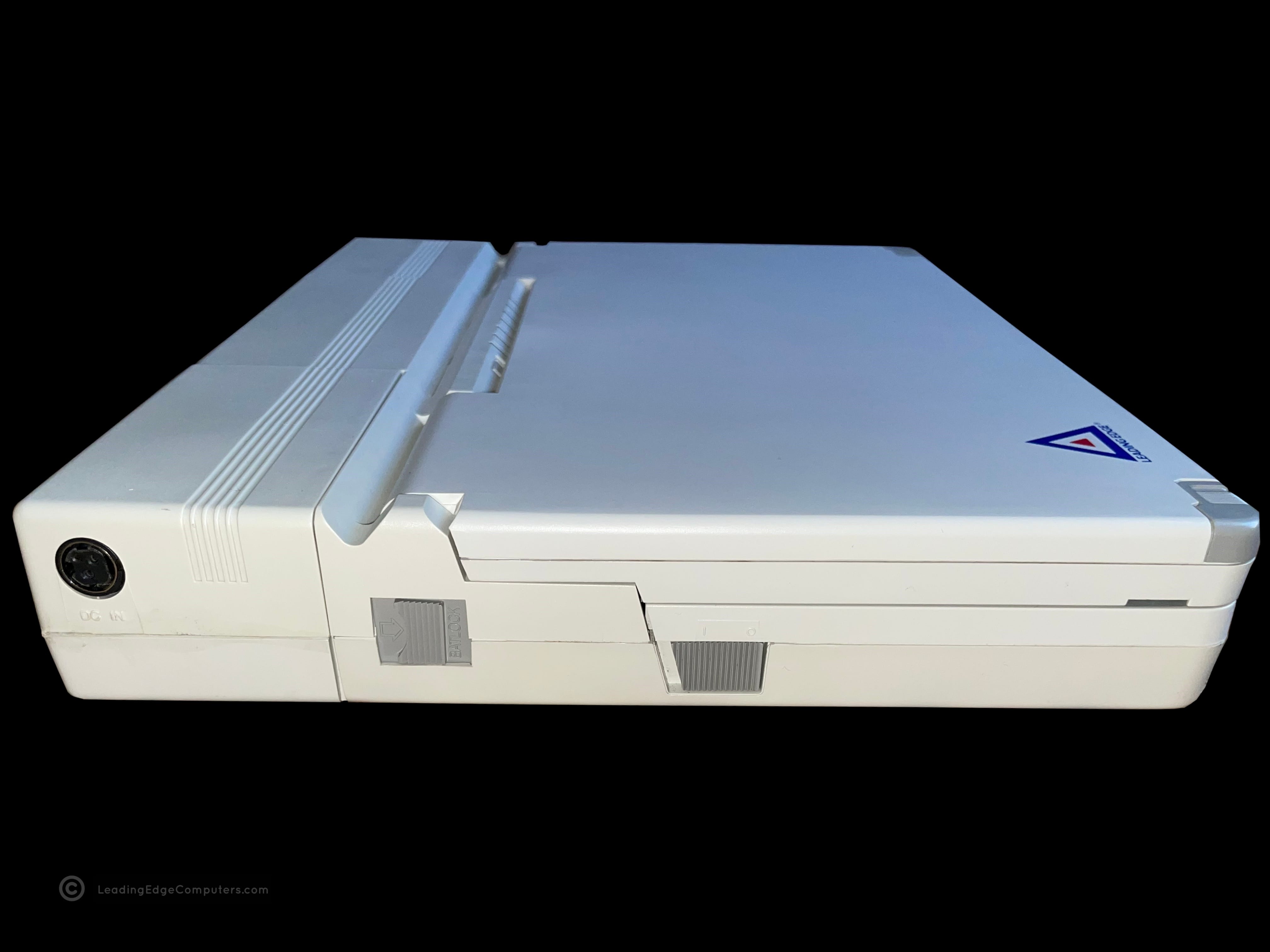
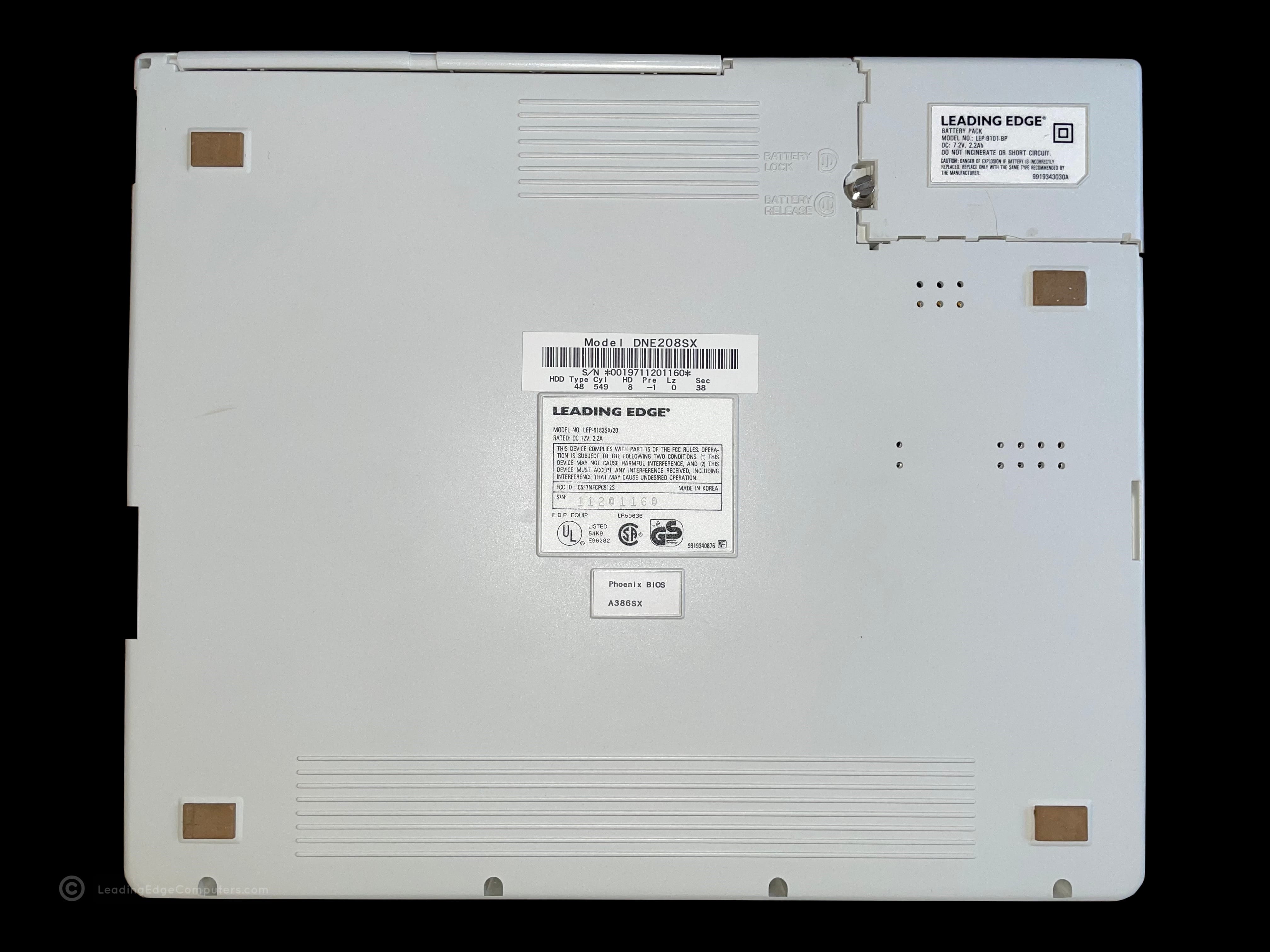
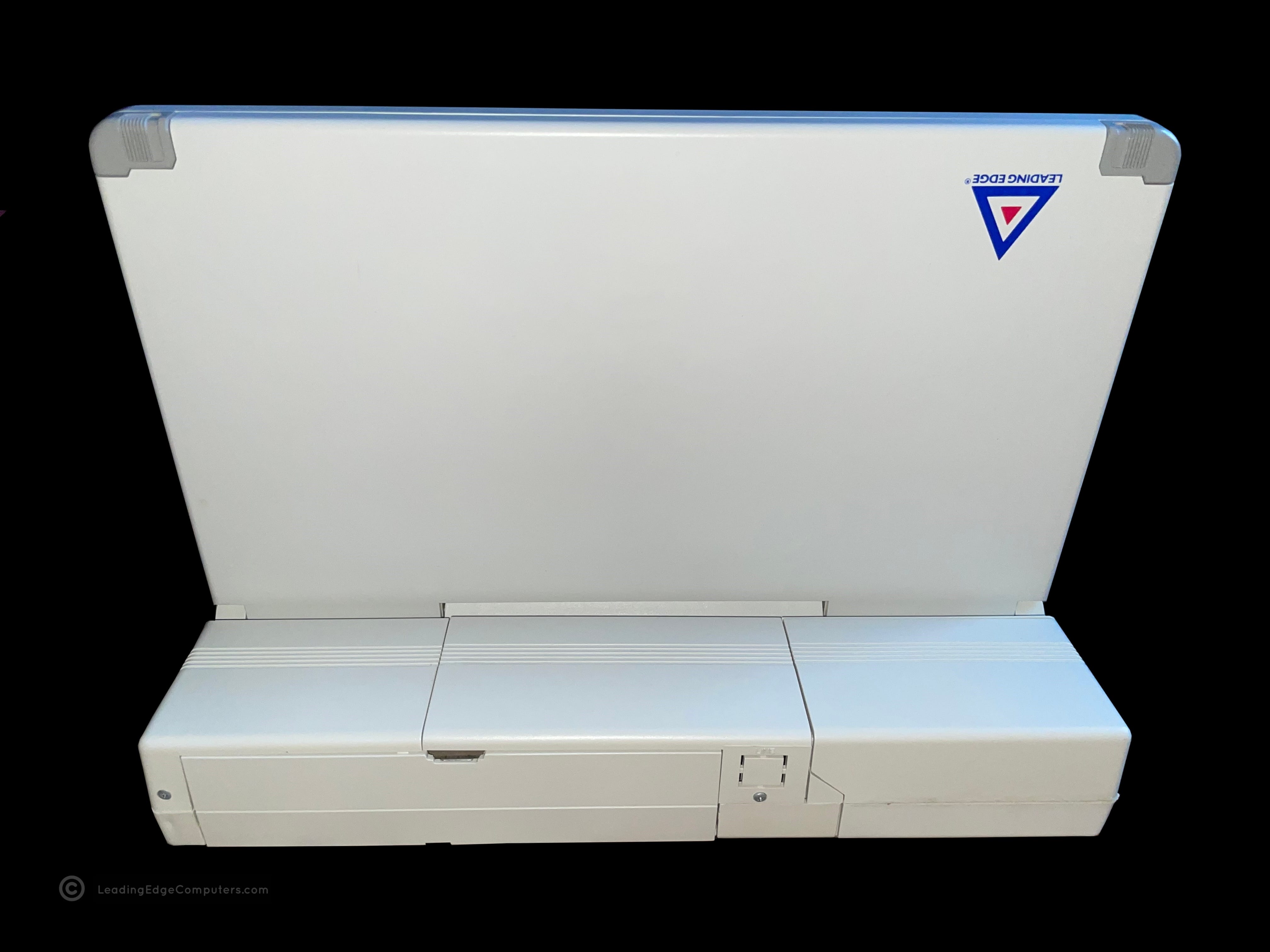
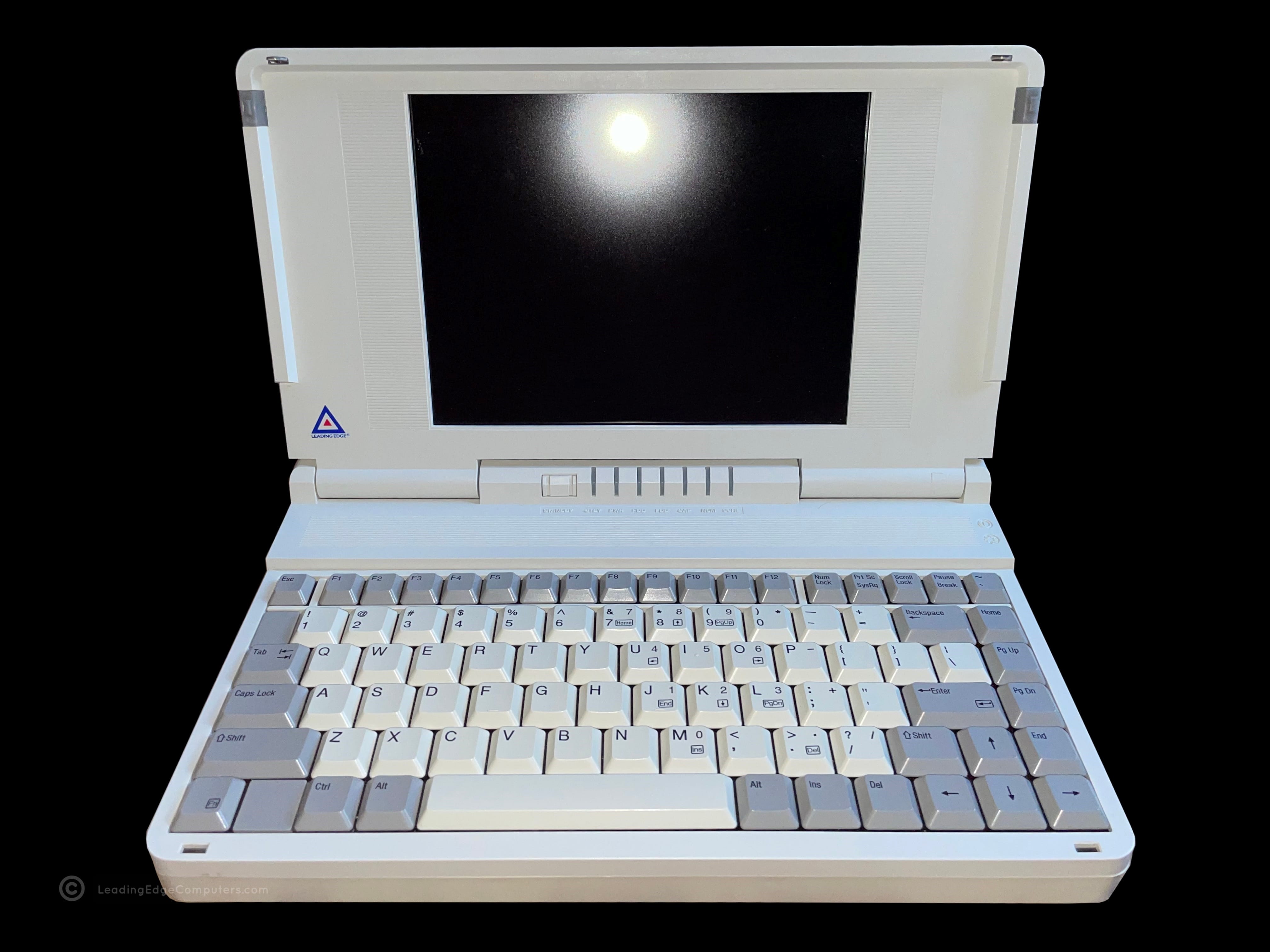
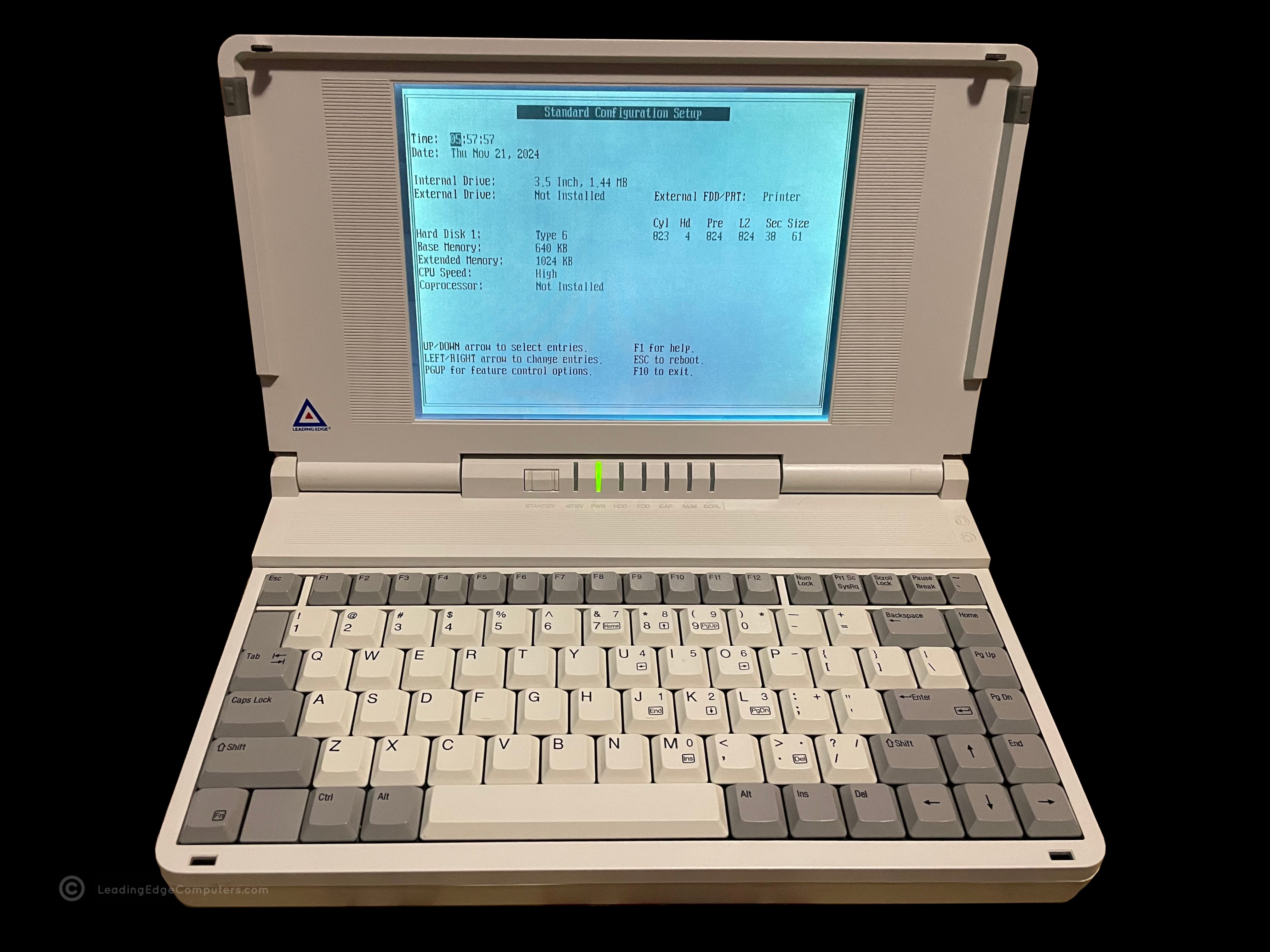
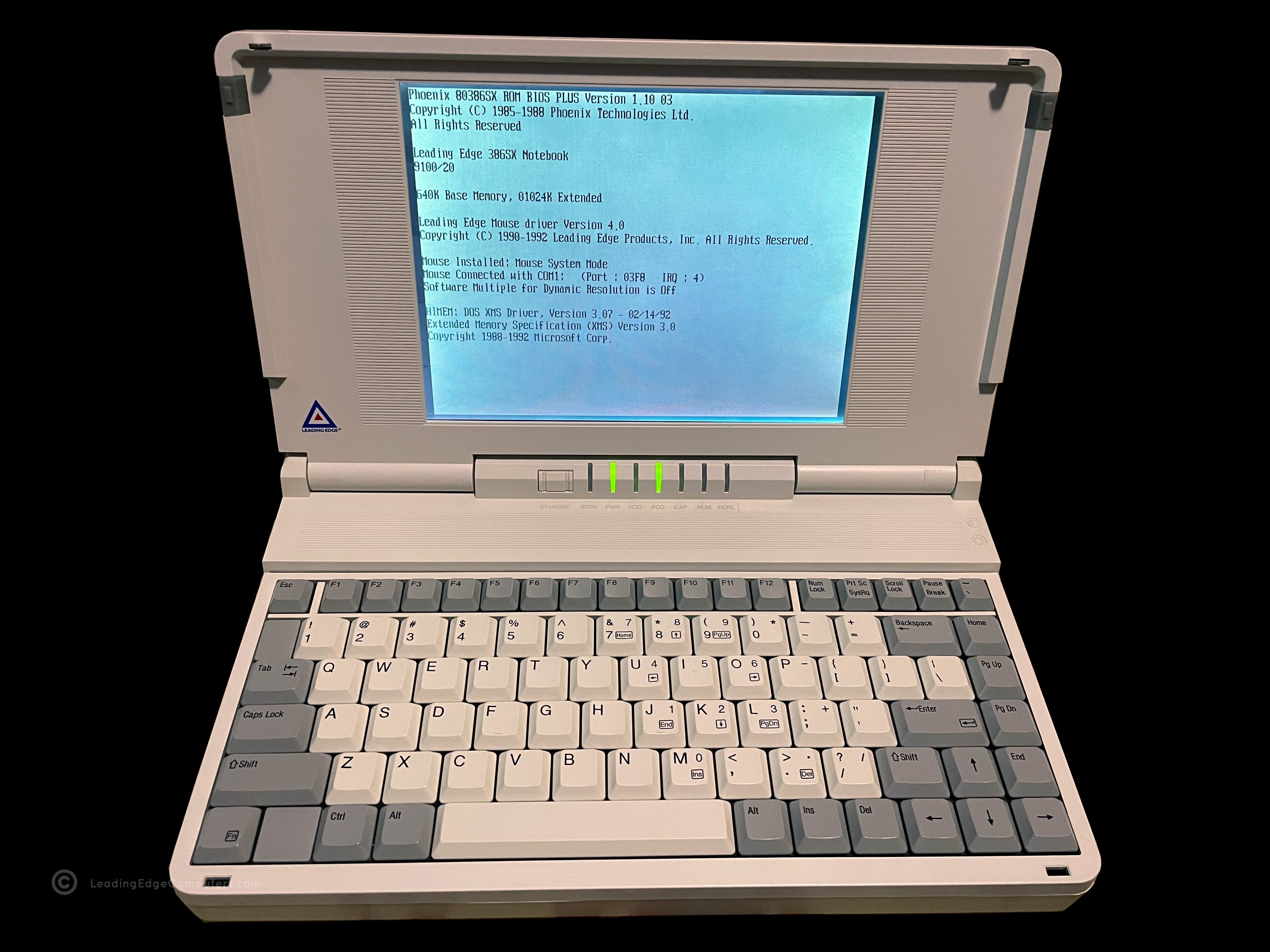
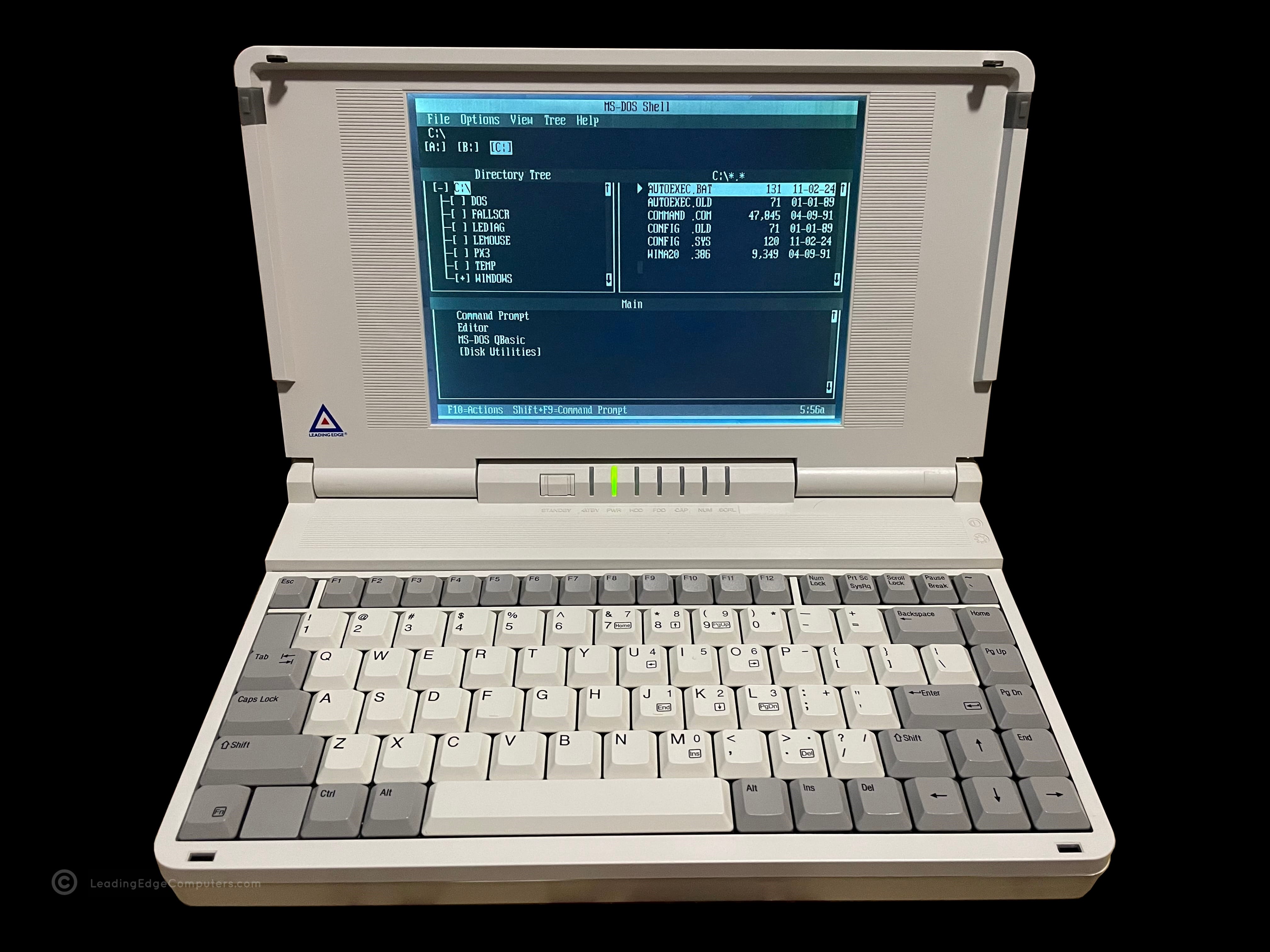
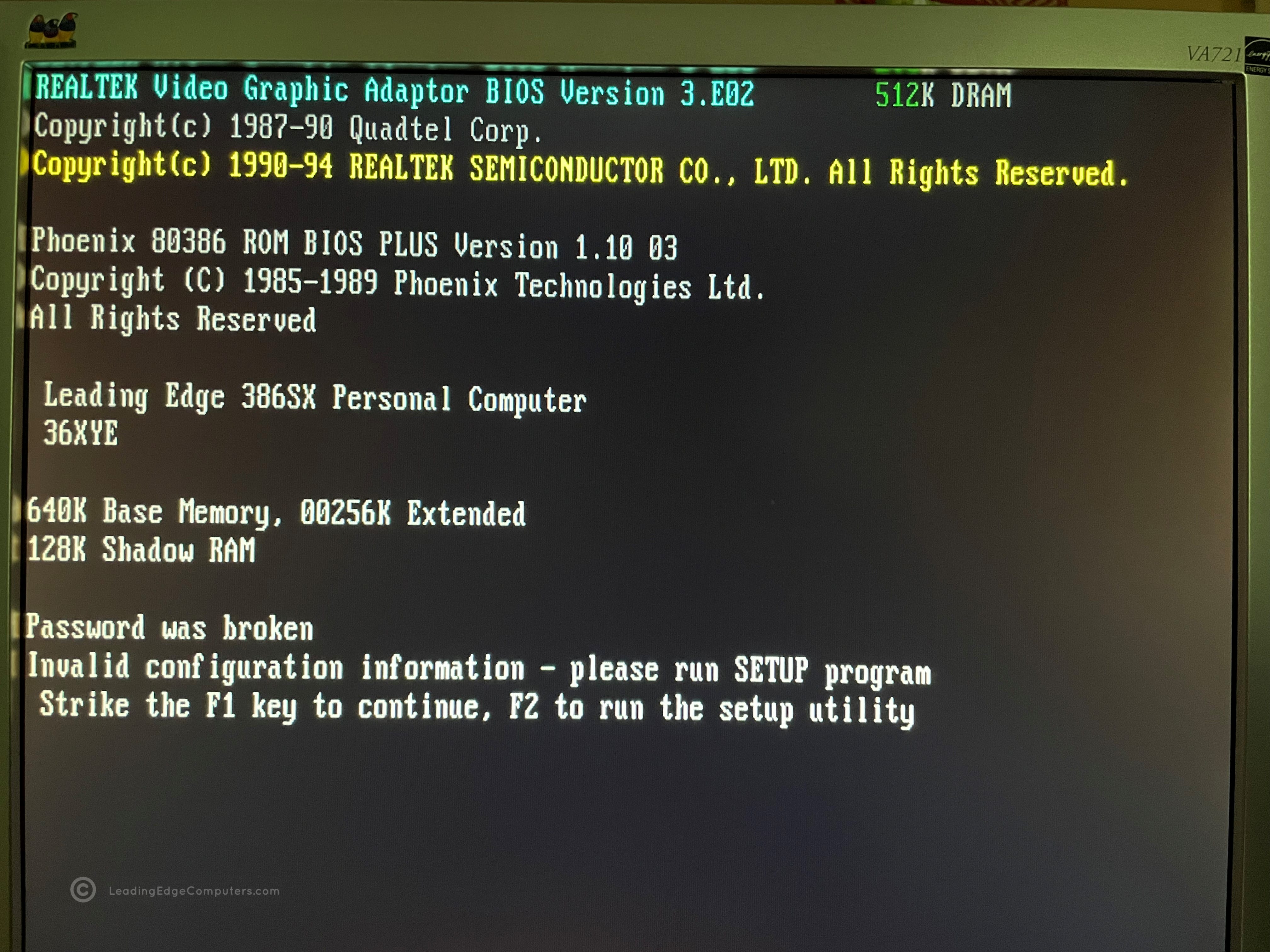
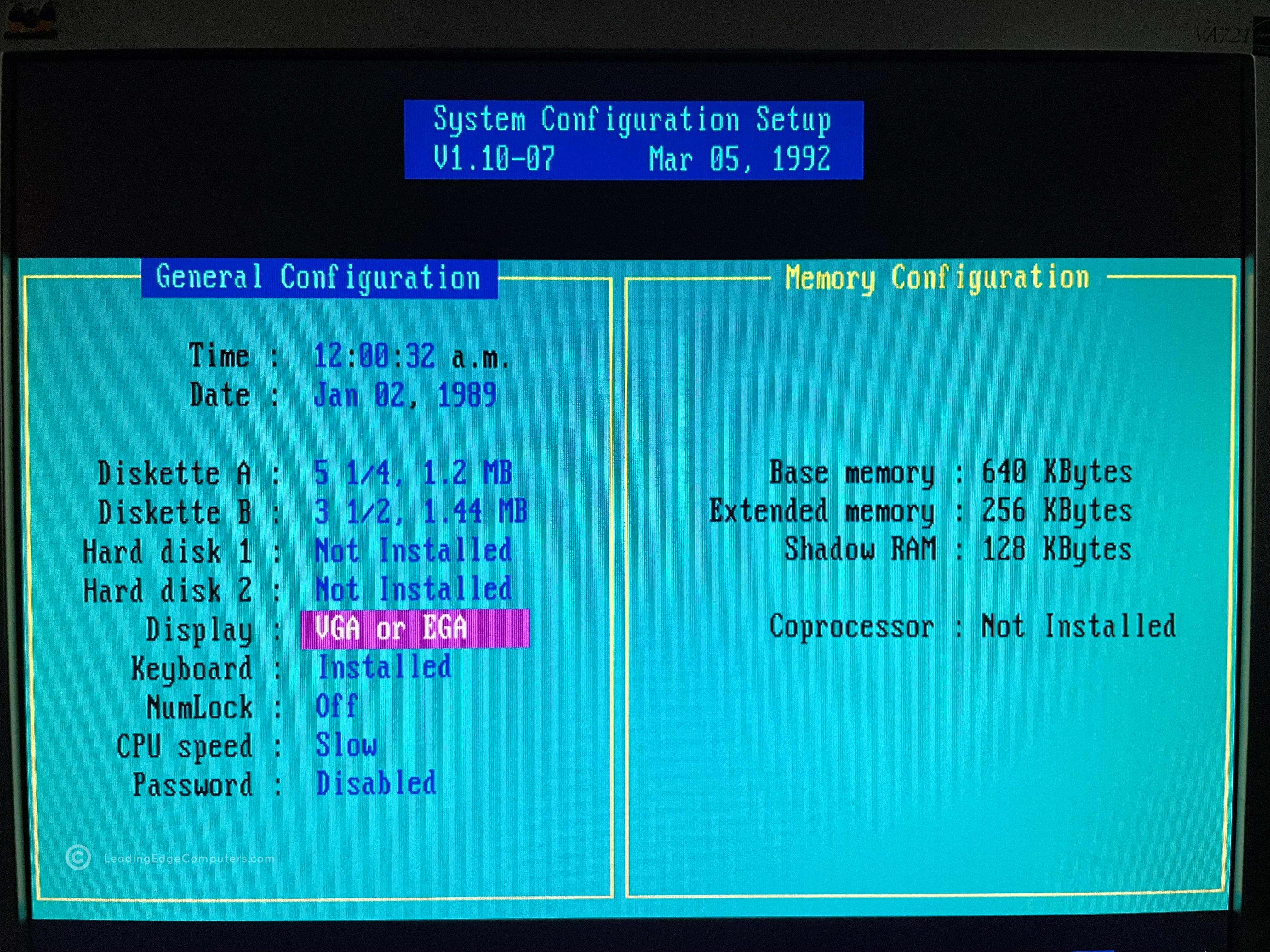
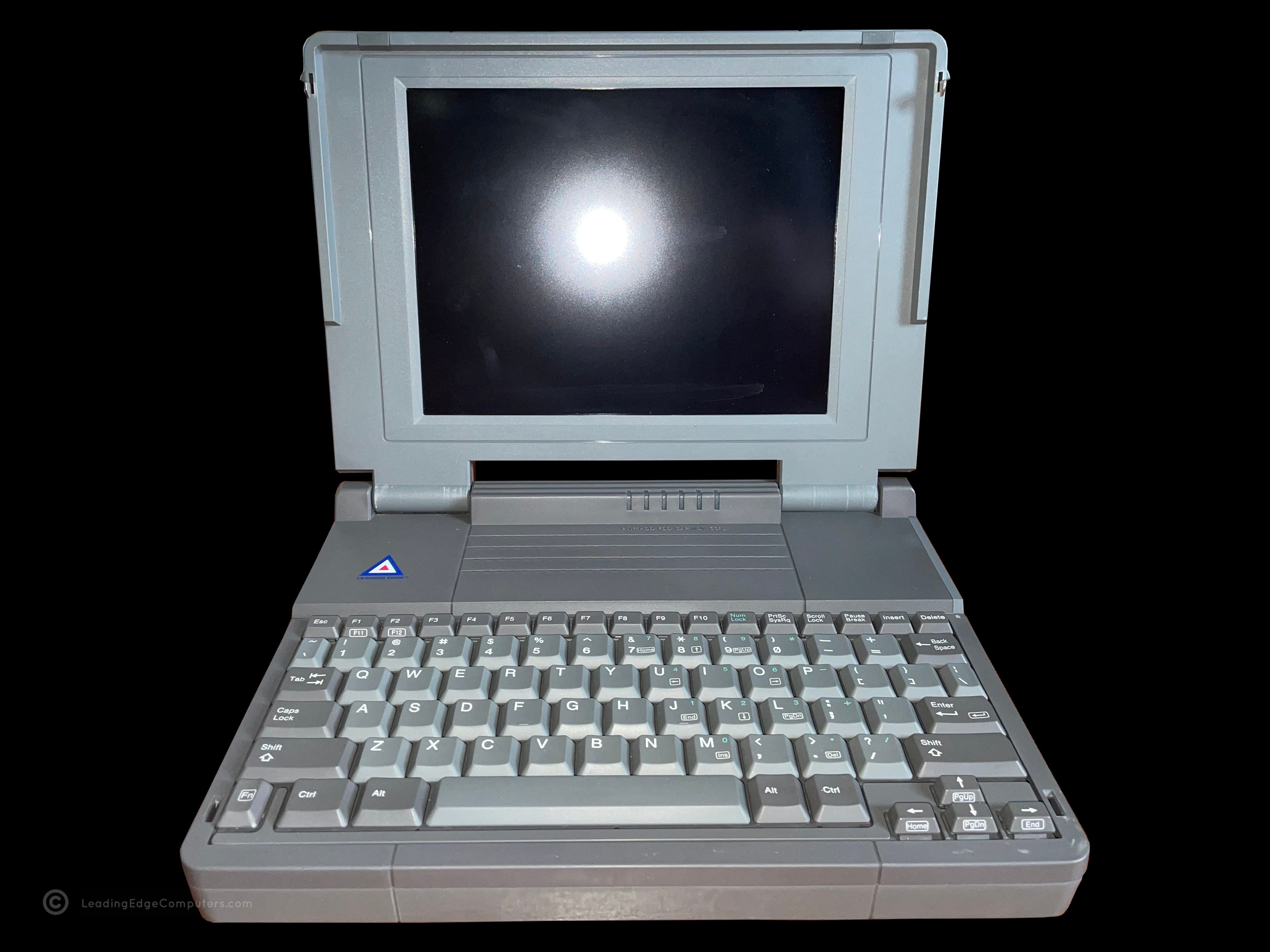
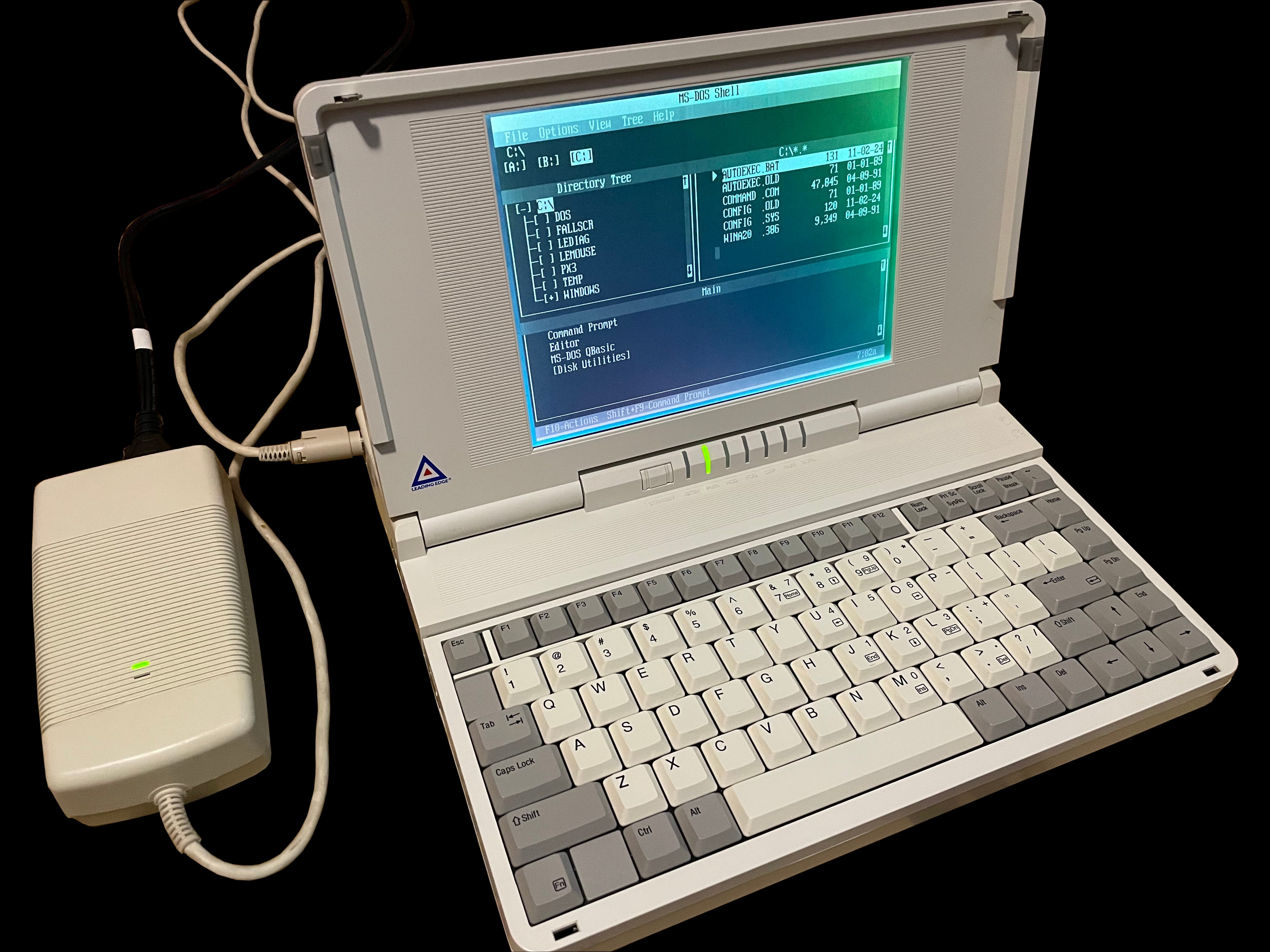
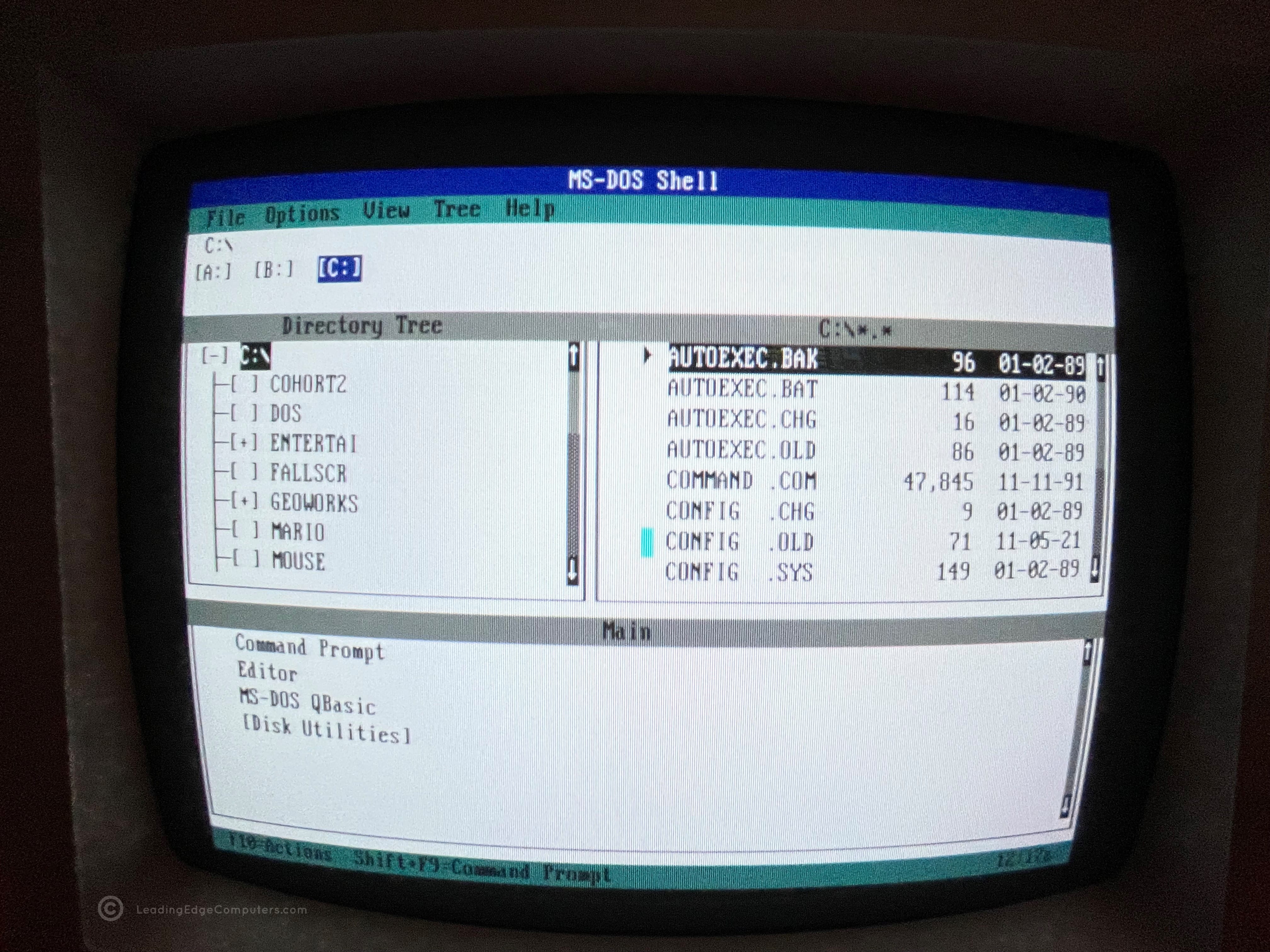
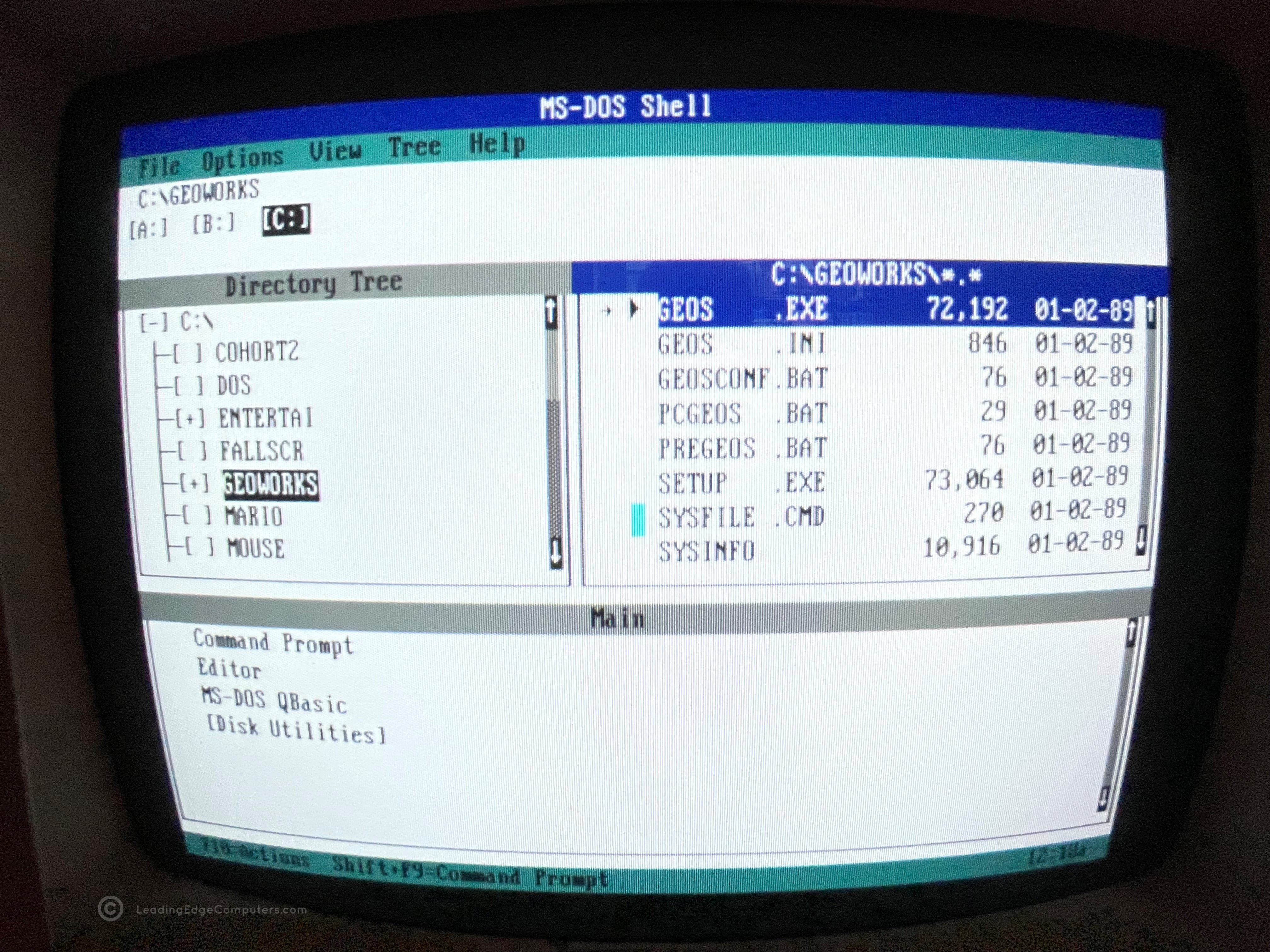
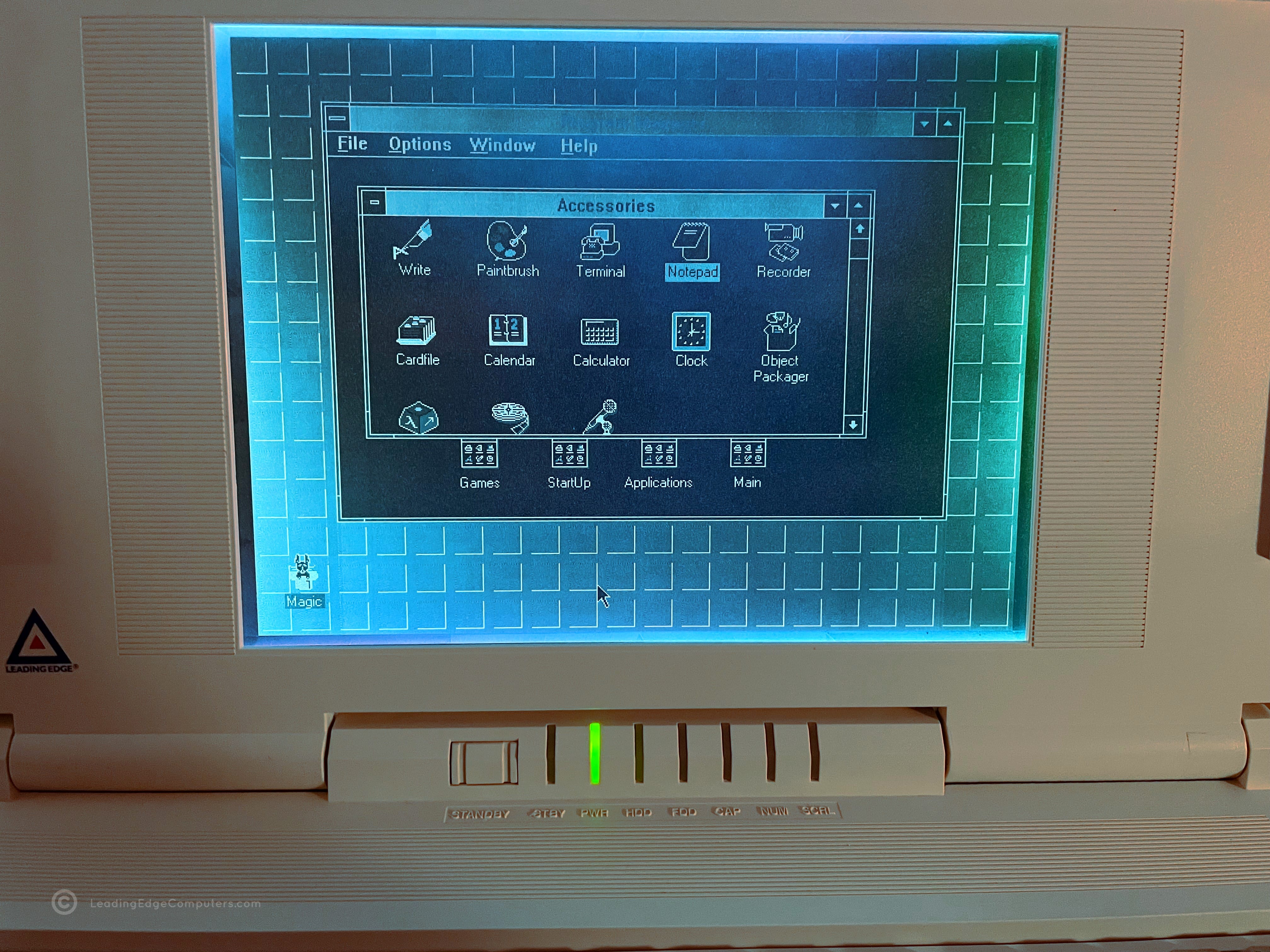
    Top-down view of the 386SX Notebook Front side top-down view of the 386SX Notebook Side view of the 386SX Notebook showing the floppy drive Rear view of the 386SX Notebook showing the cable port flap closed Rear view of the 386SX Notebook showing the cable port flap opened Side view of the 386SX Notebook showing the DC in power port Bottom view of the 386SX Notebook showing its manufacture labels View of the 386SX Notebook open from the back Front view of 386SX Notebook showing the screen and keyboard View of the 386SX Notebook running in its setup BIOS Open view of the 386SX Notebook running at bootup View of the 386SX Notebook running with MS-DOS Shell open

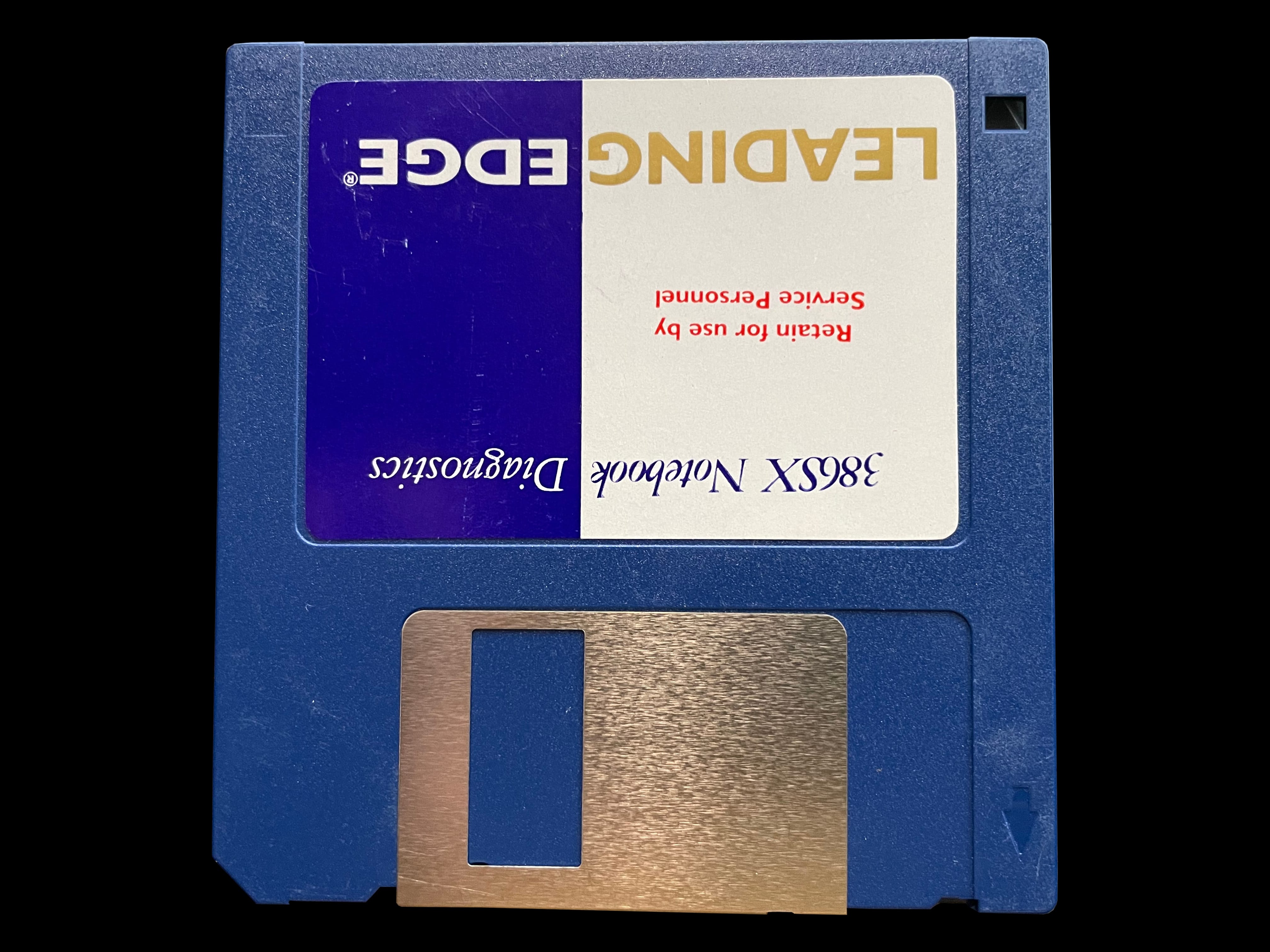
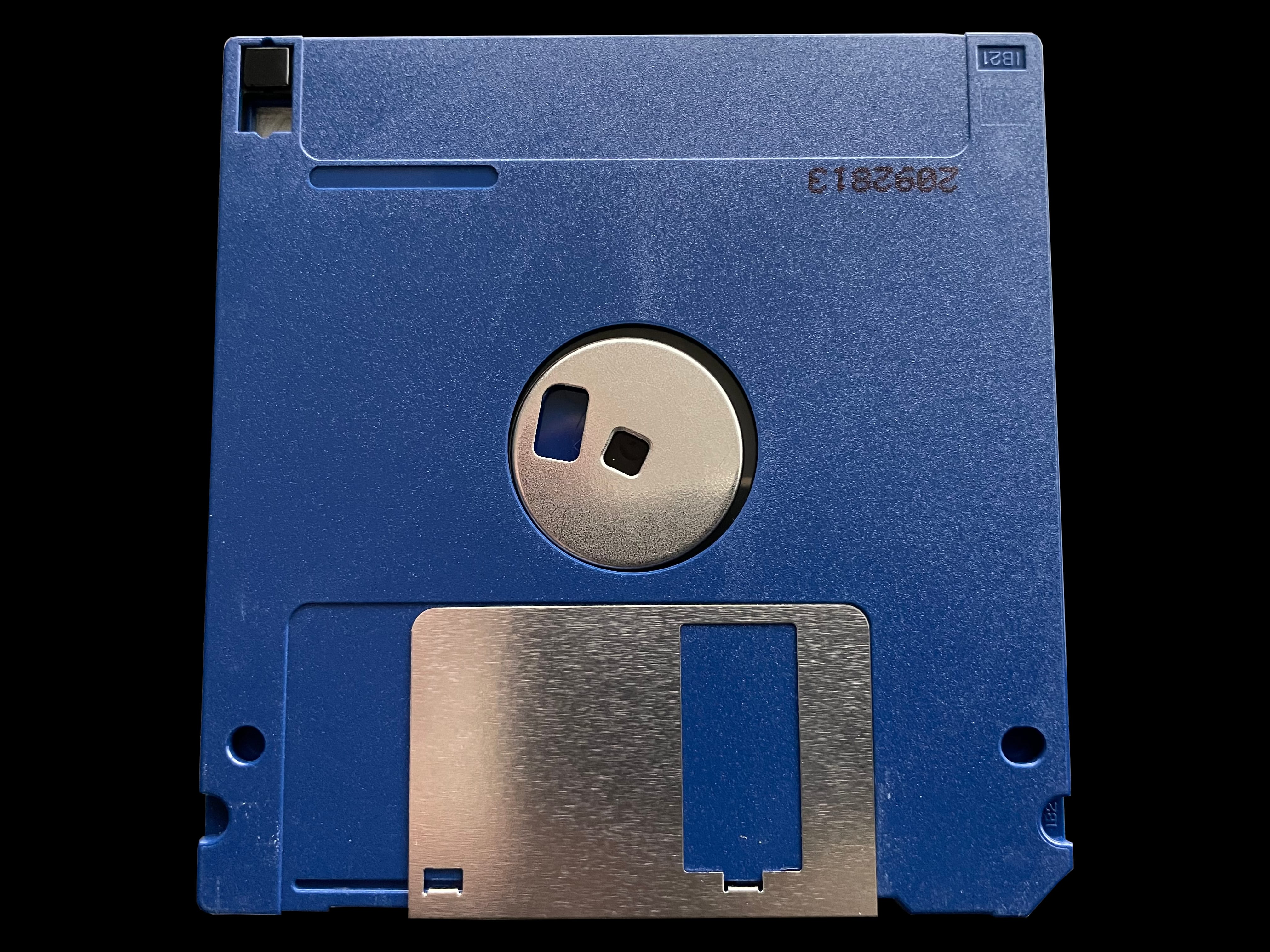
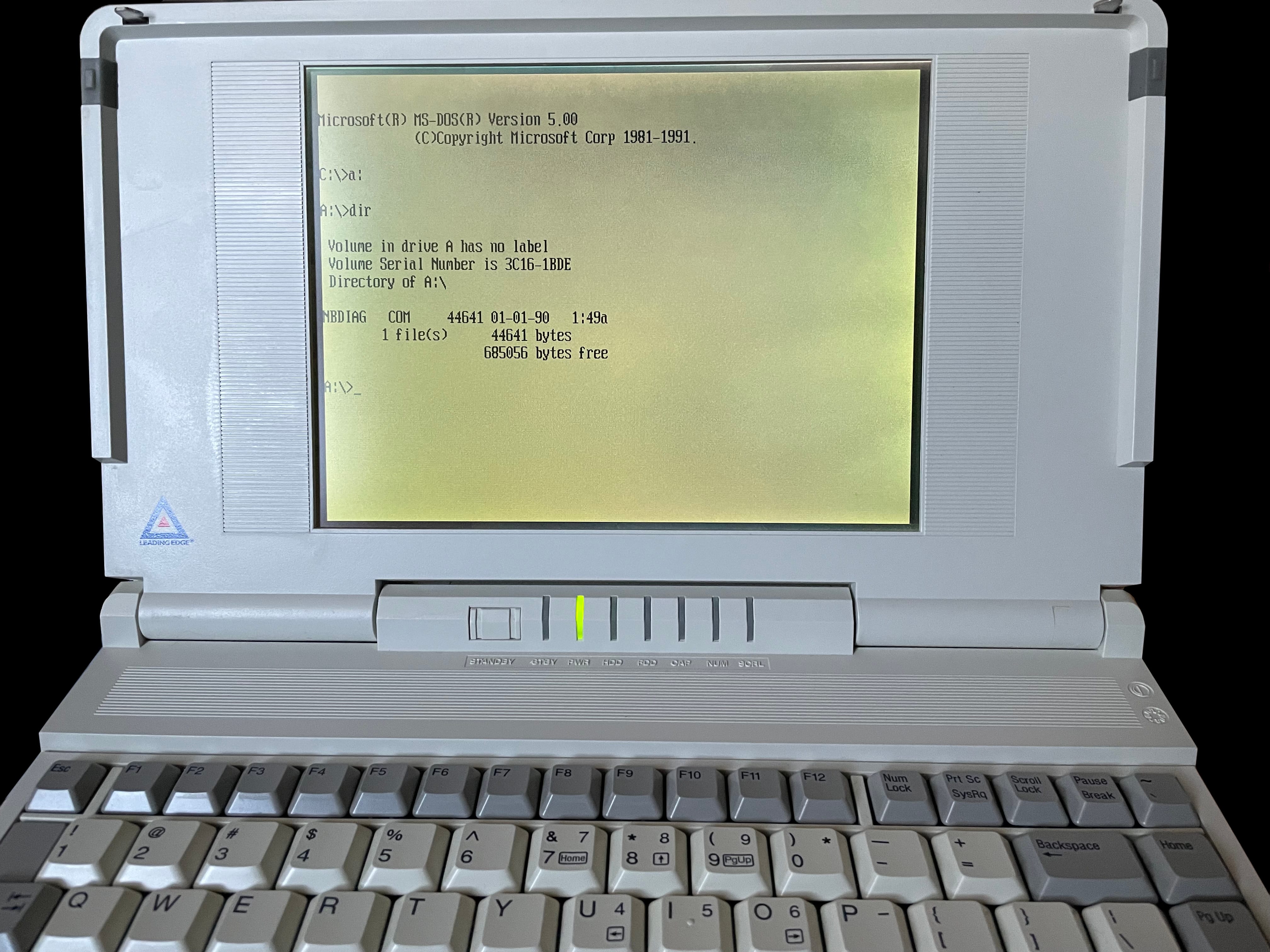
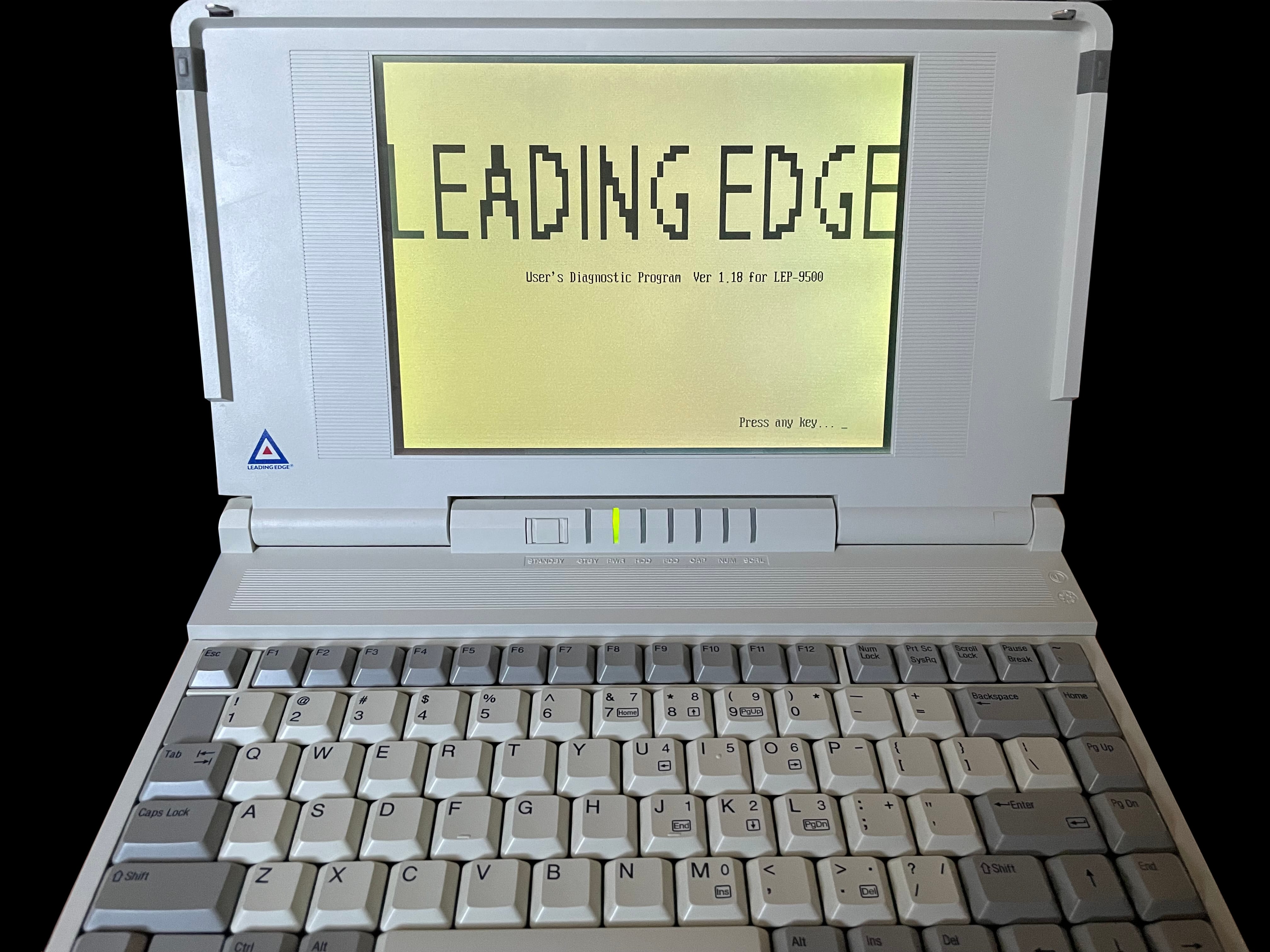
     386SX Notebook Diagnostics

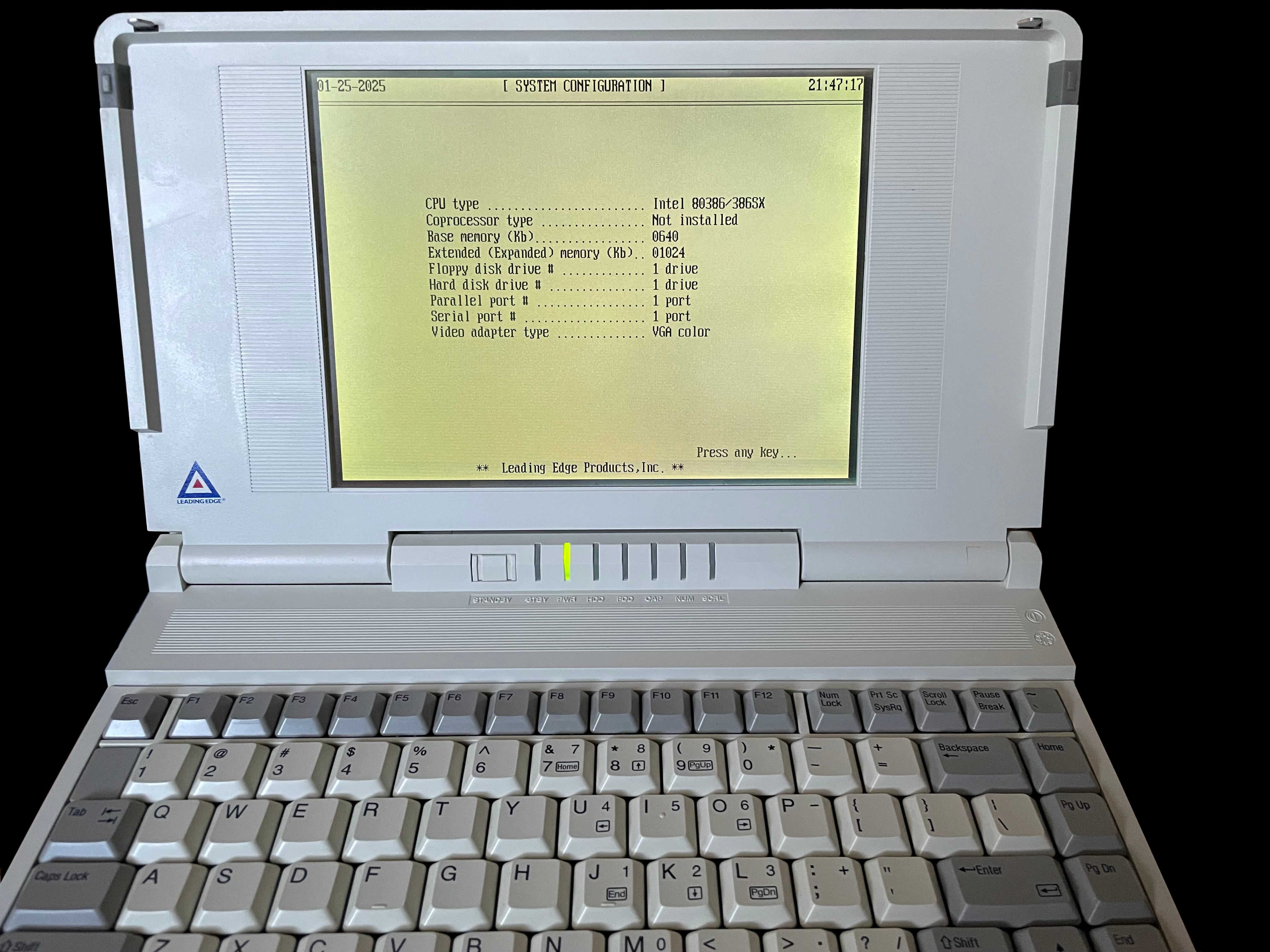
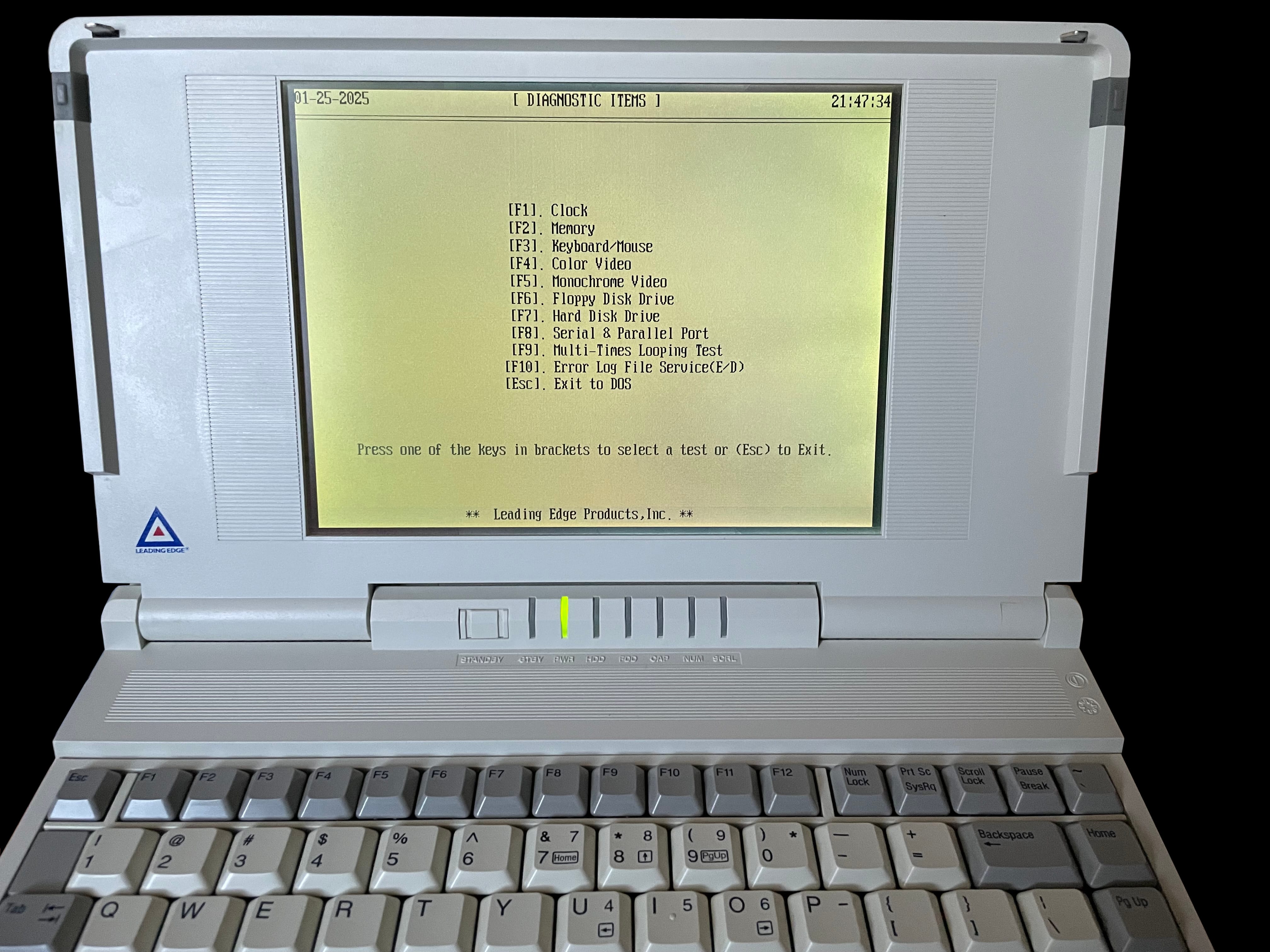
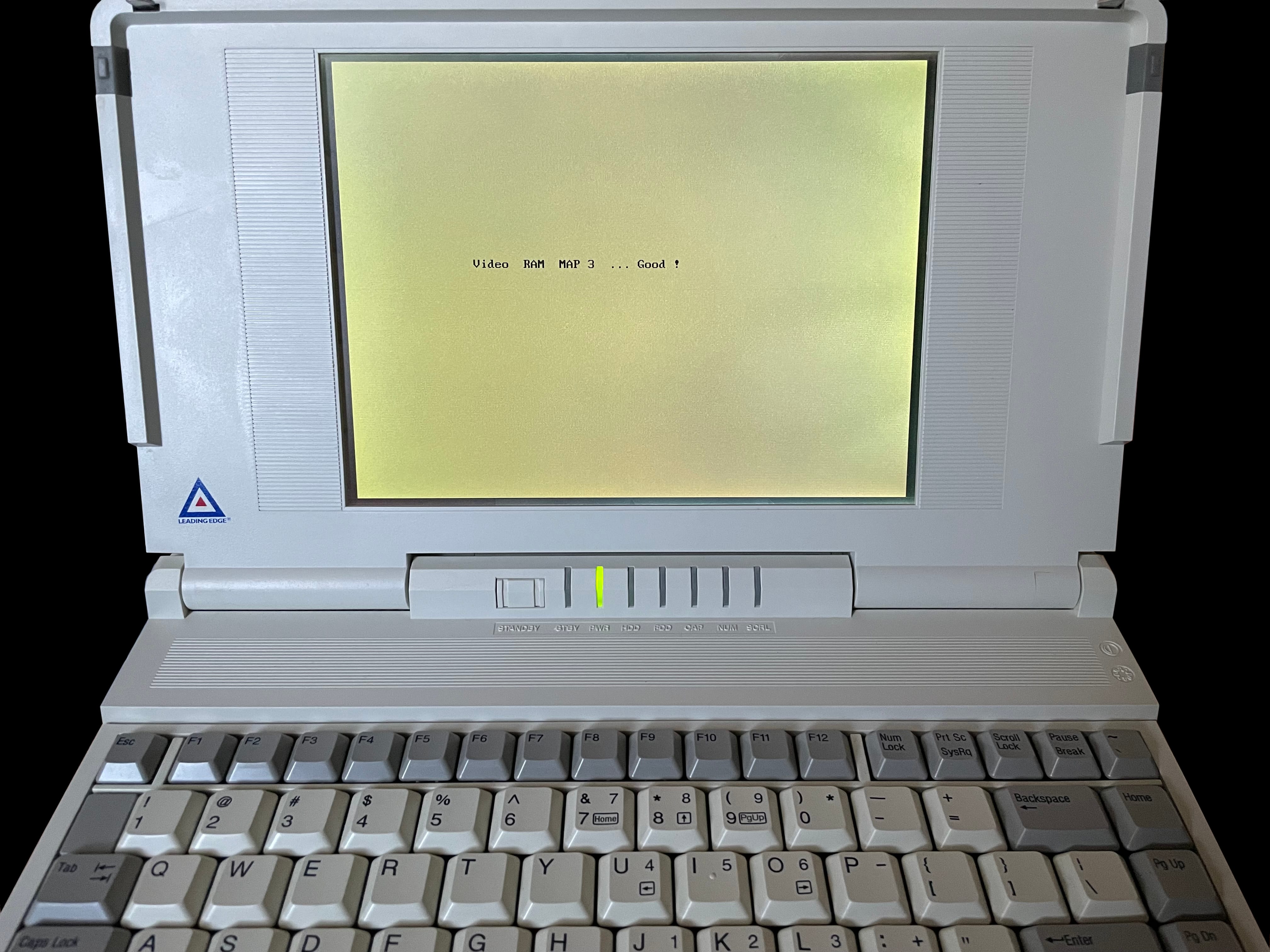
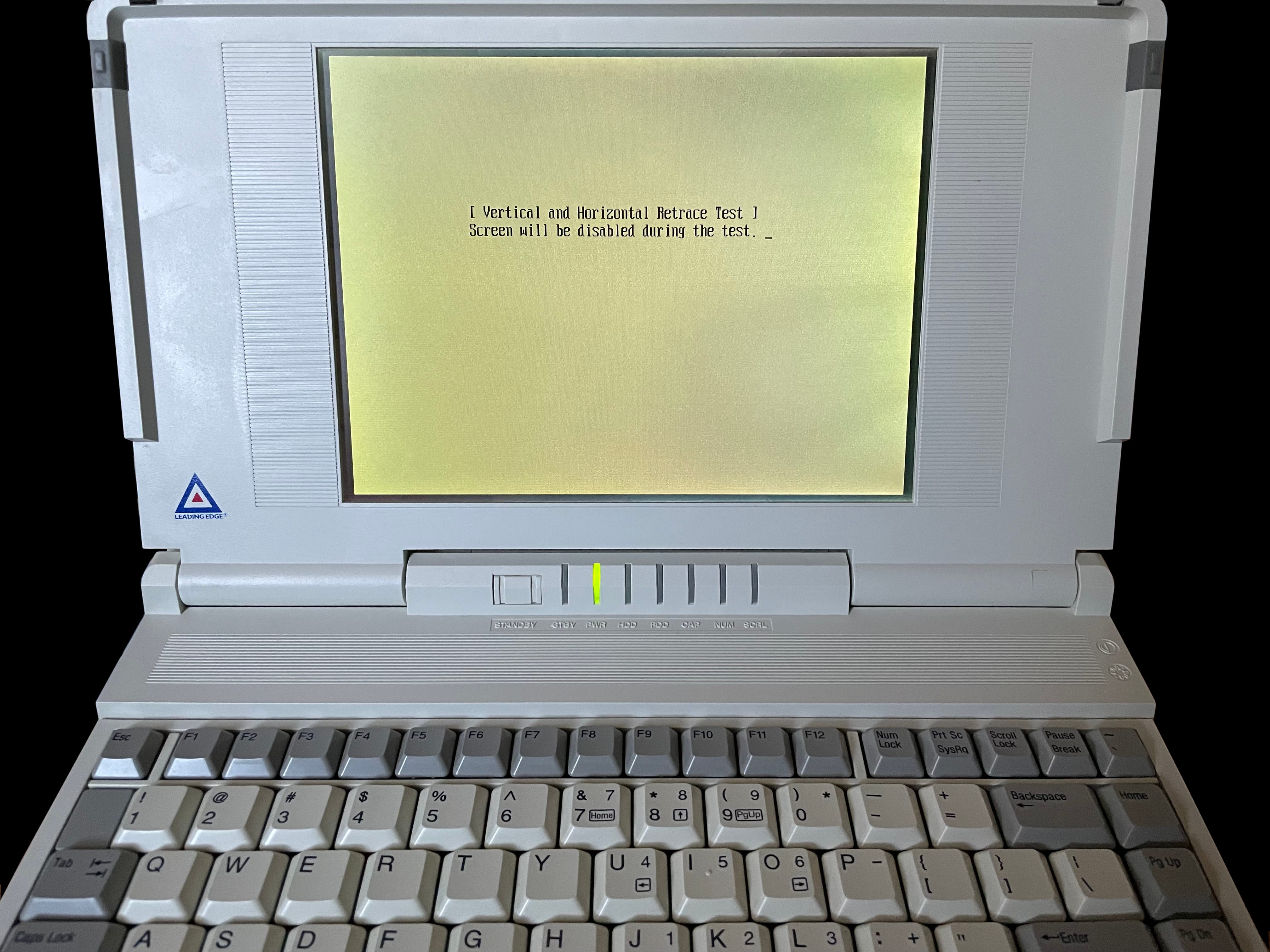
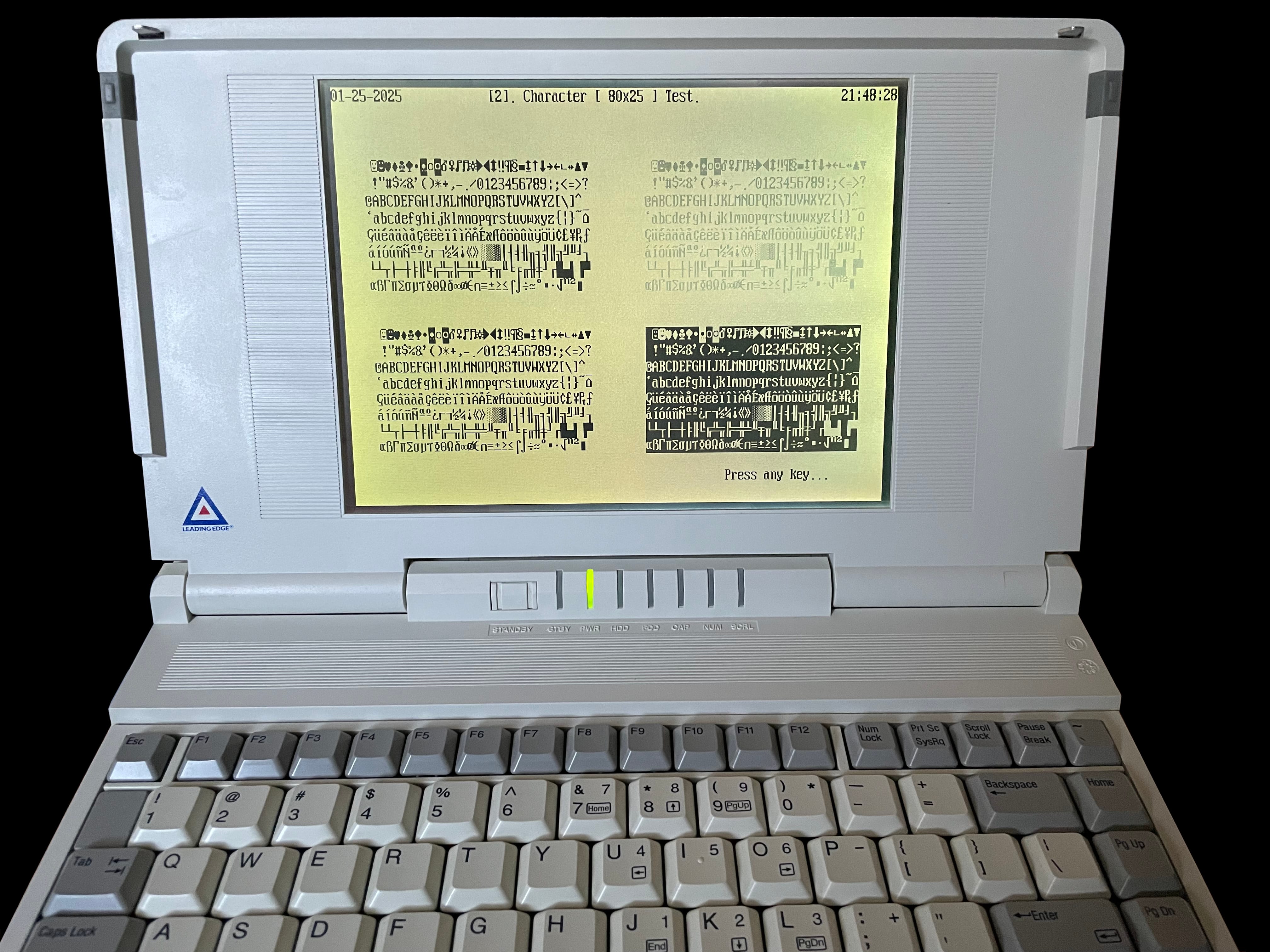
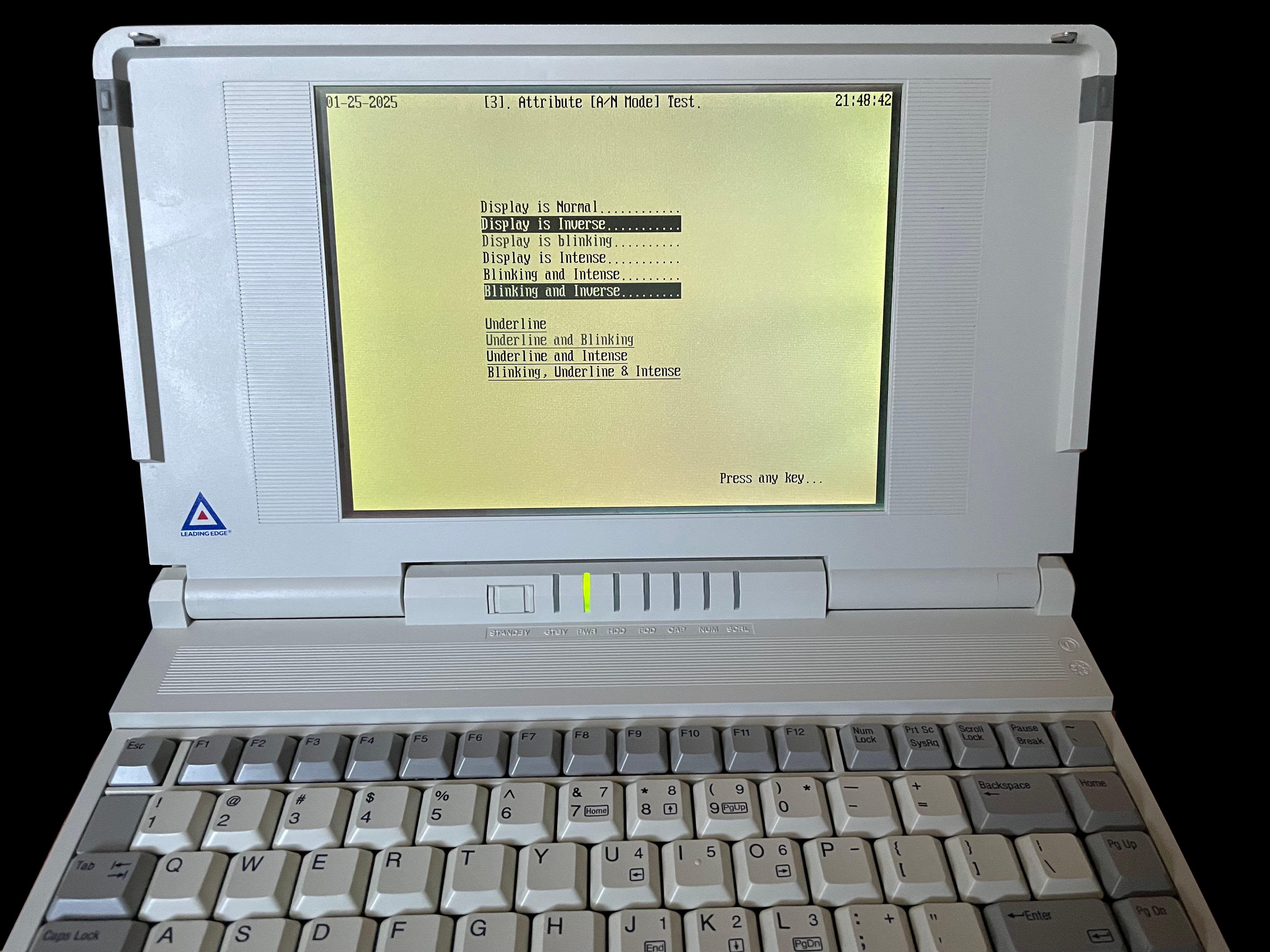
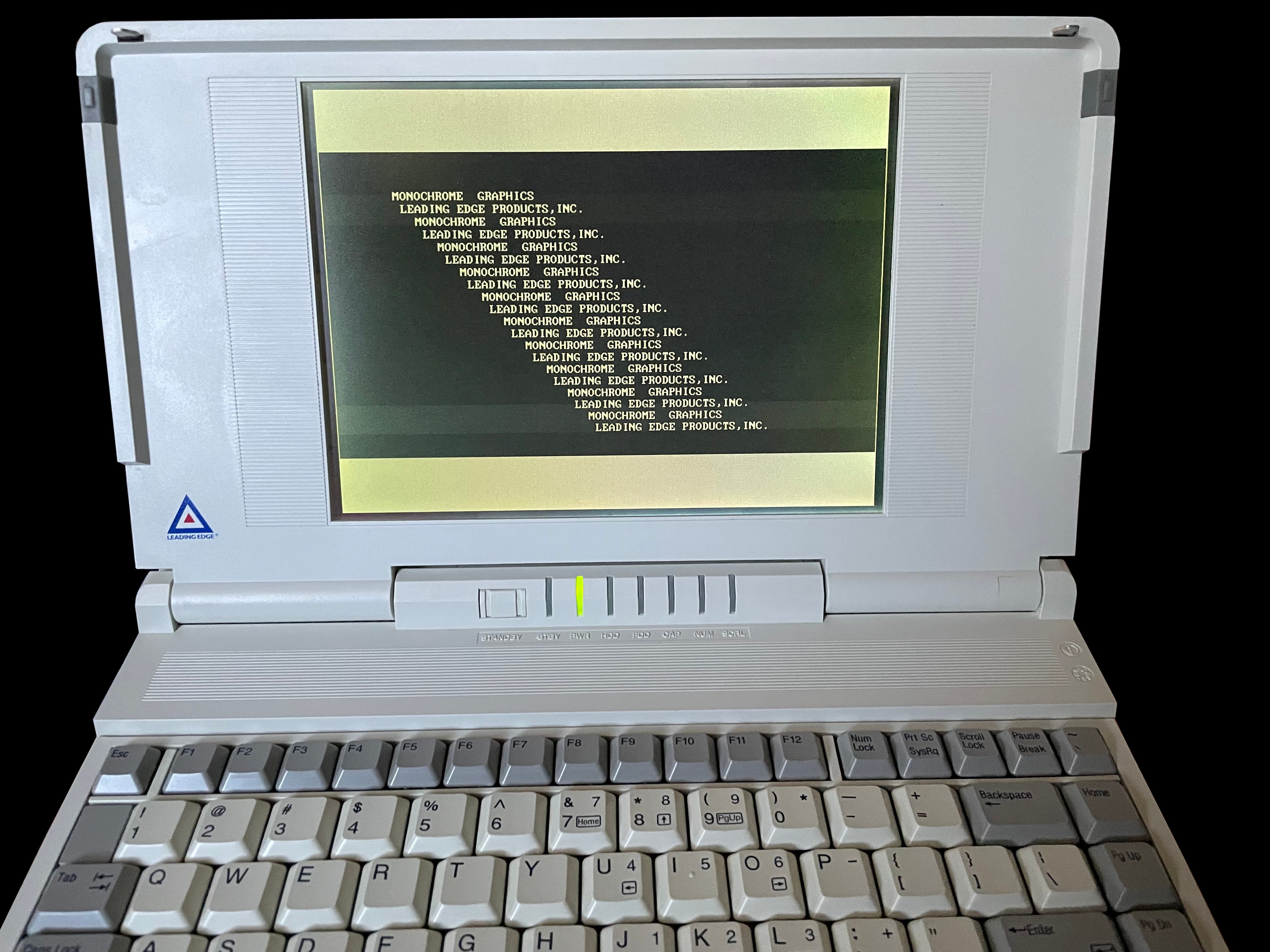
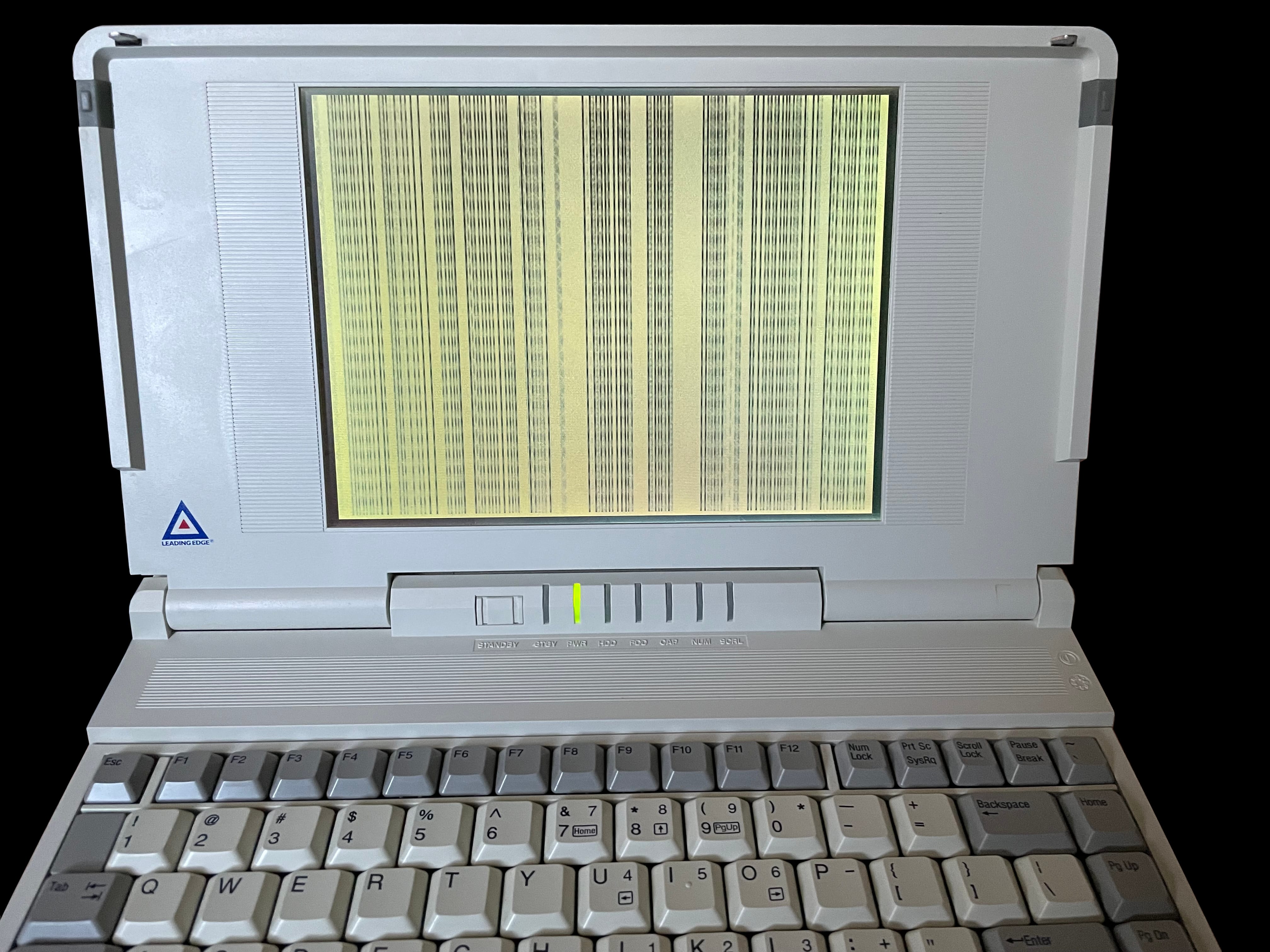
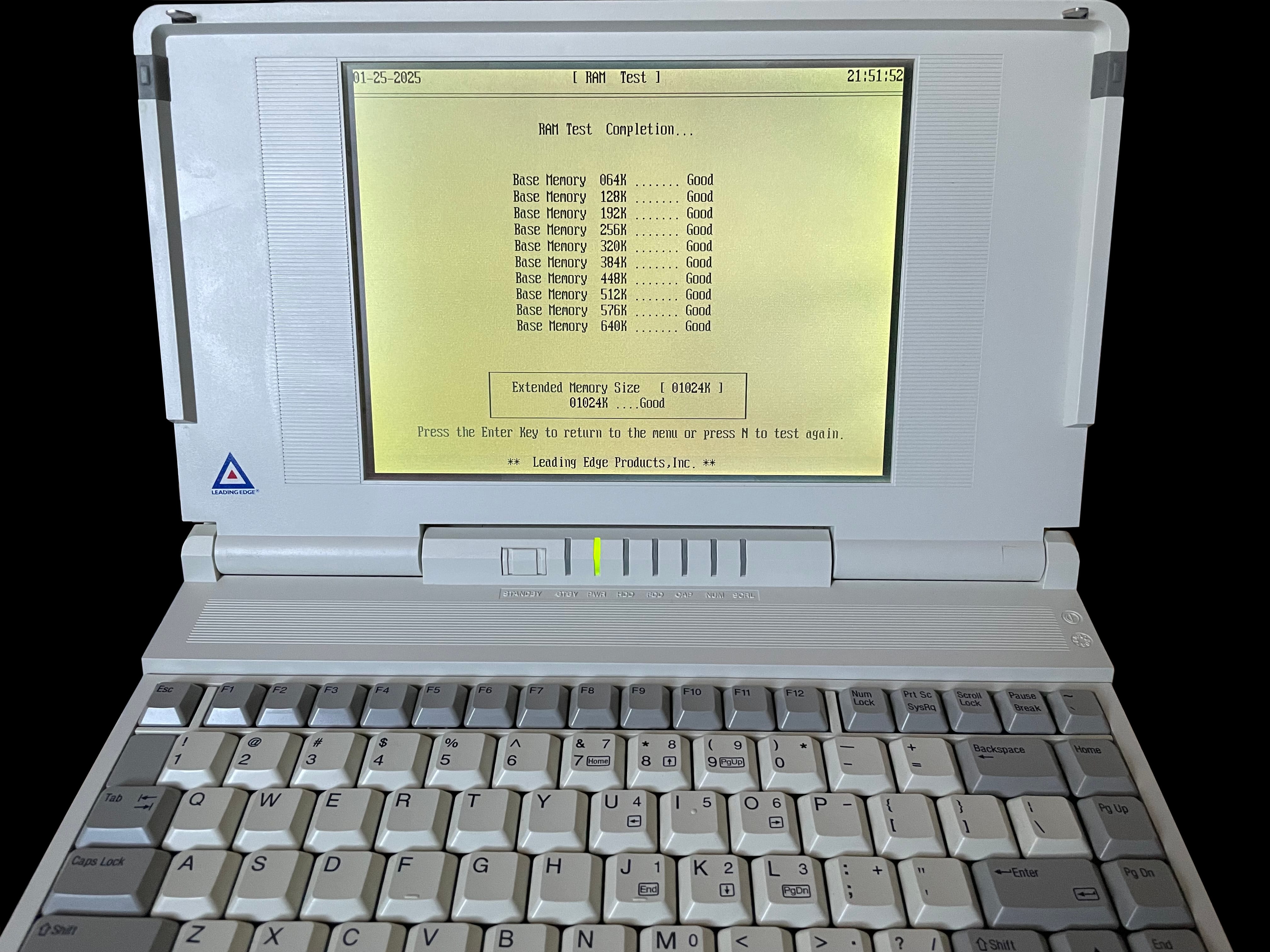
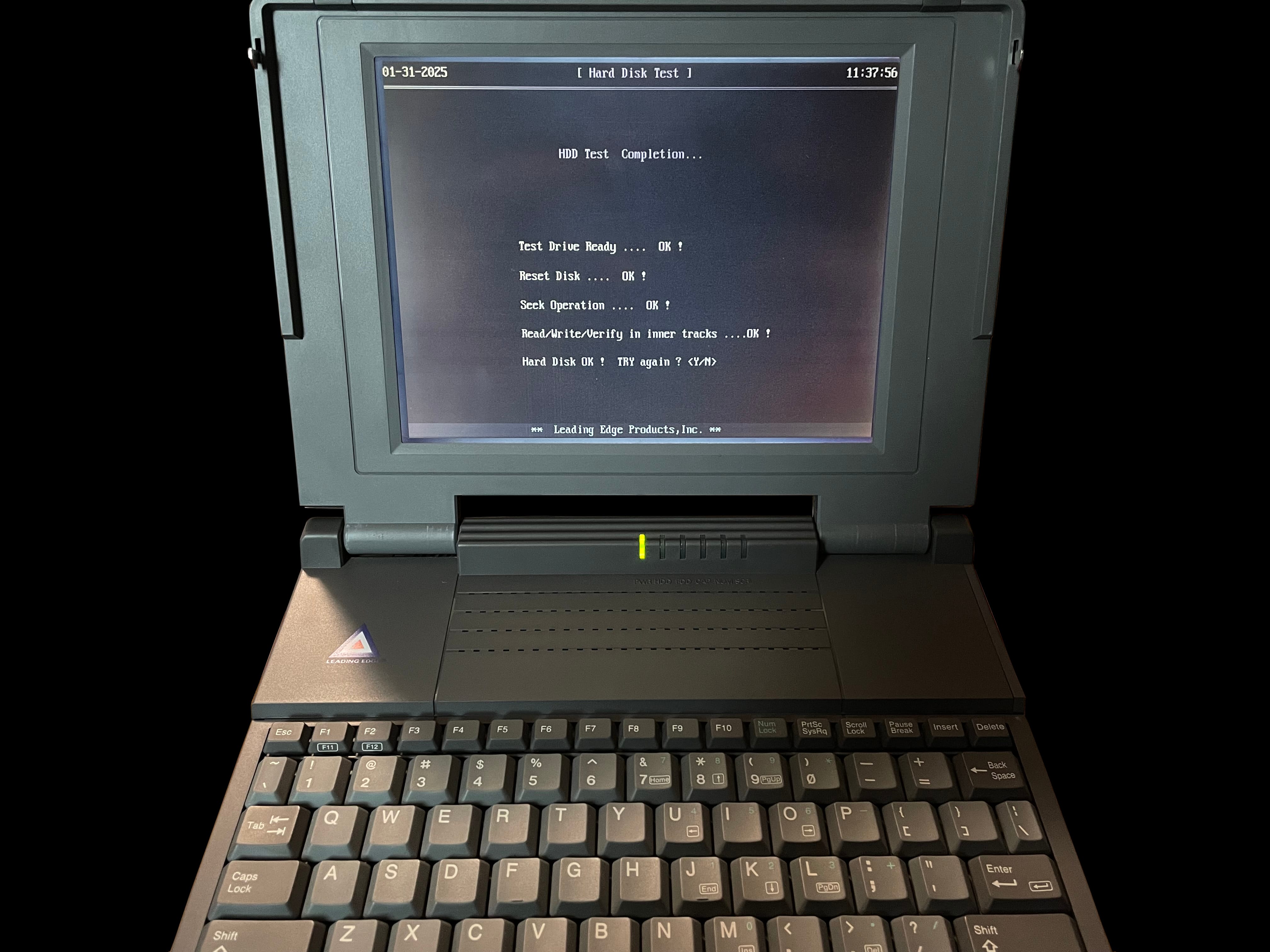
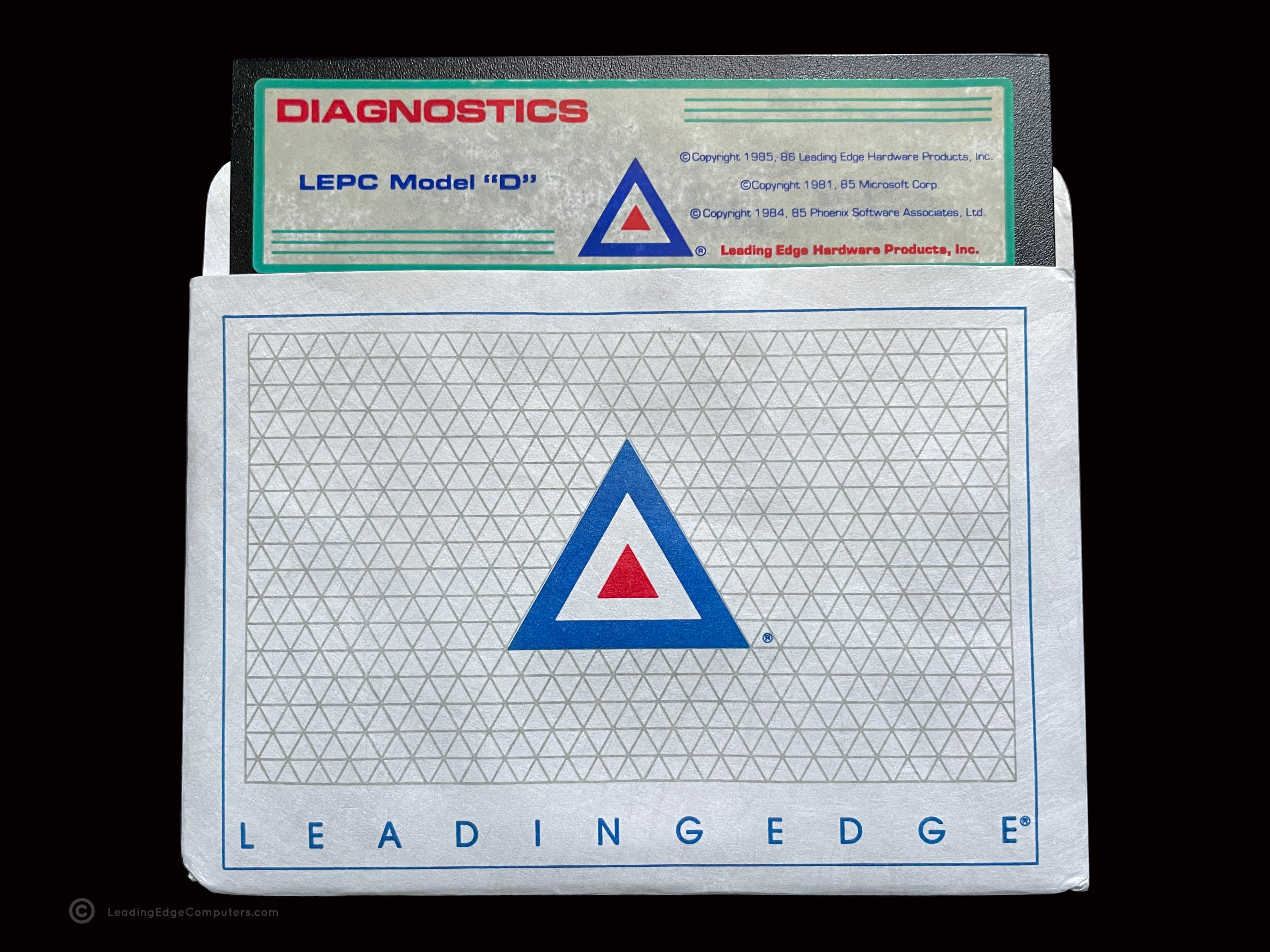
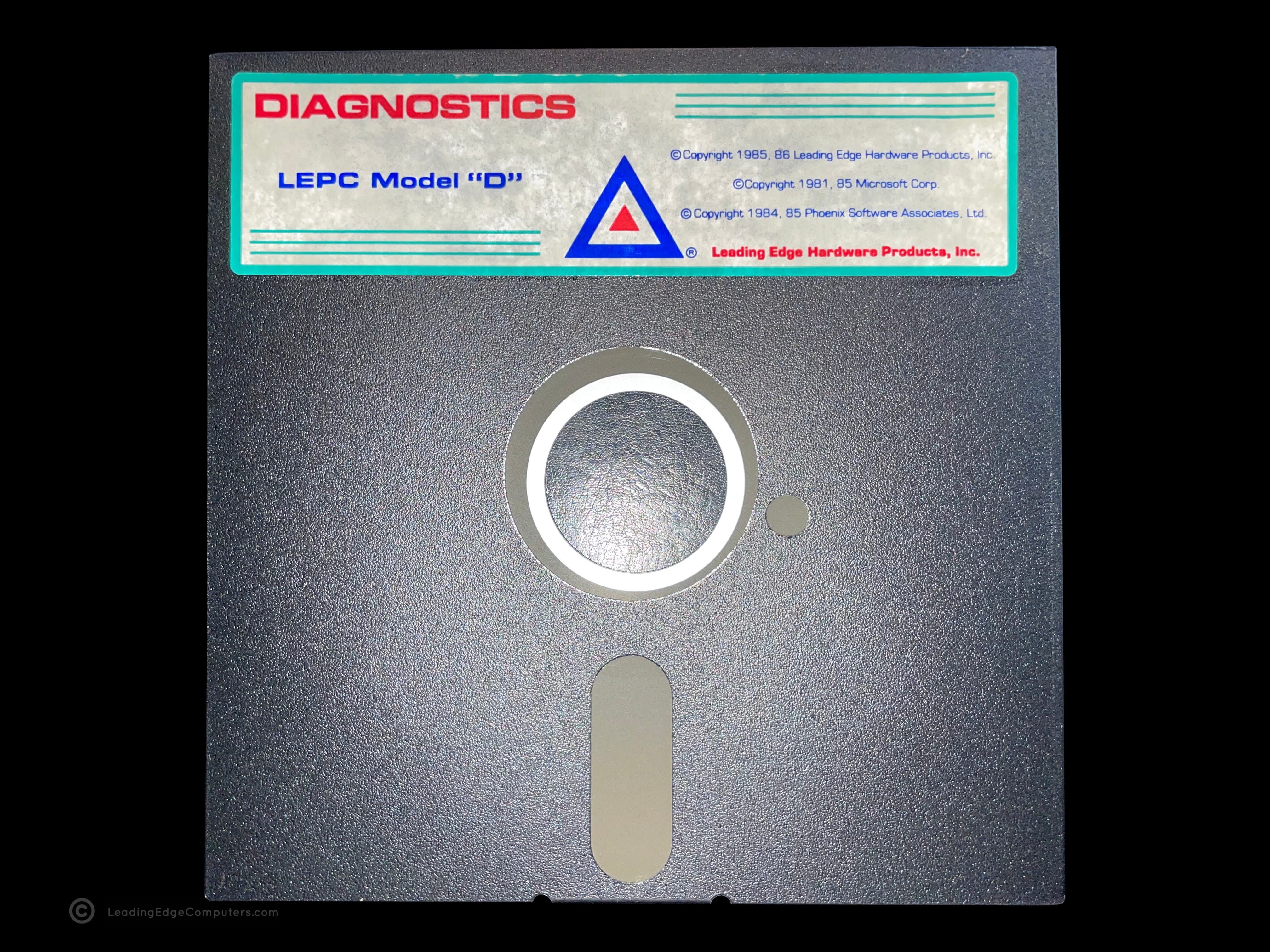
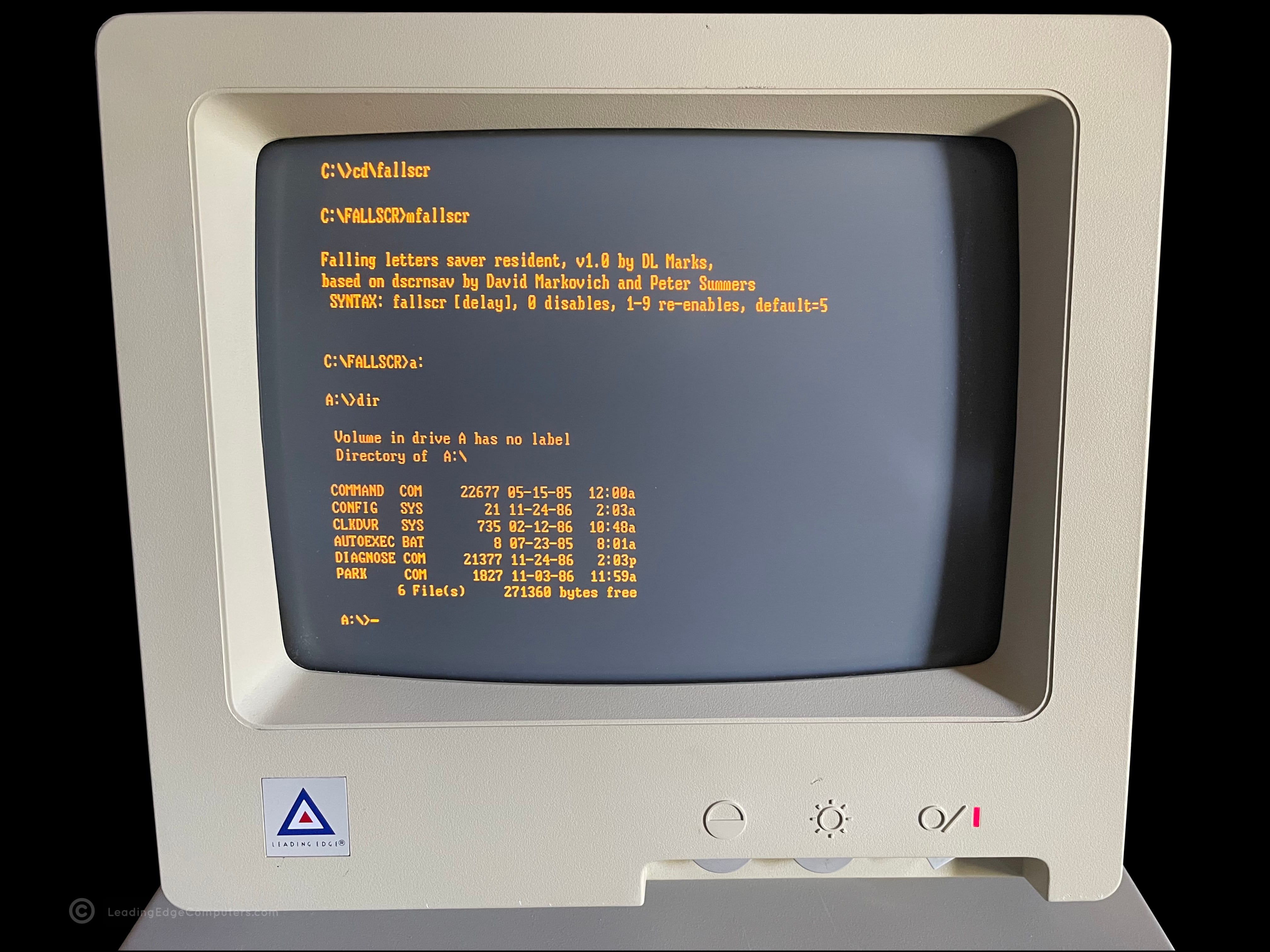
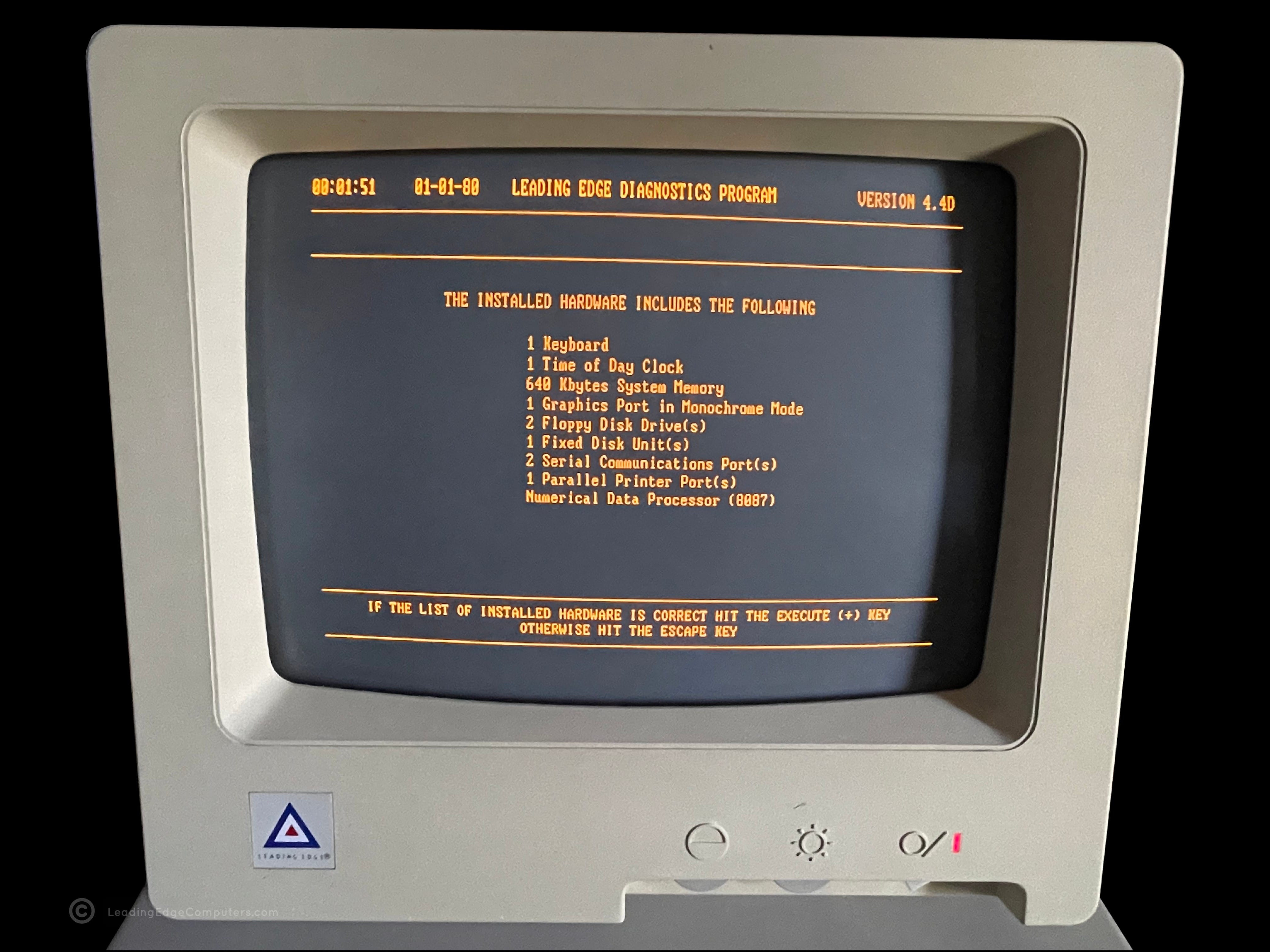
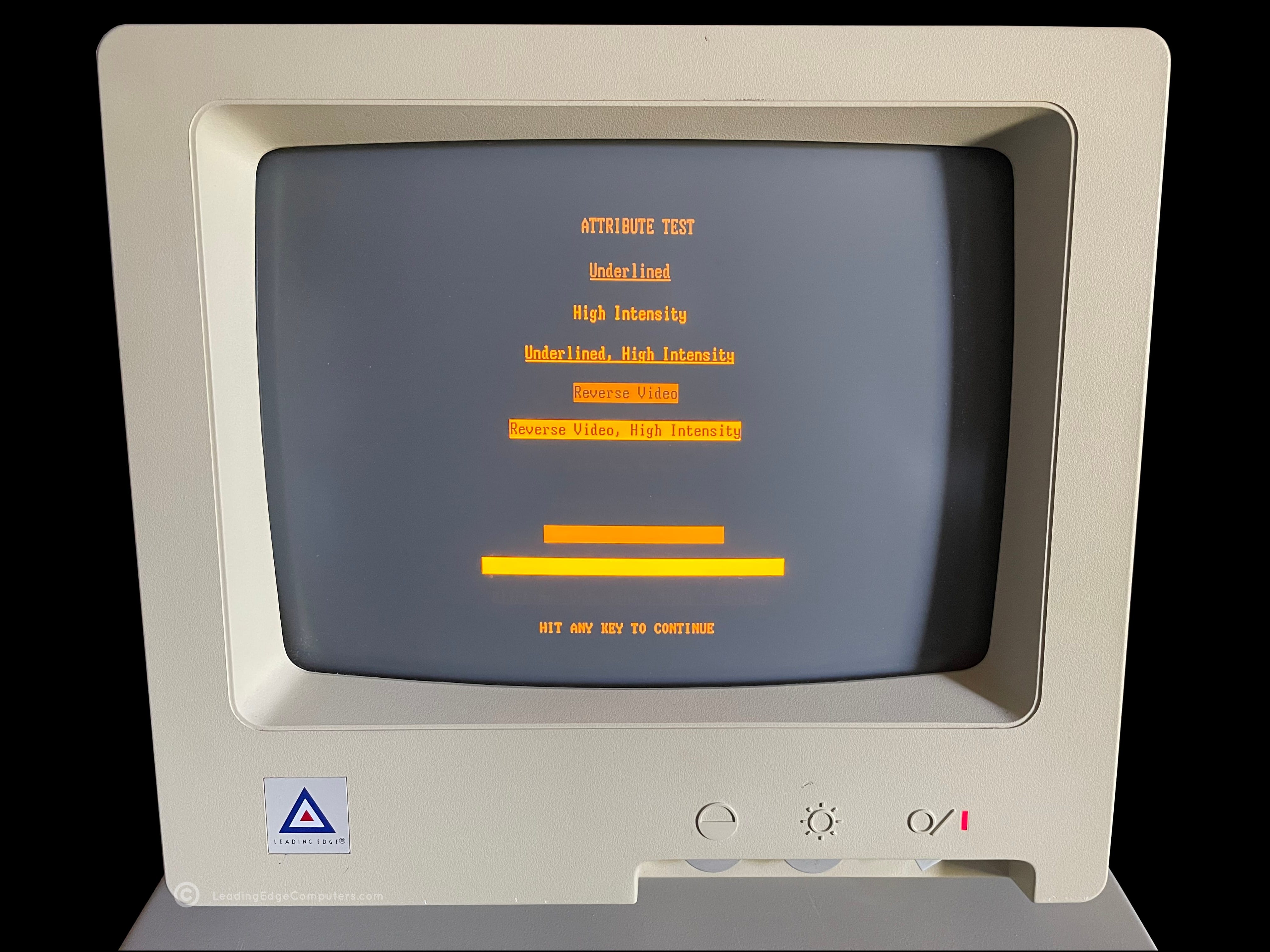
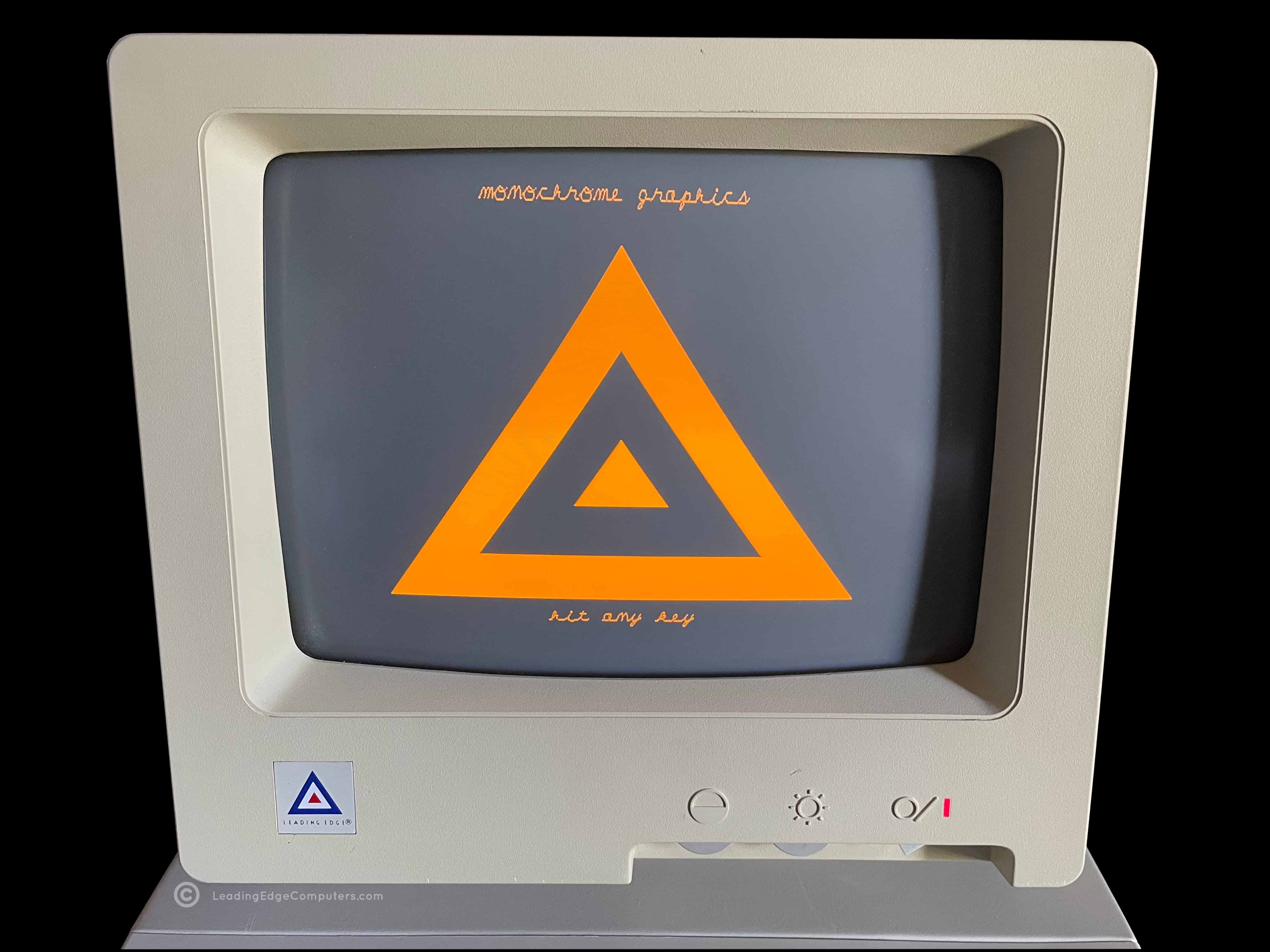
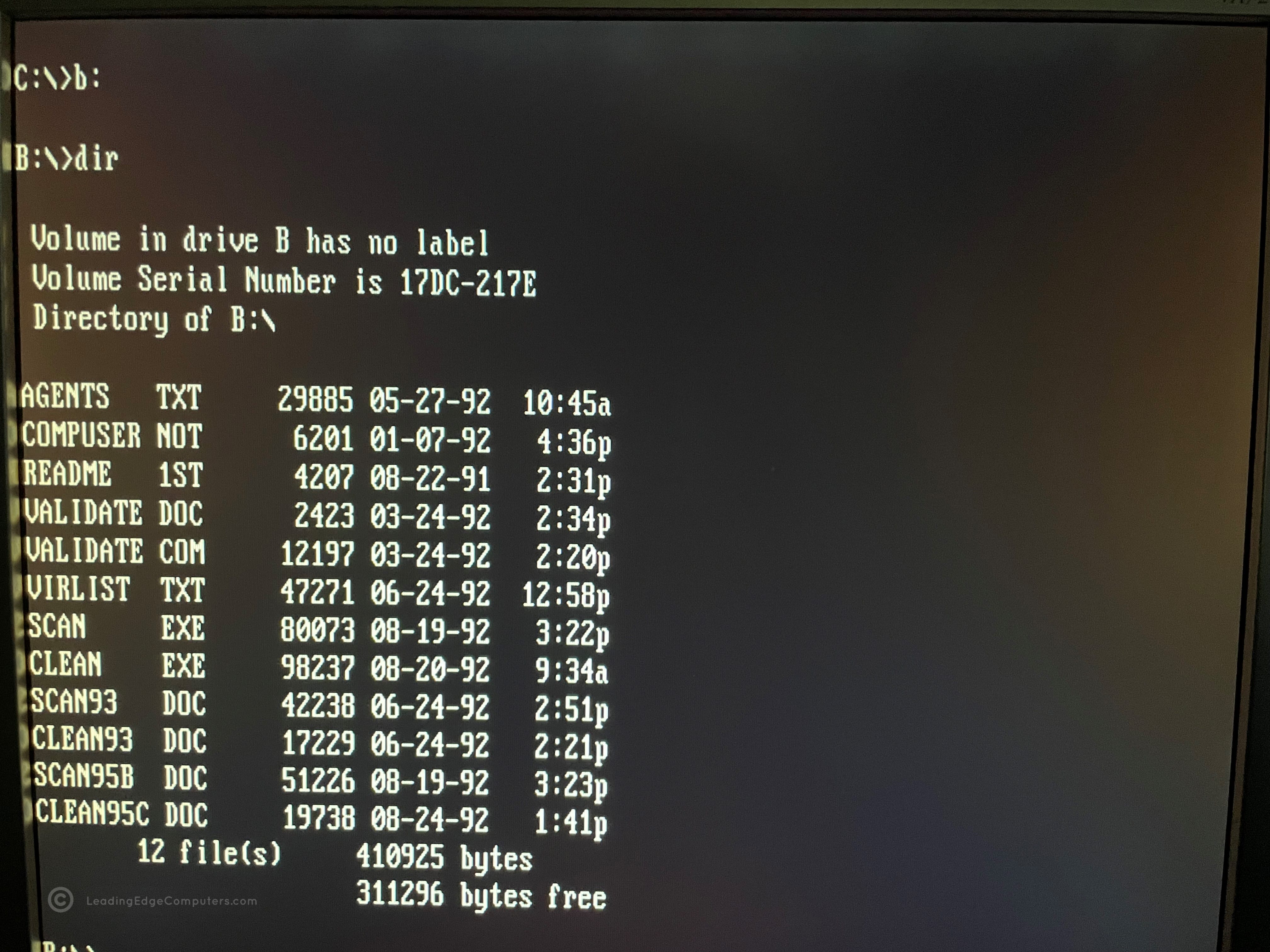
    Front view of the 386SX Notebook Diagnostics disk Rear view of the 386SX Notebook Diagnostics disk Screenshot of 386SX Notebook Diagnostics directory listing in DOS Screenshot of the 386SX Notebook Diagnostics splash screen Screenshot of 386SX Notebook Diagnostics' system configuration page Screenshot of 386SX Notebook Diagnostics main menu Screenshot of the 386SX Notebook Diagnostics completed test of video ram Screenshot of the 386SX Notebook Diagnostics testing a laptop's vertical and horizontal retrace Screenshot of the 386SX Notebook Diagnostics testing a notebook's vertical and horizontal sync Screenshot of the 386SX Notebook Diagnostics character test Screenshot of the 386SX Notebook Diagnostics video test in process Screenshot of the 386SX Notebook Diagnostics testing a laptop's monochrome graphics Screenshot of the 386SX Notebook Diagnostics blurring the screen with data Screenshot of the 386SX Notebook Diagnostics successfully testing the system's ram Screenshot of the 386SX Notebook Diagnostics' completed hard drive test

     386SX PC Manual

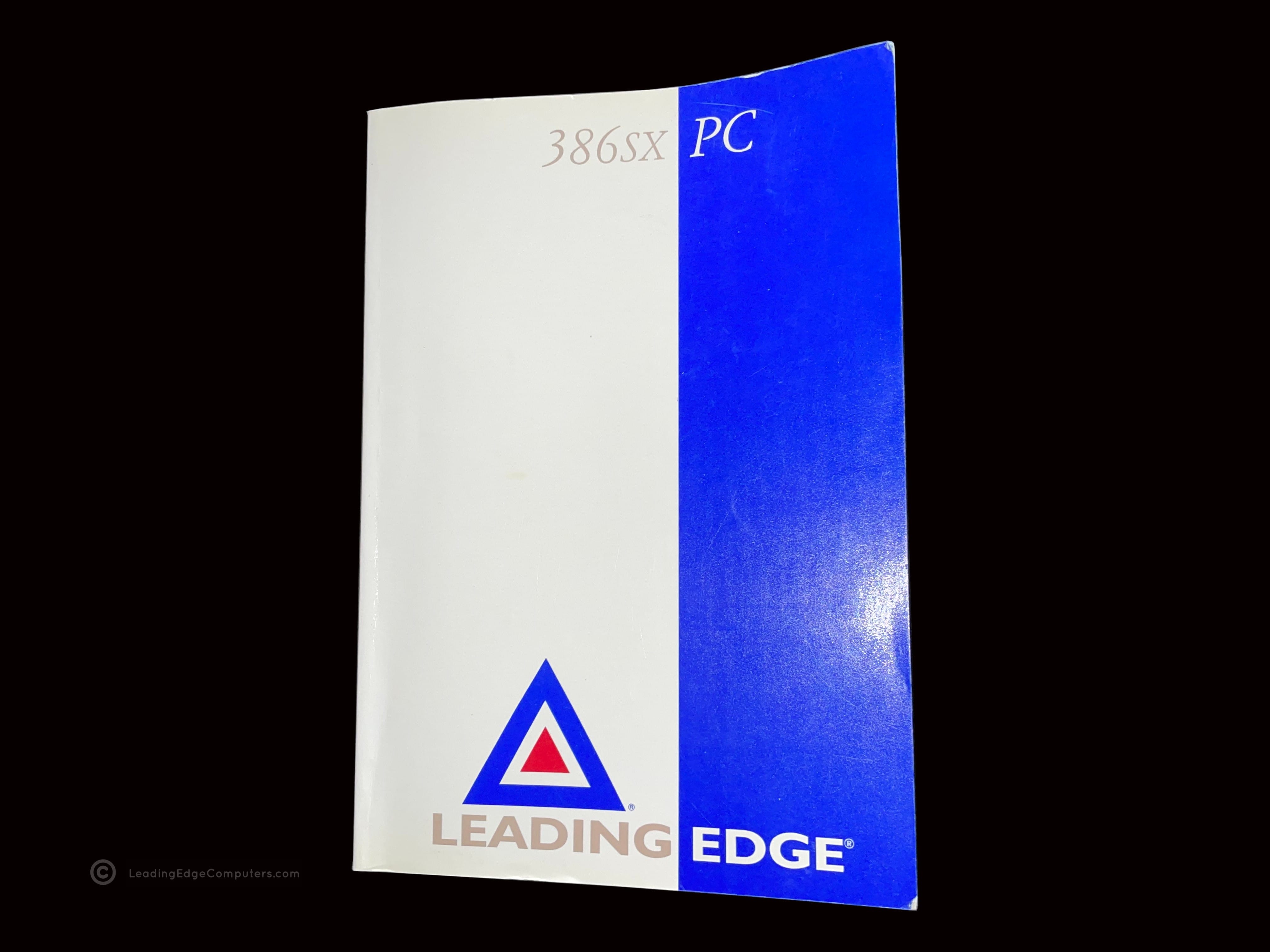
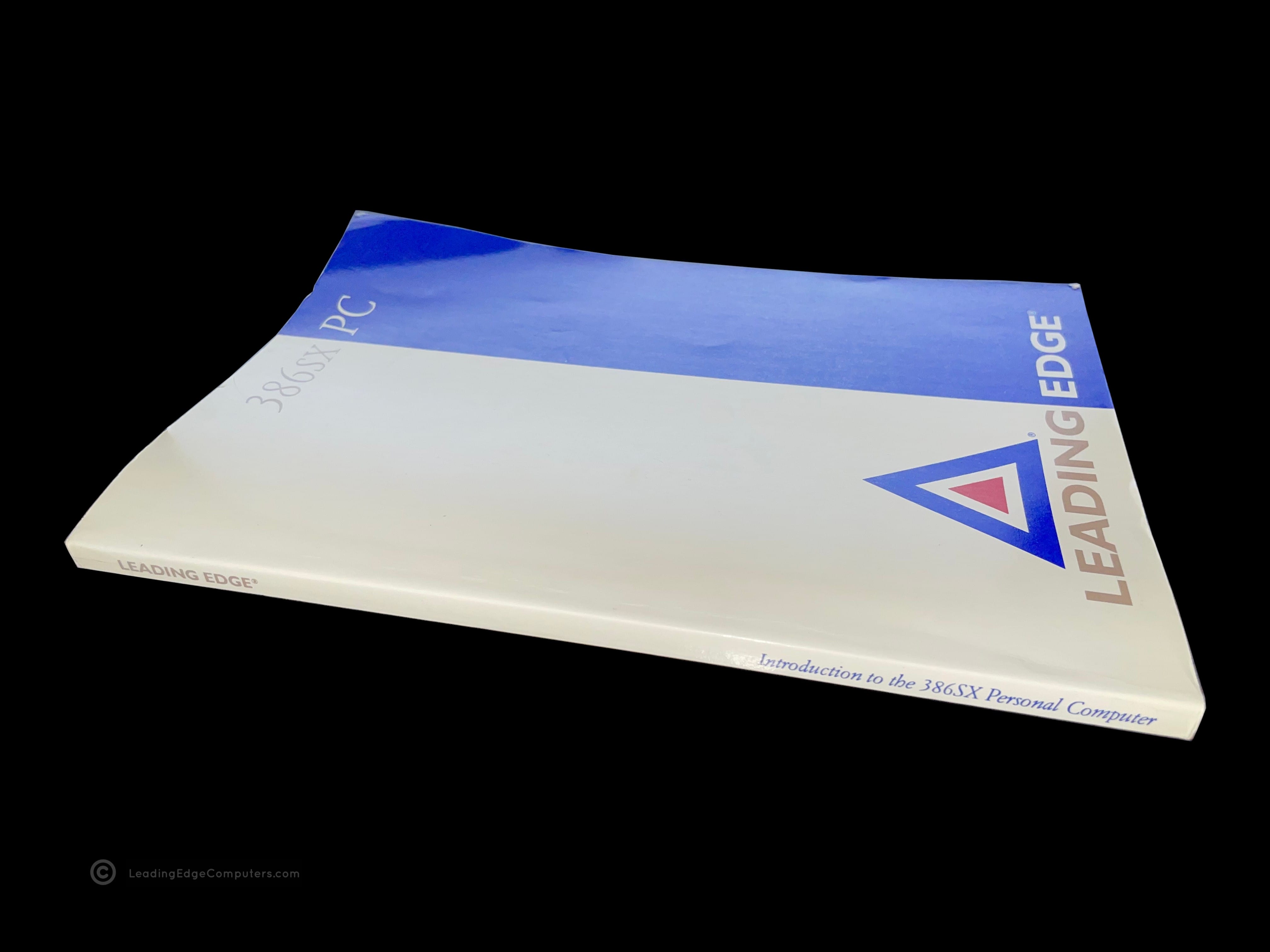
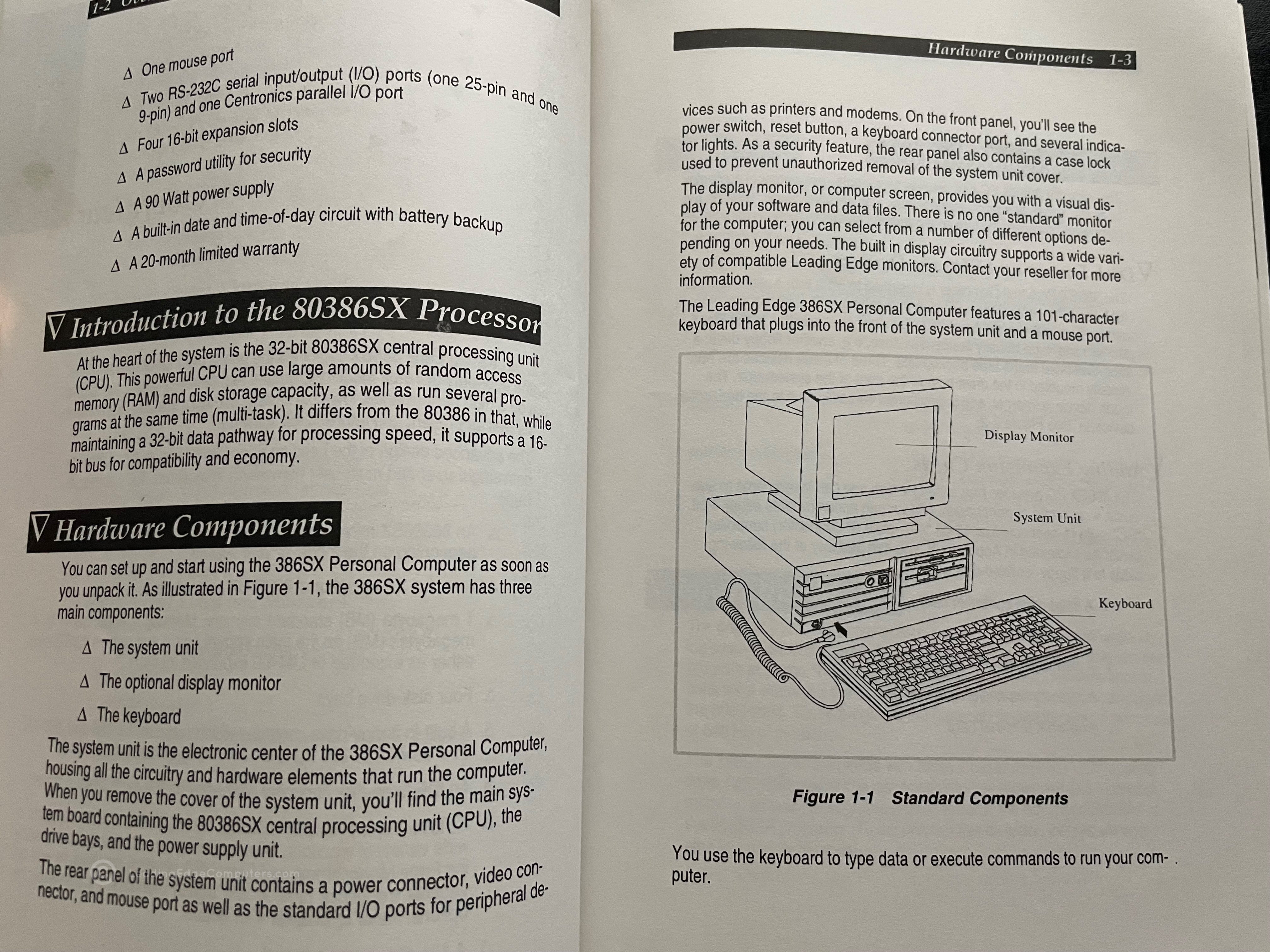
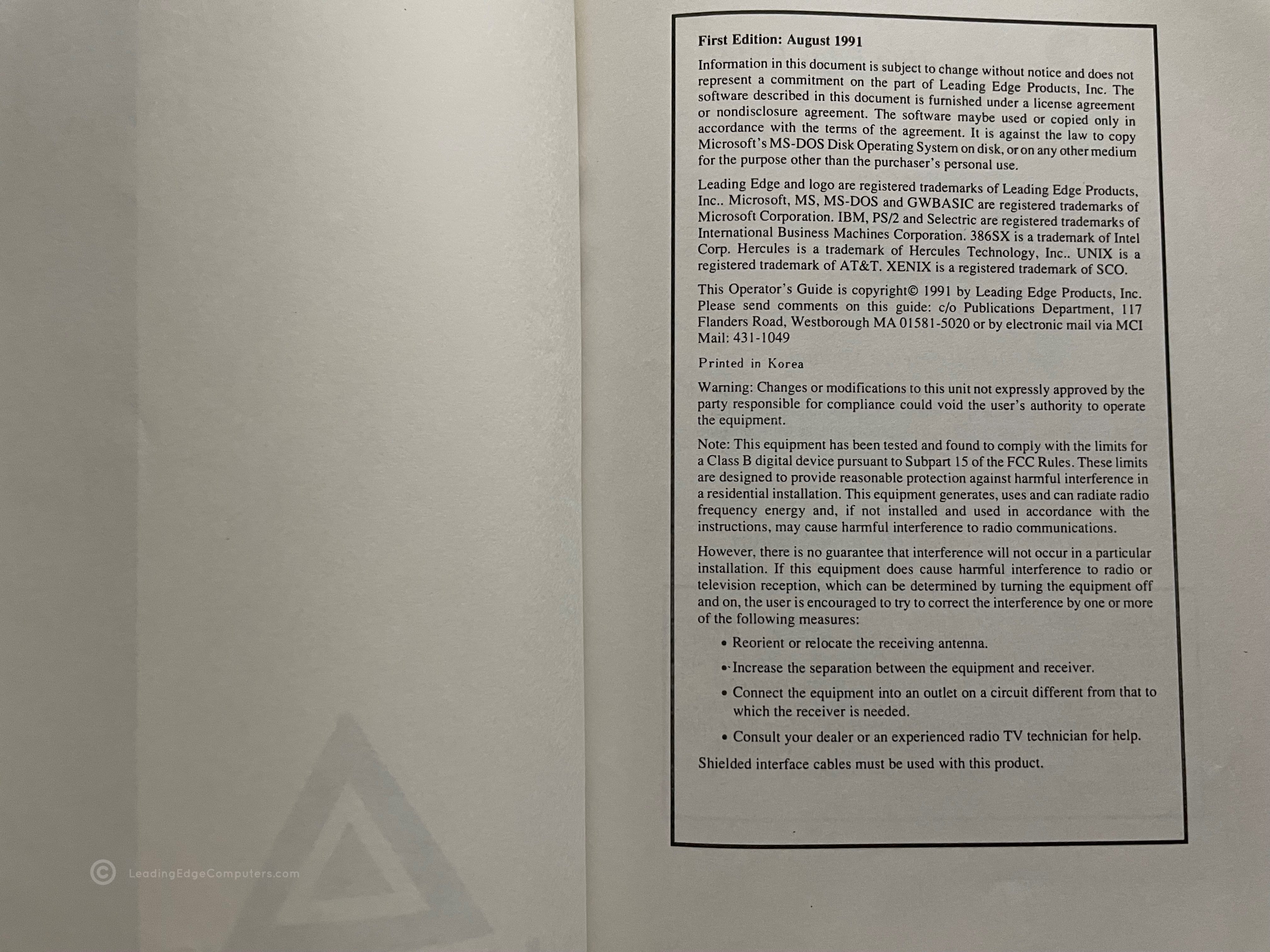
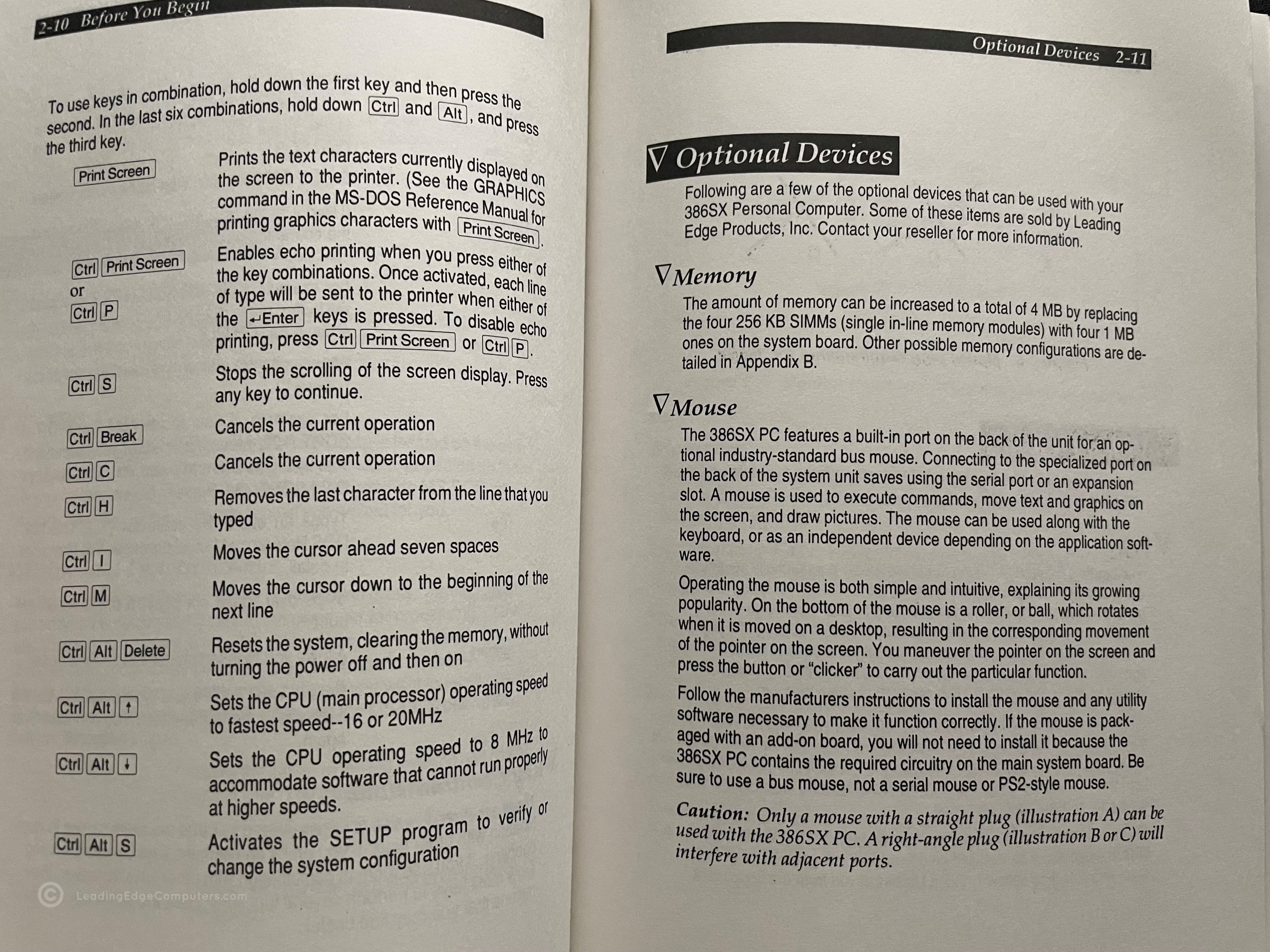
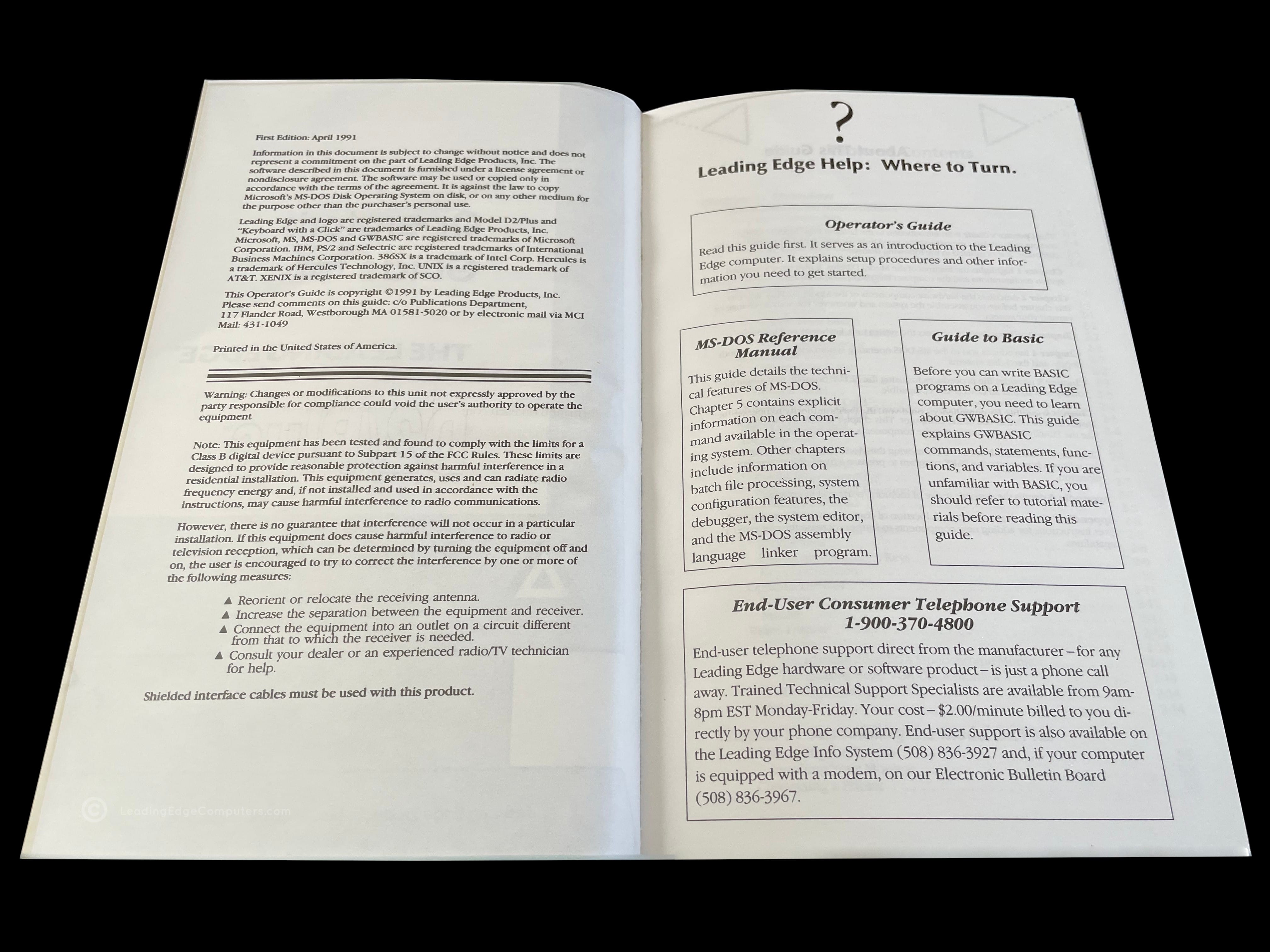
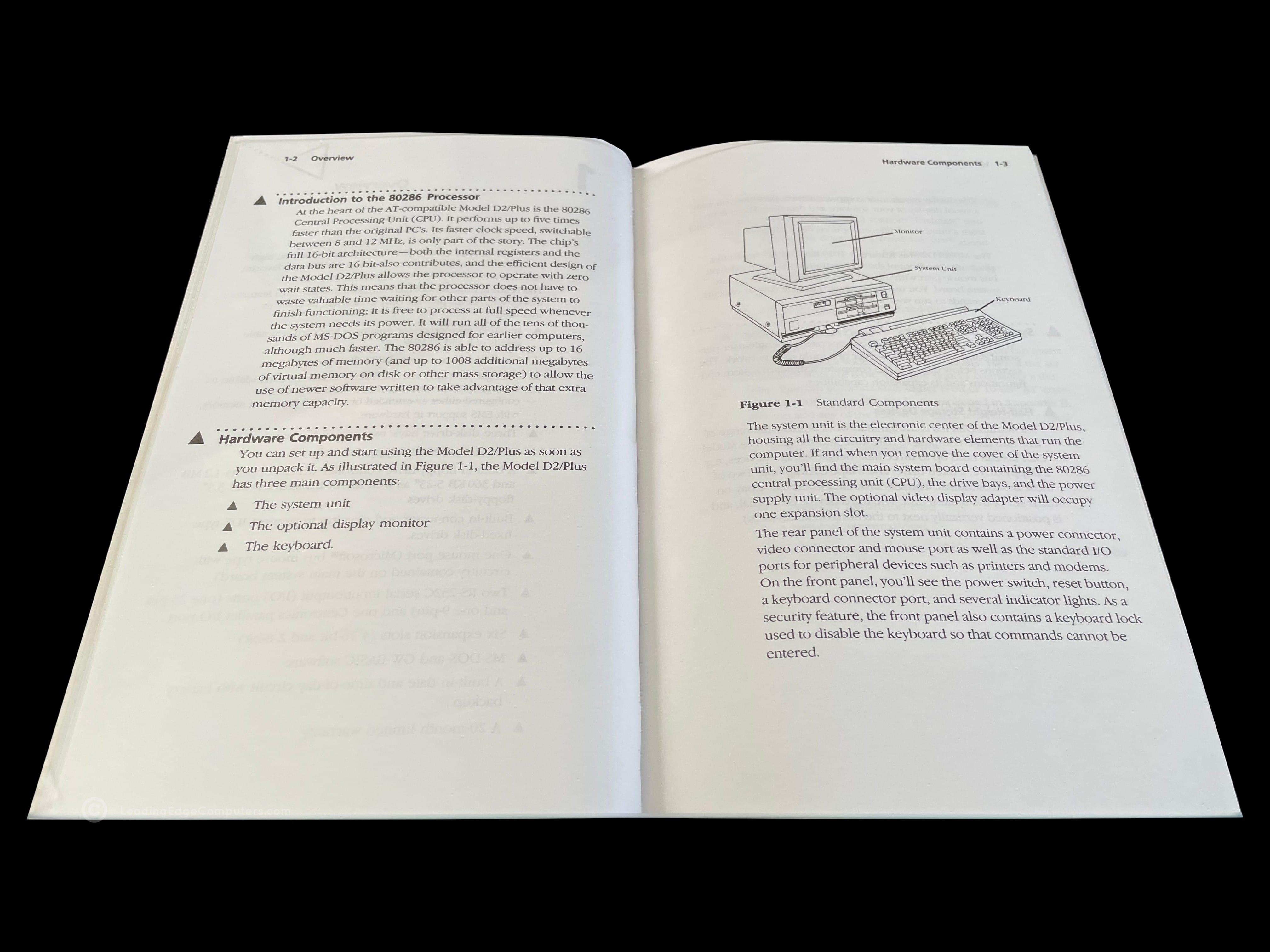
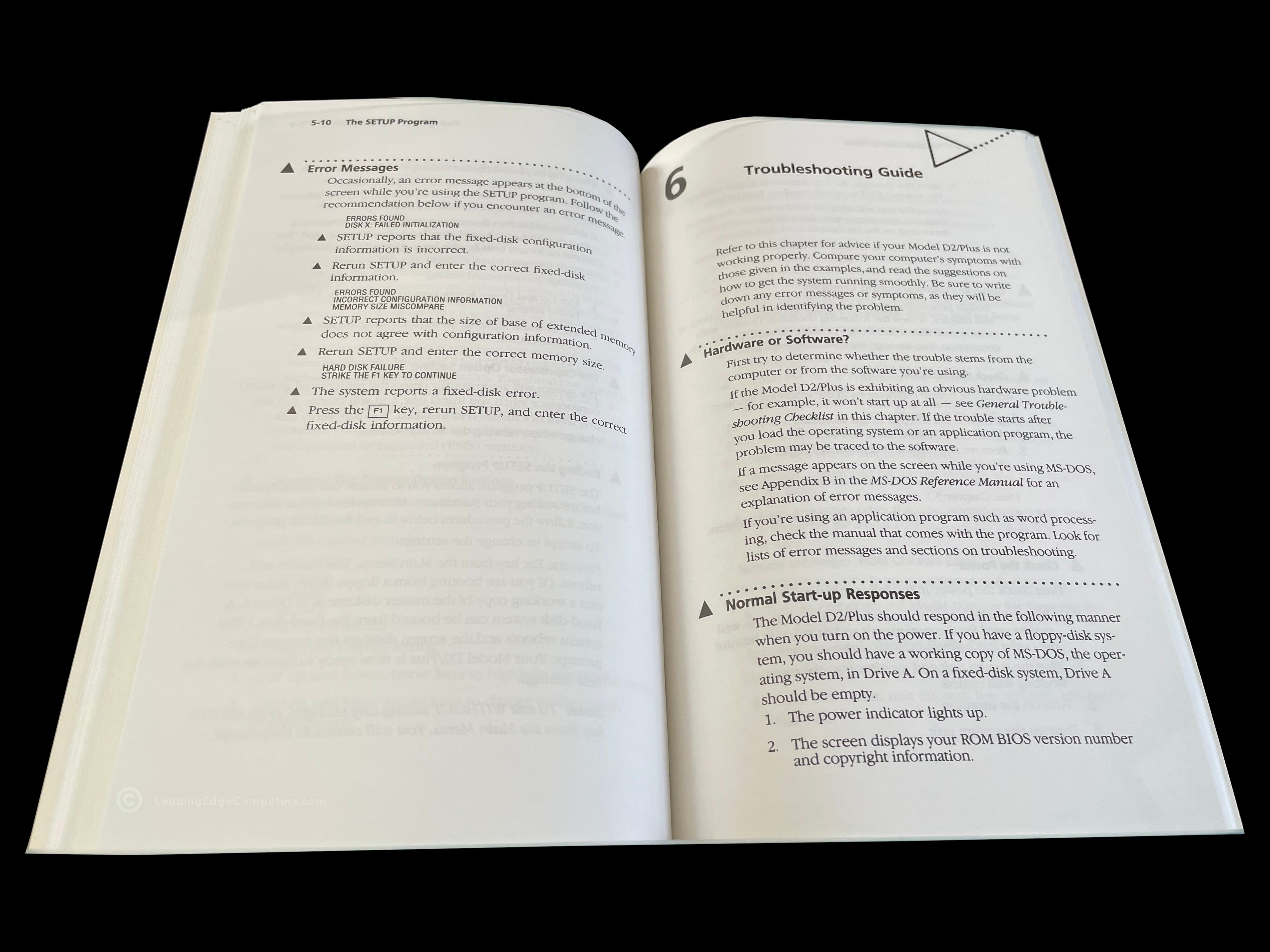
    Photo of the front cover of the 386SX PC Manual Back cover of the 386SX PC Manual Angled view of the 386SX PC Manual showing the spine of the manual Teaser photo showing inside of the 386SX PC Manual, featuring the system overview diagram Inside photo of the 386SX PC Manual's legal pages Teaser photo showing inside of the 386SX PC Manual's optional devices pages

     386SX PC Model DC‐3621

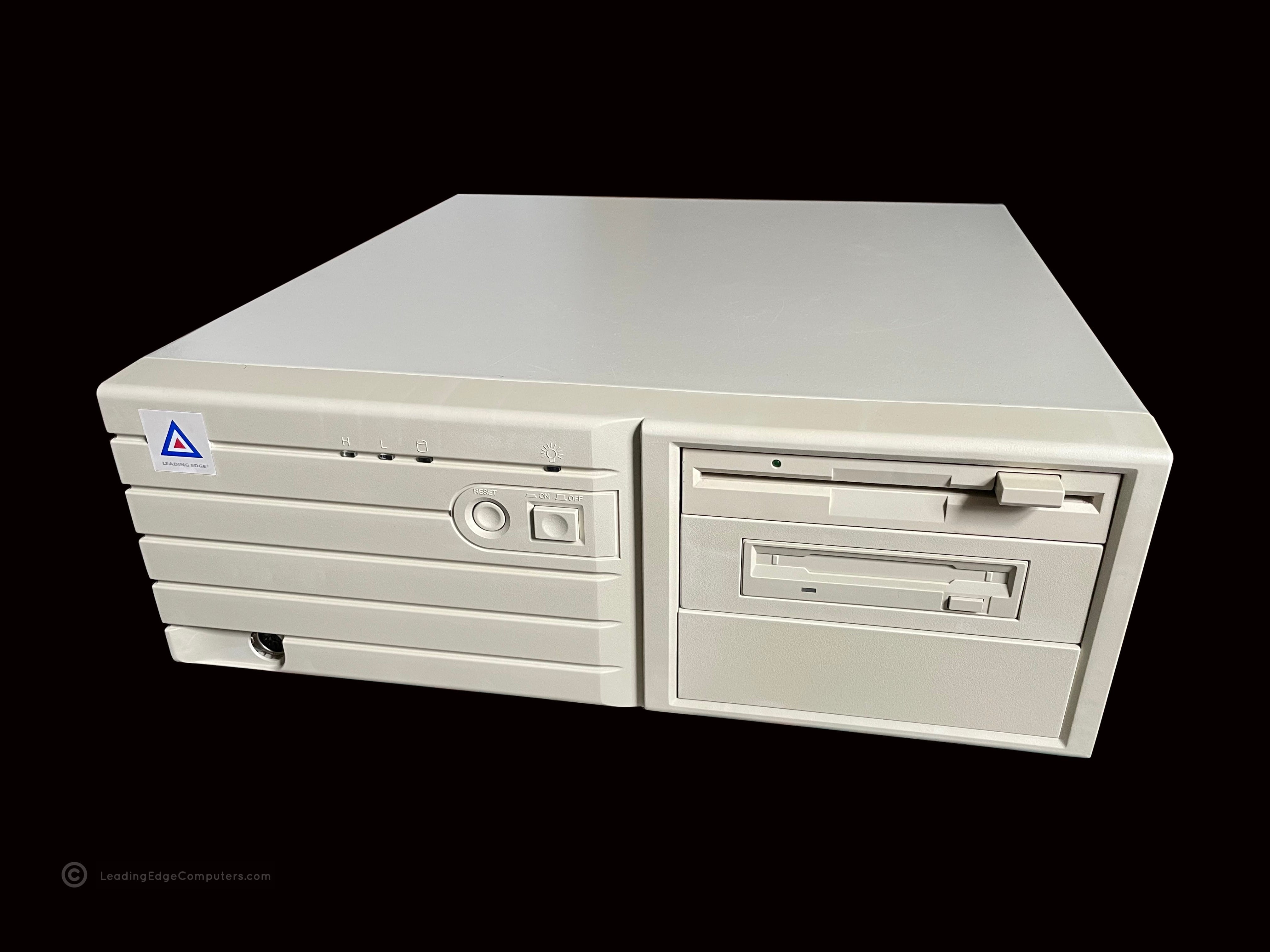
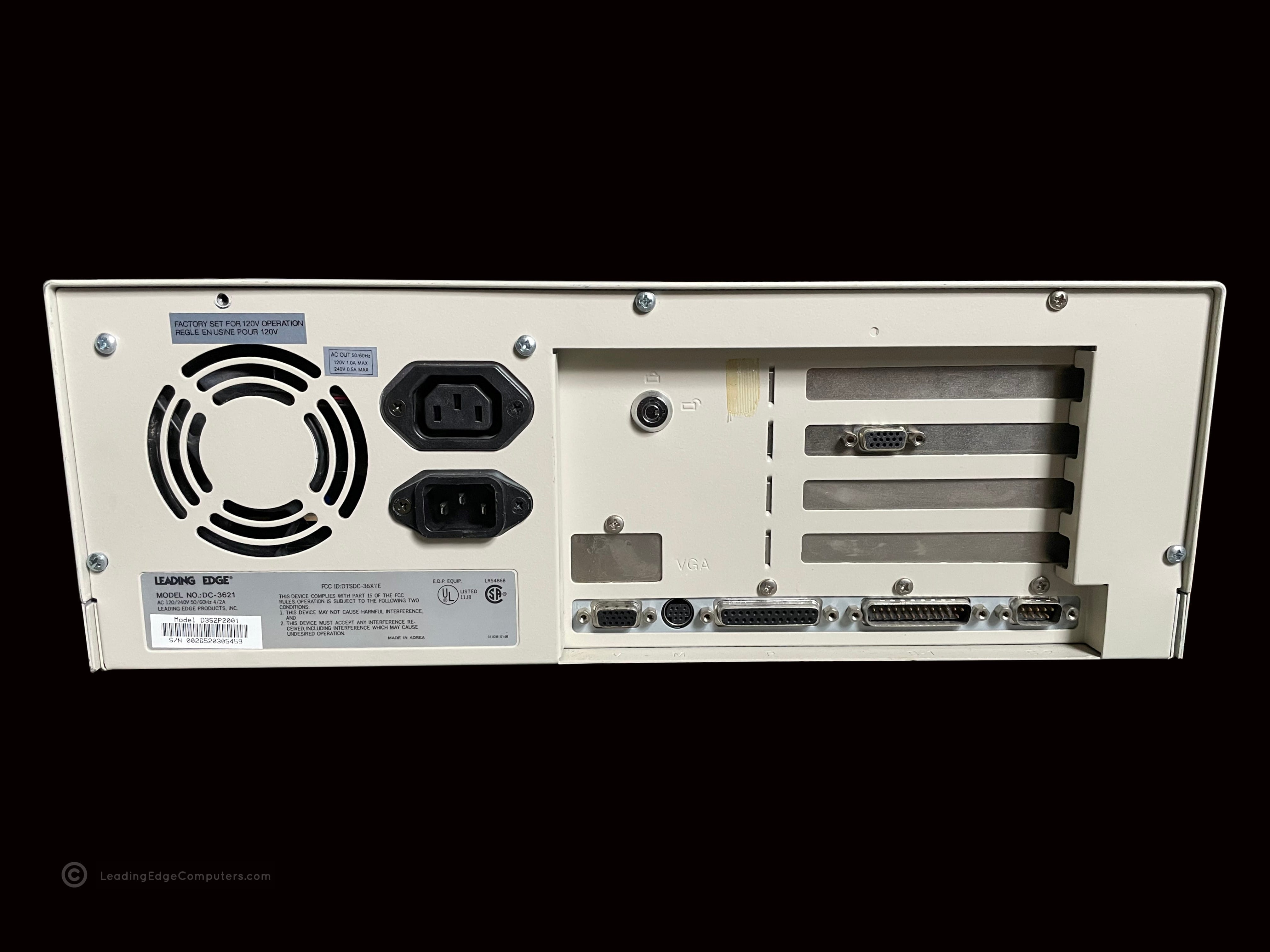
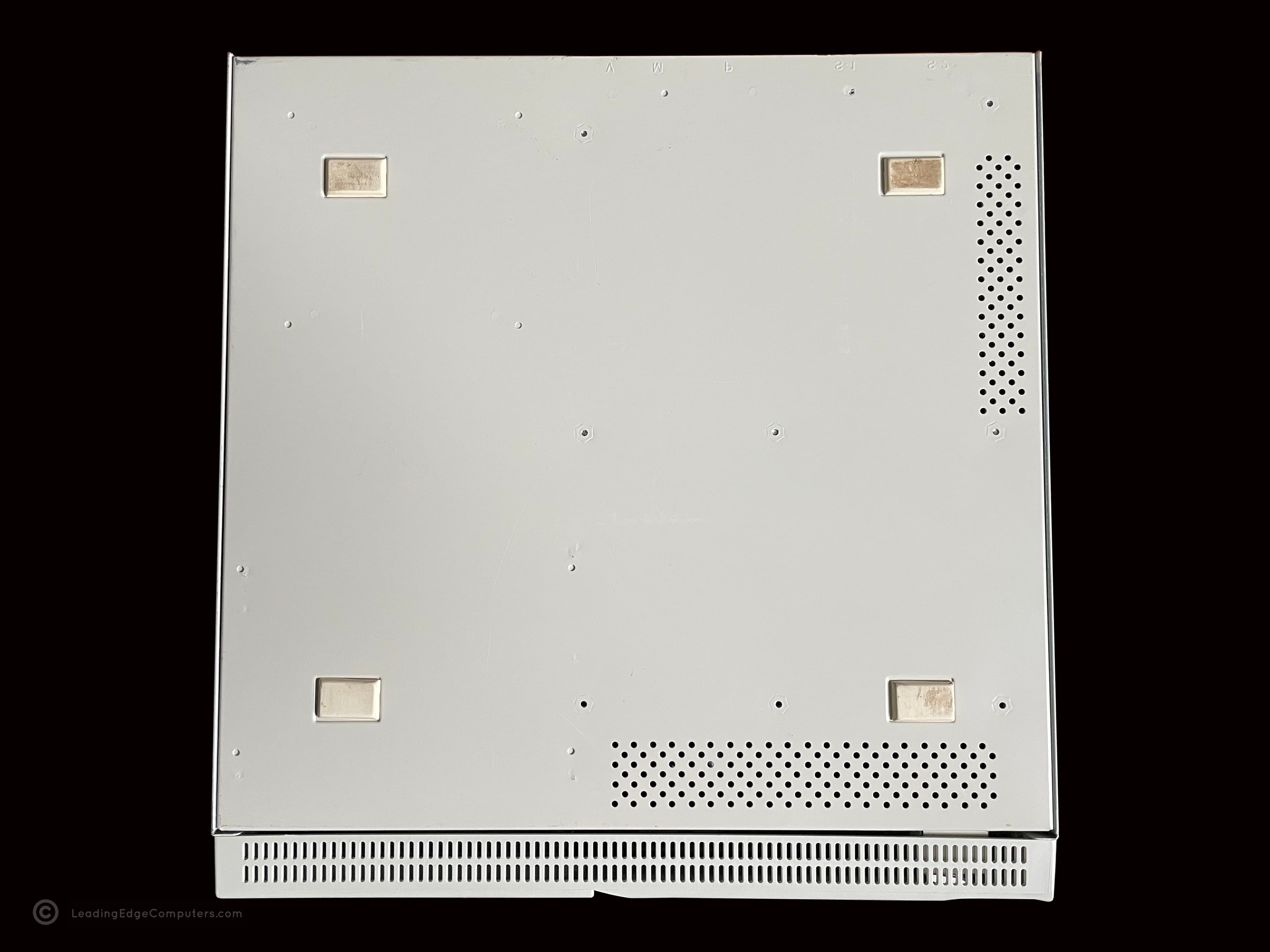
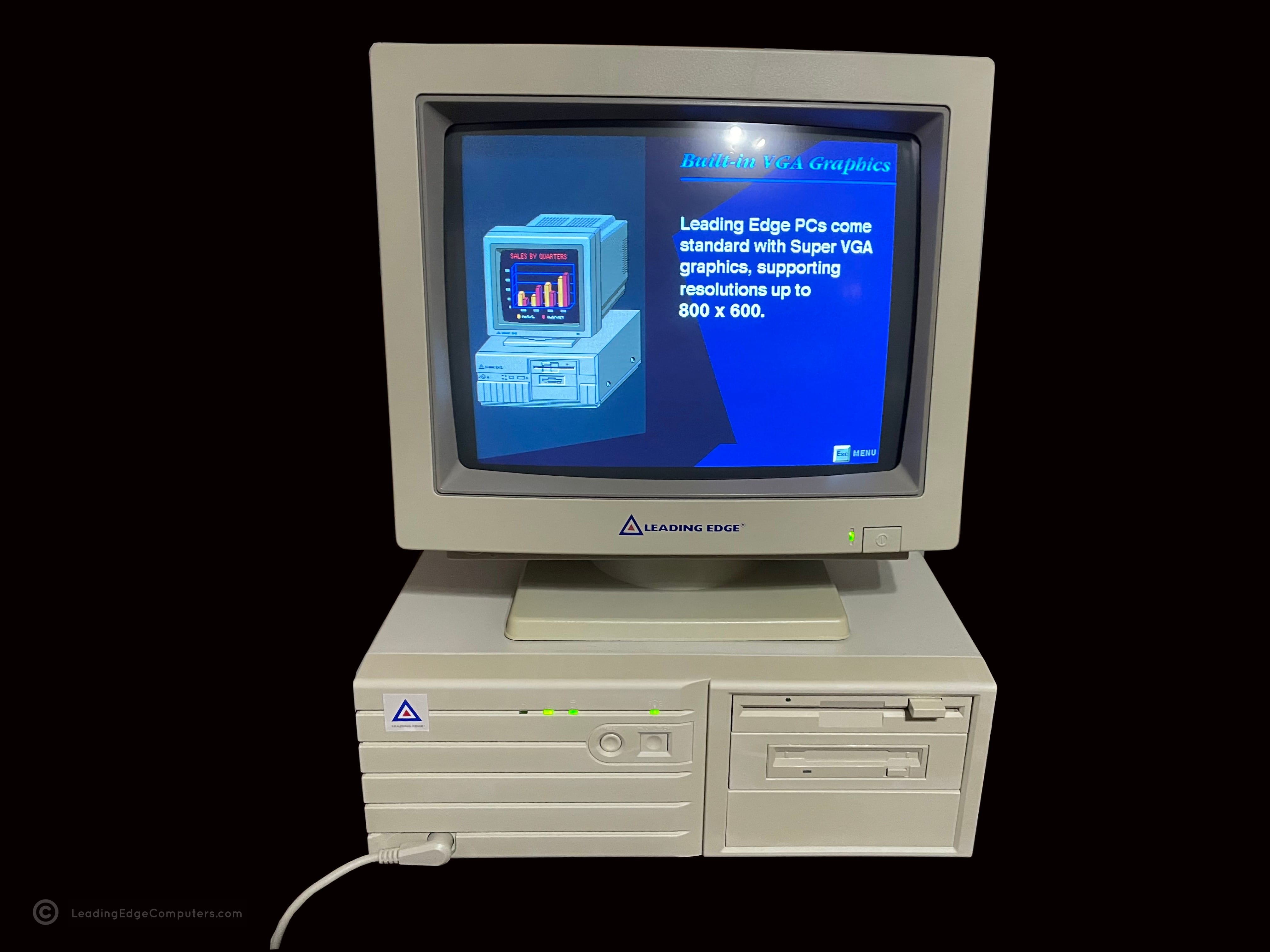
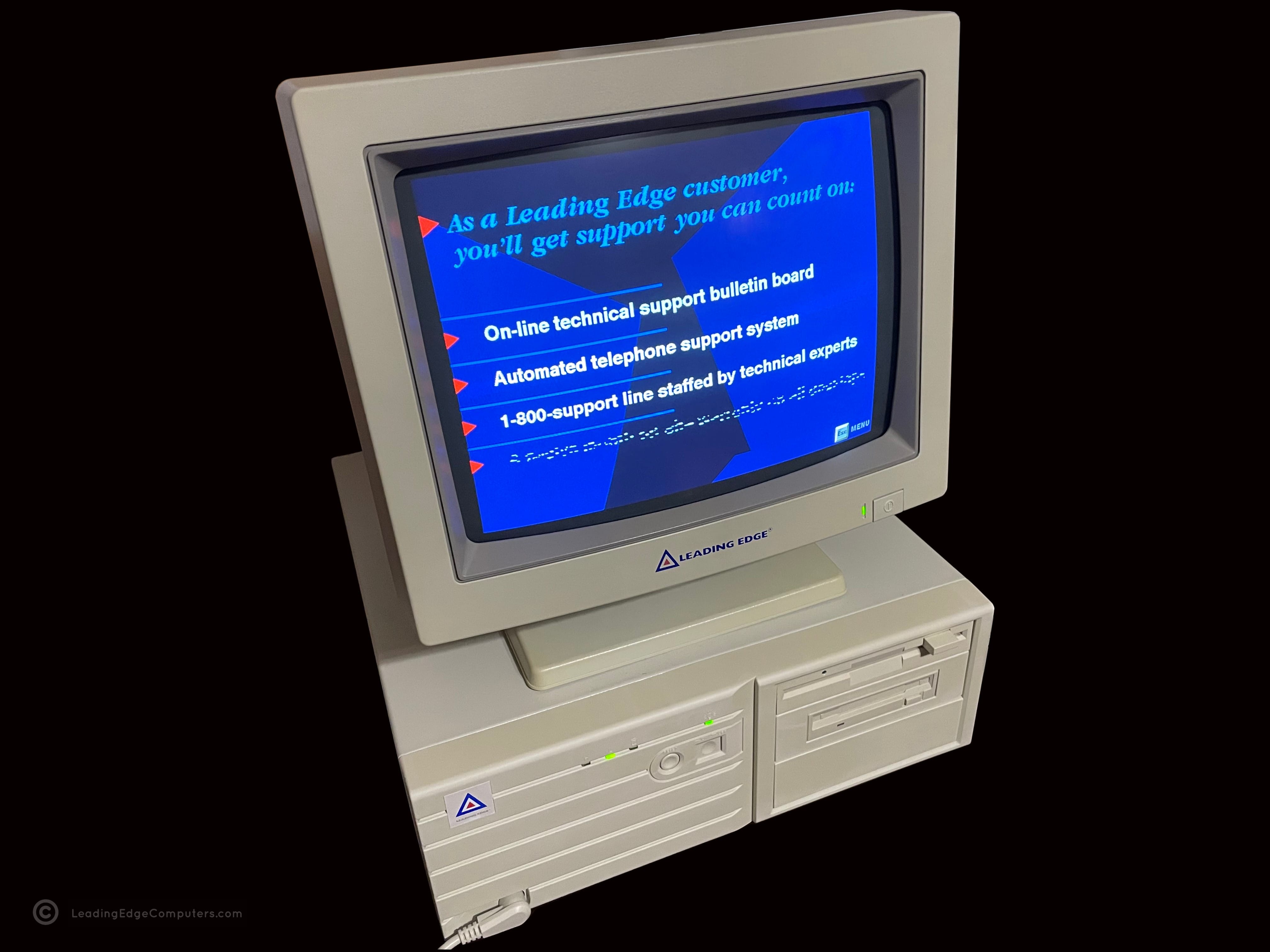
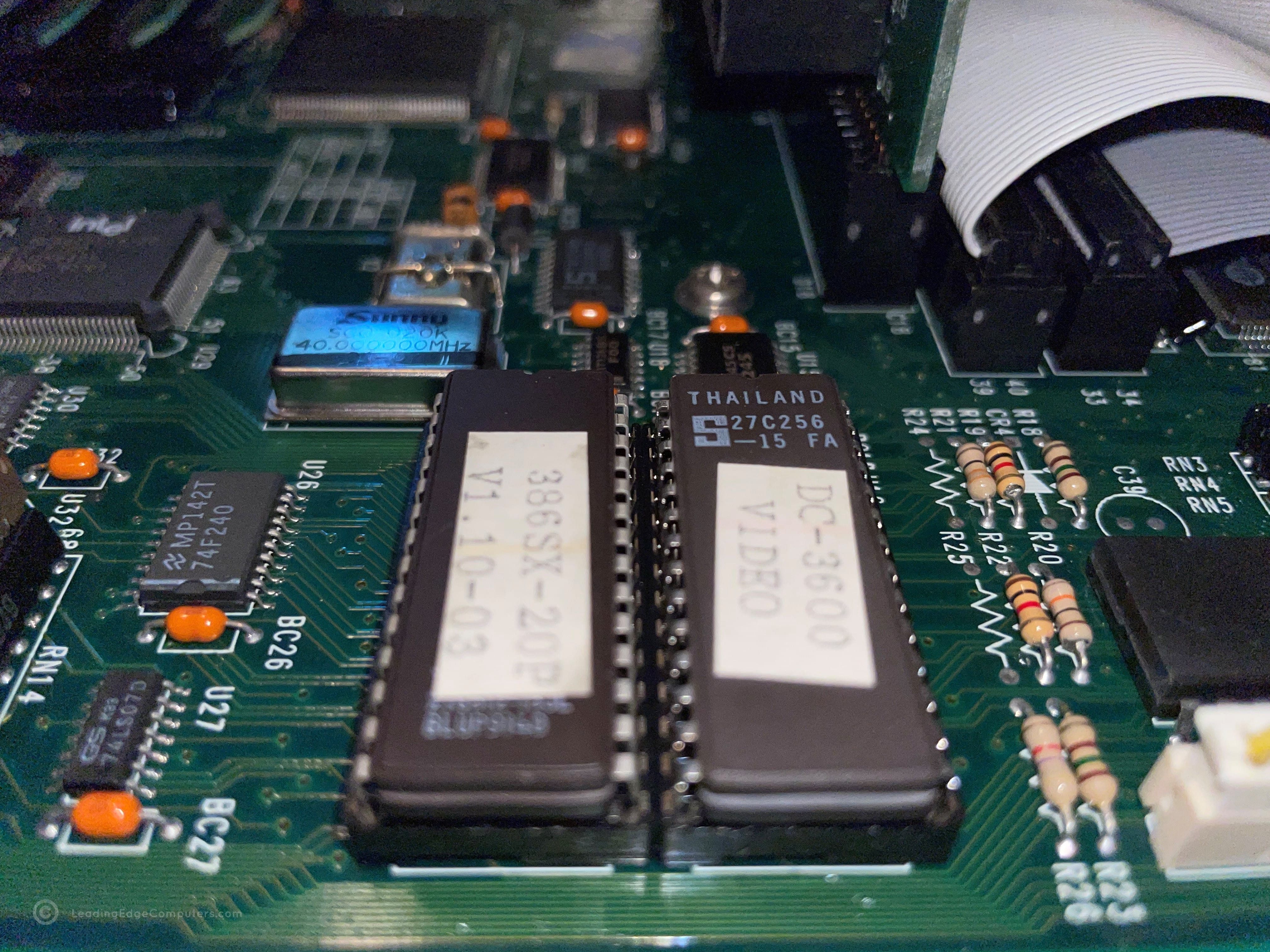
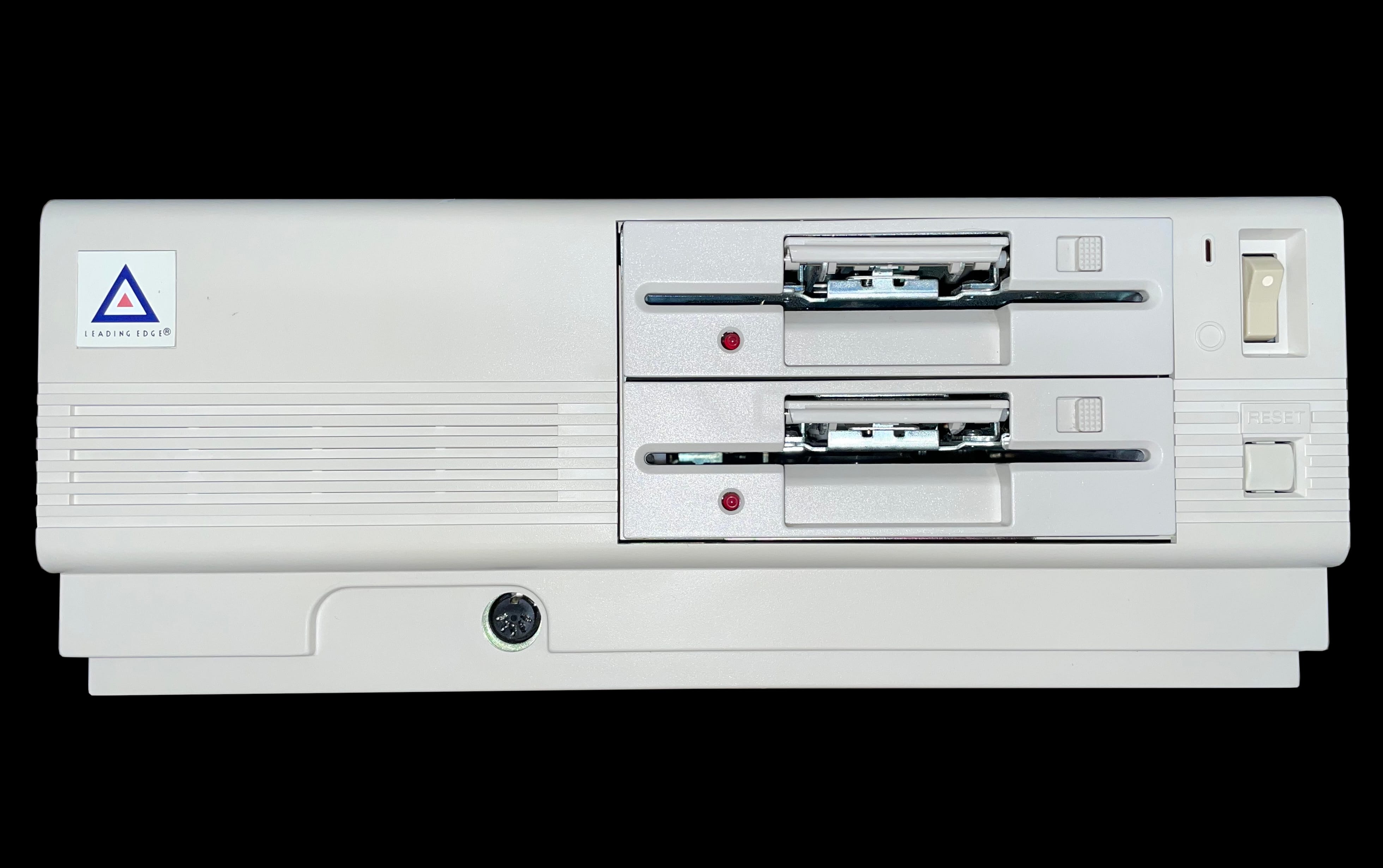
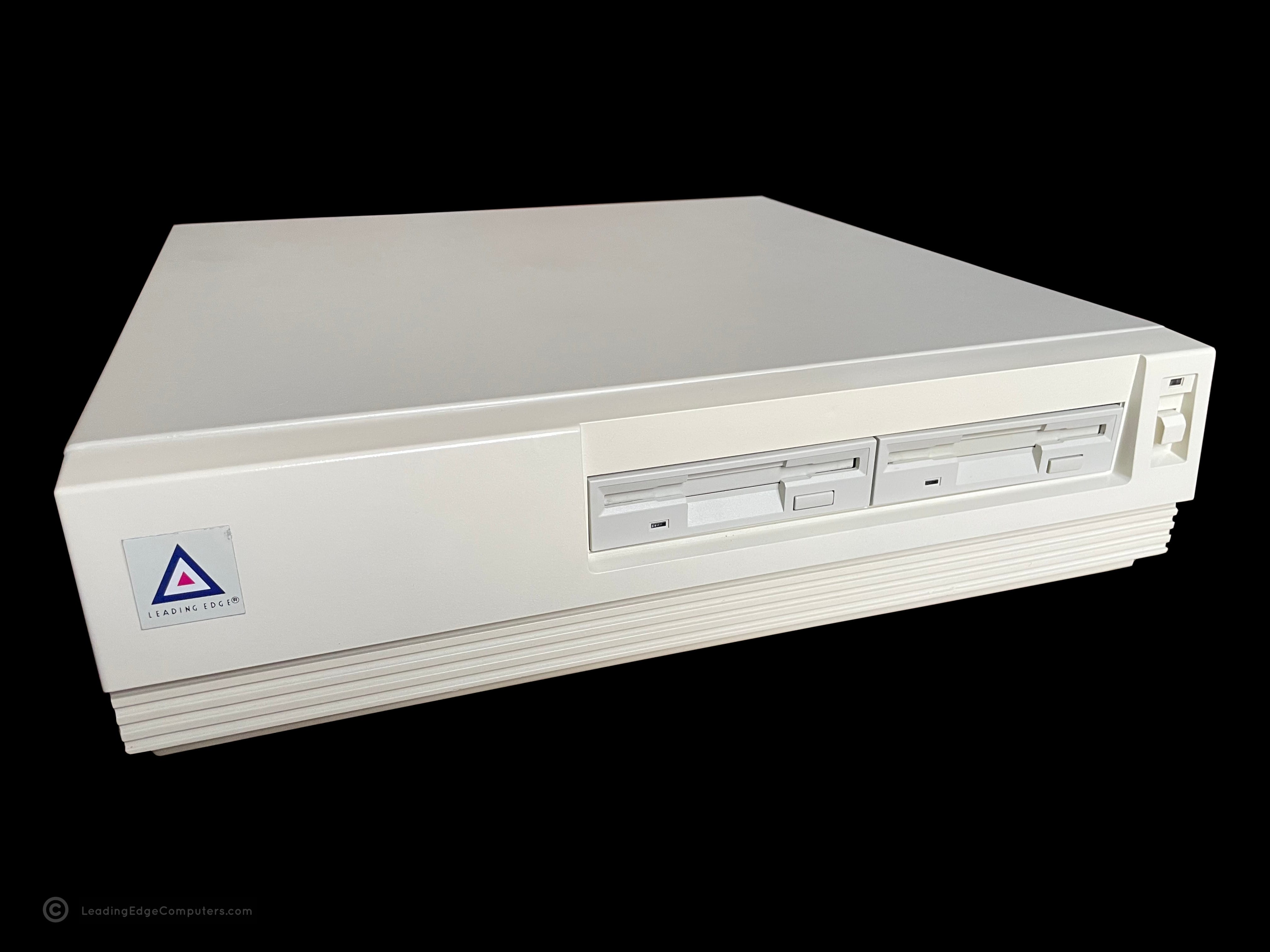
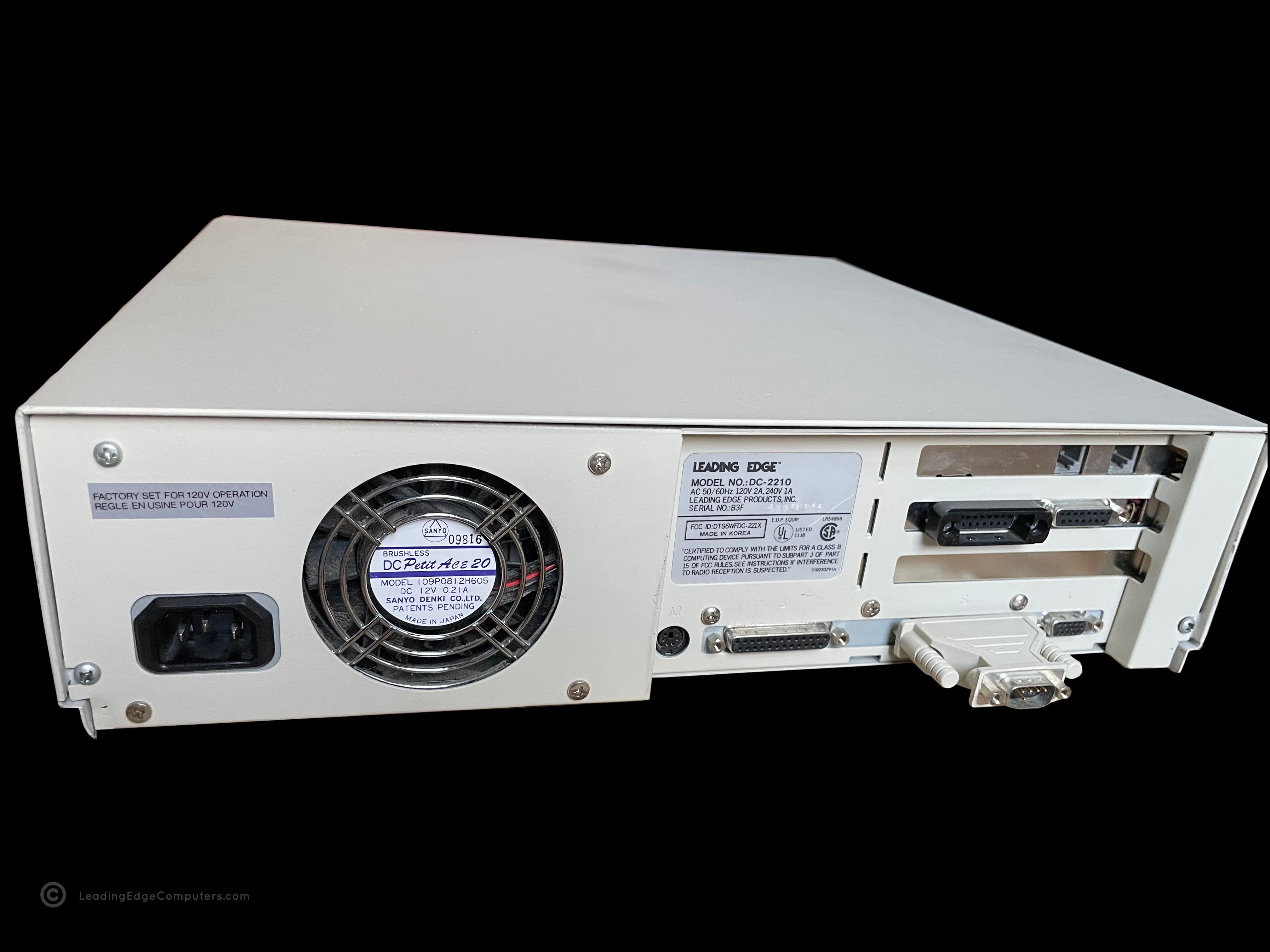
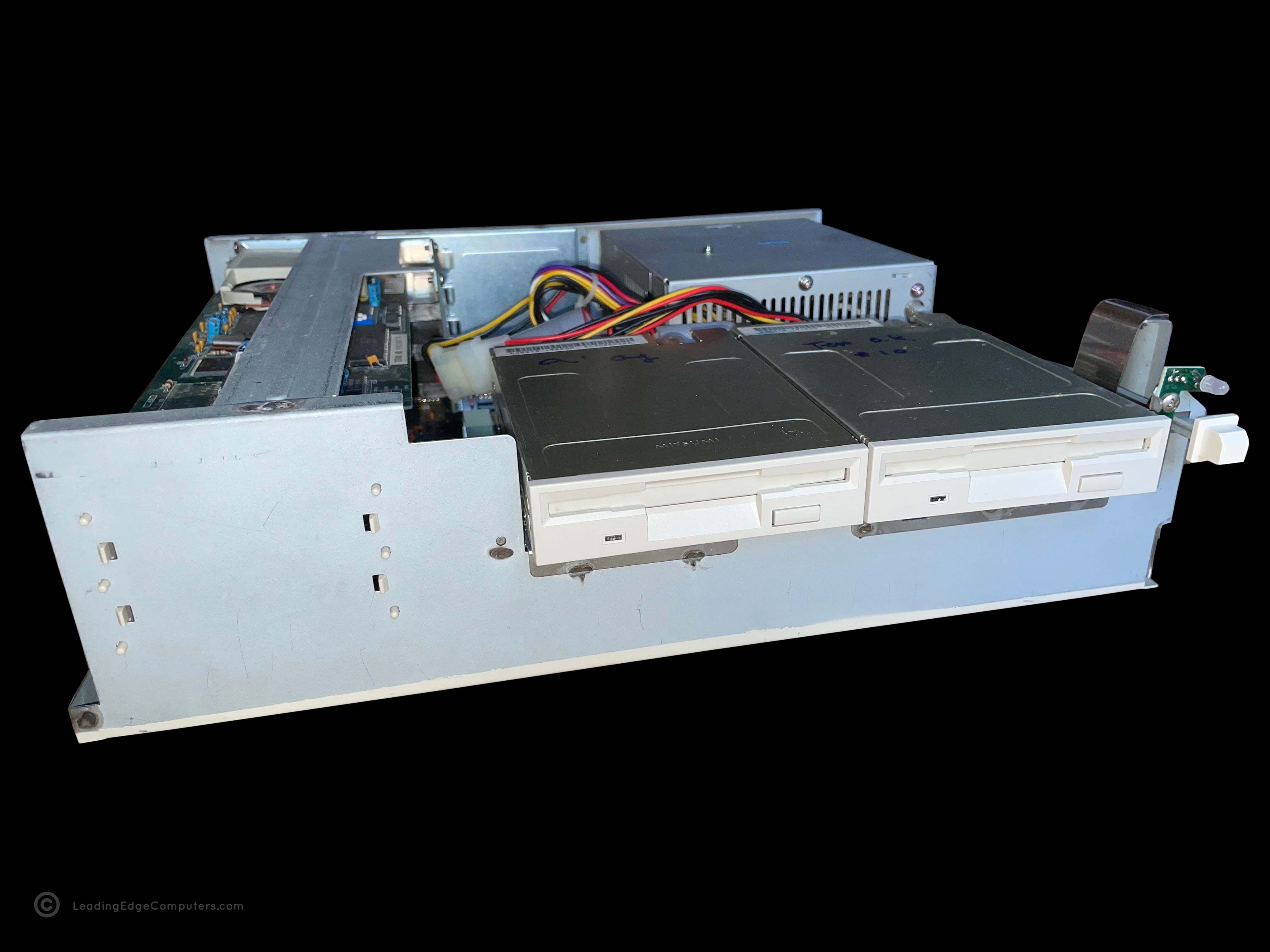
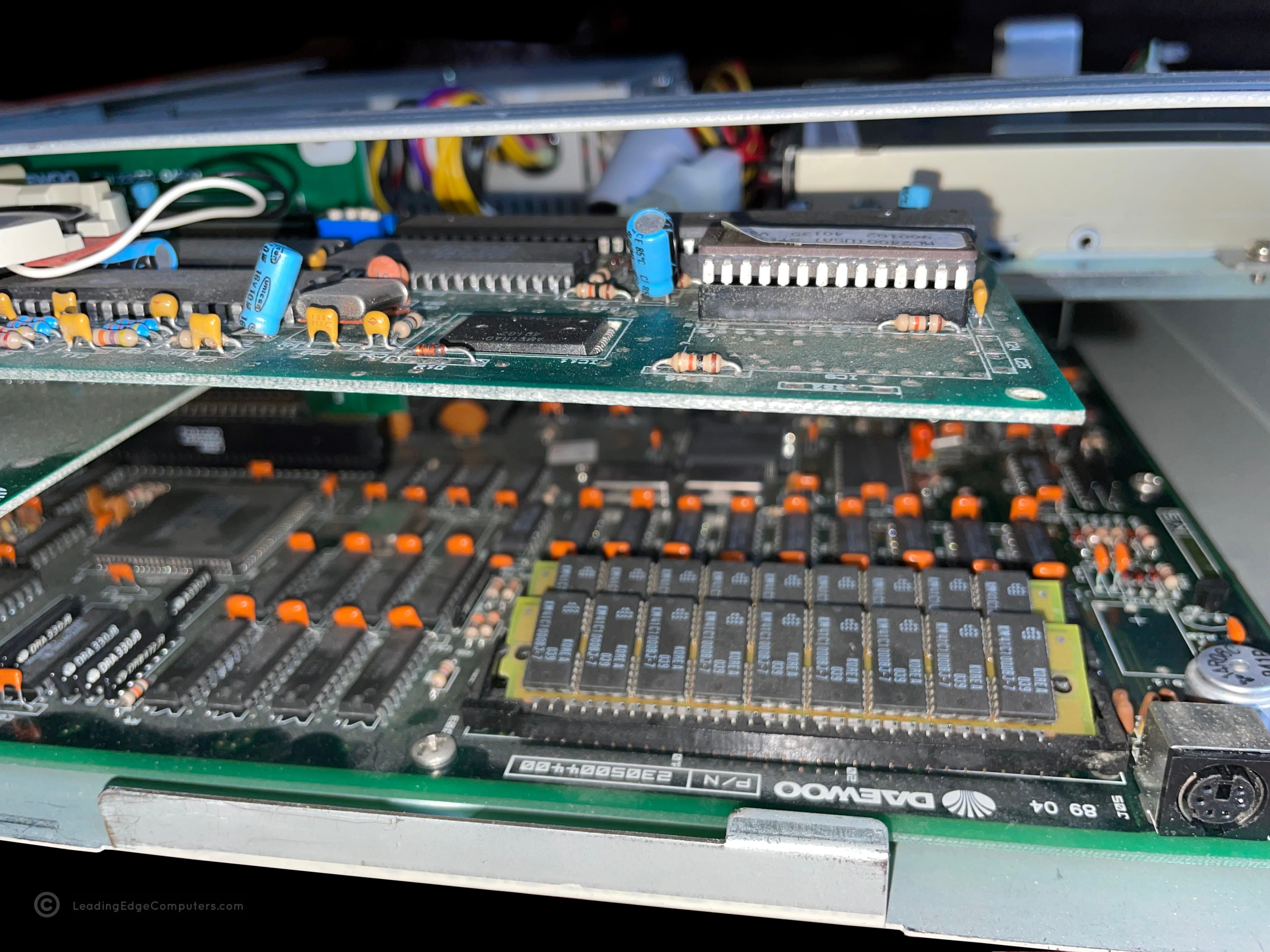
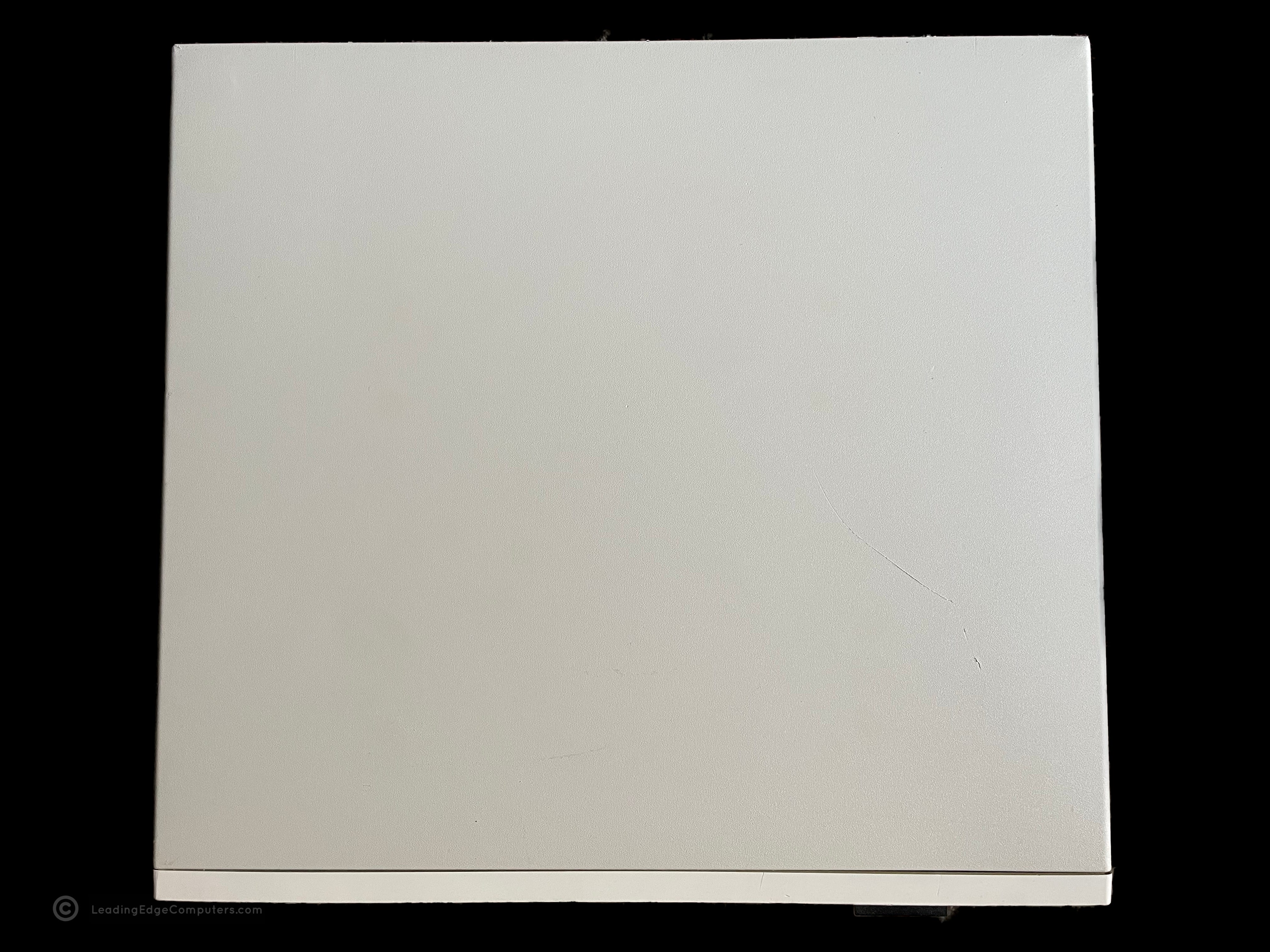
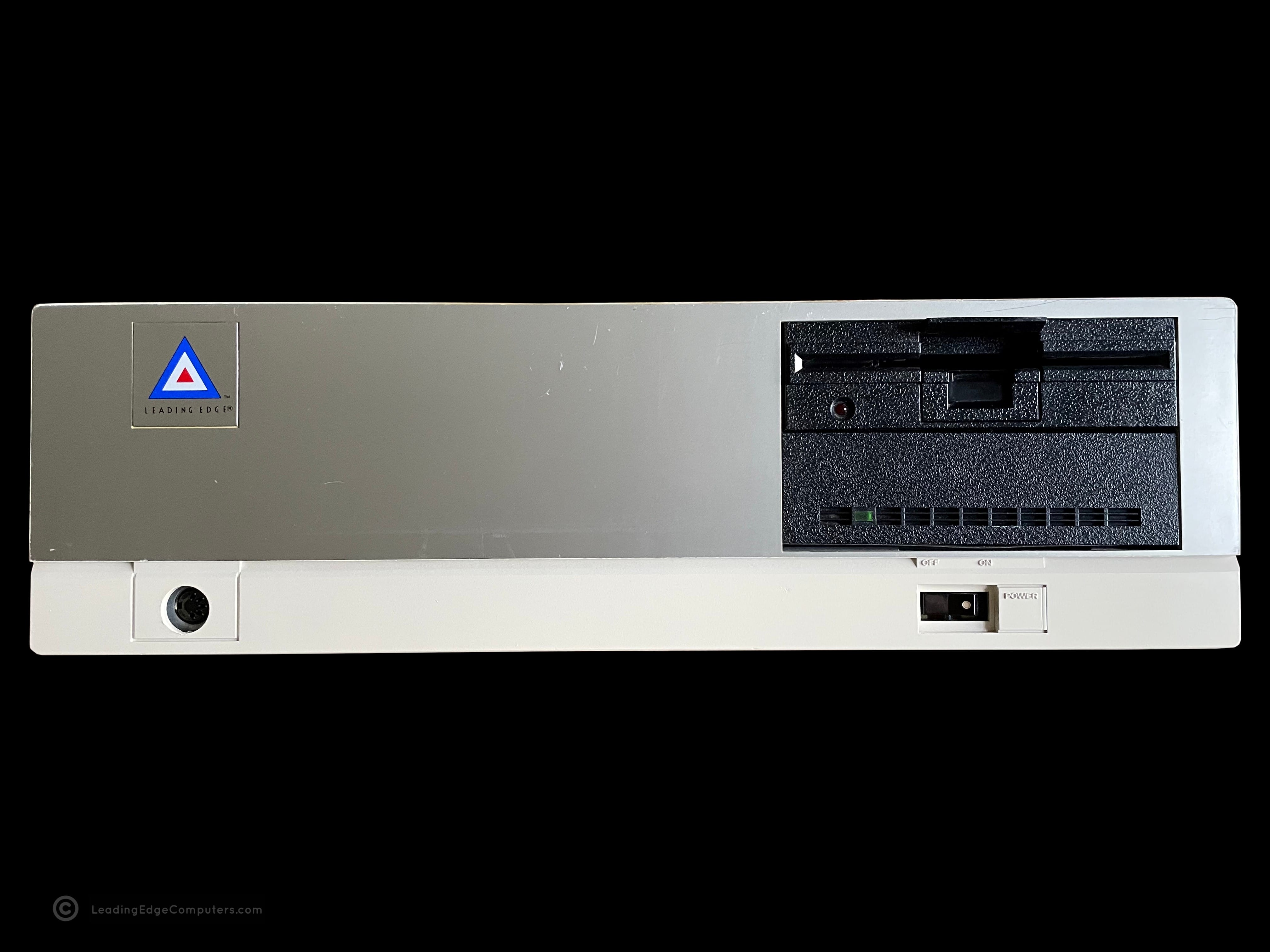
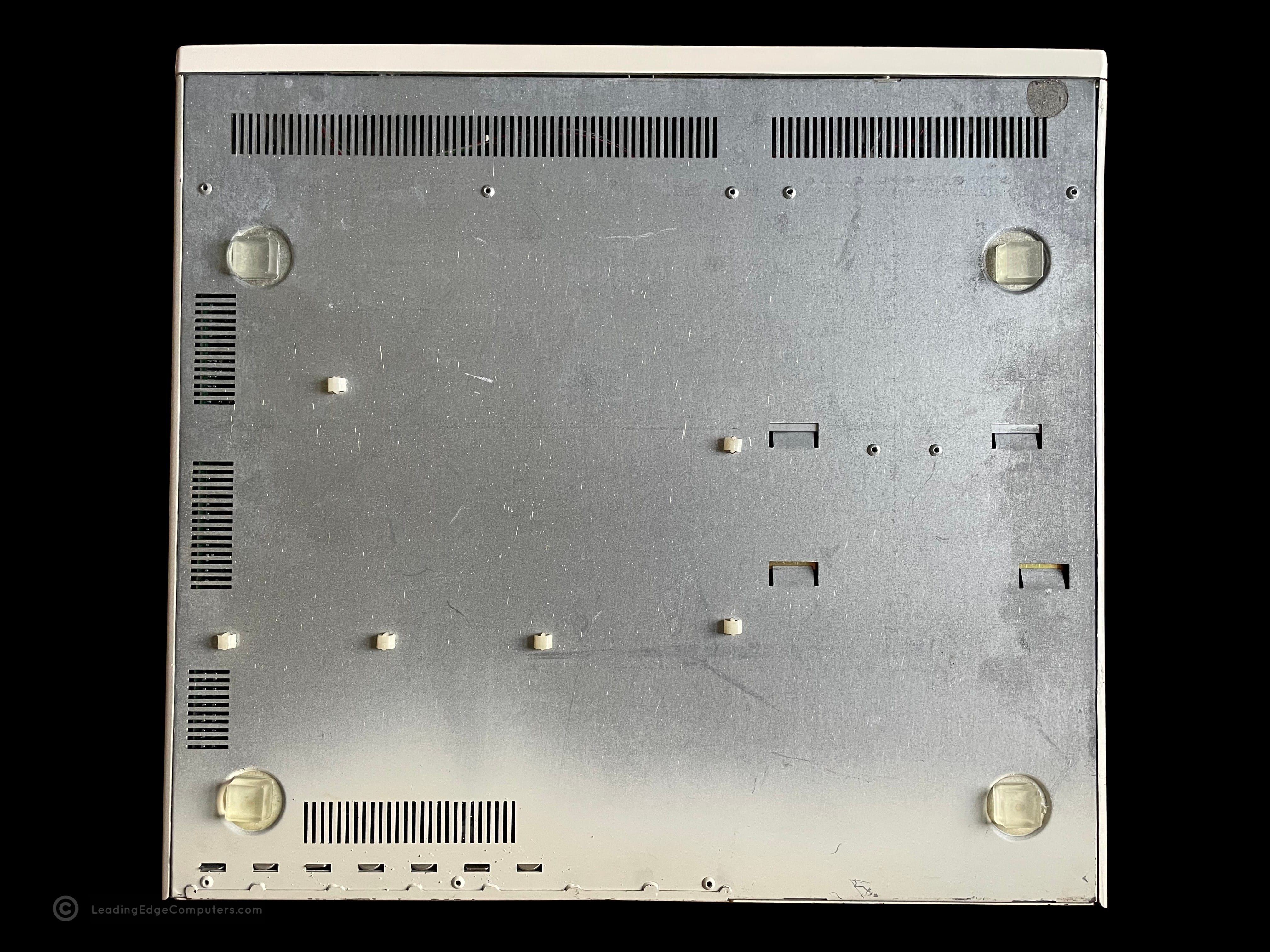
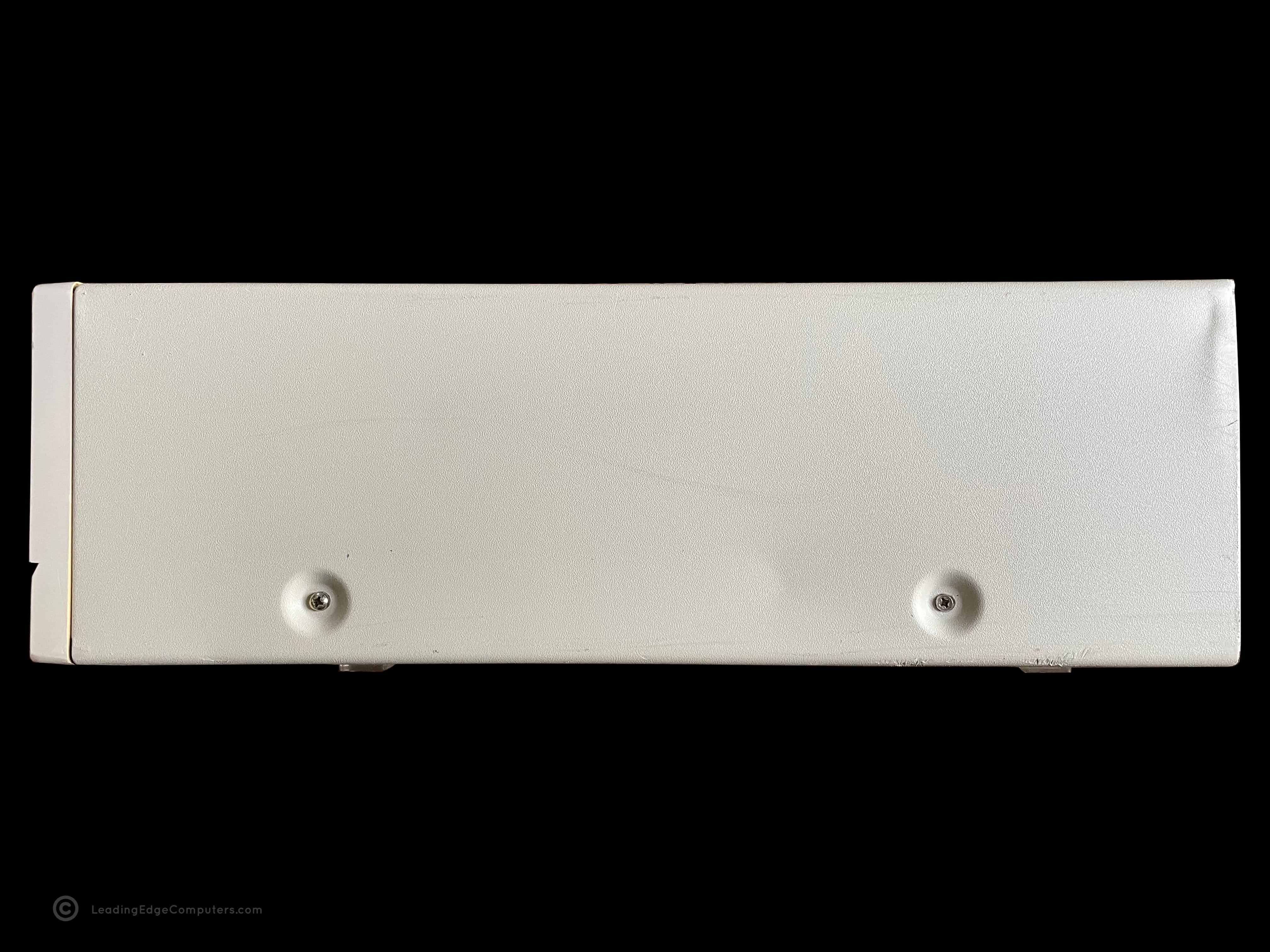
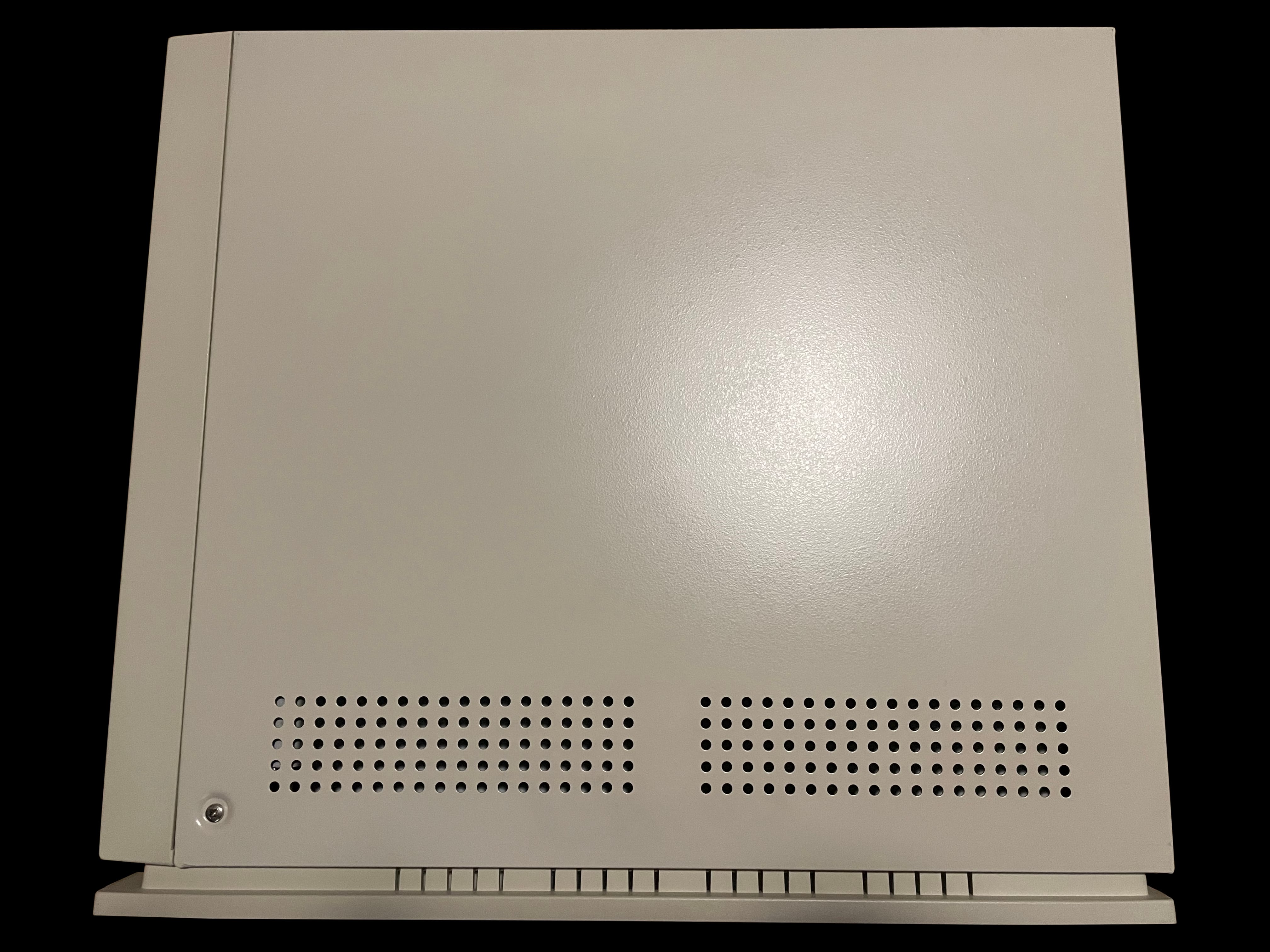
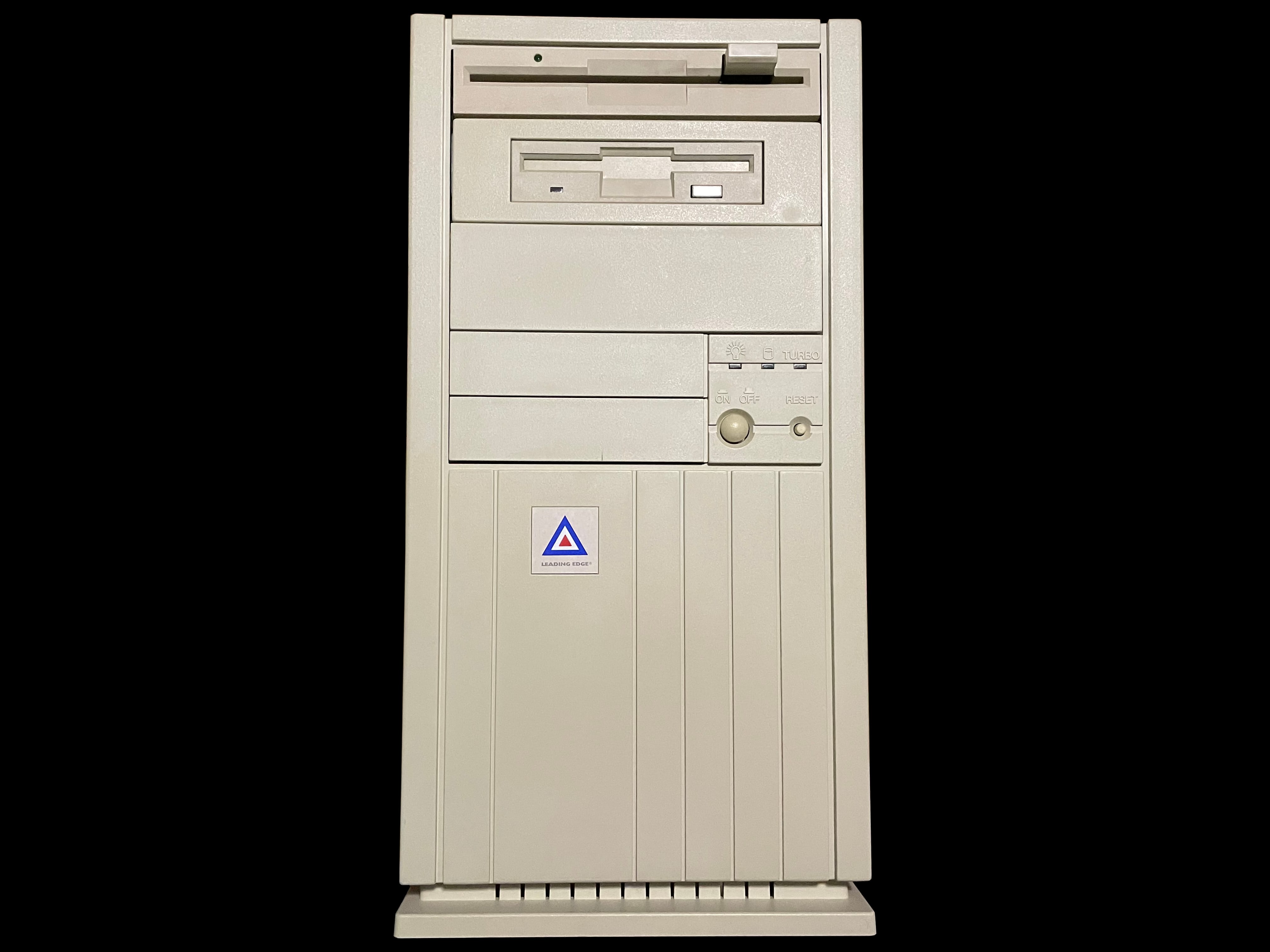
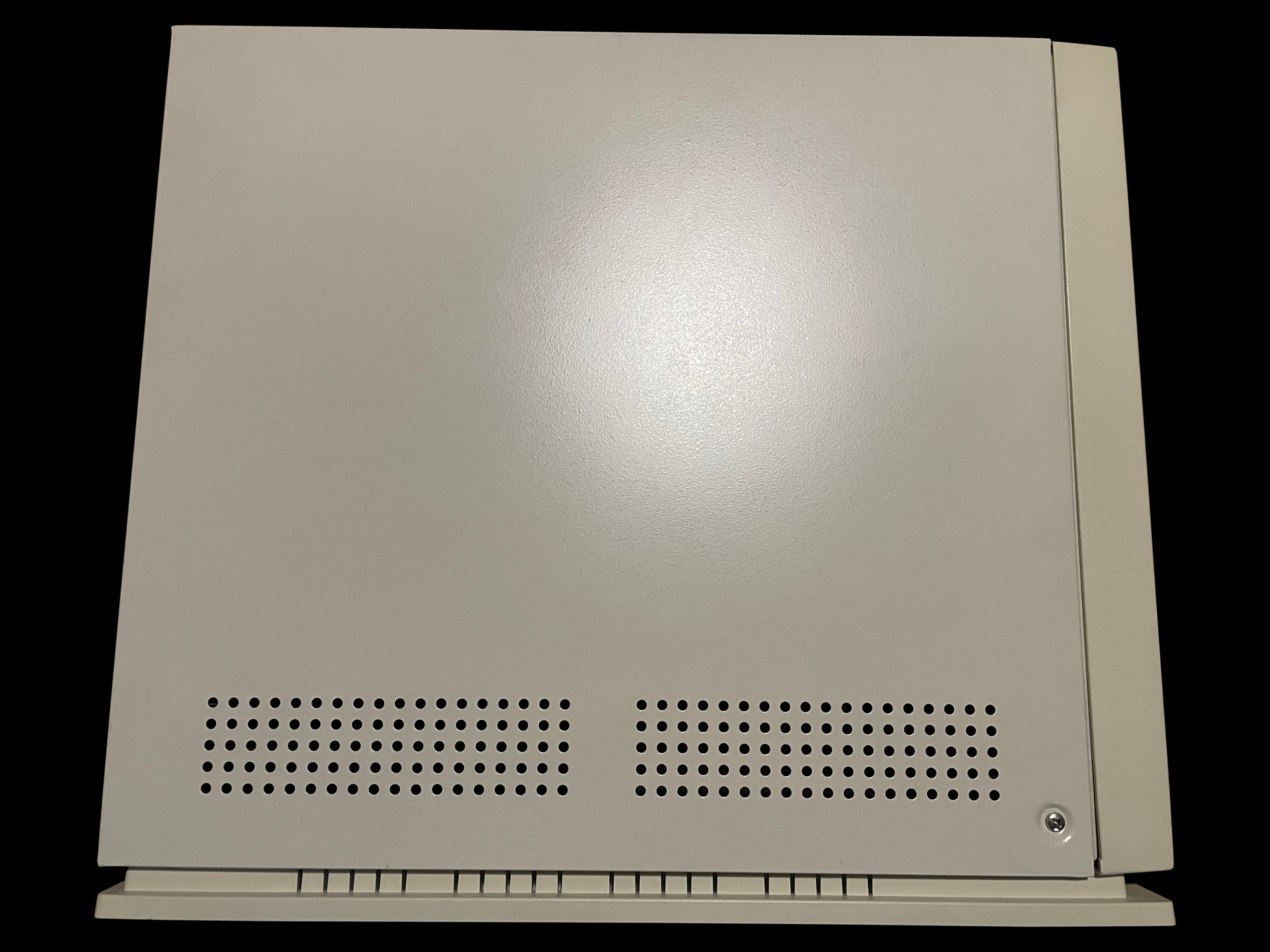
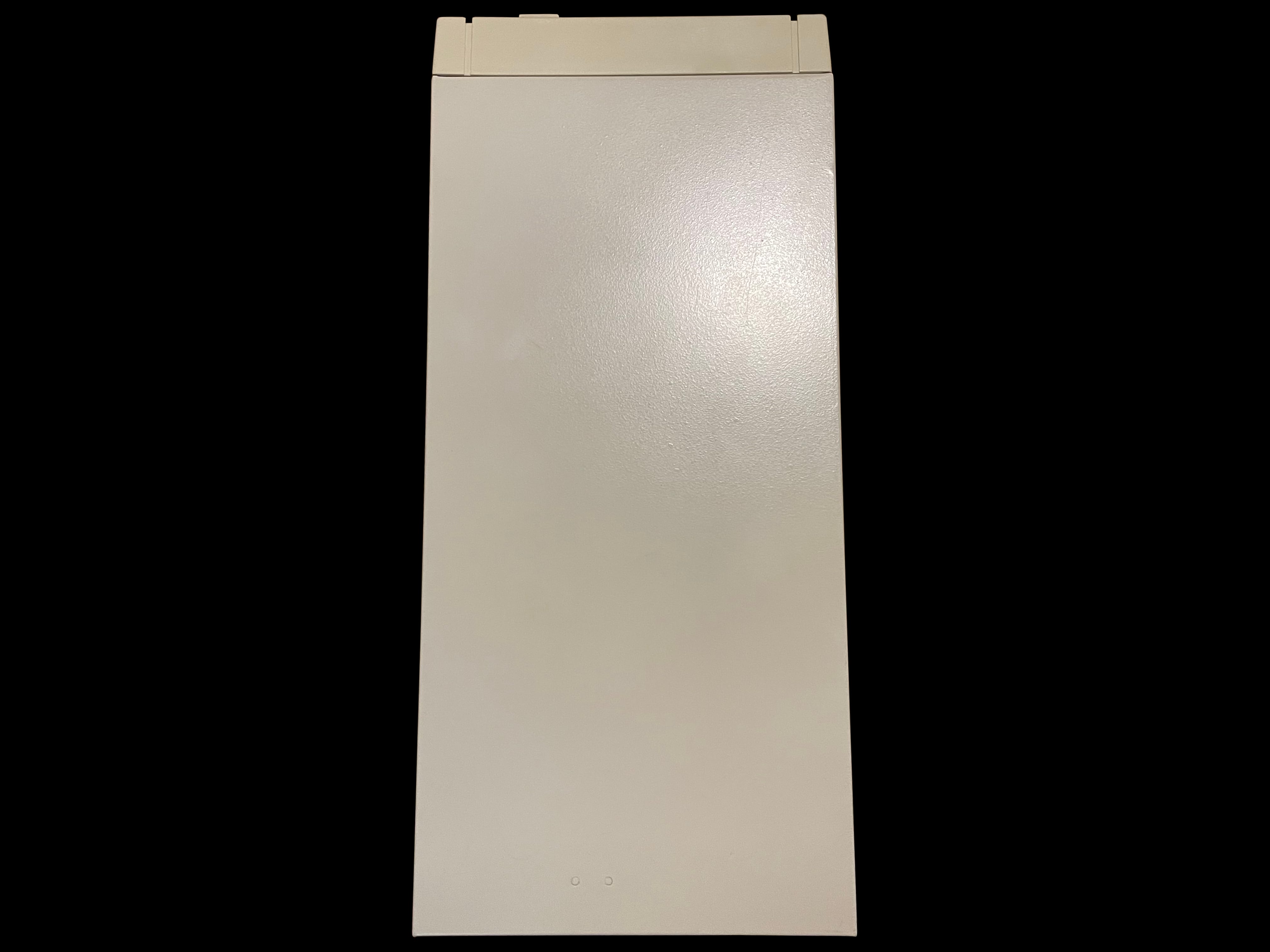
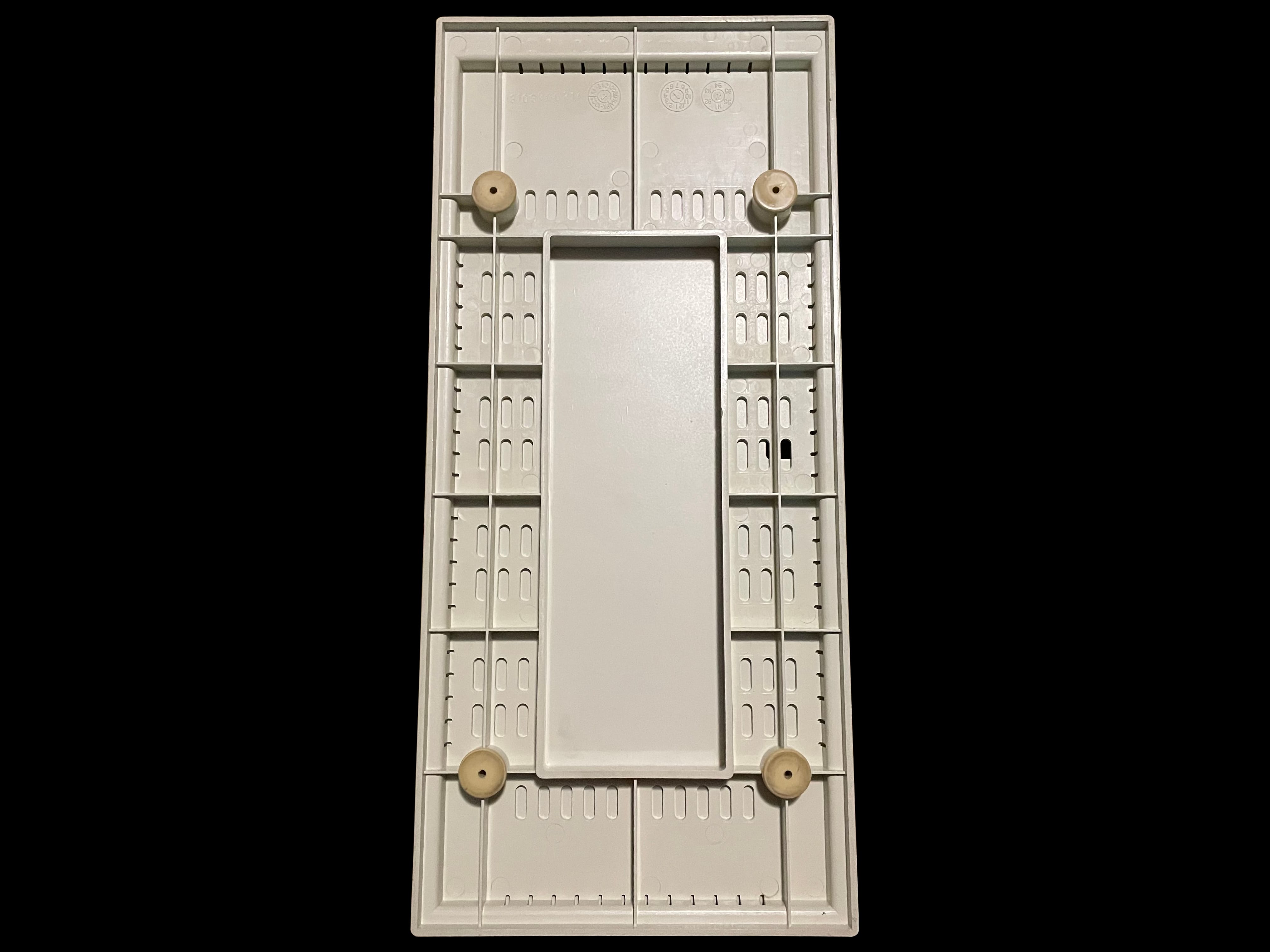
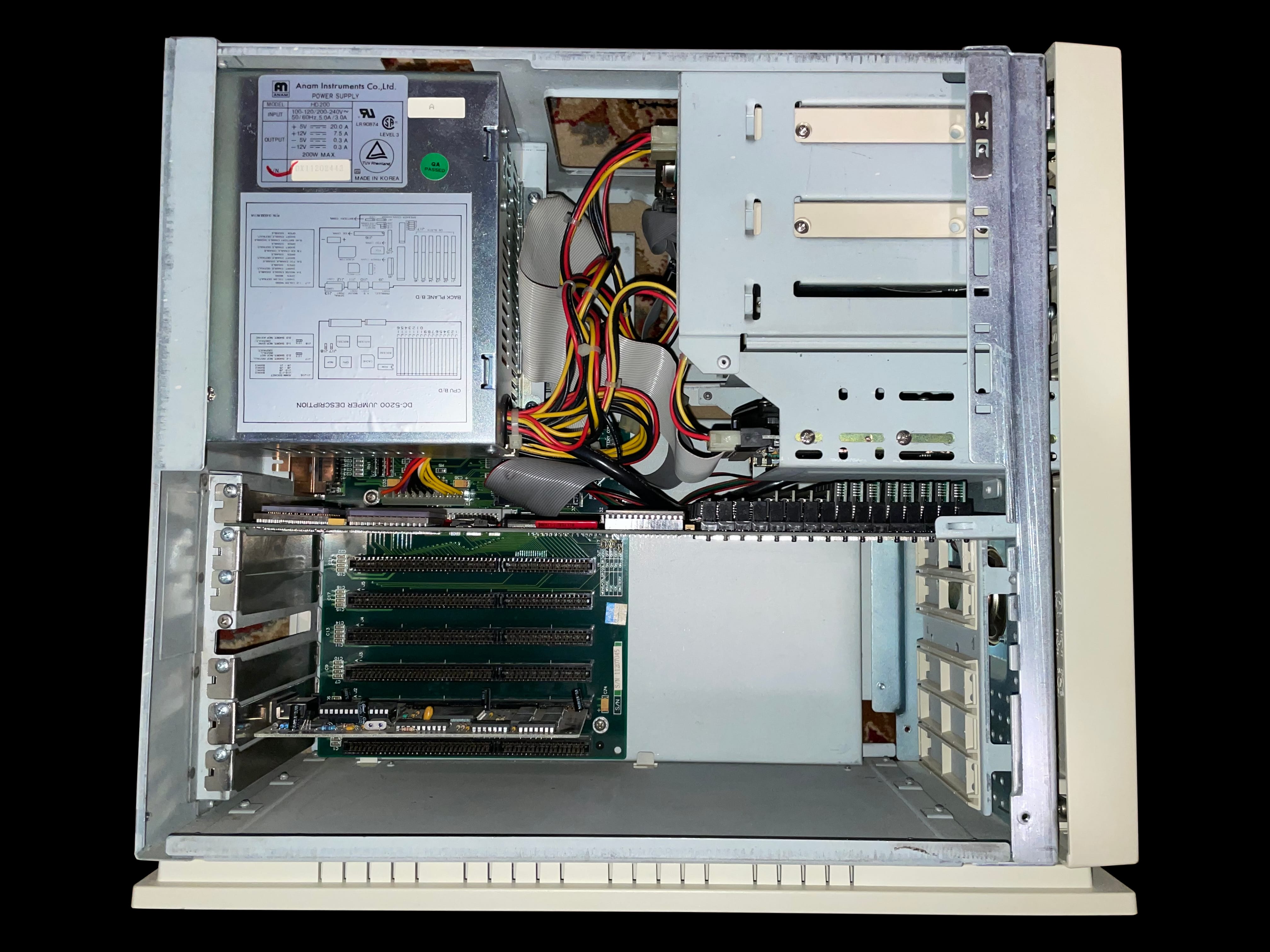
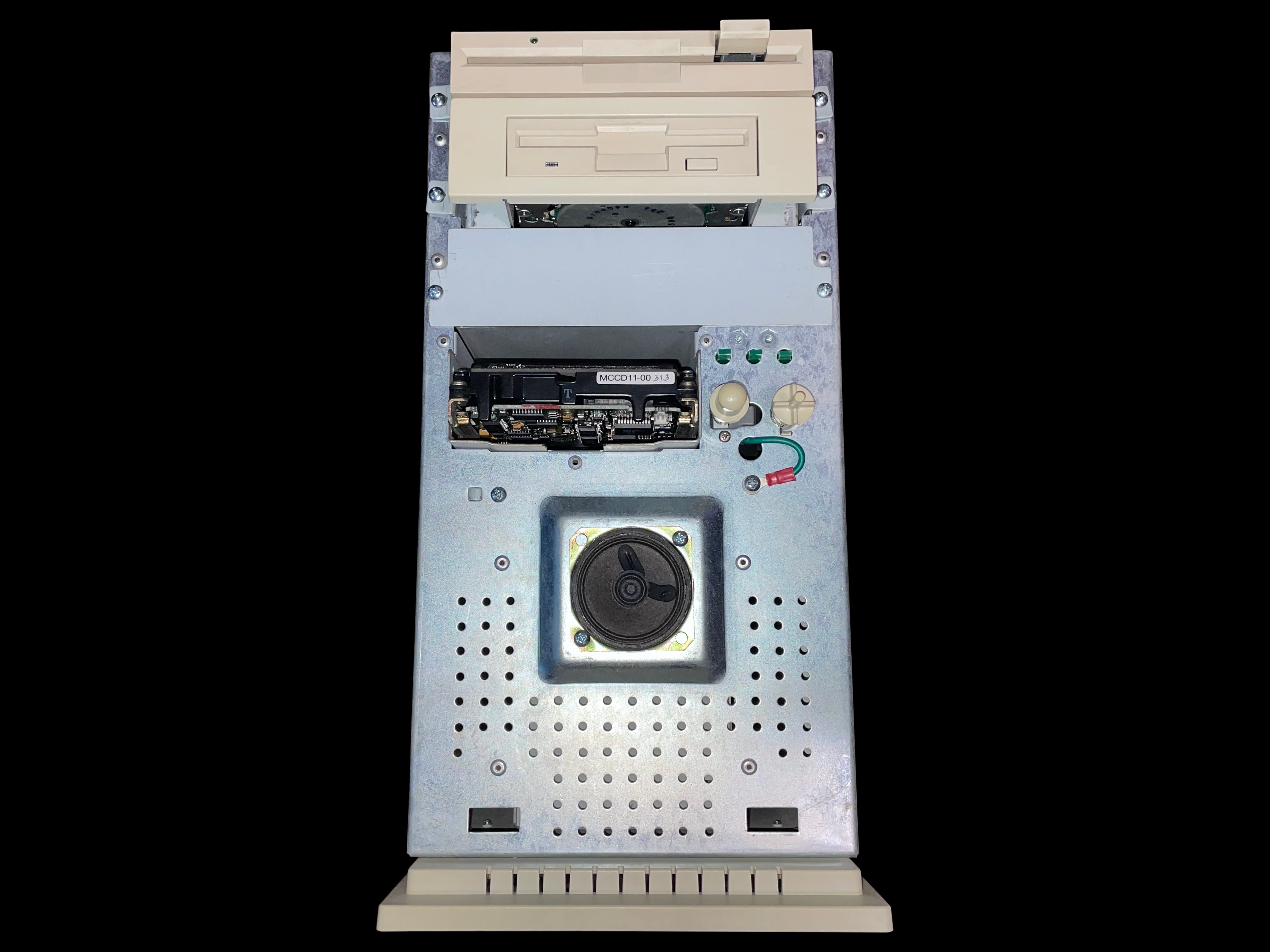
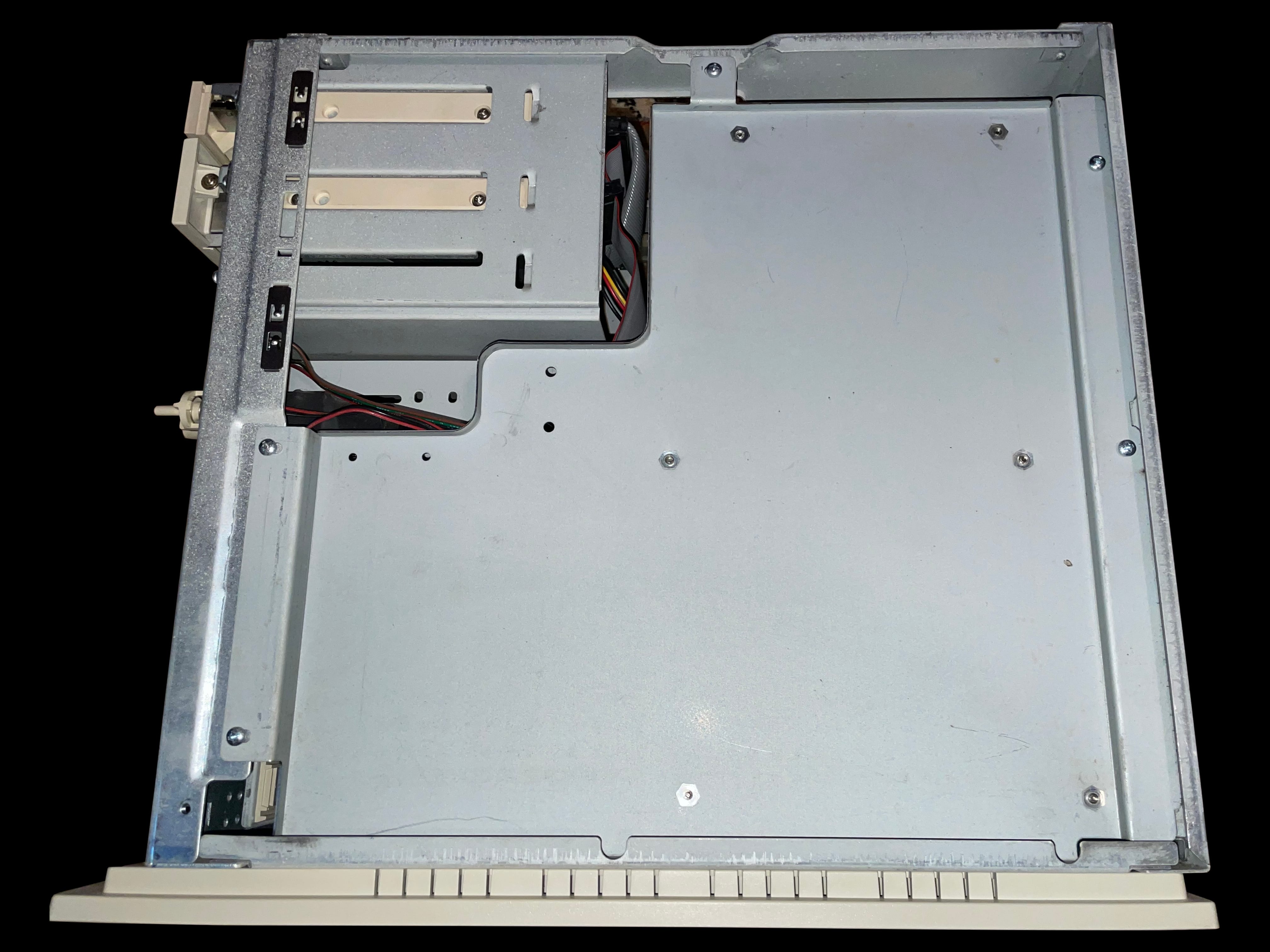
    A photo of a 386SX PC Model DC-3621 from the front featuring two floppy drives A picture of the right-hand side of a 386SX PC Model DC-3621 A rear photo of the 386SX PC Model DC-3621 showing the exhaust fan and cable interfaces A top down view of the 386SX PC Model DC-3621 A picture of the left-hand side of a 386SX PC Model DC-3621 A photo of the bottom of the 386SX PC Model DC-3621 A photo of the 386SX PC Model DC-3621 running the LE Tutorial program An alternate angle photo of the 386SX PC Model DC-3621 running the LE Tutorial program A closeup view of the 386SX PC Model DC-3621's two BIOS ROM chips

     386SX PC Model DC‐3621 BIOS V1.0 10‐03

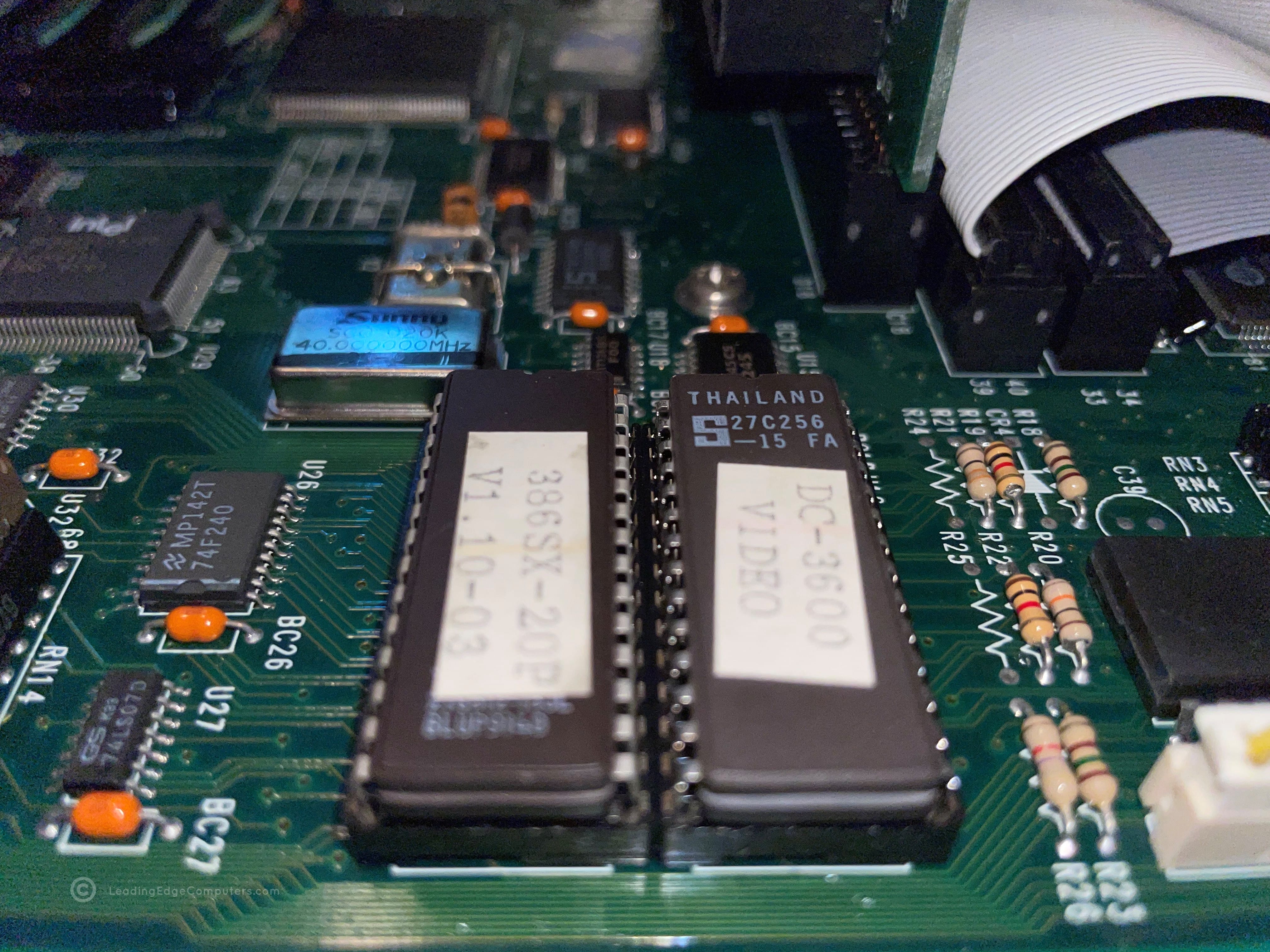
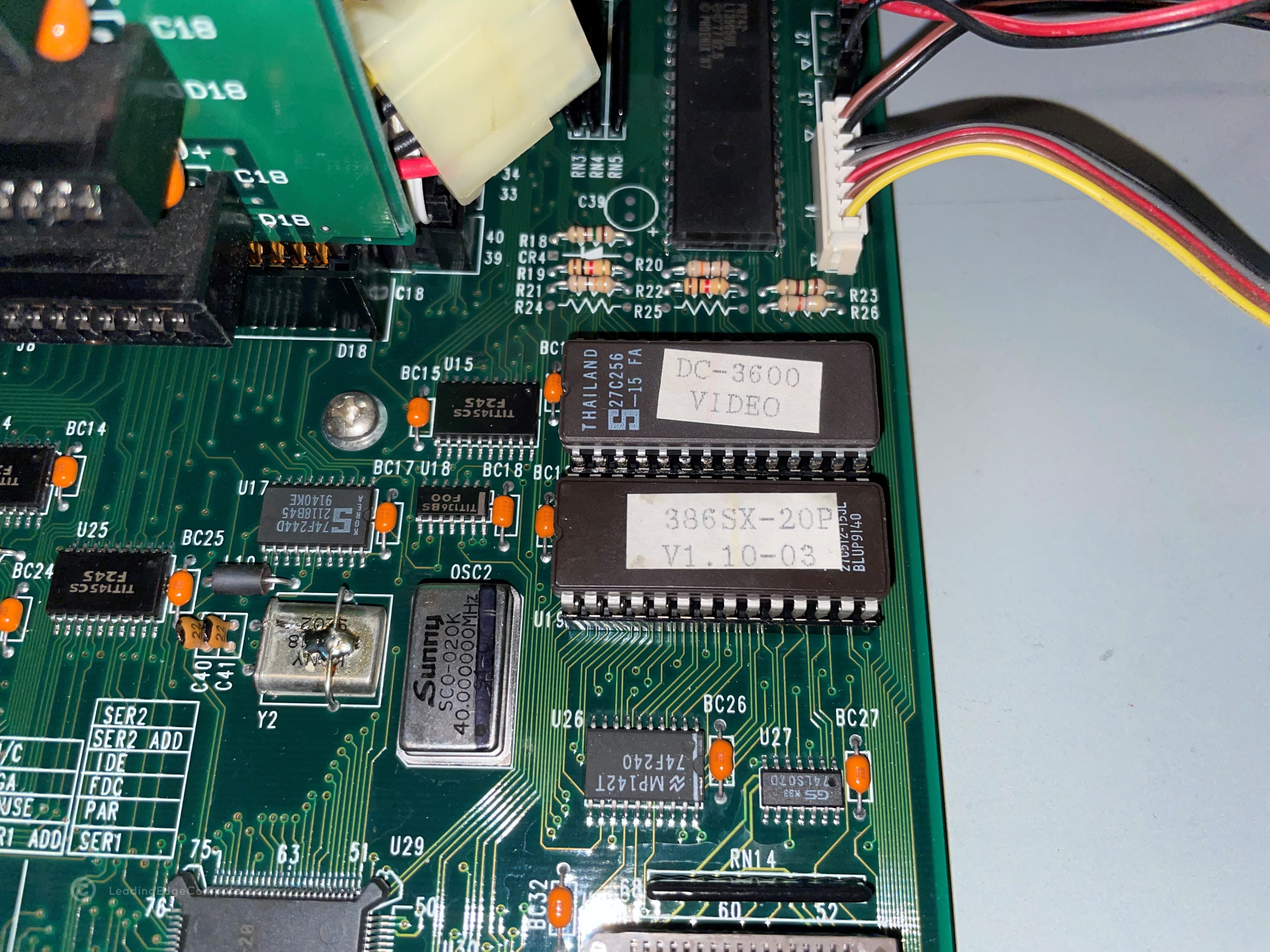
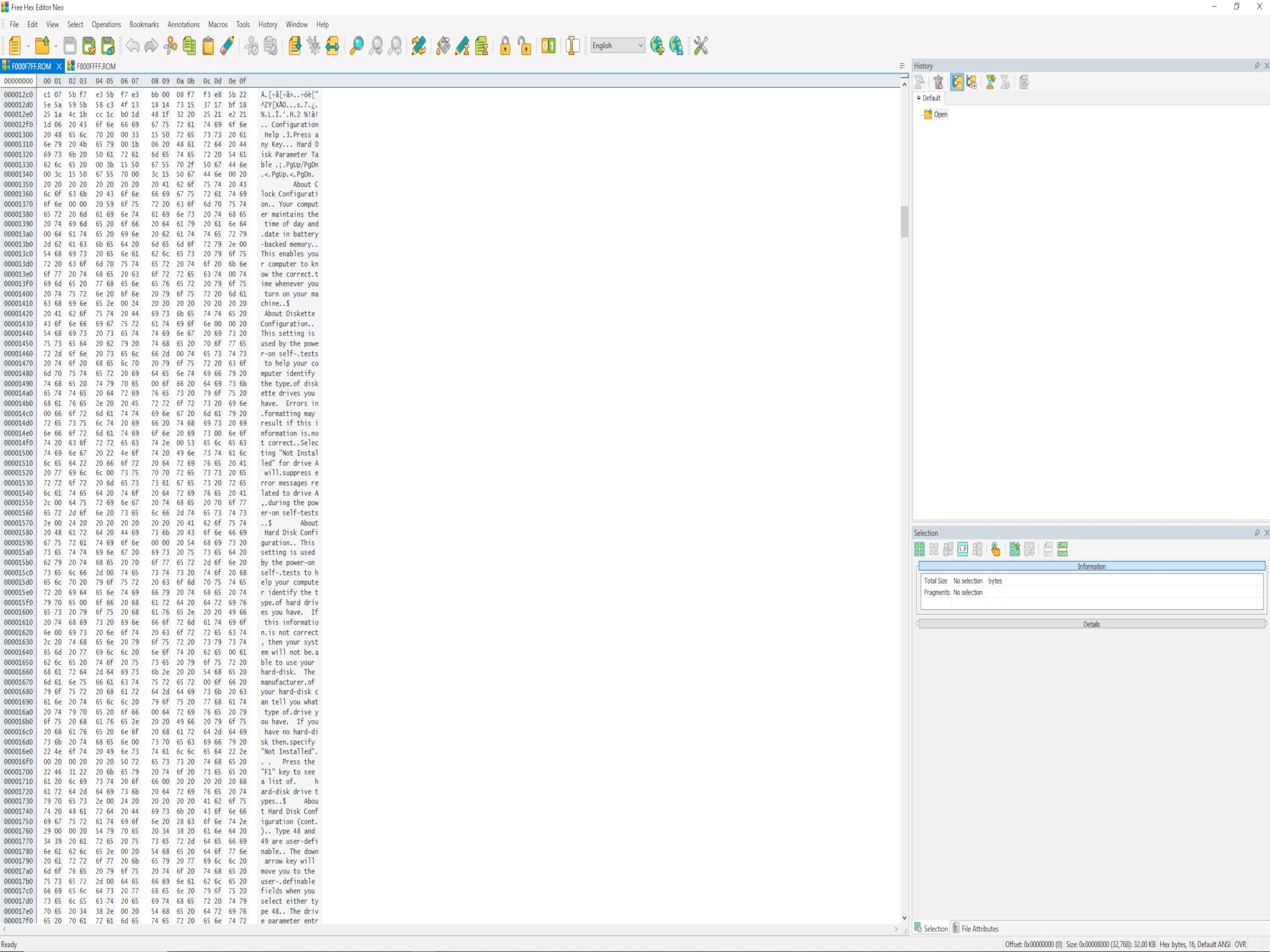
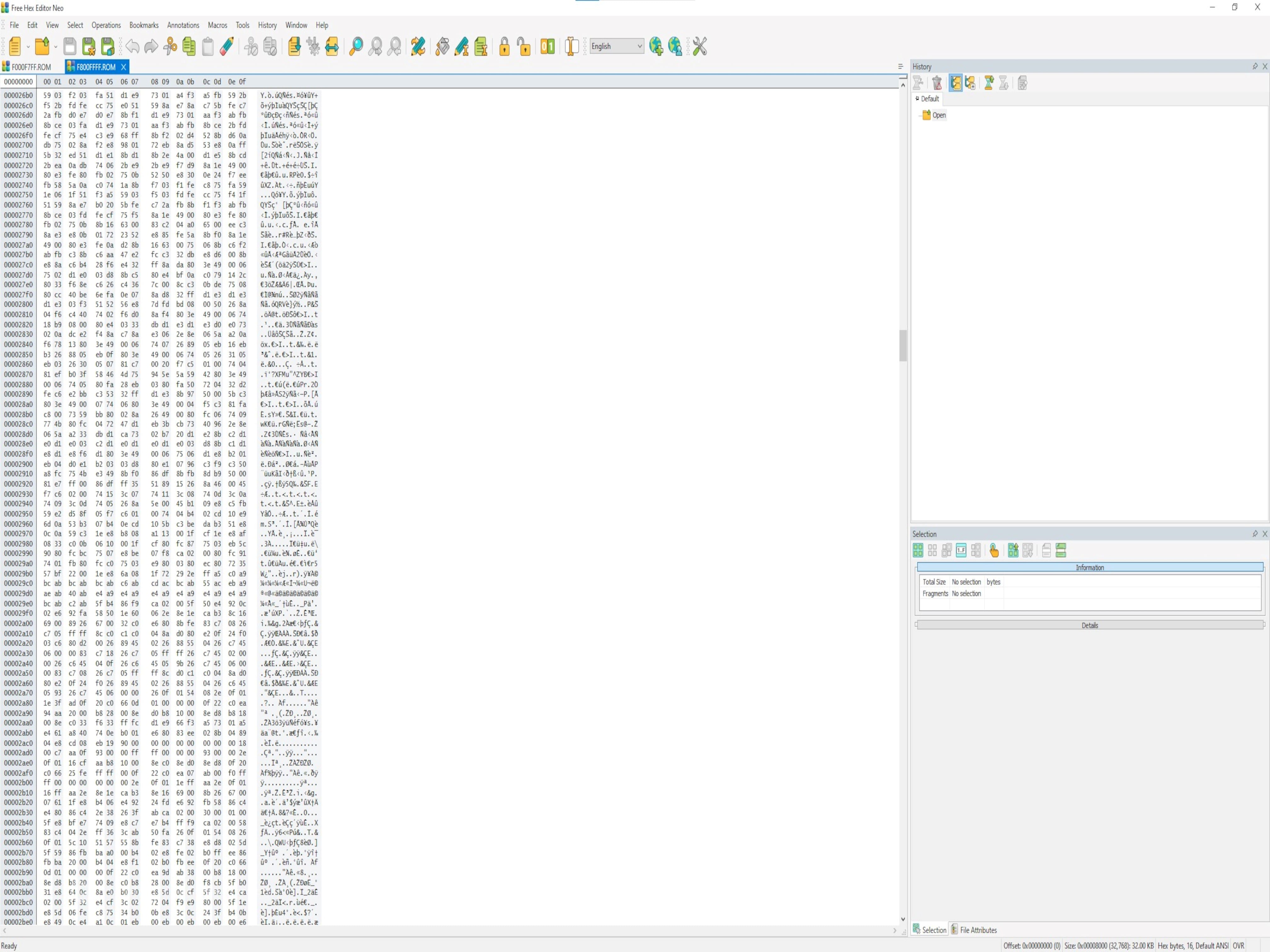
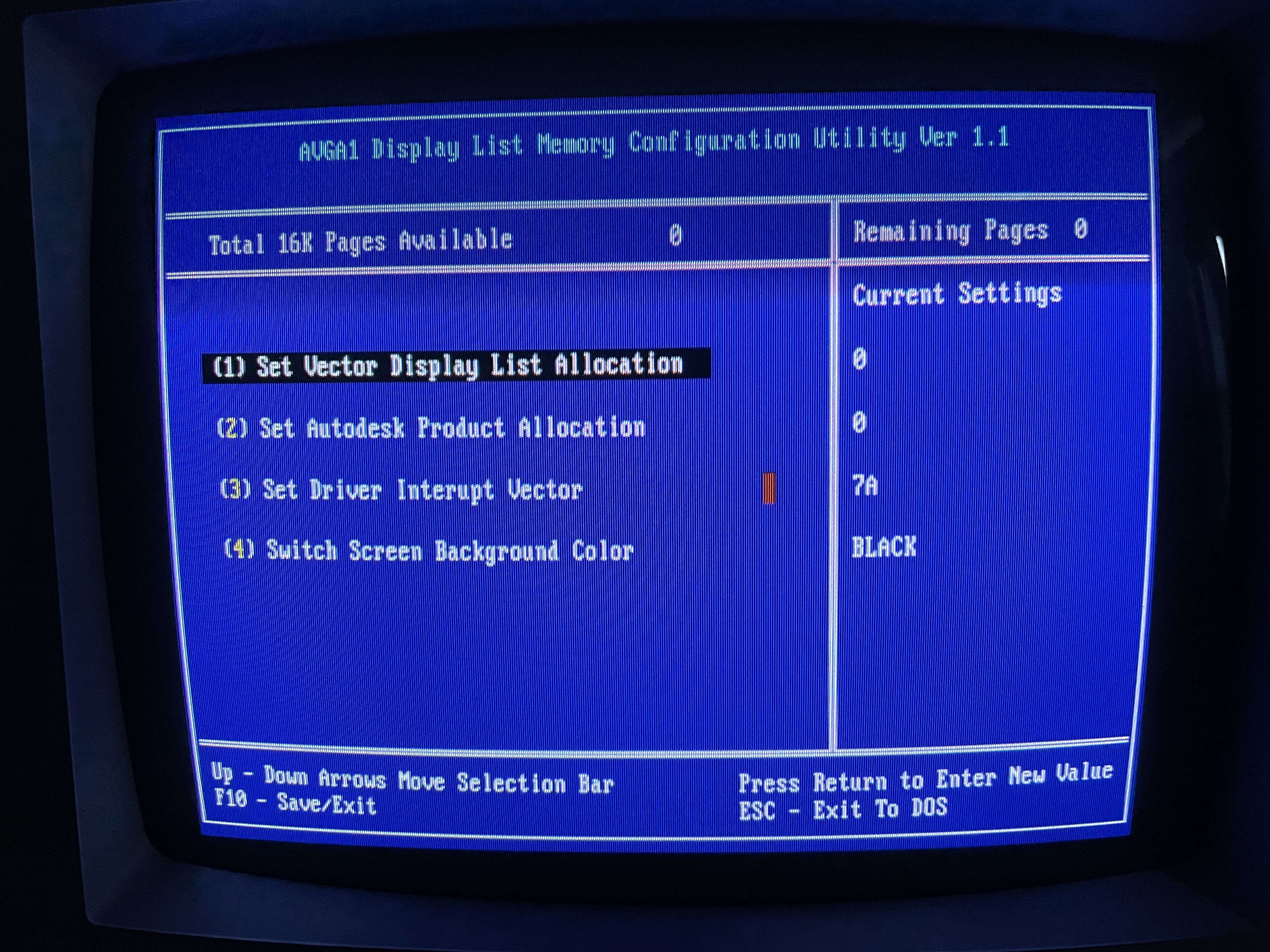
    A photo of a Leading Edge 386SX DC-3621 BIOS chip on the motherboard An photo showing an alternate view of a Leading Edge 386SX DC-3621 BIOS chip installed on the mainboard A screenshot of a Leading Edge 386SX DC-3621 ROM file for BIOS setup A screenshot of a Leading Edge 386SX DC-3621 ROM file for BIOS POST A picture of a 386SX PC as it boots up and shows the start up / POST BIOS screen An image of the system configuration BIOS with key configuration selections available

     386SX Plus Notebook

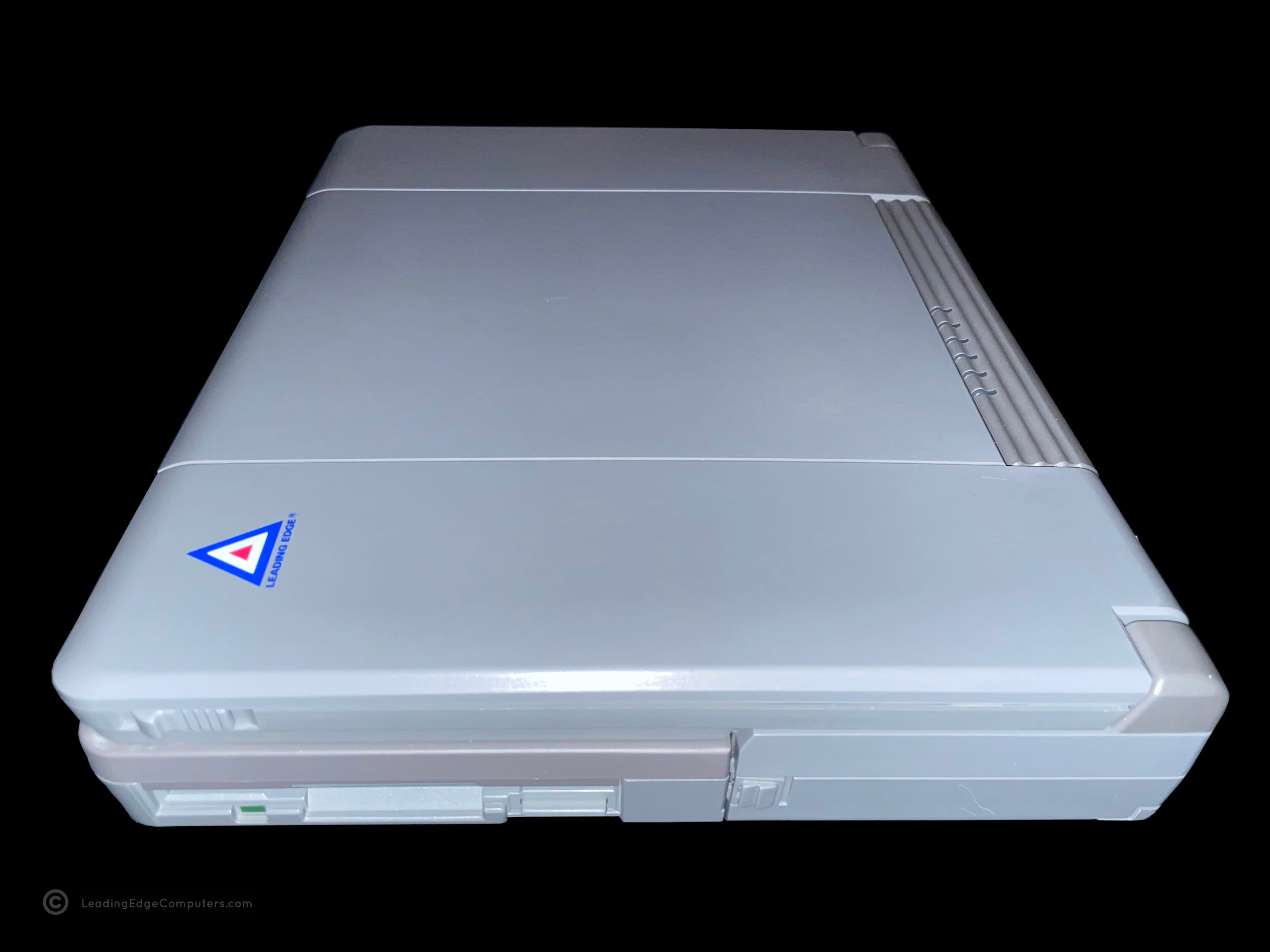
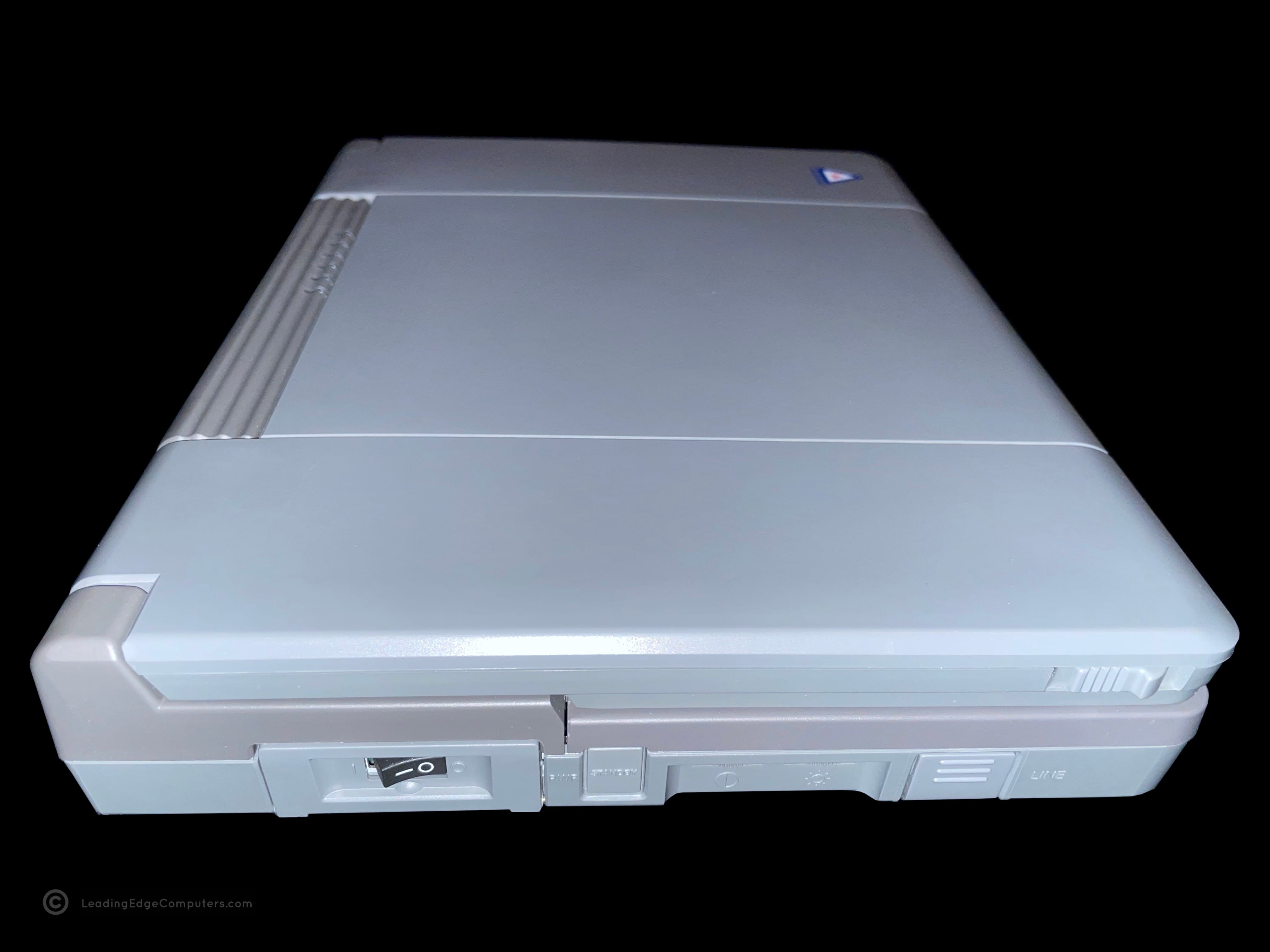
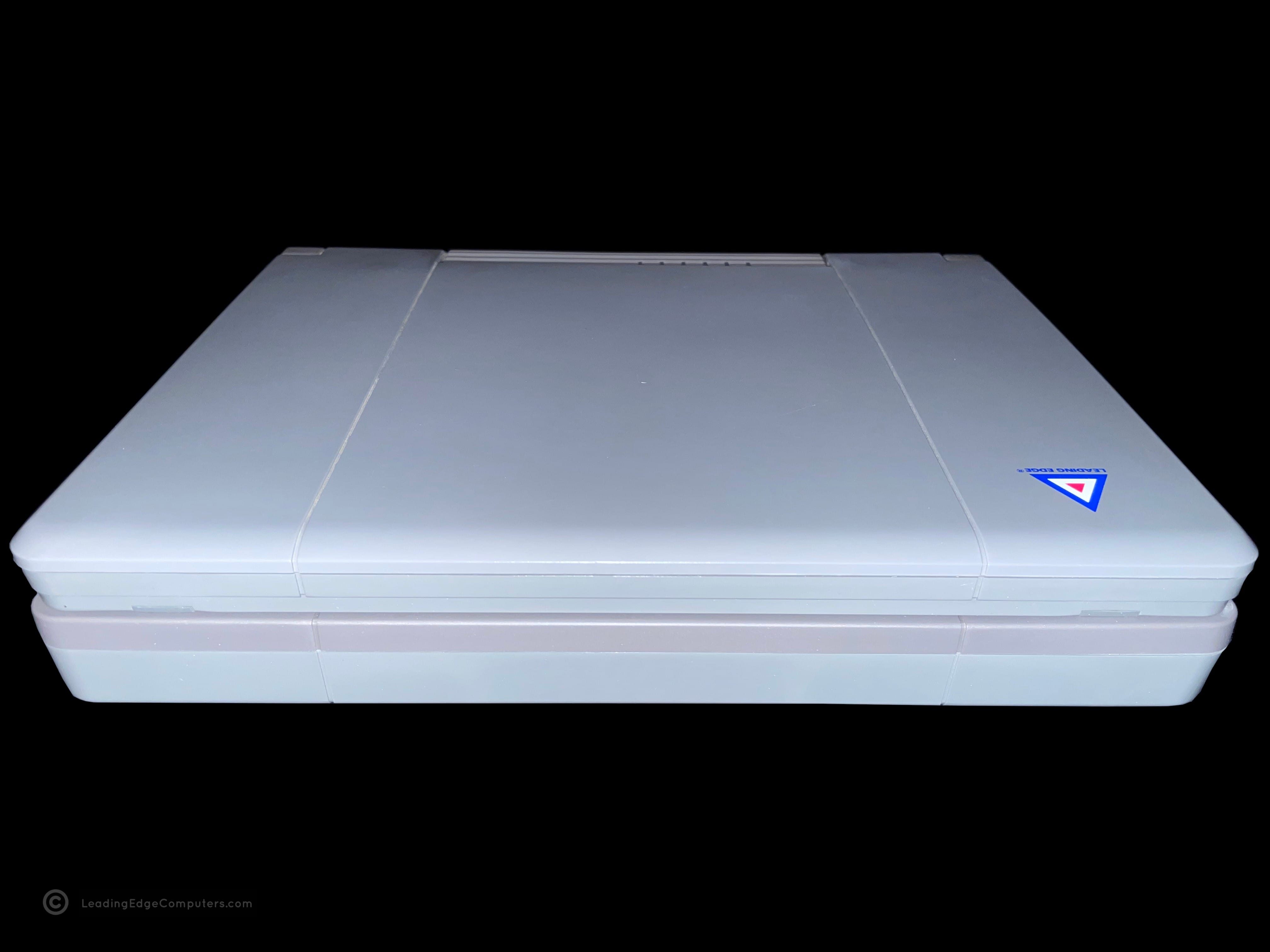
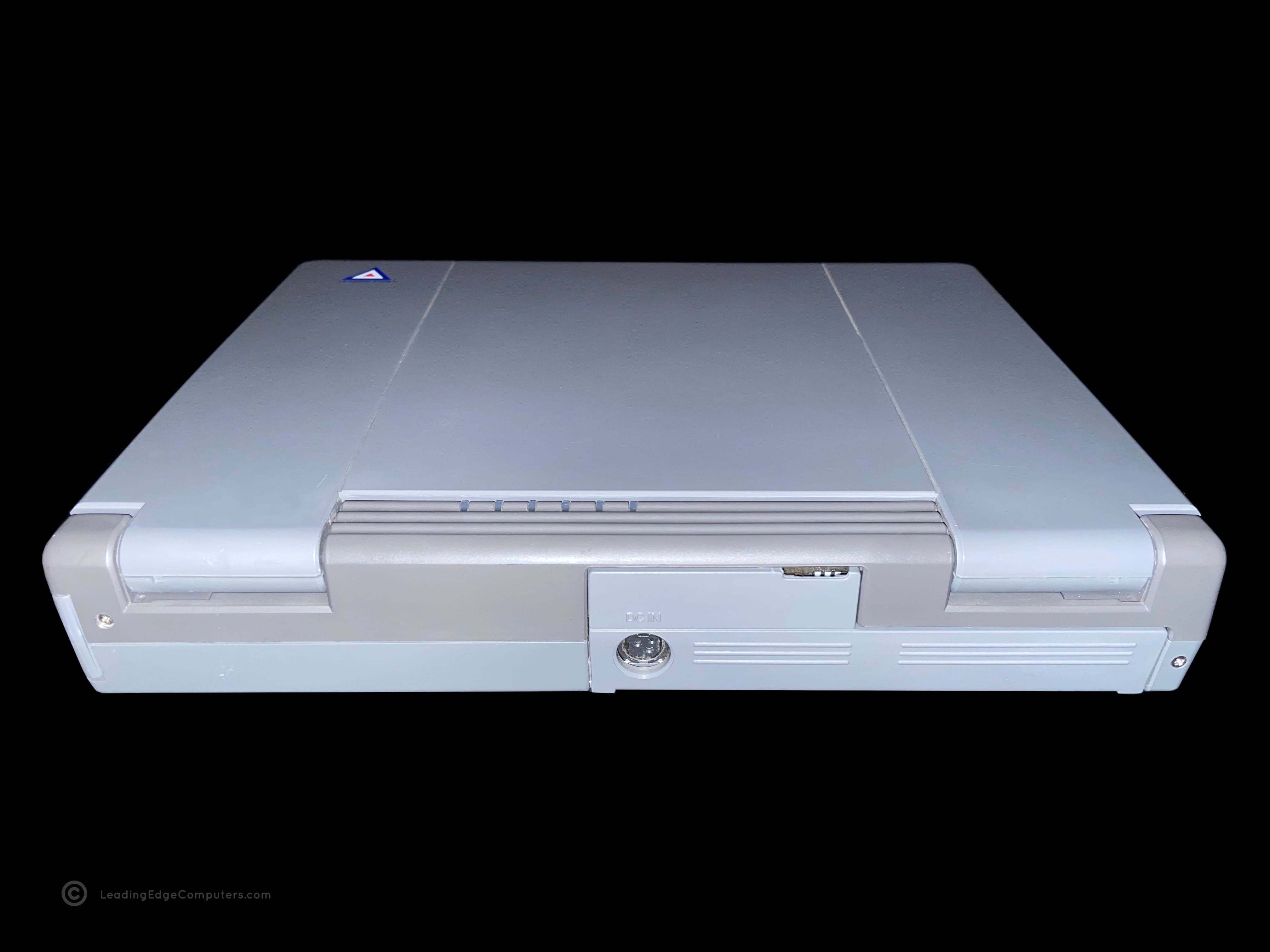
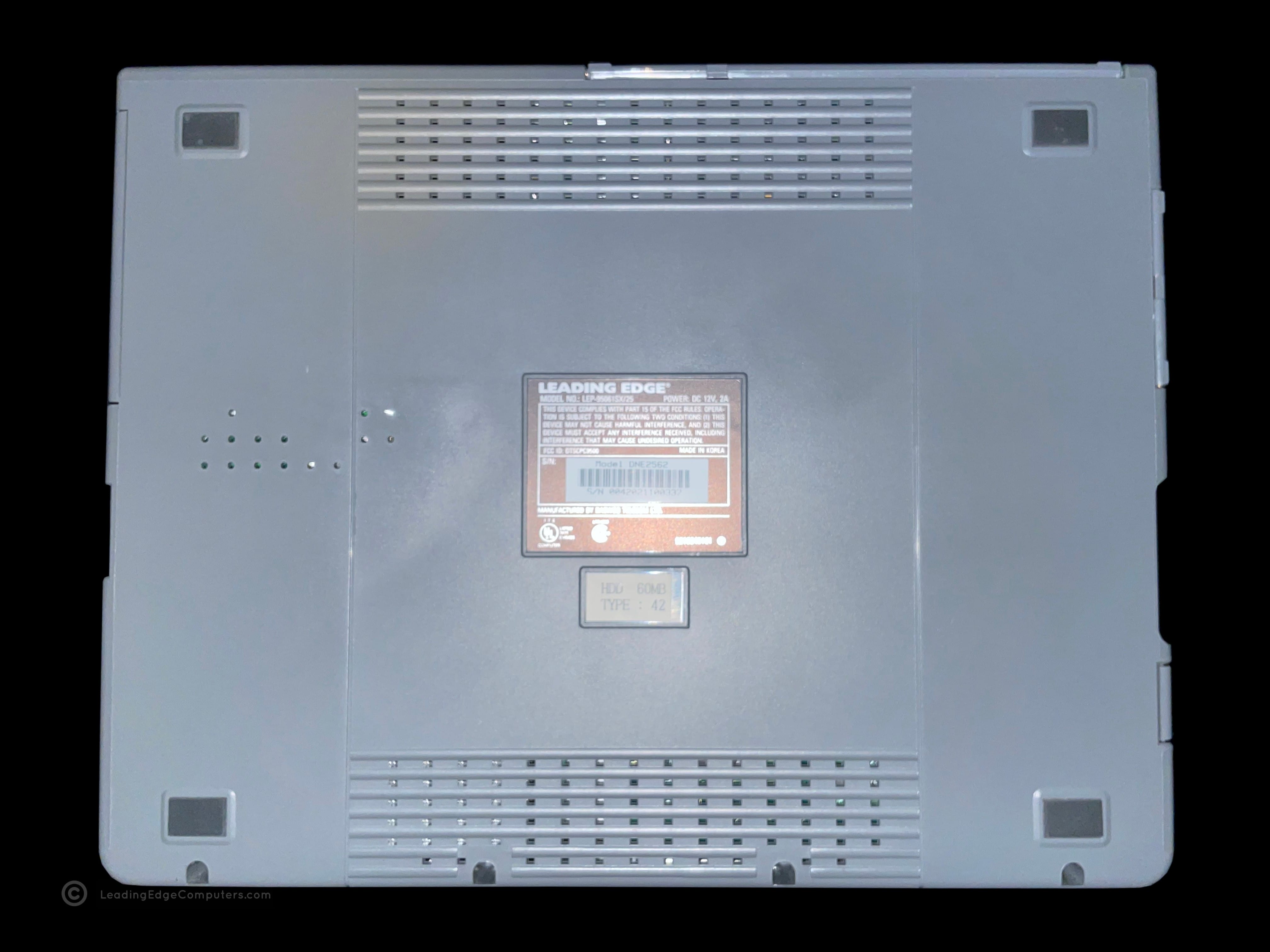
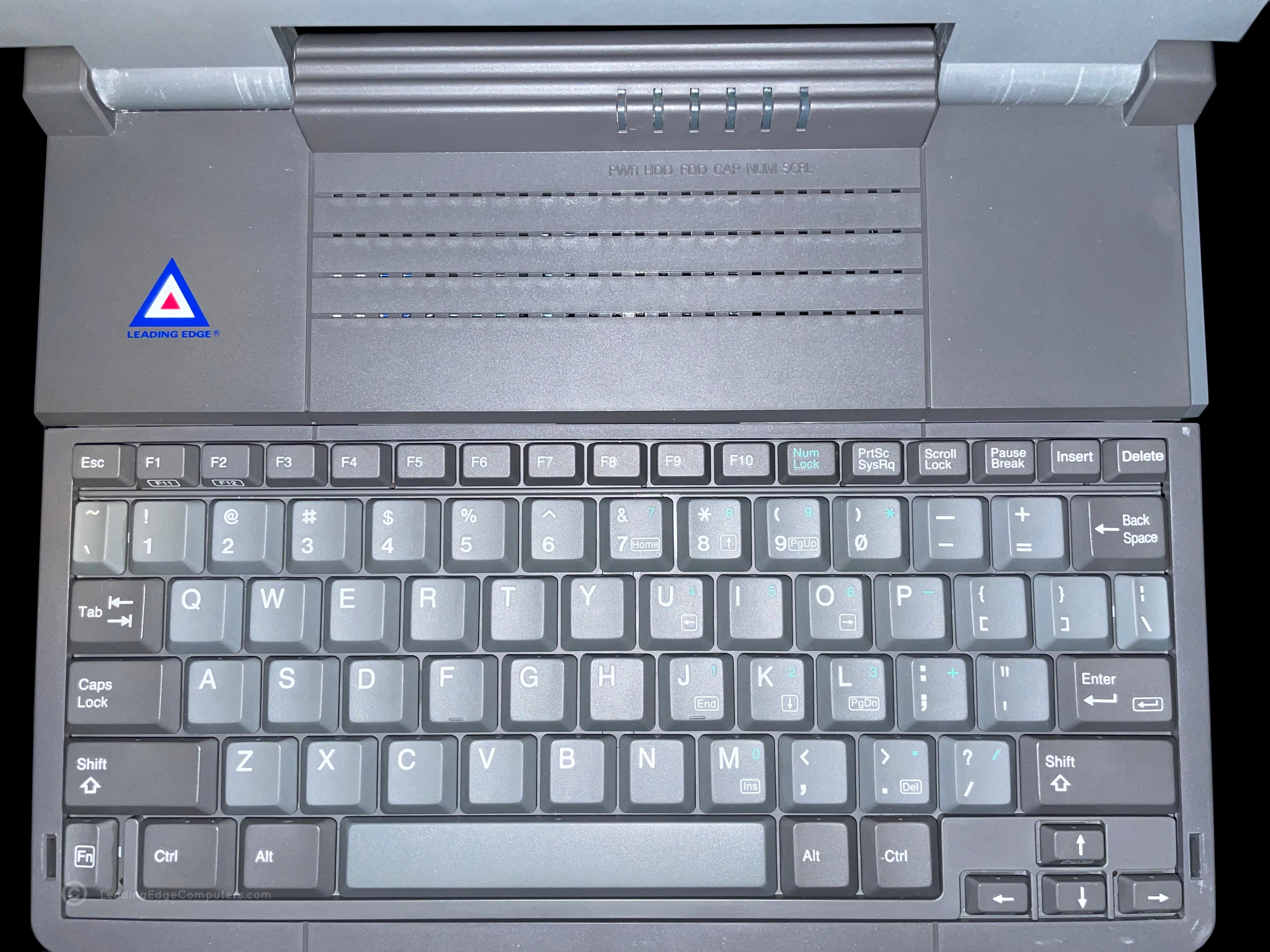
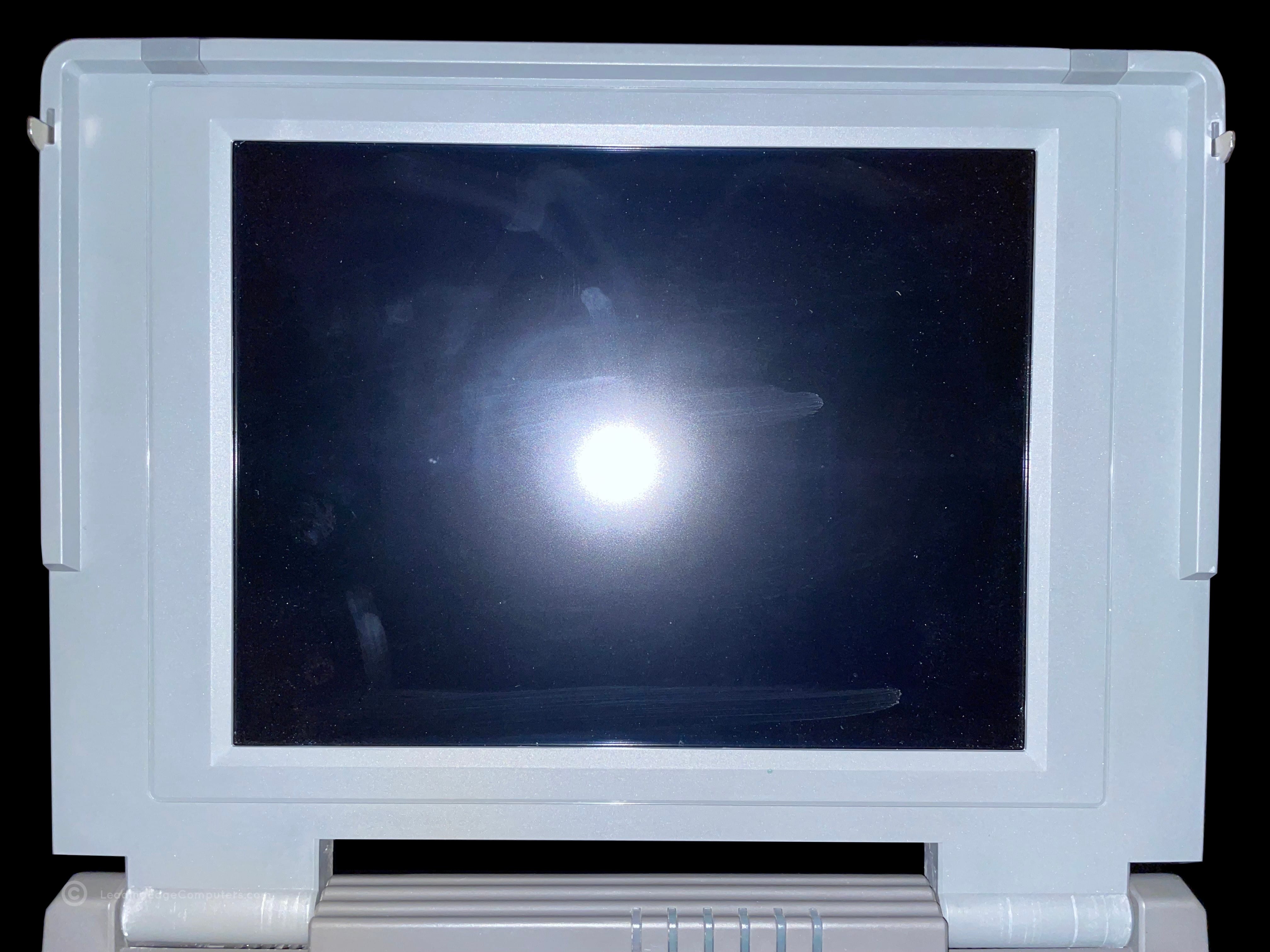
    Picture of an open 386SX Plus Notebook showing the keyboard and LCD screen Closed 386SX Plus Notebook with the Leading Edge logo Side view photo of the 386SX Plus Notebook showing the floppy drive Side view photo of the 386SX Plus Notebook showing the power switch and LCD bright and contrast controls Closed 386SX Plus Notebook computer from the user's perspective Rear view of the 386SX Plus Notebook with the cable interface door closed Bottom view photo of the 386SX Plus Notebook showing manufacturer labels A top down photo of the 386SX Plus Notebook keyboard A closer view of the 386SX Plus Notebook's LCD showing finger smudges

     386SX Plus Notebook Manual

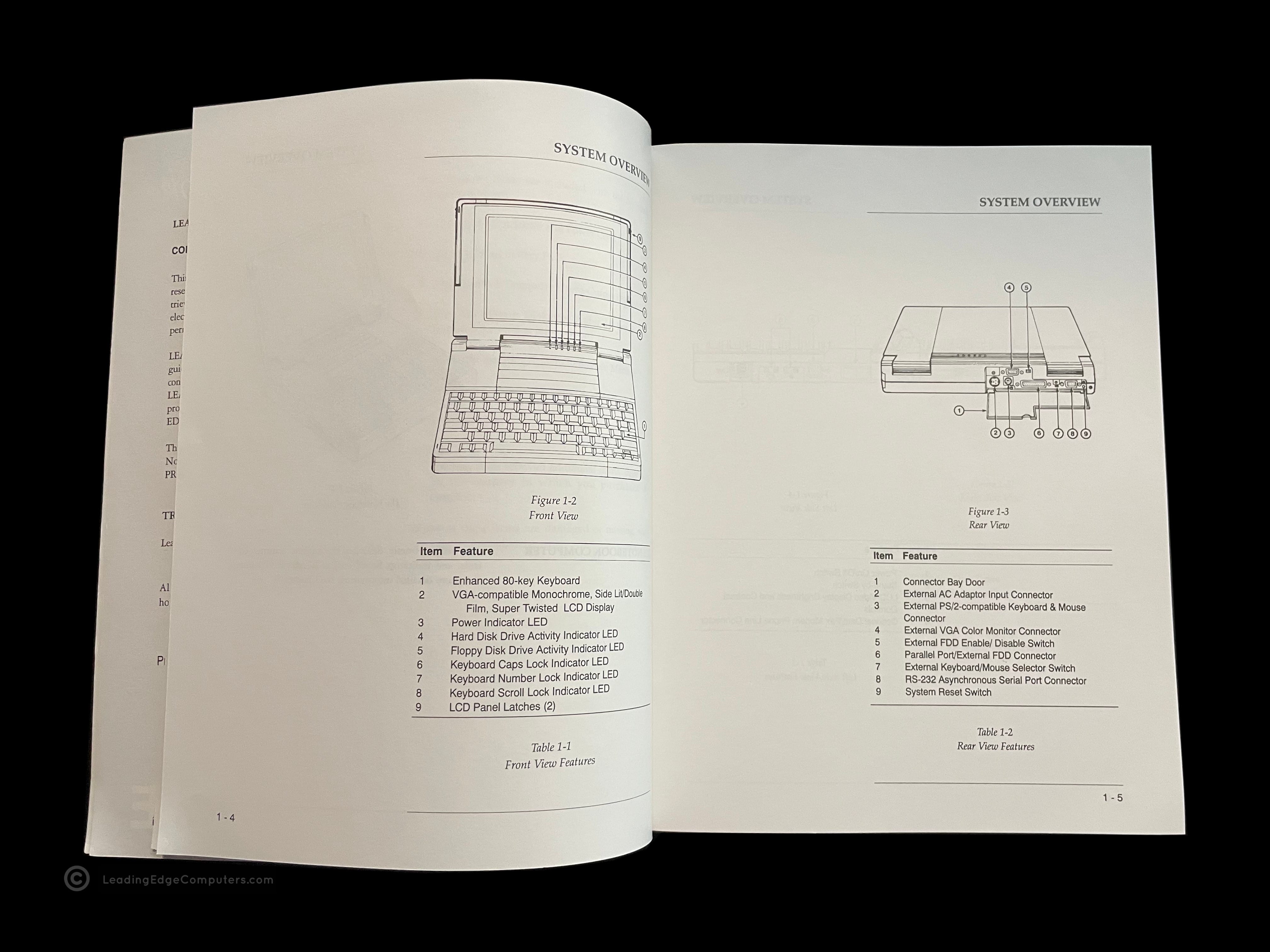
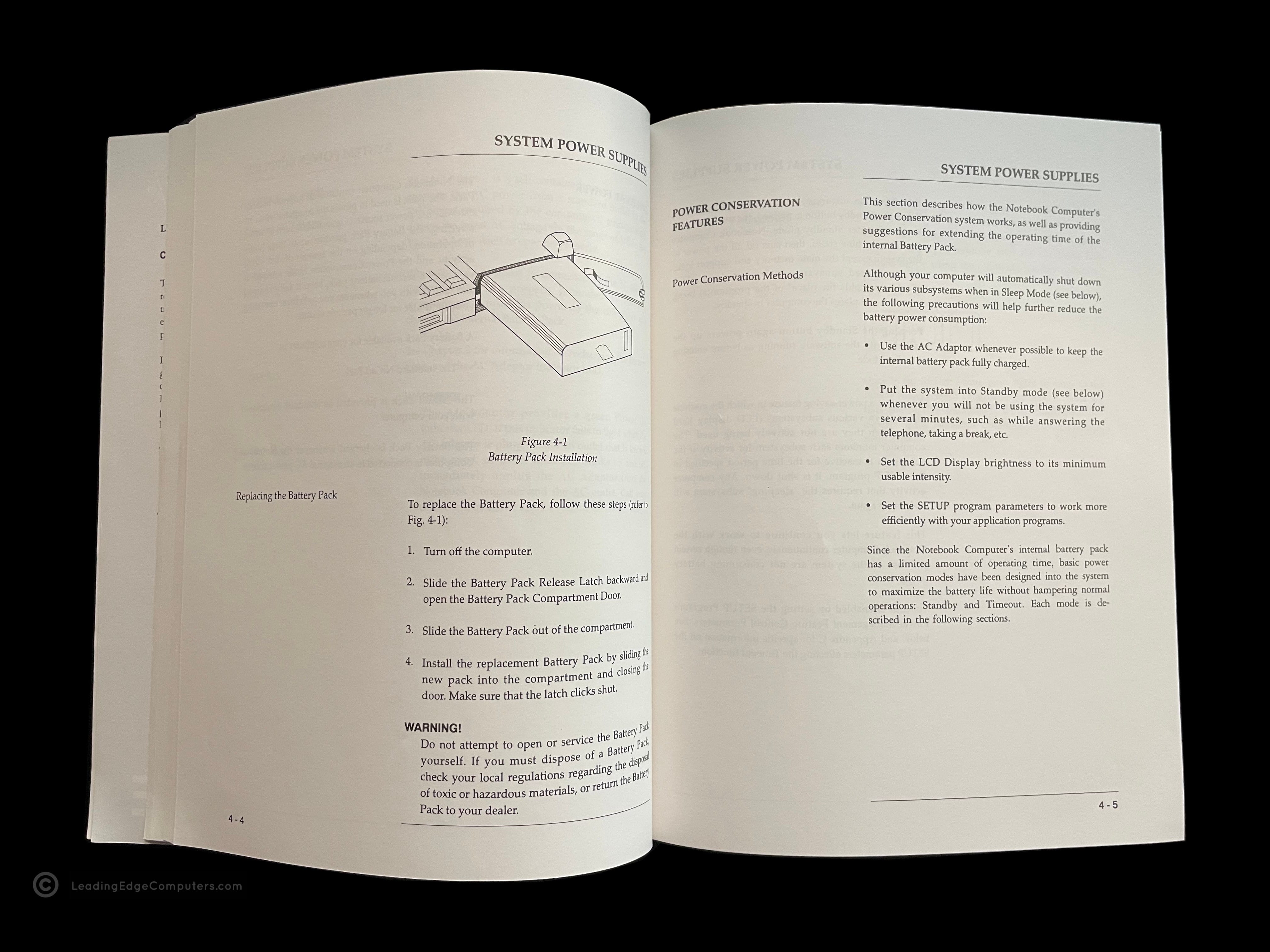
    Photo of the front cover of the 386SX Plus Notebook Manual Back cover of the 386SX Plus Notebook Manual Angled view of the 386SX Plus Notebook Manual showing the spine of the manual Teaser photo showing inside of the 386SX Plus Notebook Manual, featuring the system overview diagram Inside photo of the 386SX Plus Notebook Manual's legal pages Teaser photo showing inside of the 386SX Plus Notebook Manual's system power supply pages

     AT 1332‐AL

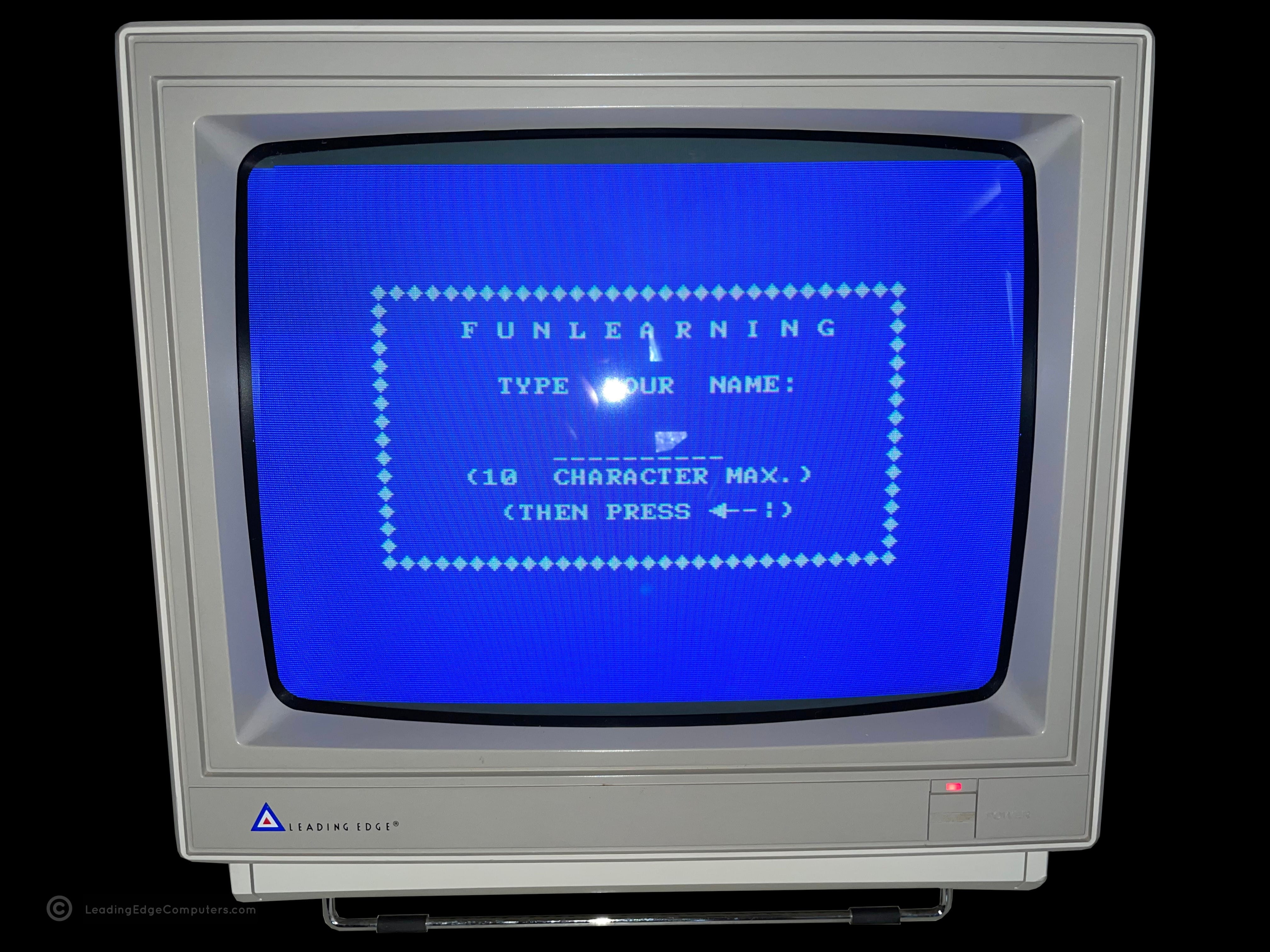
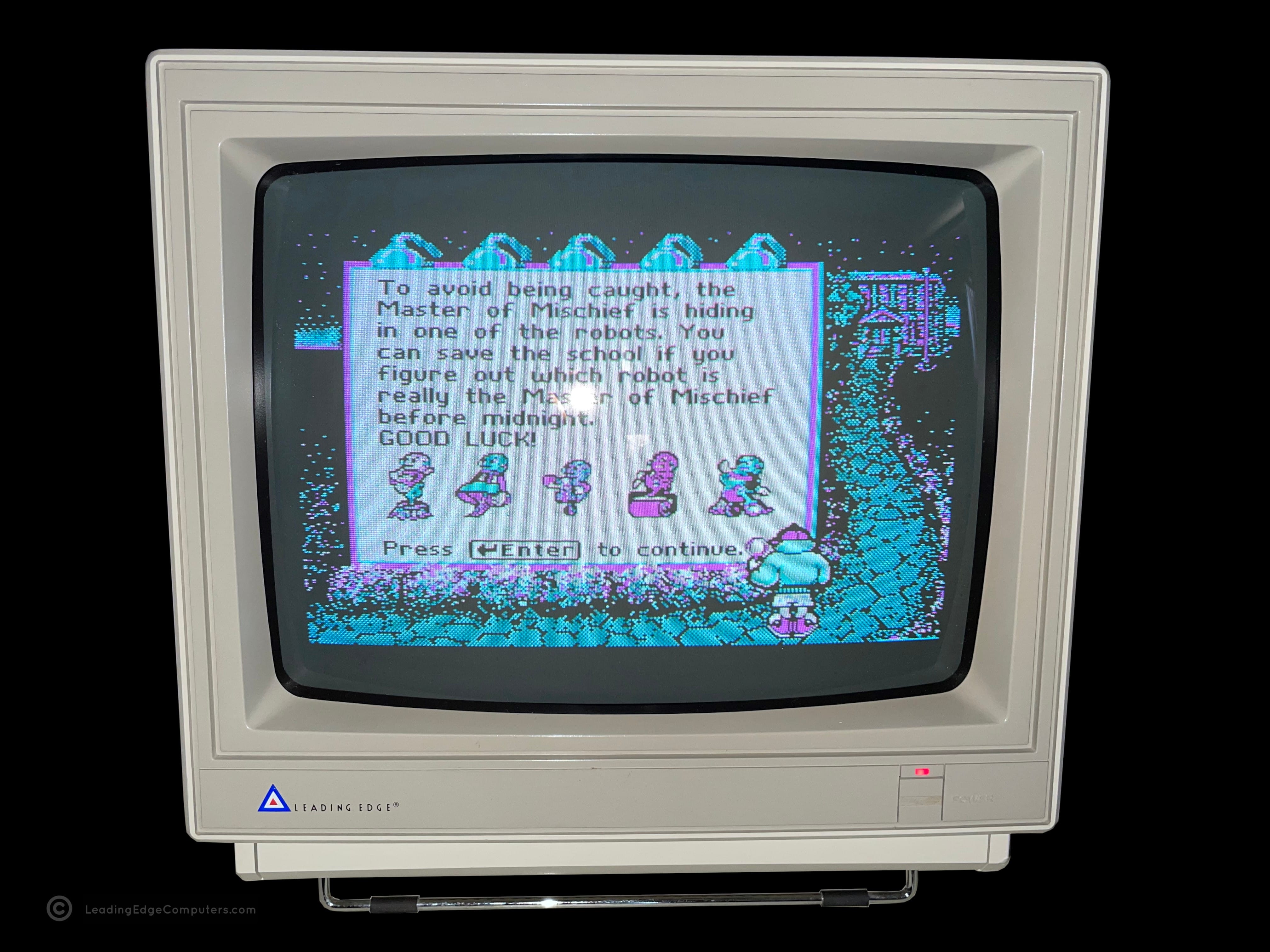
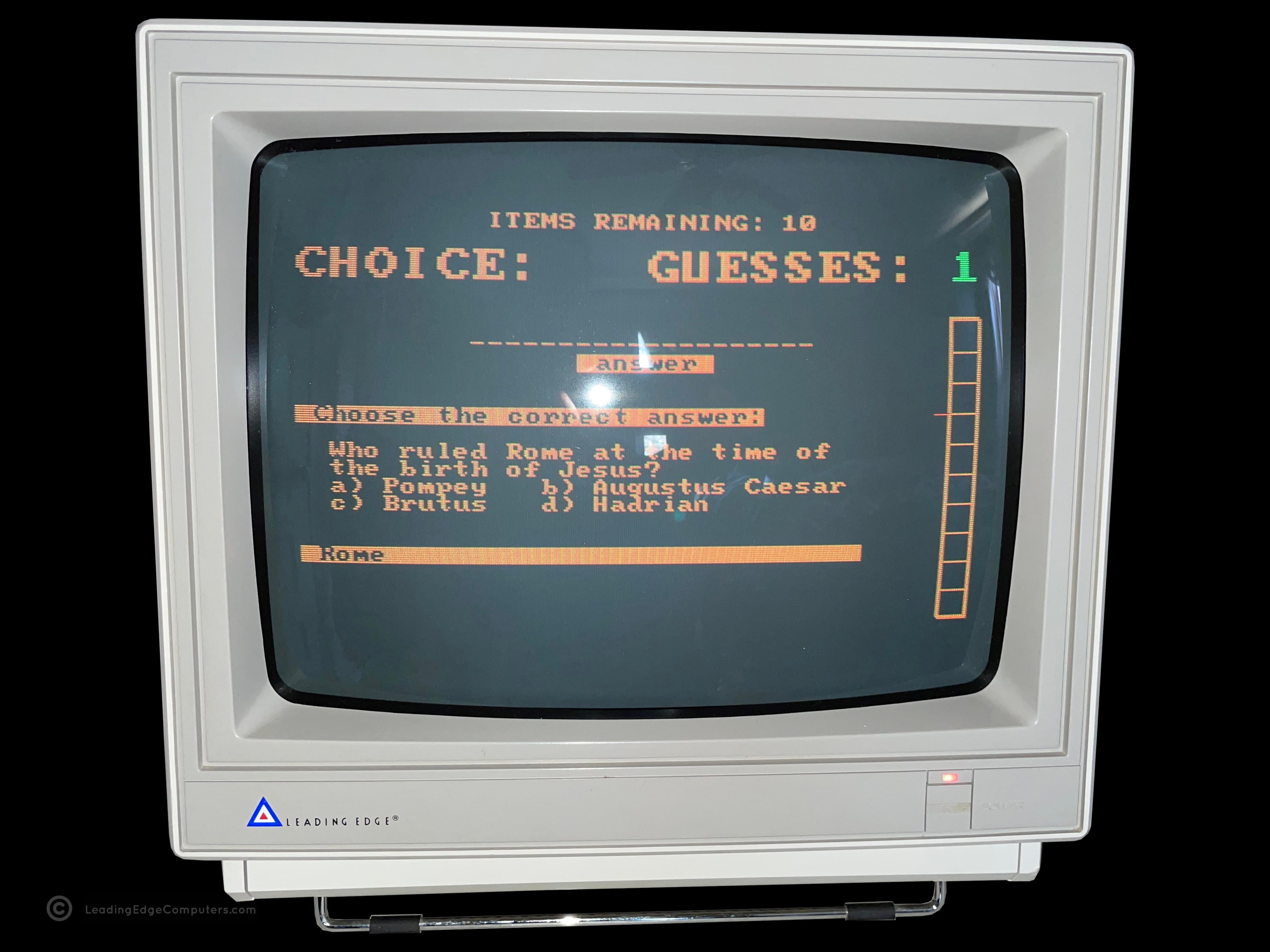
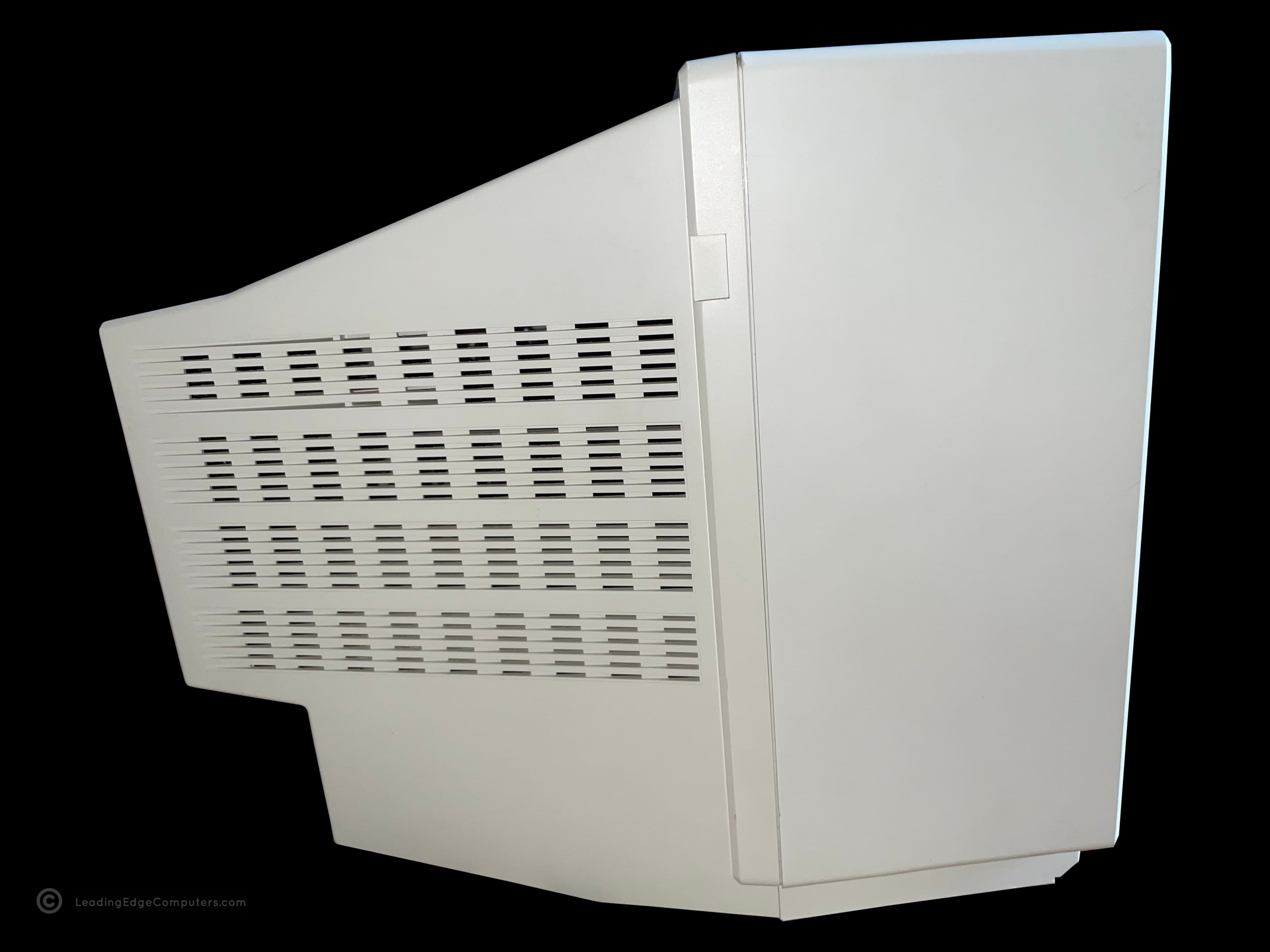
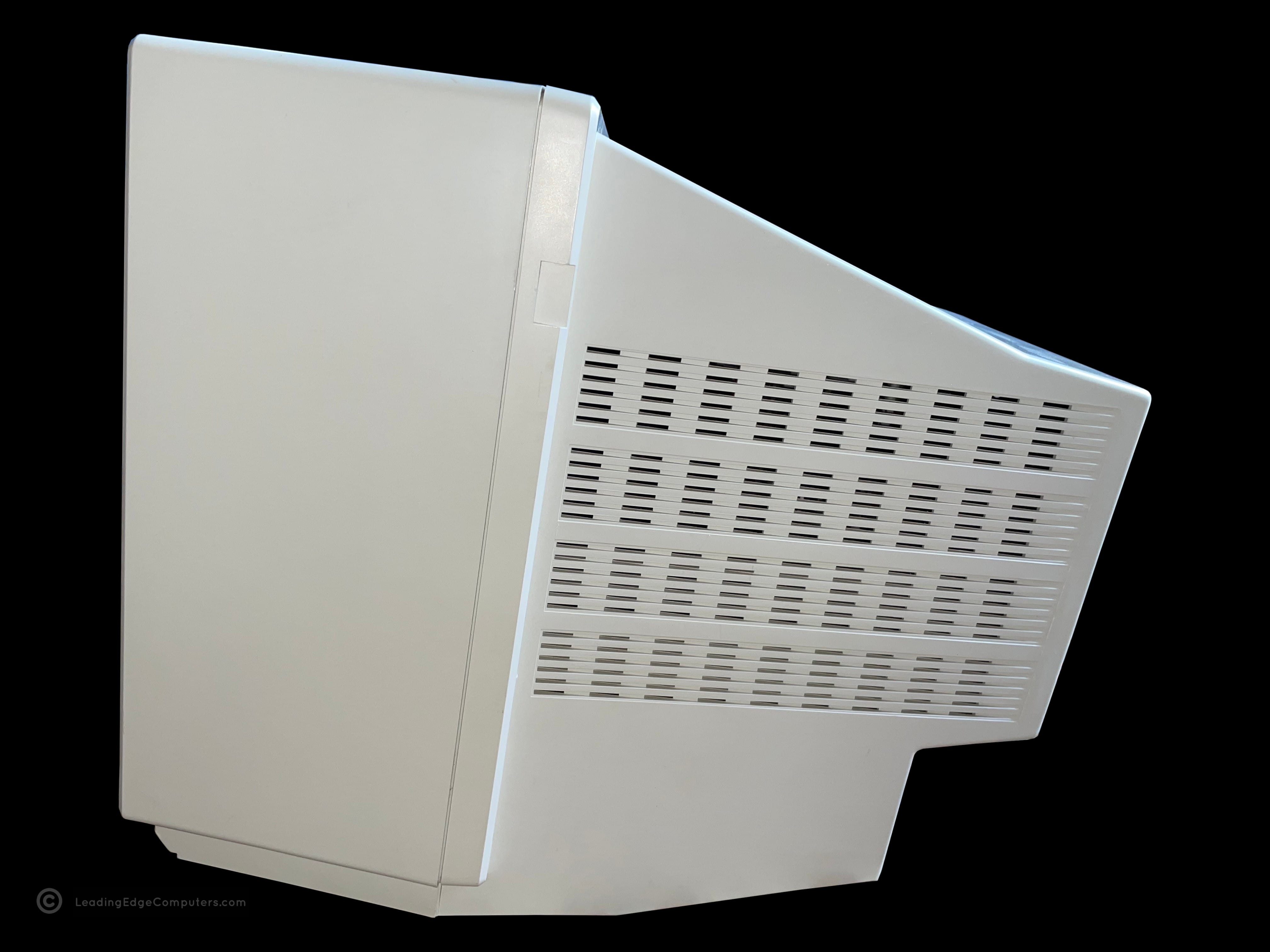
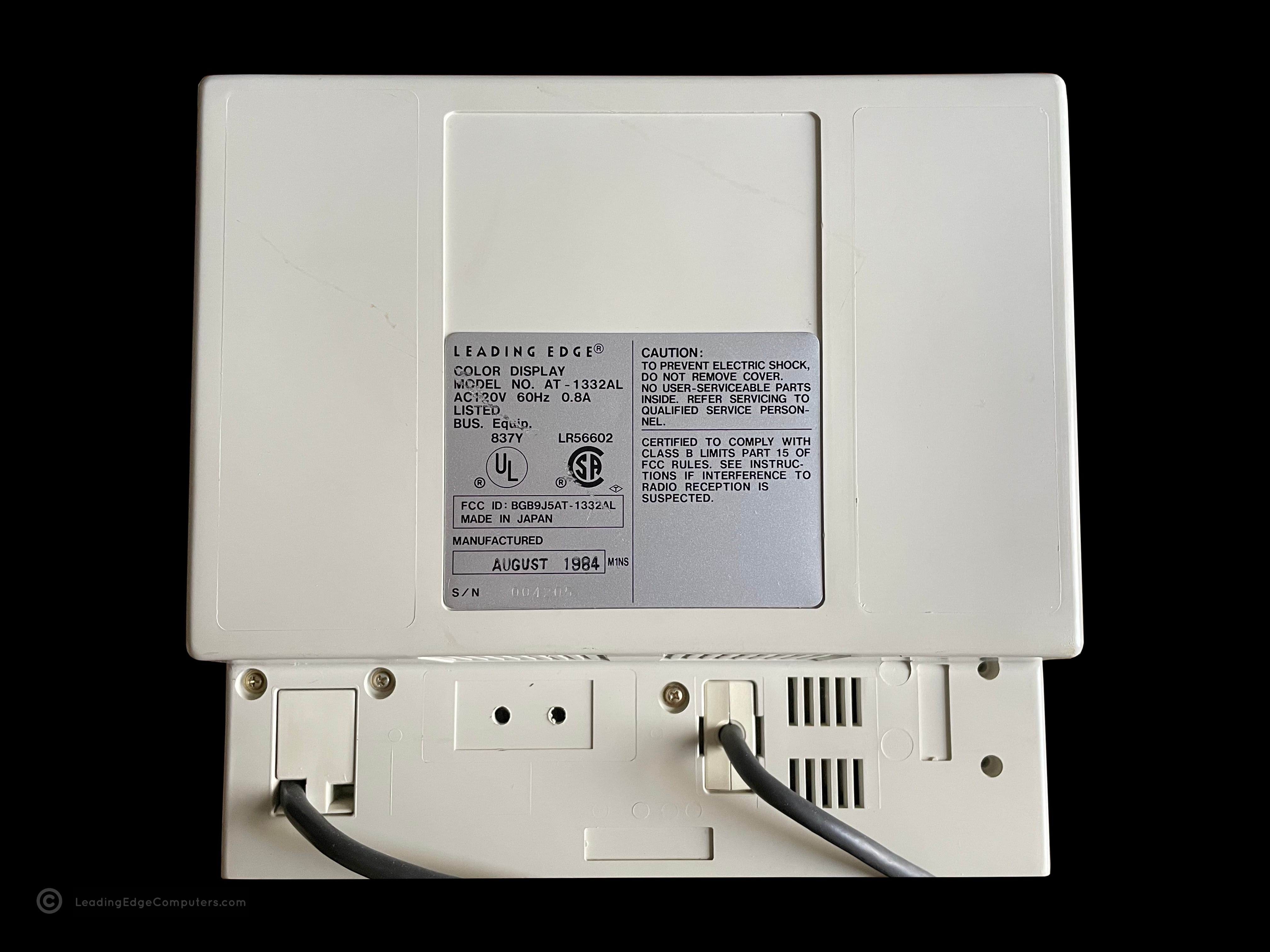
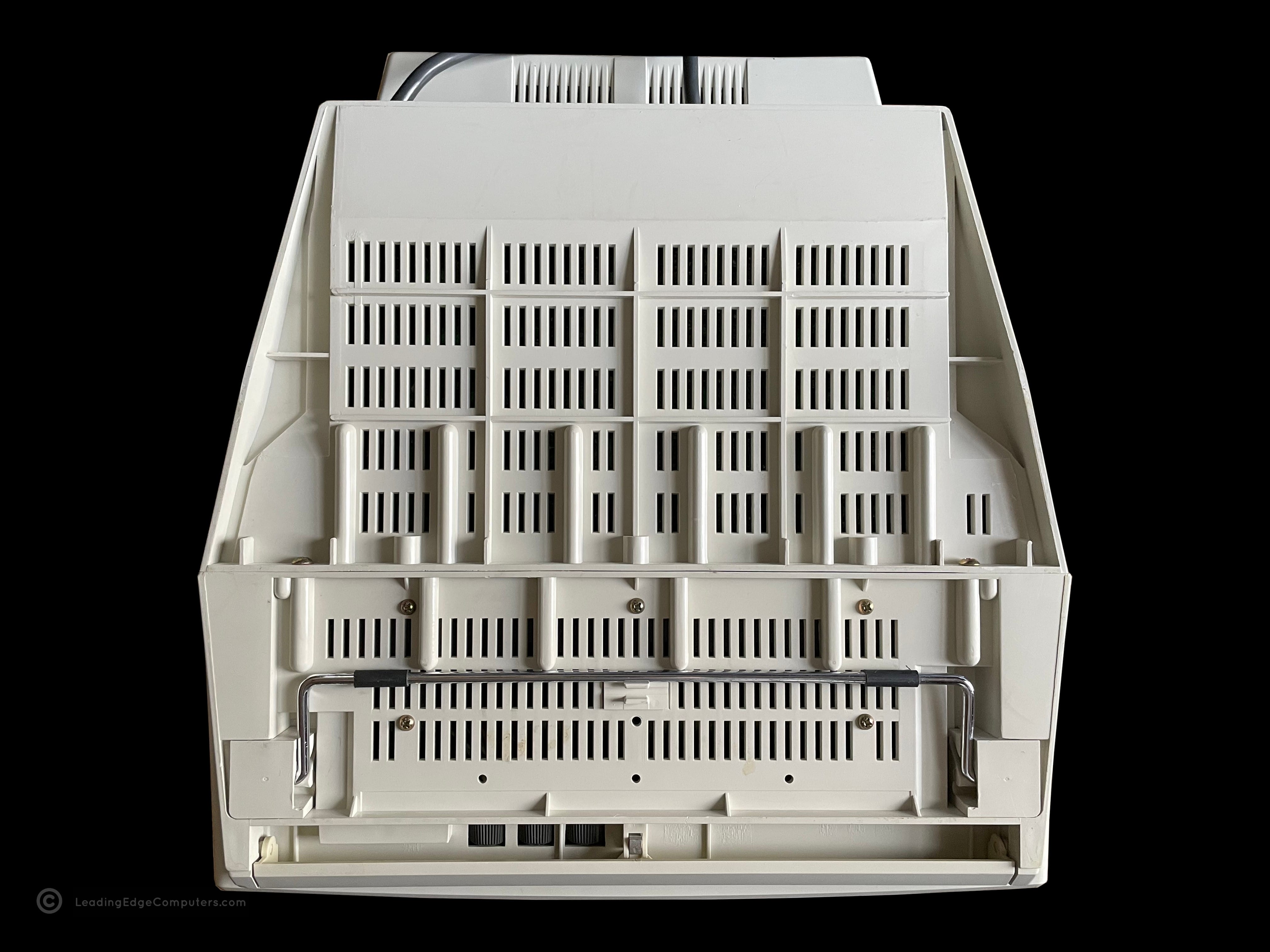
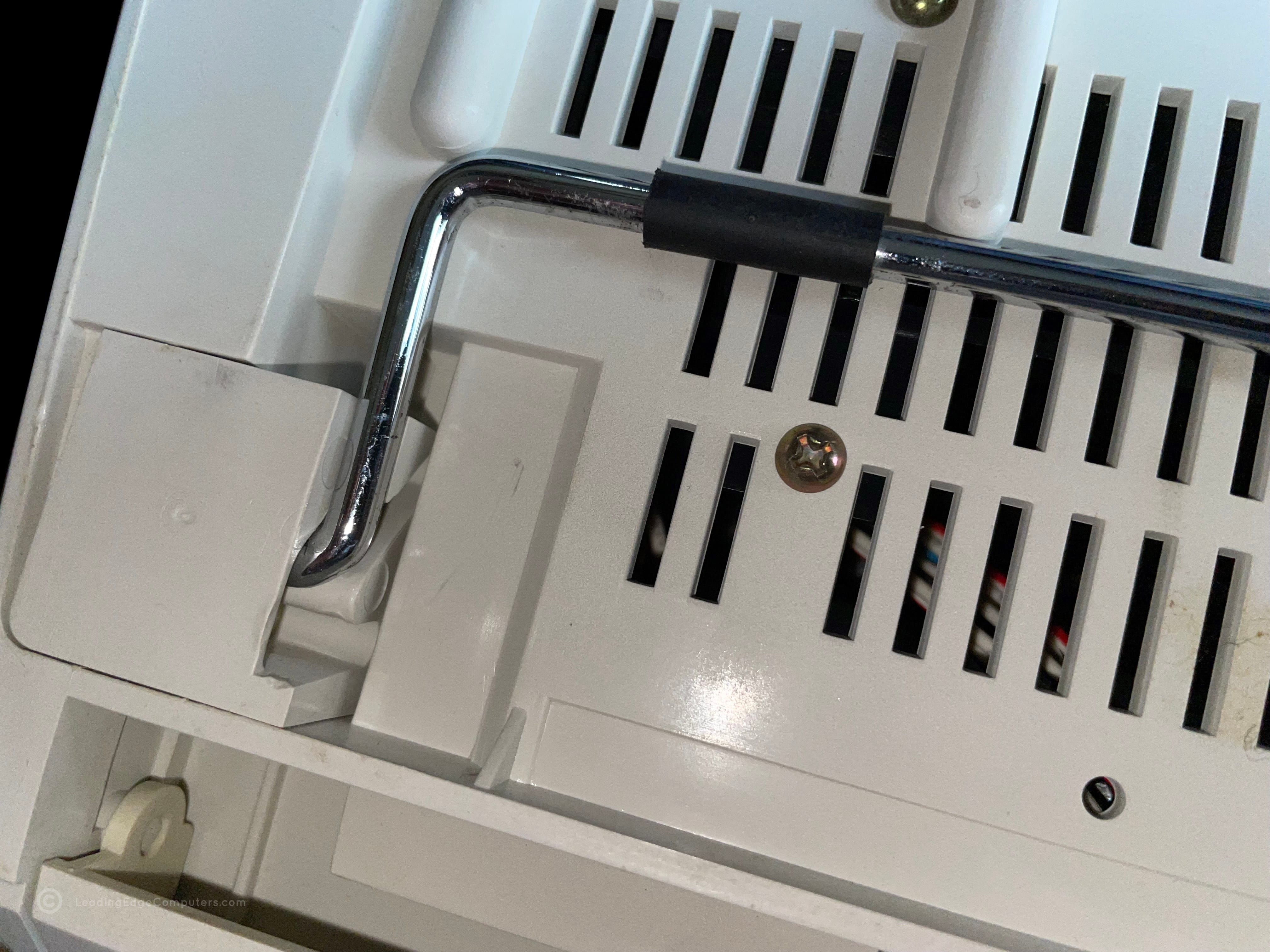
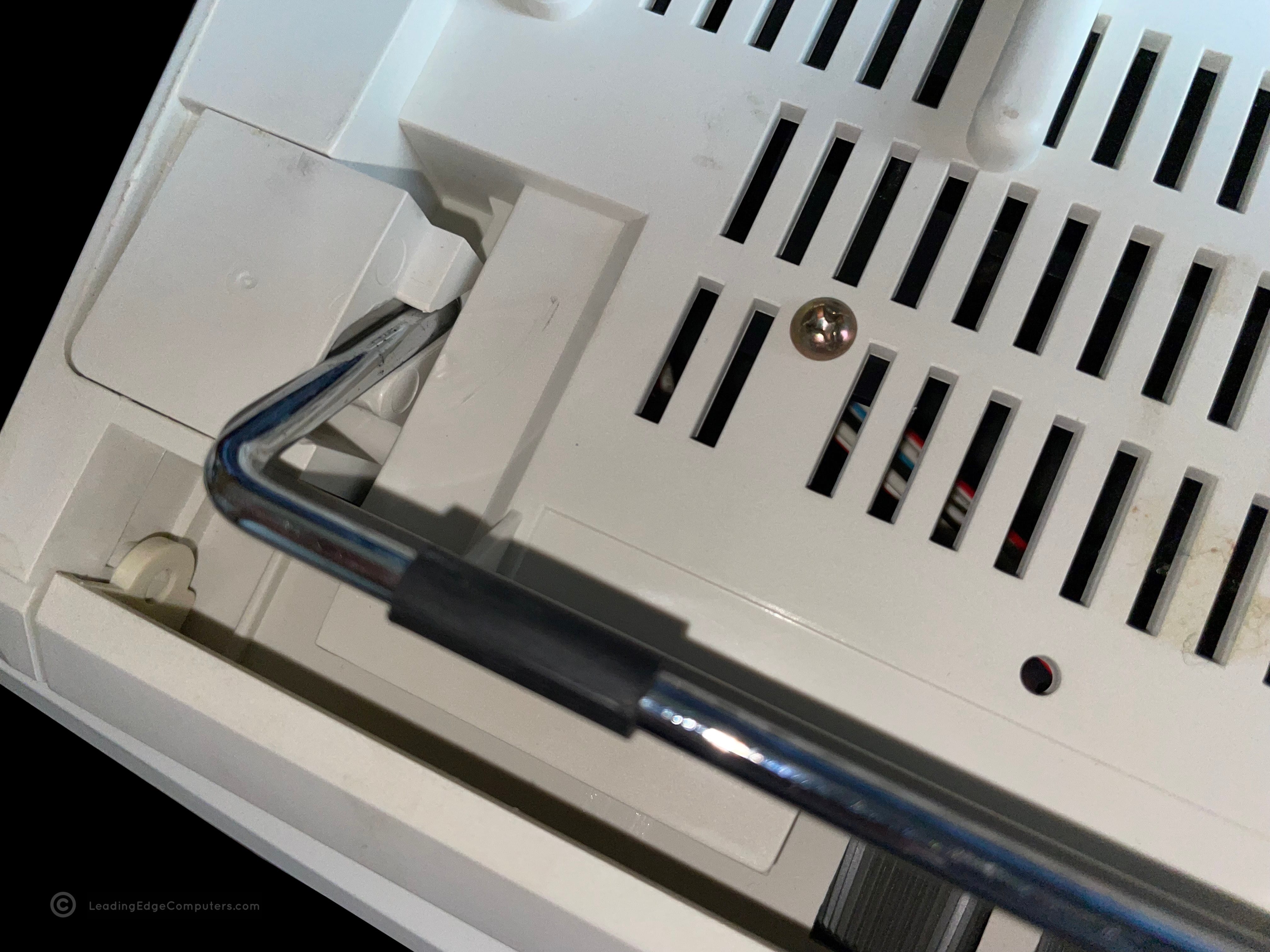
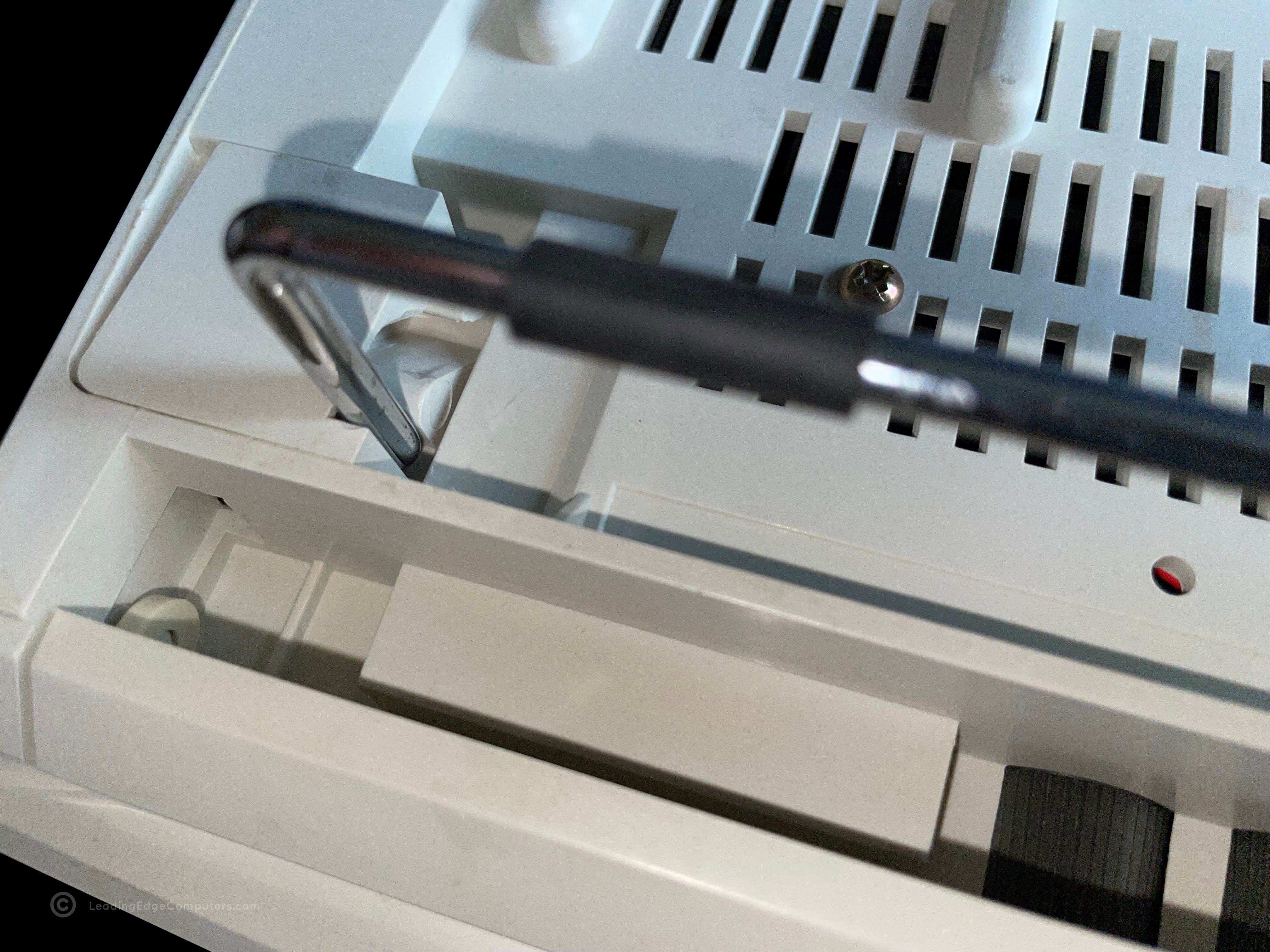
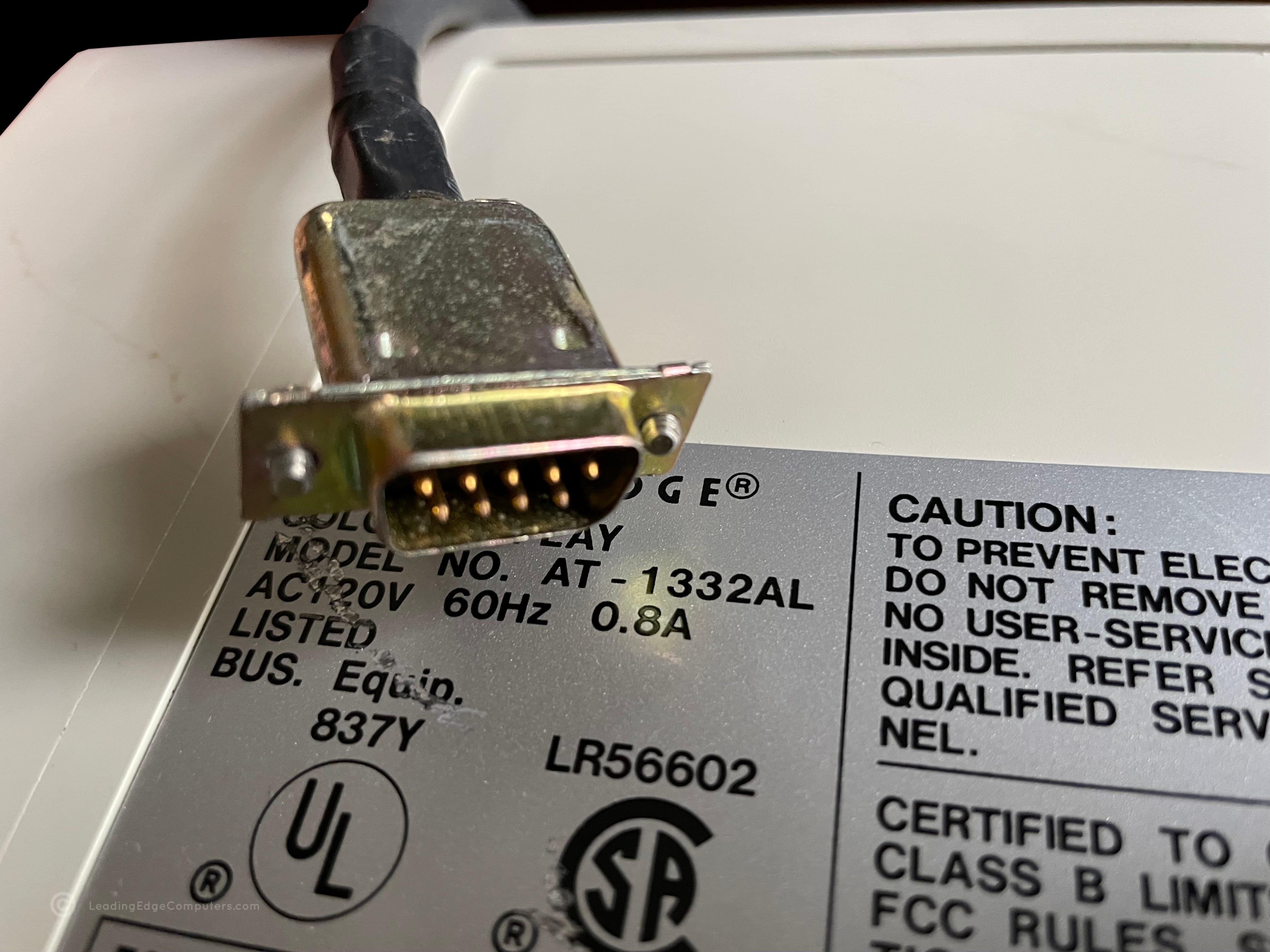
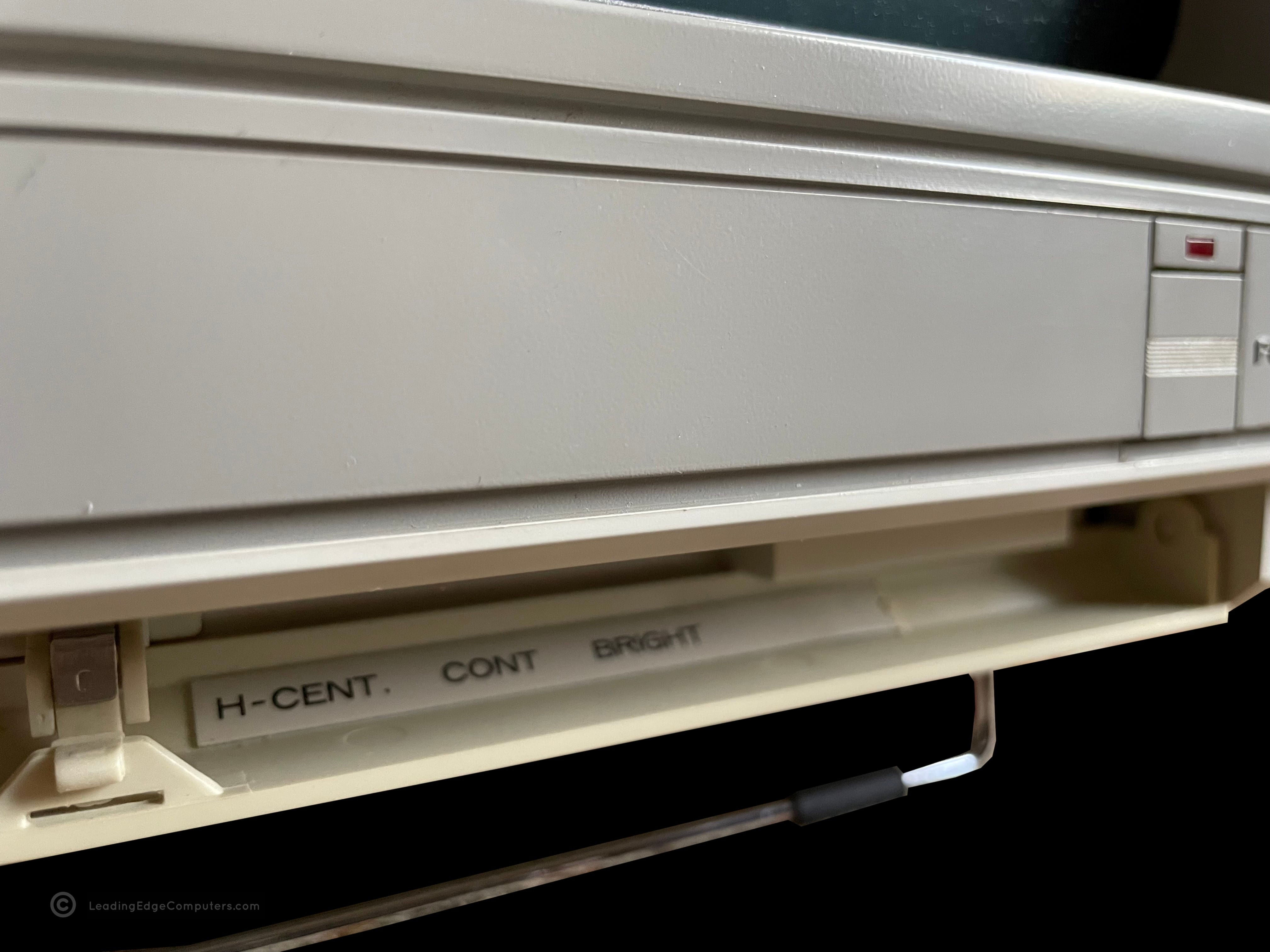
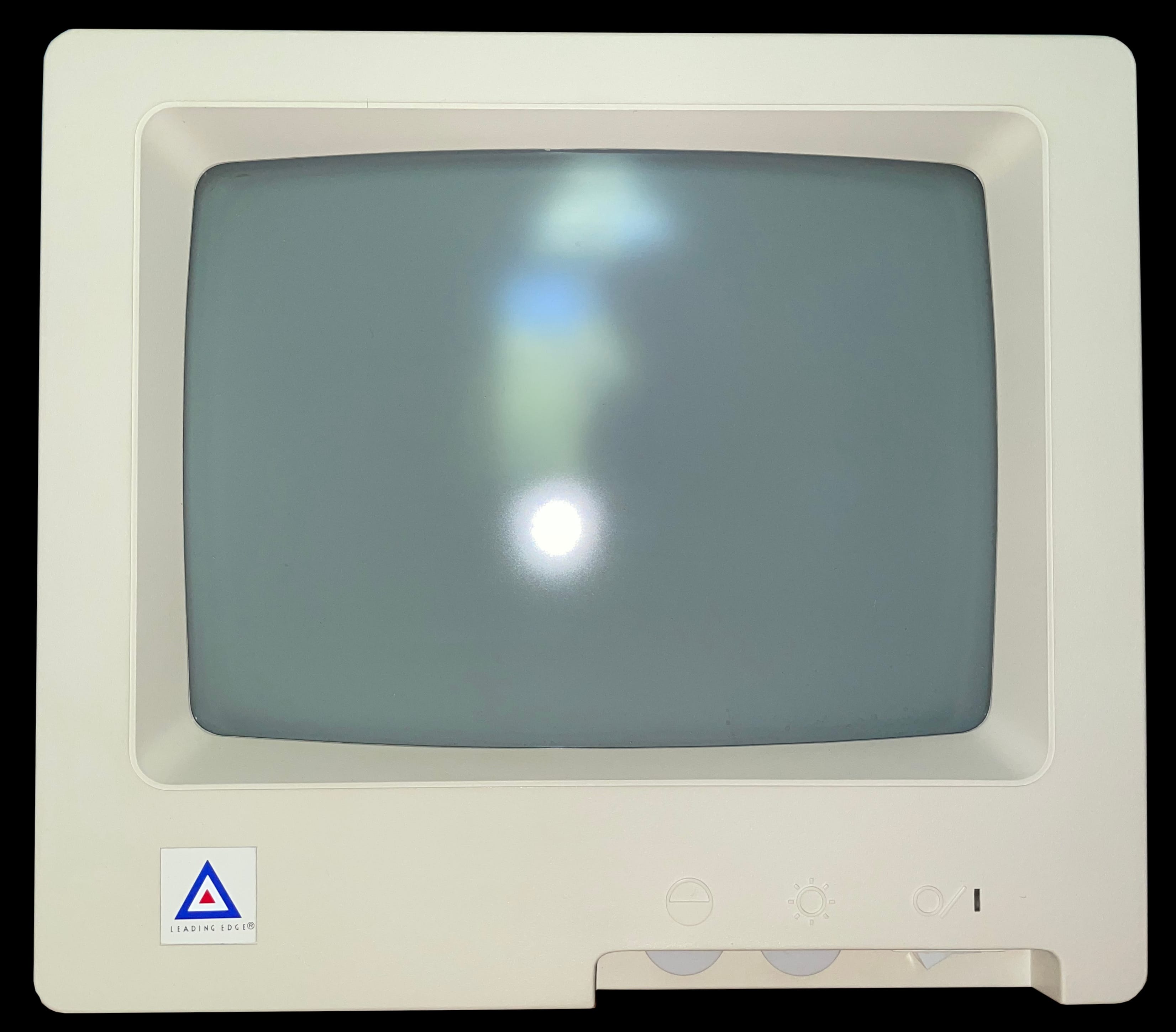
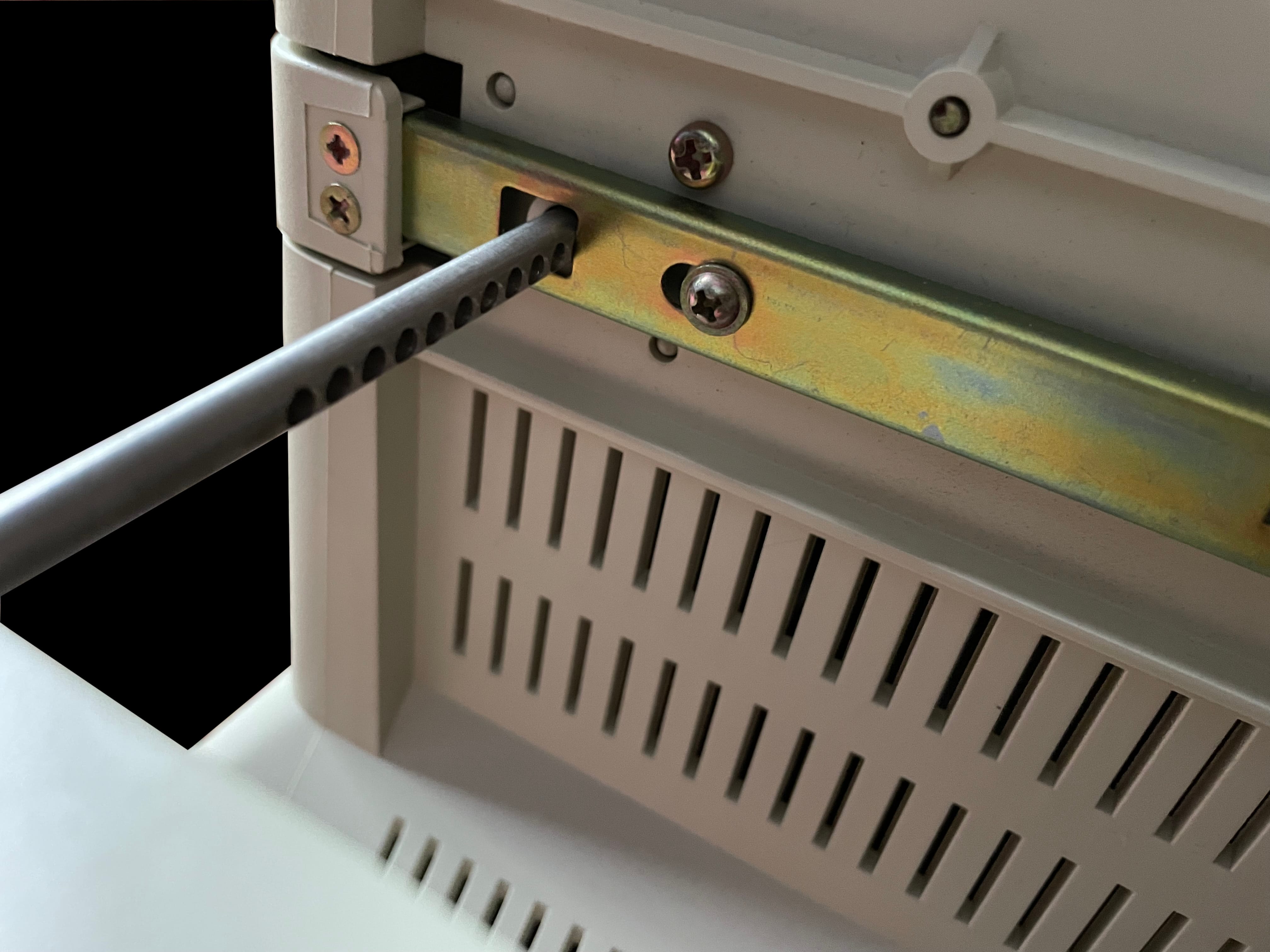
    Front facing photo of the Leading Edge AT 1332-AL monitor displaying a running program Front facing photo of the Leading Edge AT 1332-AL monitor displaying a running program asking for a user name Front facing photo of the Leading Edge AT 1332-AL monitor displaying a running game Front facing photo of the Leading Edge AT 1332-AL monitor displaying an educational game Top down view of the Leading Edge AT 1332-AL monitor Side left-hand view from the user's perspective of the Leading Edge AT 1332-AL monitor Side right-hand view from the user's perspective of the Leading Edge AT 1332-AL monitor Rear view of the Leading Edge AT 1332-AL monitor showing the factory labels Bottom view of the Leading Edge AT 1332-AL monitor showing the monitor stand Detail of the Leading Edge AT 1332-AL monitor's stand Detail of the Leading Edge AT 1332-AL monitor's stand partly extended out Detail of the Leading Edge AT 1332-AL monitor's stand fully extended out Close-up detail of the Leading Edge AT 1332-AL monitor CGA cable View of the open front panel to the Leading Edge AT 1332-AL monitor View of the closed front panel to the Leading Edge AT 1332-AL monitor

     BTC‐5369 Keyboard

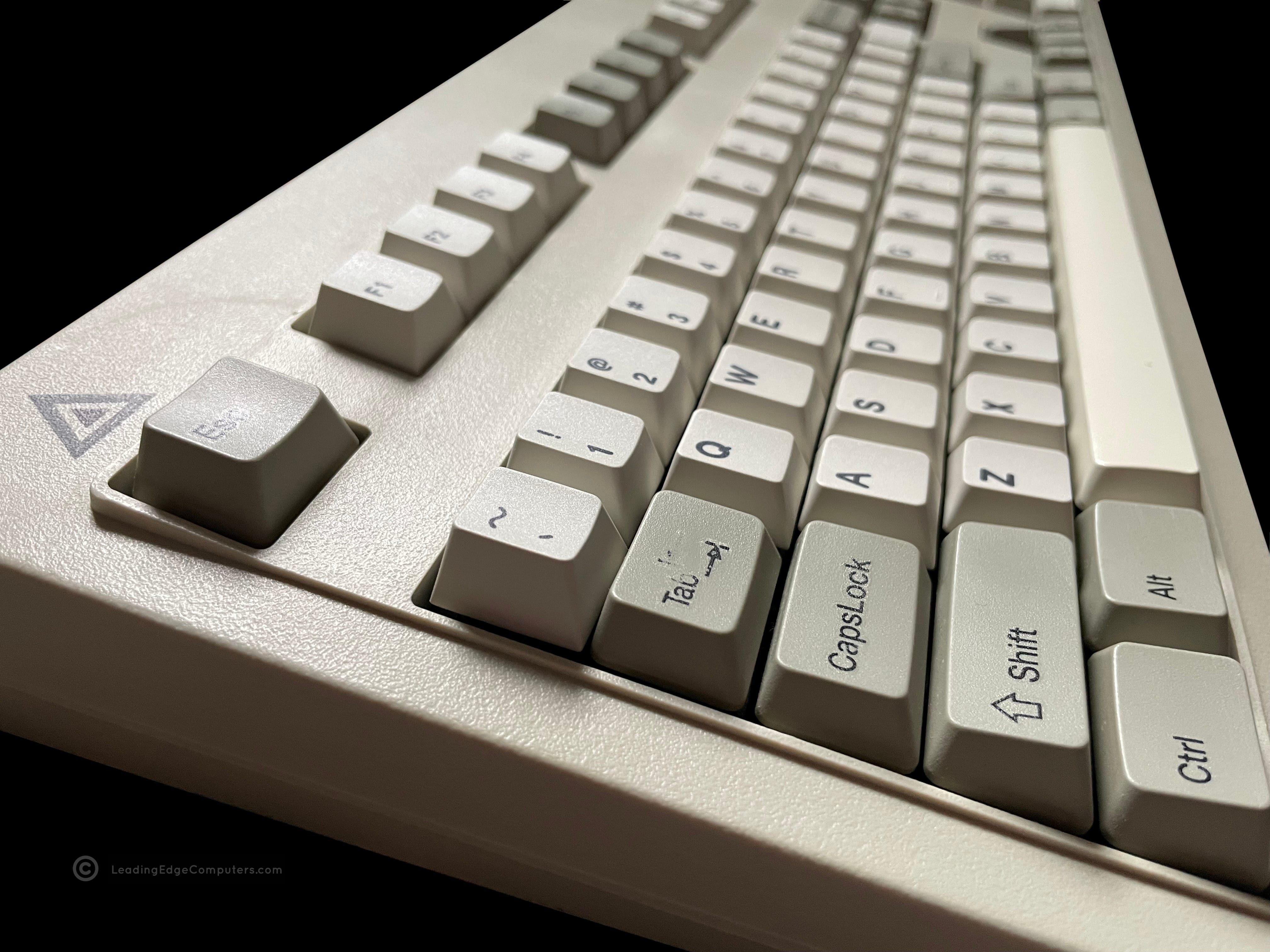
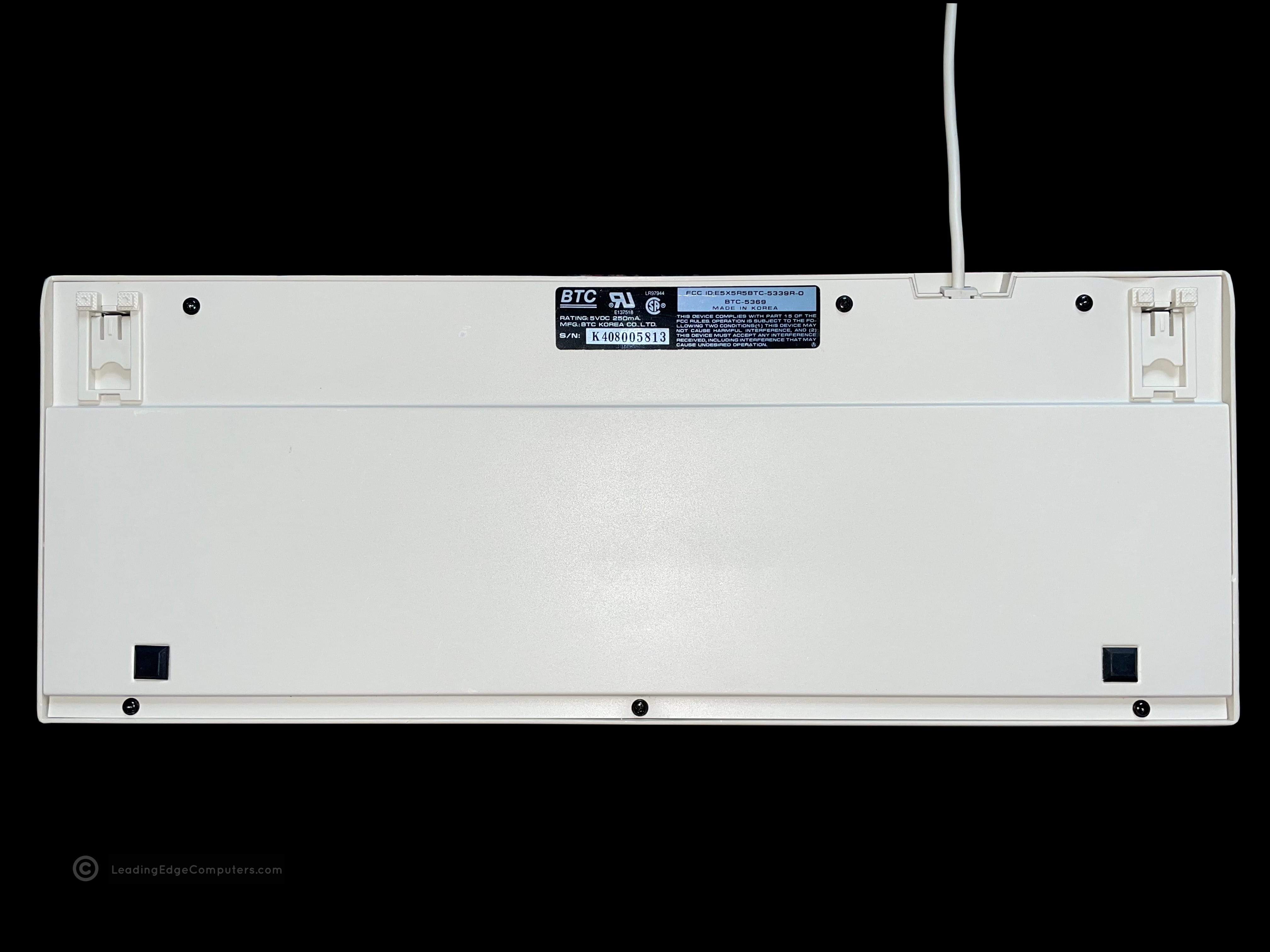
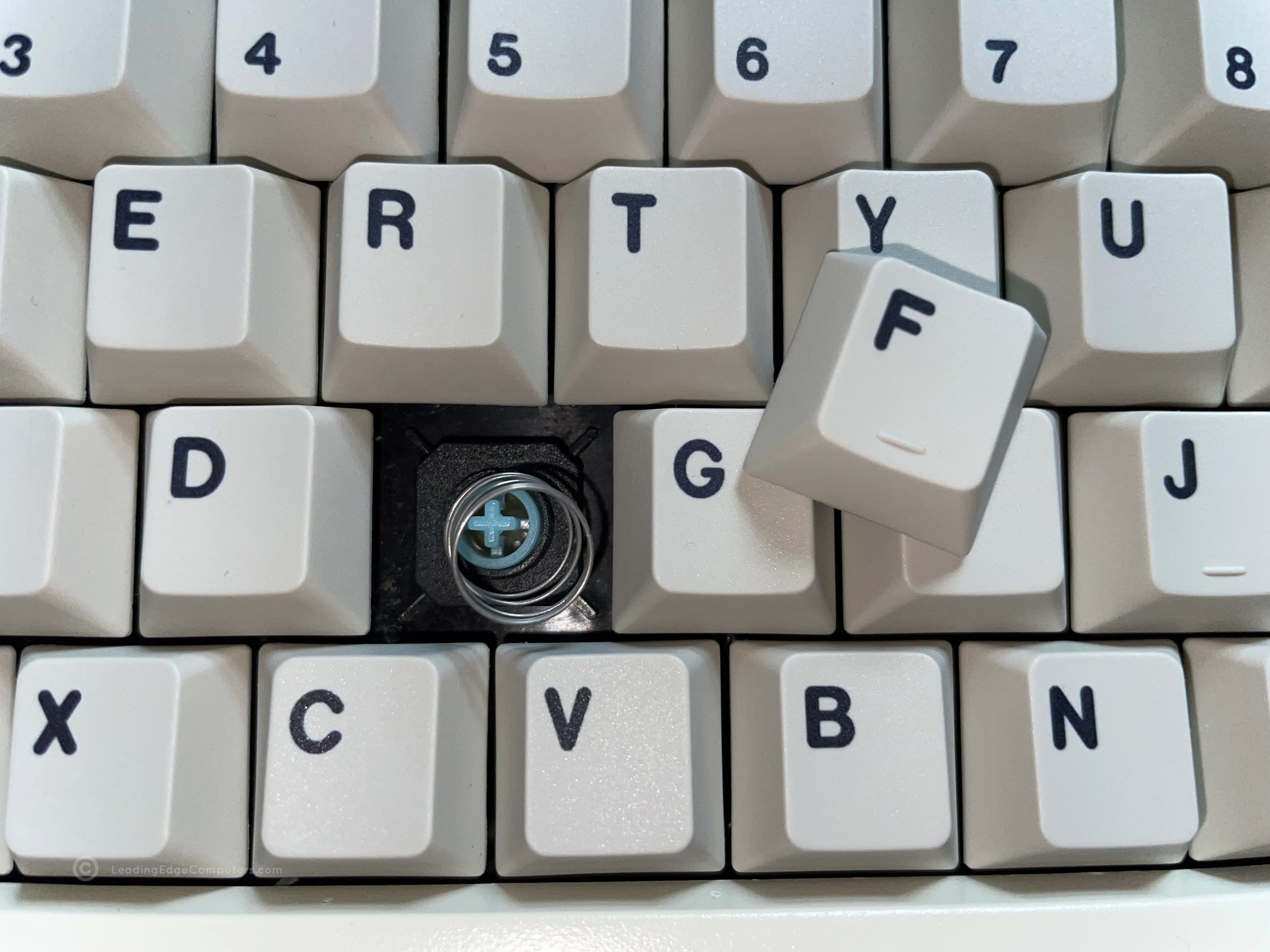
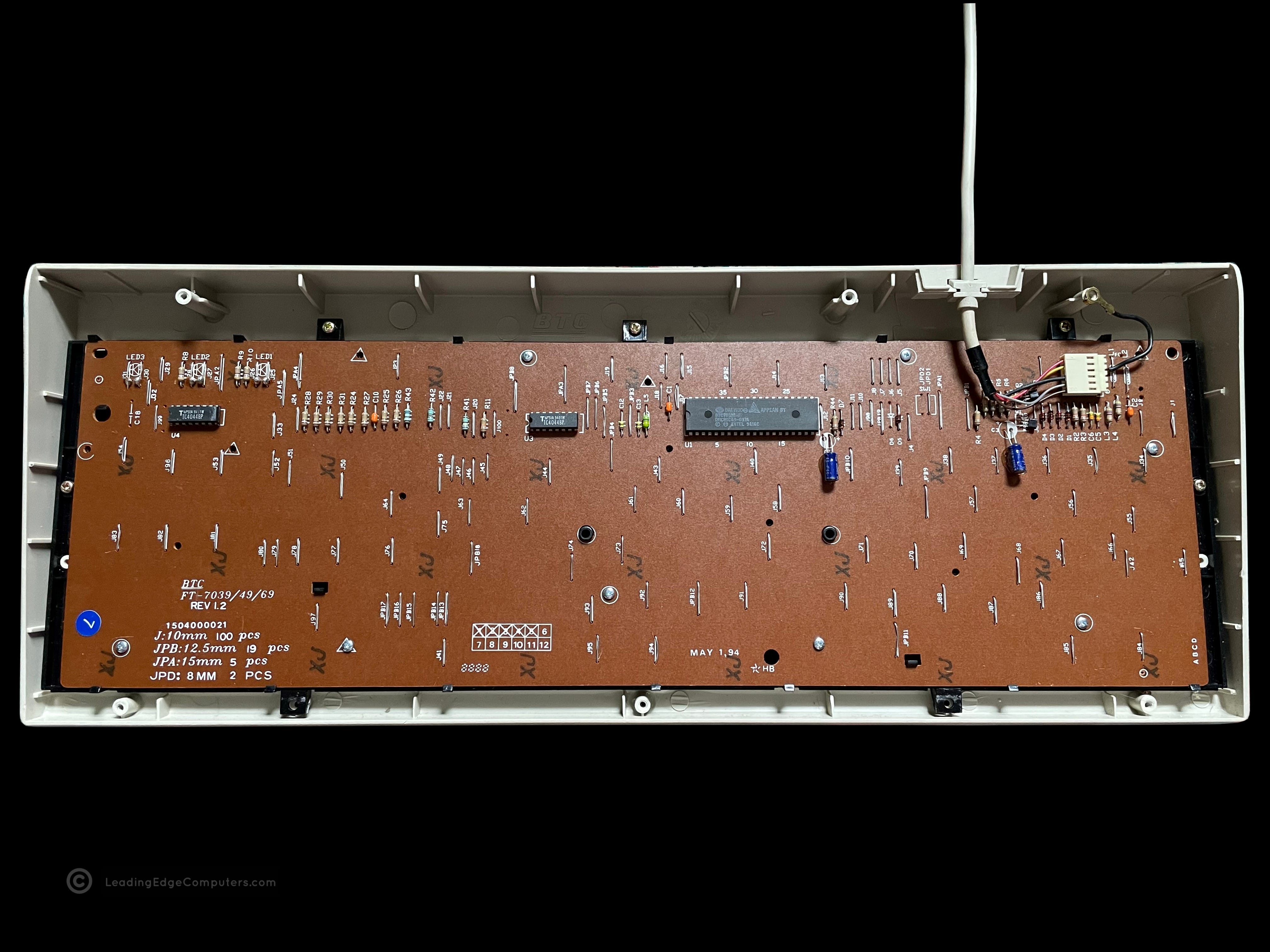
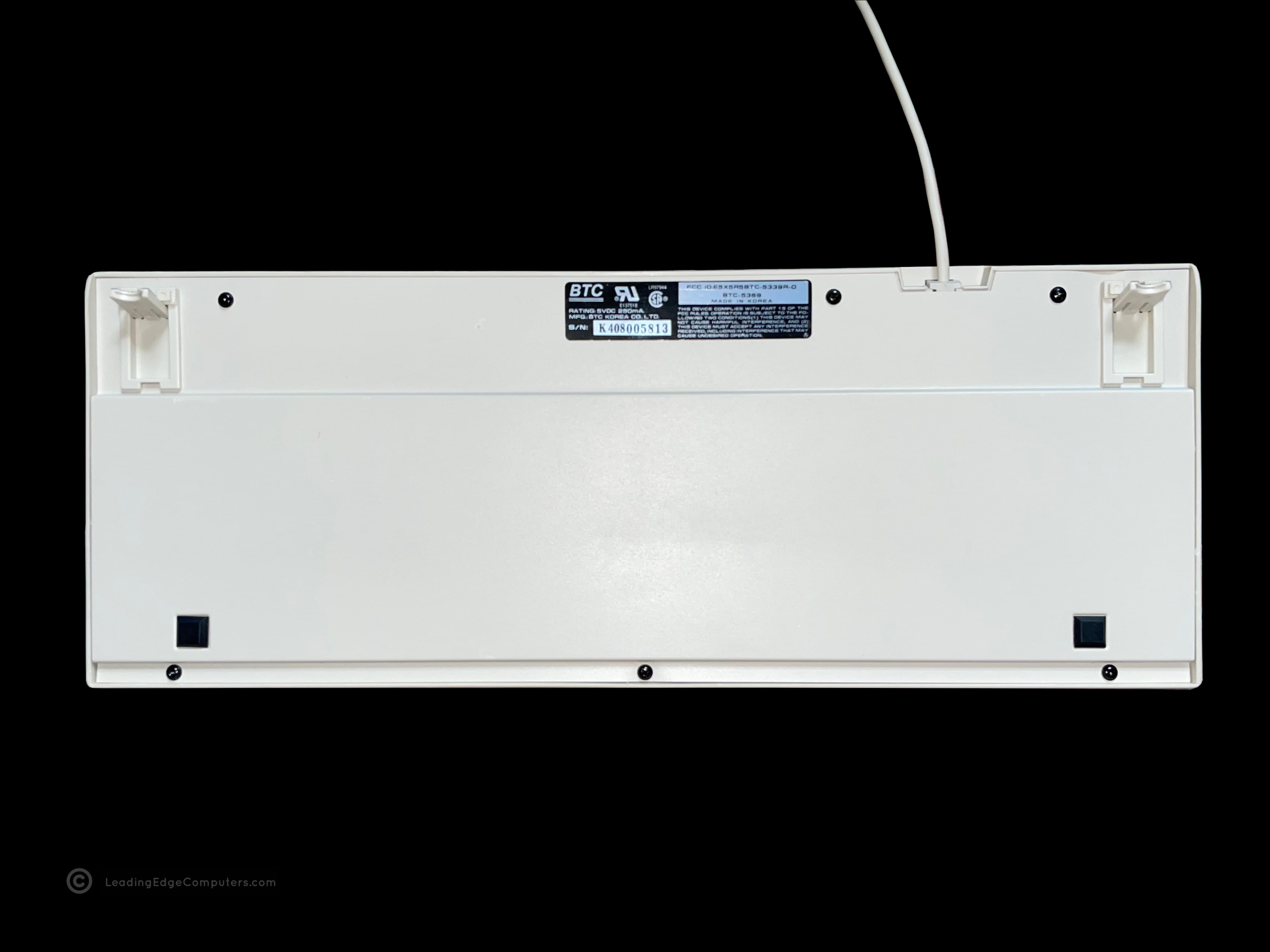
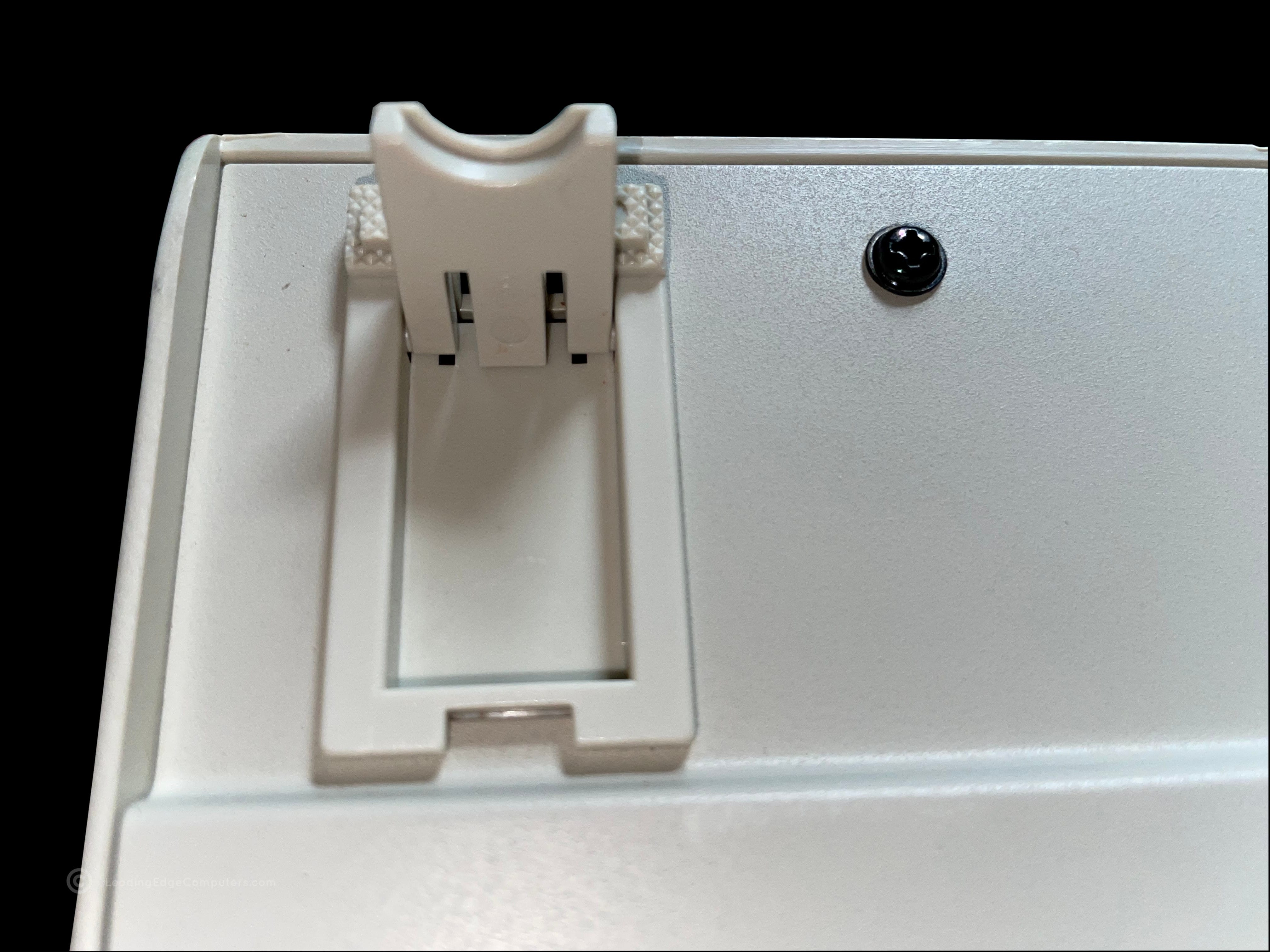
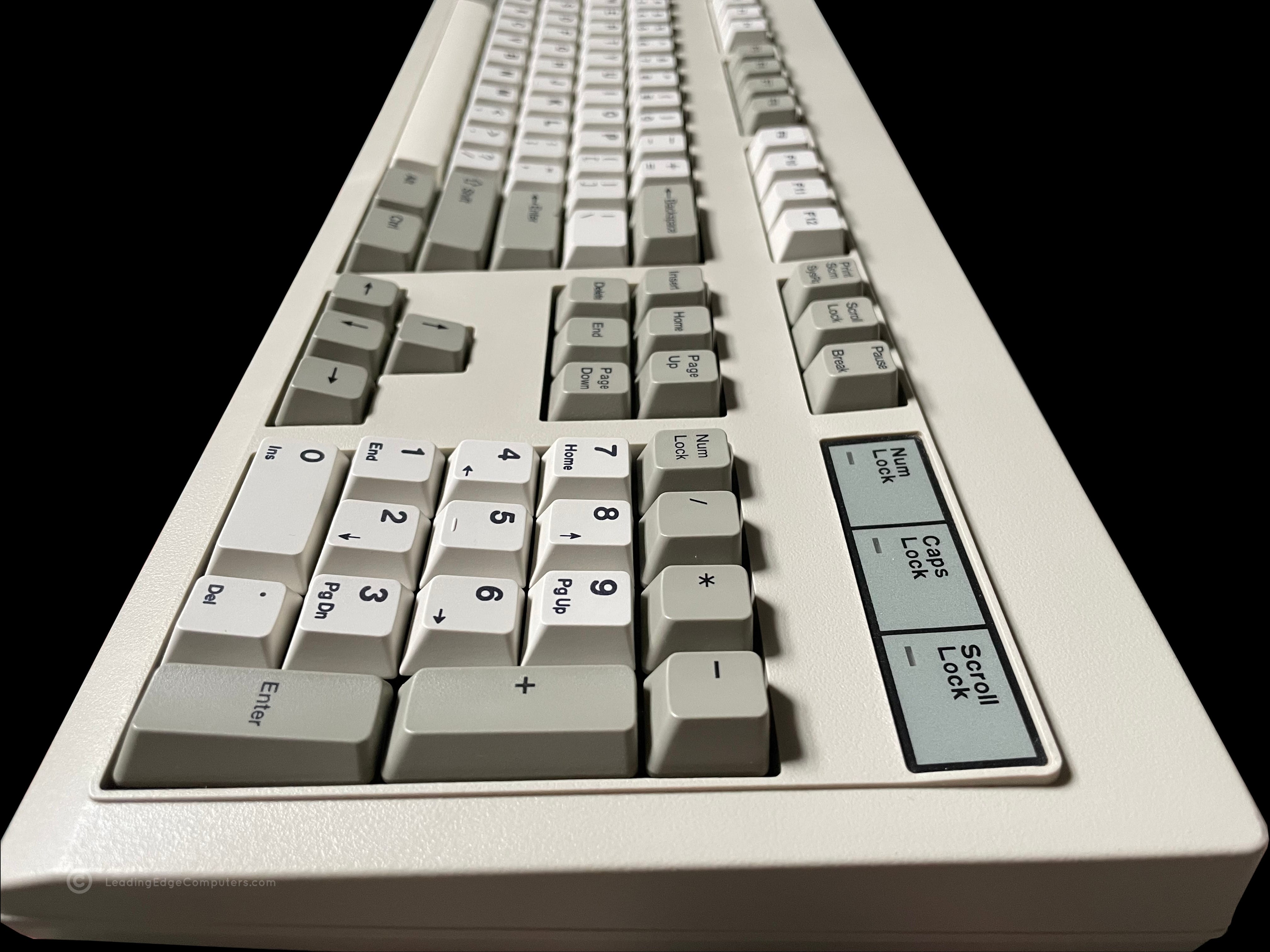
    Top down view of the BTC 5369 keyboard Top down view of the BTC 5369 keyboard including the PS/2 cable Stylized side view of the BTC 5369 keyboard Bottom view of the BTC 5369 keyboard showing the manufacturer label Close up of BTC 5369 keyboard with a keycap removed Inside the BTC 5369 keyboard, showing the back of the PCB Bottom view of the BTC 5369 keyboard with its feet extended Close up view of BTC 5369 keyboard foot extended Another stylized side-view of the BTC 5369 keyboard from the number side

     CMC‐1412A

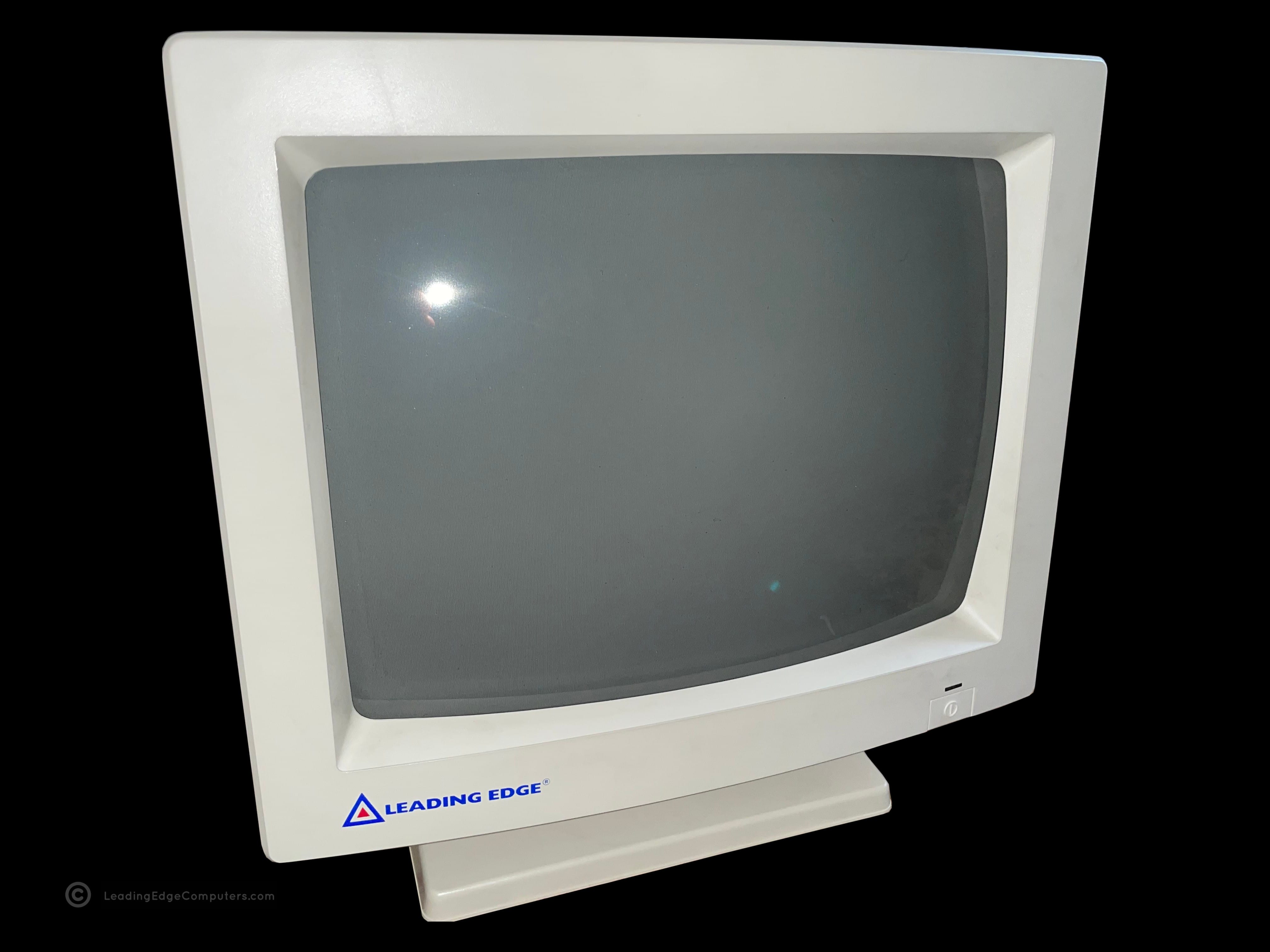
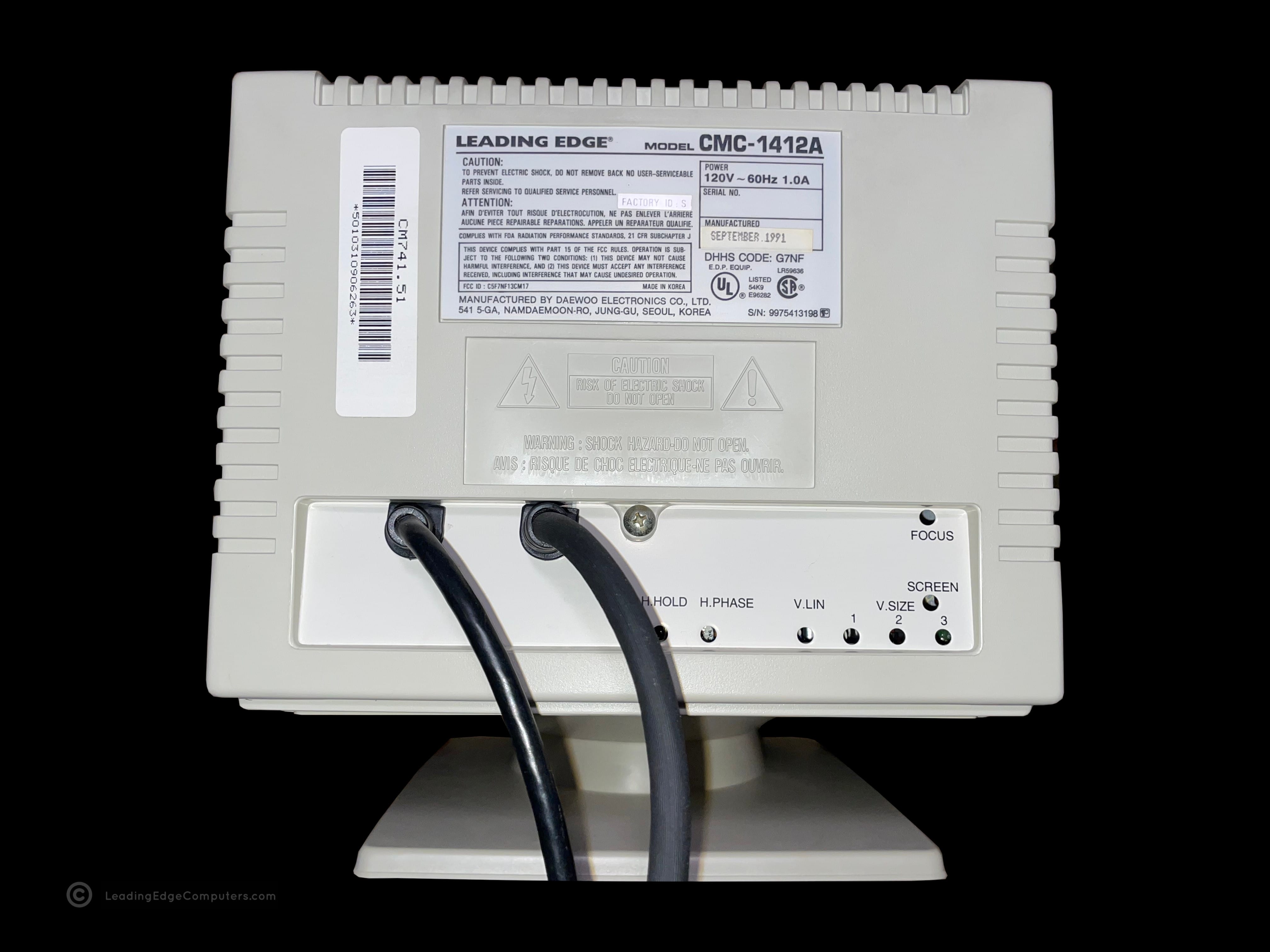
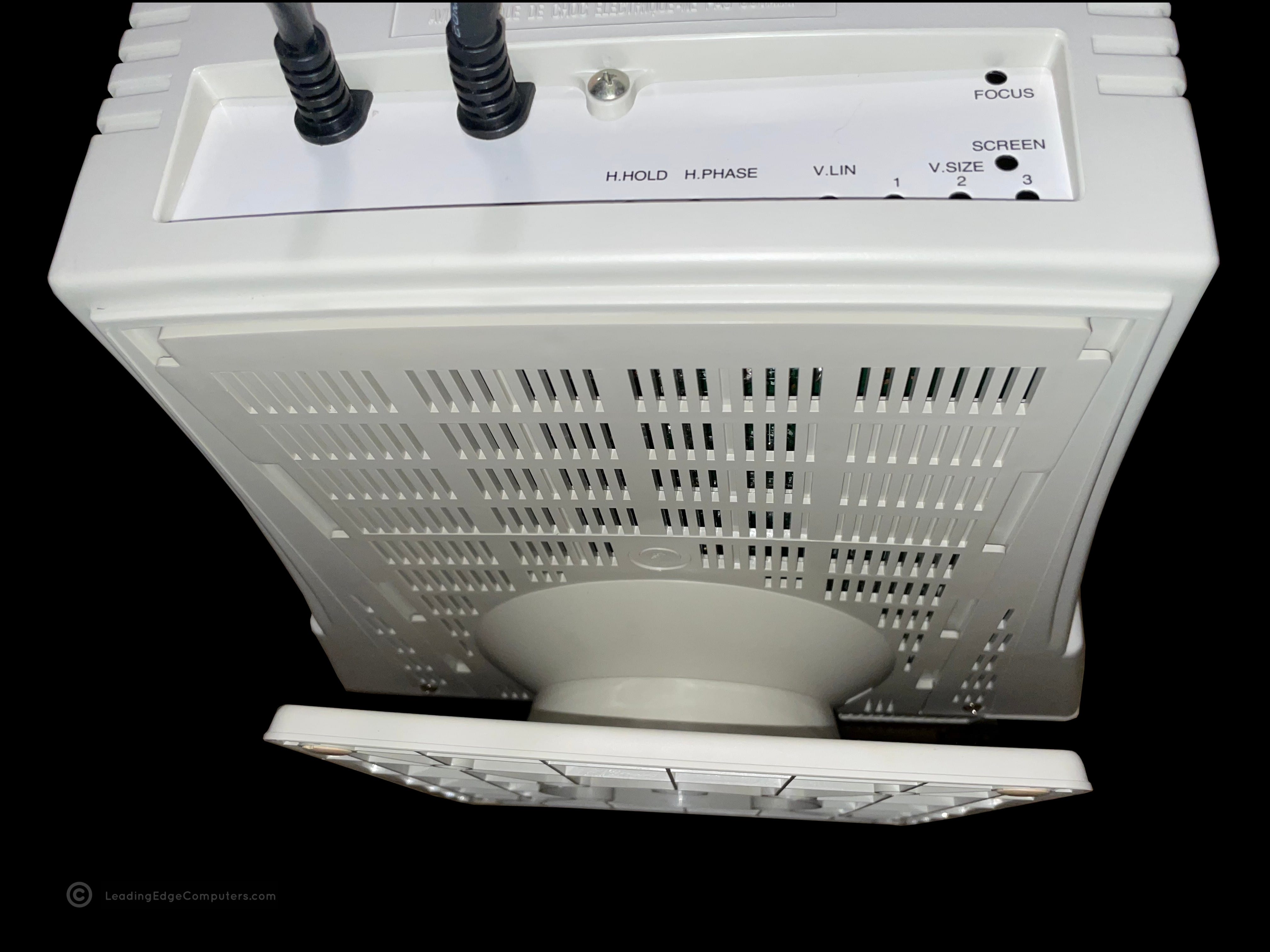
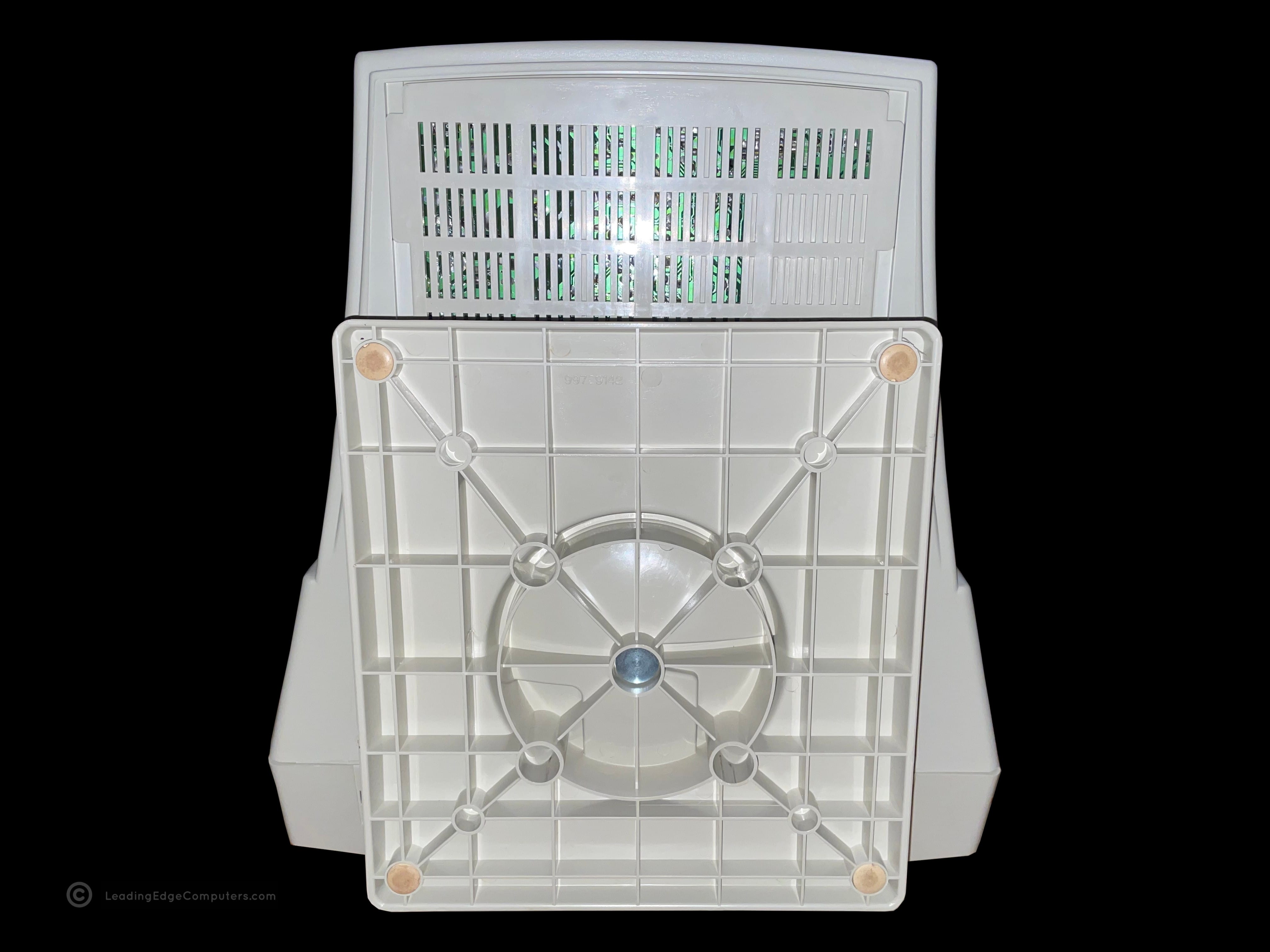
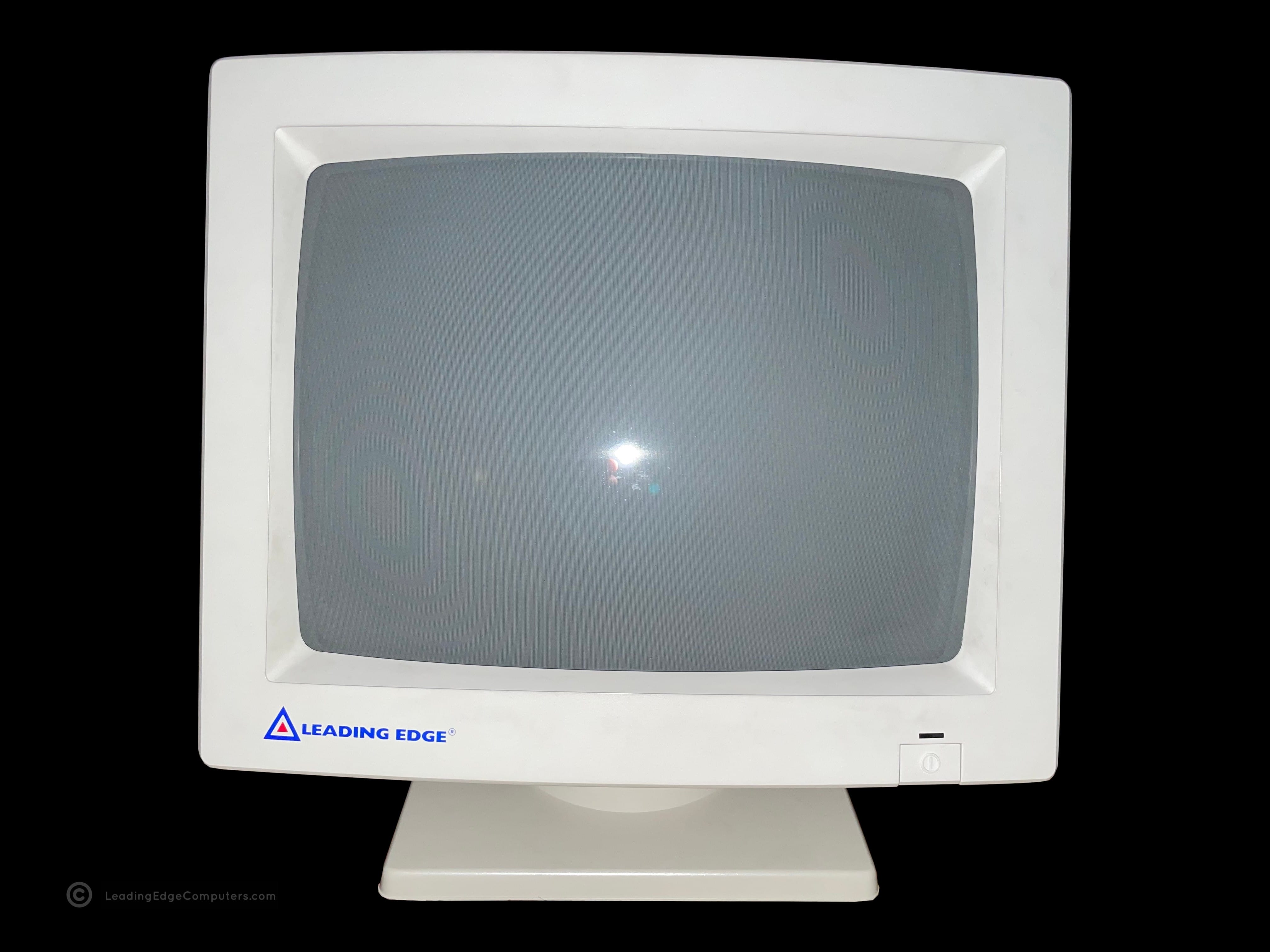
    Front, slightly angled view of the Leading Edge CMC-1412A monitor Front, alternate angled view of the Leading Edge CMC-1412A monitor Top down view of the Leading Edge CMC-1412A monitor Side view of the Leading Edge CMC-1412A monitor showing the brightness and contrast controls Opposite side view of the Leading Edge CMC-1412A monitor Rear view of the Leading Edge CMC-1412A monitor showing the manufacturer labels and adjustment knobs Rear bottom view of the Leading Edge CMC-1412A monitor showing details of the monitor's stand Bottom view of the Leading Edge CMC-1412A monitor showing the rubber feet Strait on front view of the Leading Edge CMC-1412A monitor Front view of the Leading Edge CMC-1412A monitor Leading Edge CMC-1412A monitor displaying the computer's operating system loading page Leading Edge CMC-1412A monitor displaying the computer's current operating system session status

     CMC‐1414AV

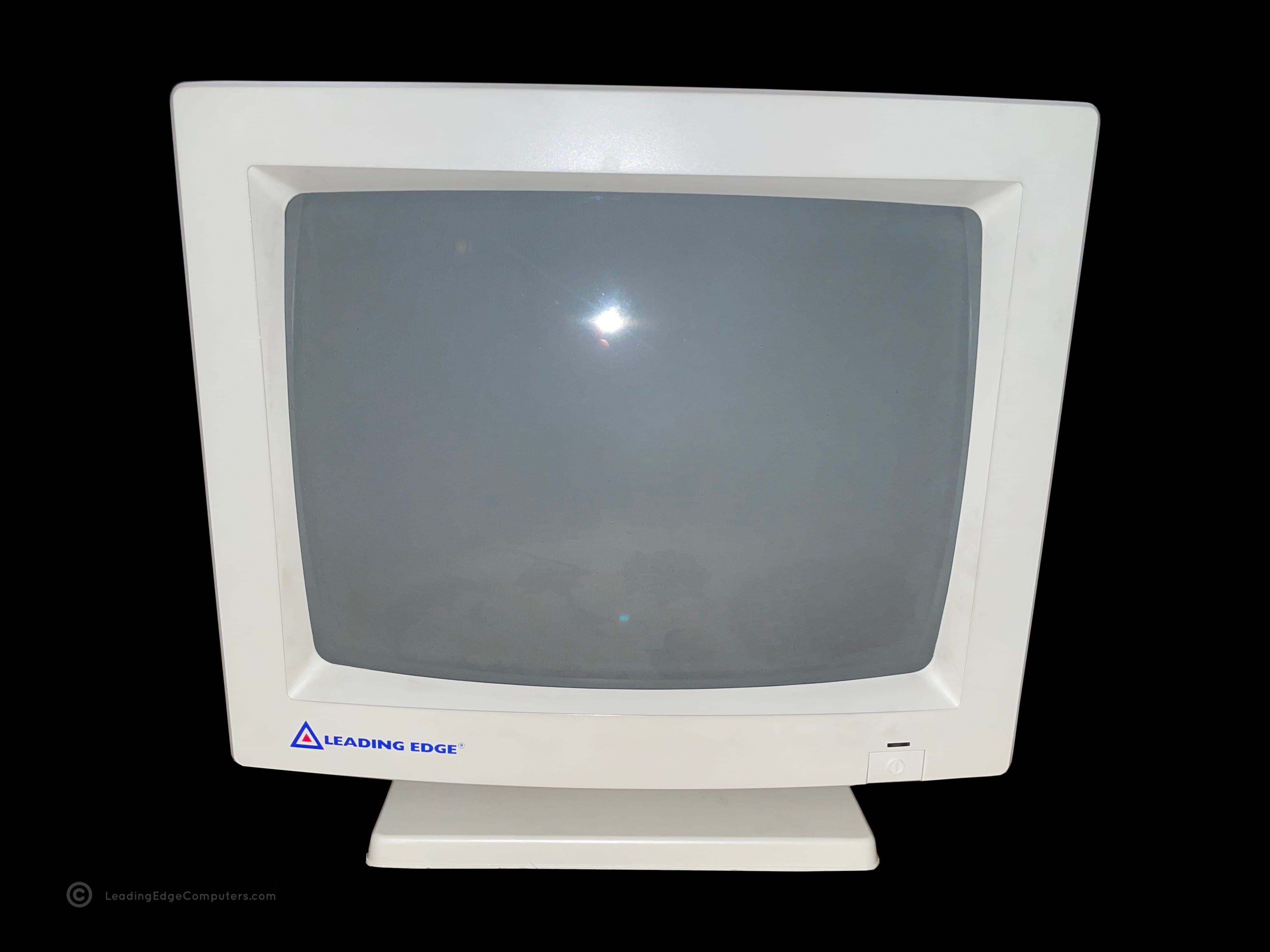
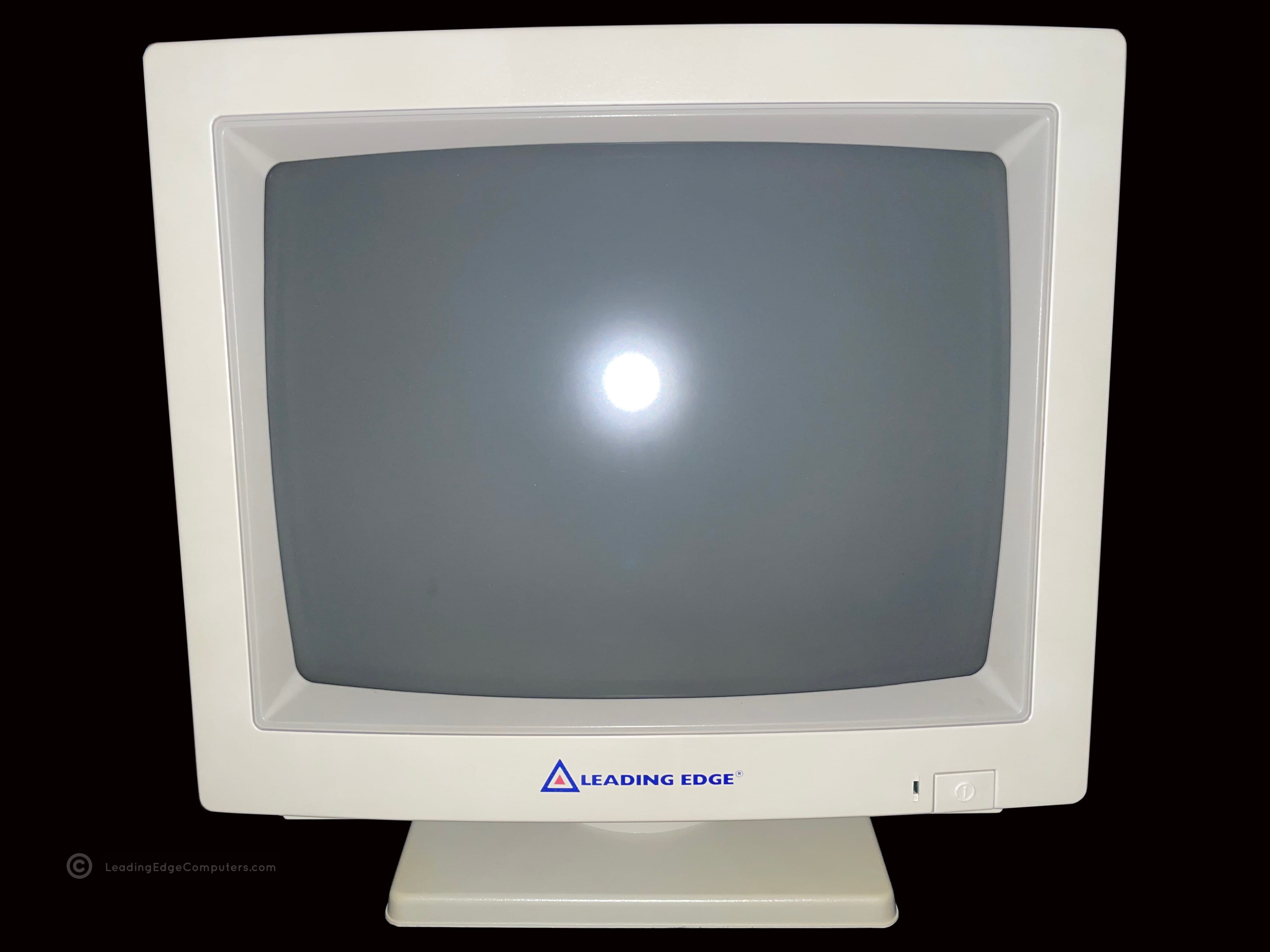
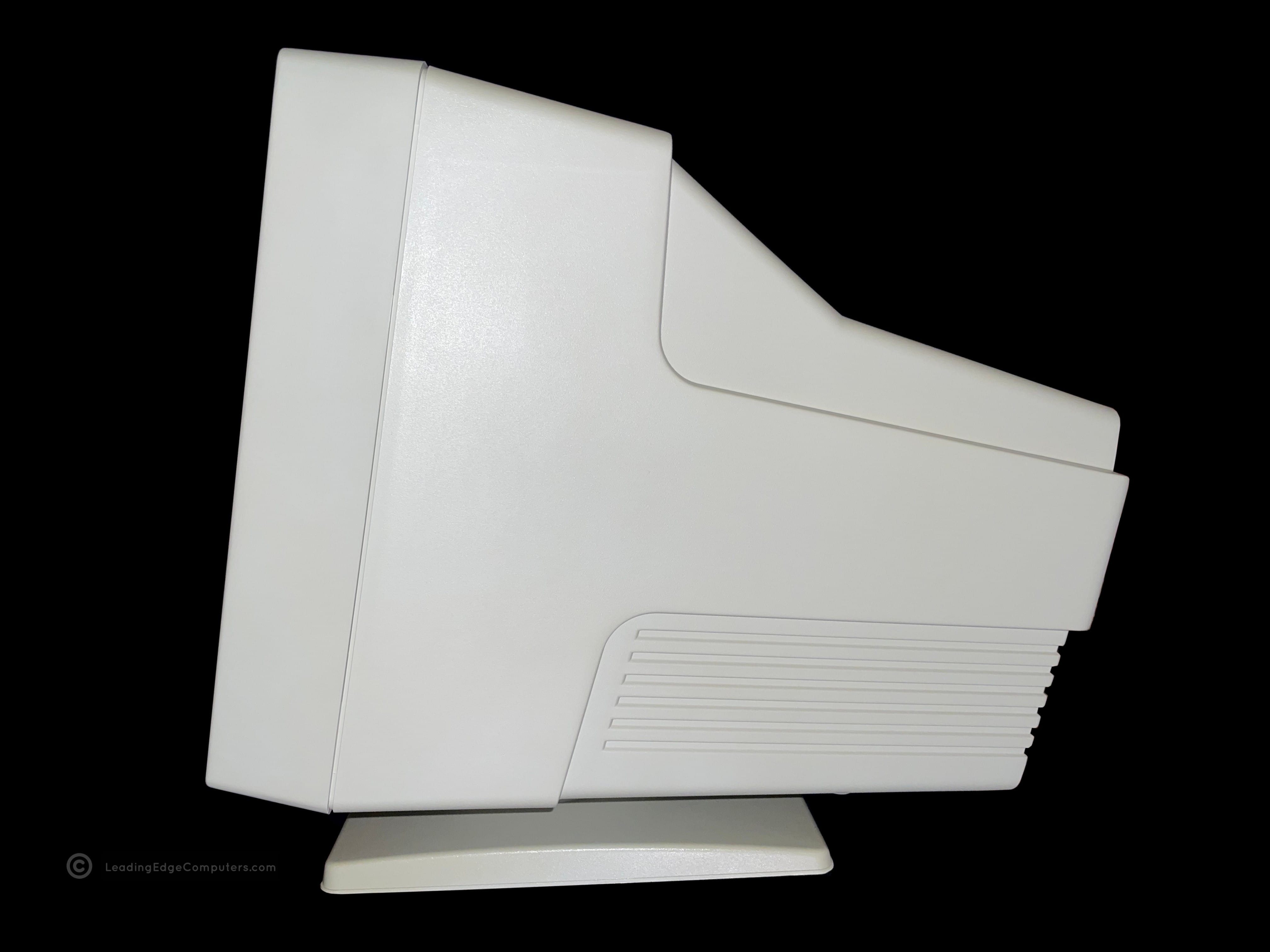
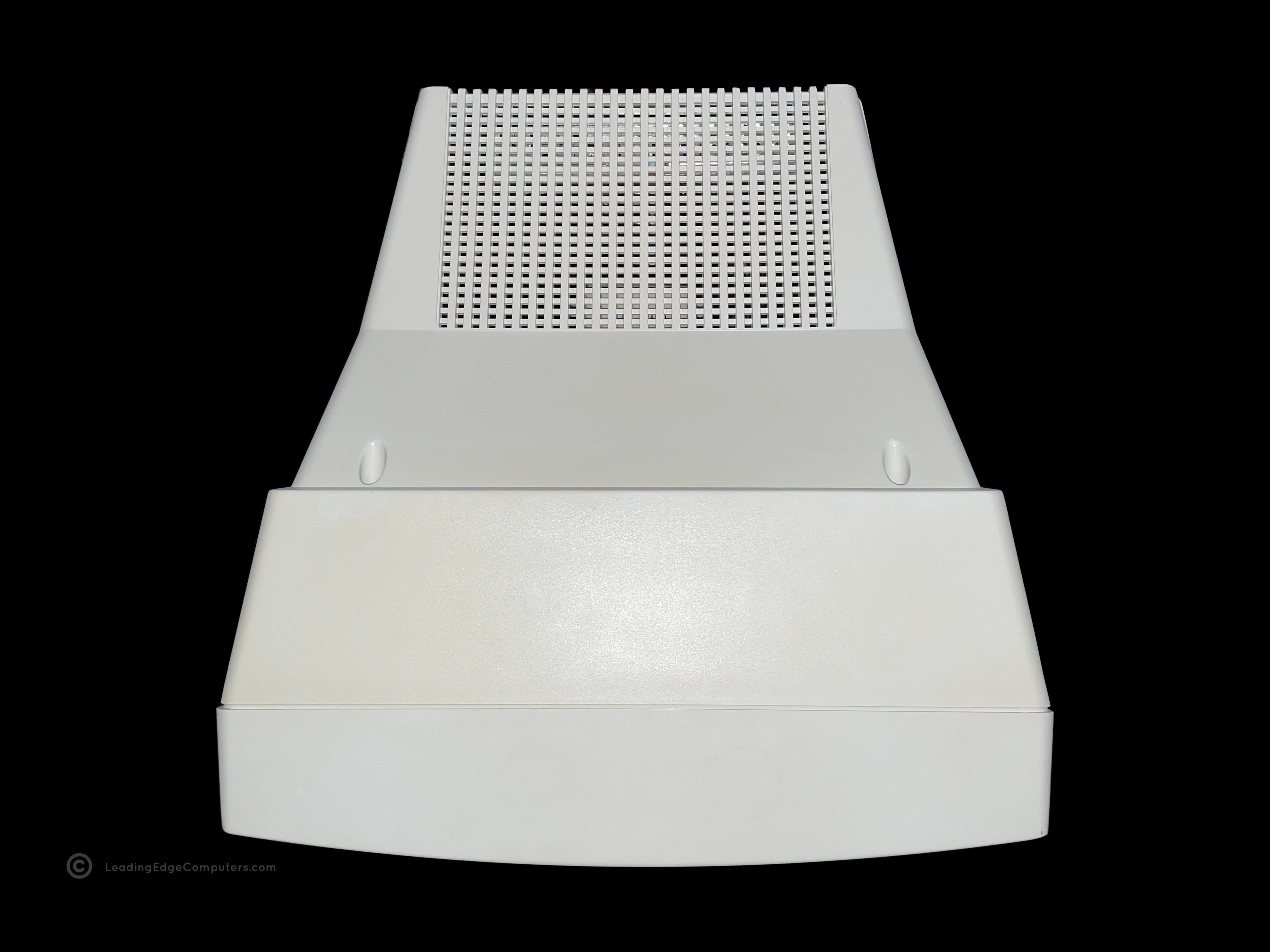
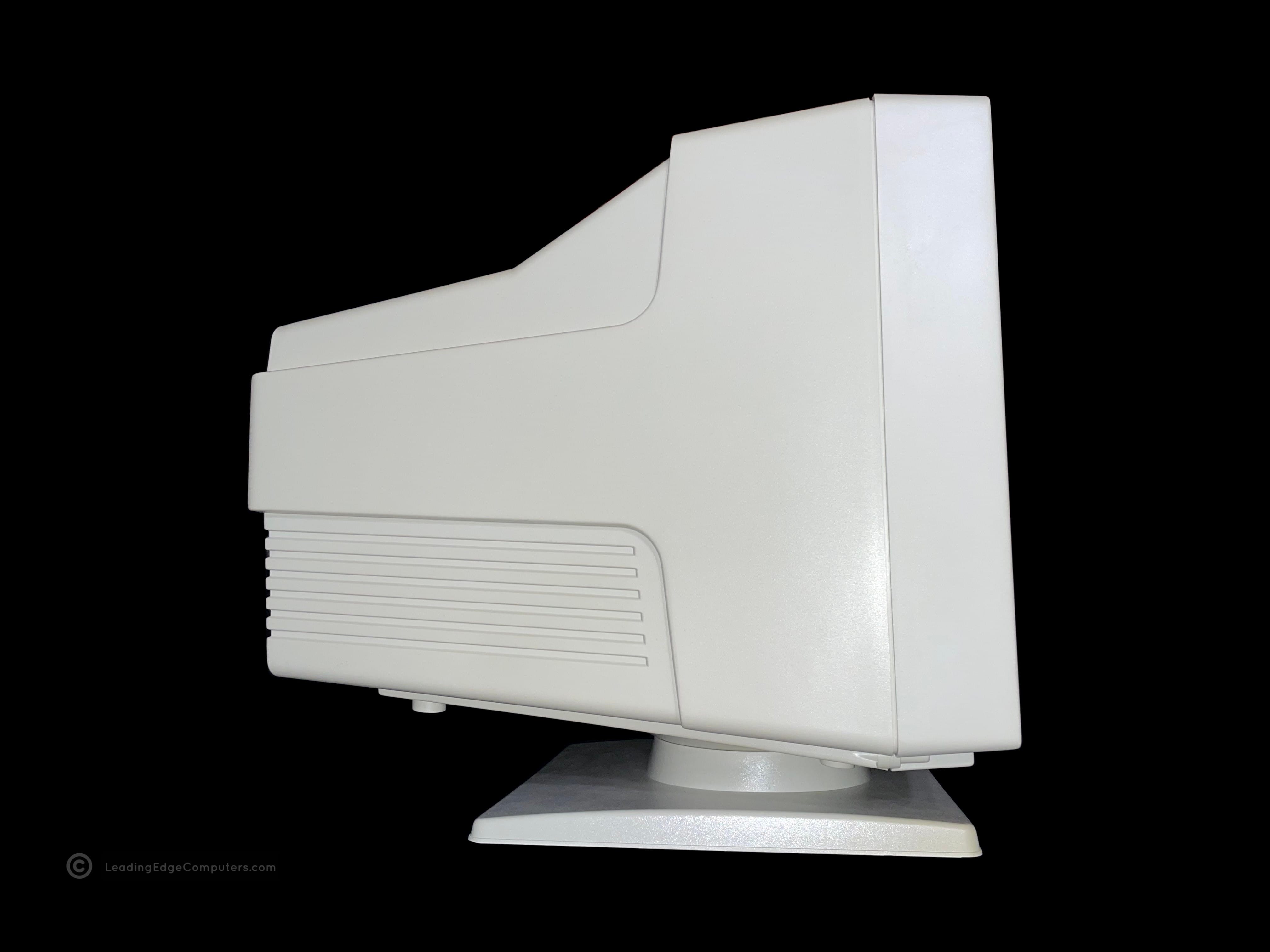
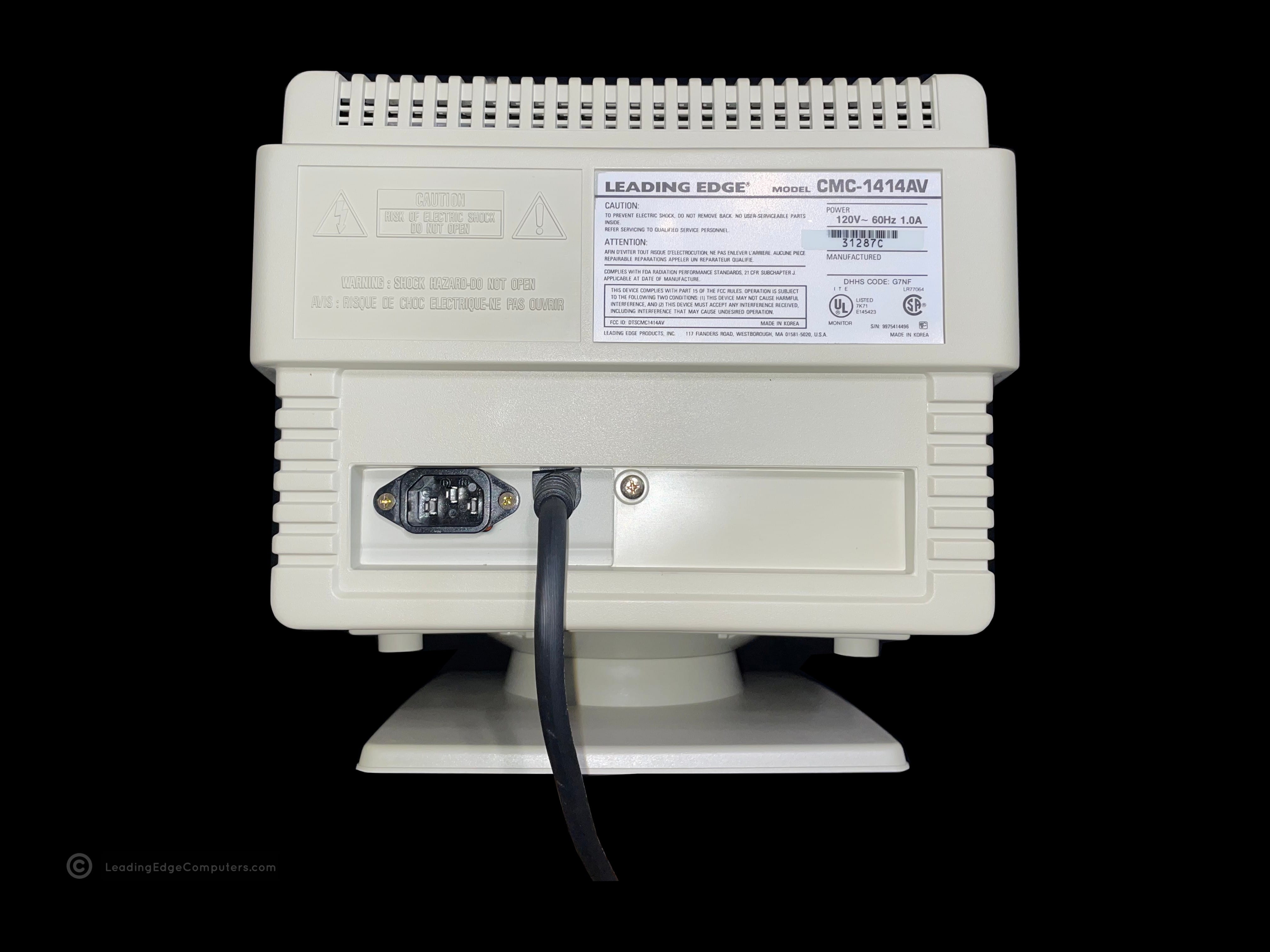
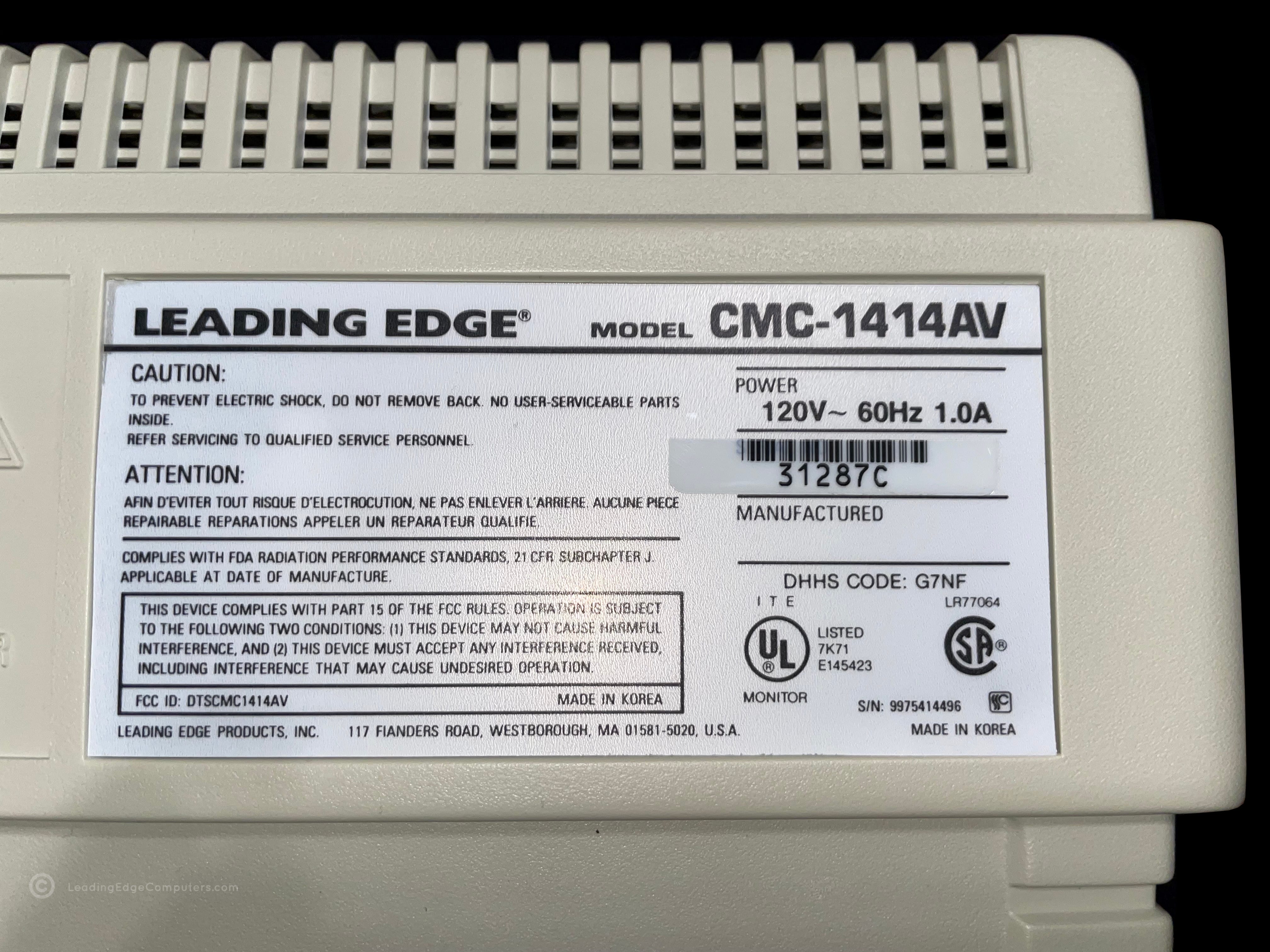
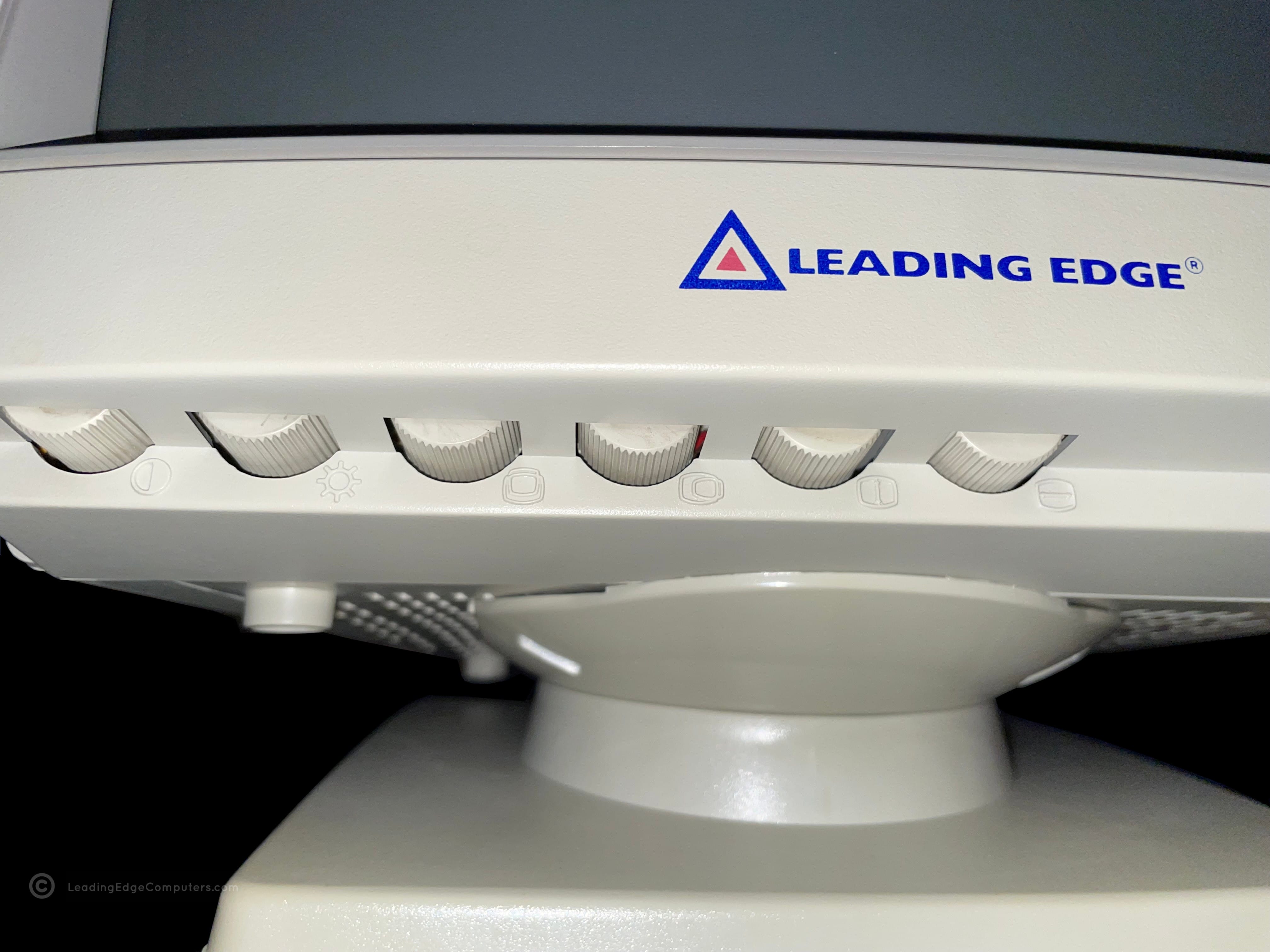
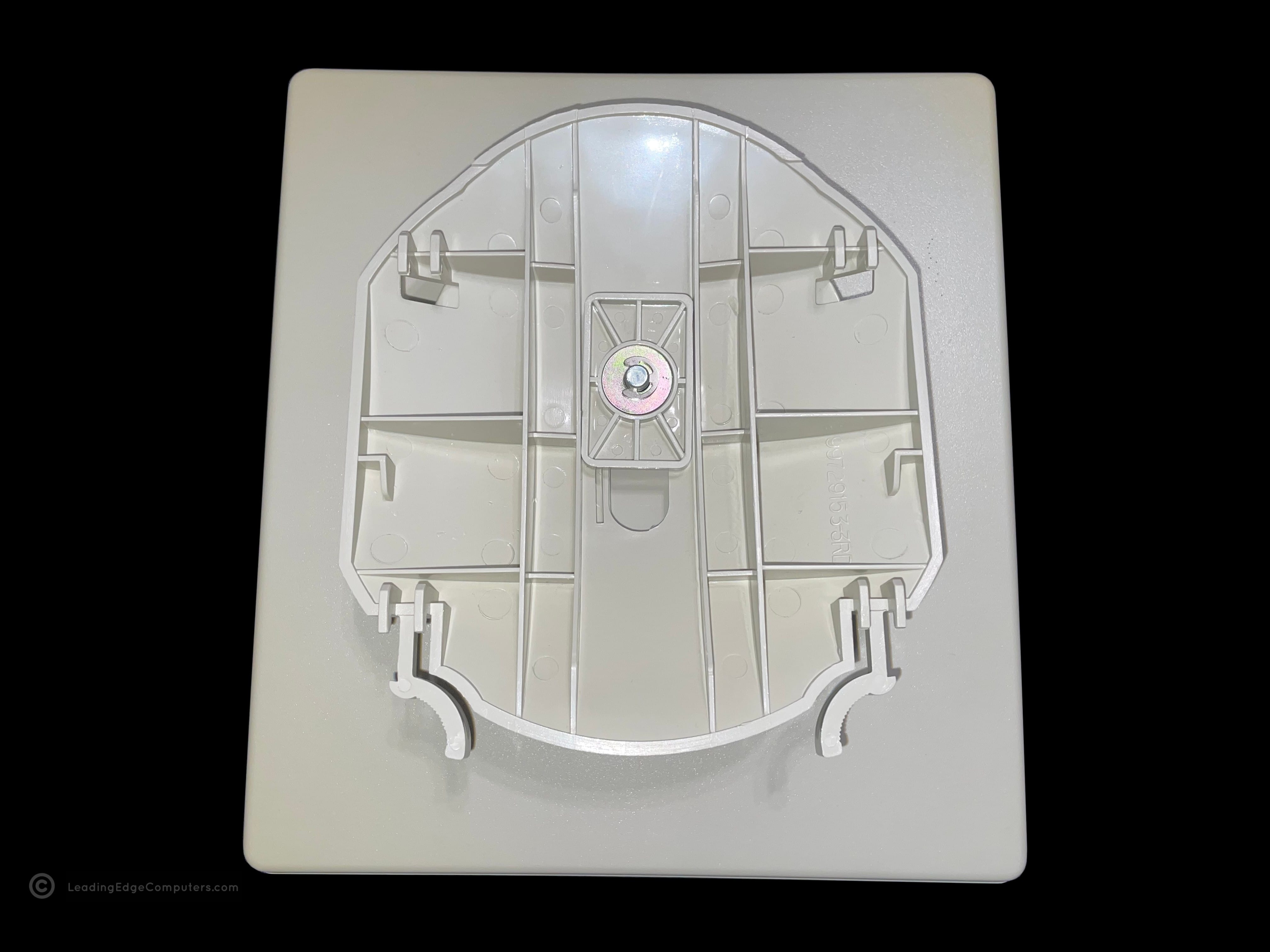
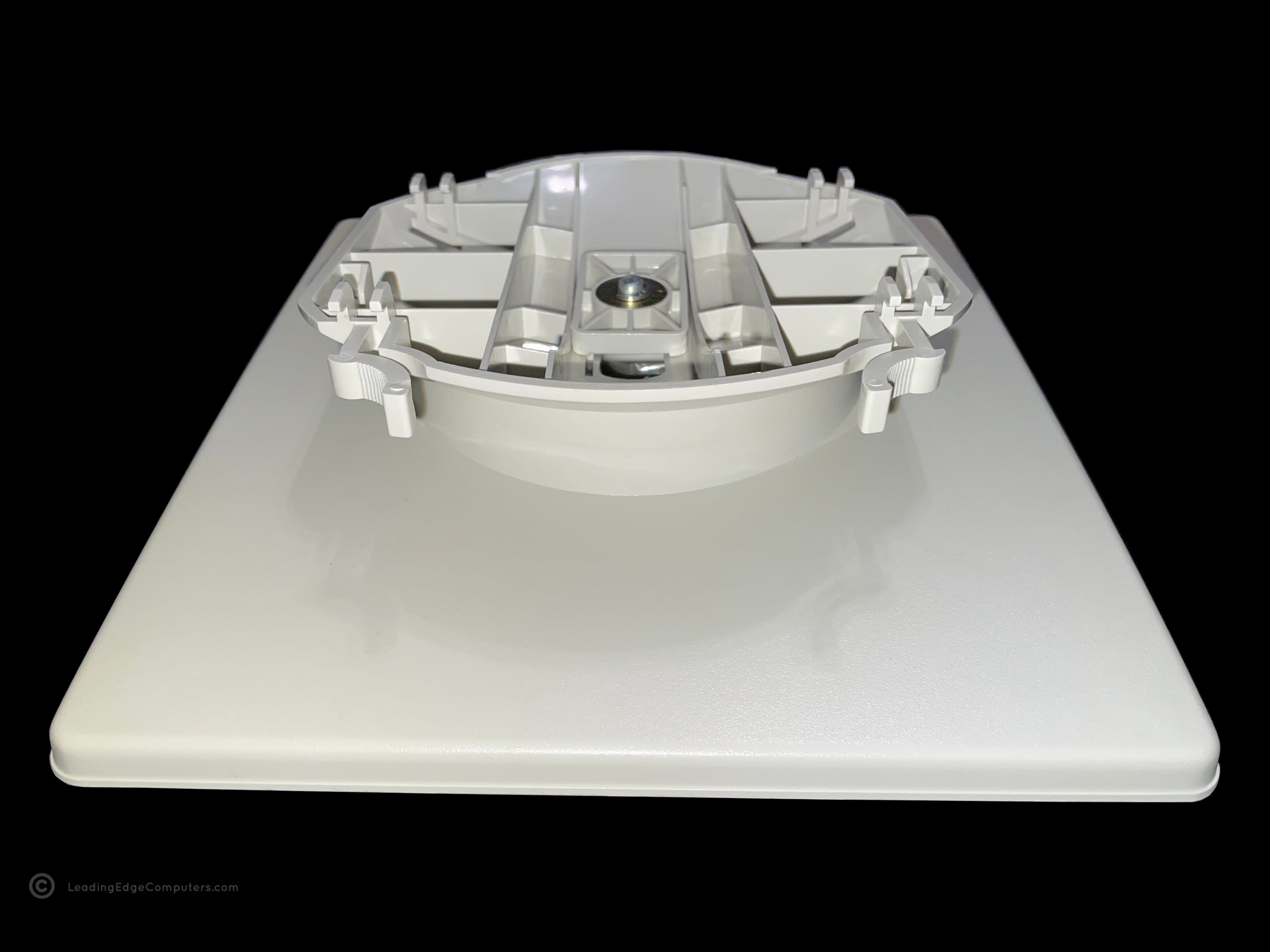
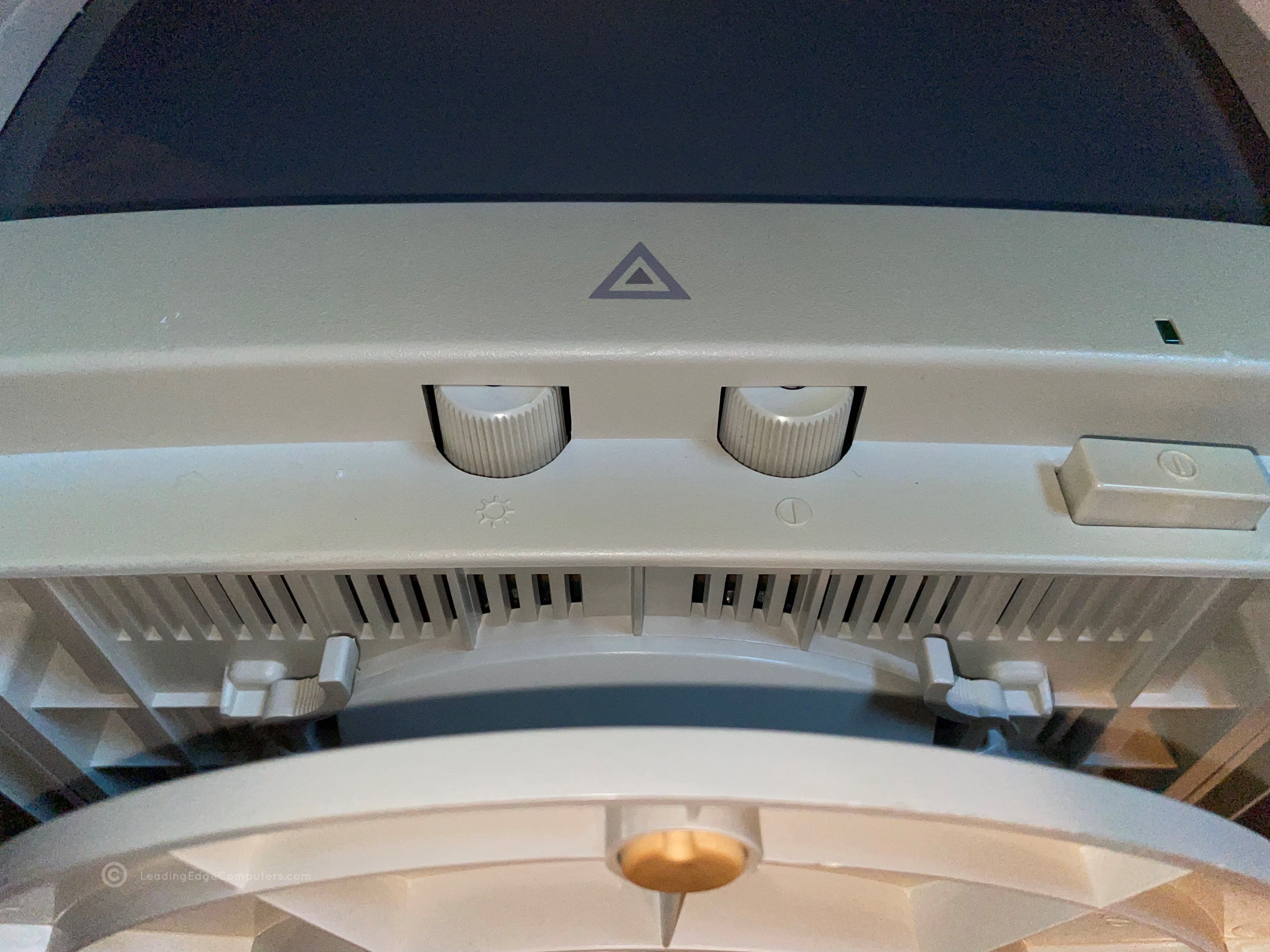
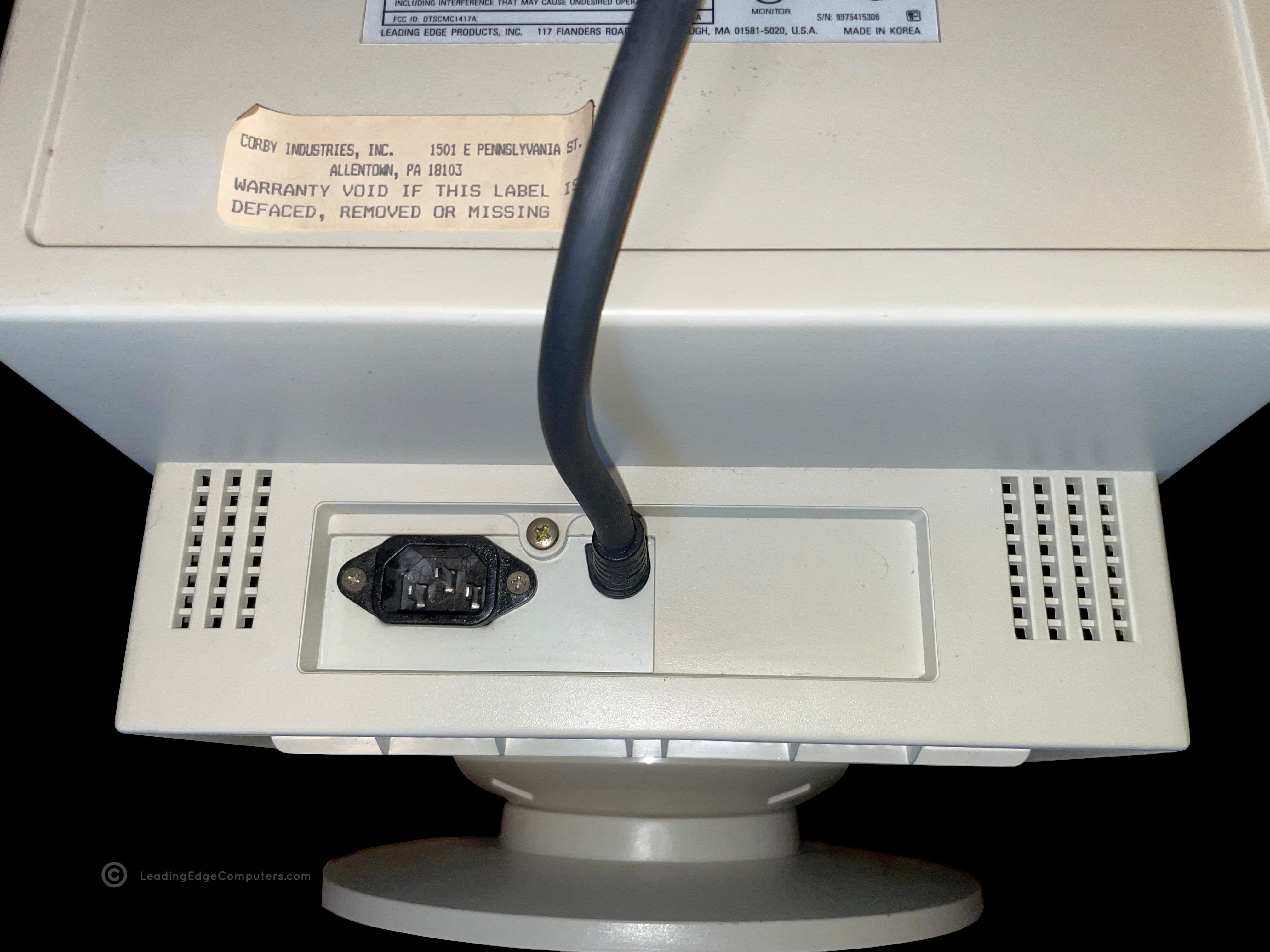
    Front view photo of the Leading Edge CMC-1414AV VGA monitor A side view photo of the Leading Edge CMC-1414AV VGA monitor A top down view of the Leading Edge CMC-1414AV VGA monitor The left-hand side view of the Leading Edge CMC-1414AV VGA monitor A rear view image of the Leading Edge CMC-1414AV showing the power plugs Rear image of the Leading Edge CMC-1414AV VGA monitor showing the manufacturer label A detailed image of the front bottom portion of the Leading Edge CMC-1414AV monitor showing the many screen control knobs An image of the Leading Edge CMC-1414AV monitor's stand removed from the monitor A closer view of the Leading Edge CMC-1414AV monitor's stand and its attachment mechanism An alternate angle of the Leading Edge CMC-1414AV monitor's stand attachment mechanism A view of the bottom of the Leading Edge CMC-1414AV VGA monitor A Leading Edge CMC-1414AV monitor set atop a 386SX PC, displaying the Leading Edge Tutorial program

     Coffee Mug

    coffee mug coffee mug coffee mug coffee mug coffee mug coffee mug

     DC‐2014 Keyboard

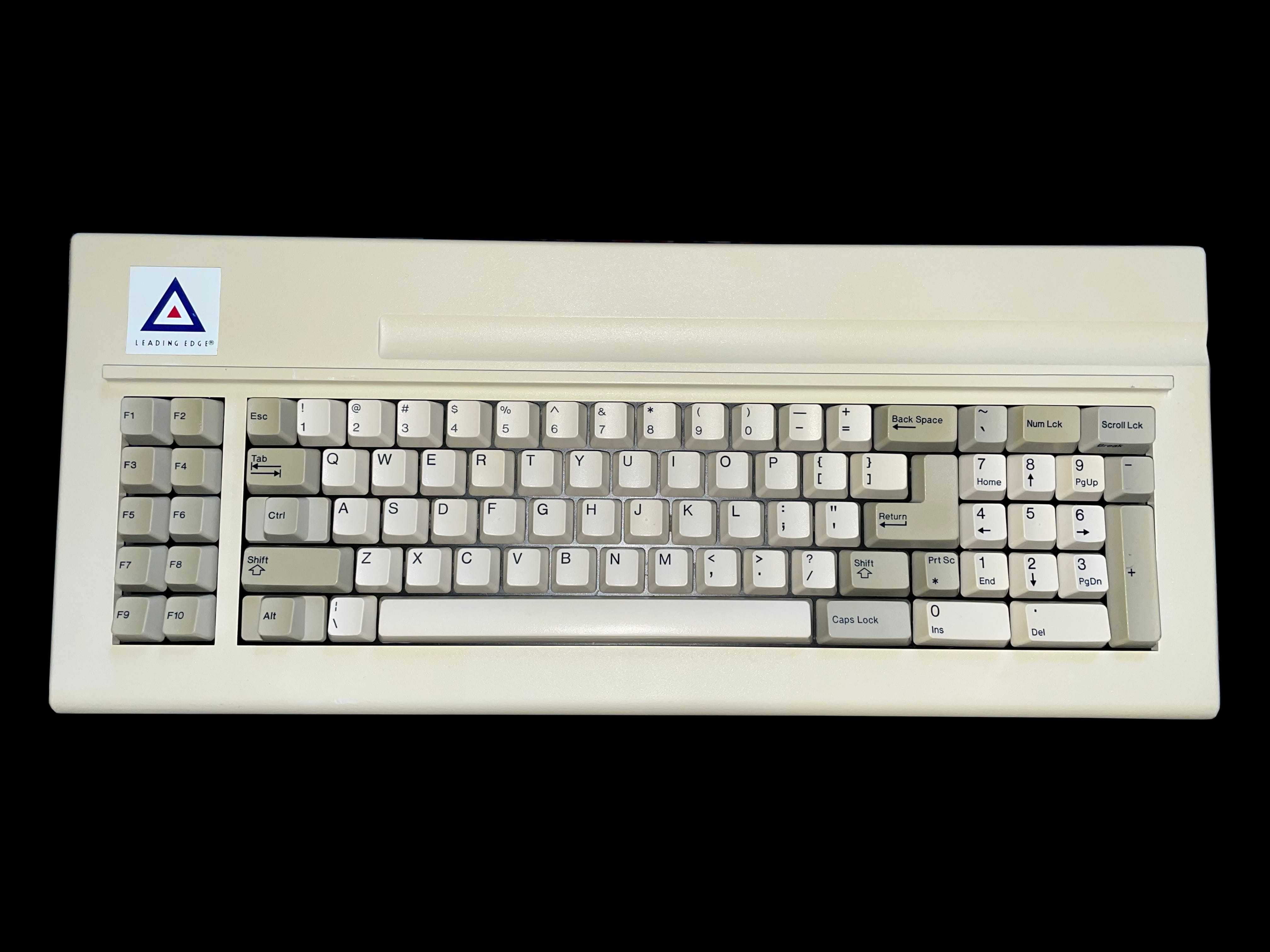
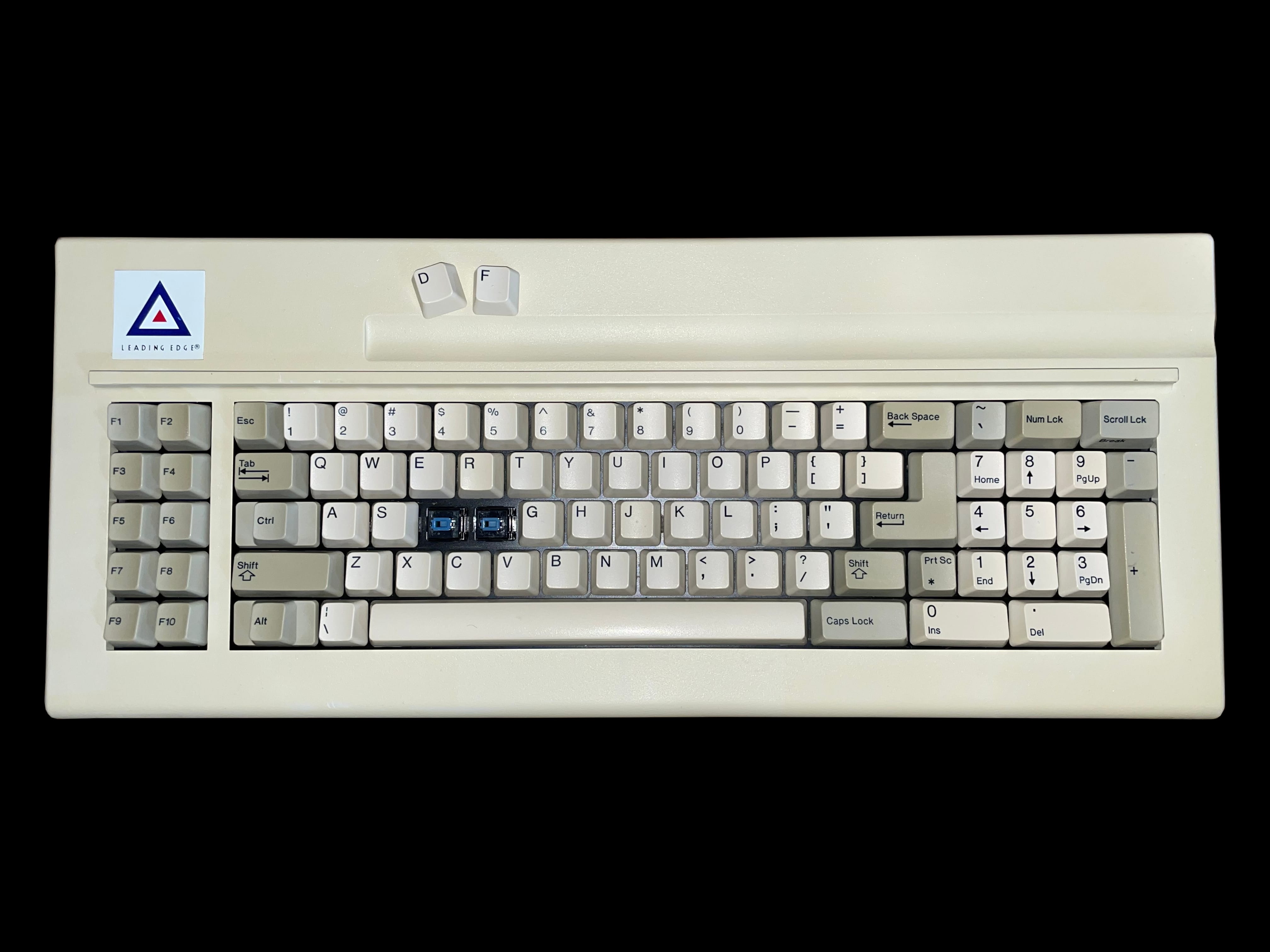
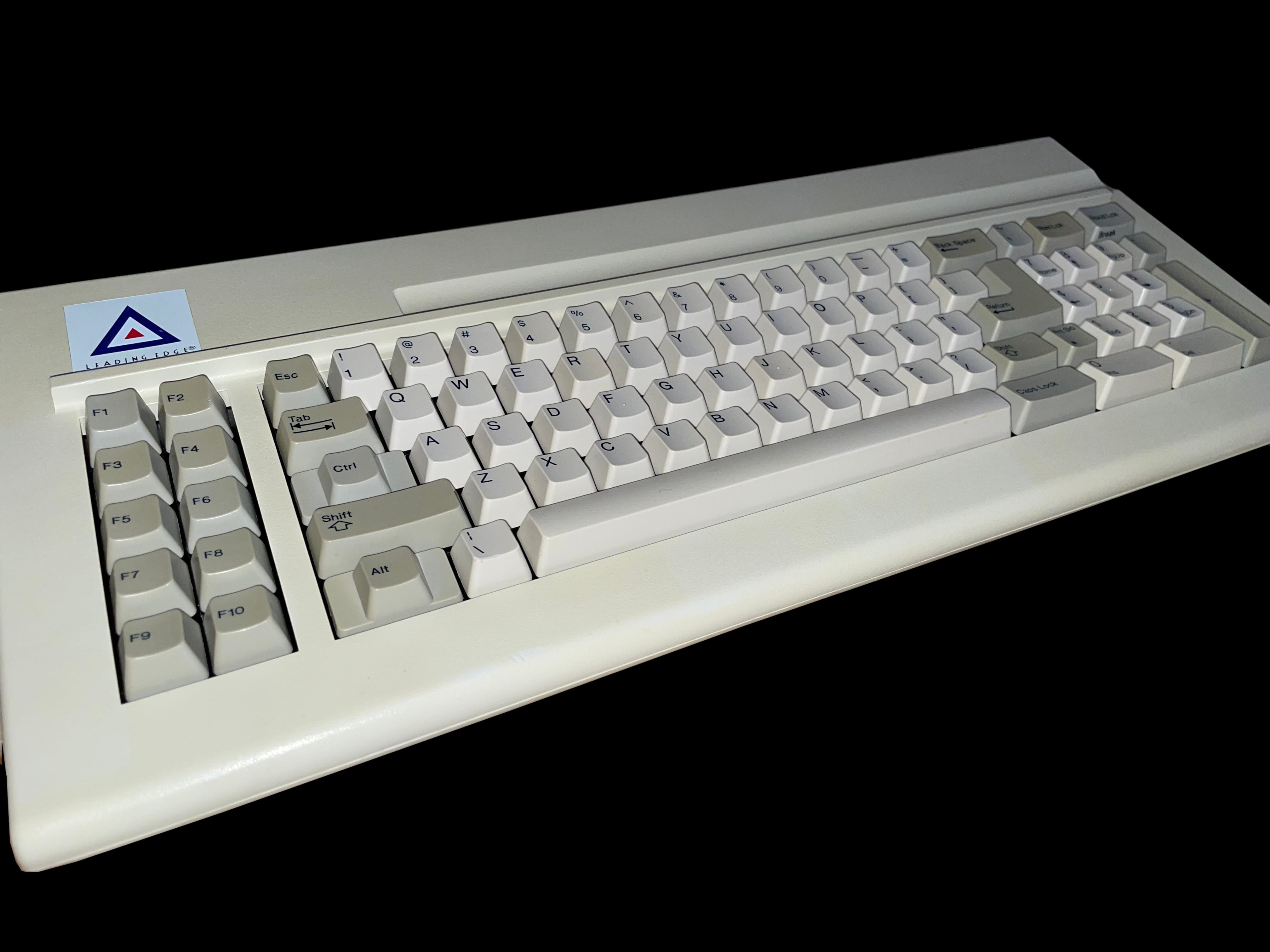
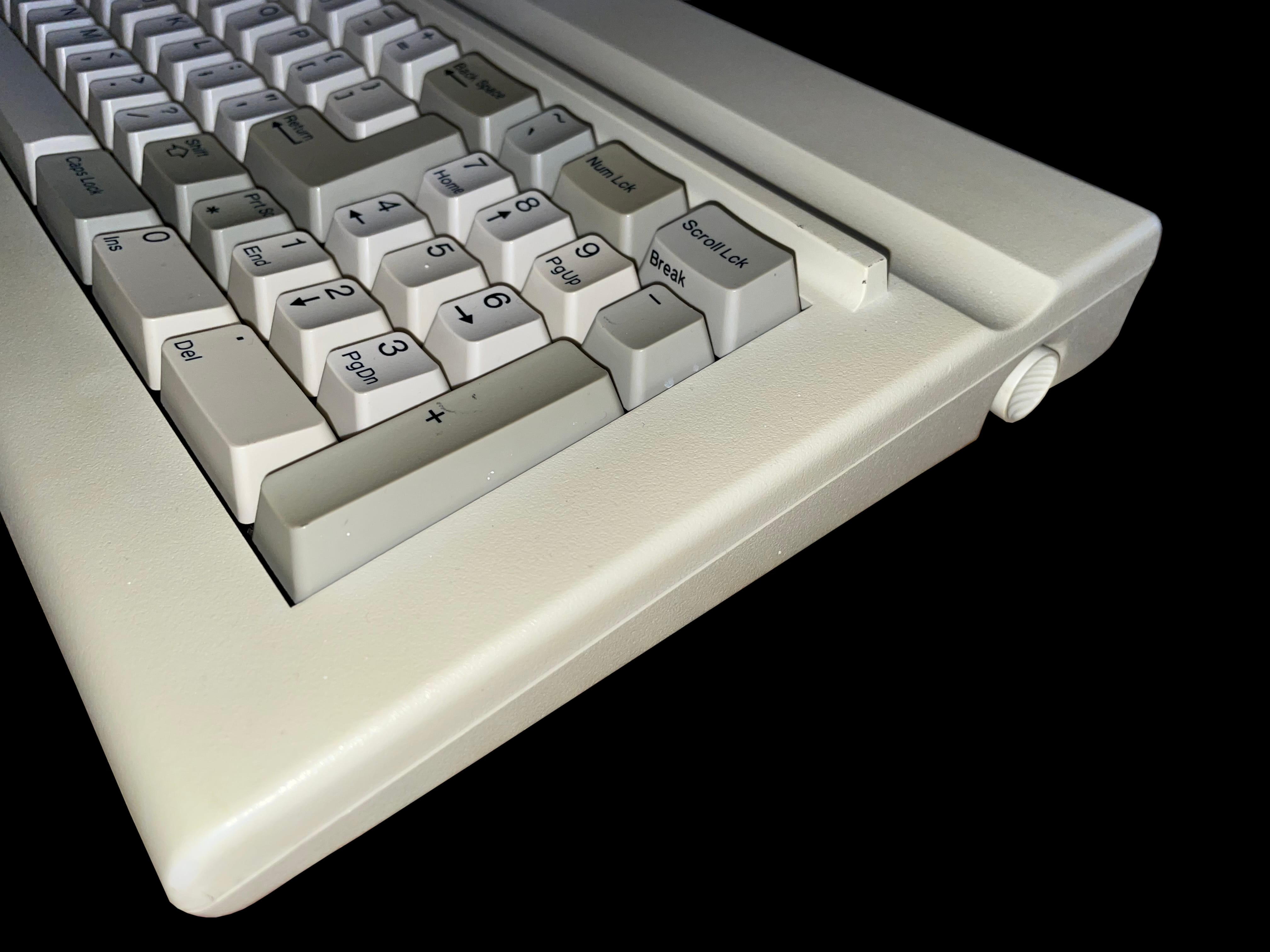
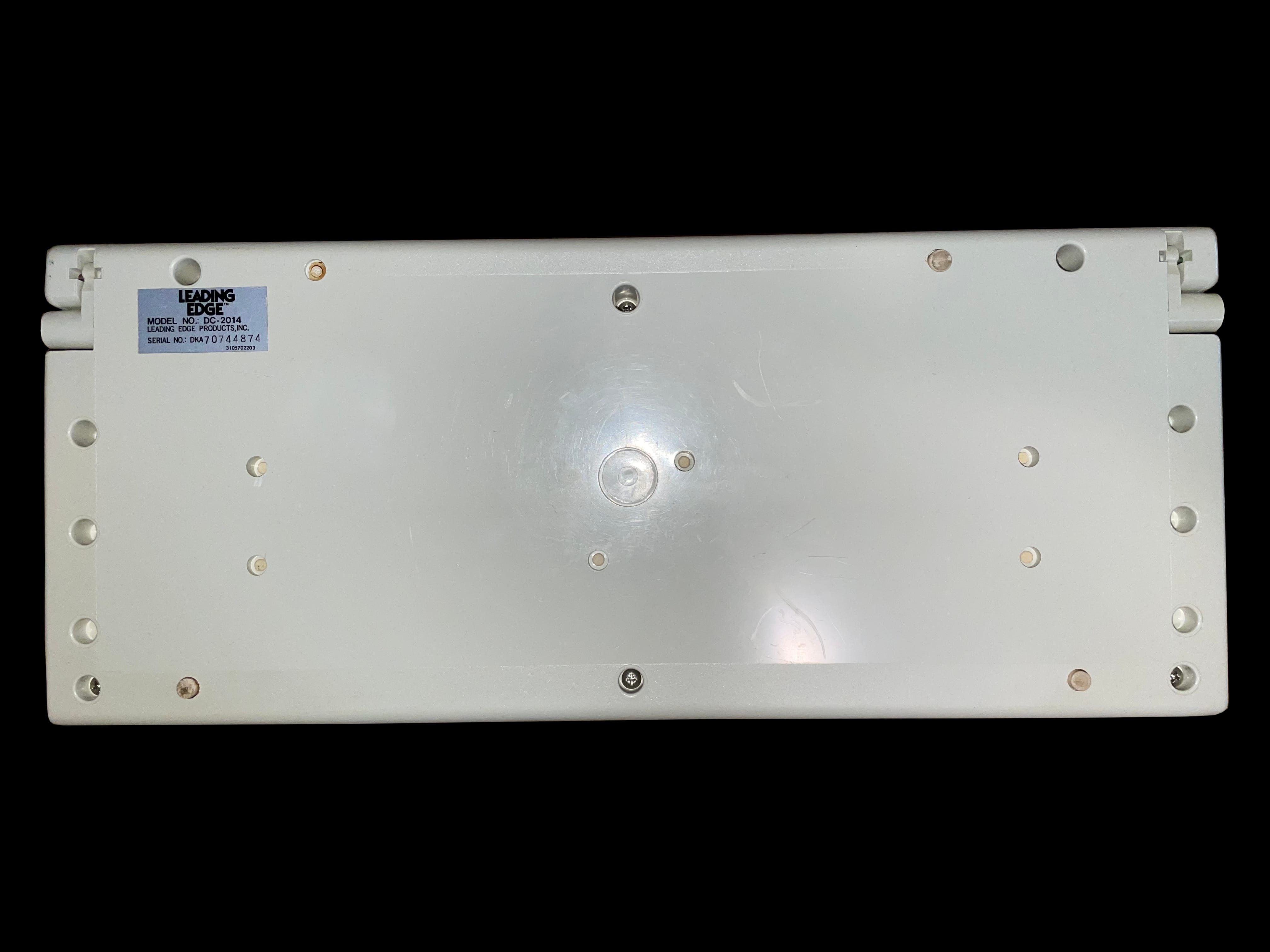
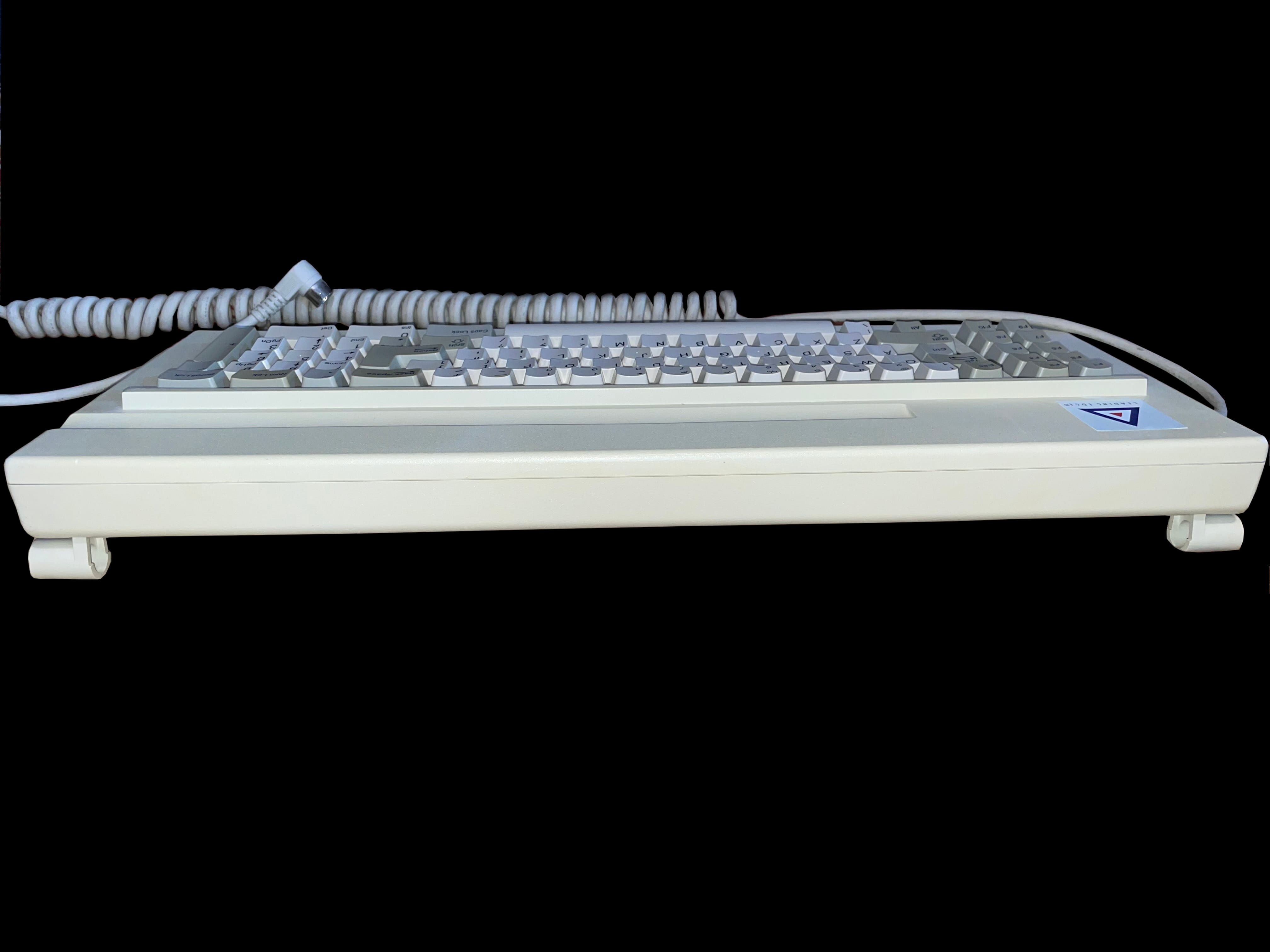
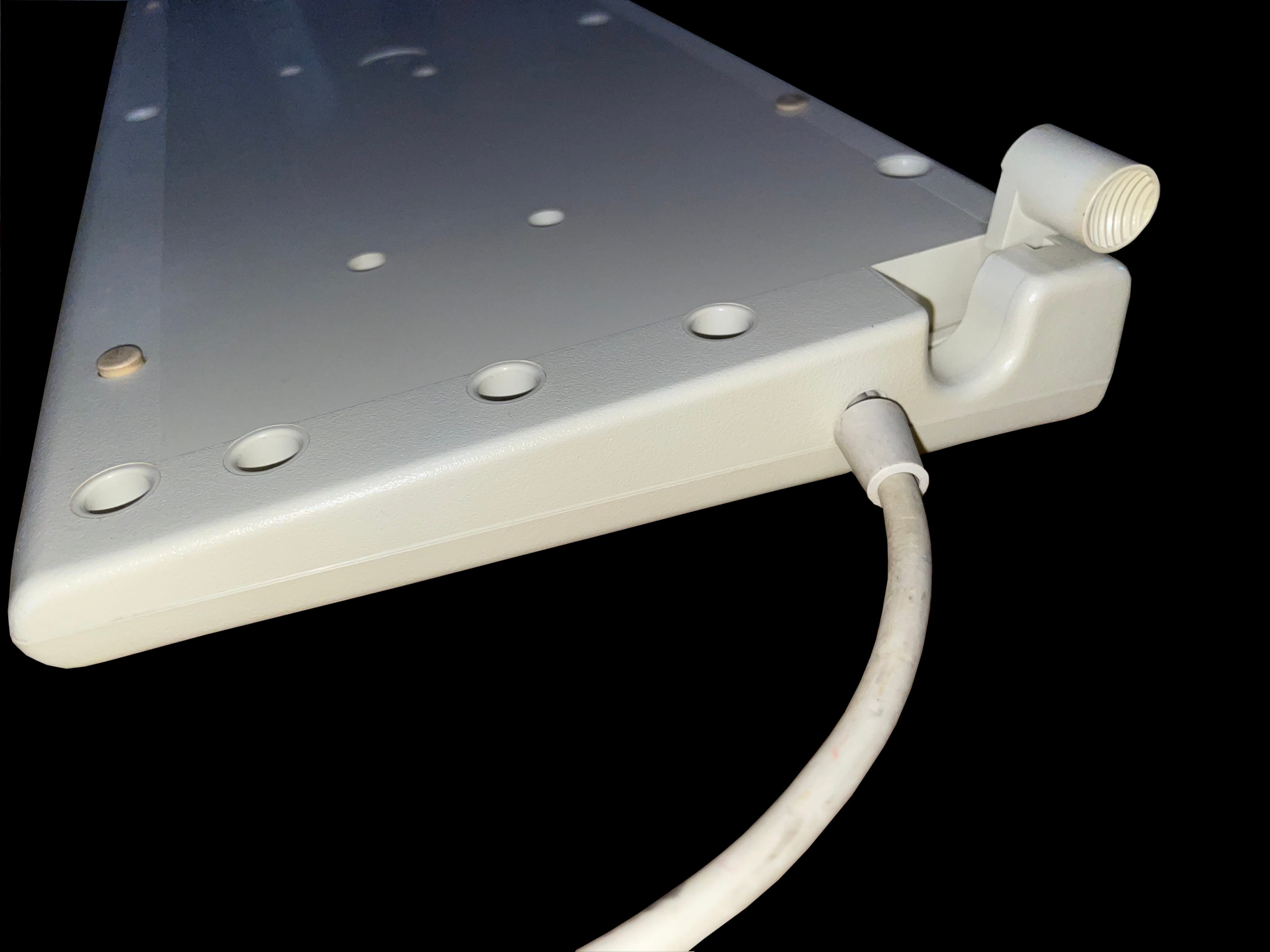
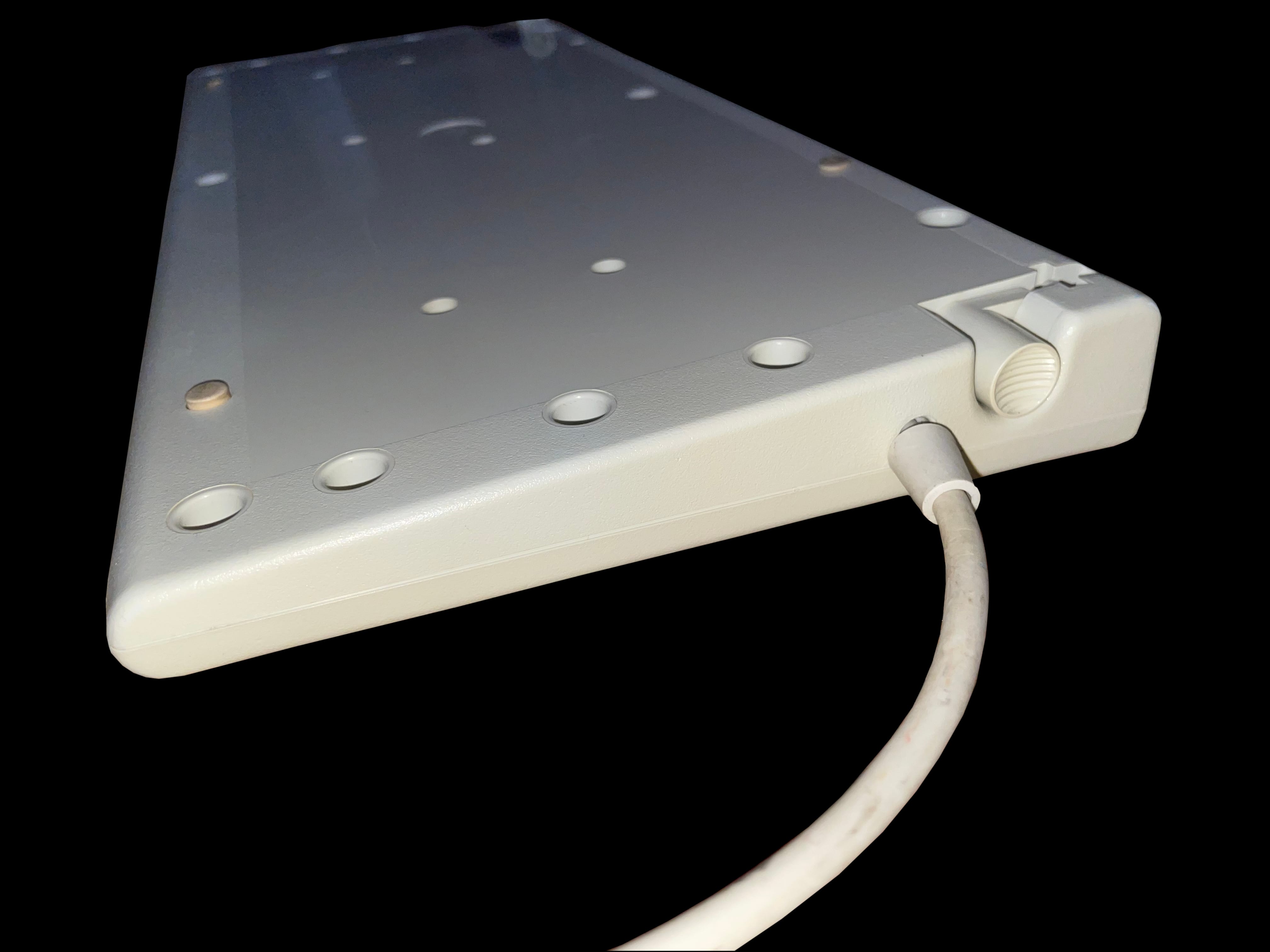
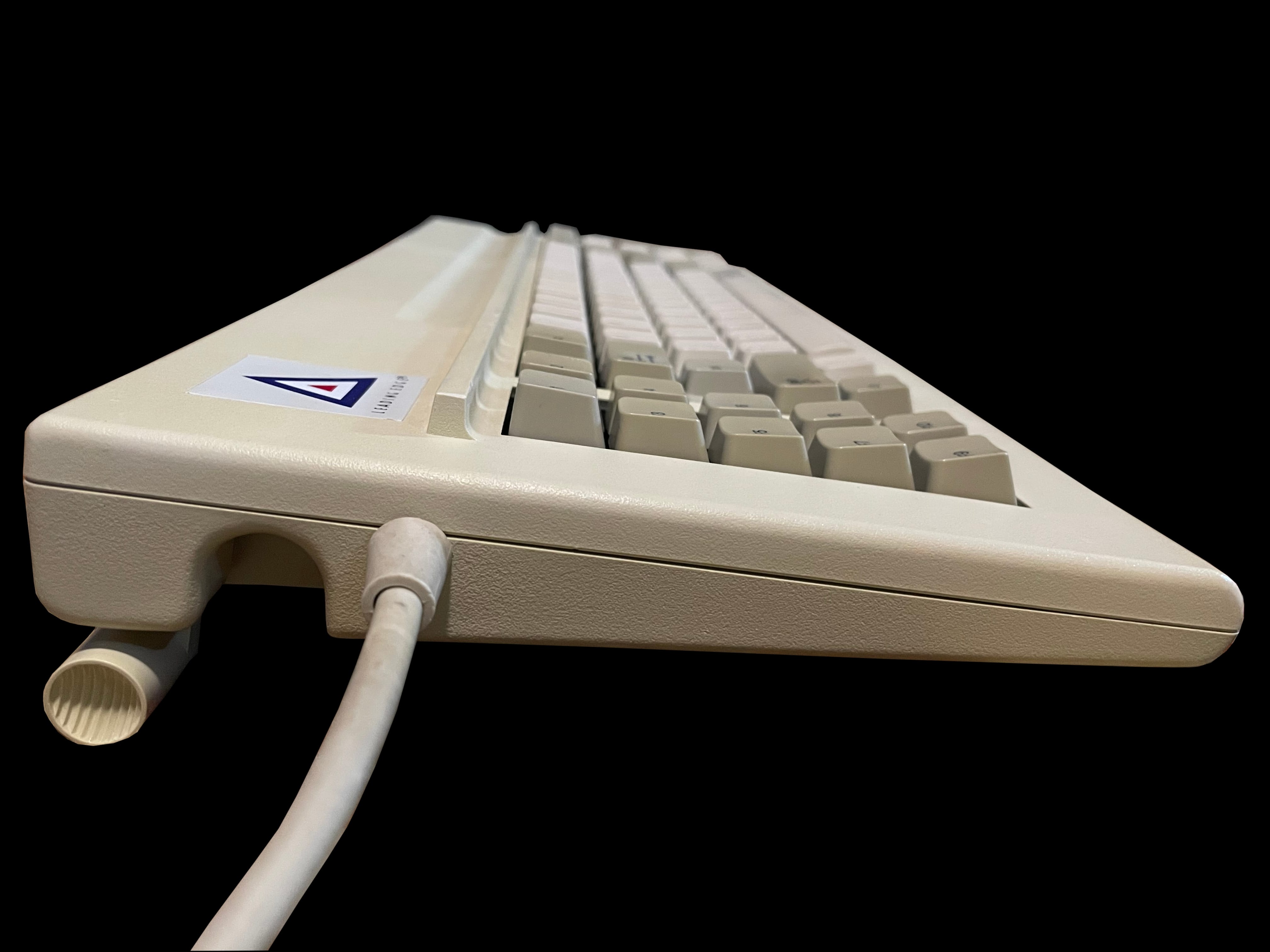
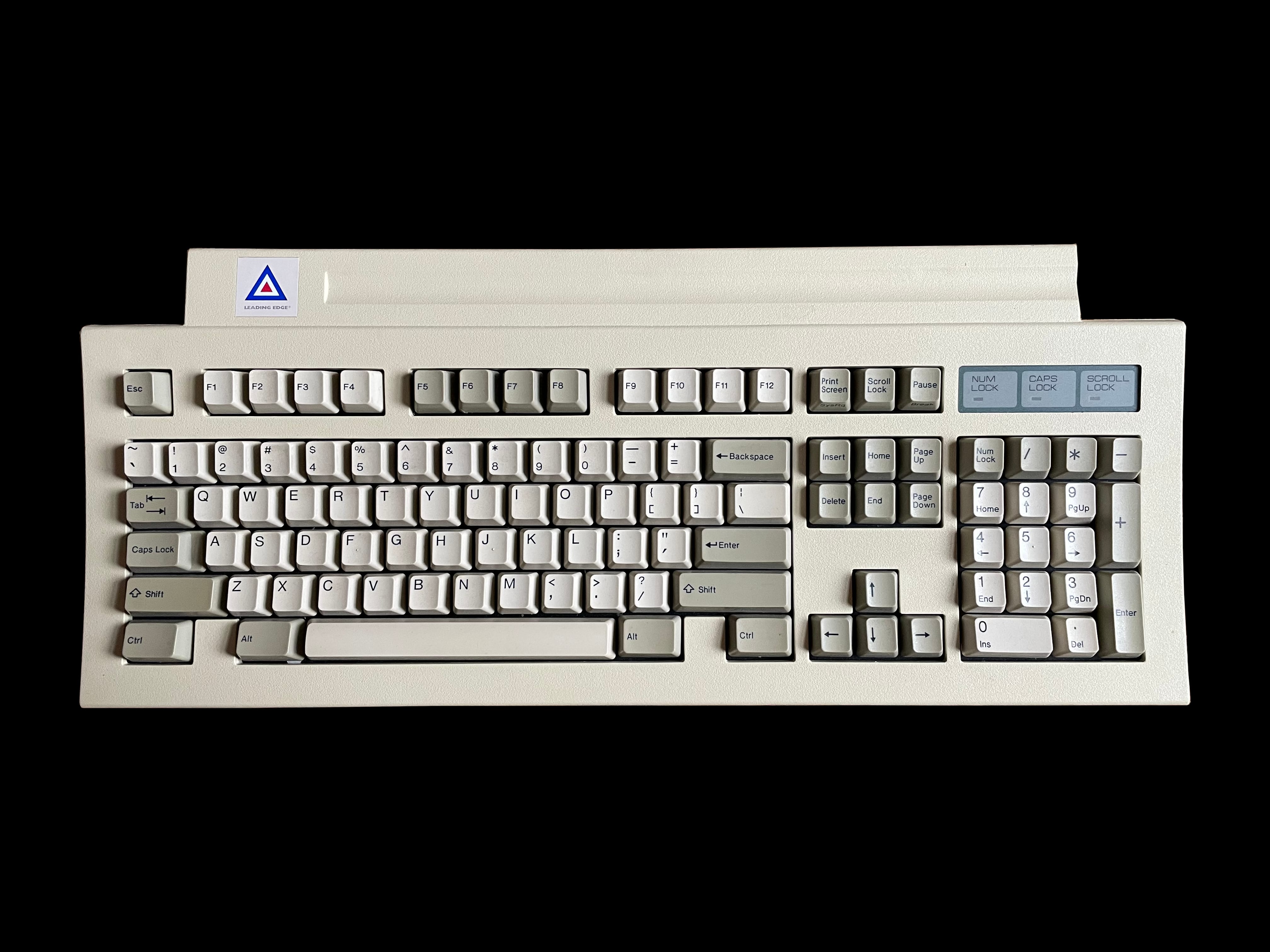
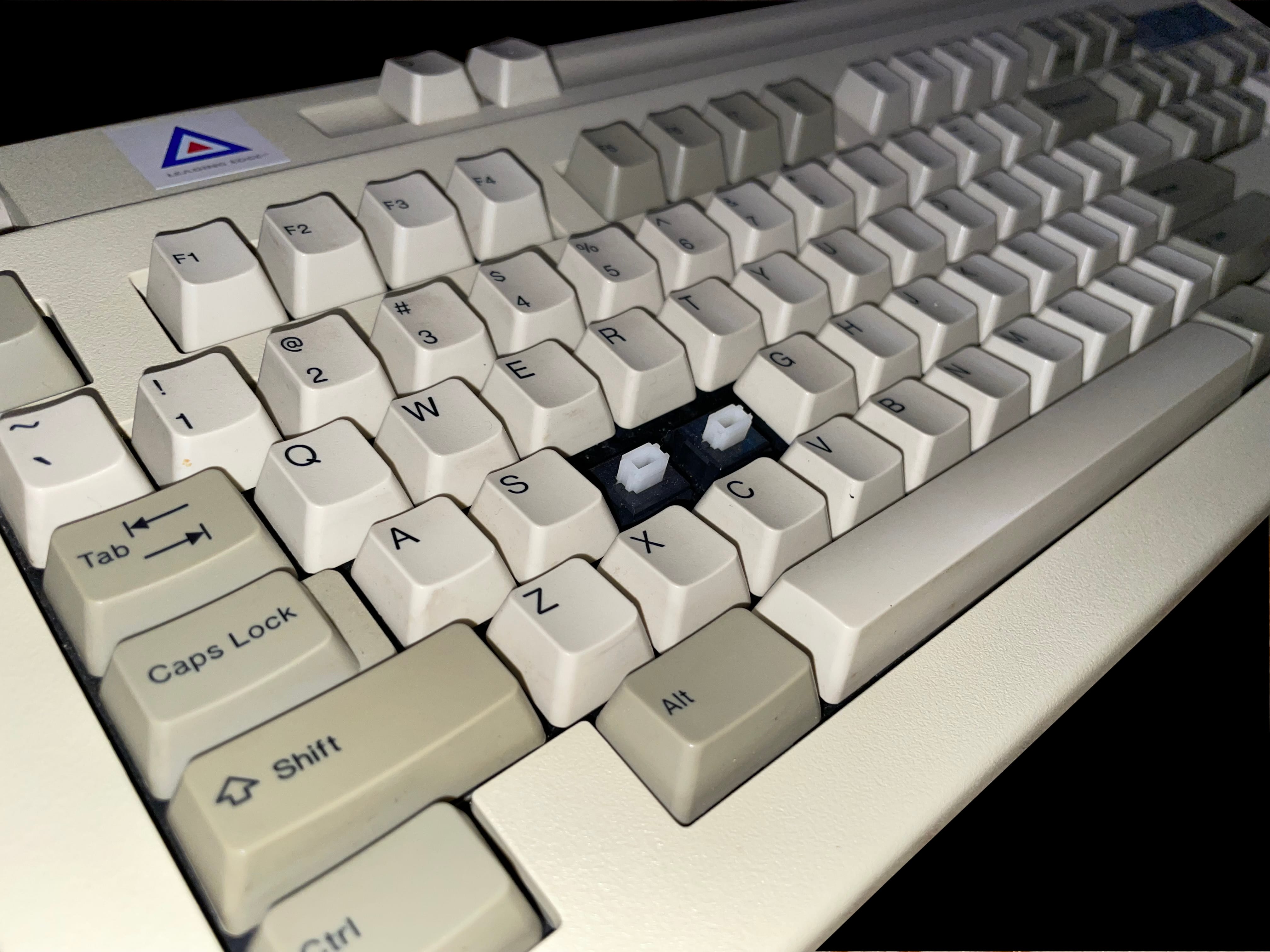
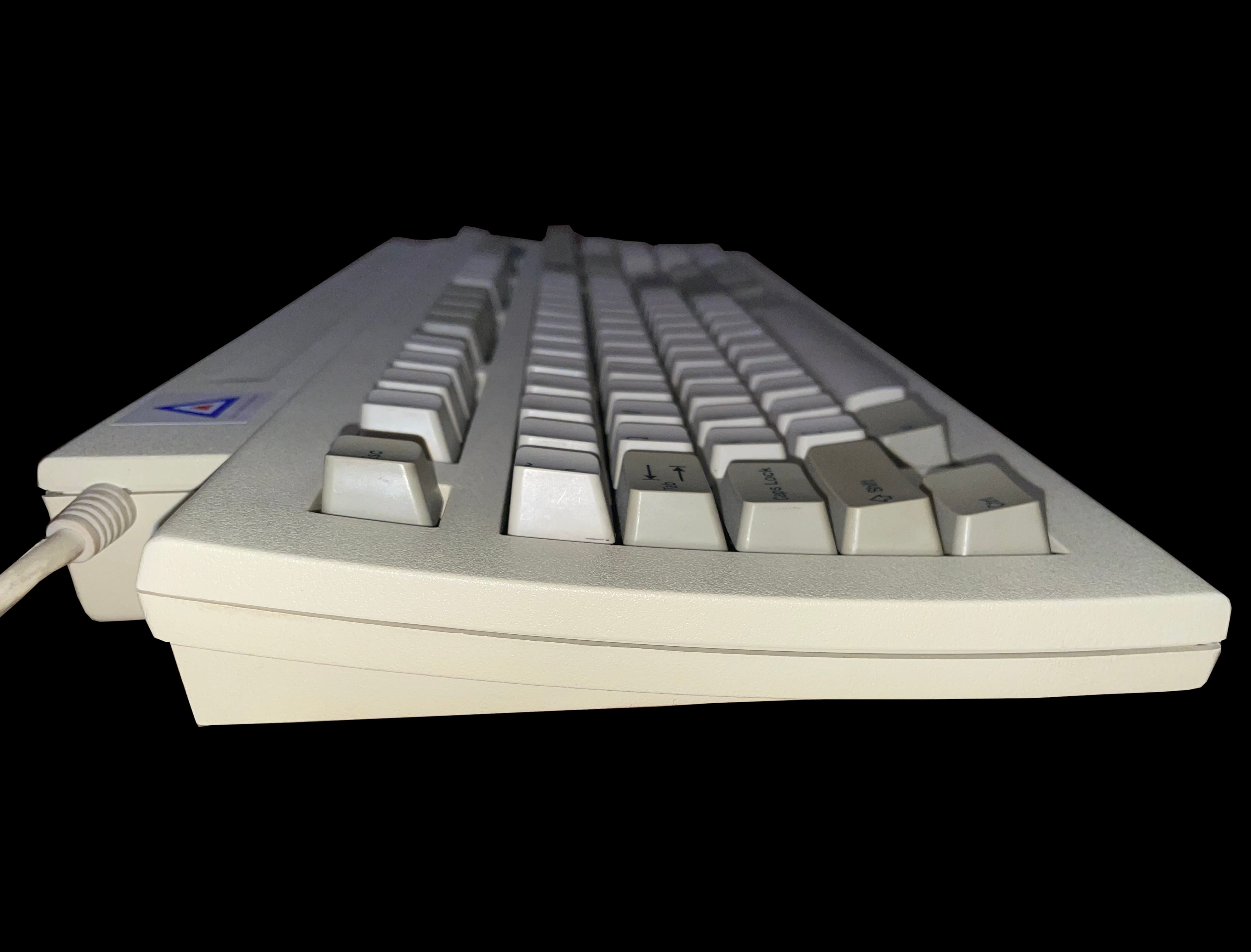
    A top down image of the Leading Edge DC-2014 keyboard A top down photo if the Leading Edge DC-2014 keyboard with key caps removed showing the Alps blue switches A stylized angled photo of the Leading Edge DC-2014 keyboard A side view of the Leading Edge DC-2014 keyboard looking across the num pad A view of the back of the Leading Edge DC-2014 keyboard showing the manufacturer label A photo showing the Leading Edge DC-2014 keyboard from the rear with the feet extended down A photo of the Leading Edge DC-2014 keyboard upsidedown with the feet fully extended An image of the Leading Edge DC-2014 keyboard upsidedown showing the cable interface An image of the Leading Edge DC-2014 keyboard from the side looking over the brand badge

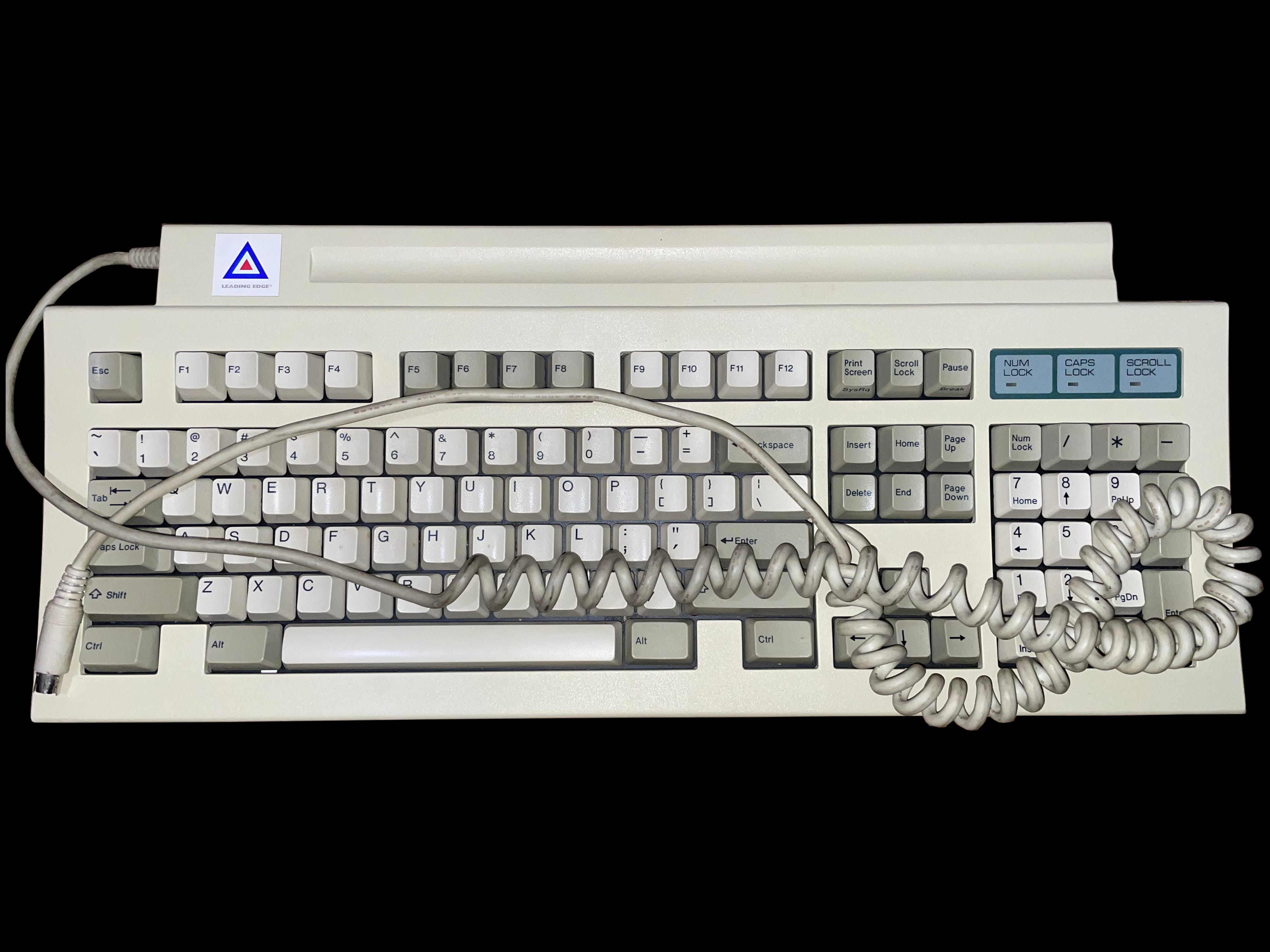
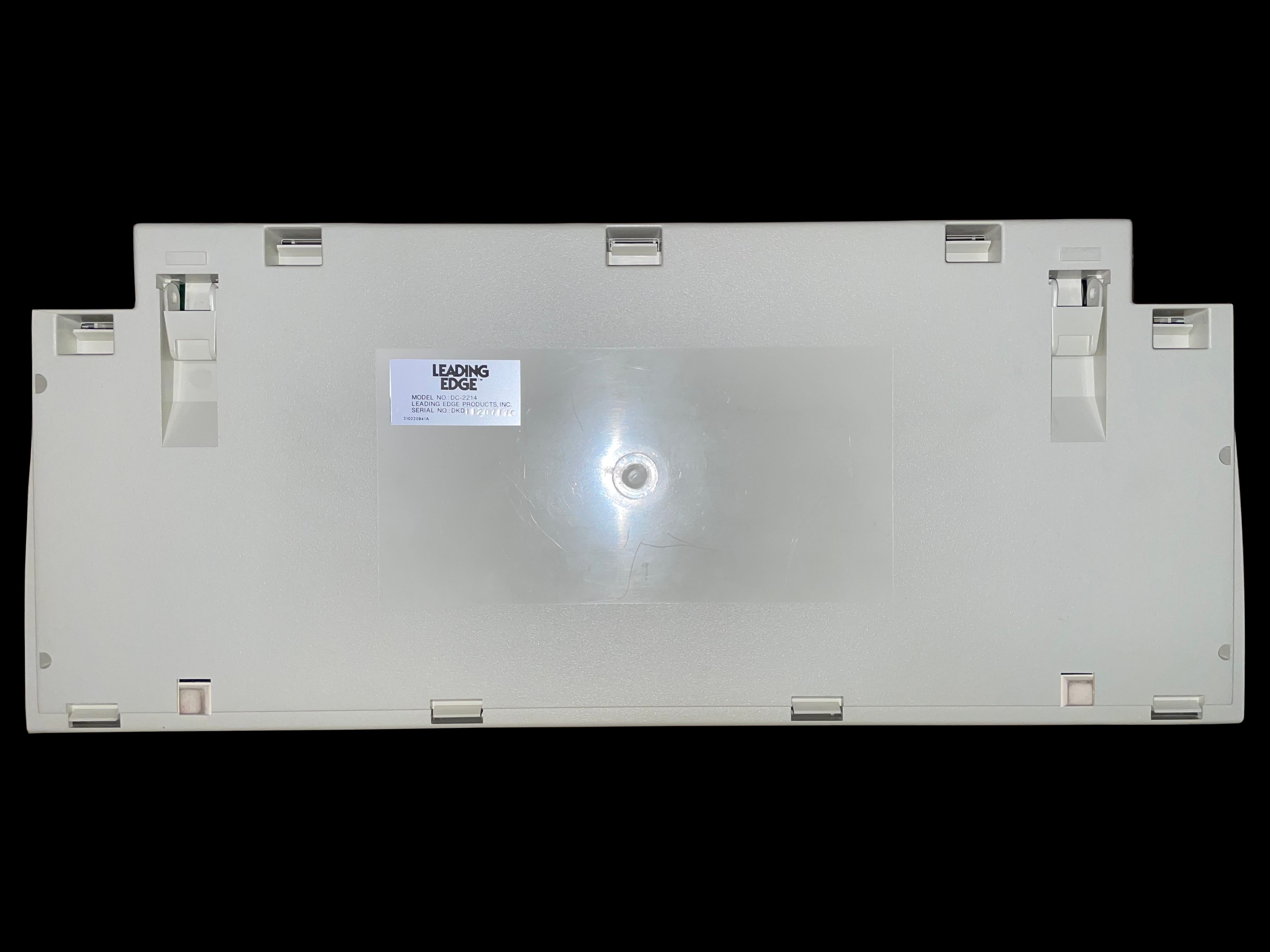
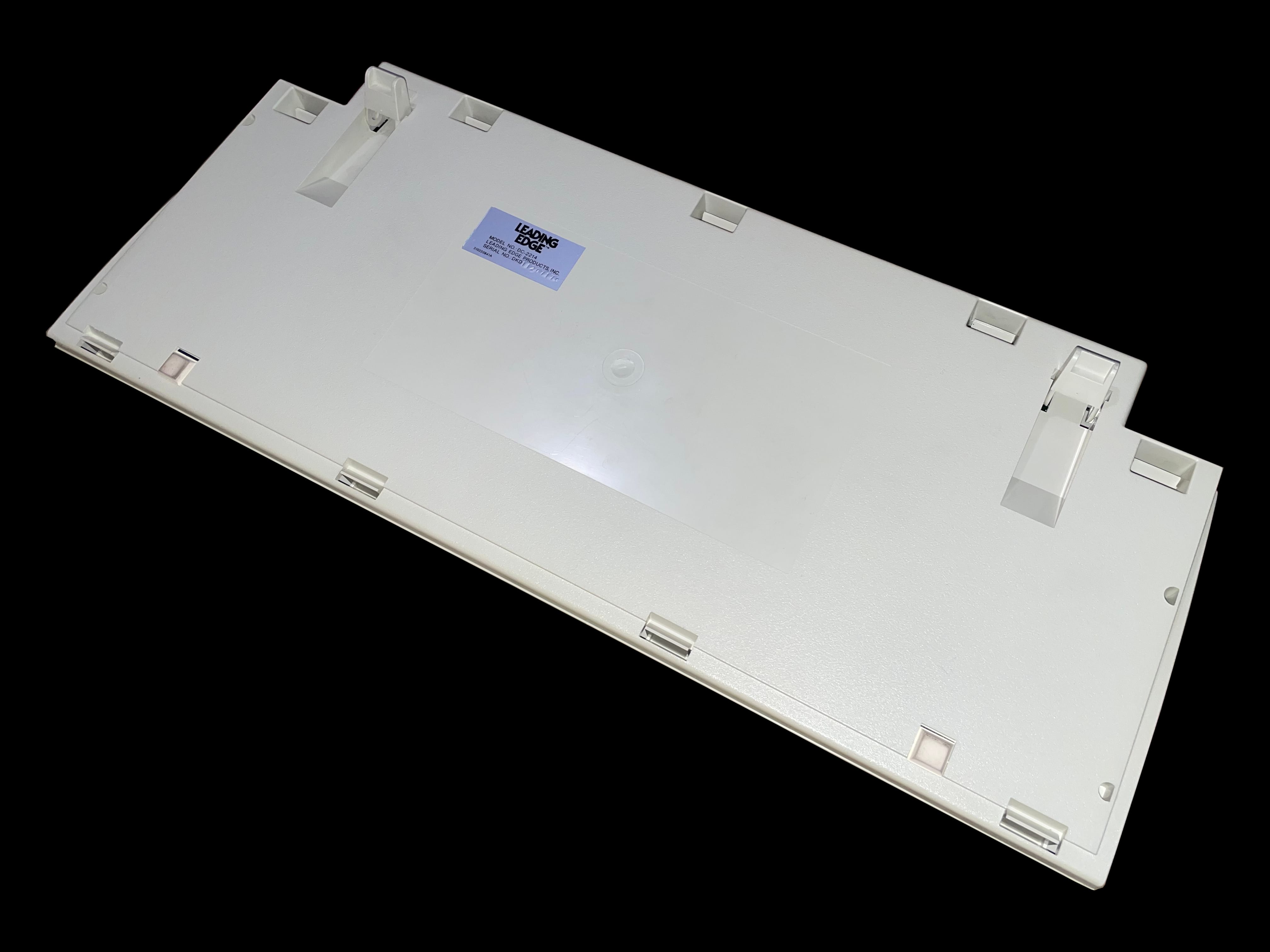
     DC‐2214 Keyboard

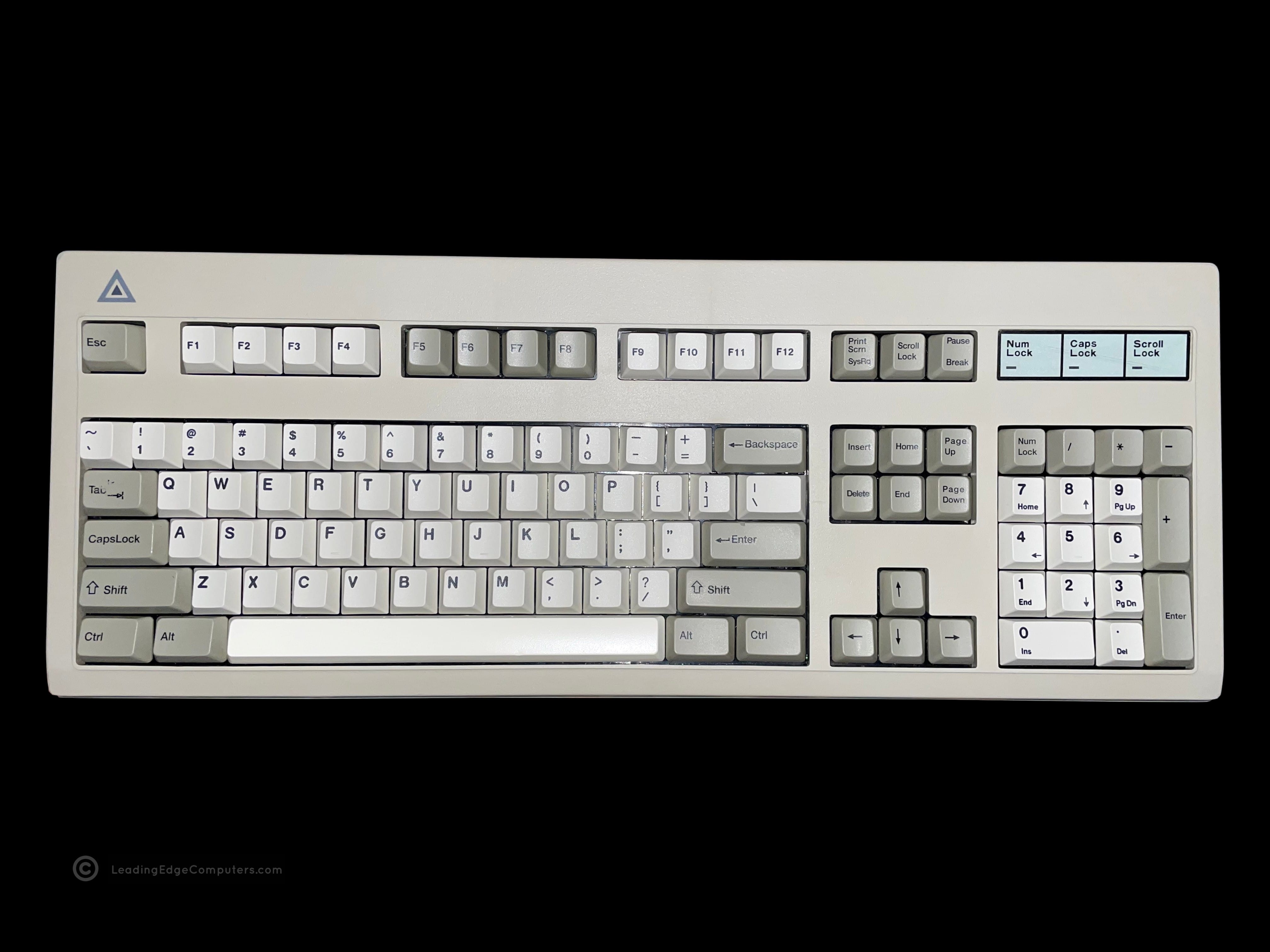
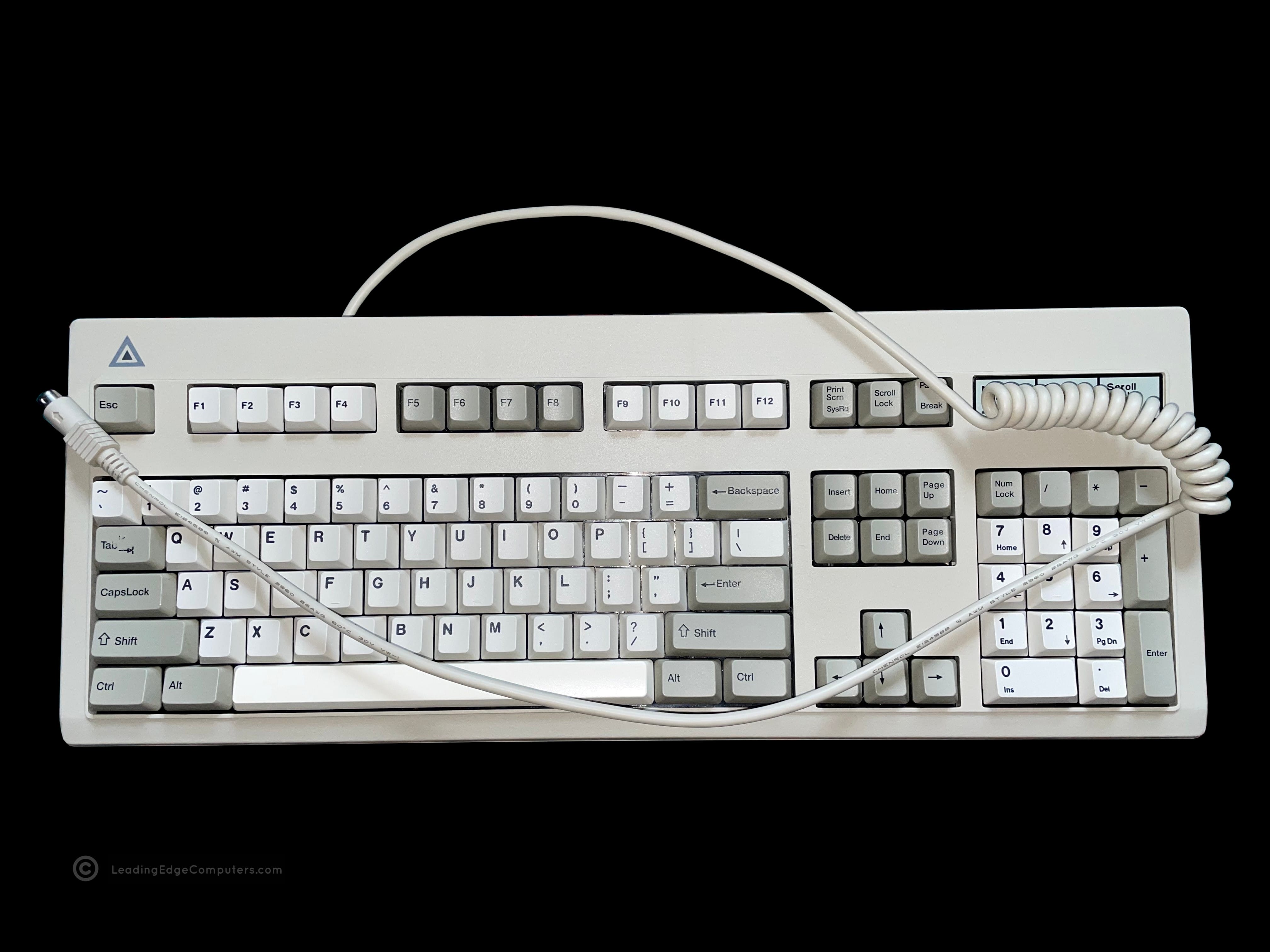
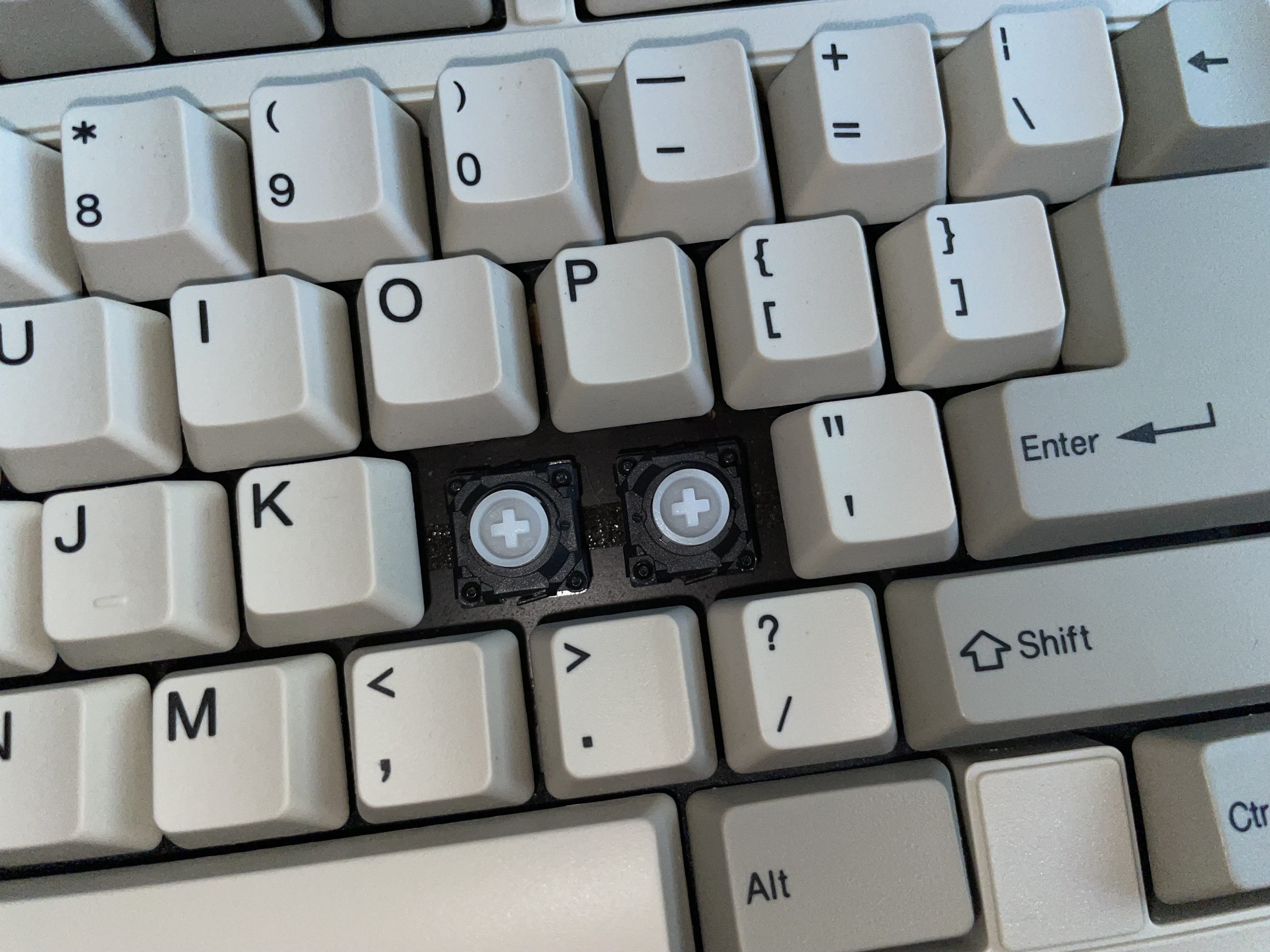
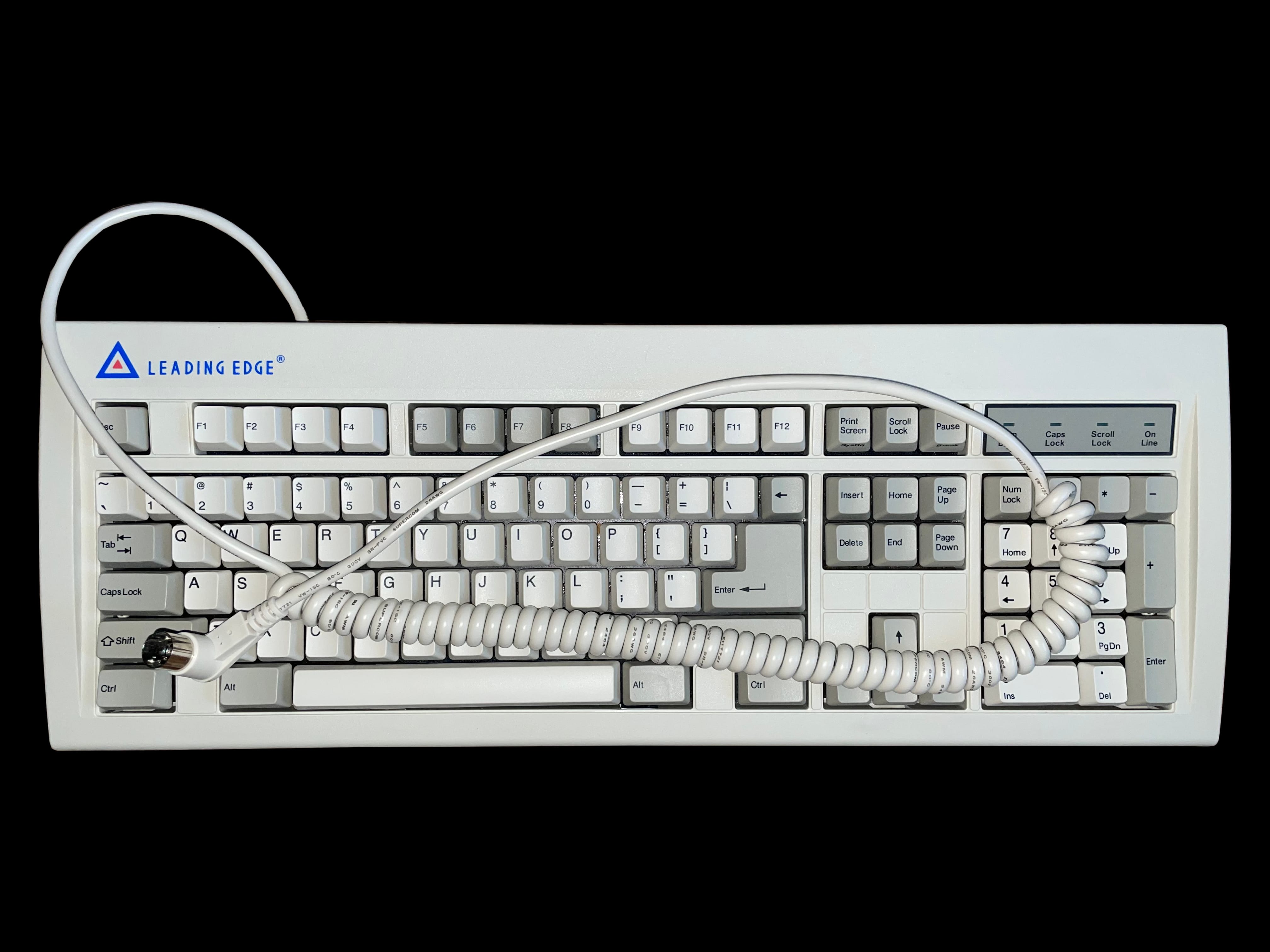
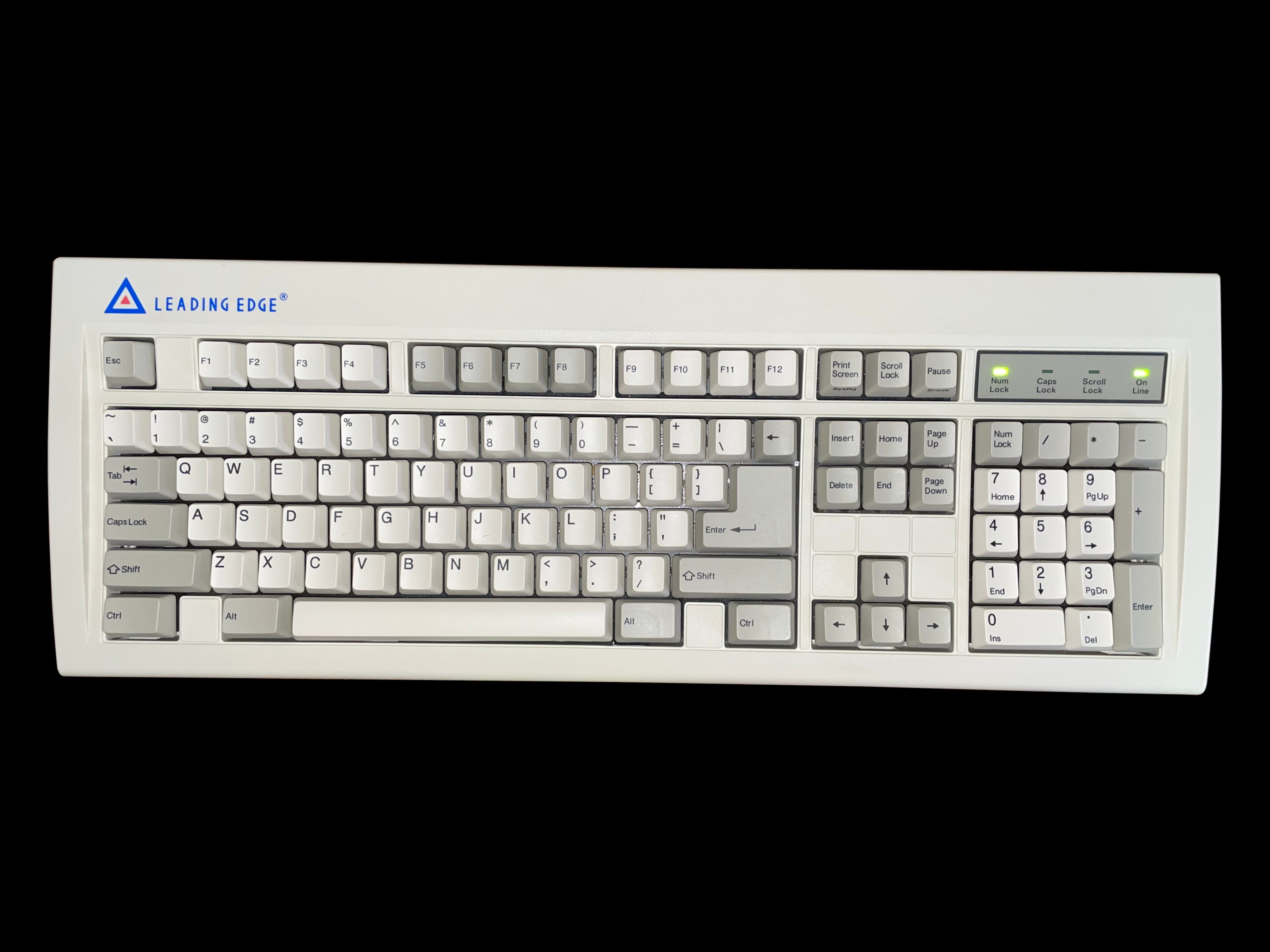
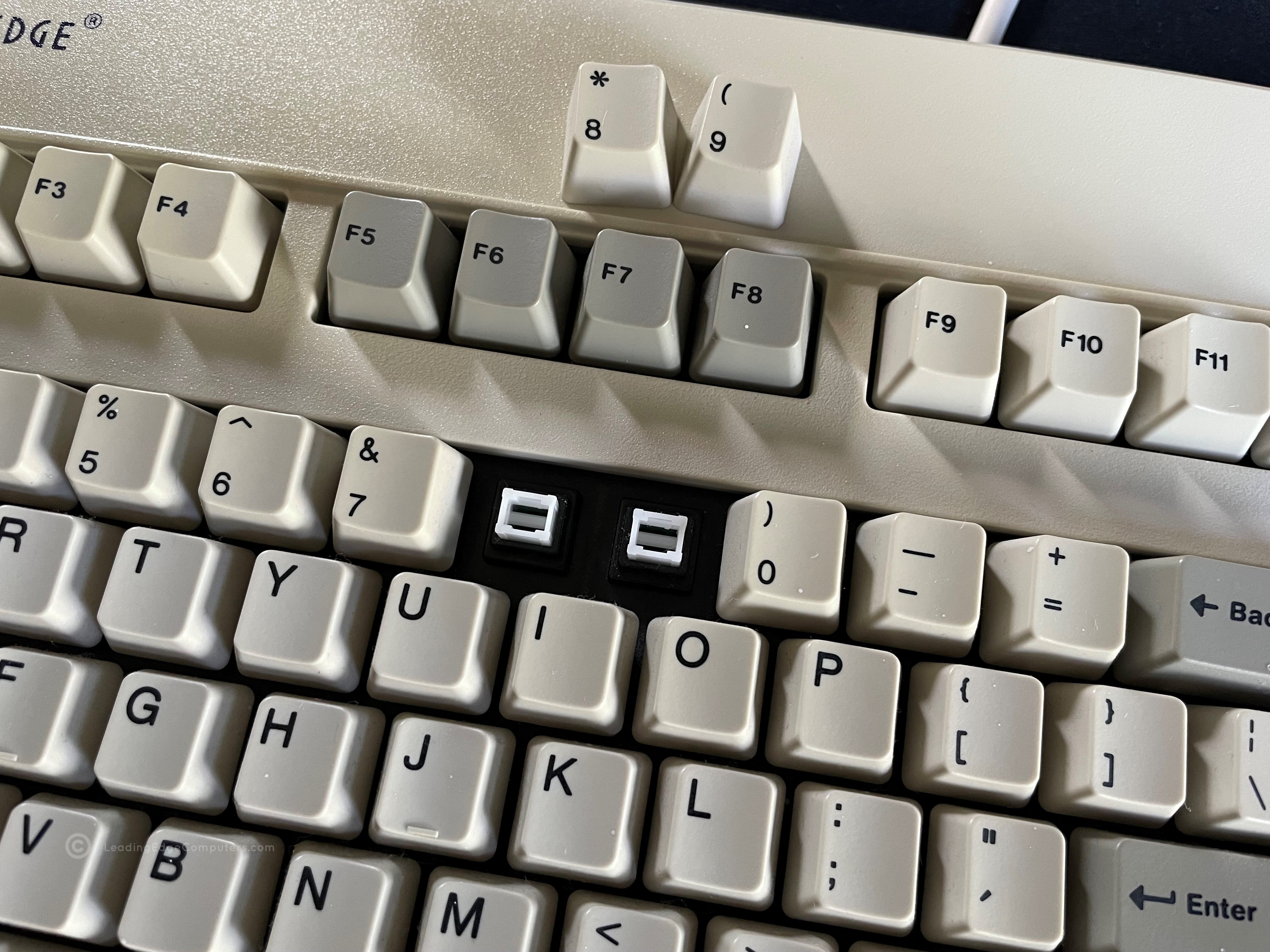
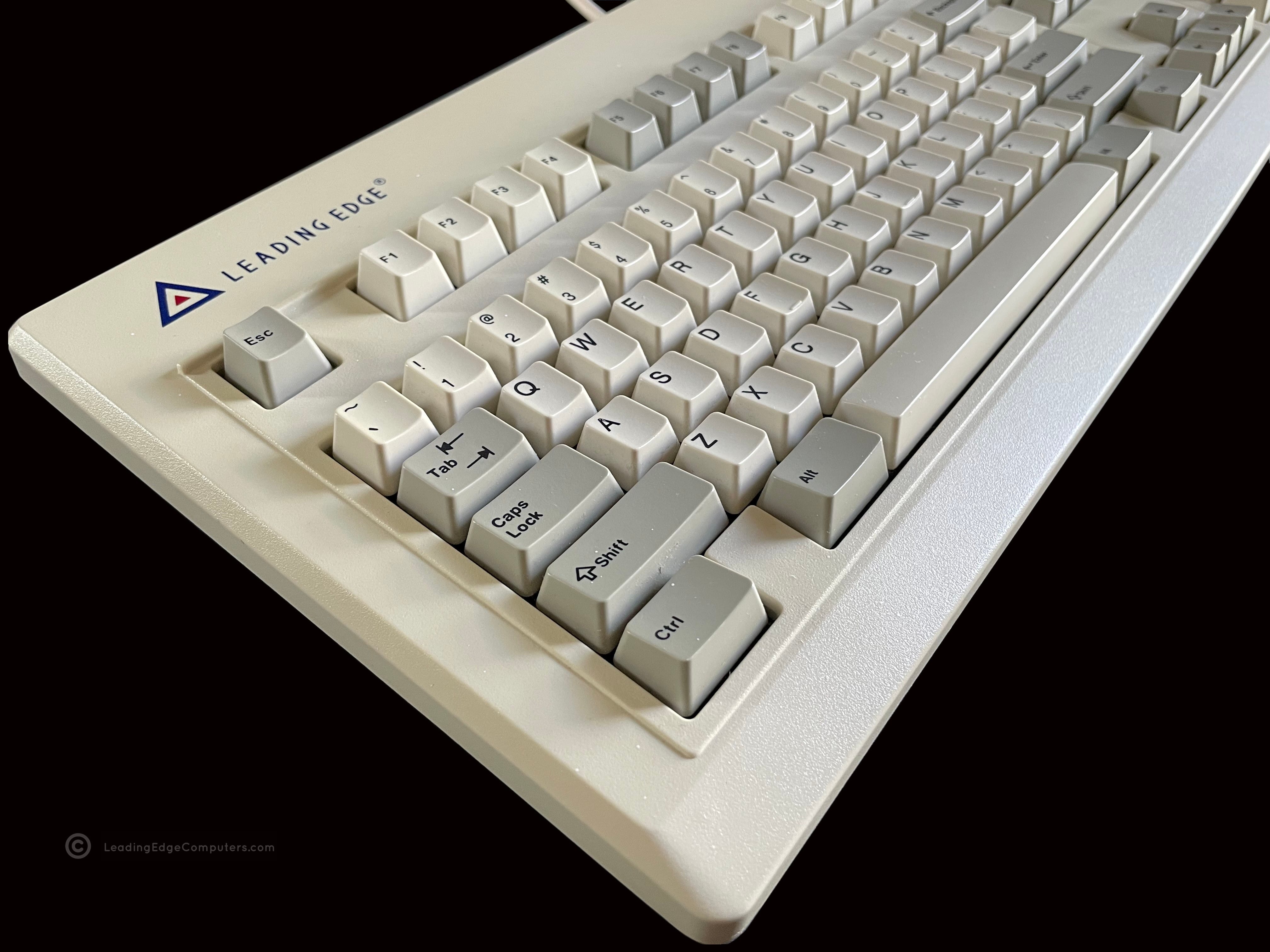
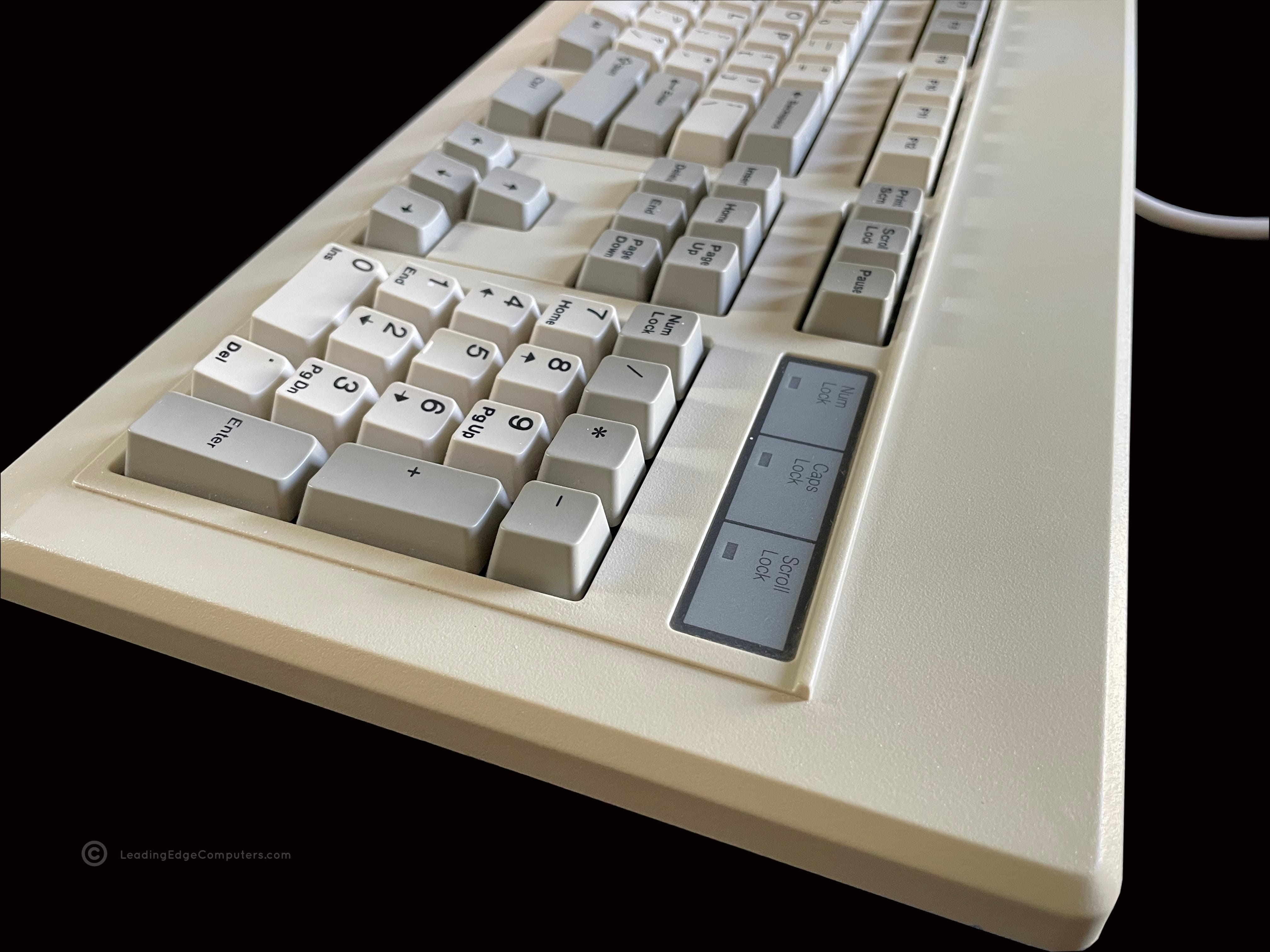
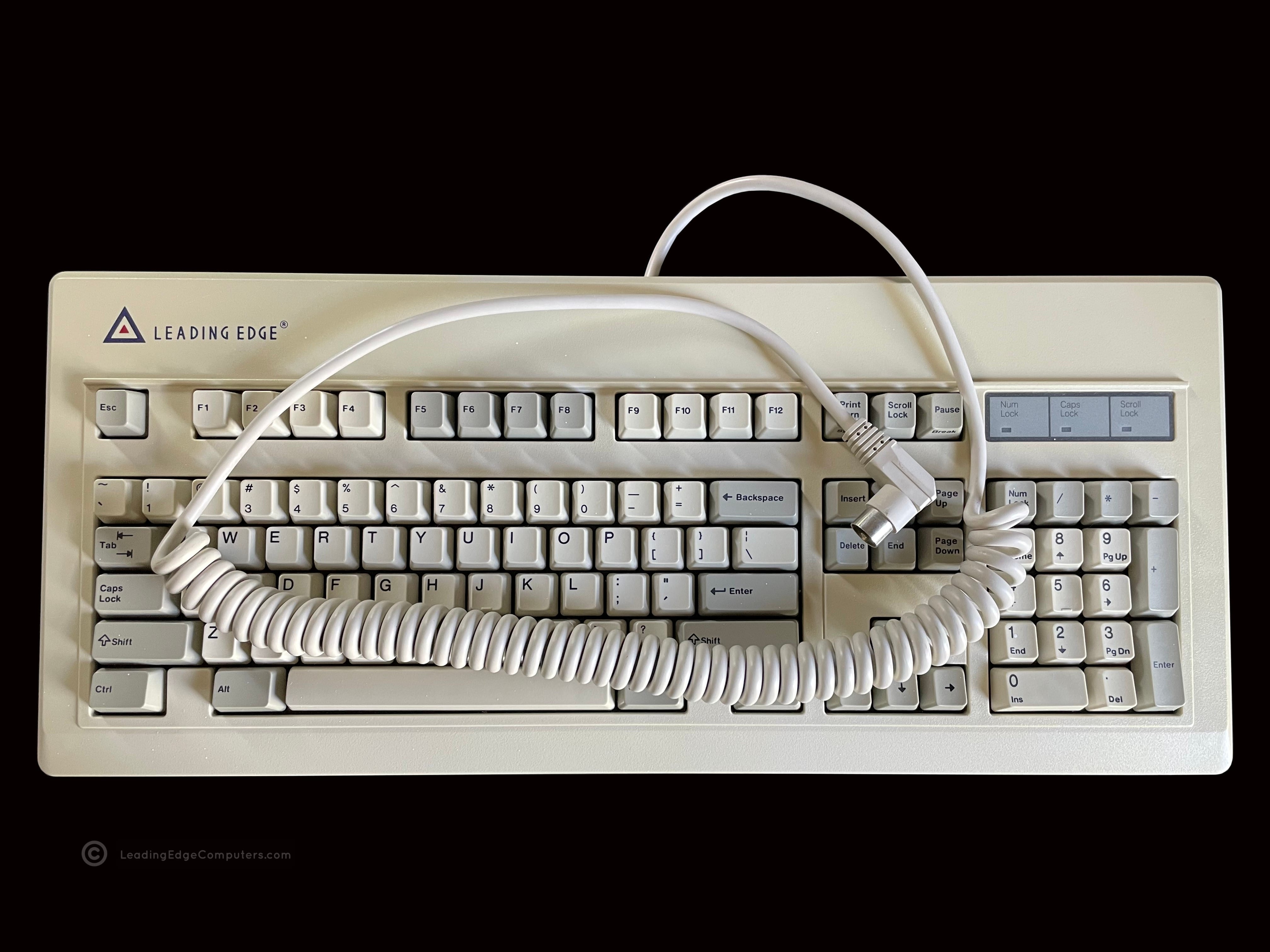
    A top down image of the Leading Edge DC-2214 keyboard A close, angled view of the keys with some key caps removed showing the white alps key switches A photo of the side of the Leading Edge DC-2214 keyboard A top down photo of the Leading Edge DC-2214 keyboard with the coiled cable A bottom image of the Leading Edge DC-2214 keyboard showing the manufacturer label A bottom image of the Leading Edge DC-2214 keyboard with the support feet extended

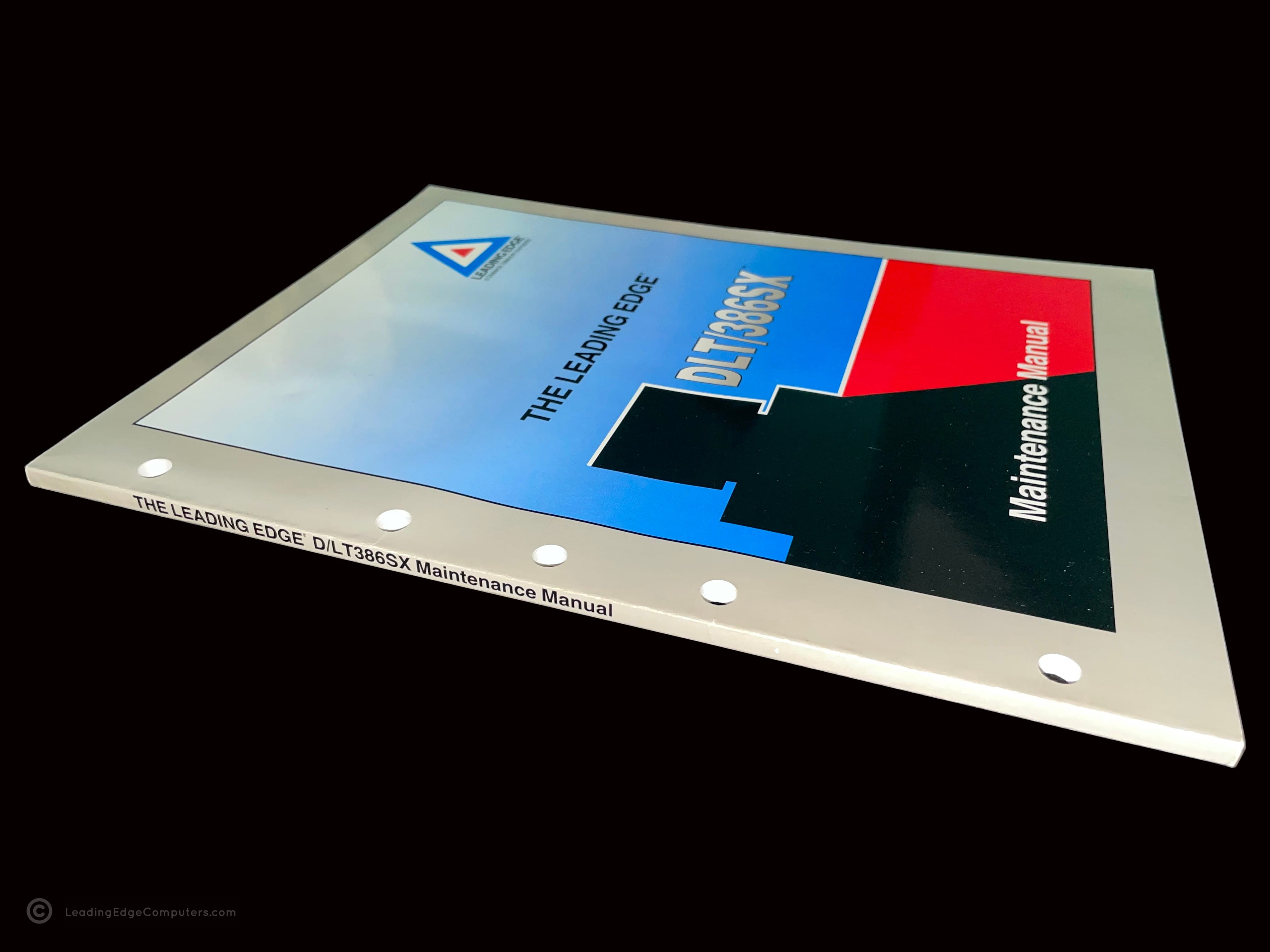
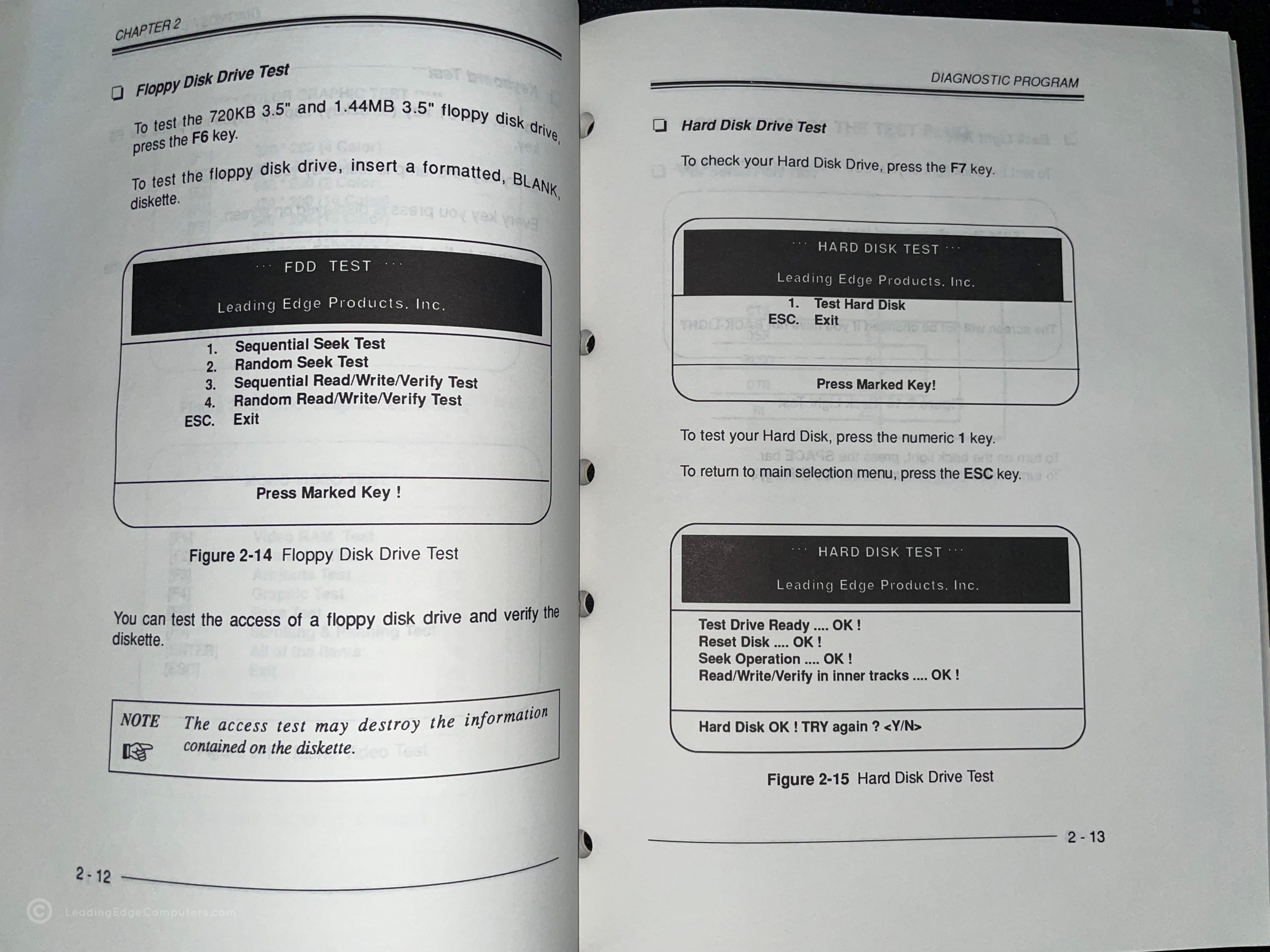
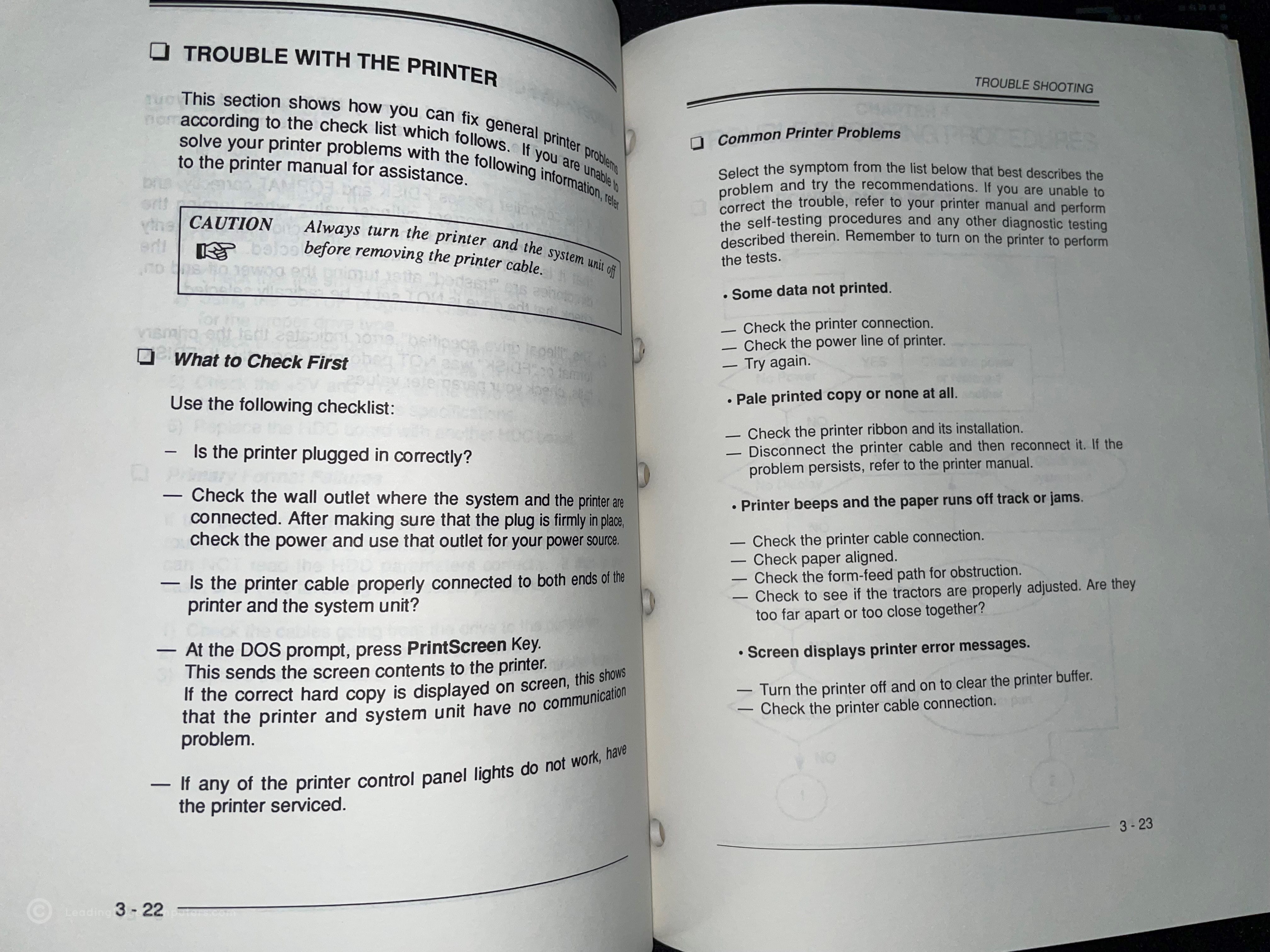
     DLT/386SX Maintenance Manual

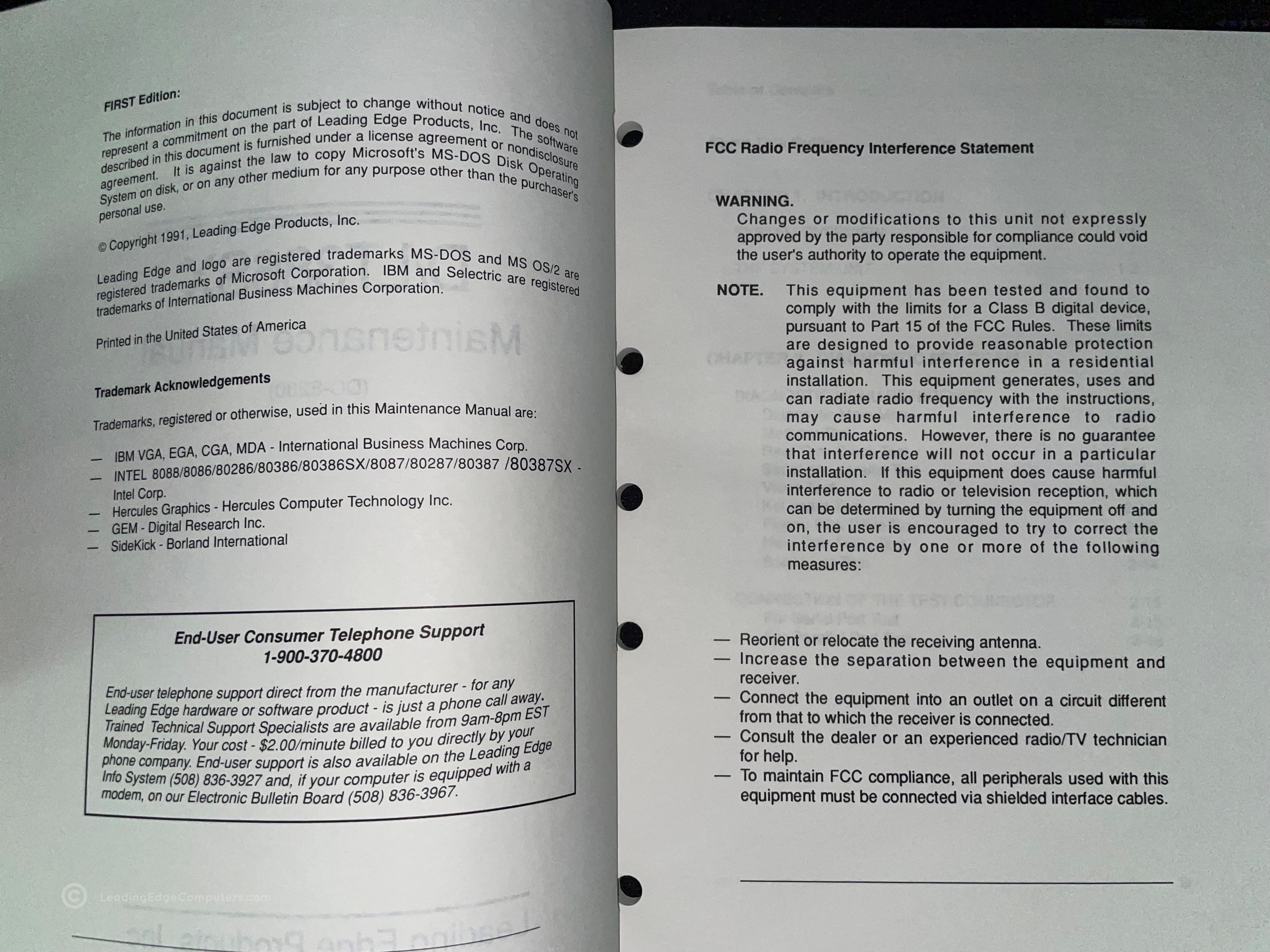
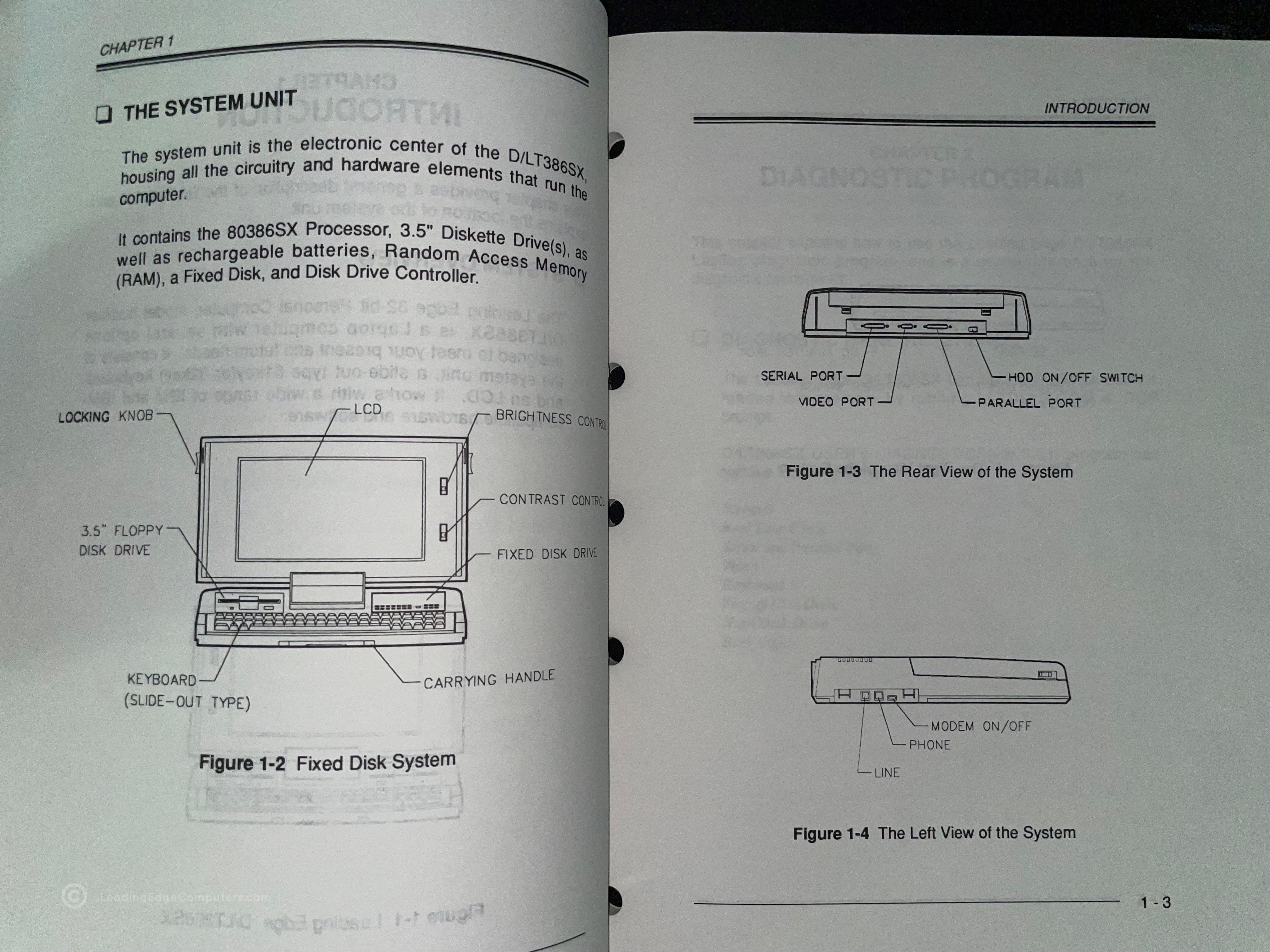
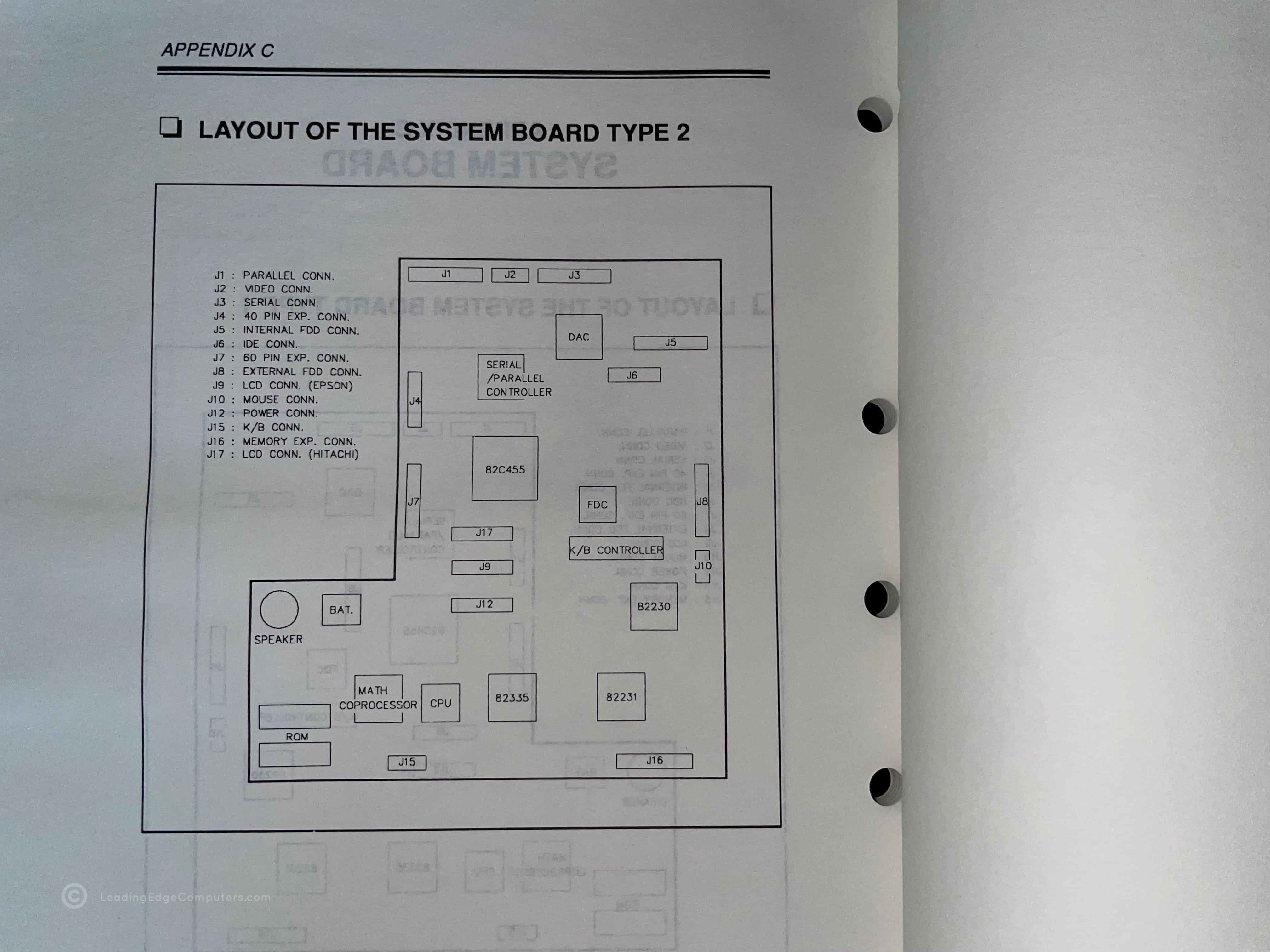
    Photo of the front cover of the DLT/386SX Maintenance Manual Back cover of the DLT/386SX Maintenance Manual Angled view of the DLT/386SX Maintenance Manual showing the spine of the manual Teaser photo showing inside of the DLT/386SX Maintenance Manual, featuring system drive testing Inside photo of the DLT/386SX Maintenance Manual's printer troubleshooting section Teaser photo showing inside of the DLT/386SX Maintenance Manual's first page Inside photo of the DLT/386SX Maintenance Manual's legal and FCC statement pages Inside photo of the DLT/386SX Maintenance Manual's introduction with system overview Inside photo of the DLT/386SX Maintenance Manual's Appendix C showcasing the system board layout

     DR-1240 Amber Screen TTL

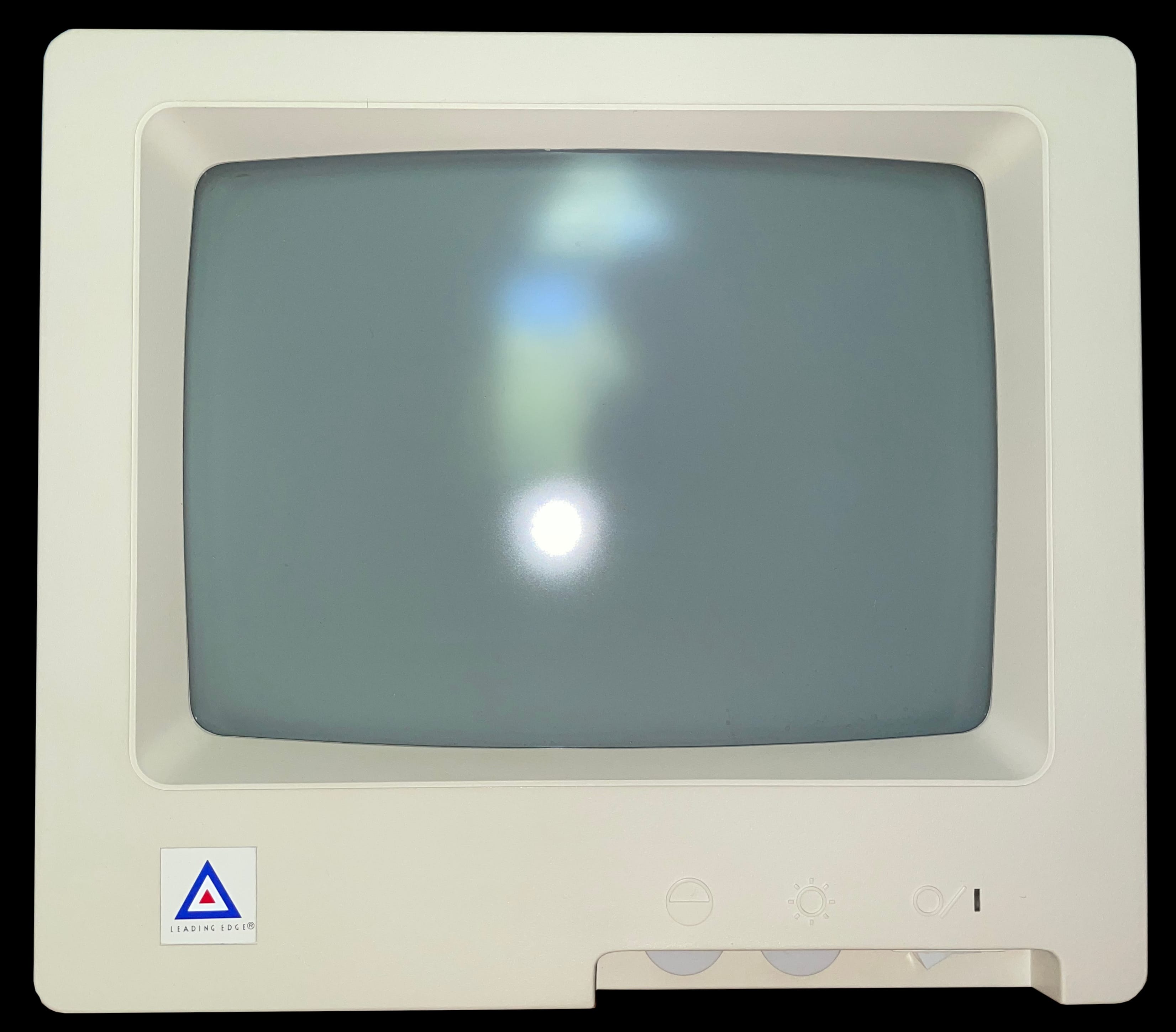
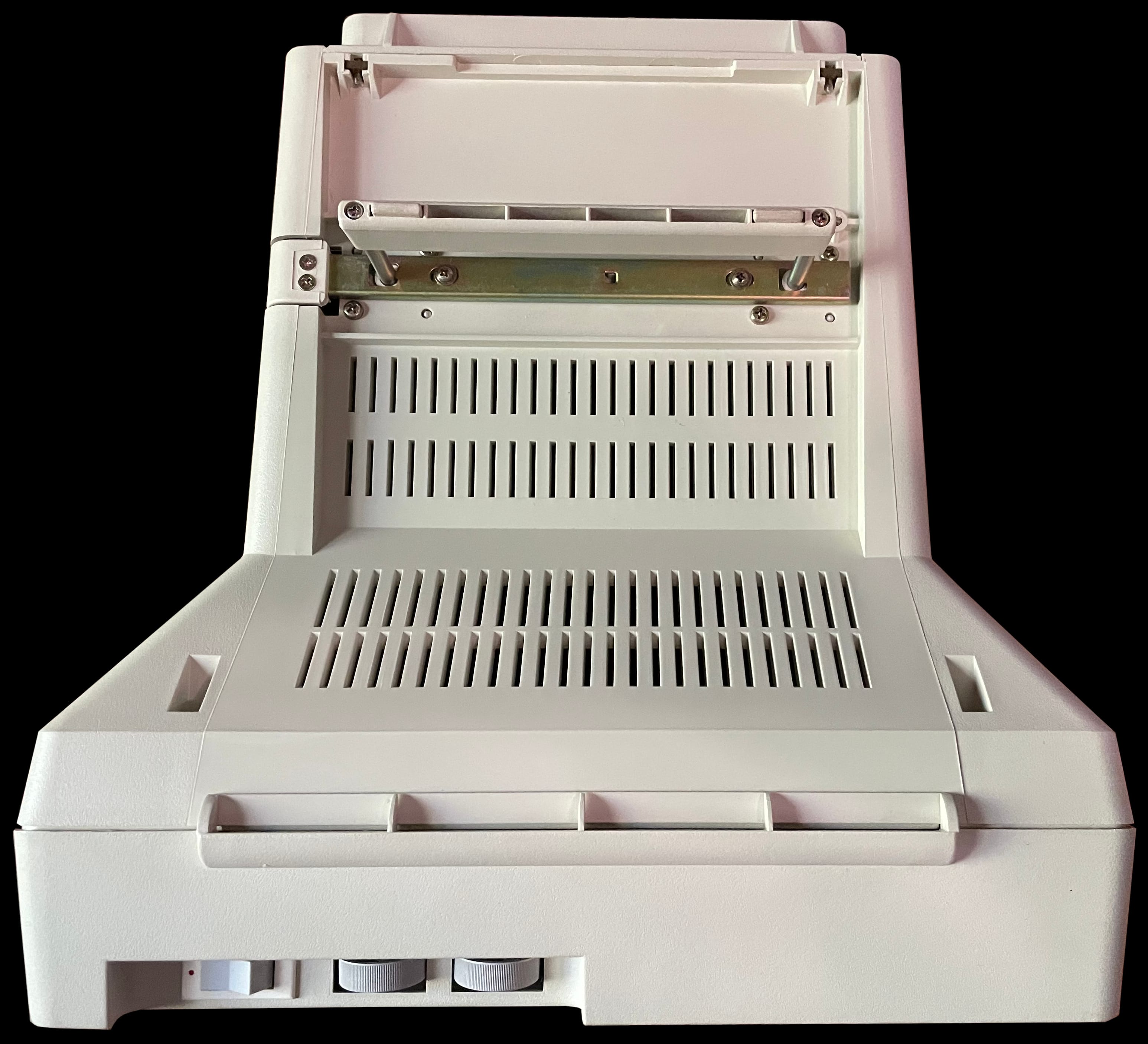
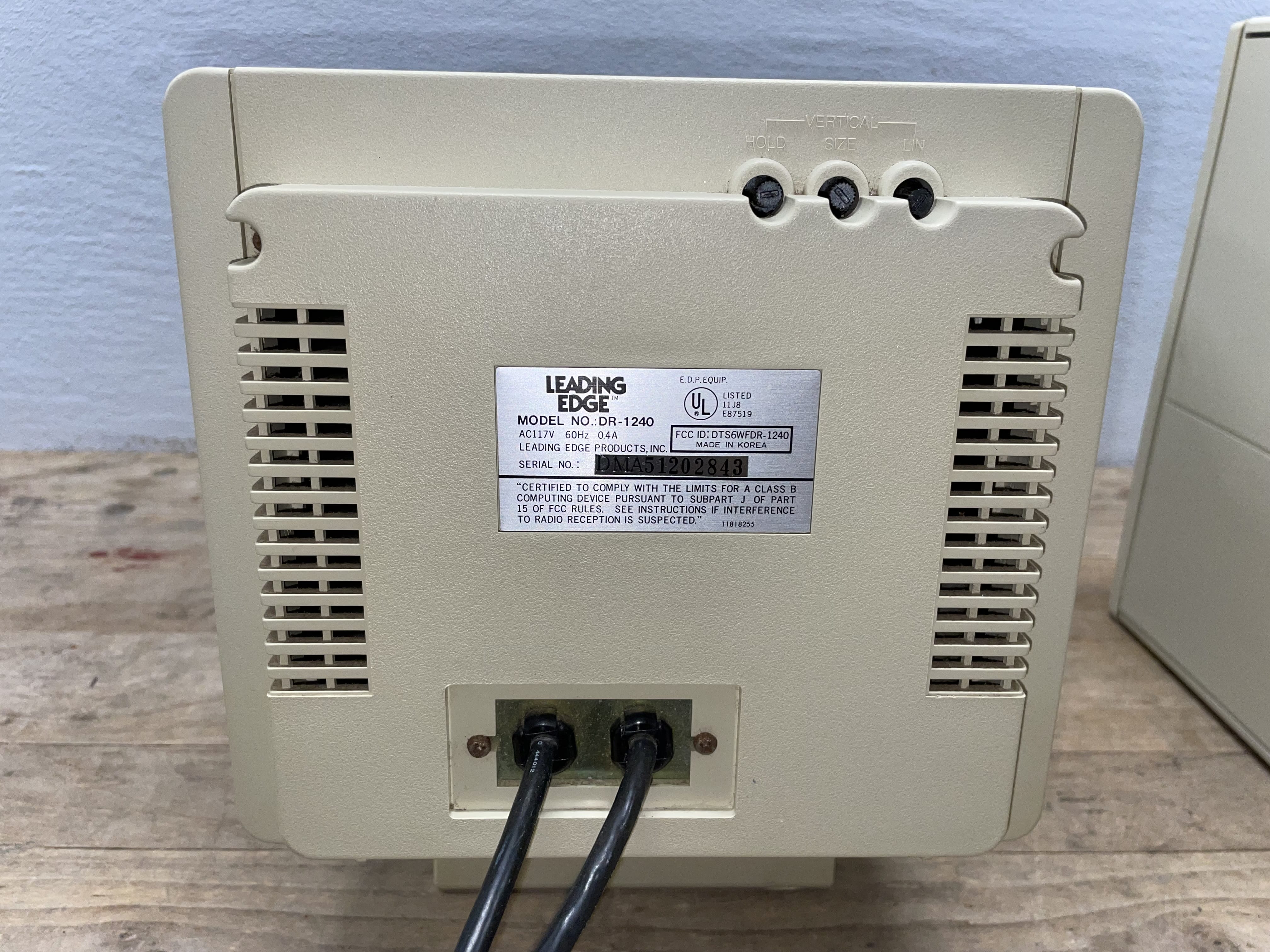
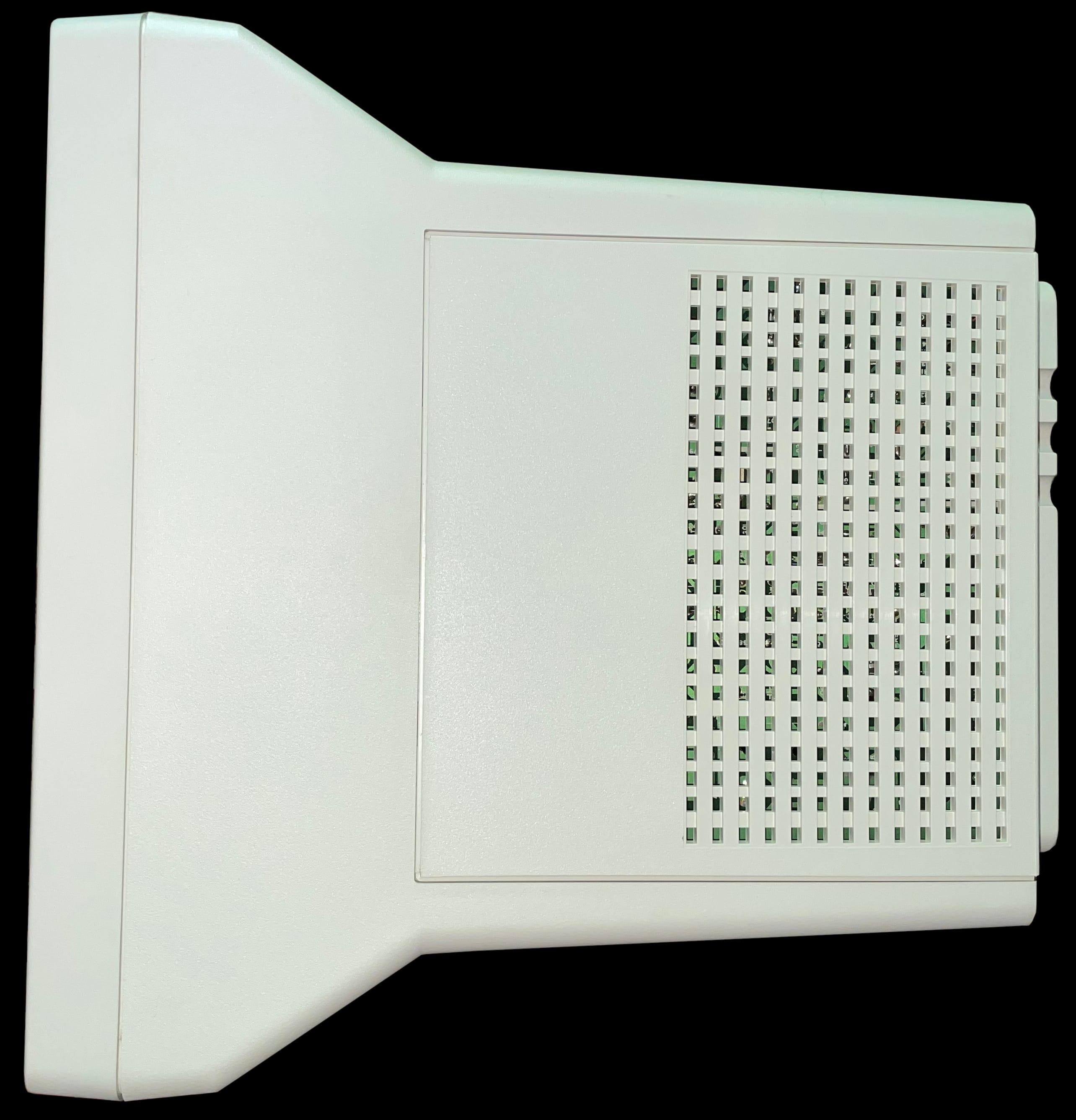
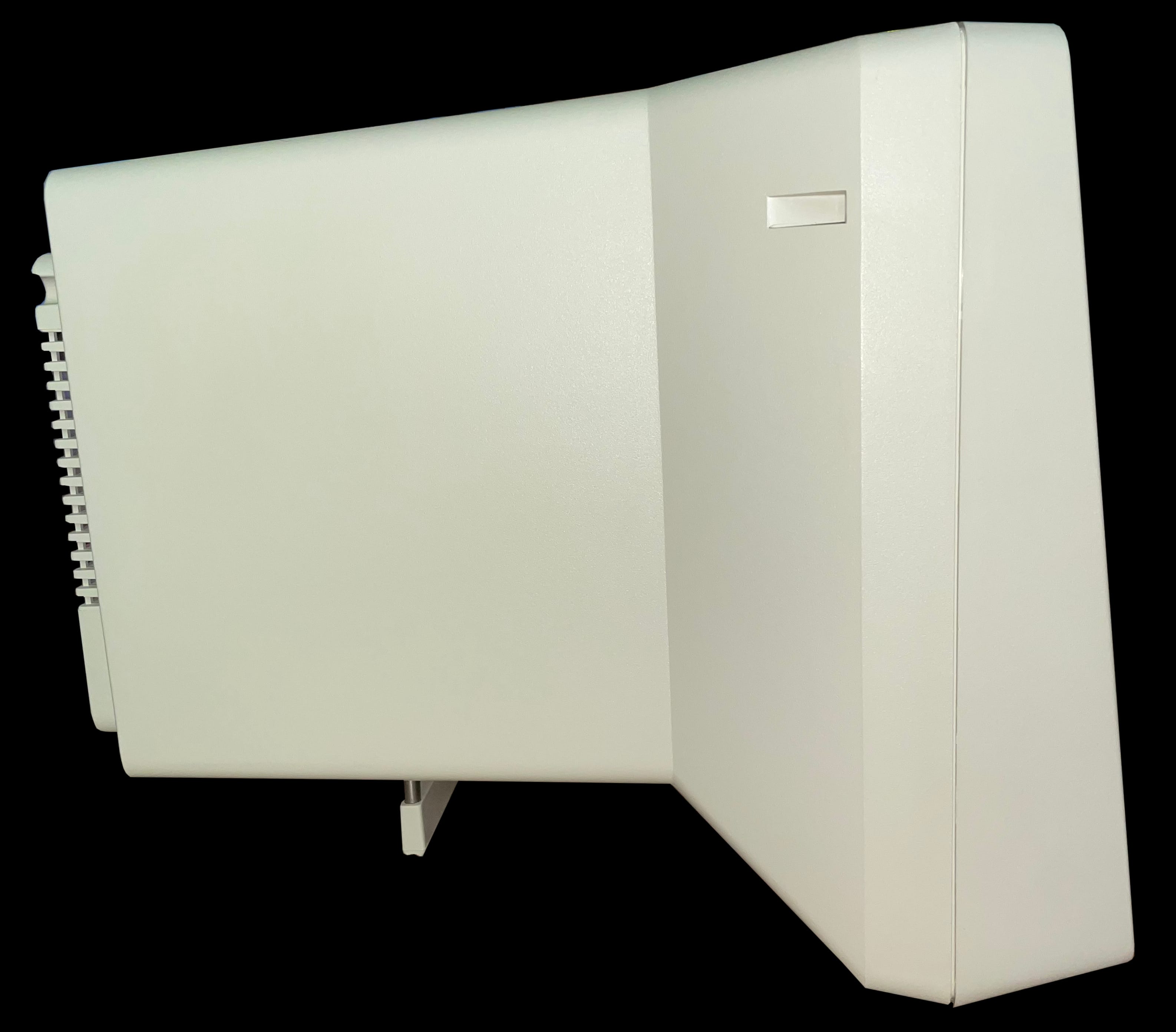
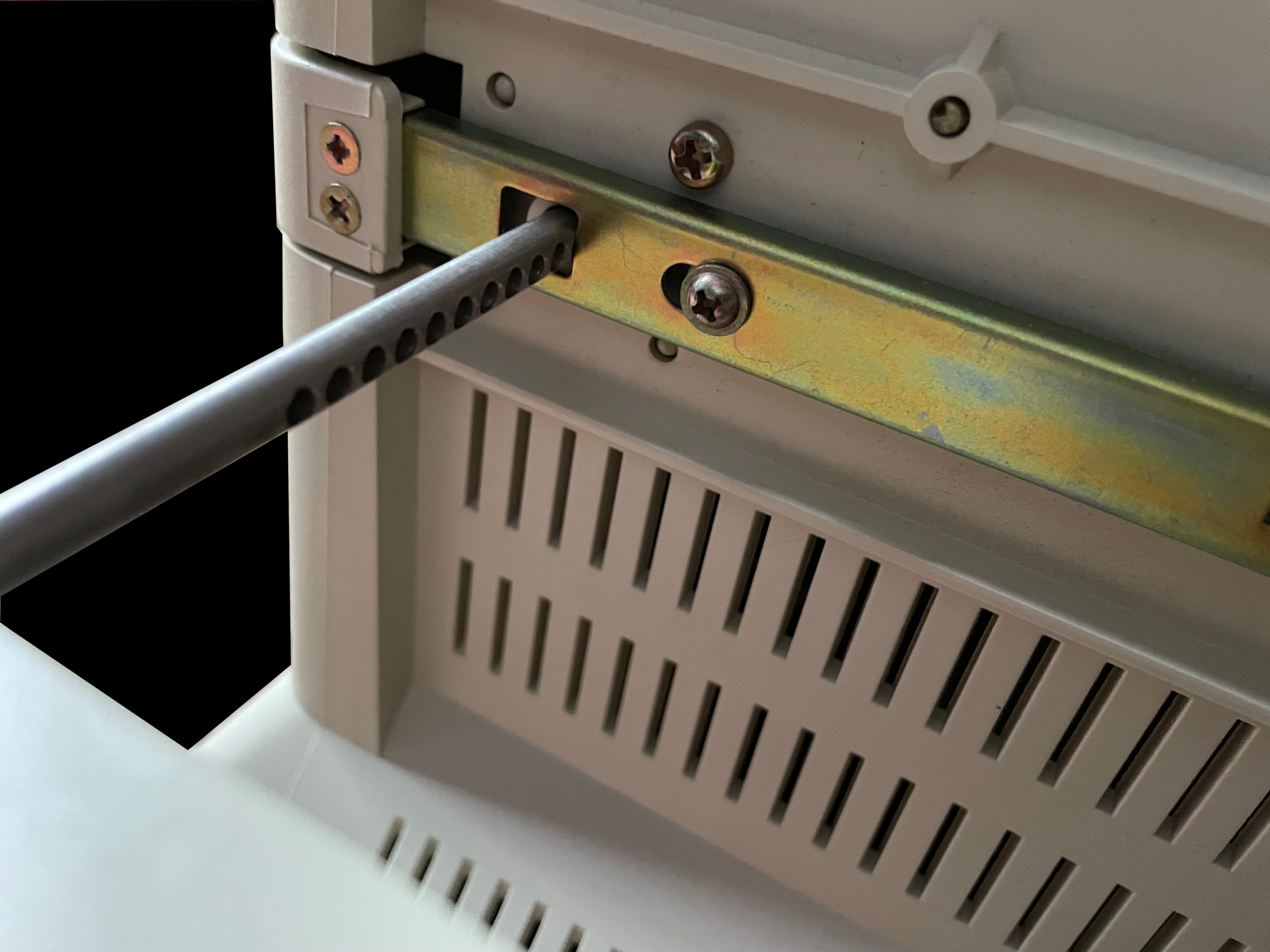
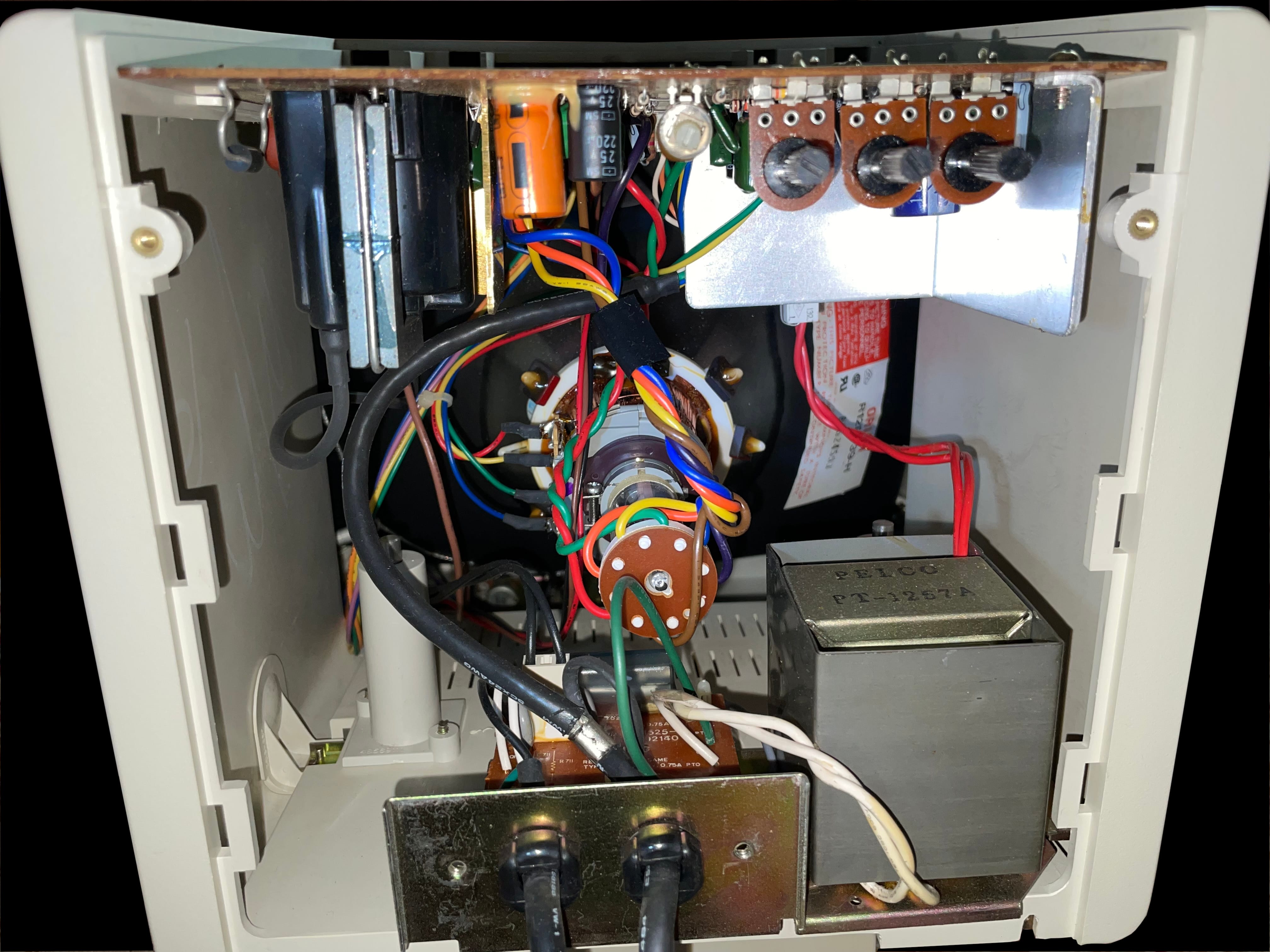
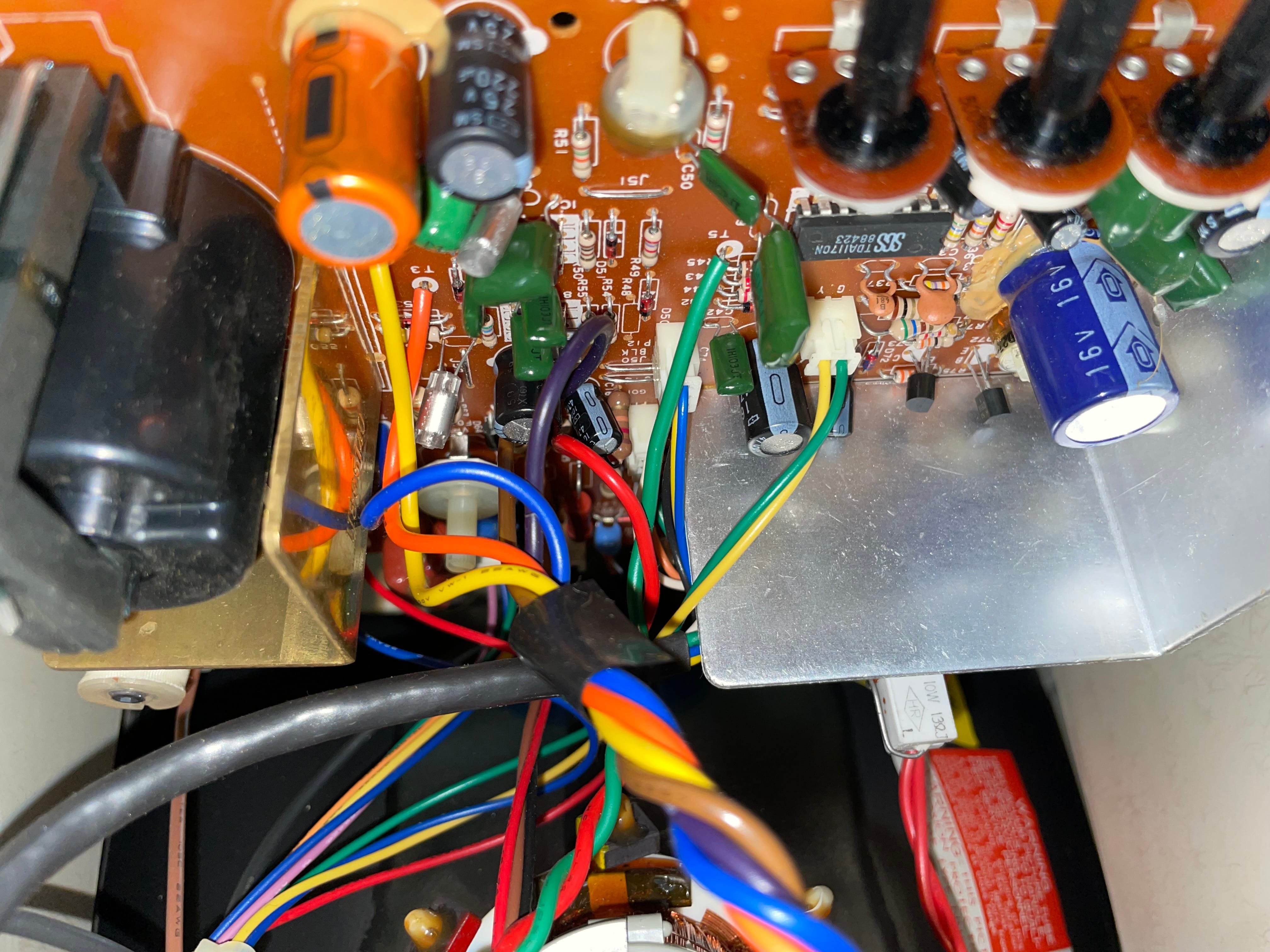
    A side view photo of the Leading Edge DR-1240 Amber Screen TTL monochrome monitor Front view photo of the Leading Edge DR-1240 Amber Screen TTL monochrome monitor A view of the bottom of the Leading Edge DR-1240 Amber Screen TTL monochrome monitor with the kickstand fully extended Rear image of the Leading Edge DR-1240 Amber Screen TTL monochrome monitor showing the manufacturer label A top down view of the Leading Edge DR-1240 Amber Screen TTL monochrome monitor The left-hand side view of the Leading Edge DR-1240 Amber Screen TTL monochrome monitor A detail photo of the Leading Edge DR-1240 Amber Screen TTL monochrome monitor's kickstand showing the numerous possible settings Inside image view of the Leading Edge DR-1240 Amber Screen TTL monochrome monitor, showing the electronic components A closer view of the Leading Edge DR-1240 Amber Screen TTL monochrome monitor's logic board

     DR-1240 Green Screen TTL

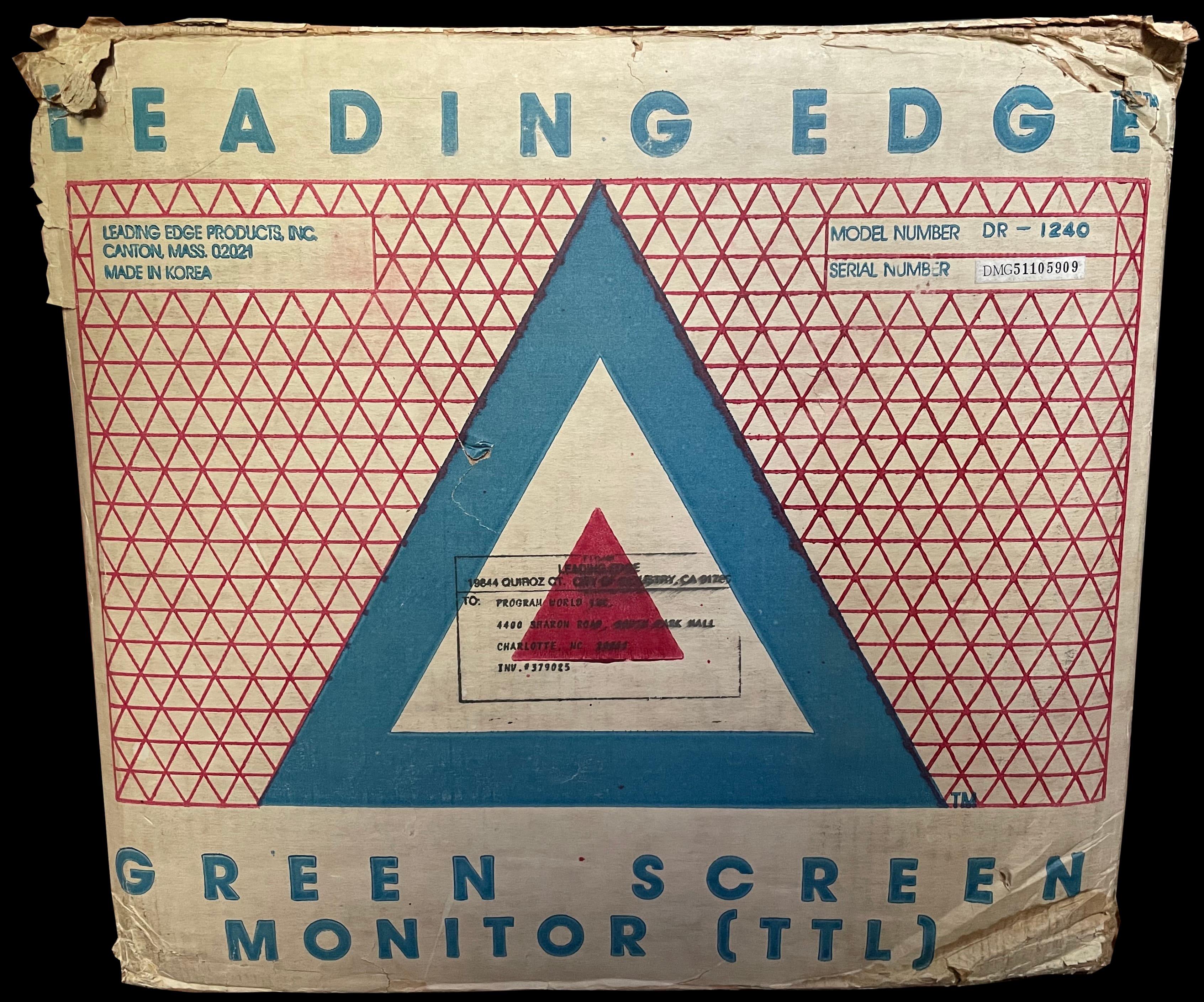
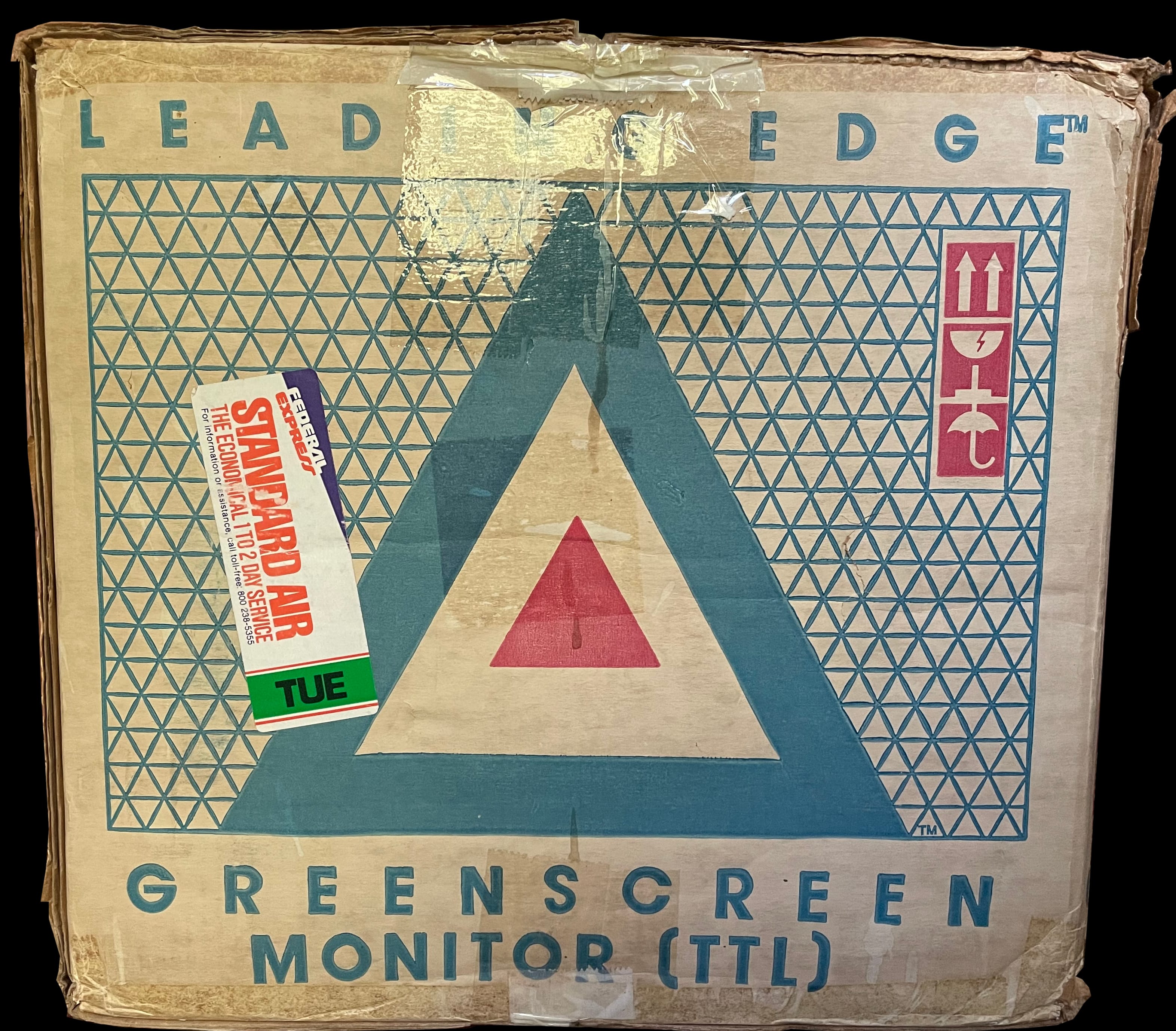
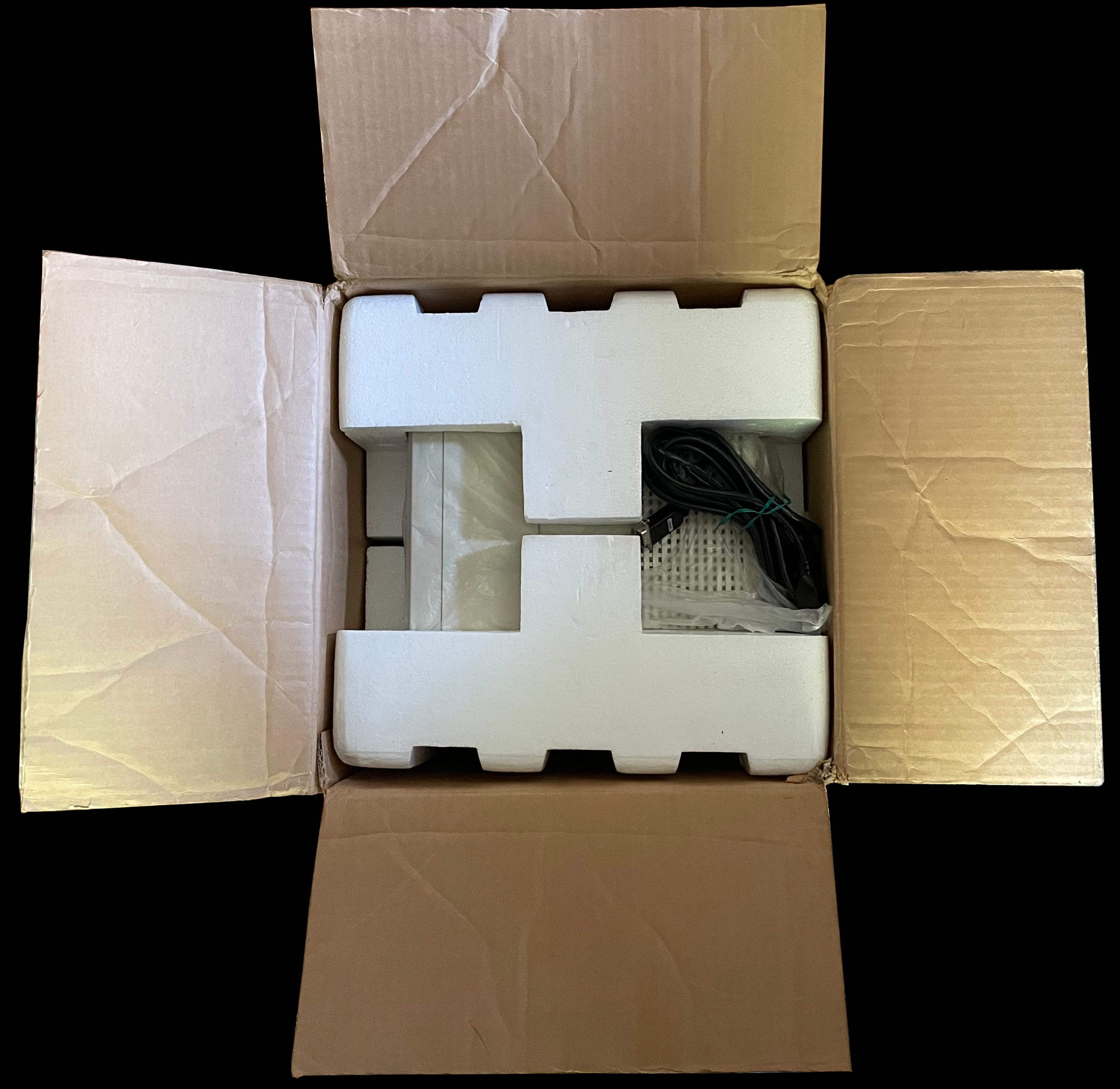
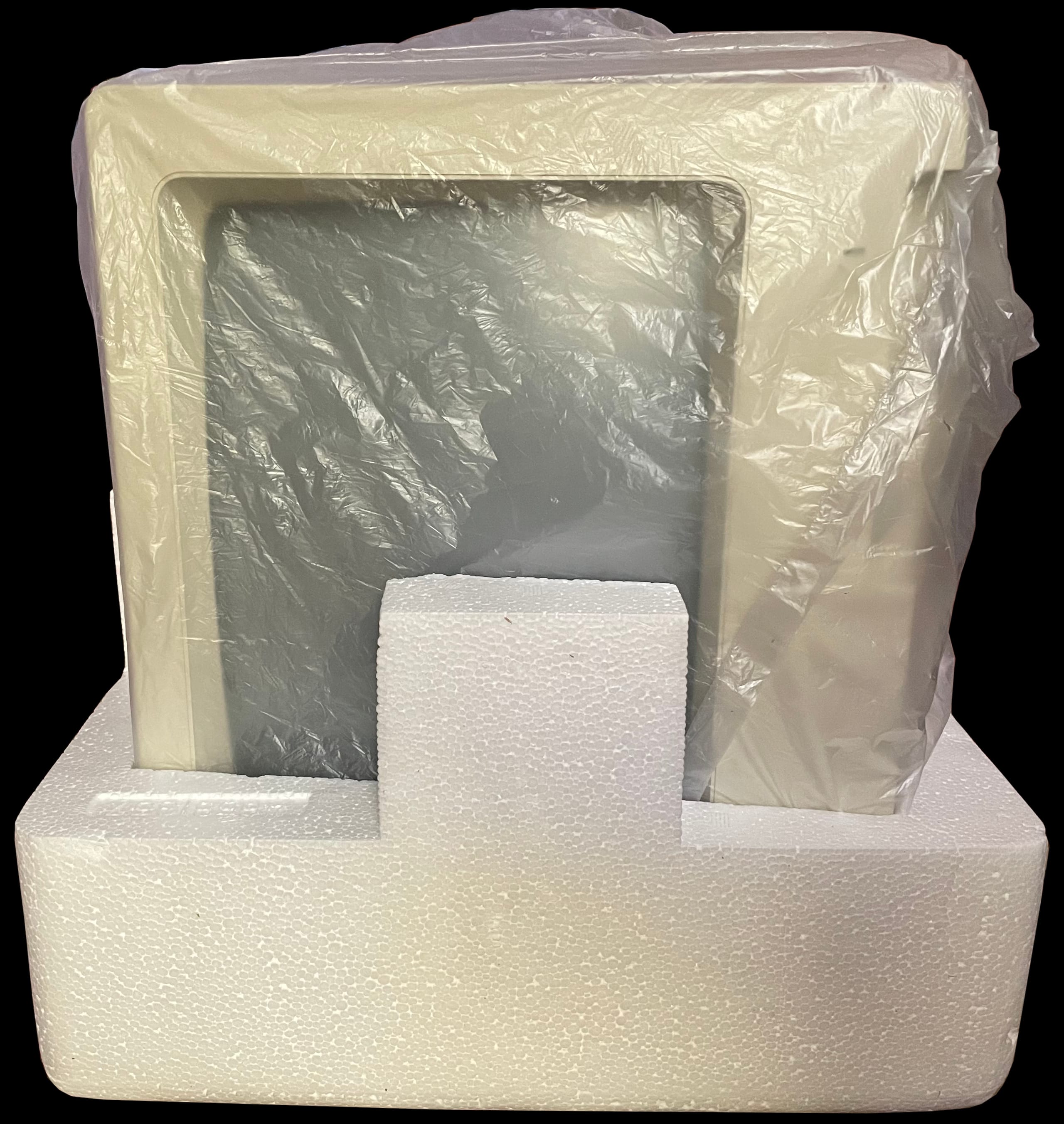
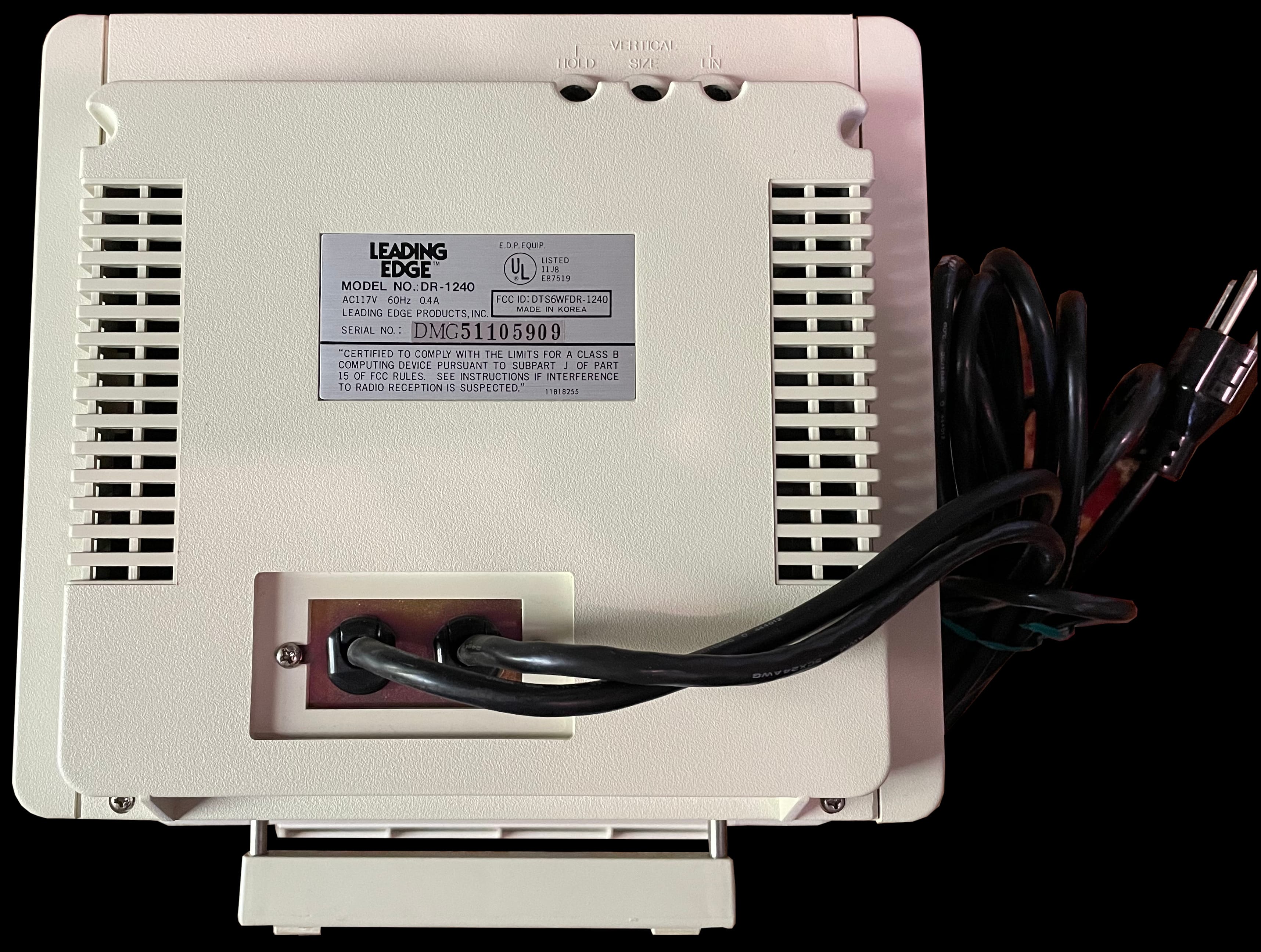
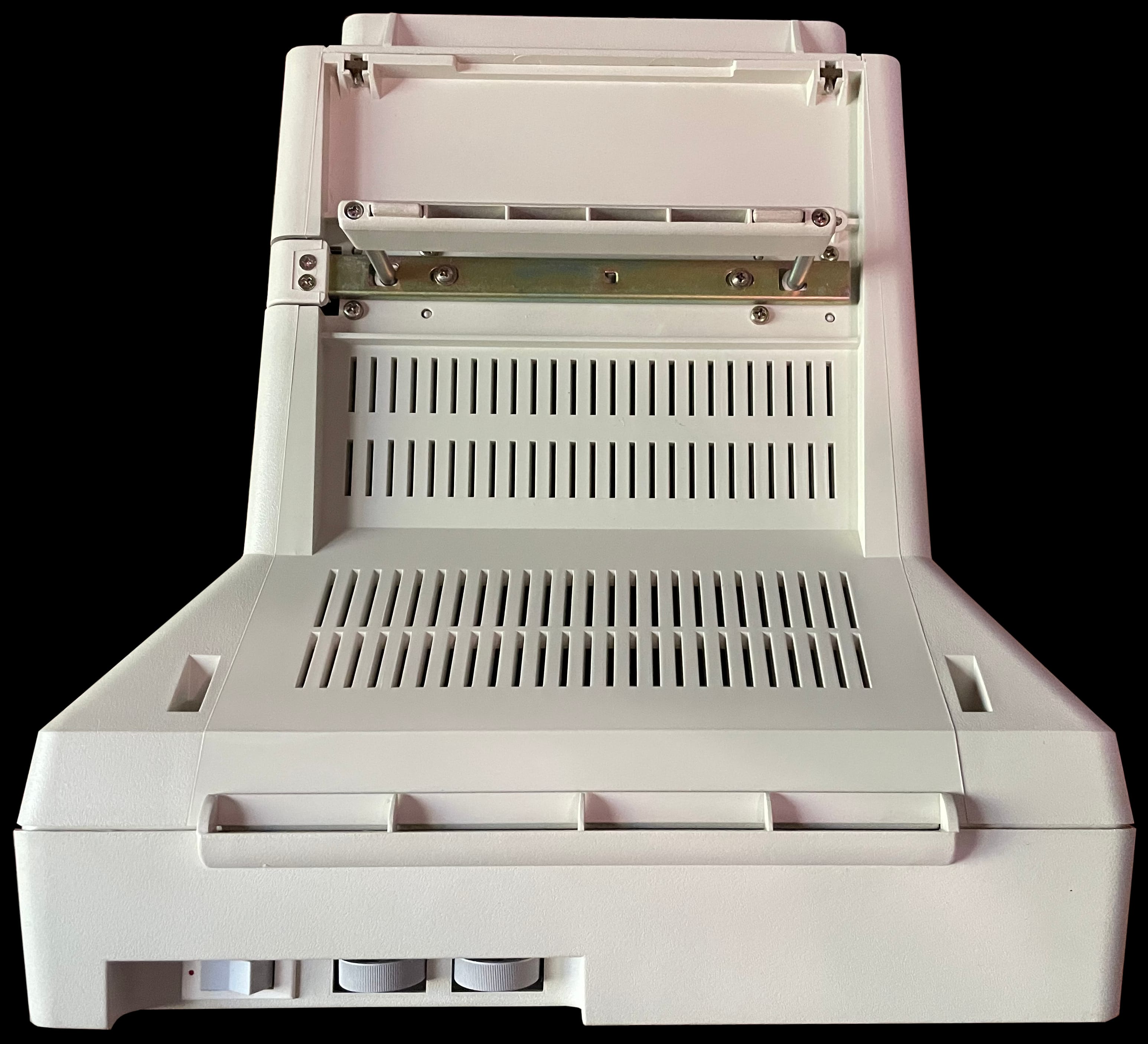
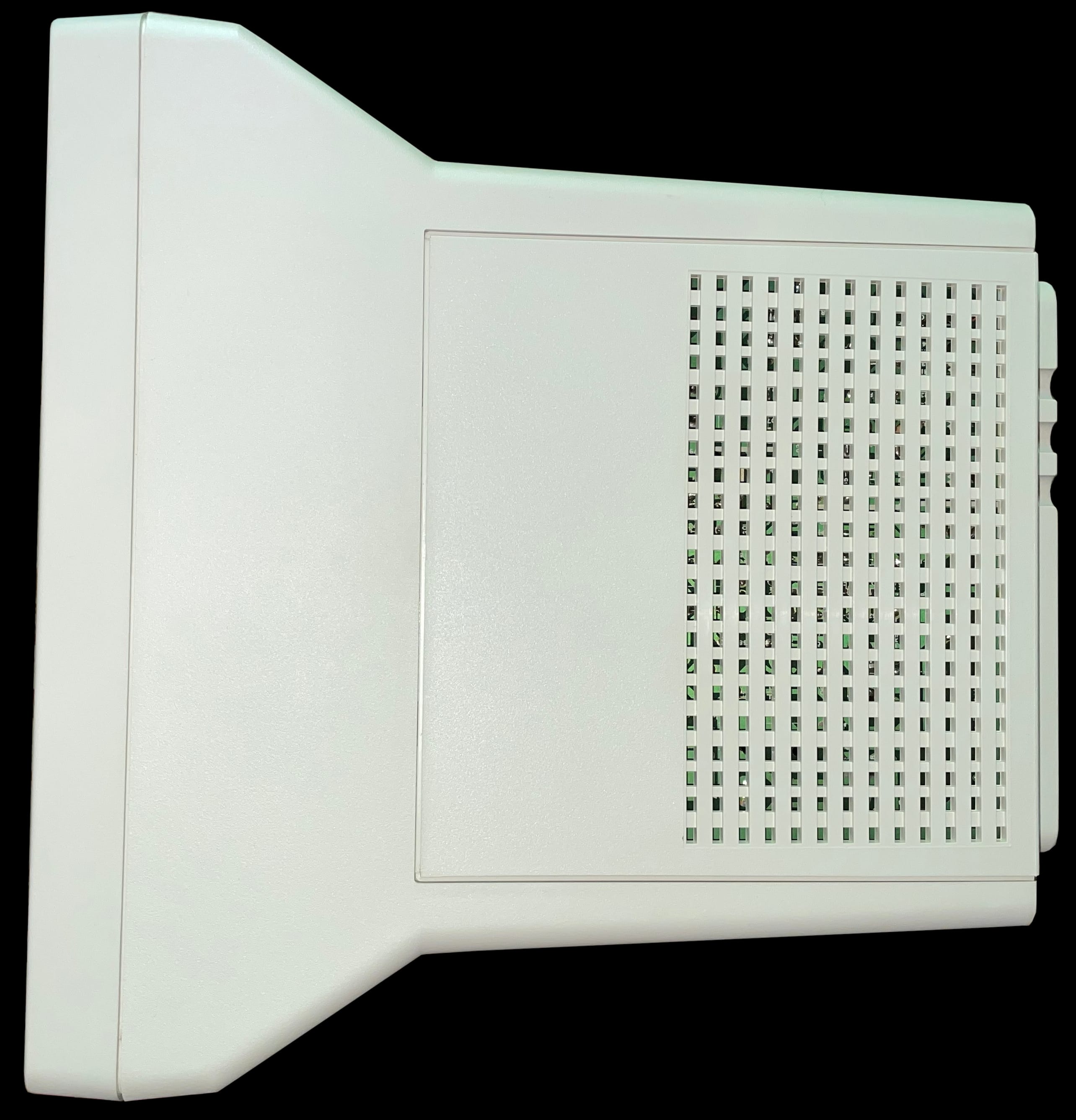
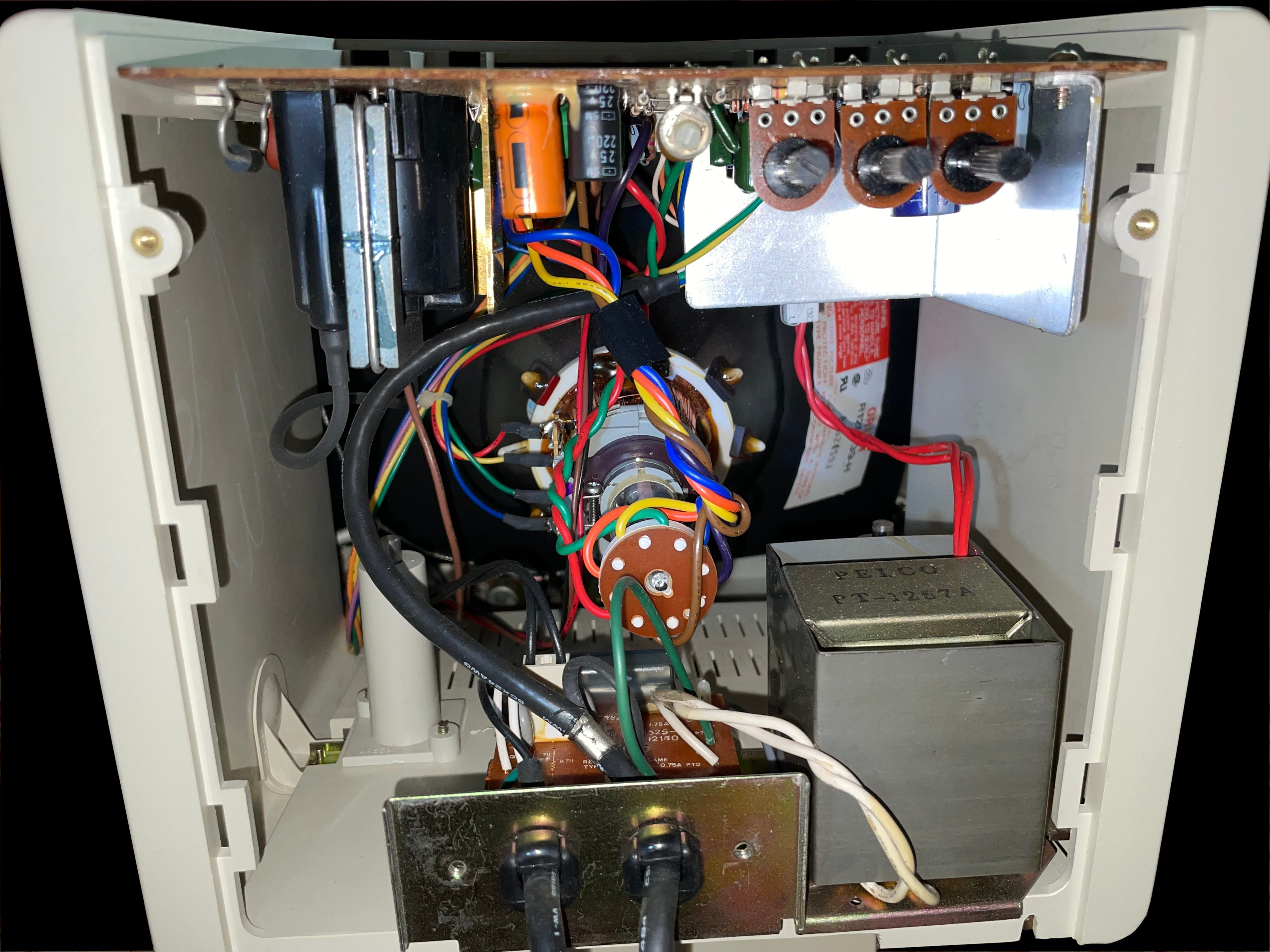
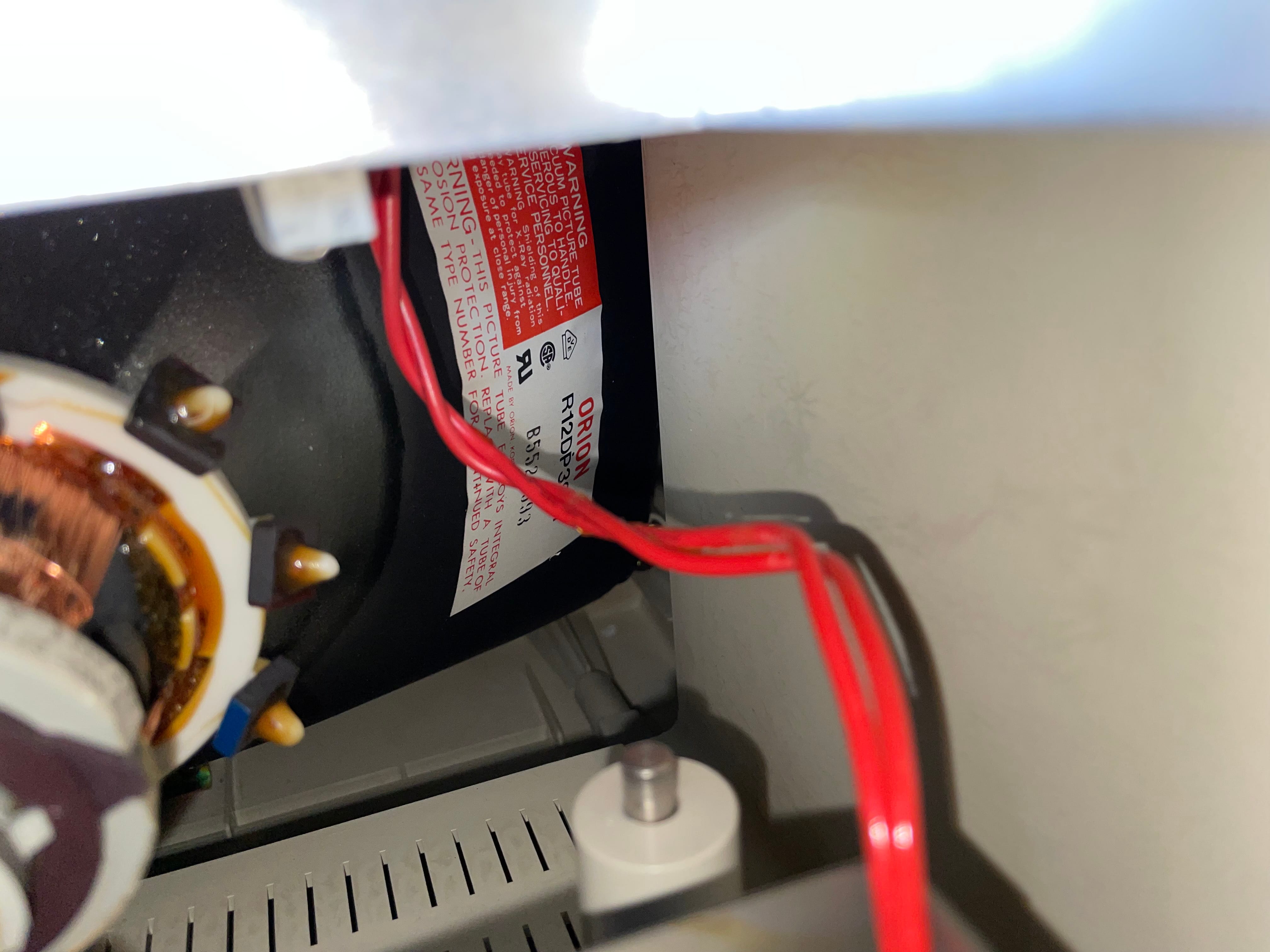
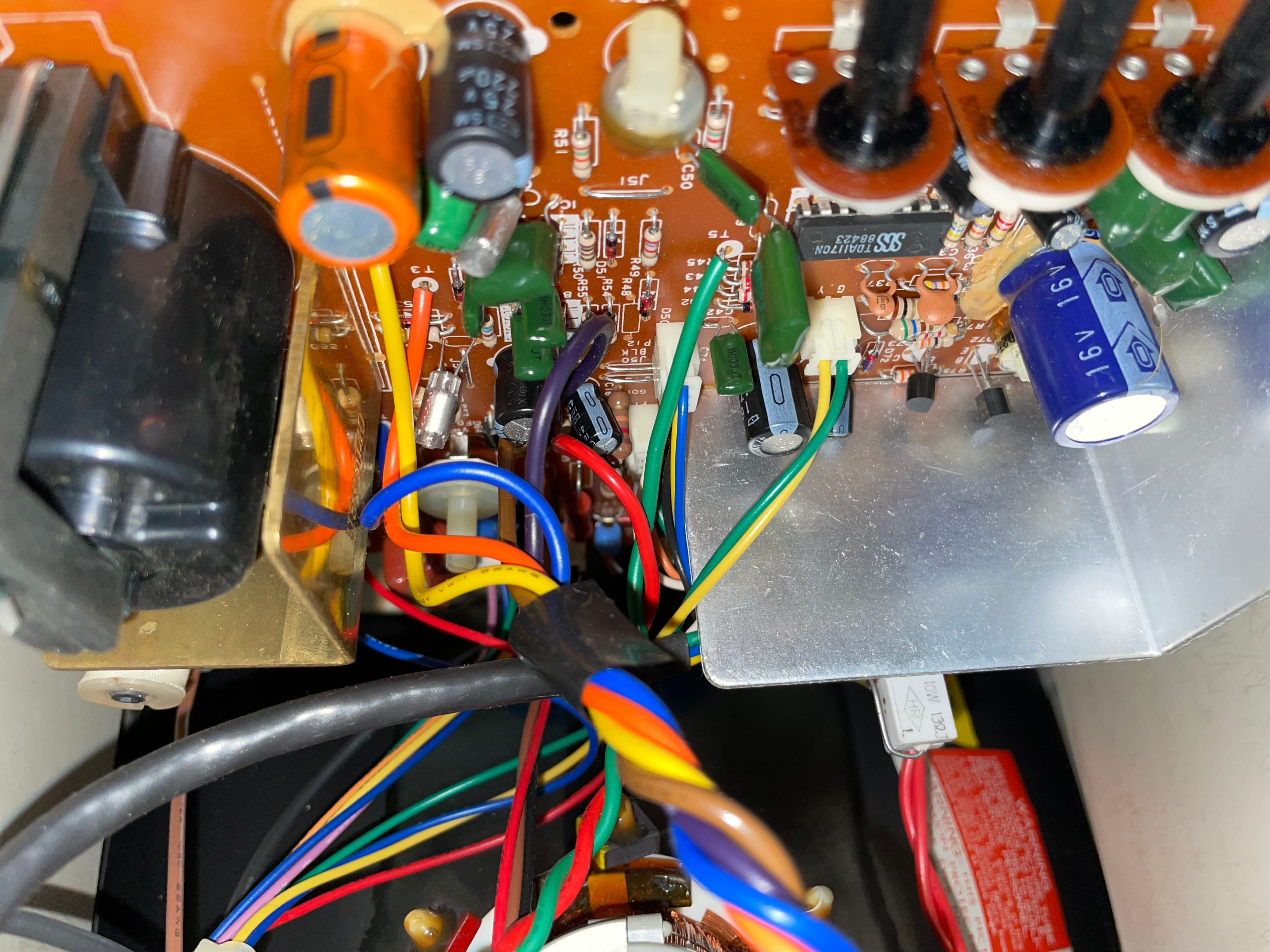
    An image of the Leading Edge DR-1240 Green Screen TTL monochrome monitor's original box indicating model number and serial number A photo of Leading Edge DR-1240 Green Screen TTL monochrome monitor's original box showing a stylized brand logo A photo of the Leading Edge DR-1240 Green Screen TTL monochrome monitor packaged in its box A photo of the Leading Edge DR-1240 Green Screen TTL monochrome monitor outside of its box but wrapped in foam A photo of the Leading Edge DR-1240 Green Screen TTL monochrome monitor resting on one side of its foam packing still in its bag A rear view image of the Leading Edge DR-1240 Green Screen TTL monochrome monitor Bottom image of the Leading Edge DR-1240 Green Screen TTL monochrome monitor showing its power switch, brightness and contrast controls, and its kickstand fully extended A top down view photo of the Leading Edge DR-1240 Green Screen TTL monochrome monitor Front facing view of the Leading Edge DR-1240 Green Screen TTL monochrome monitor Right-hand side view picture of the Leading Edge DR-1240 Green Screen TTL monochrome monitor Left-hand side view picture of the Leading Edge DR-1240 Green Screen TTL monochrome monitor A detail photo of the Leading Edge DR-1240 Green Screen TTL monochrome monitor's kickstand Interior electronics component view photo of the Leading Edge DR-1240 Green Screen TTL monochrome monitor Photo of an Orion label on the Leading Edge DR-1240 Green Screen TTL monochrome monitor's tube A photo of the Leading Edge DR-1240 Green Screen TTL monochrome monitor's logic board

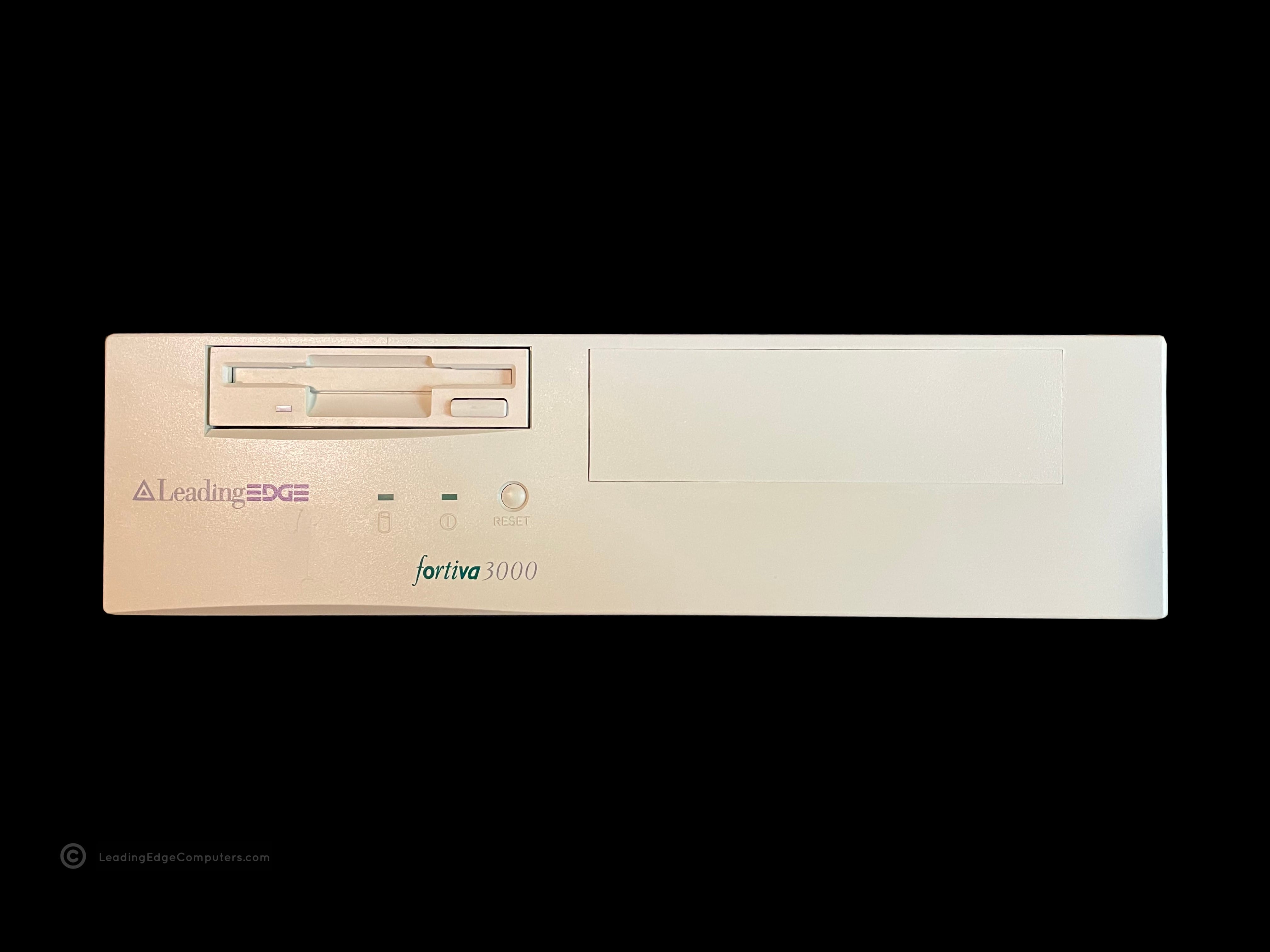
     Fortiva 3000

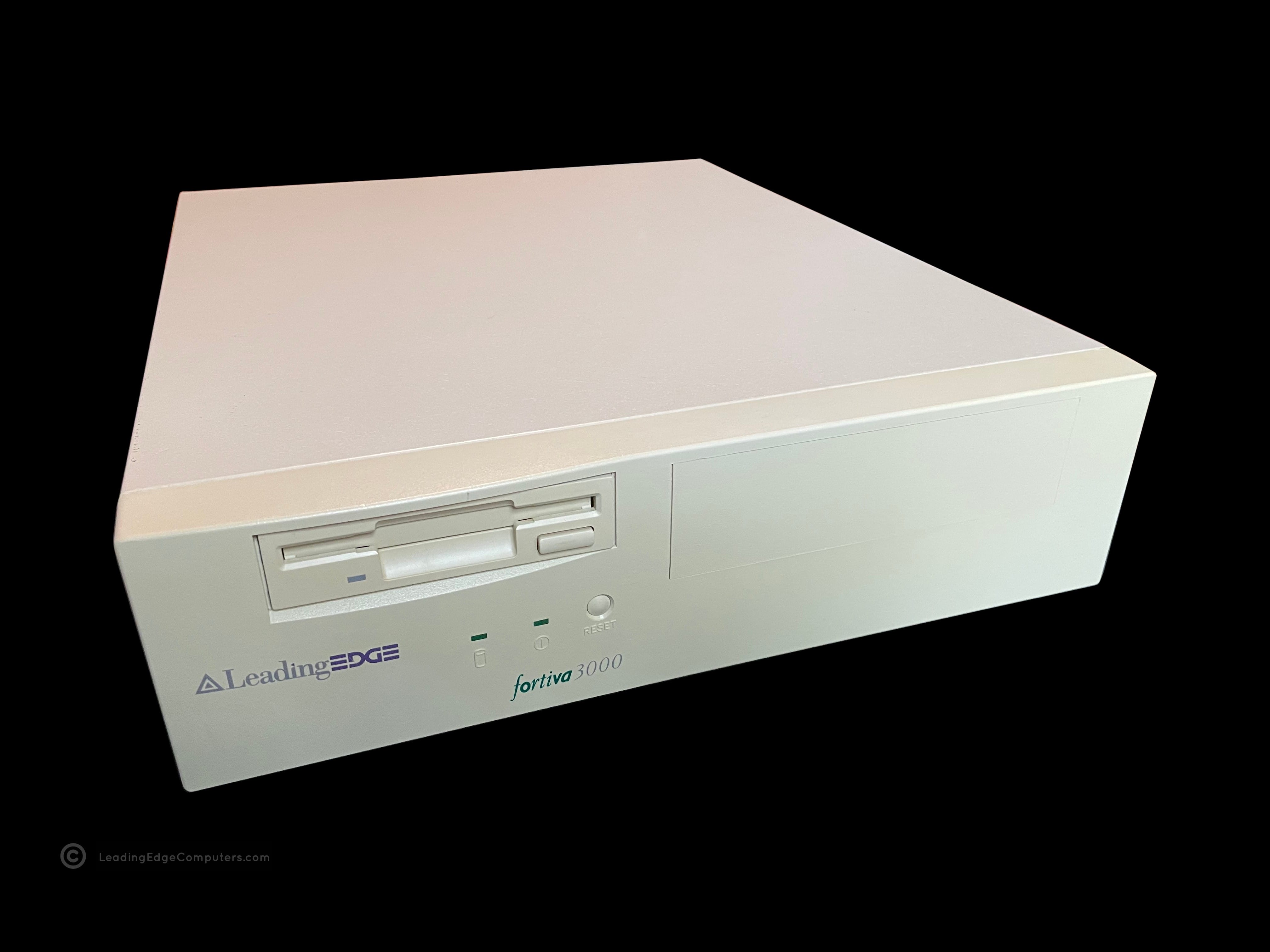
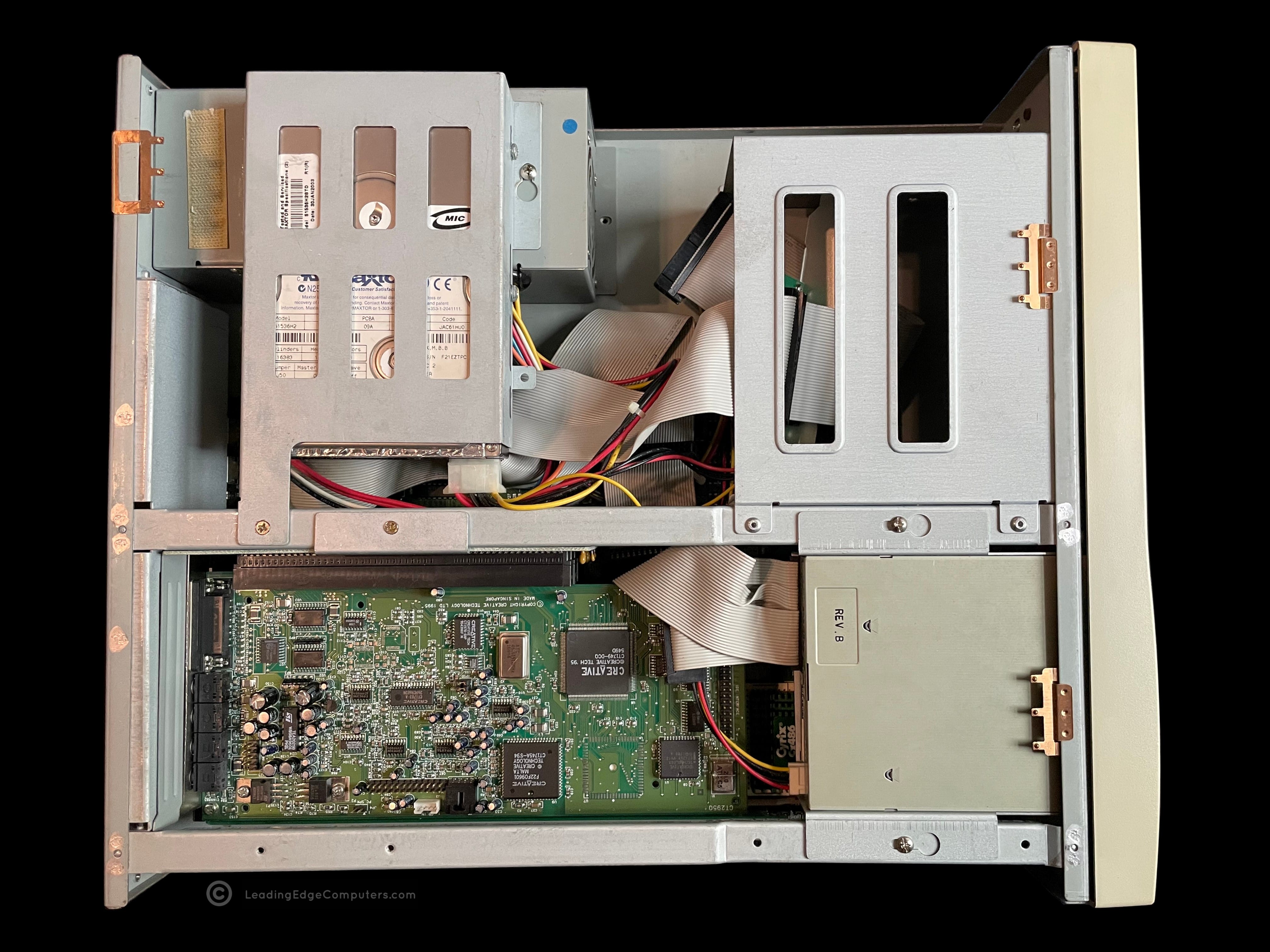
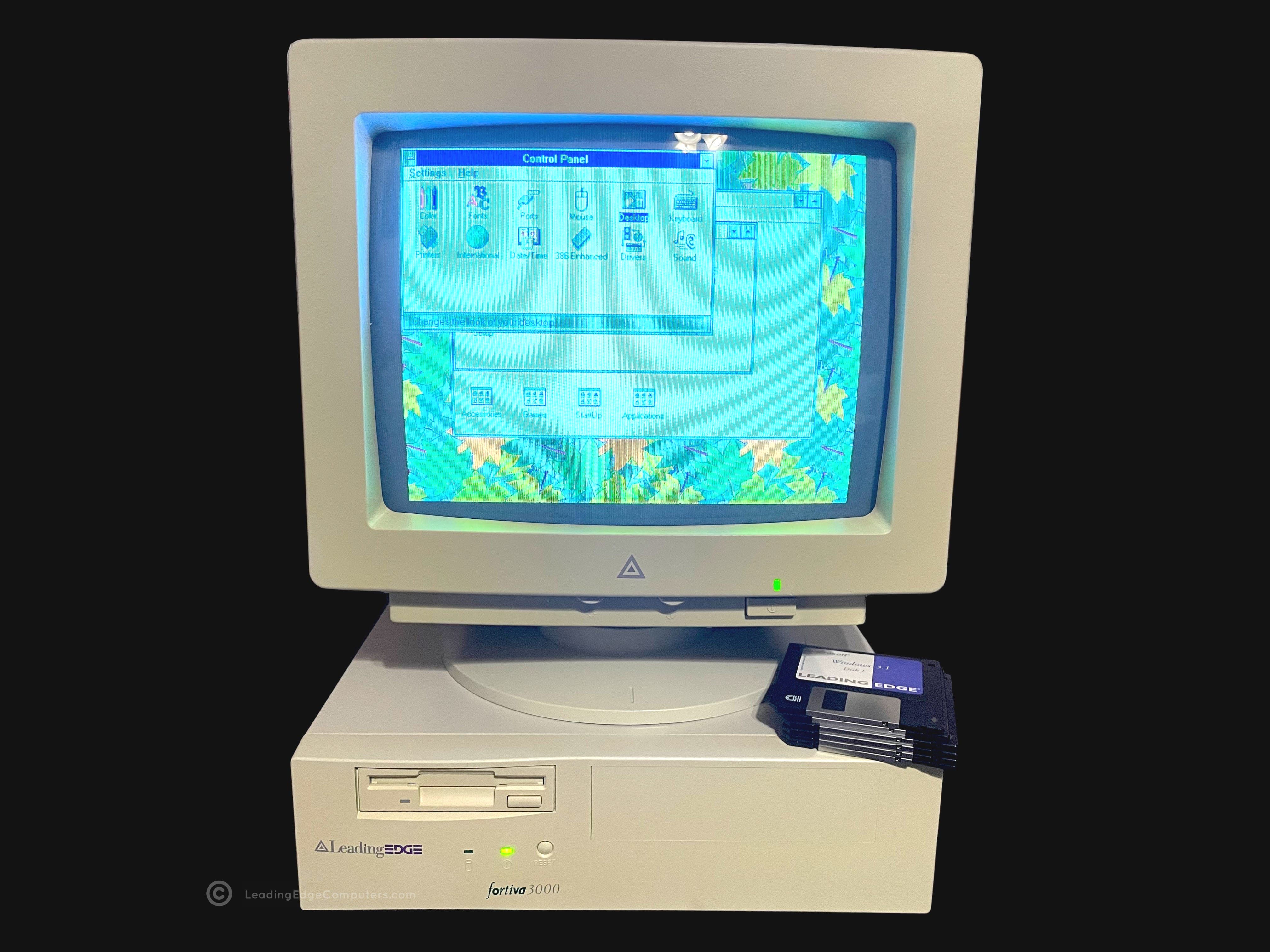
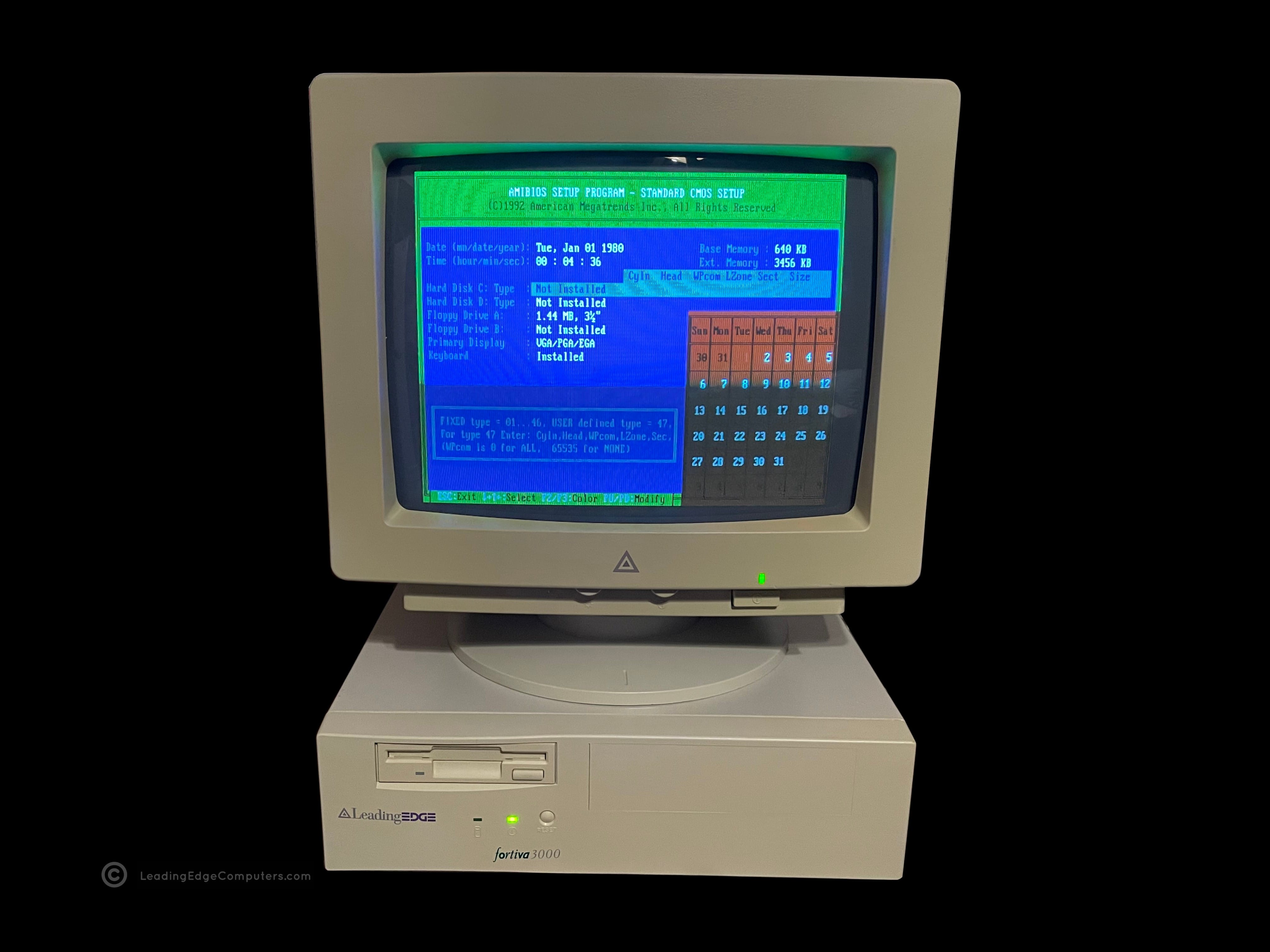
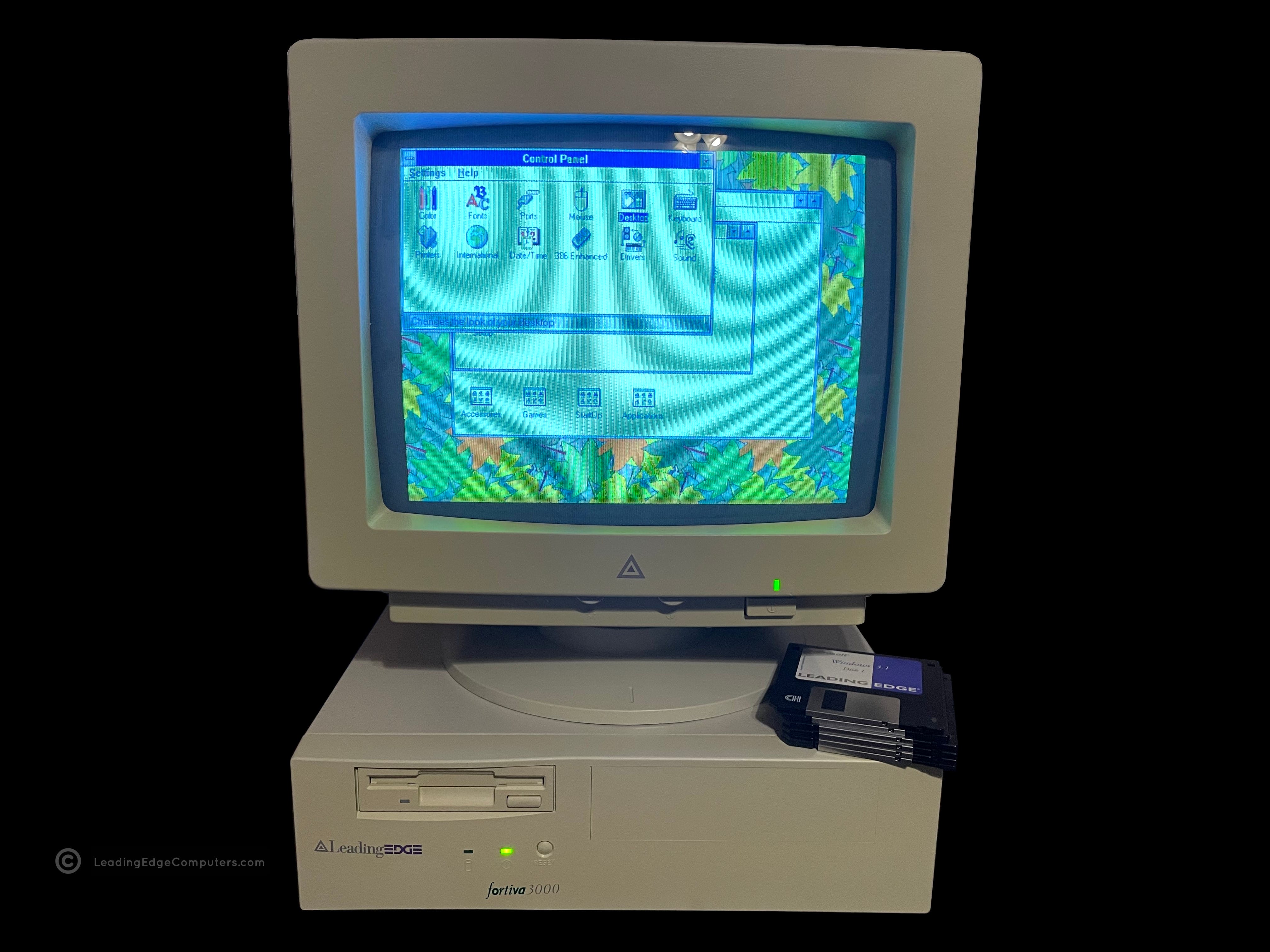
    fortiva 3000 computer fortiva 3000 computer fortiva 3000 computer fortiva 3000 computer fortiva 3000 computer fortiva 3000 computer fortiva 3000 computer fortiva 3000 computer fortiva 3000 computer fortiva 3000 computer fortiva 3000 computer fortiva 3000 computer

     Fortiva 3000 System BIOS V161

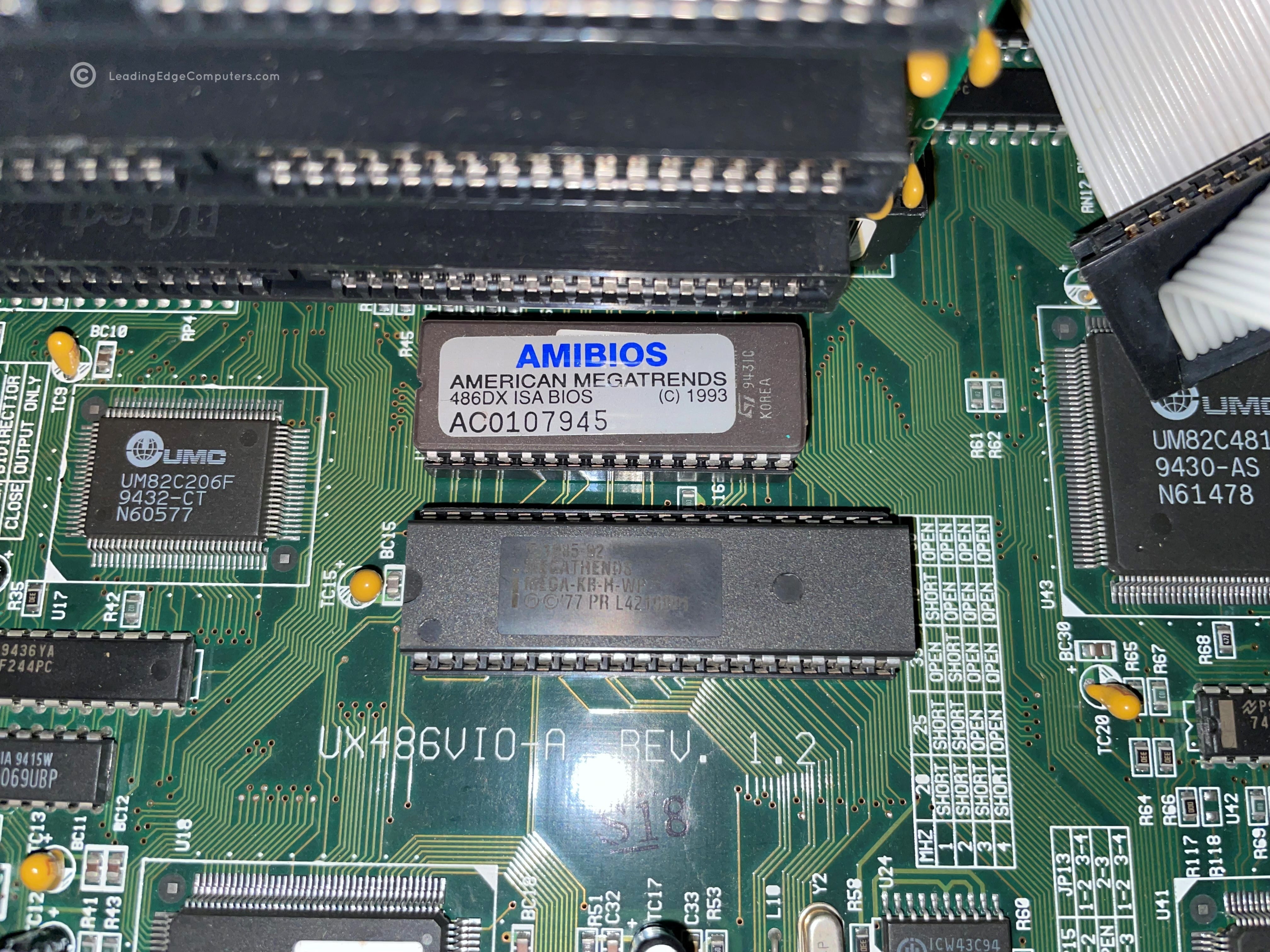
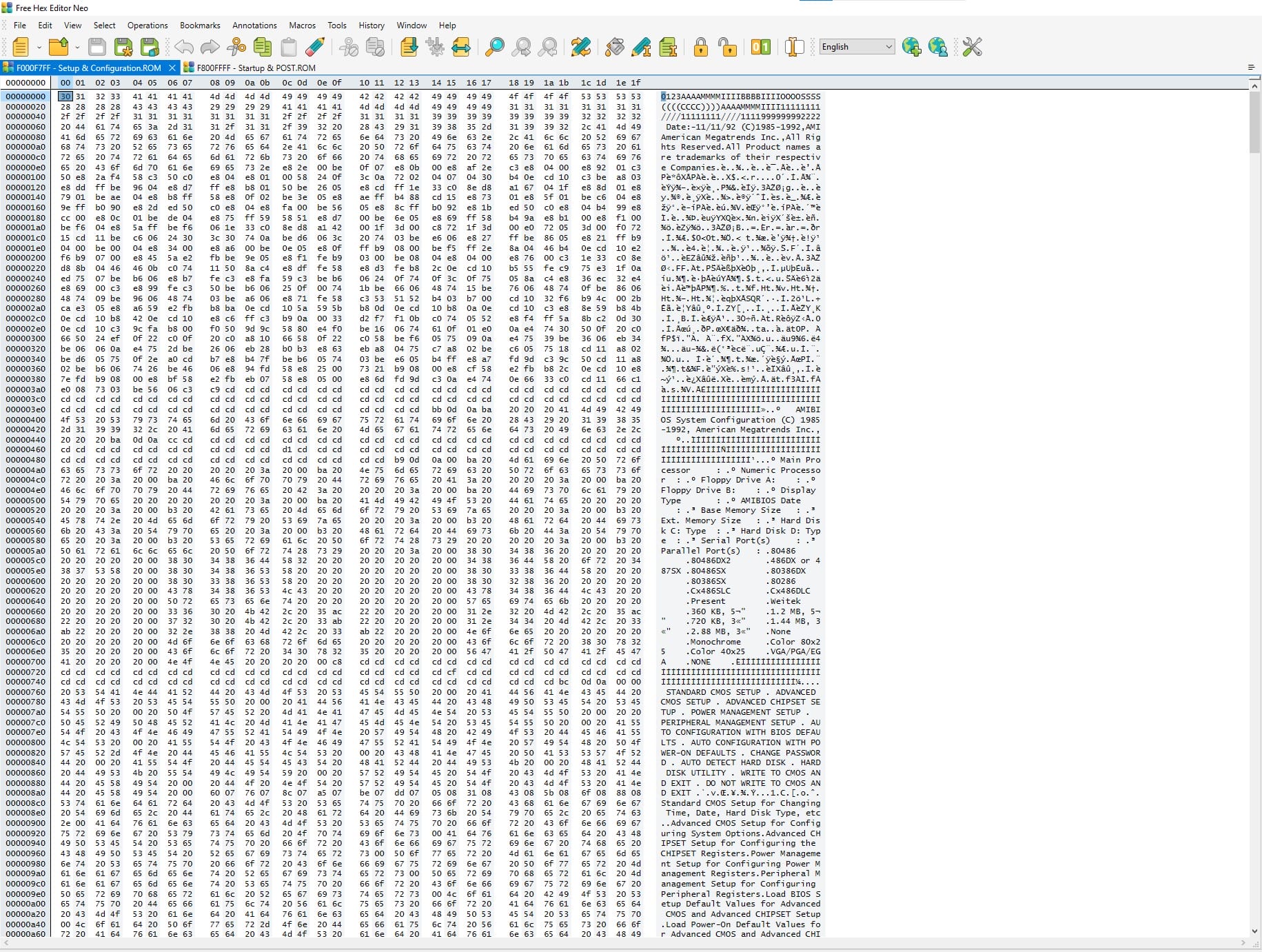
    fortiva 3000 bios fortiva 3000 bios fortiva 3000 bios

     Geoworks Desktop Manager

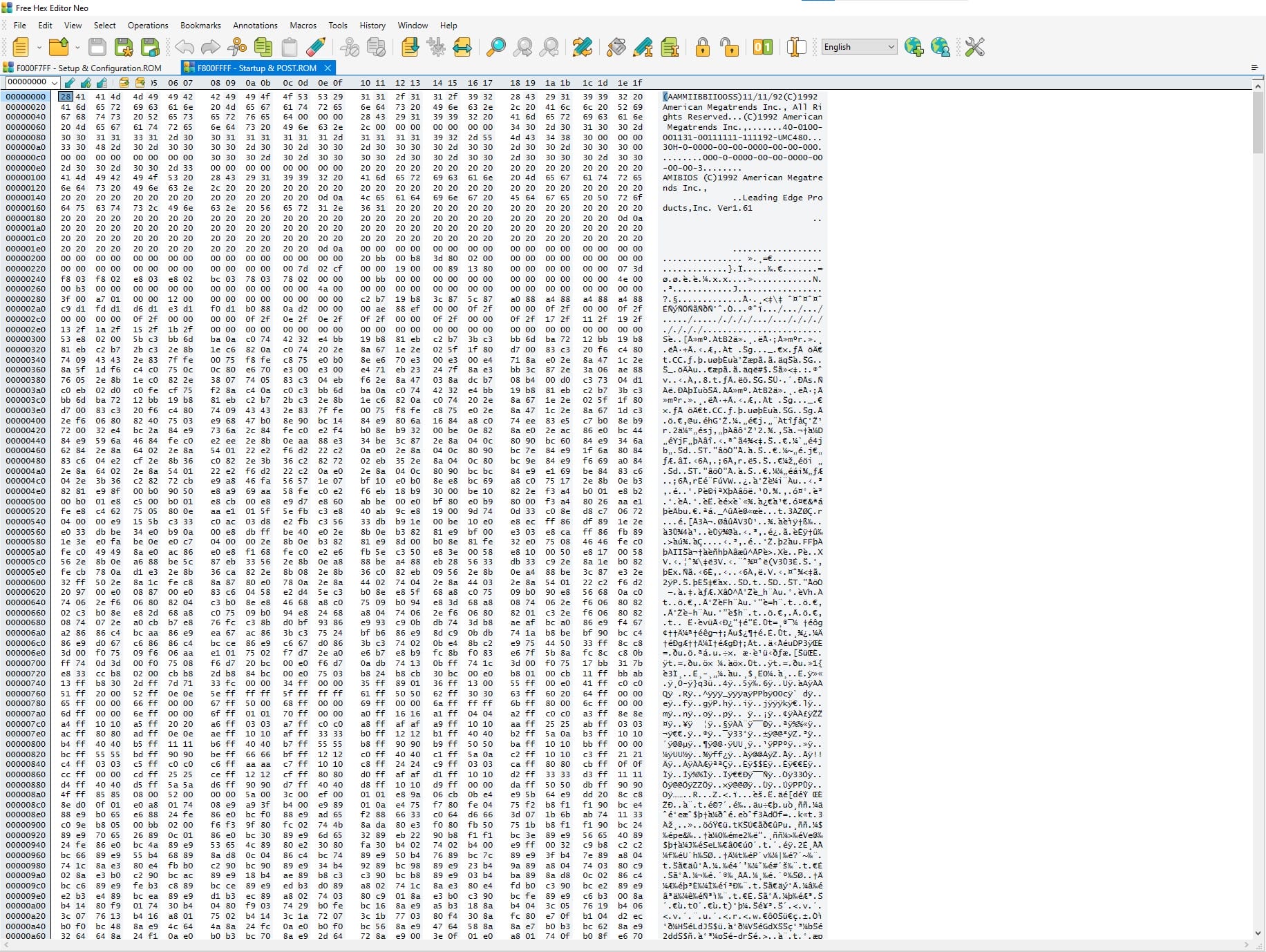
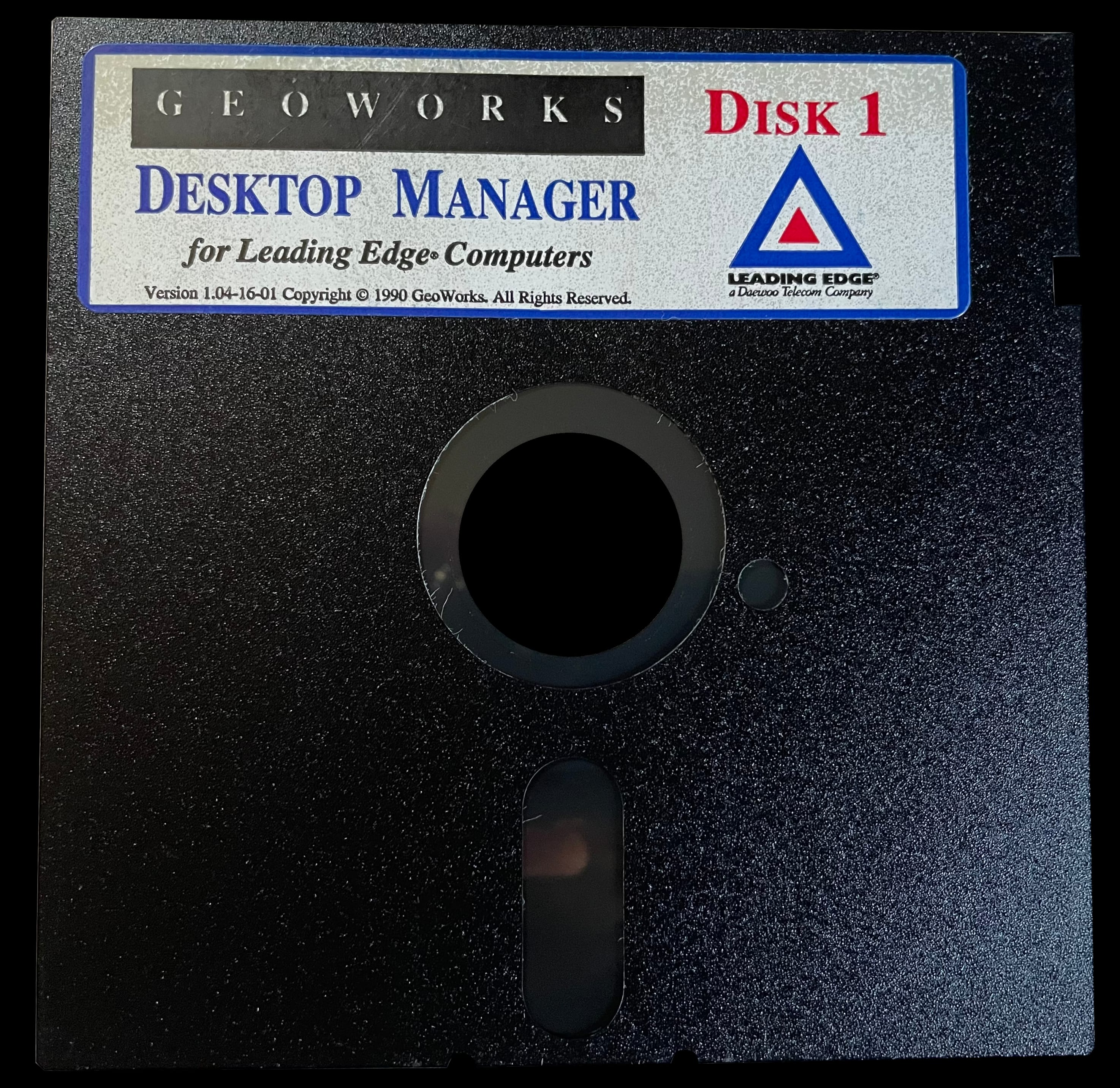
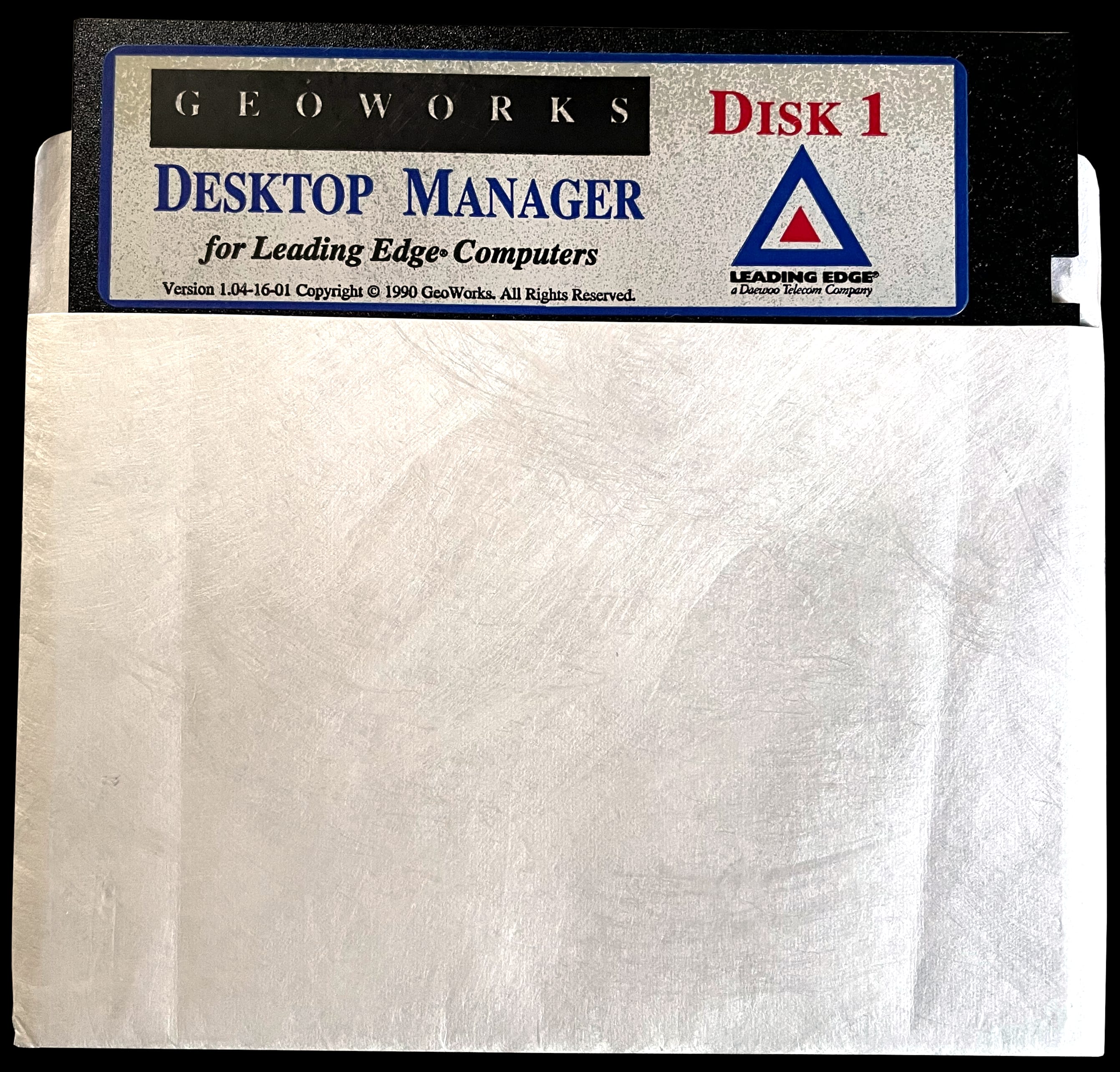
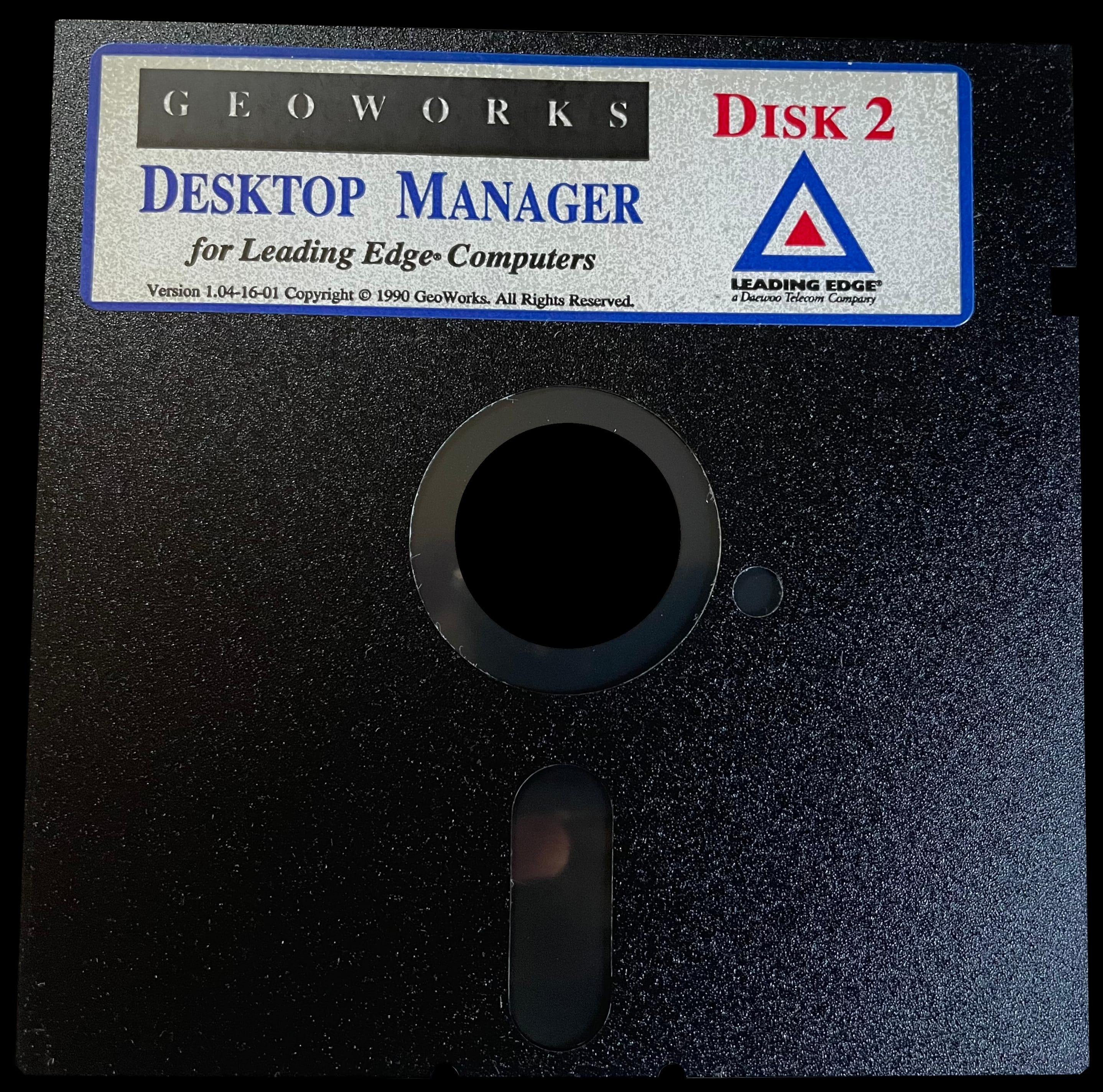
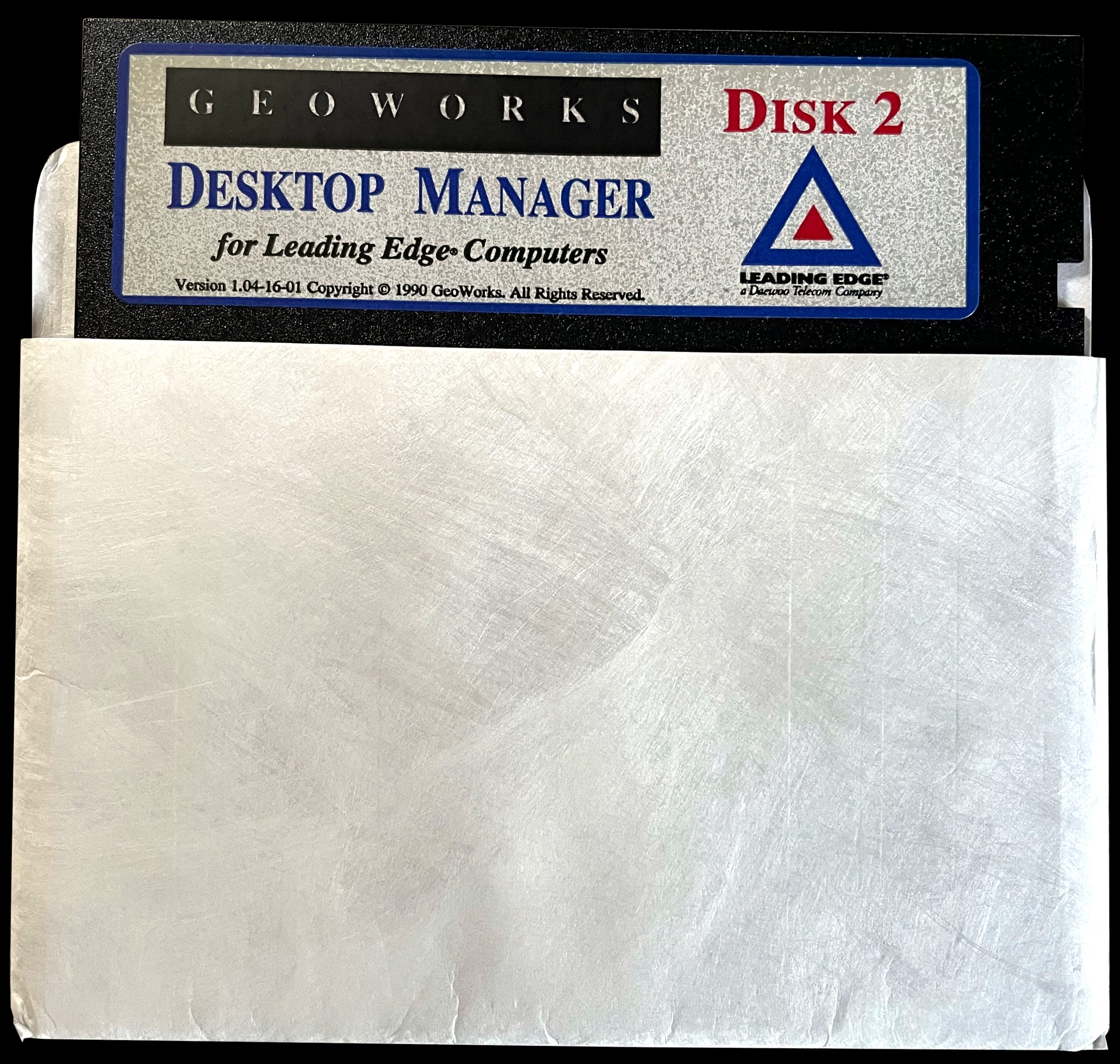
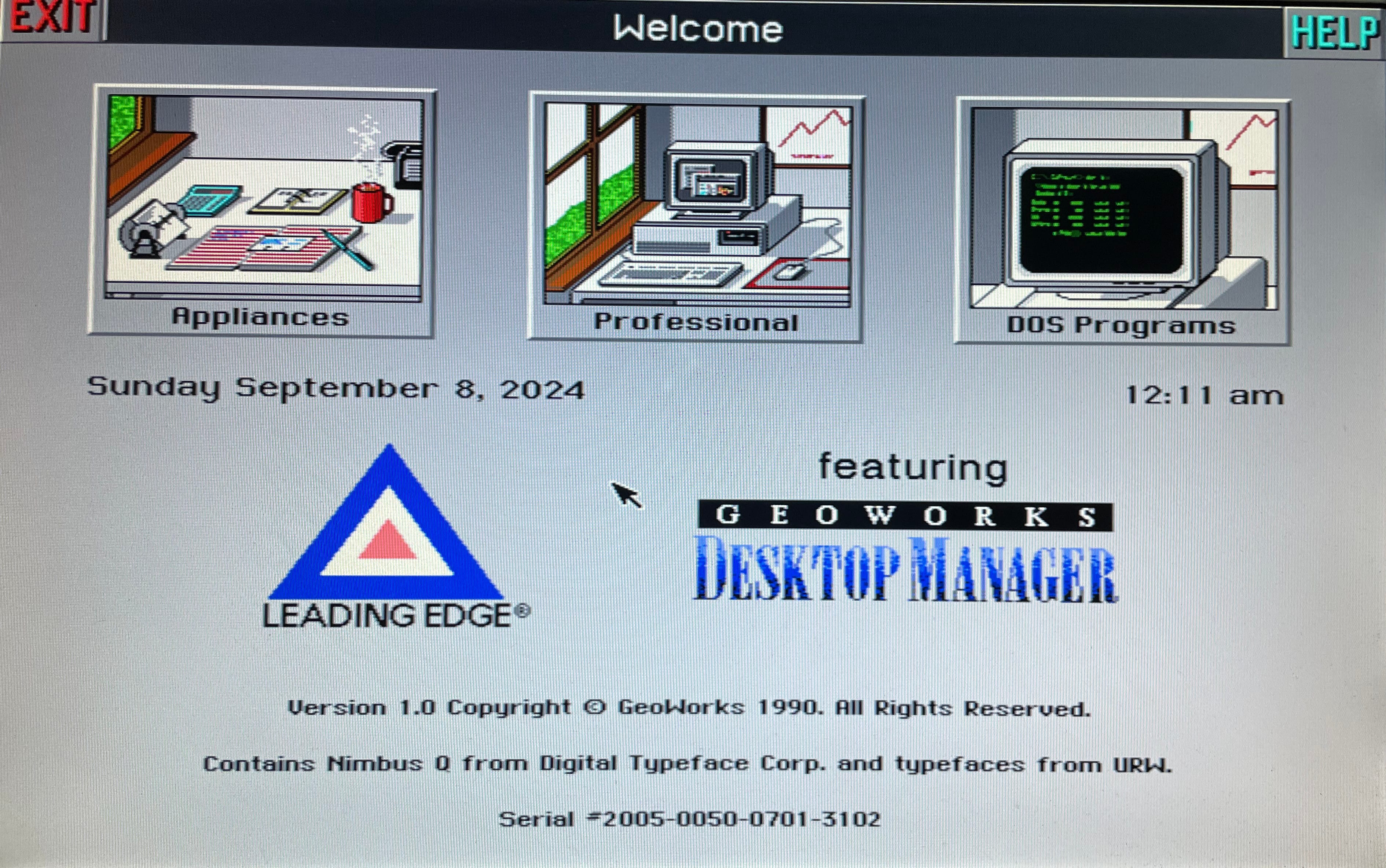
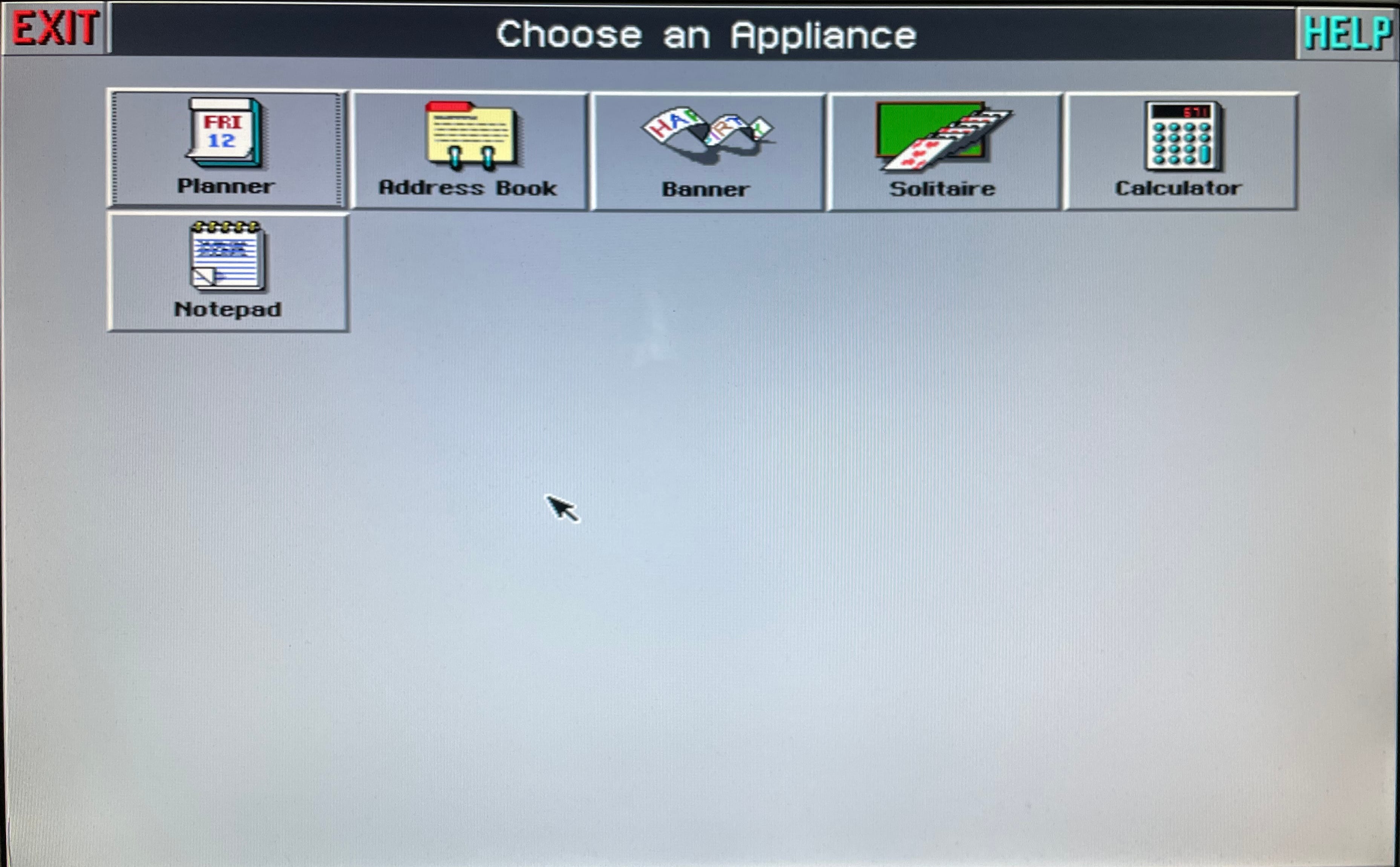
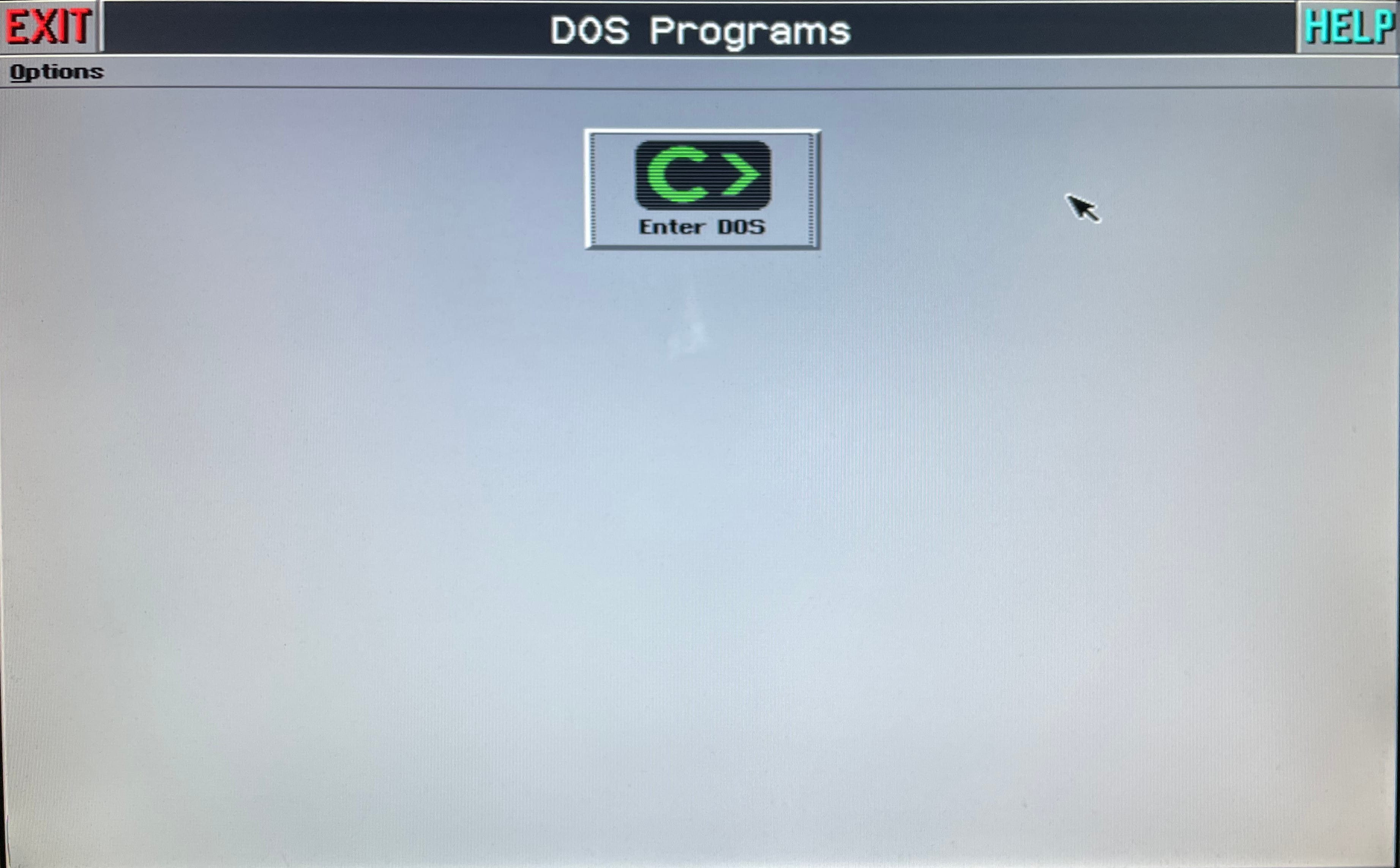
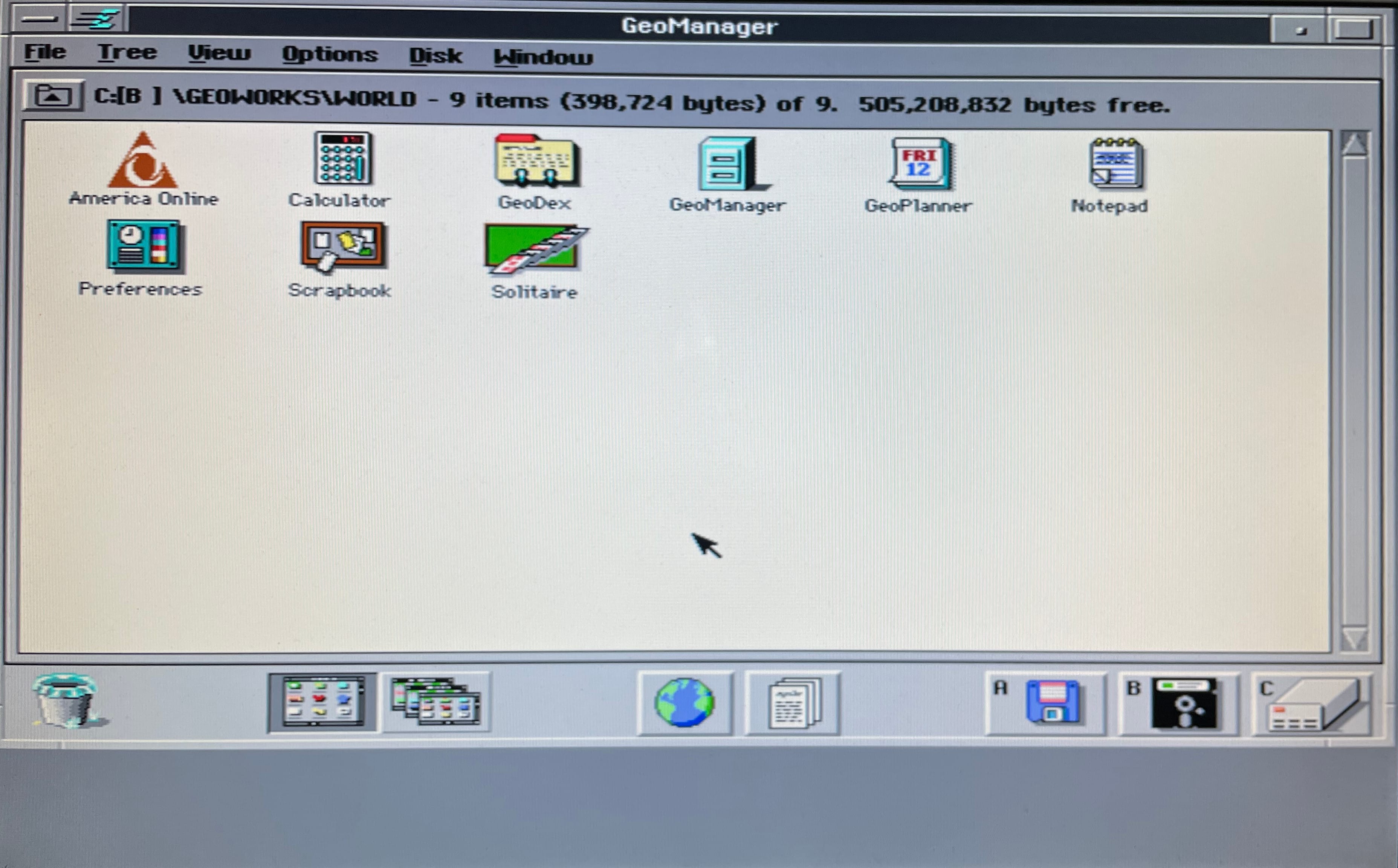
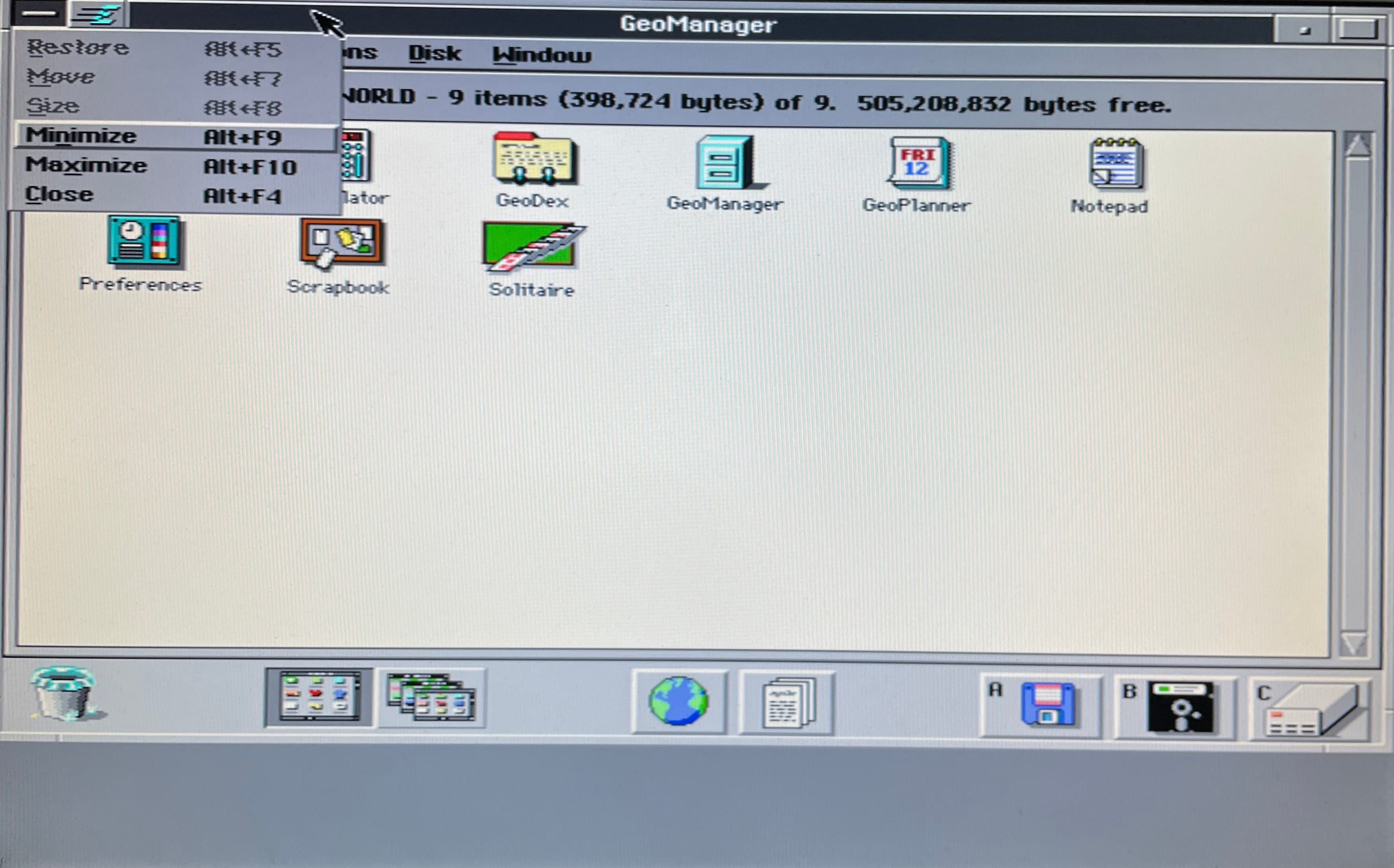
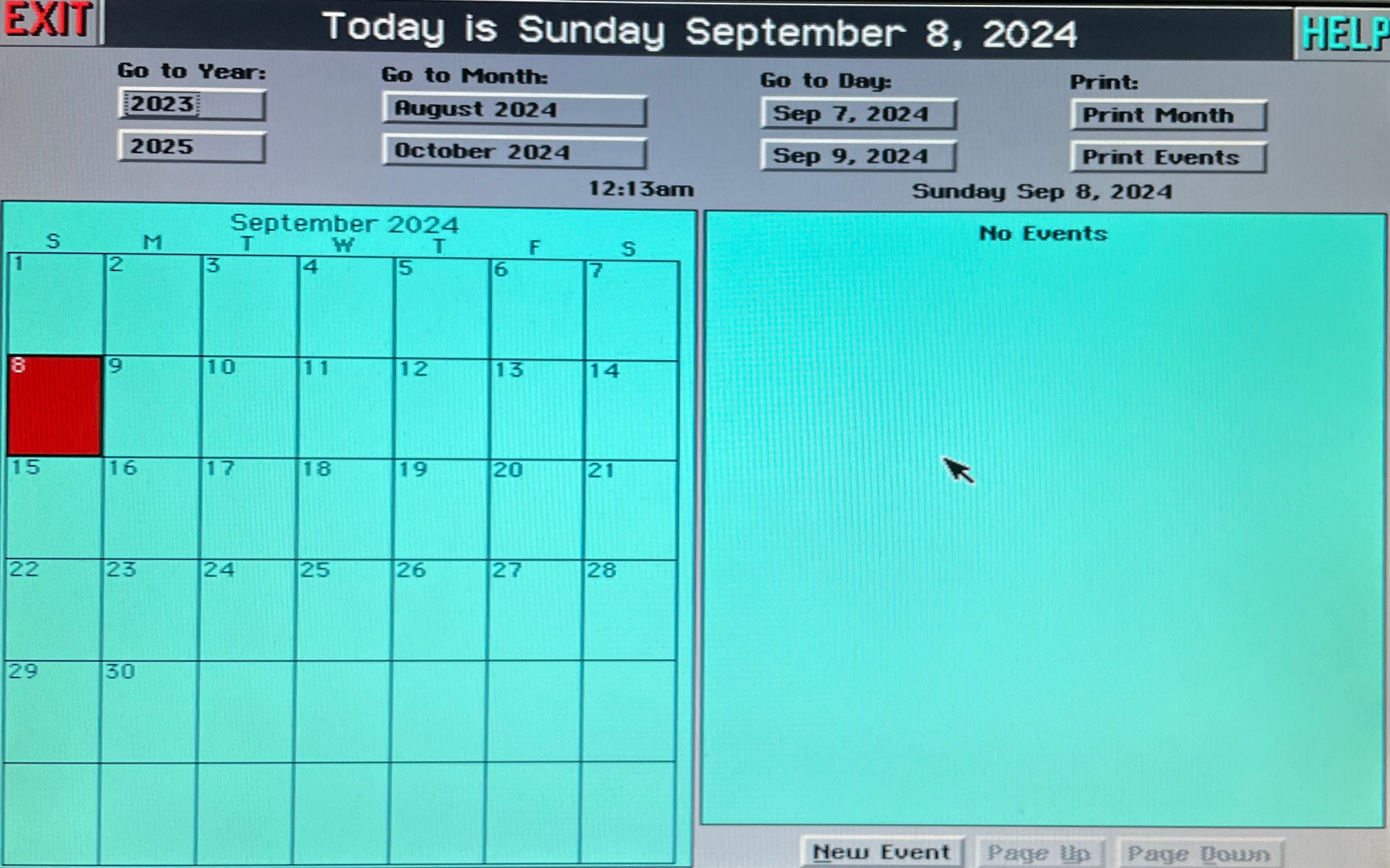
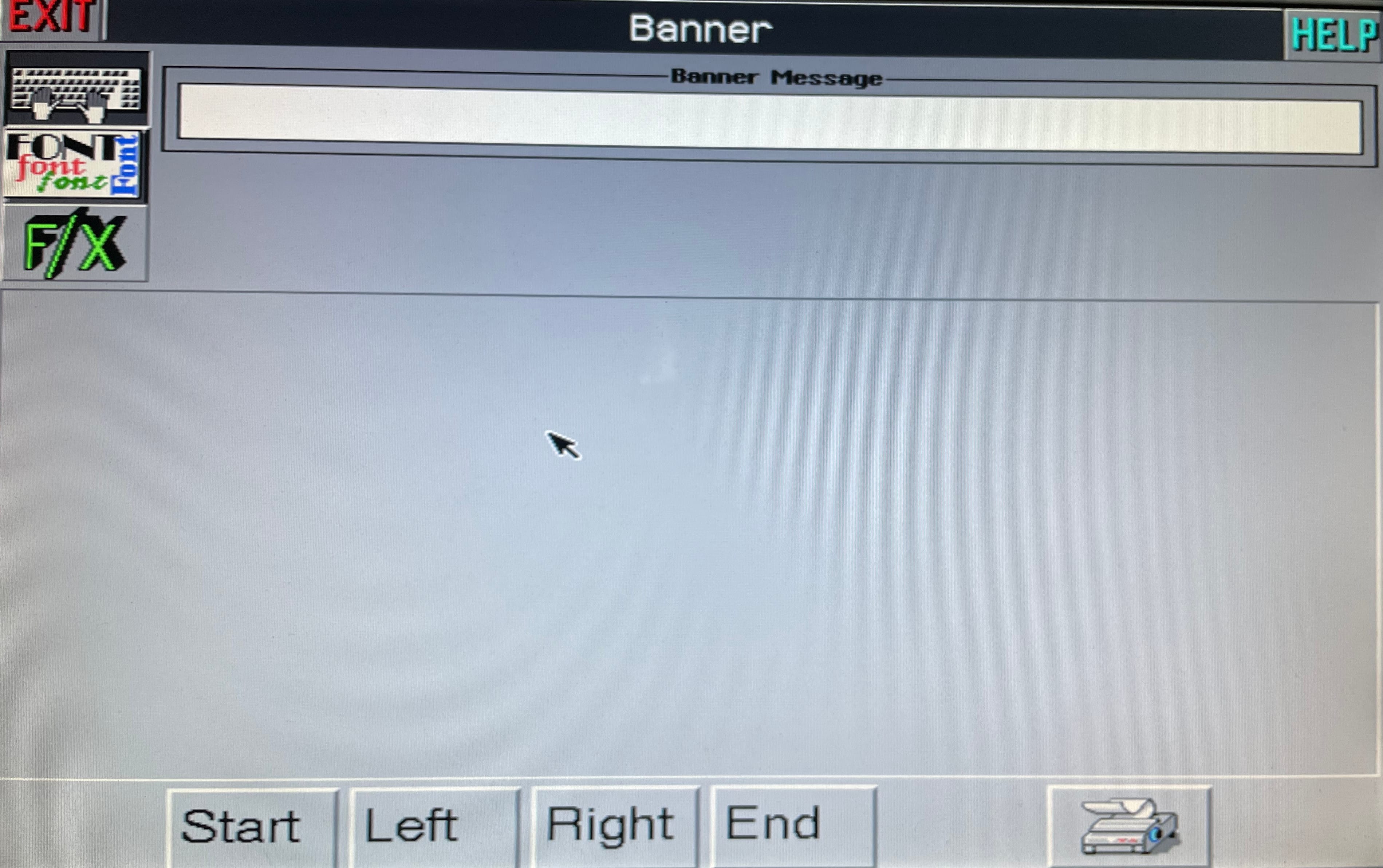
    desktop manager desktop manager desktop manager desktop manager desktop manager desktop manager desktop manager desktop manager desktop manager desktop manager desktop manager desktop manager desktop manager desktop manager desktop manager desktop manager desktop manager desktop manager

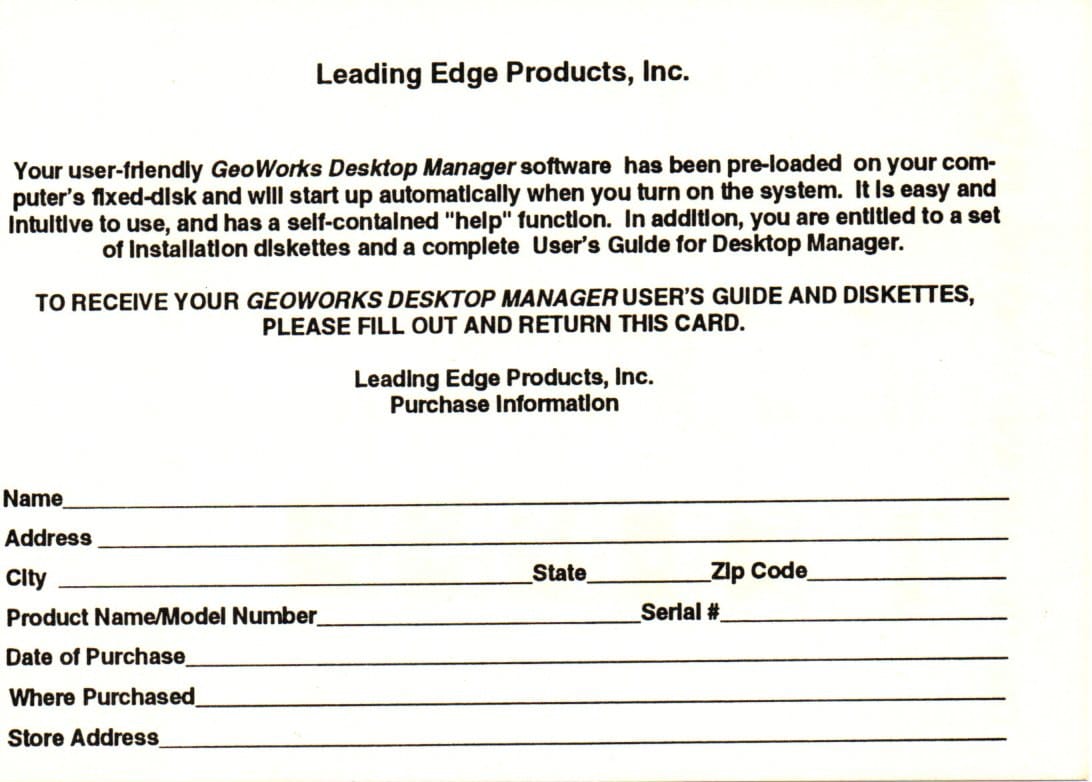
     Geoworks Desktop Manager Claim Card

    geoworks desktop manager claim card geoworks desktop manager claim card

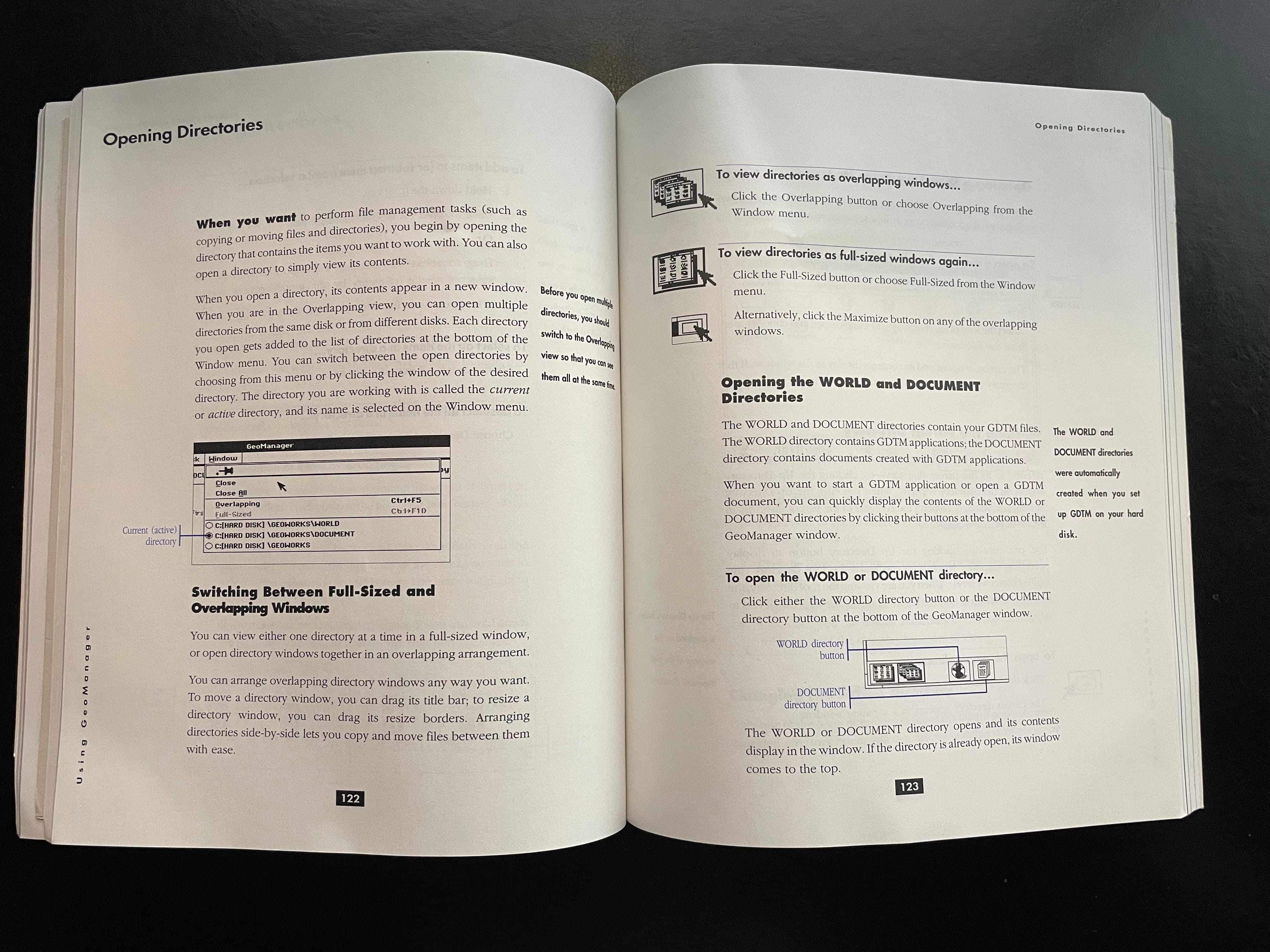
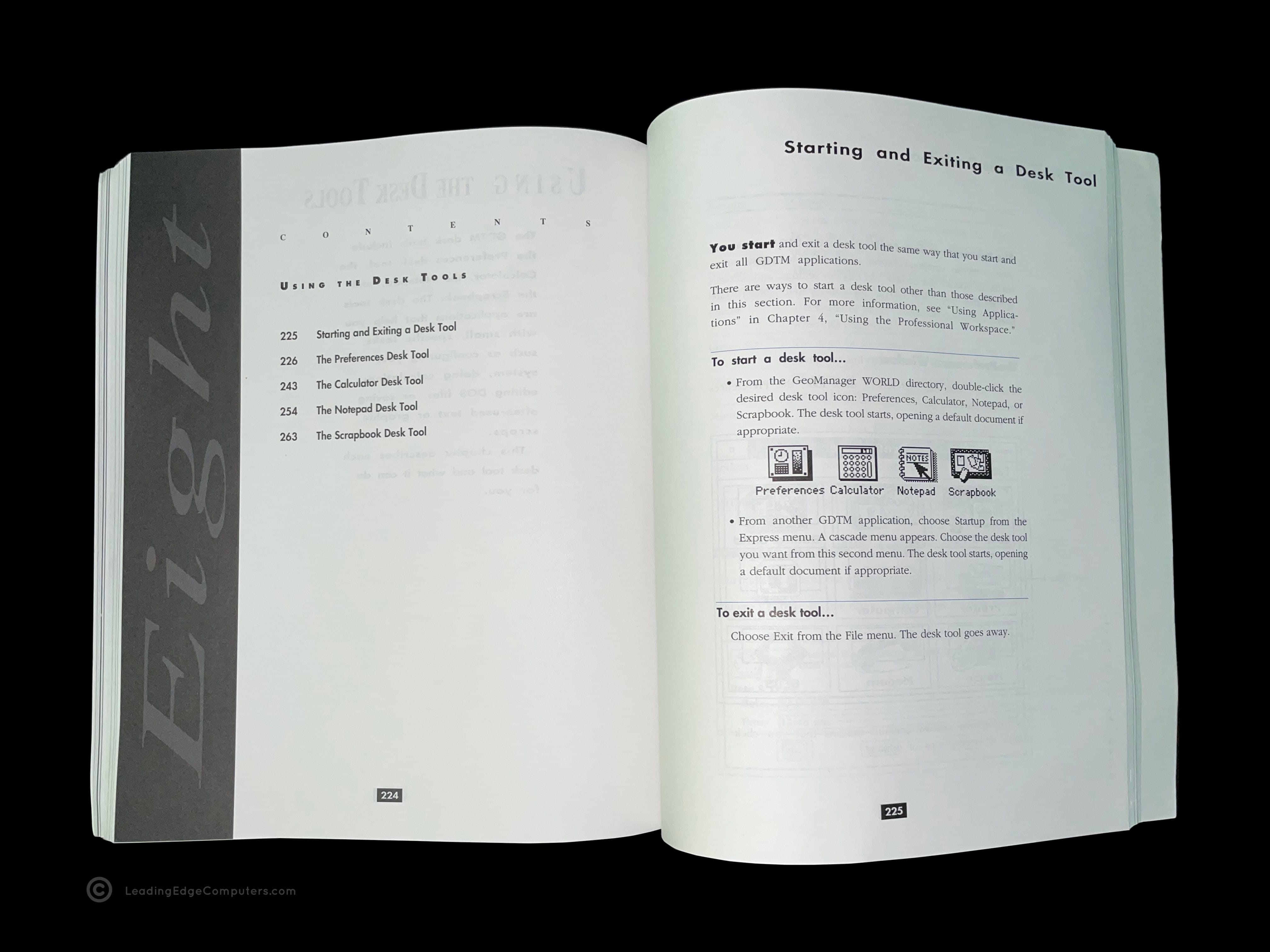
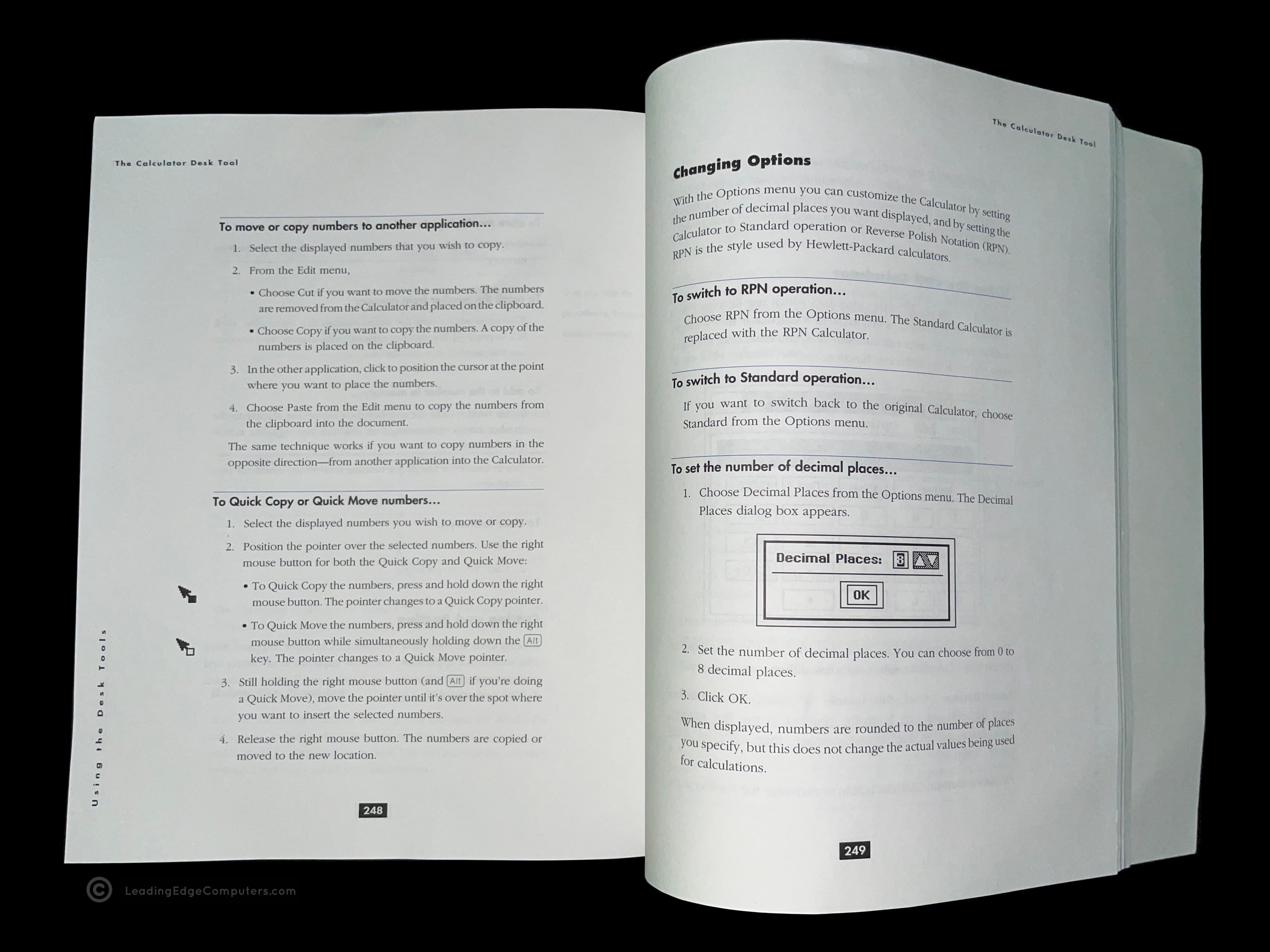
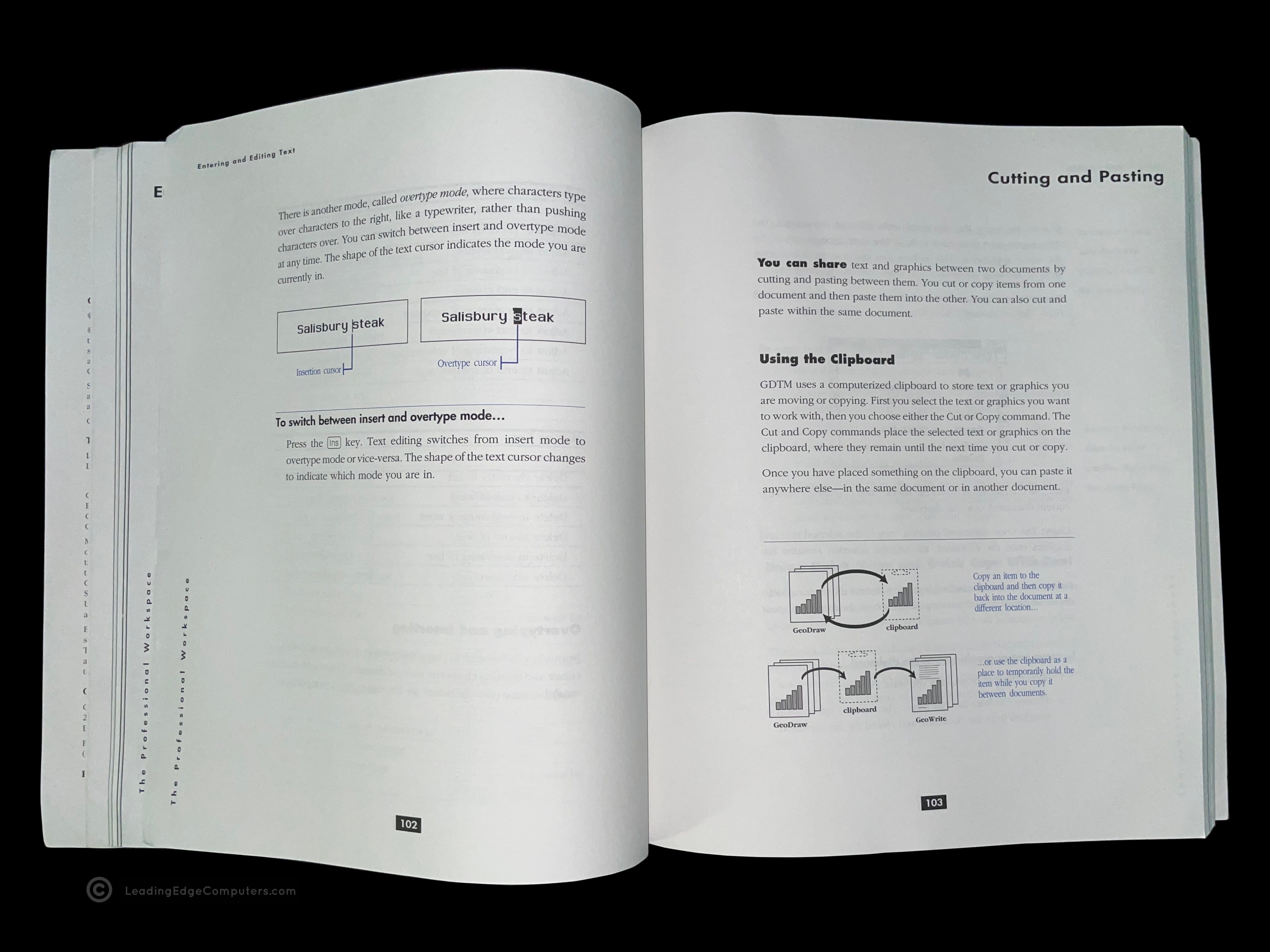
     Geoworks Desktop Manager Manual

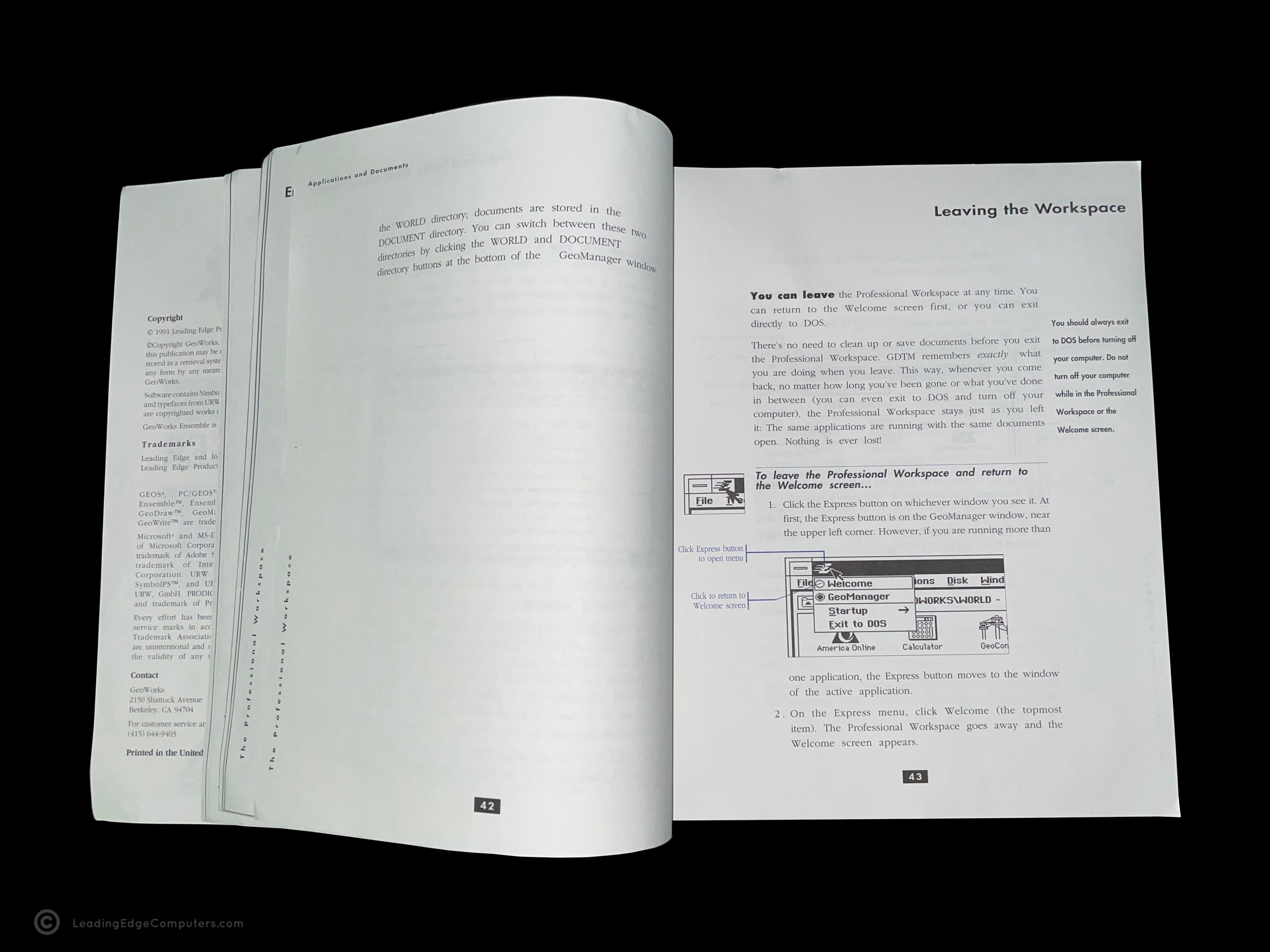
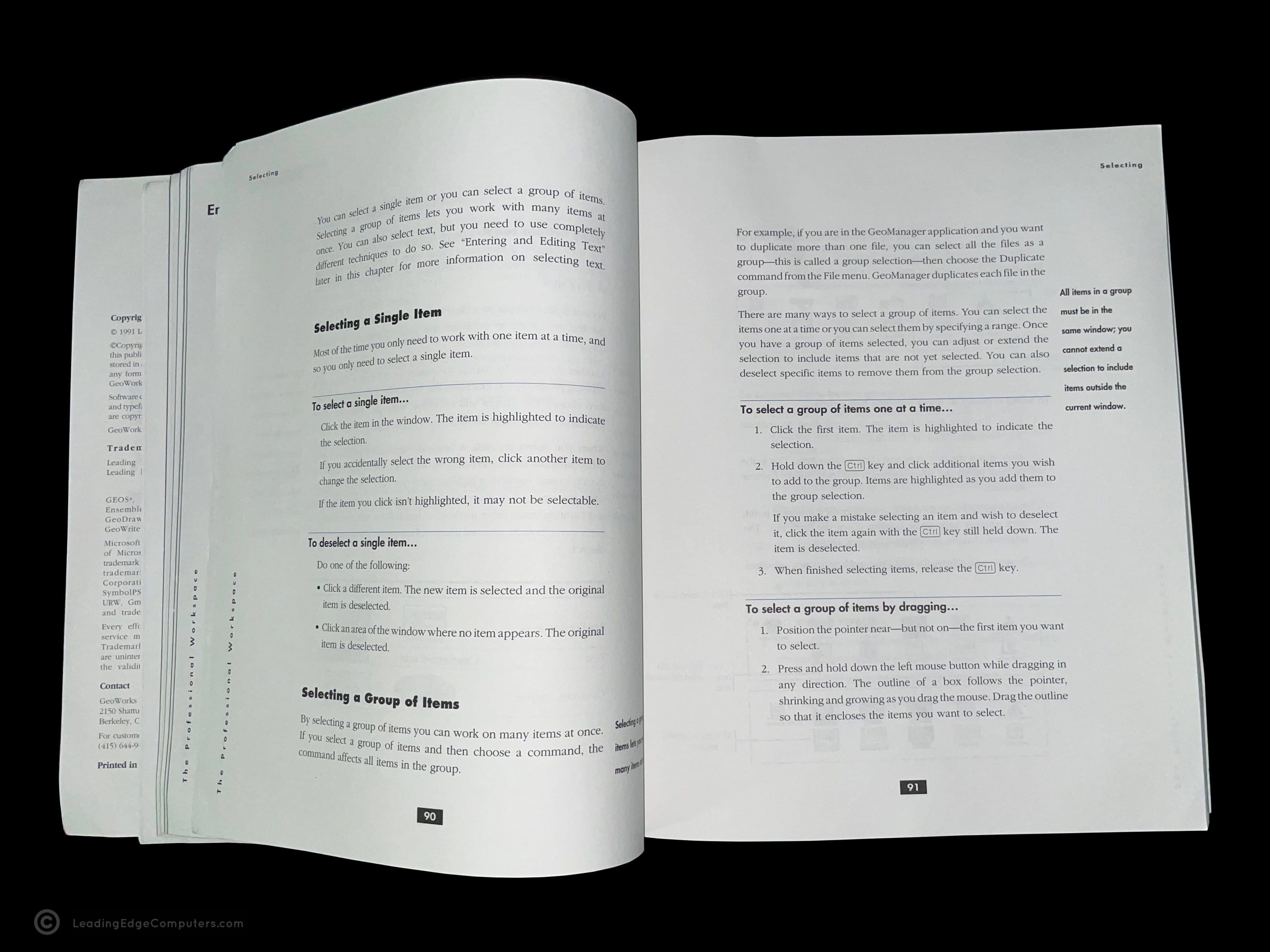
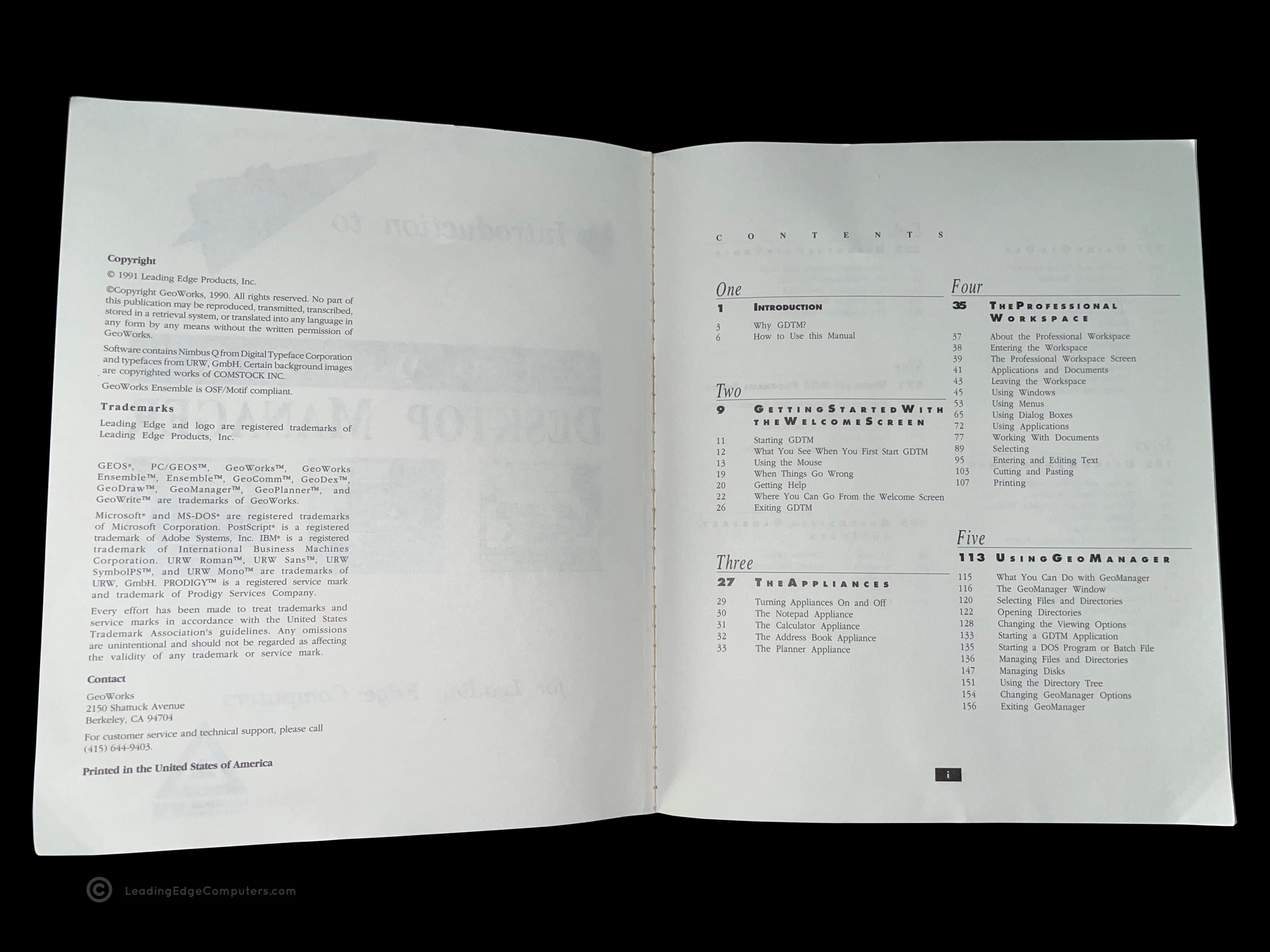
    geoworks desktop manager manual geoworks desktop manager manual geoworks desktop manager manual geoworks desktop manager manual geoworks desktop manager manual geoworks desktop manager manual geoworks desktop manager manual geoworks desktop manager manual geoworks desktop manager manual

     Guide to Basic Version 2.0 Manual

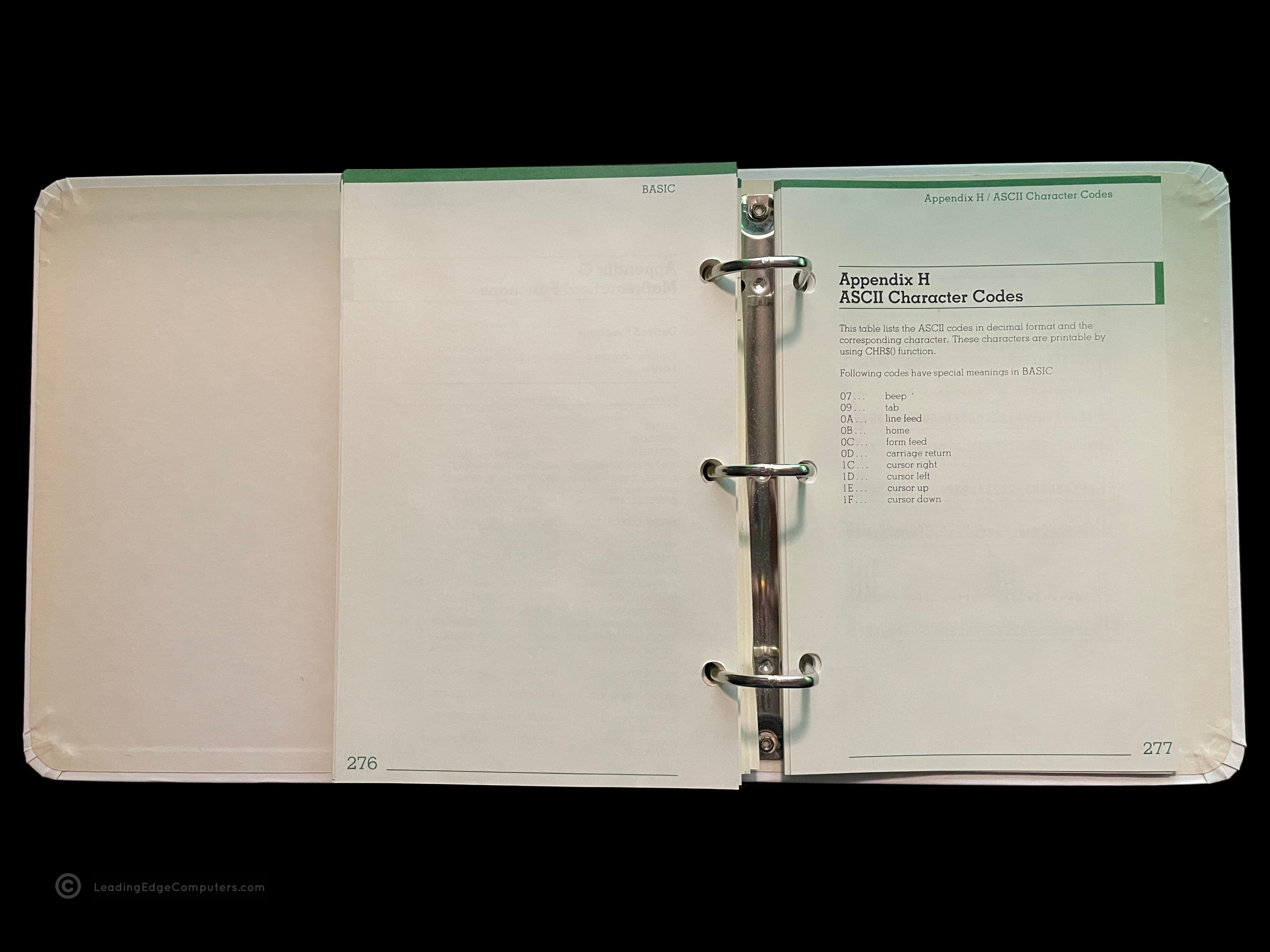
    guide to basic version 2.0 manual guide to basic version 2.0 manual guide to basic version 2.0 manual guide to basic version 2.0 manual guide to basic version 2.0 manual guide to basic version 2.0 manual guide to basic version 2.0 manual guide to basic version 2.0 manual guide to basic version 2.0 manual guide to basic version 2.0 manual guide to basic version 2.0 manual guide to basic version 2.0 manual

     KB 5191 Keyboard

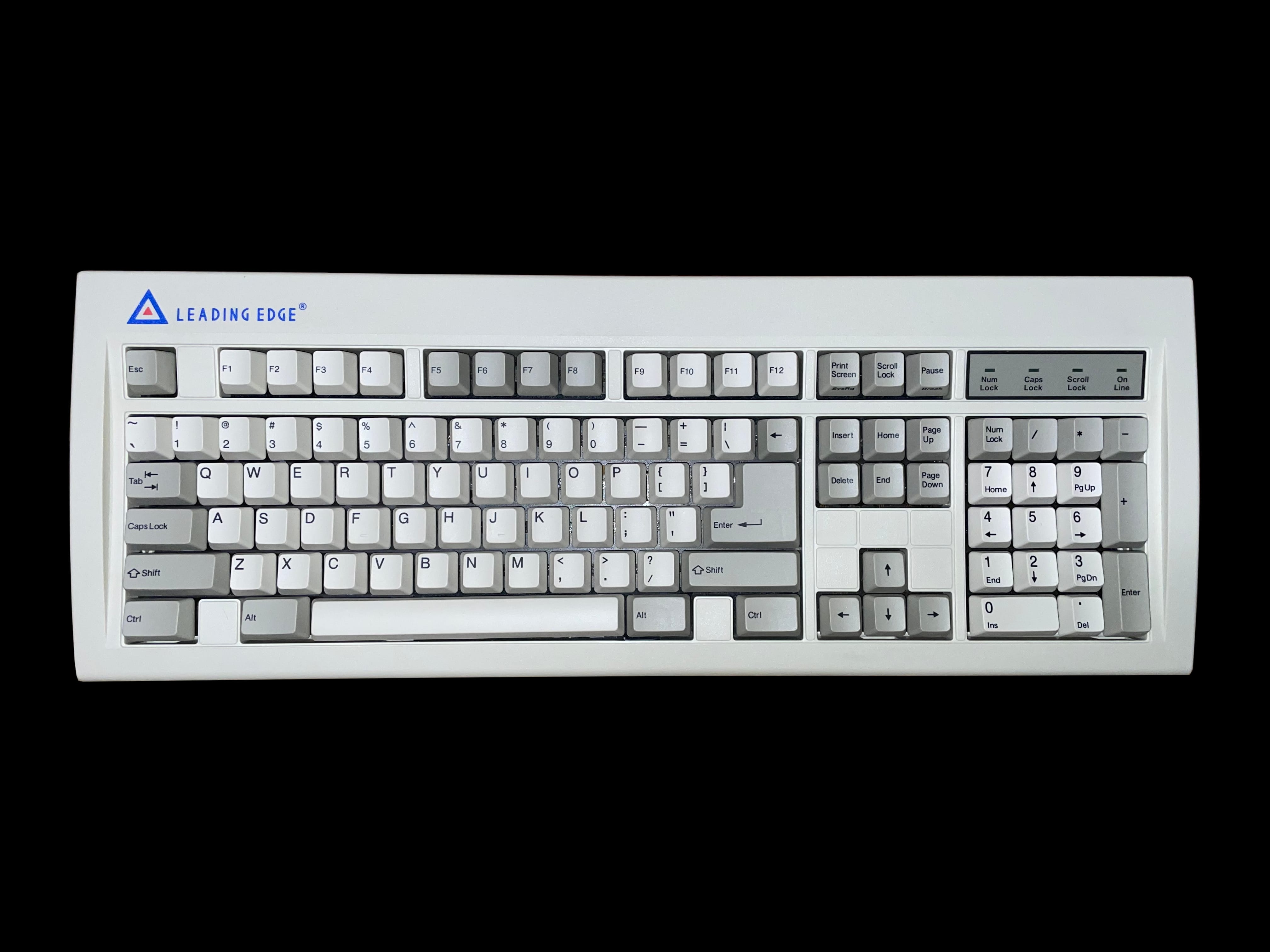
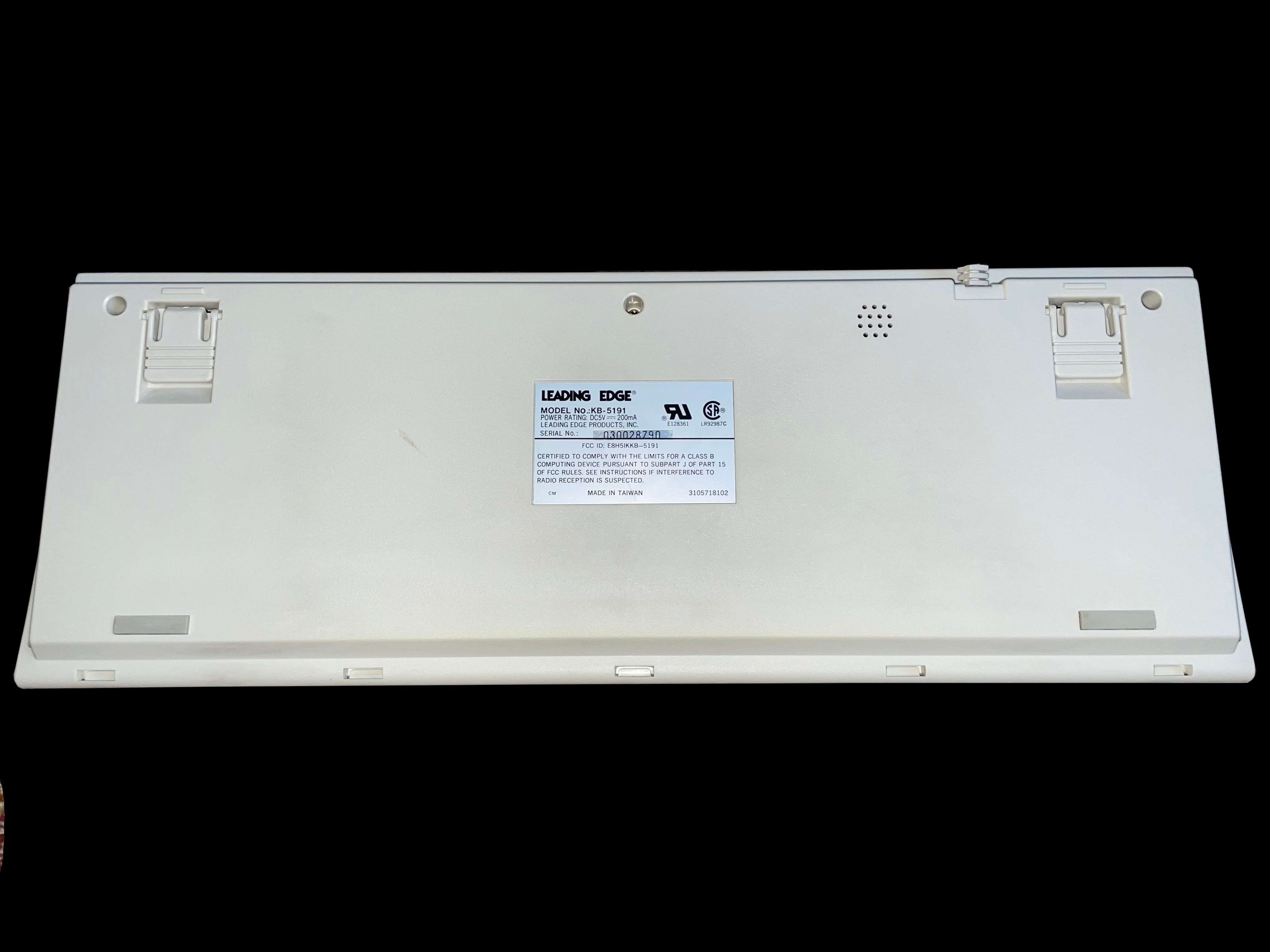
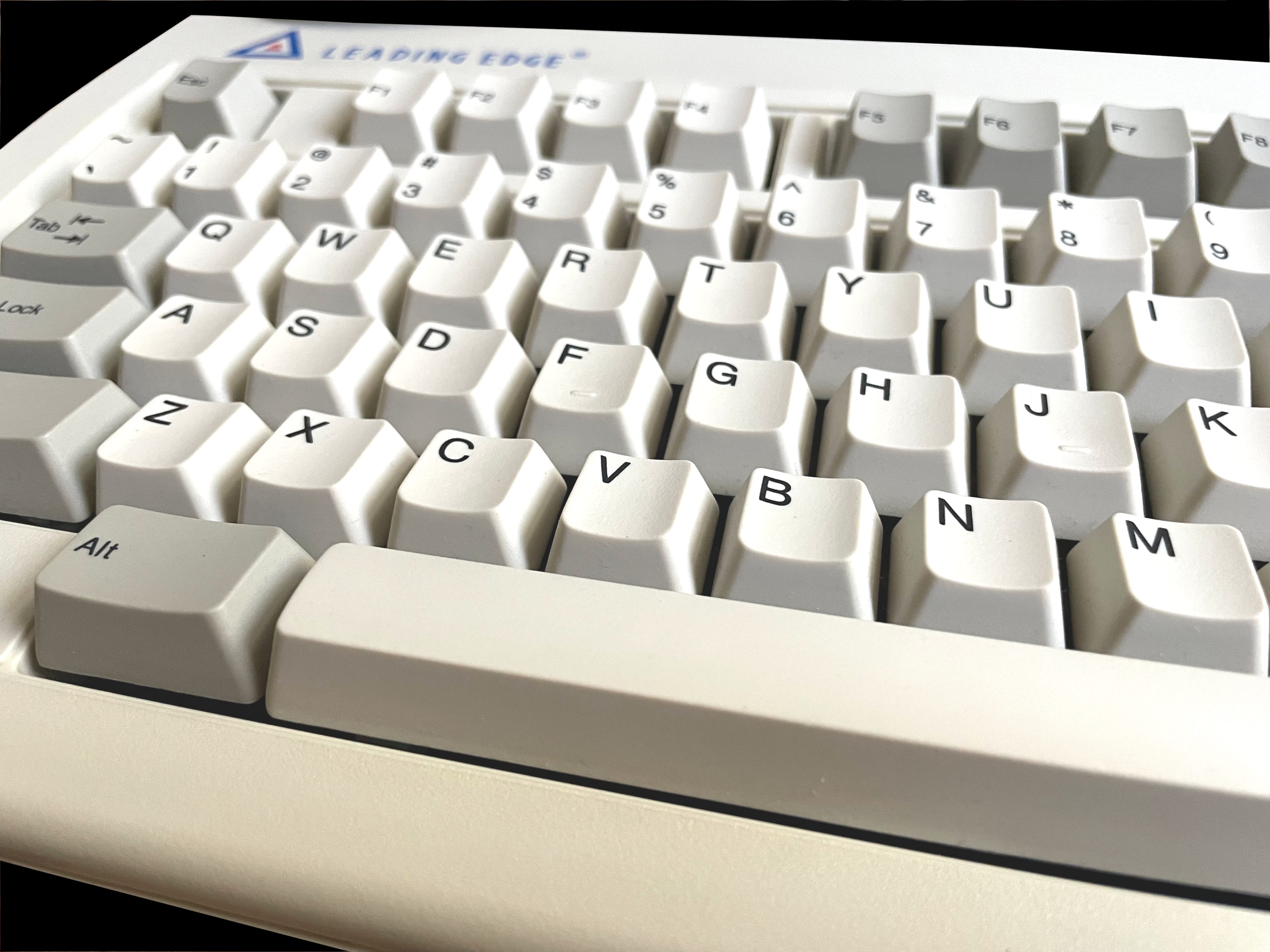
    kb 5191 keyboard kb 5191 keyboard kb 5191 keyboard kb 5191 keyboard kb 5191 keyboard kb 5191 keyboard

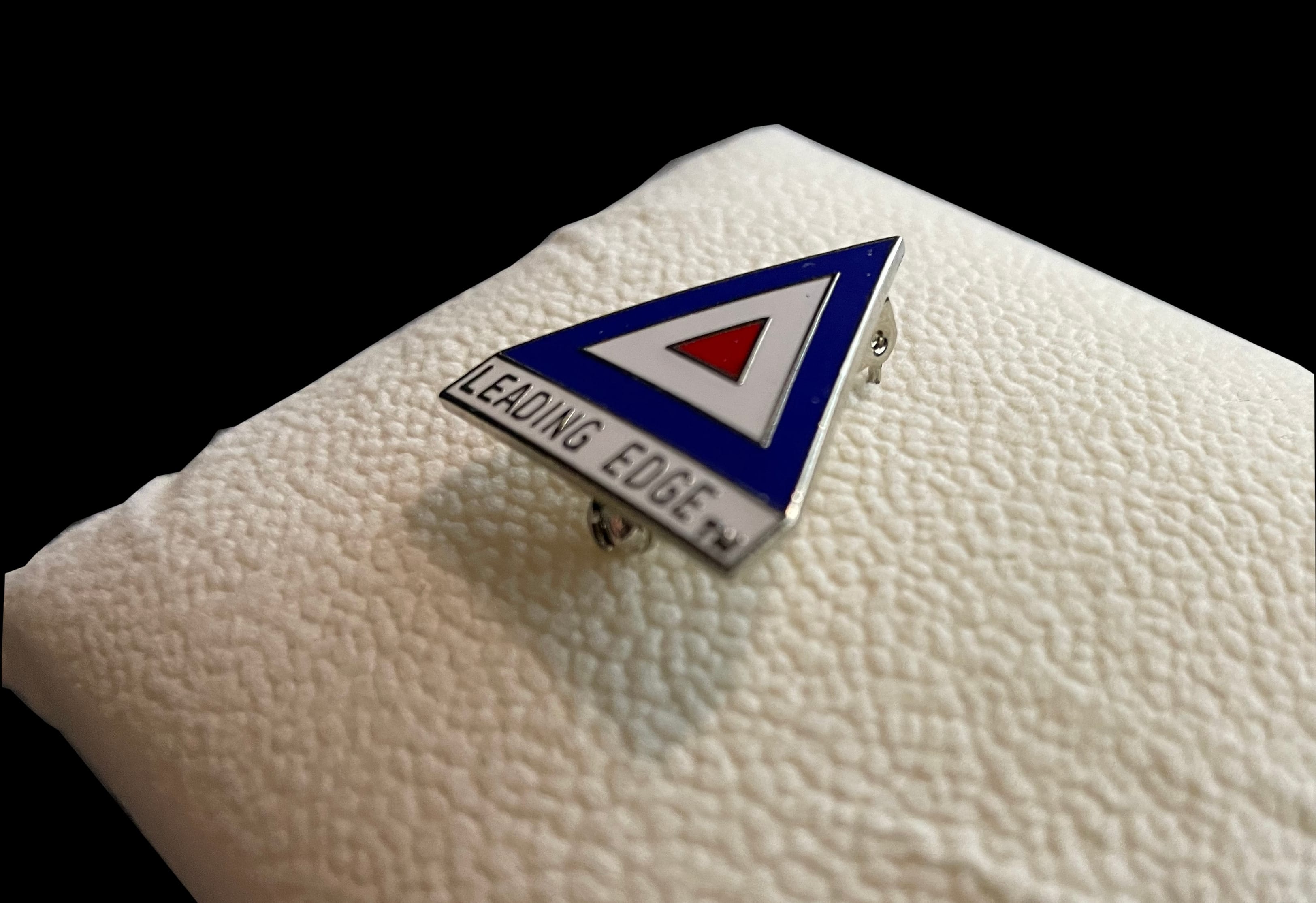
     Lapel Pin

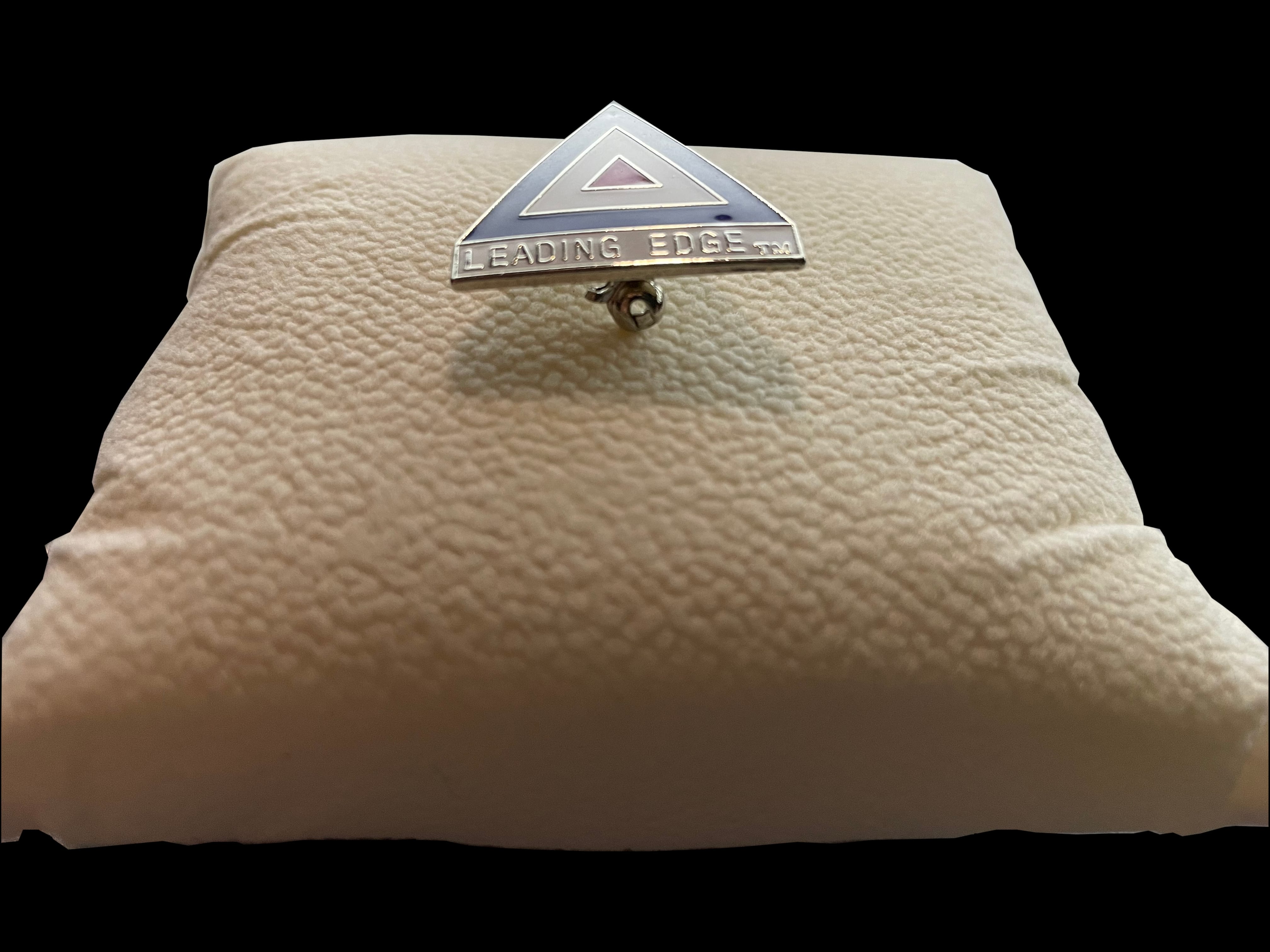
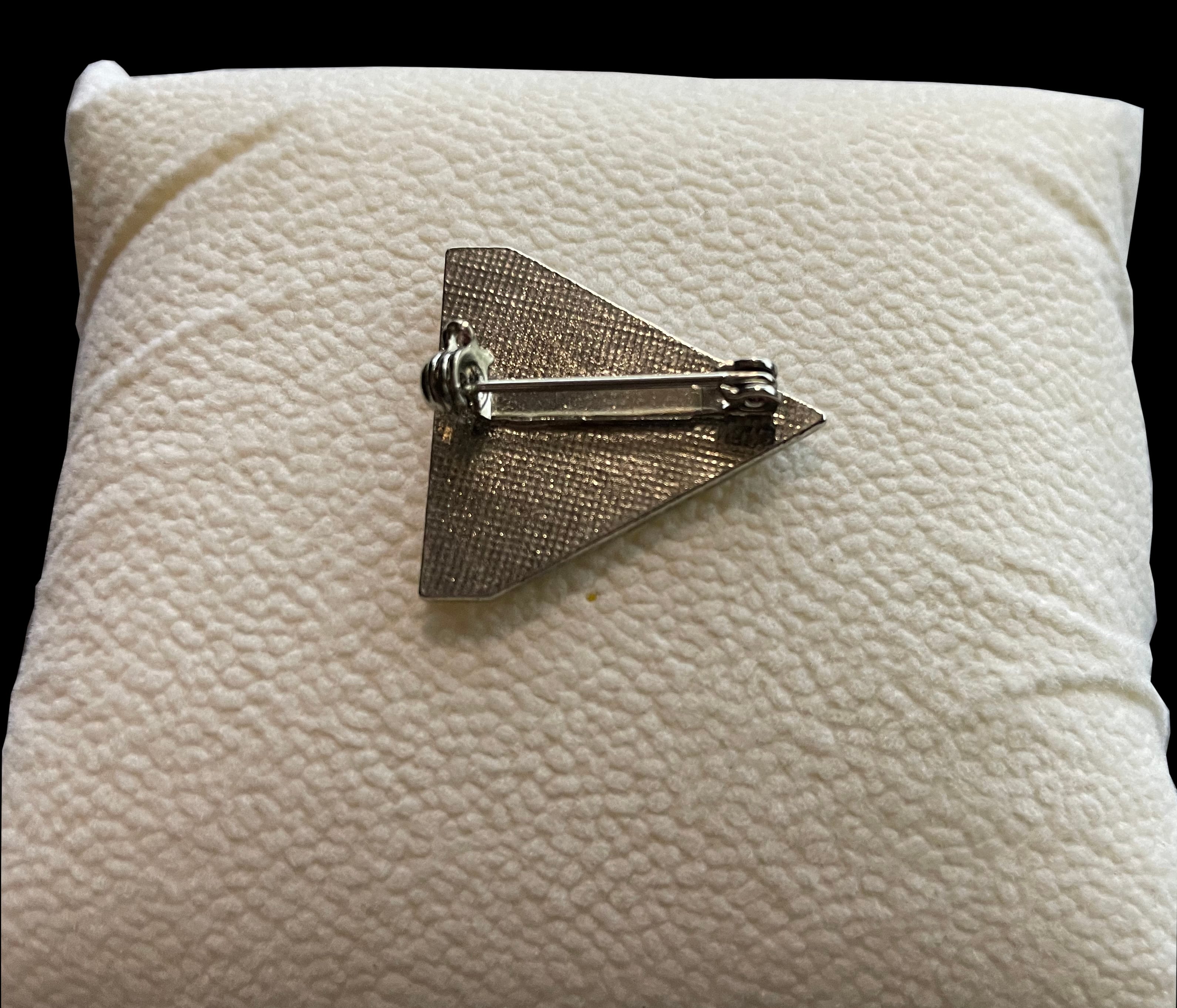
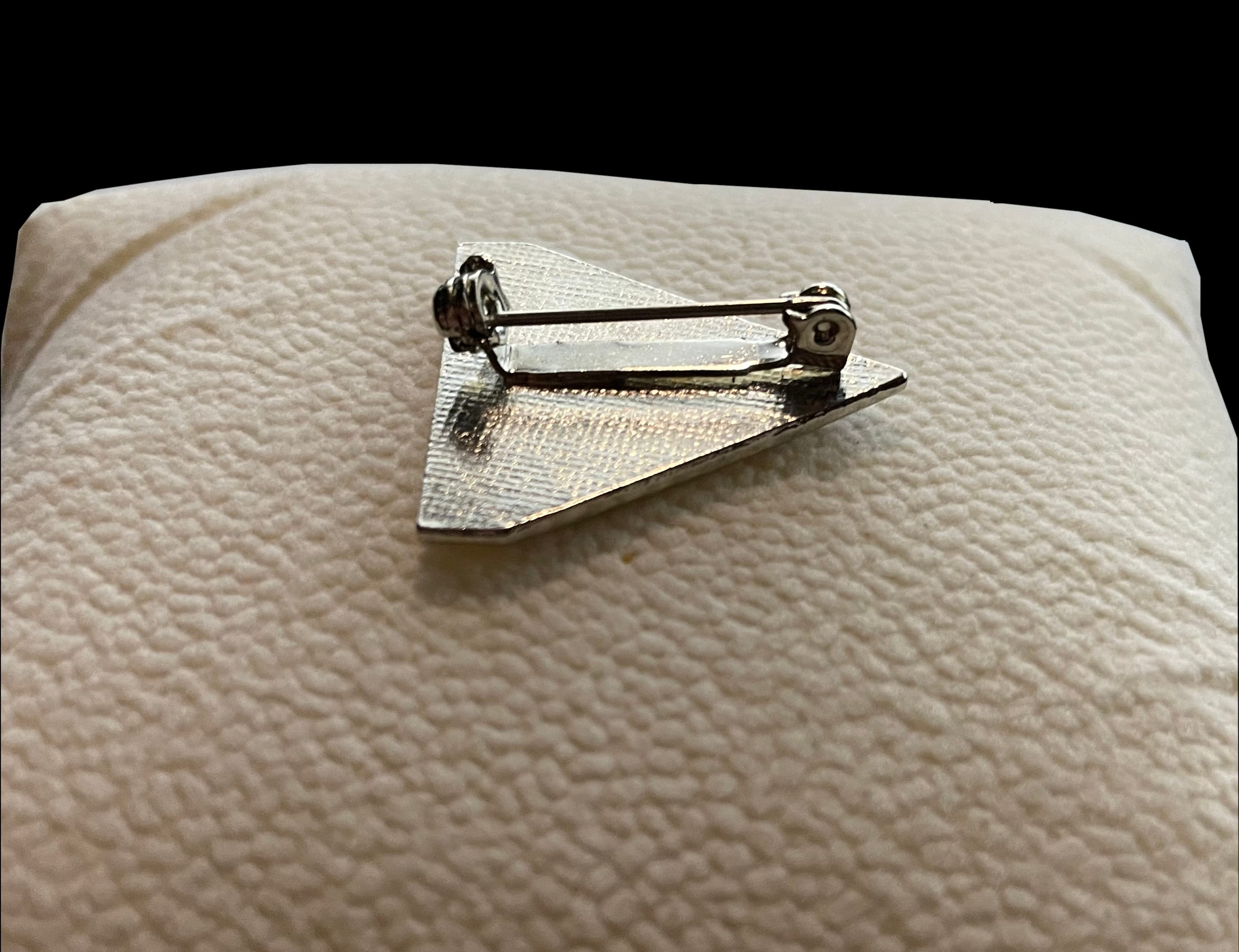
    lapel pin lapel pin lapel pin lapel pin lapel pin lapel pin lapel pin lapel pin lapel pin

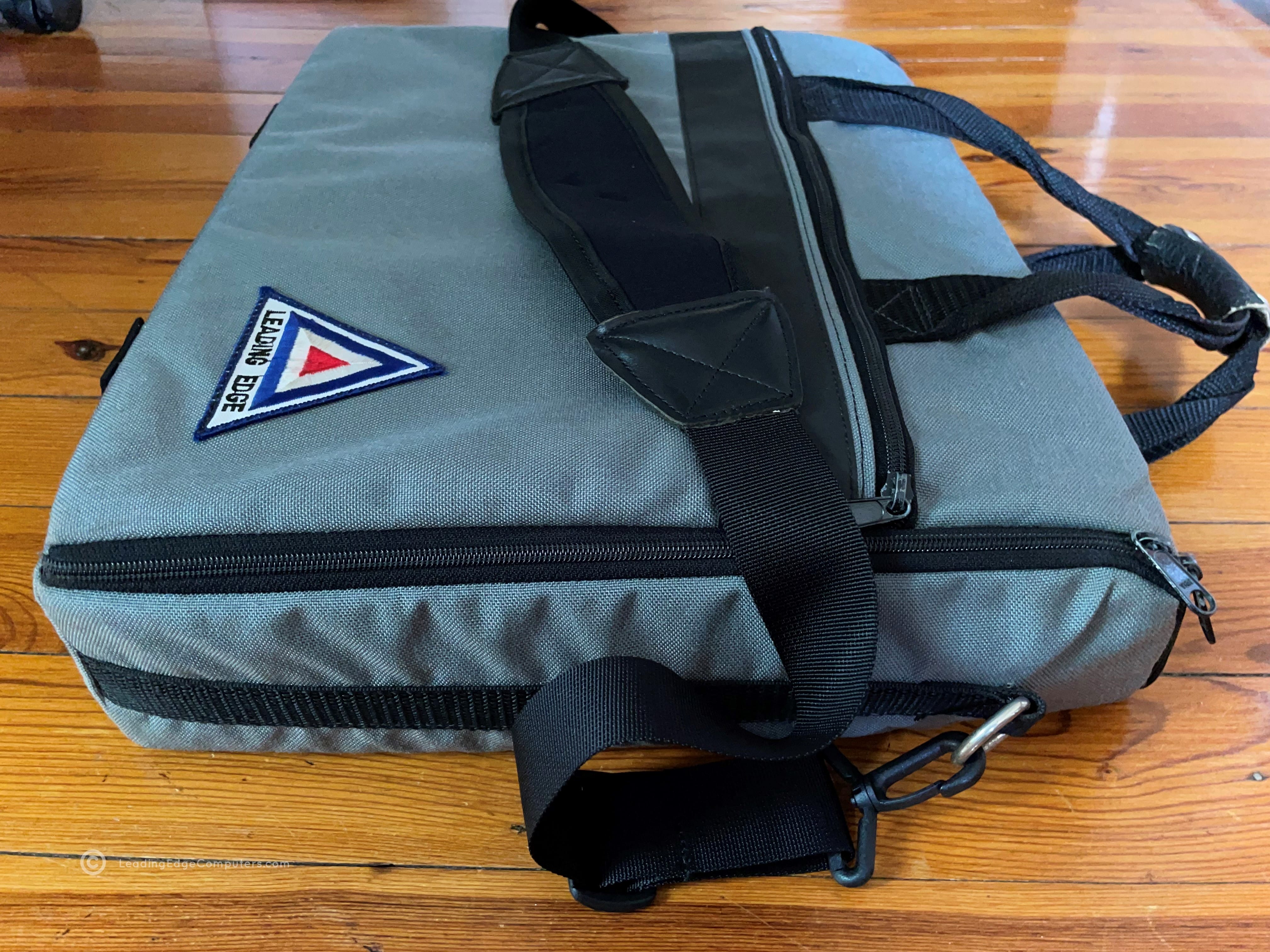
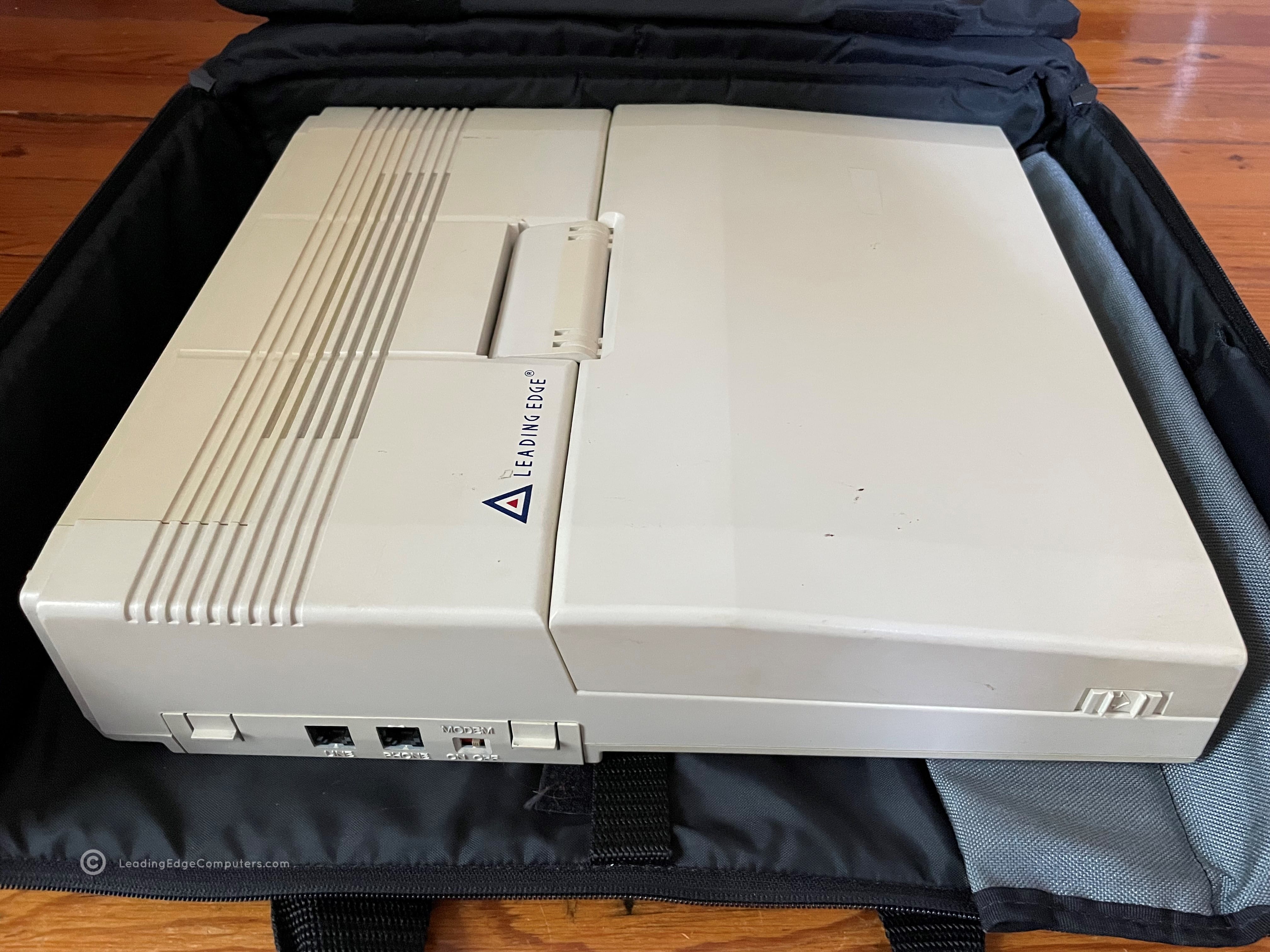
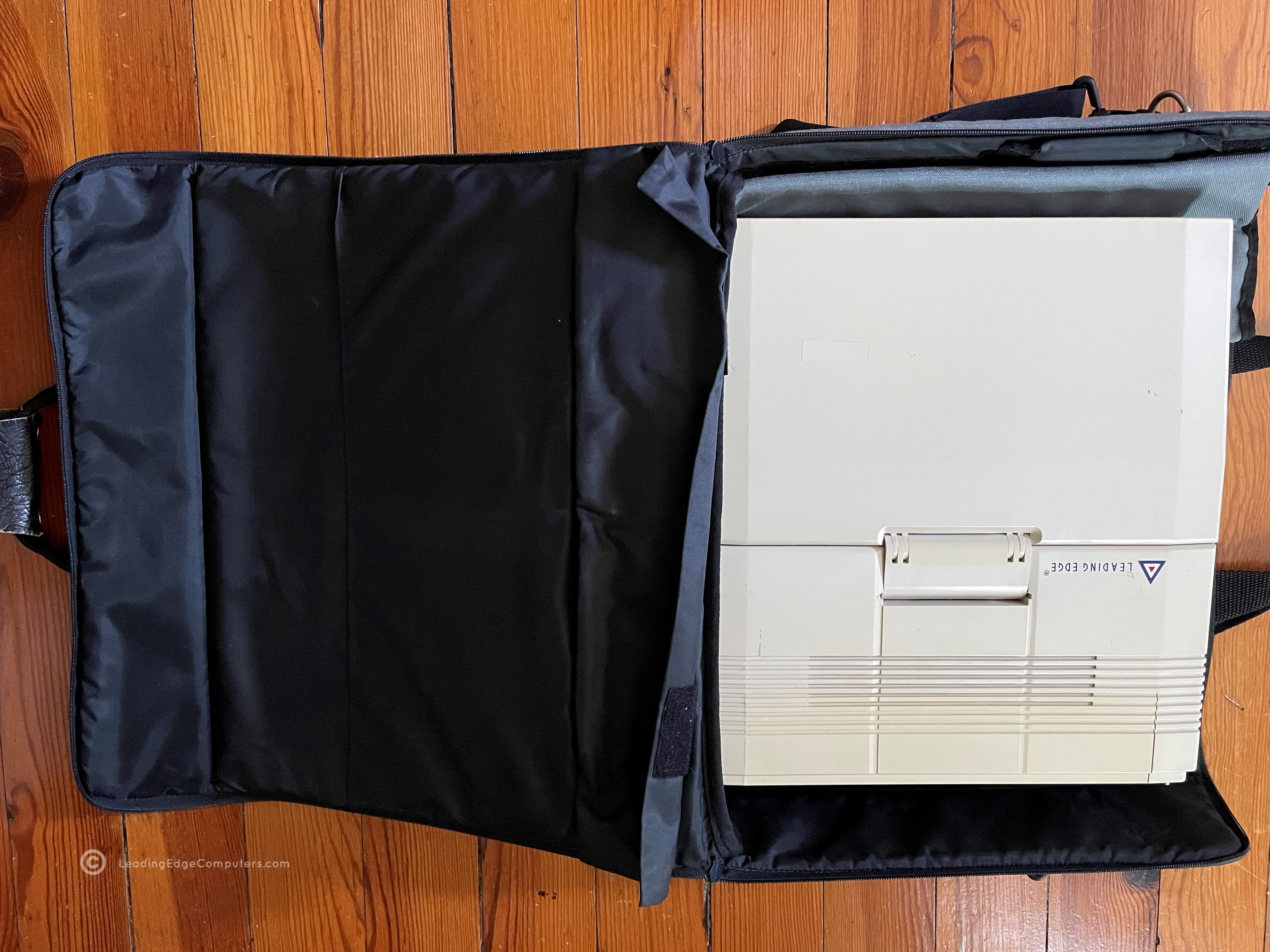
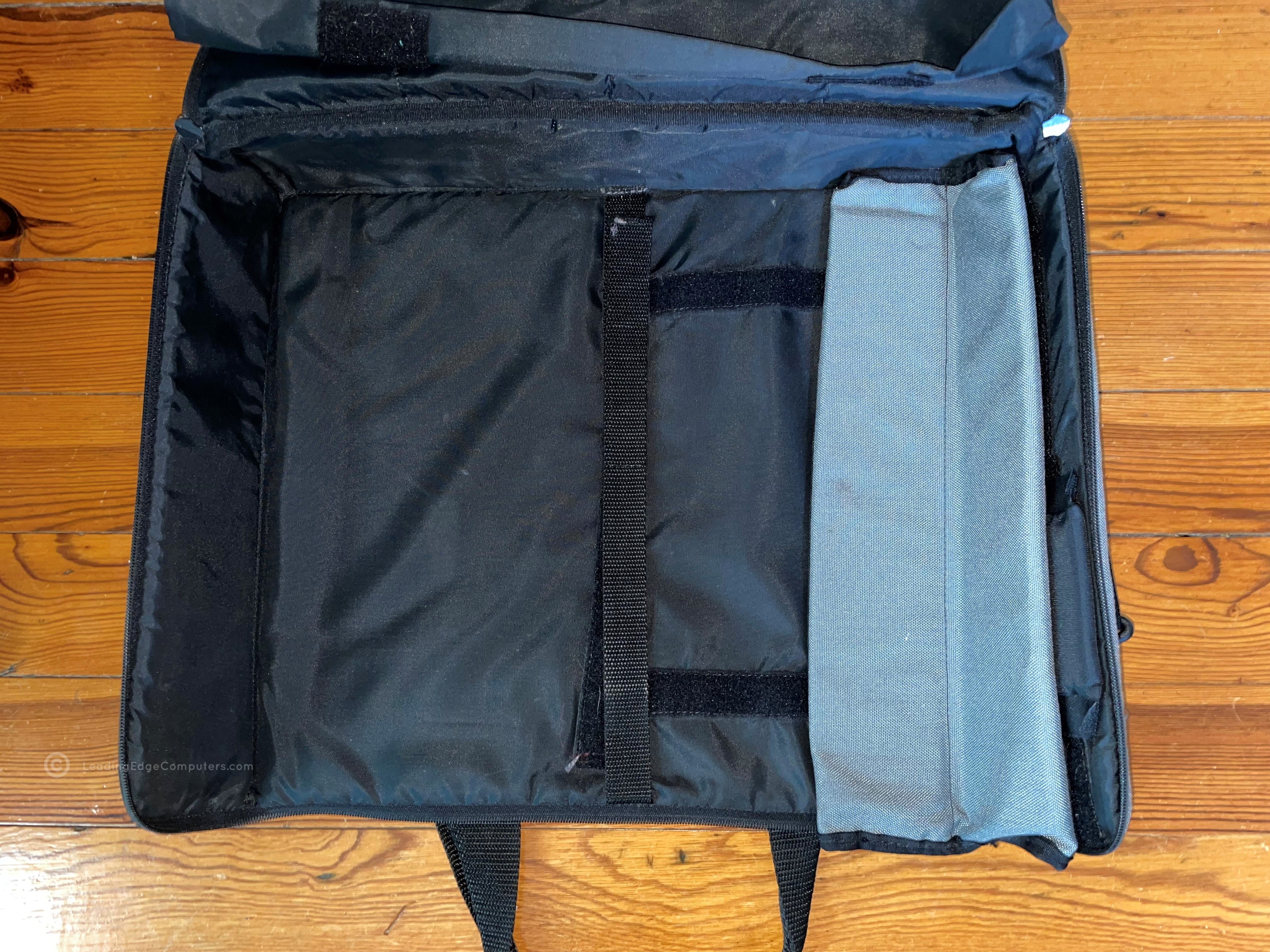
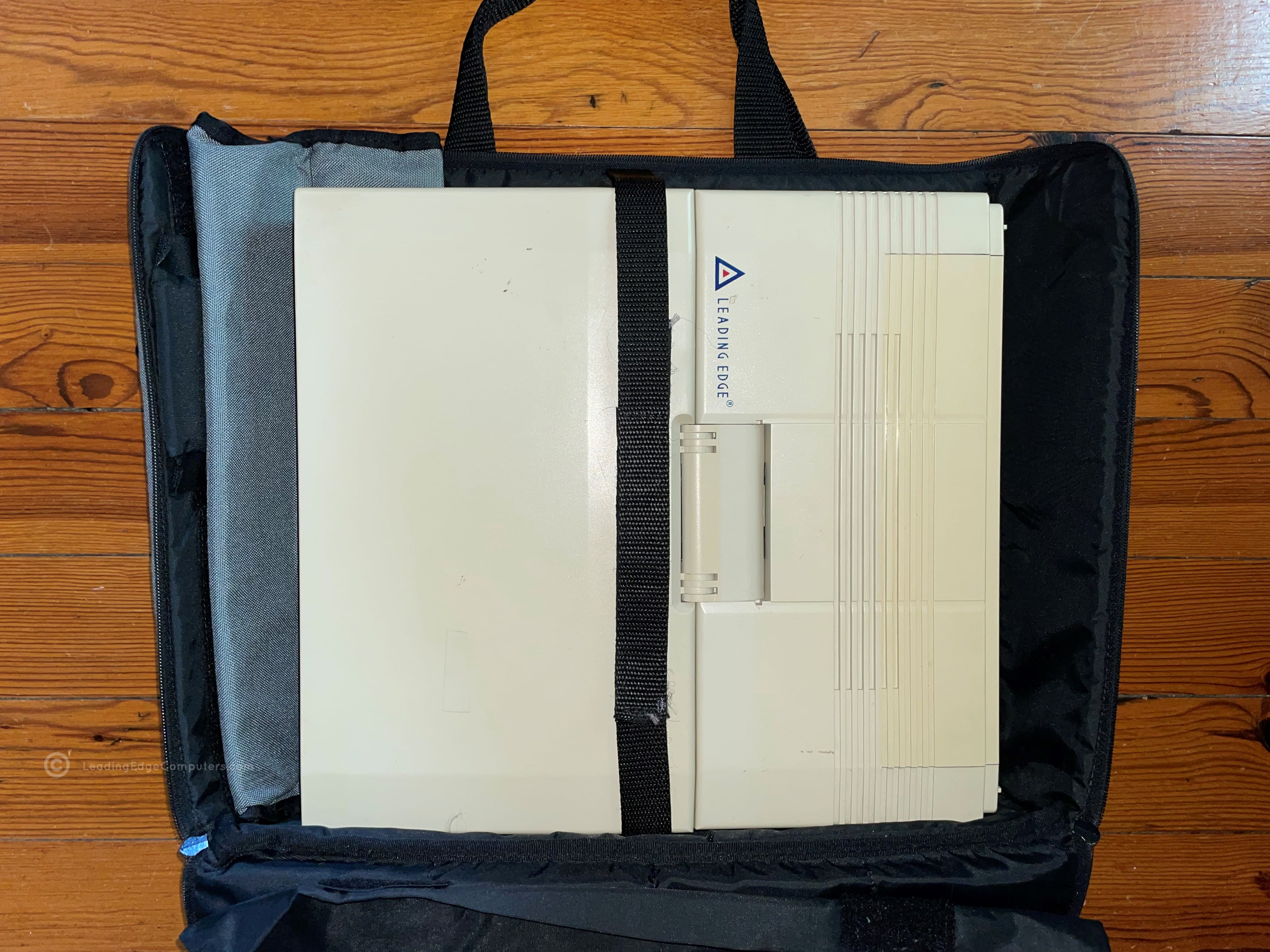
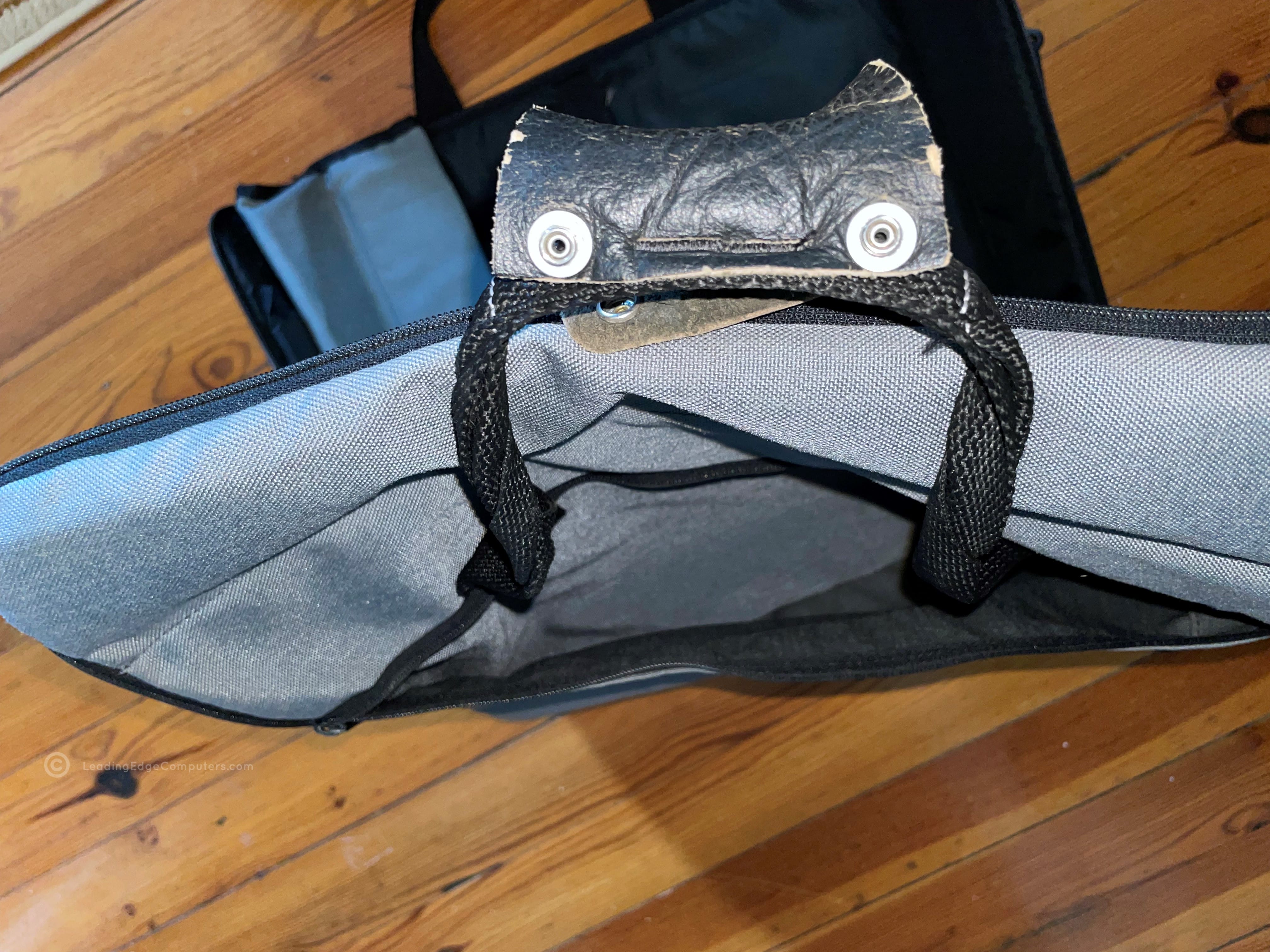
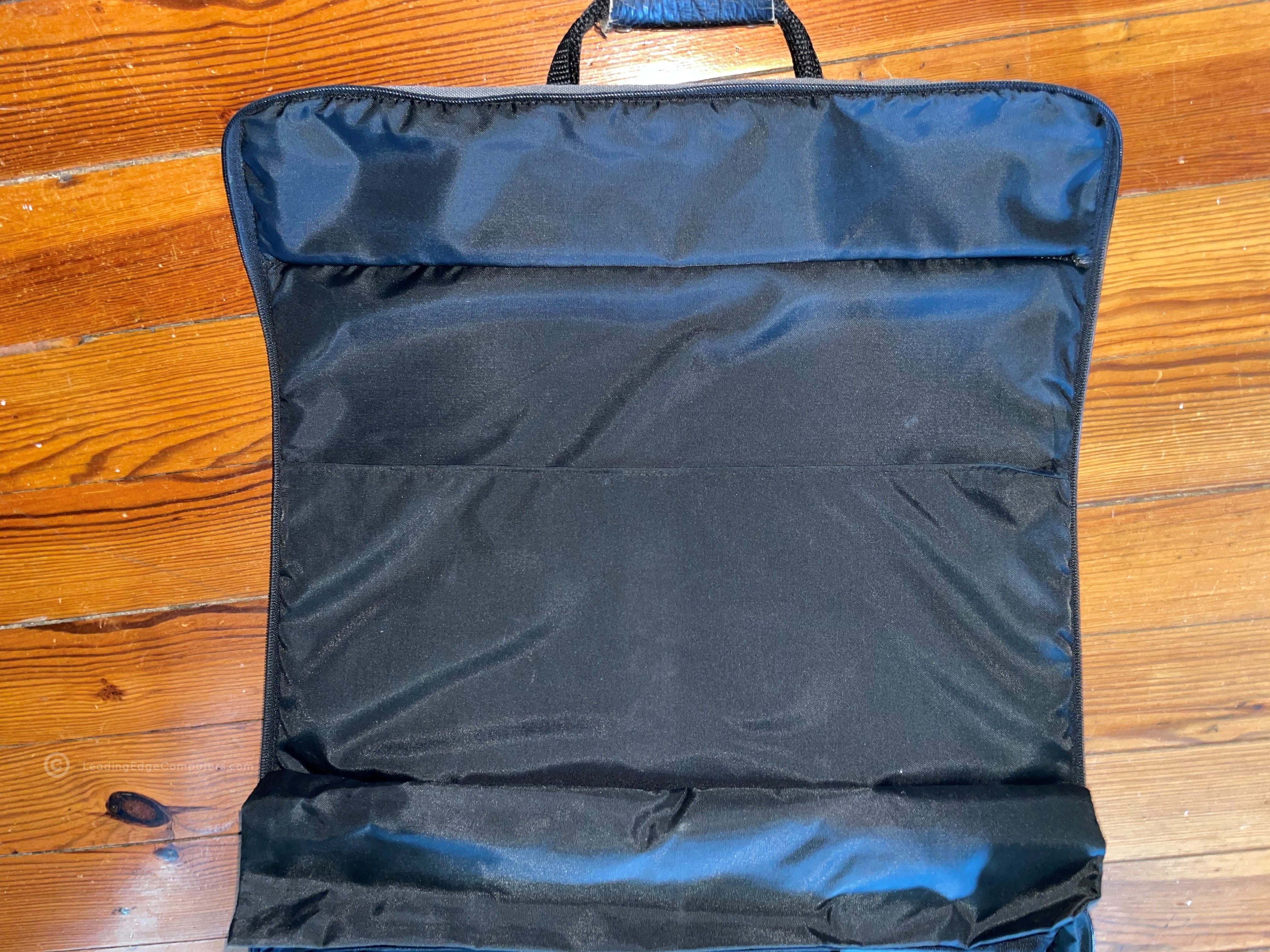
     Laptop Bag

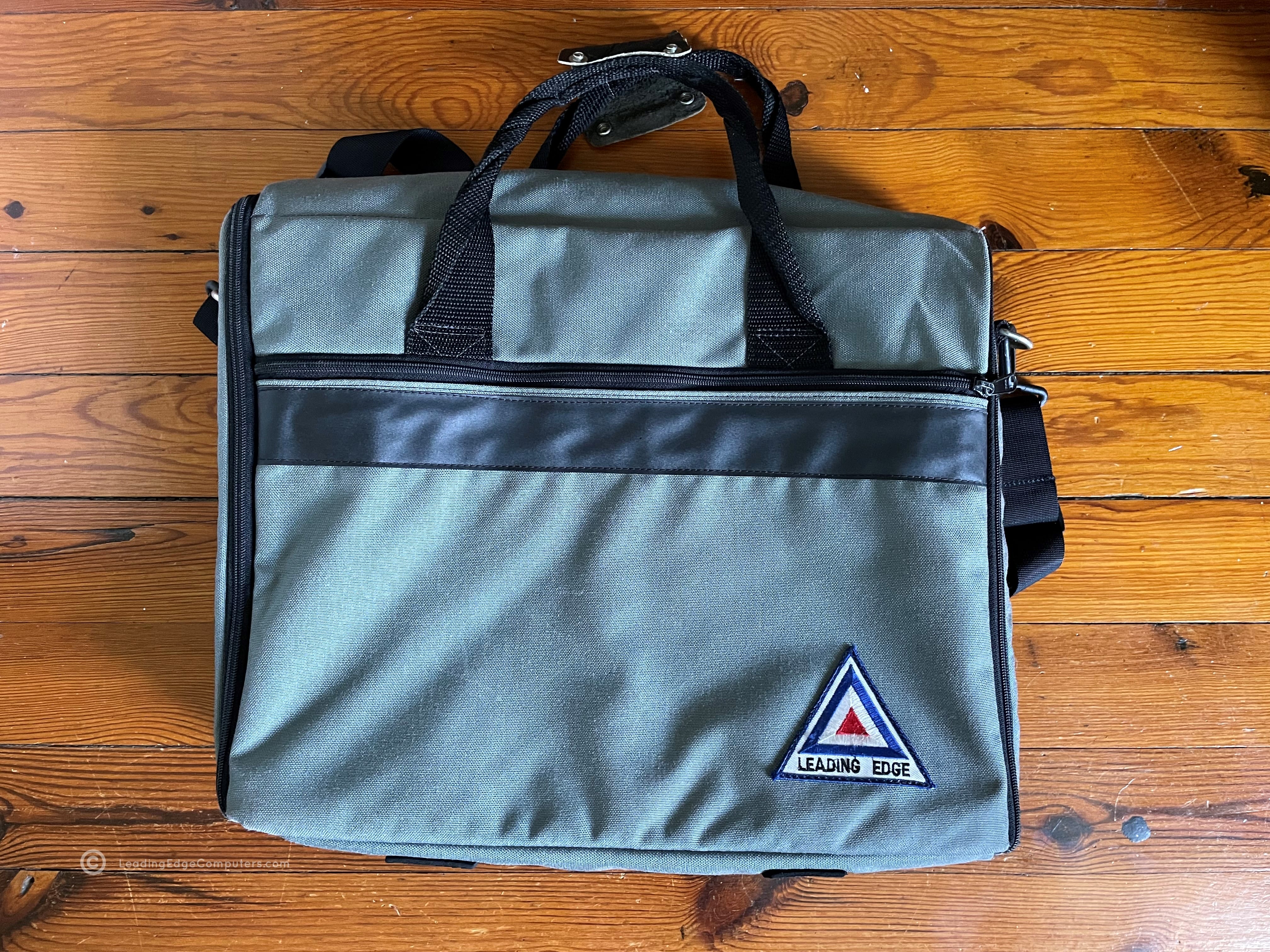
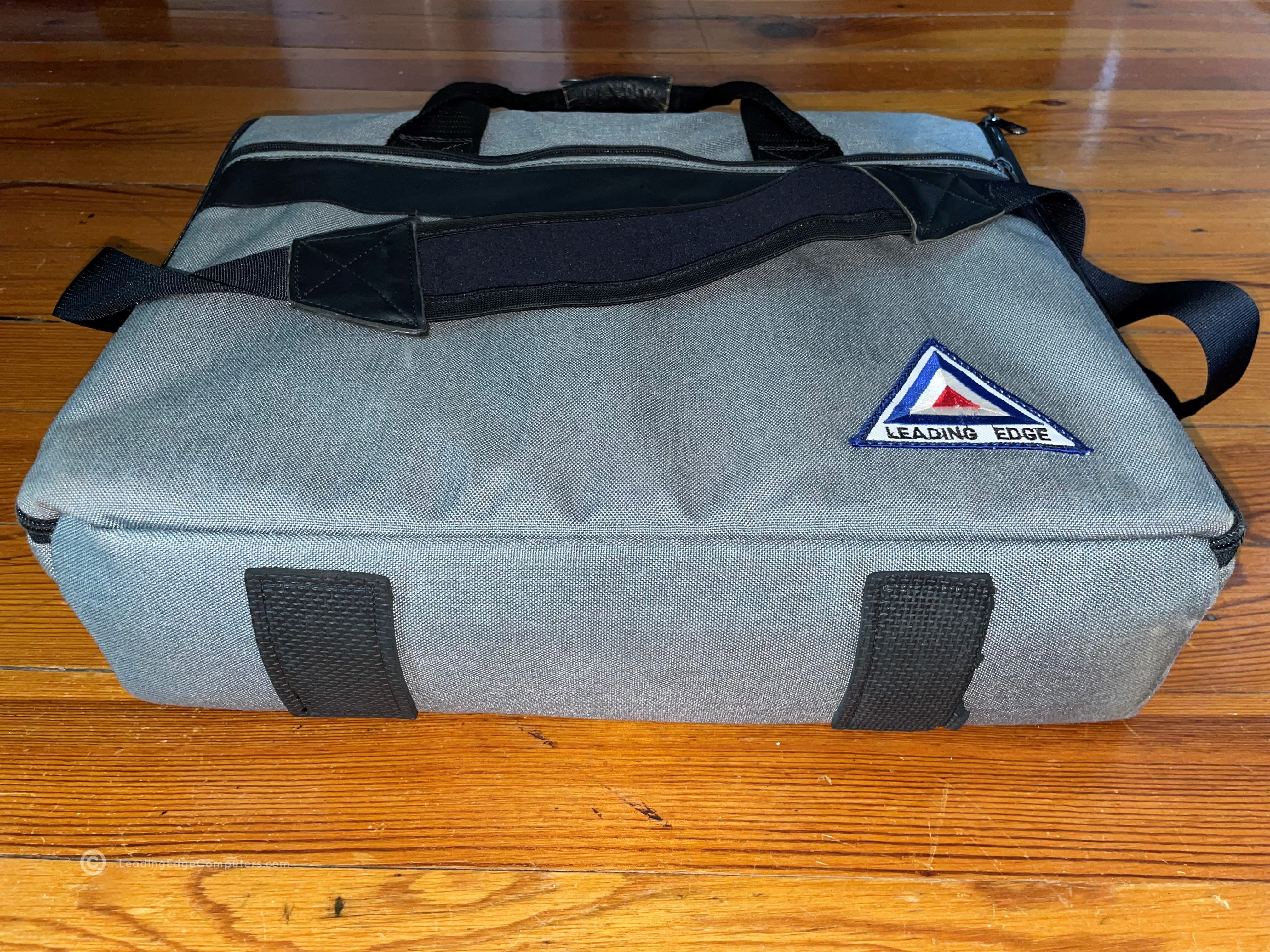
    laptop bag laptop bag laptop bag laptop bag laptop bag laptop bag laptop bag laptop bag laptop bag

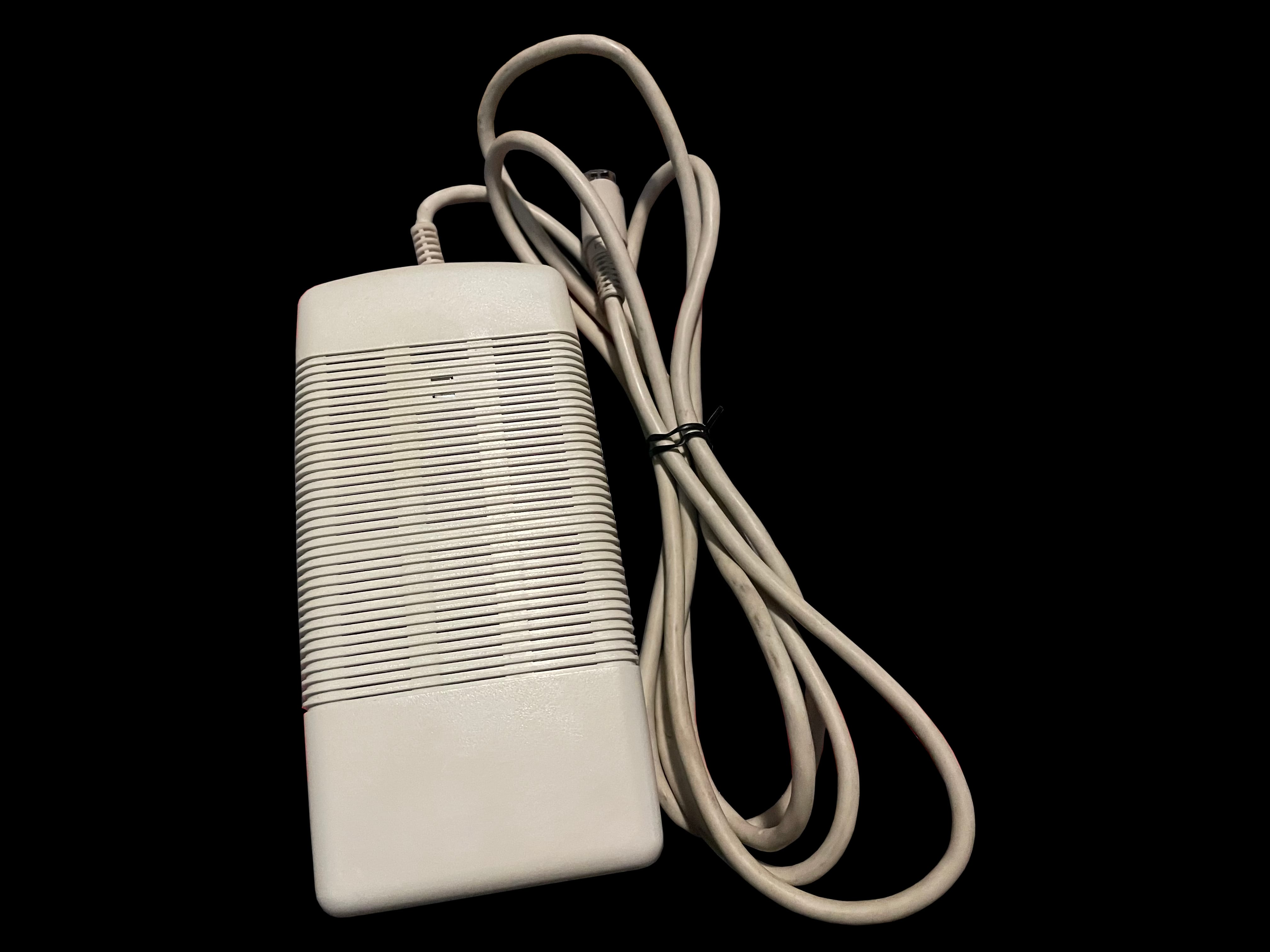
     LEP 9100 AC Power Supply

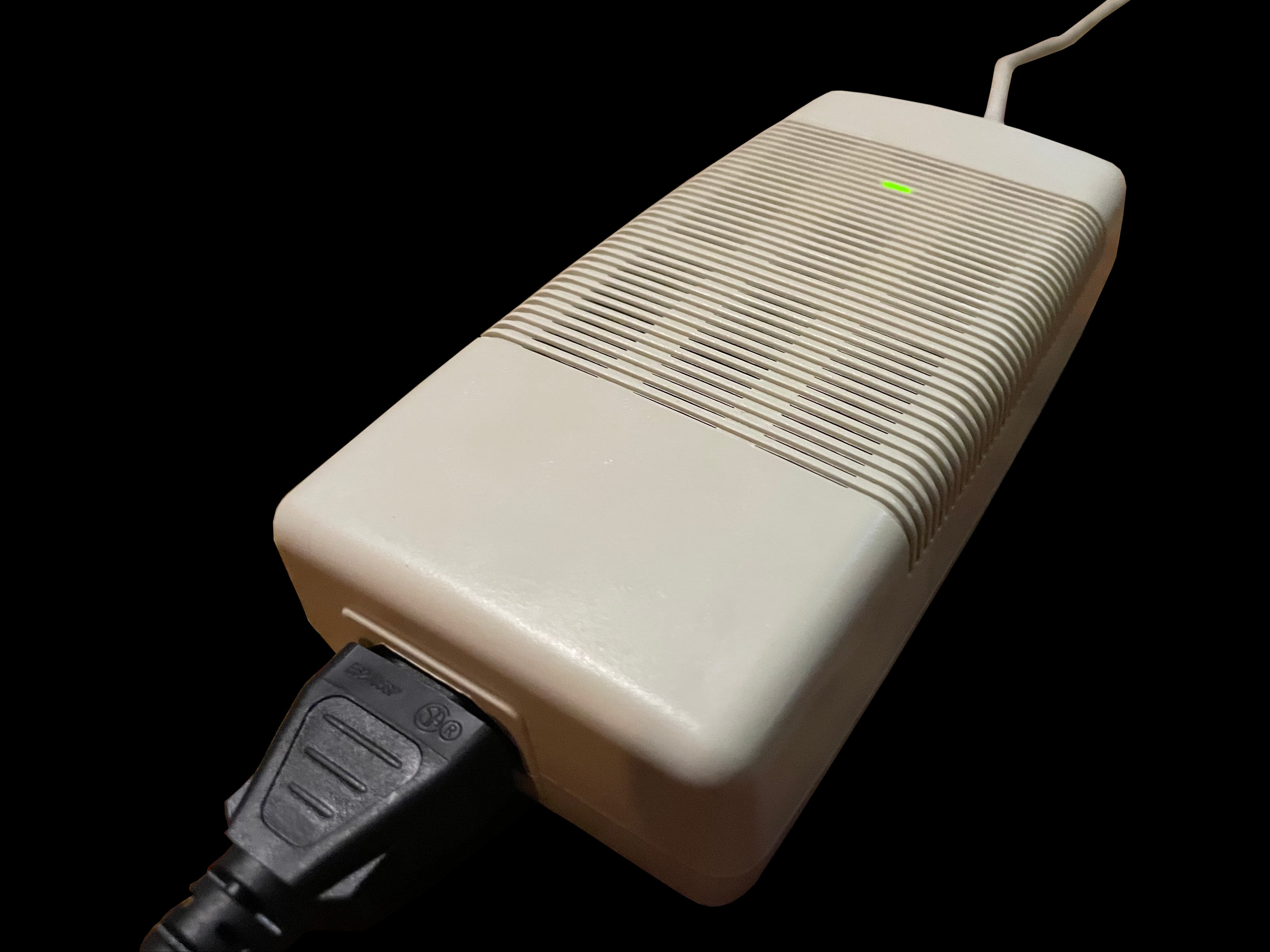
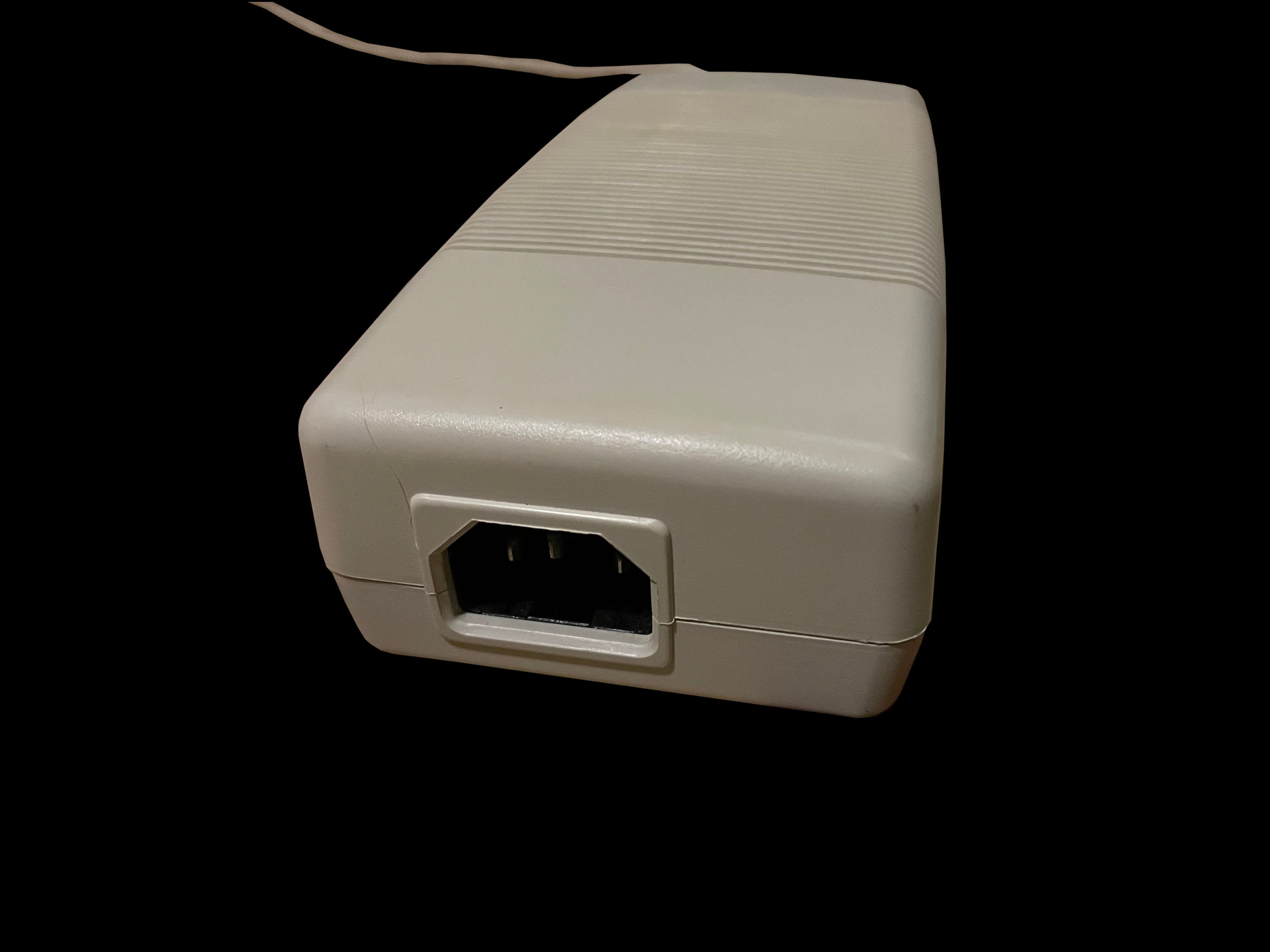
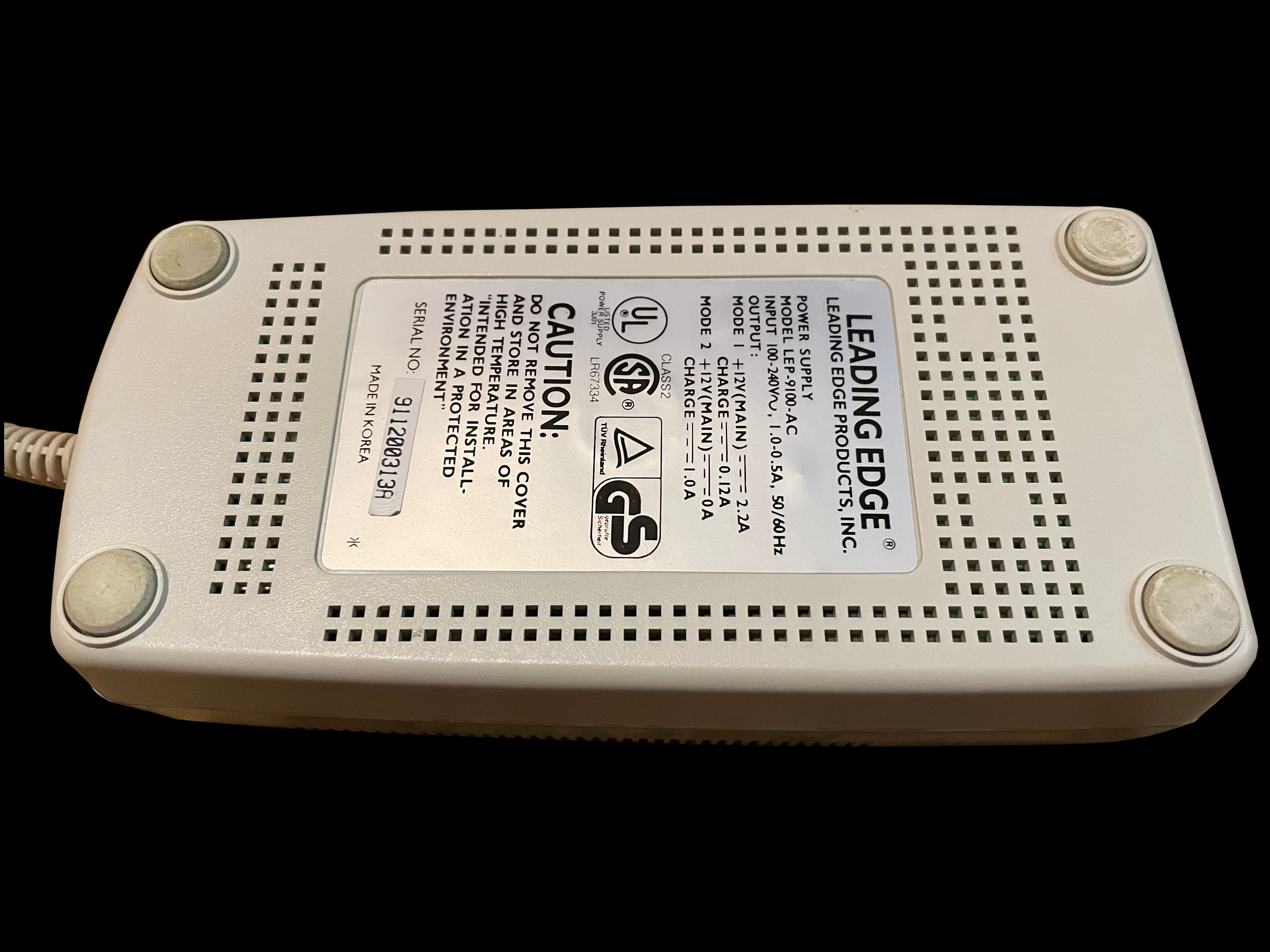
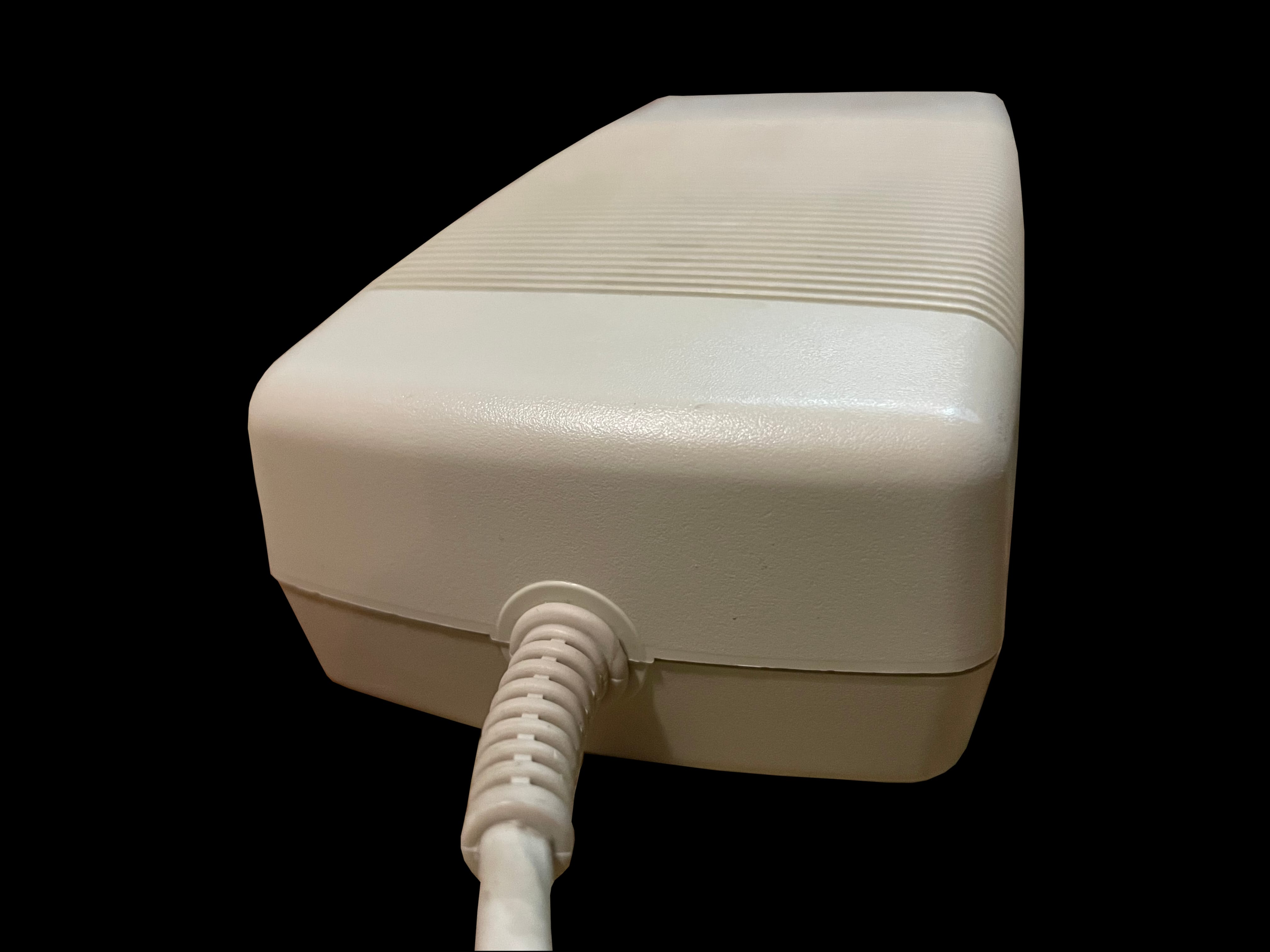
    lep 9100 ac lep 9100 ac lep 9100 ac lep 9100 ac lep 9100 ac lep 9100 ac

     LEPC Model D Diagnostics

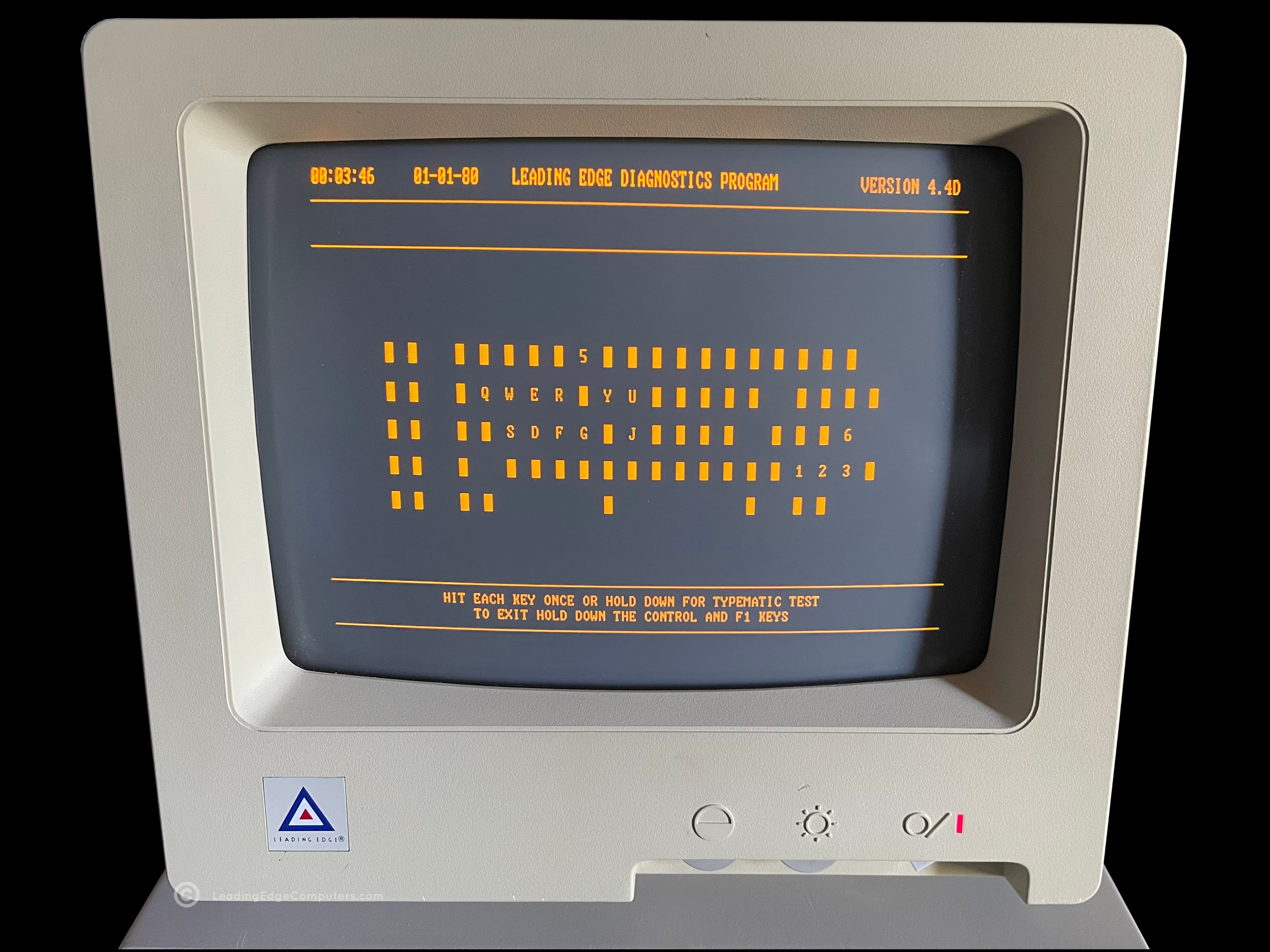
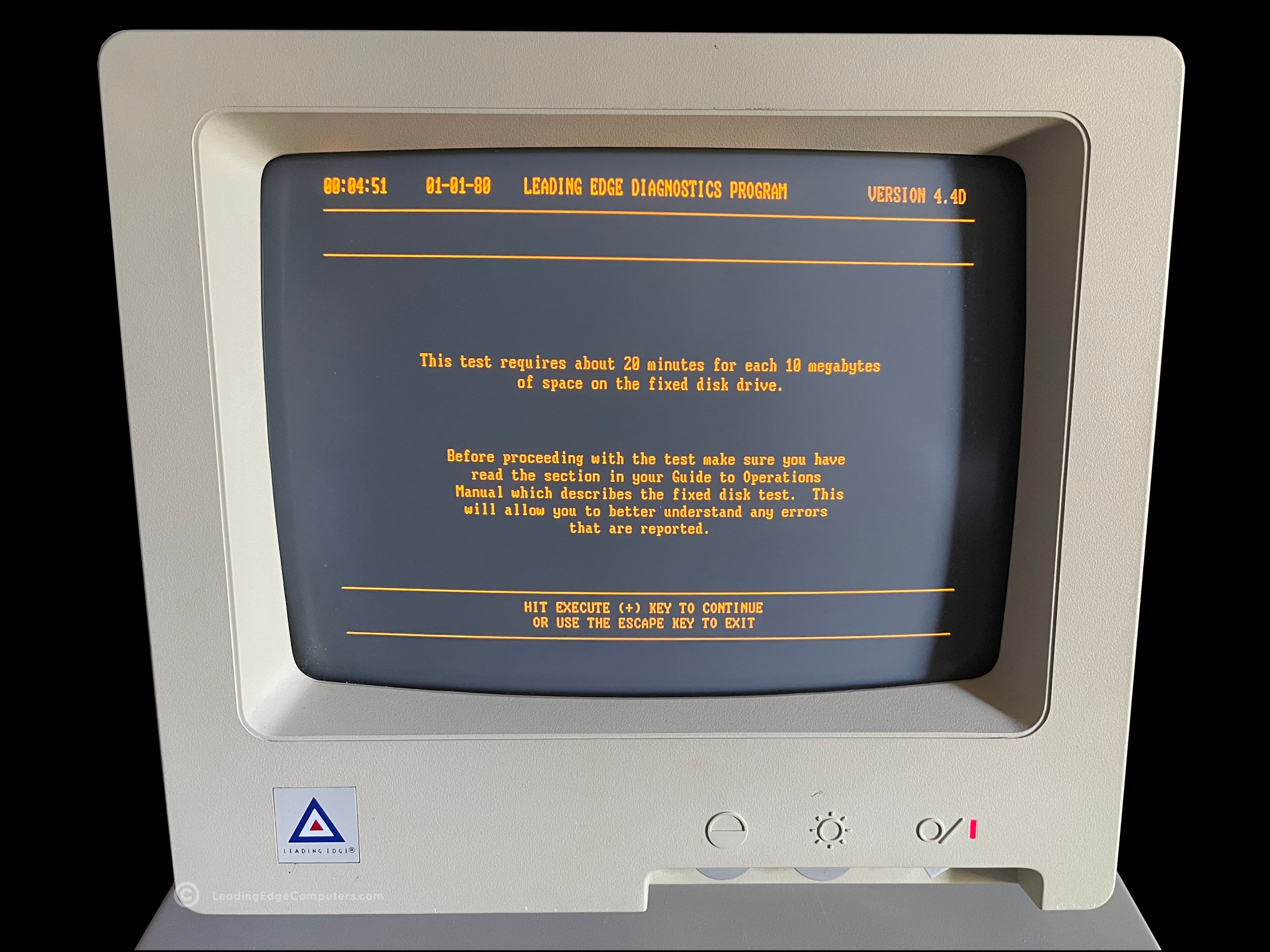
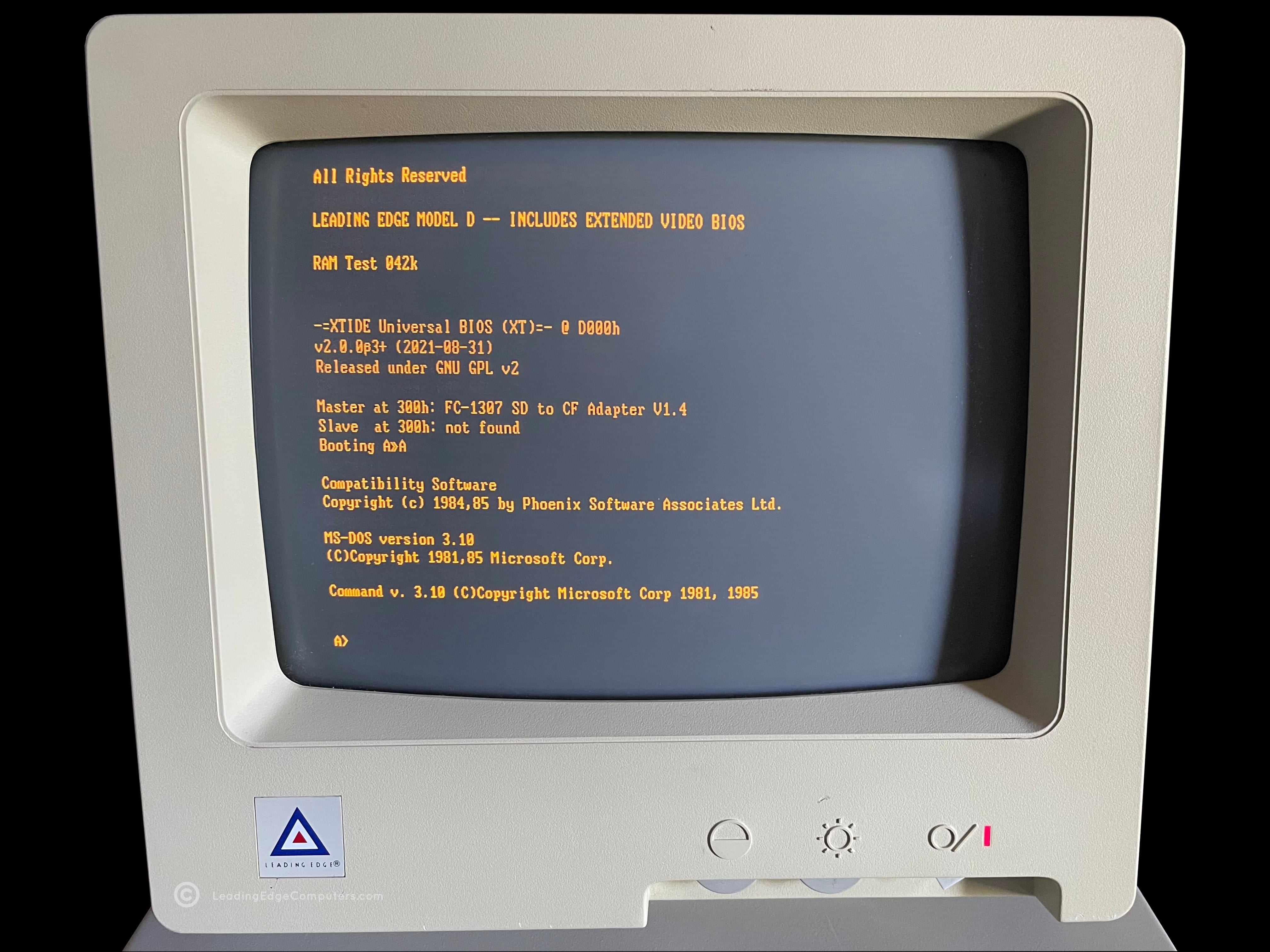
    lepc model d diagnostics lepc model d diagnostics lepc model d diagnostics lepc model d diagnostics lepc model d diagnostics lepc model d diagnostics lepc model d diagnostics lepc model d diagnostics lepc model d diagnostics lepc model d diagnostics lepc model d diagnostics lepc model d diagnostics

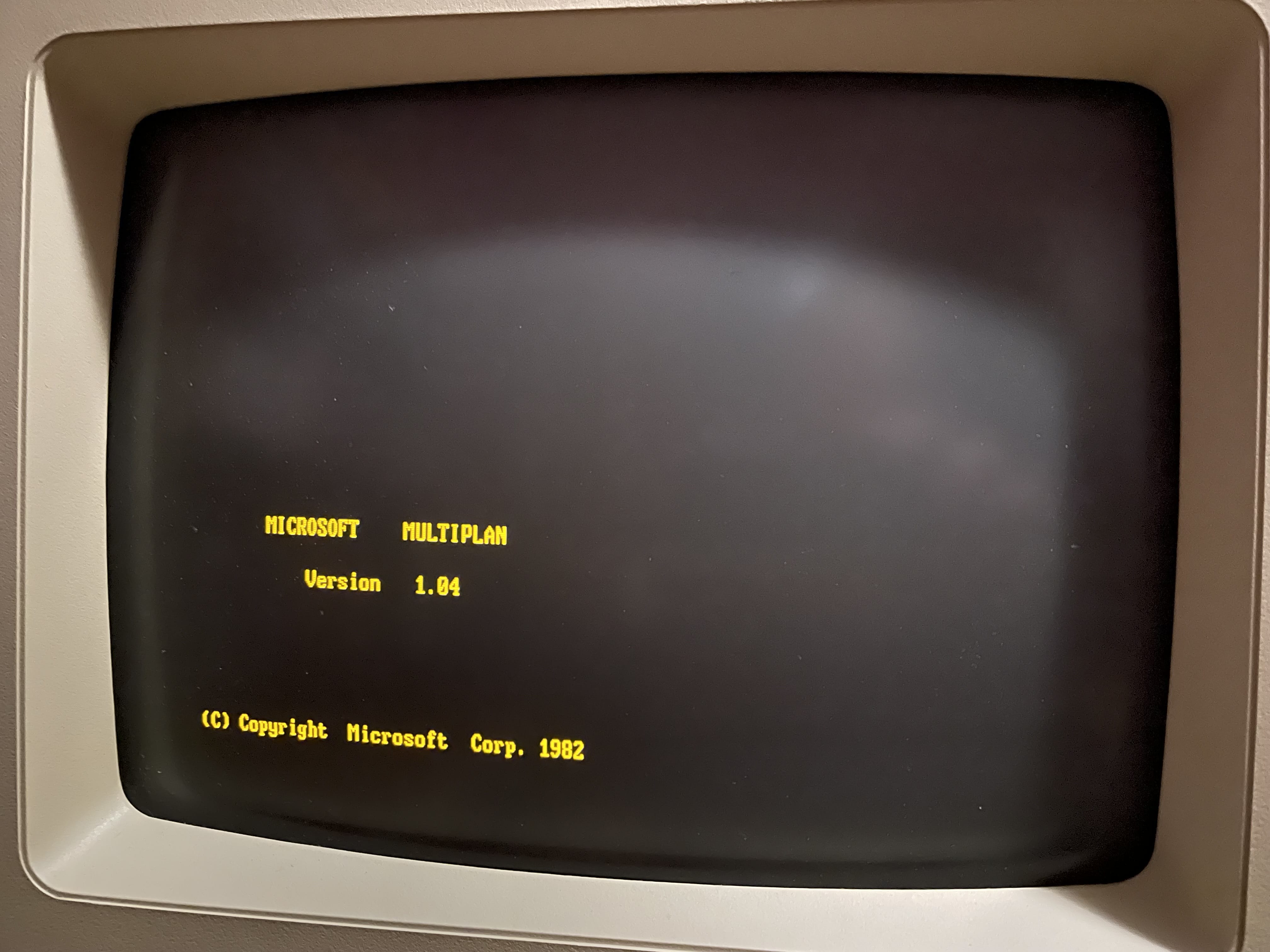
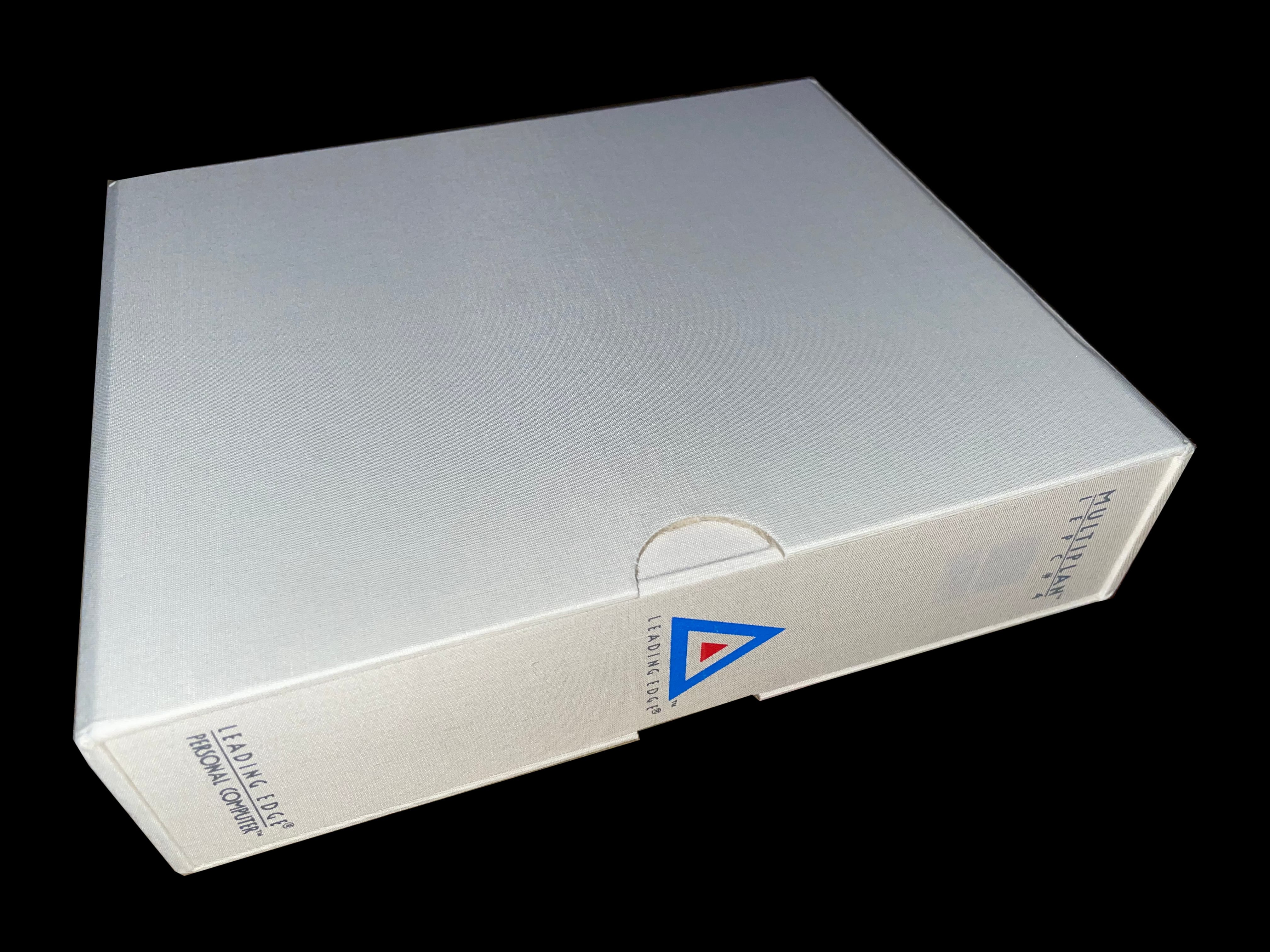
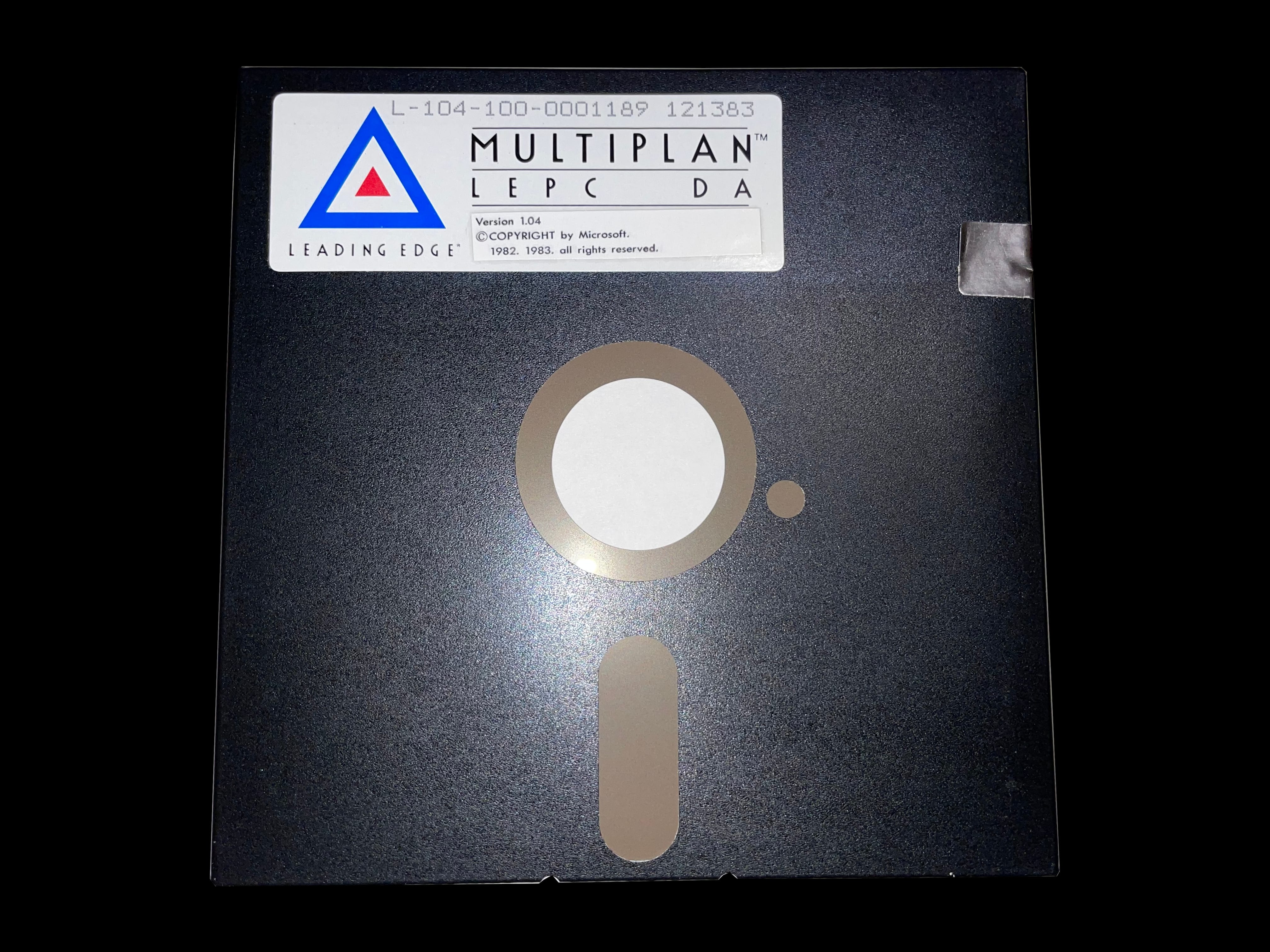
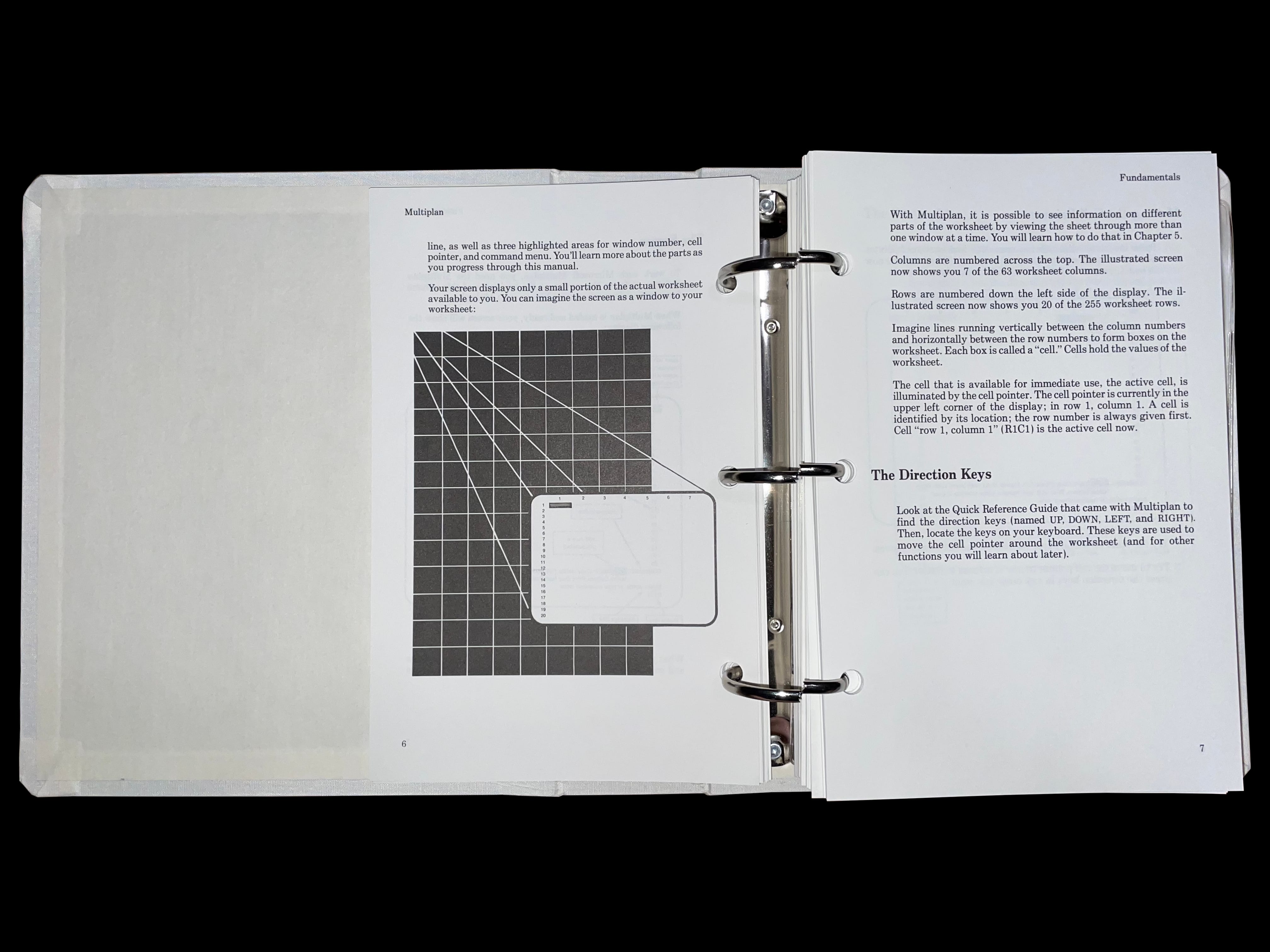
     Microsoft Multiplan

    model d3 sx plus utility model d3 sx plus utility model d3 sx plus utility model d3 sx plus utility model d3 sx plus utility model d3 sx plus utility model d3 sx plus utility model d3 sx plus utility model d3 sx plus utility model d3 sx plus utility model d3 sx plus utility model d3 sx plus utility

     Microsoft Multiplan Registration Form

    multiplan registration form multiplan registration form

     Model D

    model d model d model d model d model d model d

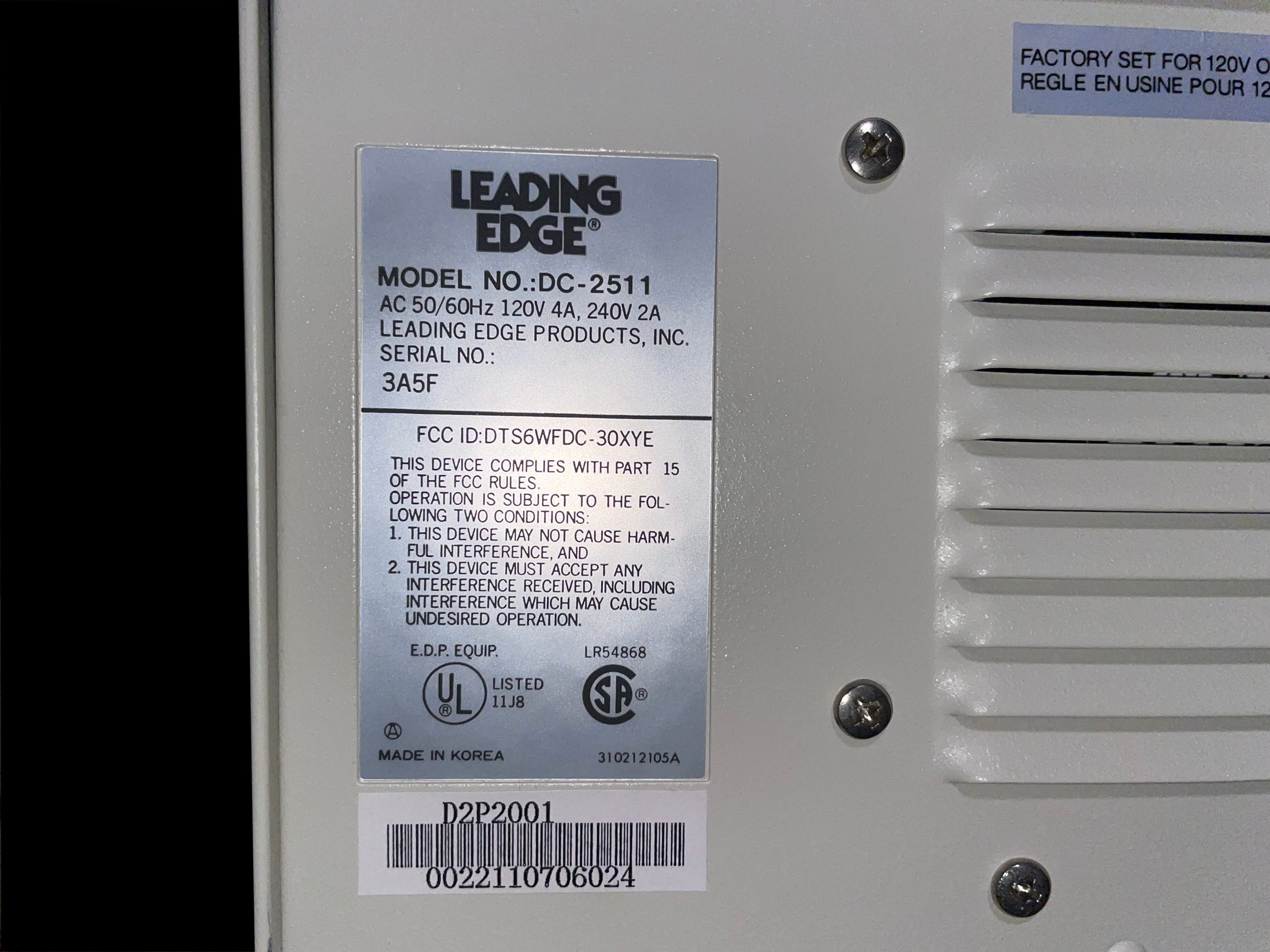
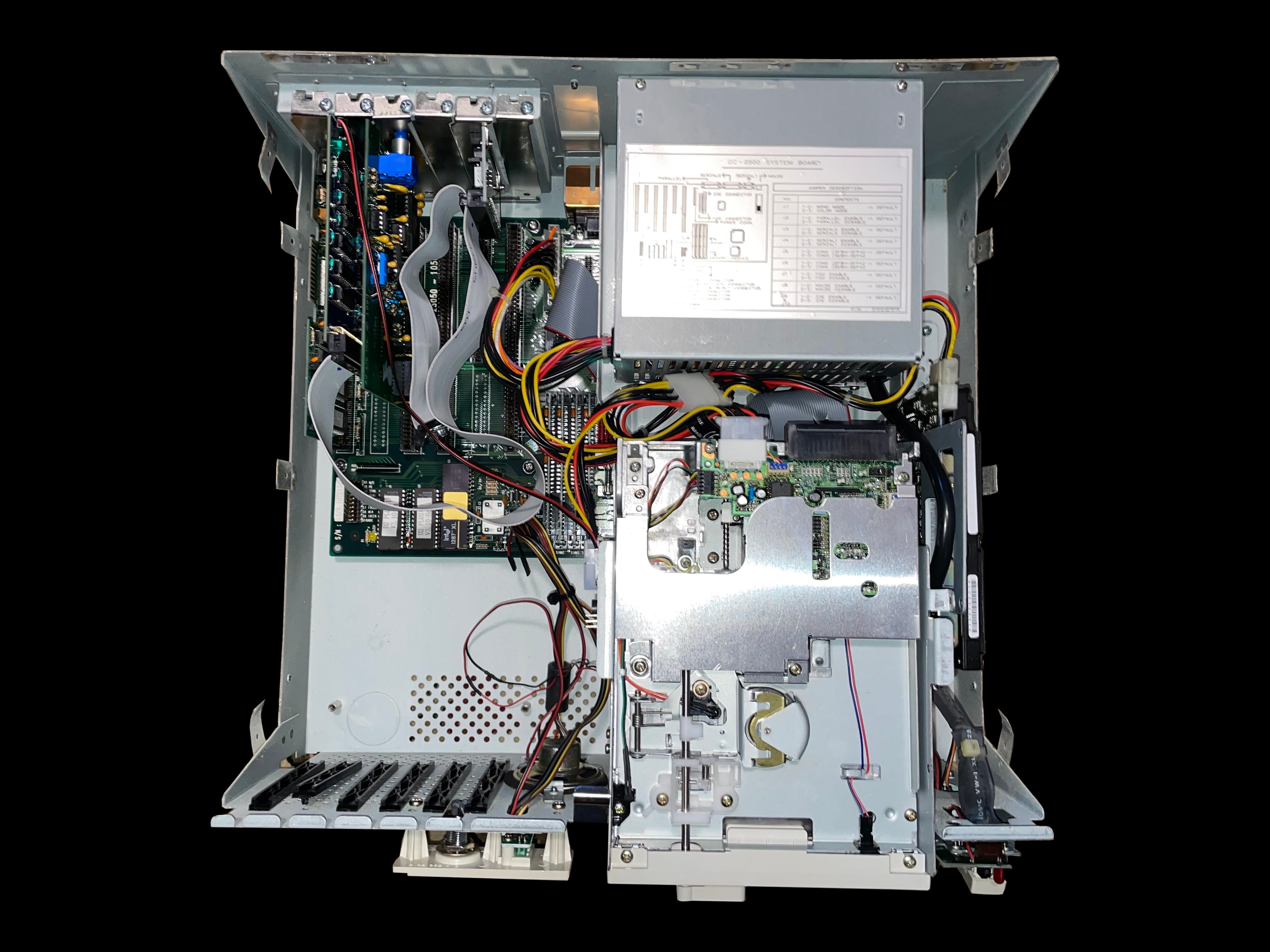
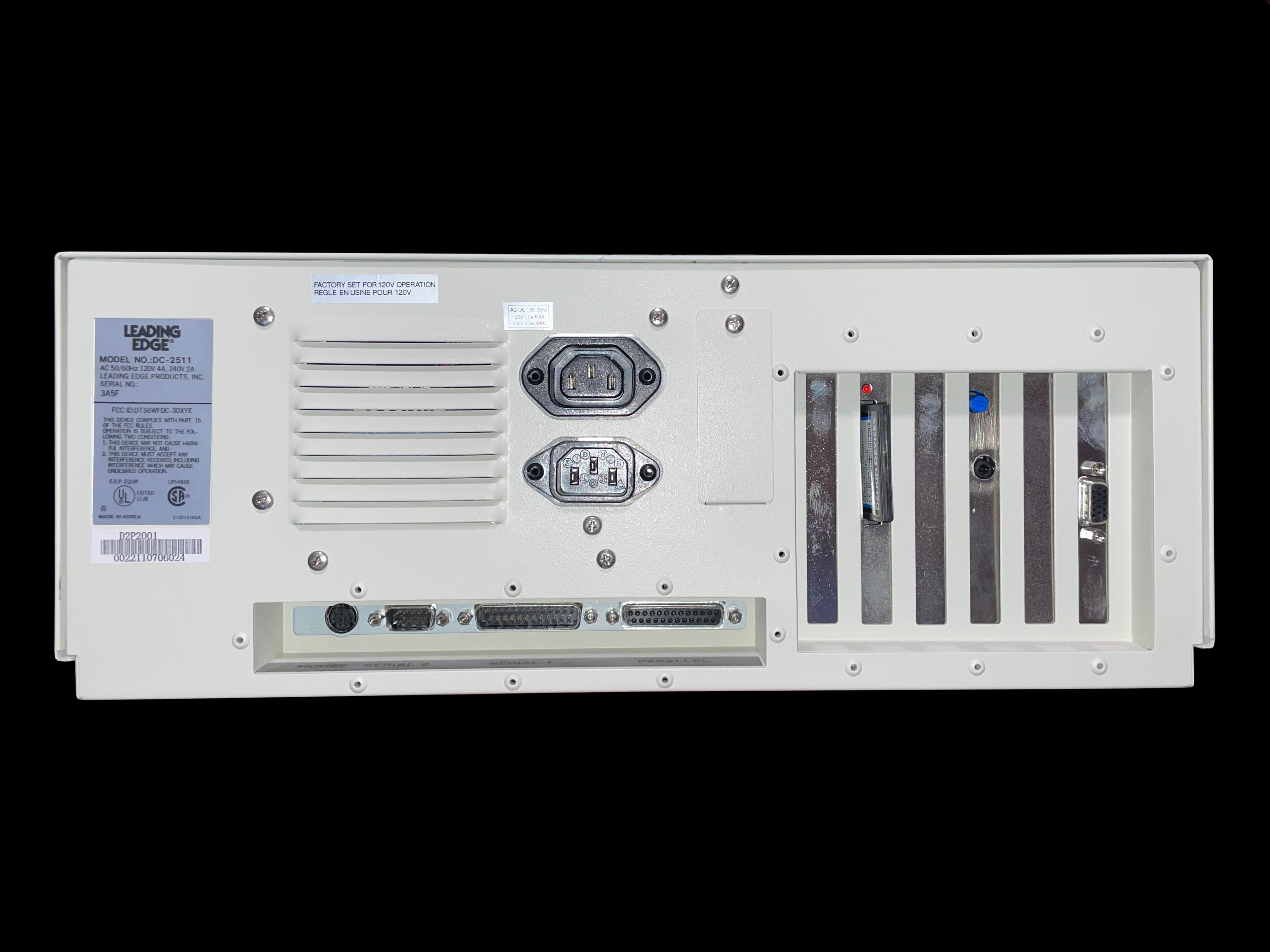
     Model D2 Plus DC-2511

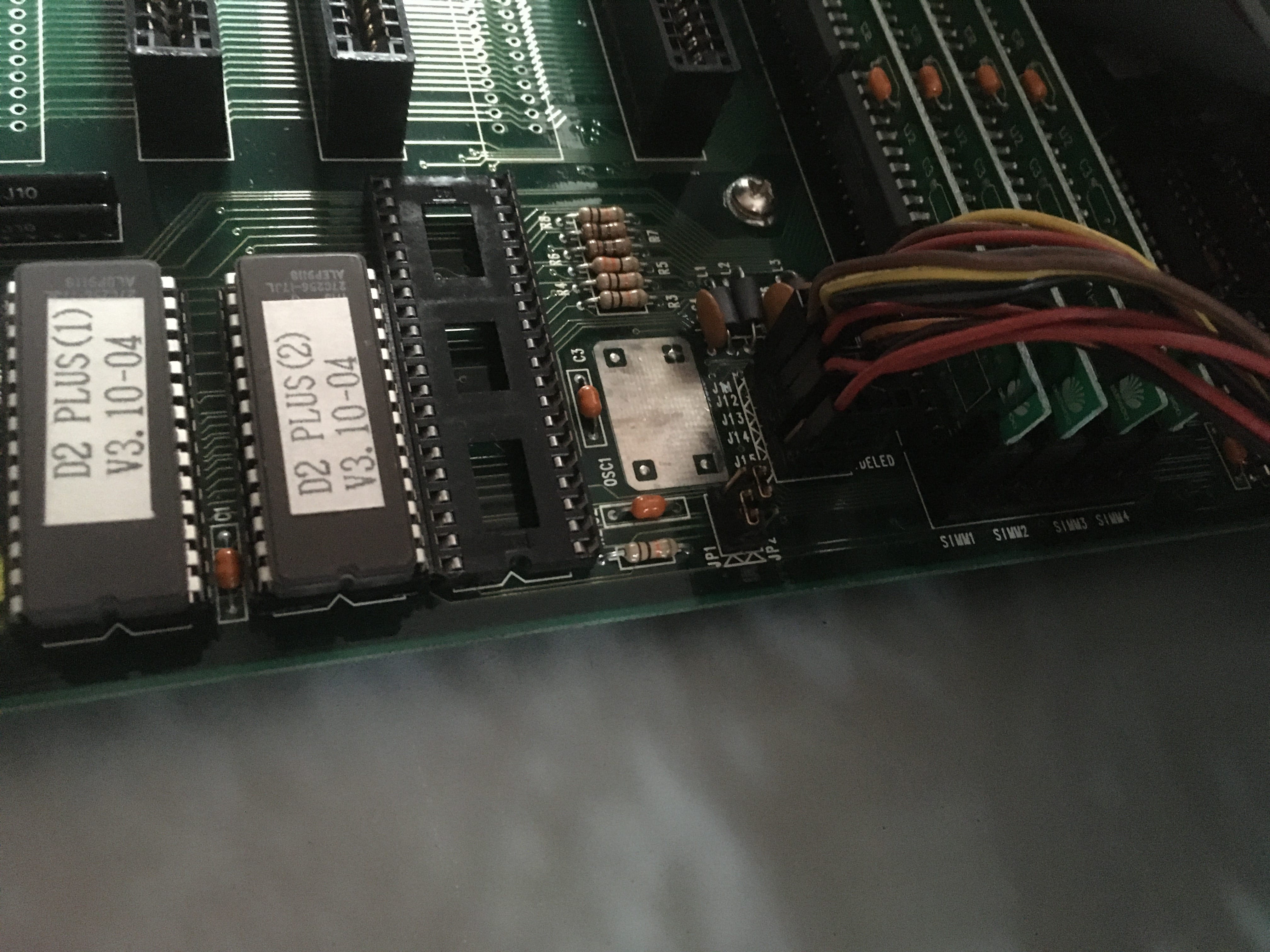
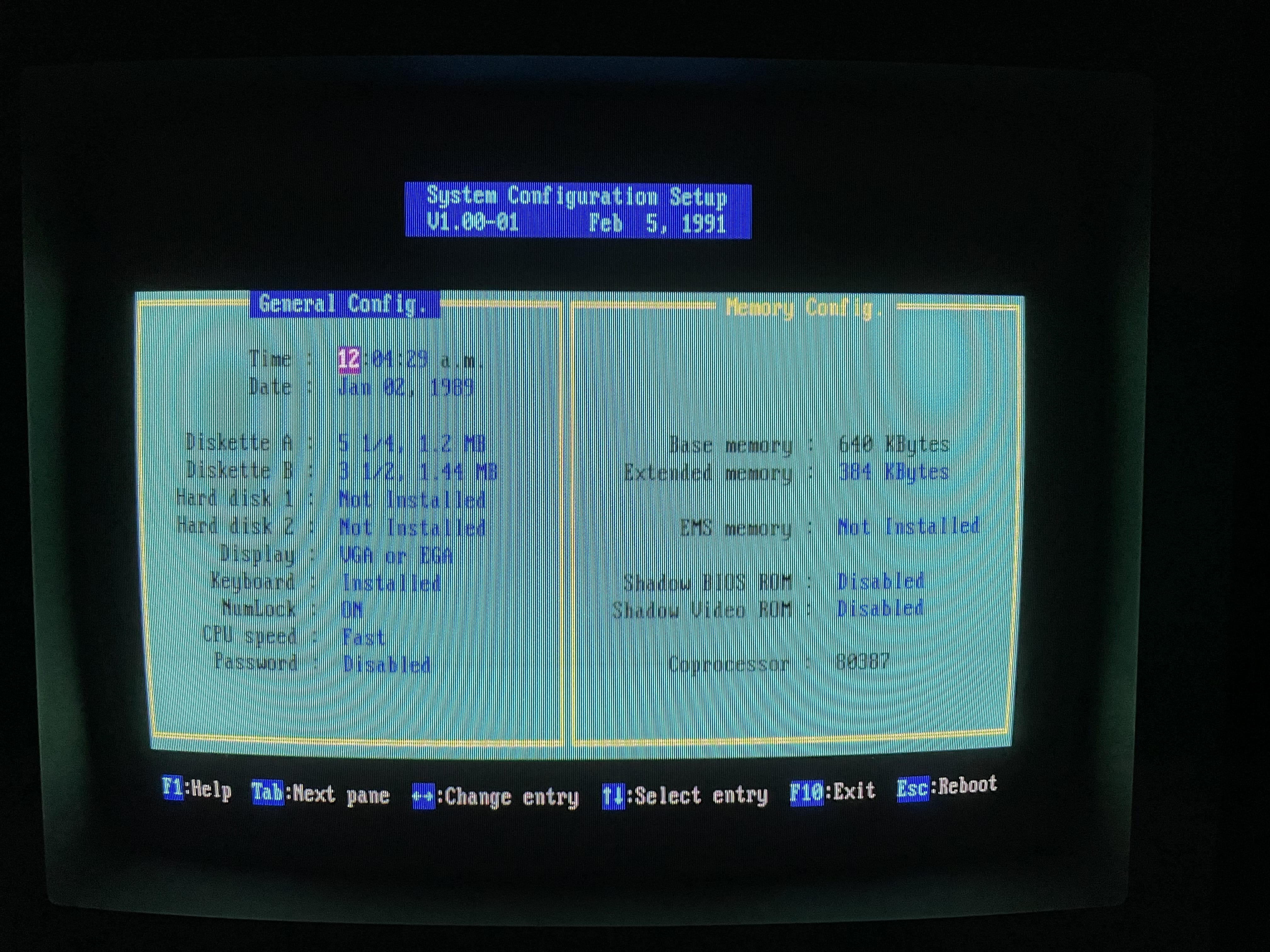
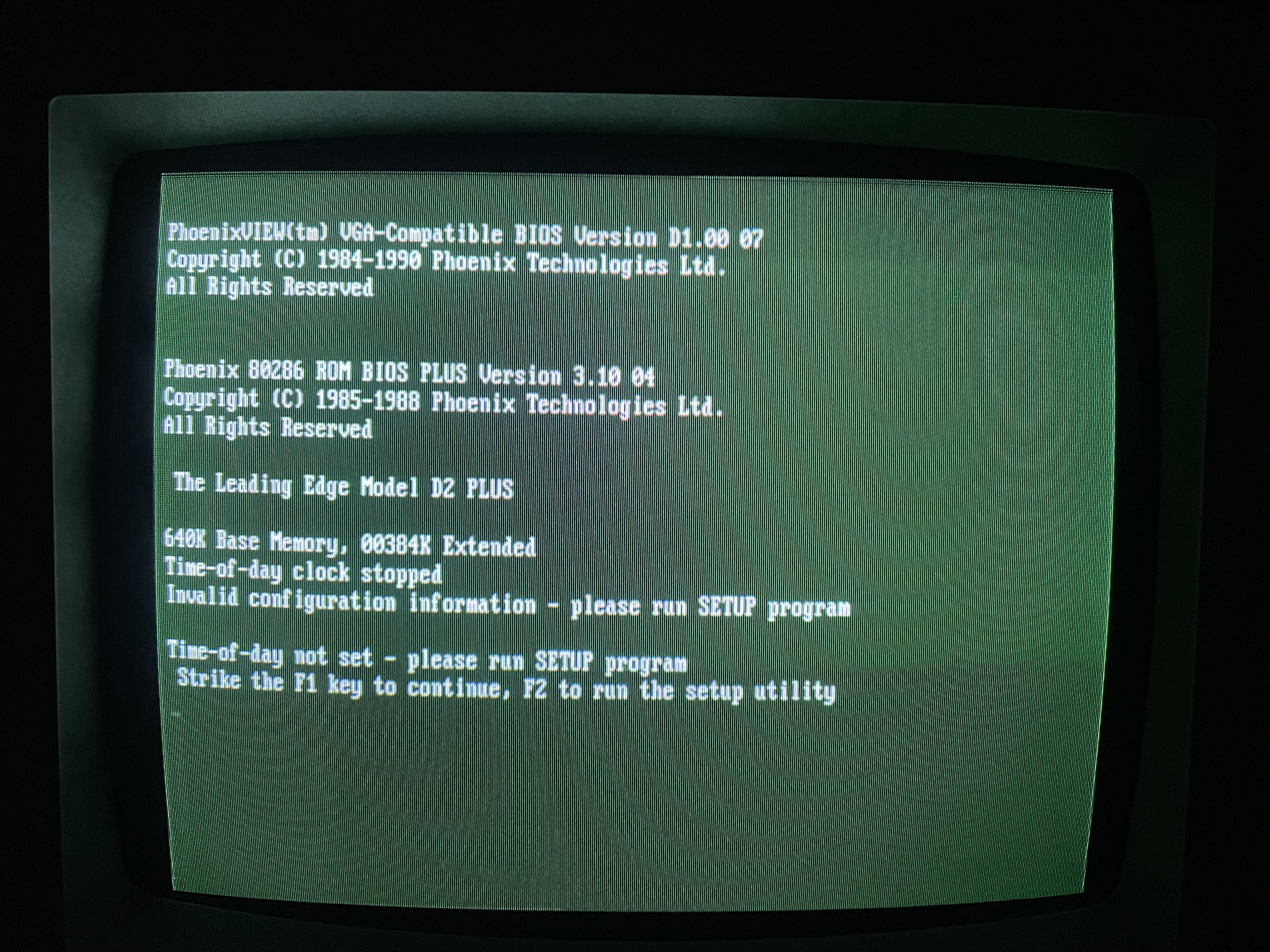
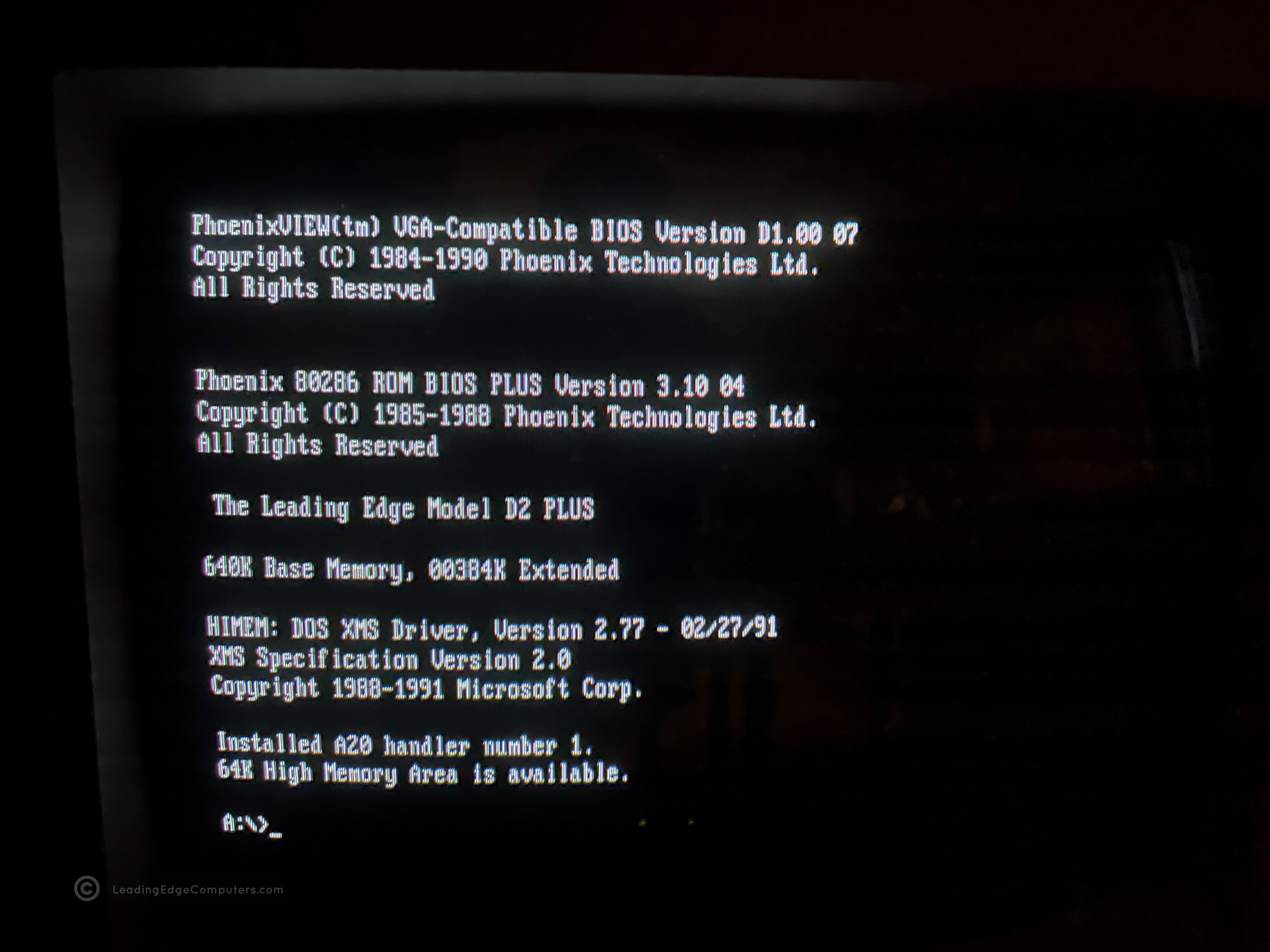
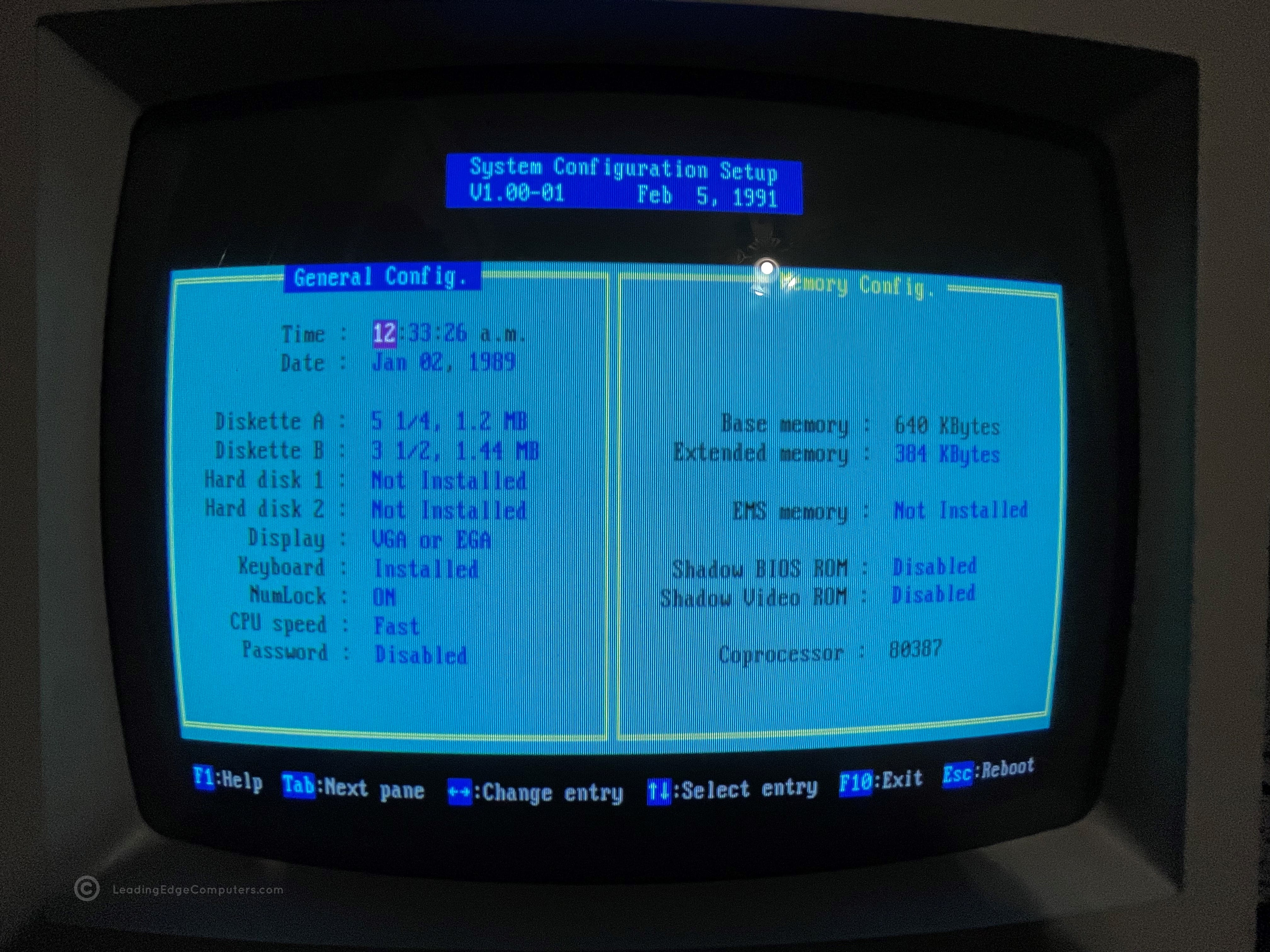
    model d2 plus model d2 plus model d2 plus model d2 plus model d2 plus model d2 plus model d2 plus model d2 plus model d2 plus model d2 plus model d2 plus model d2 plus model d2 plus model d2 plus model d2 plus

     Model D2 Plus DC-2511 BIOS V3.0 10‐04

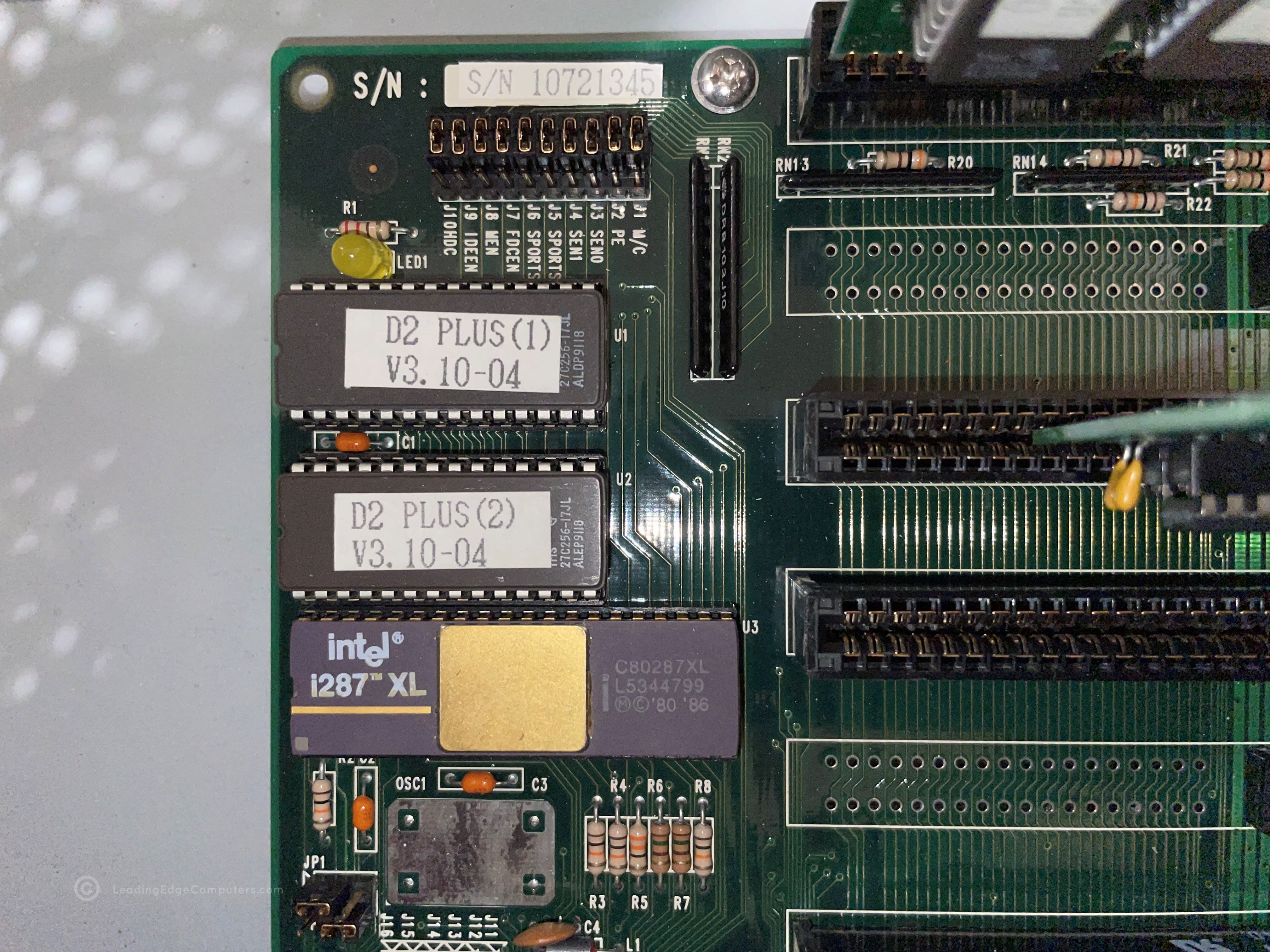
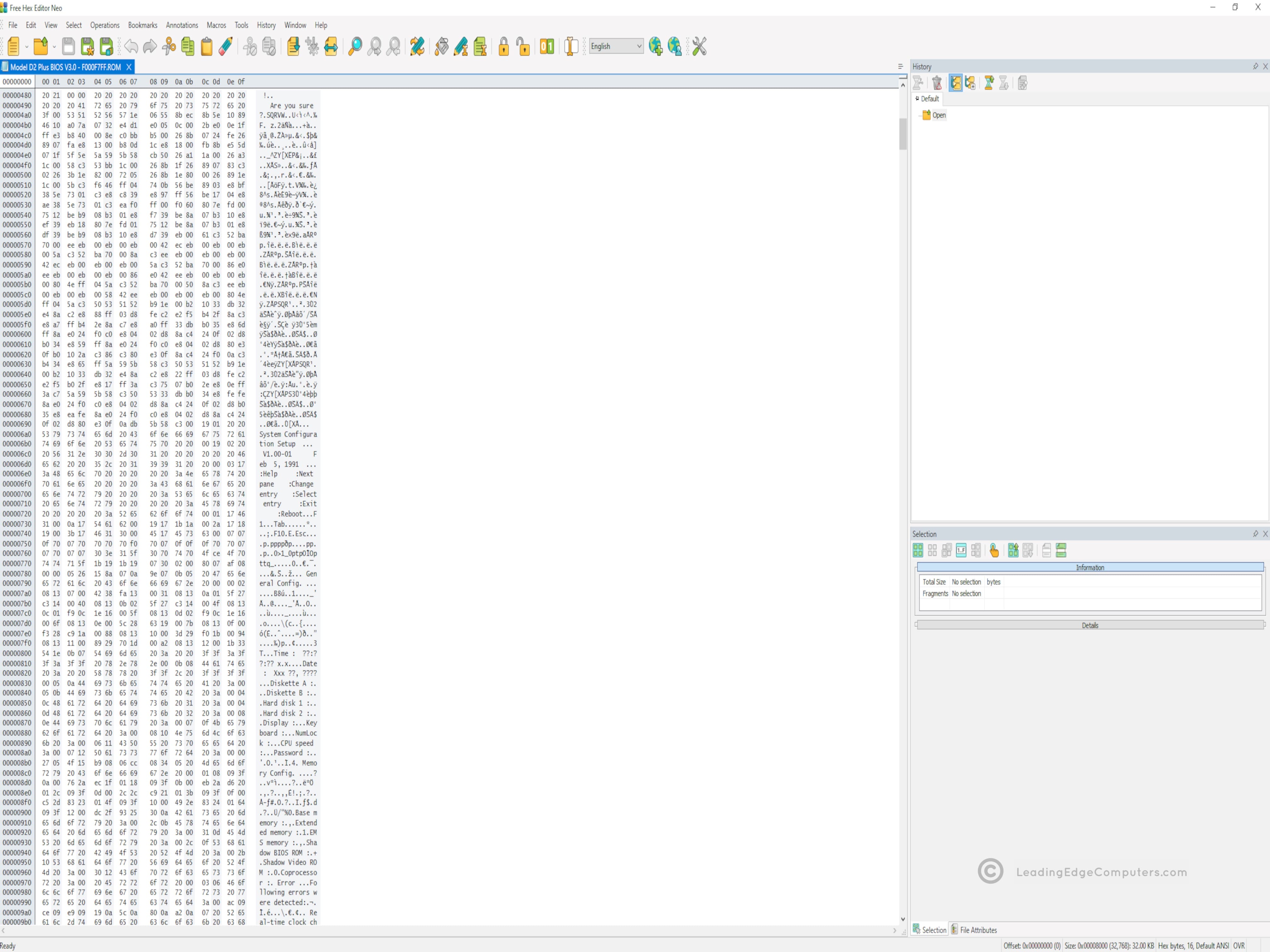
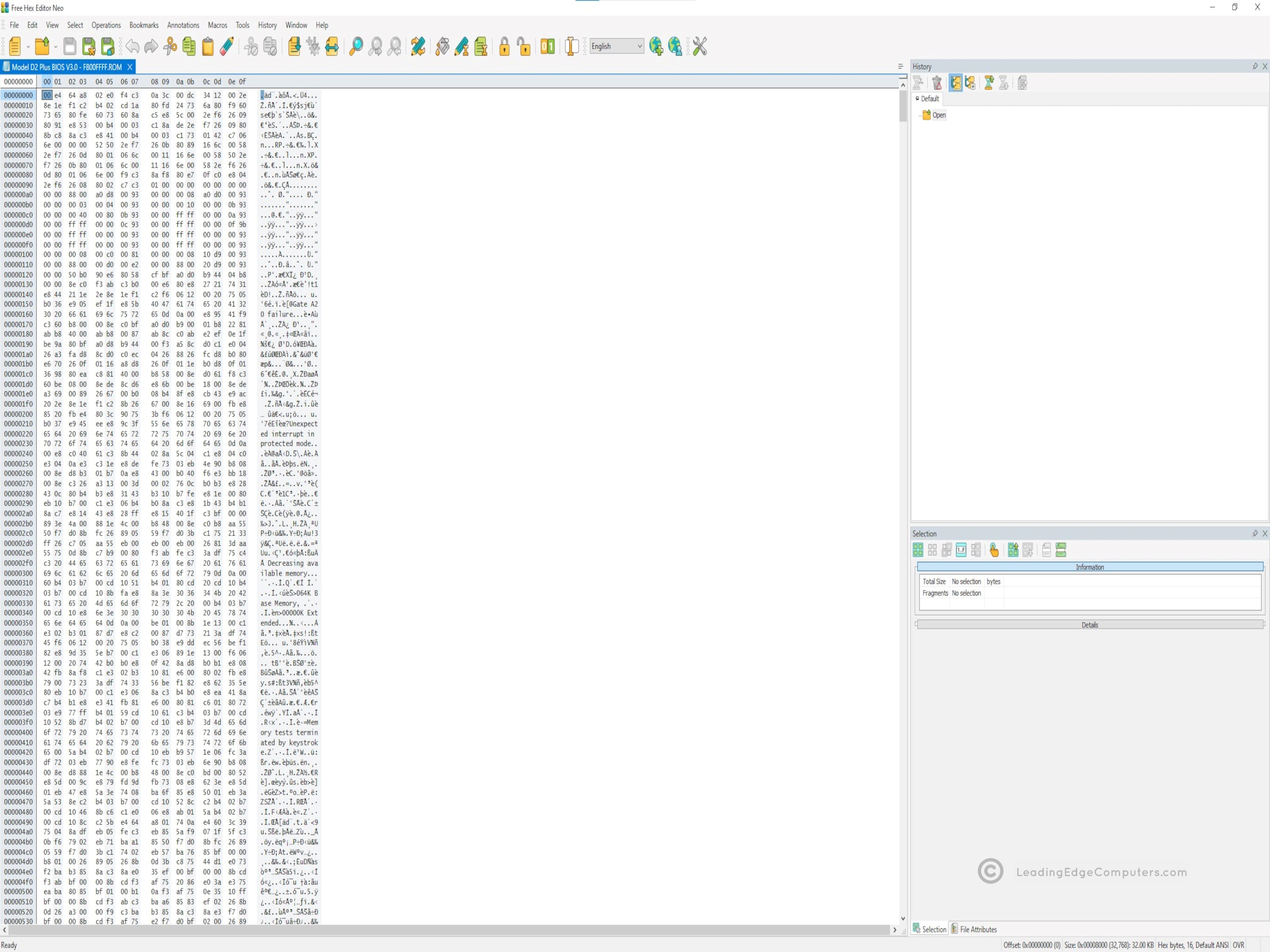
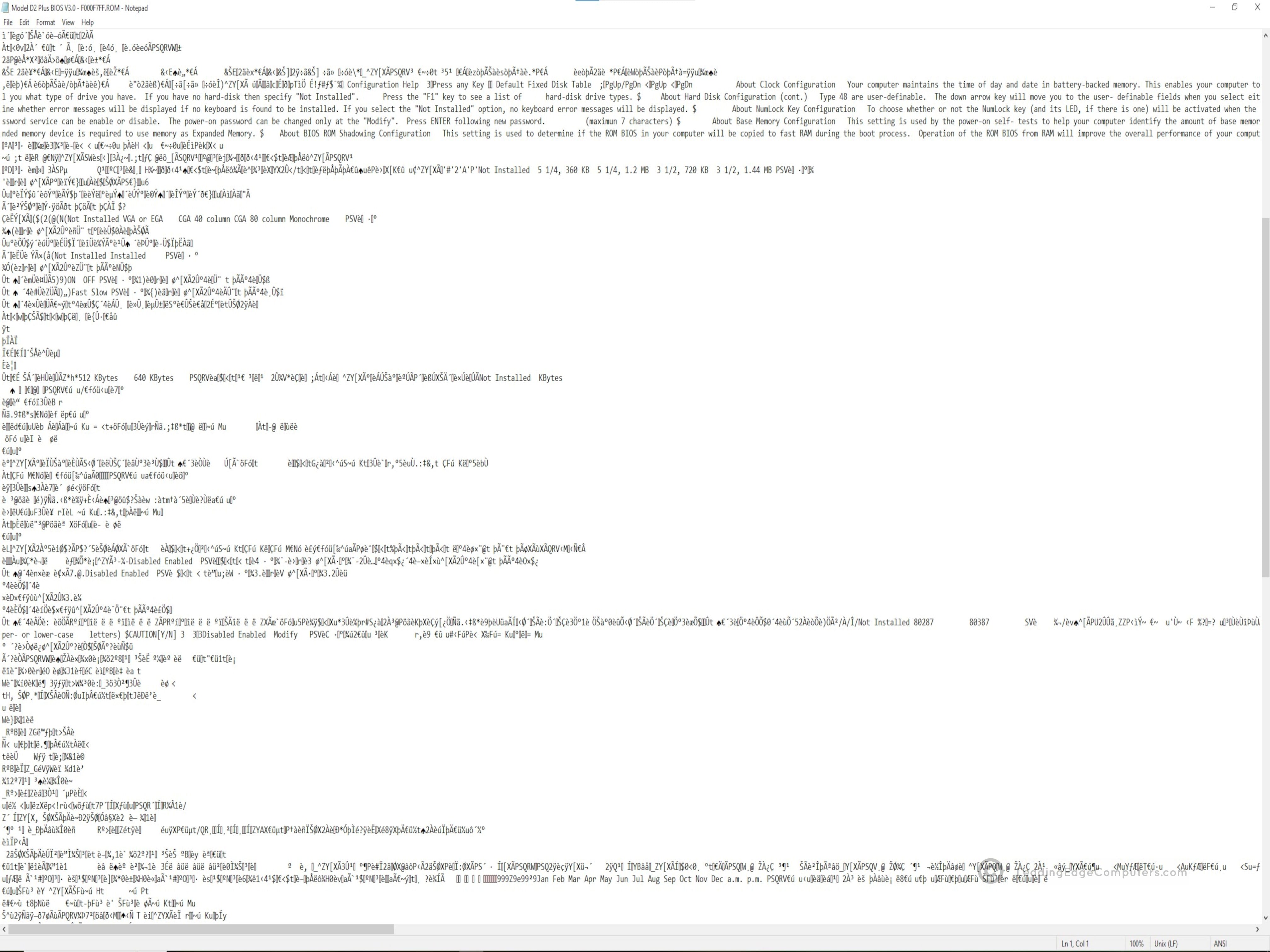
    model d2 plus bios model d2 plus bios model d2 plus bios model d2 plus bios model d2 plus bios model d2 plus bios

     Model D2 Plus Manual

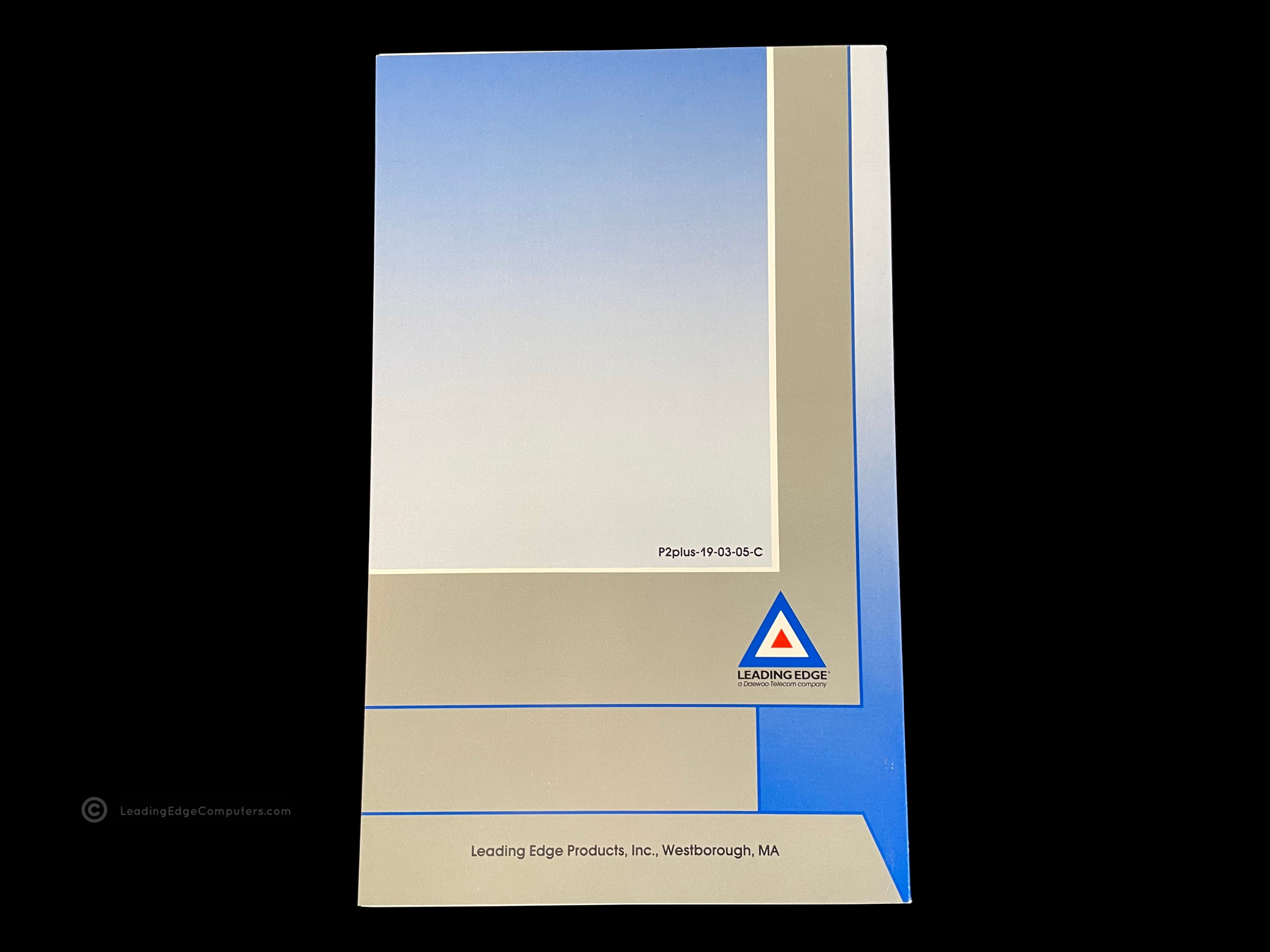
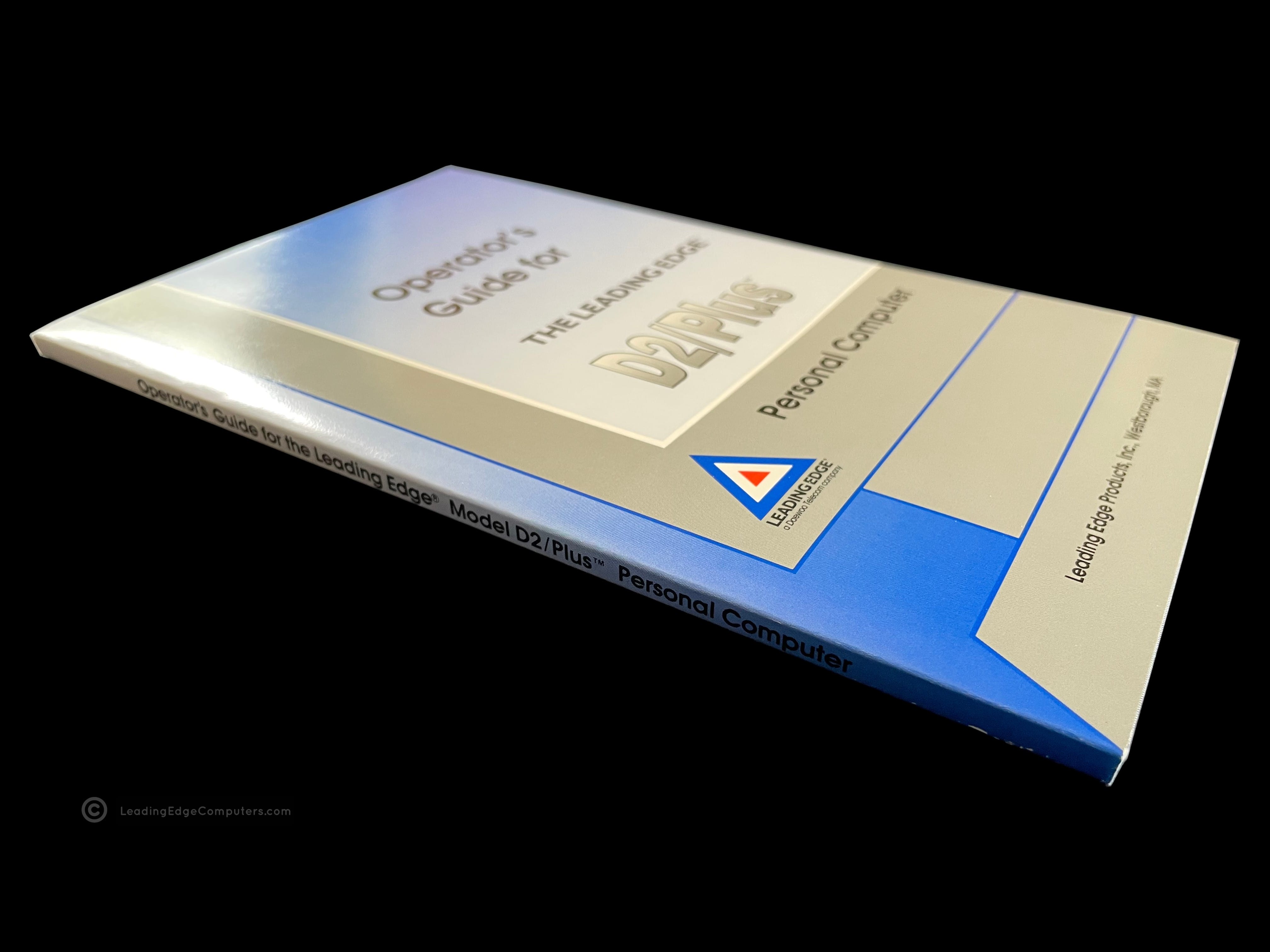
    model d2 plus bios model d2 plus bios model d2 plus bios model d2 plus bios model d2 plus bios model d2 plus bios

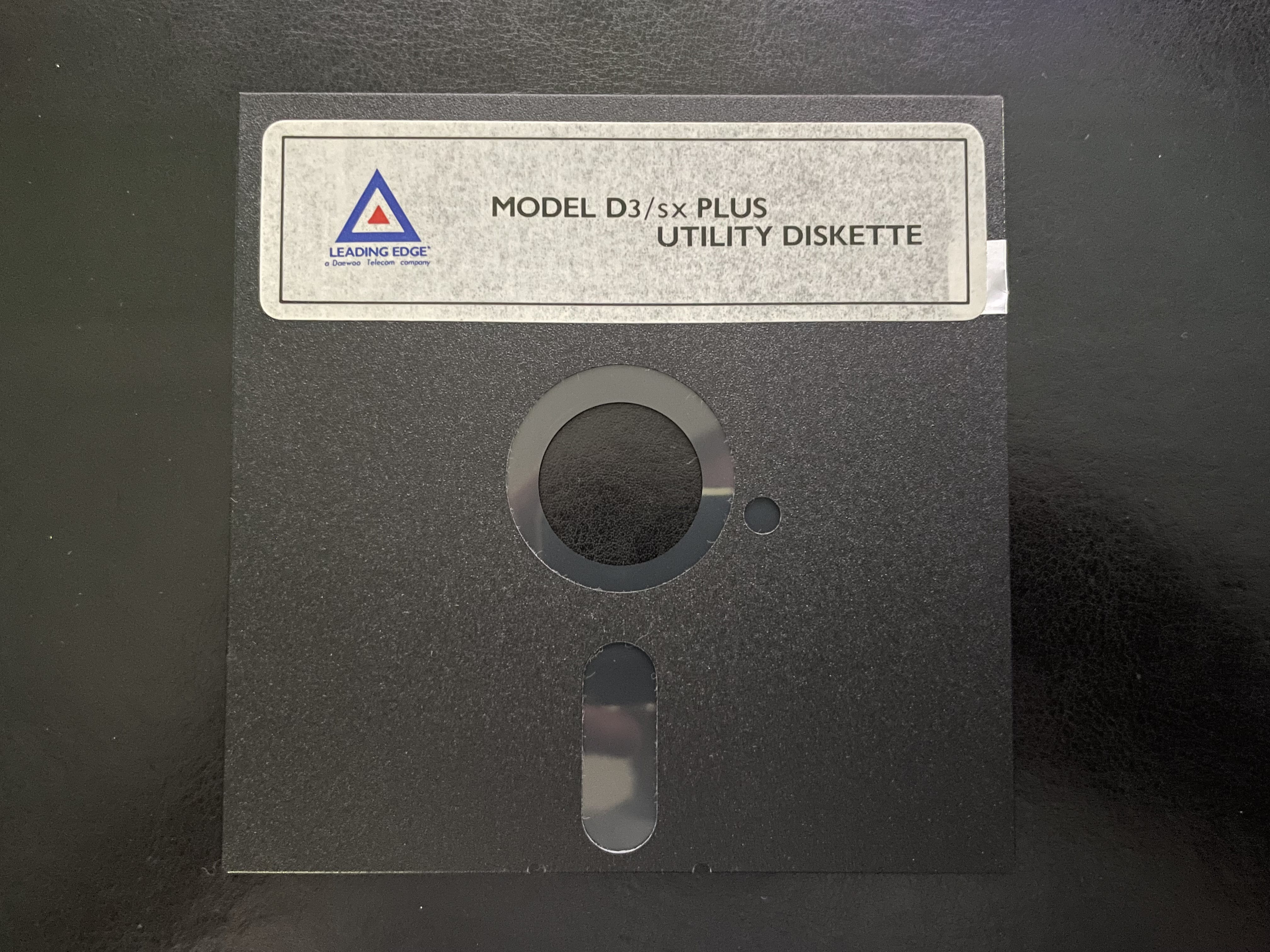
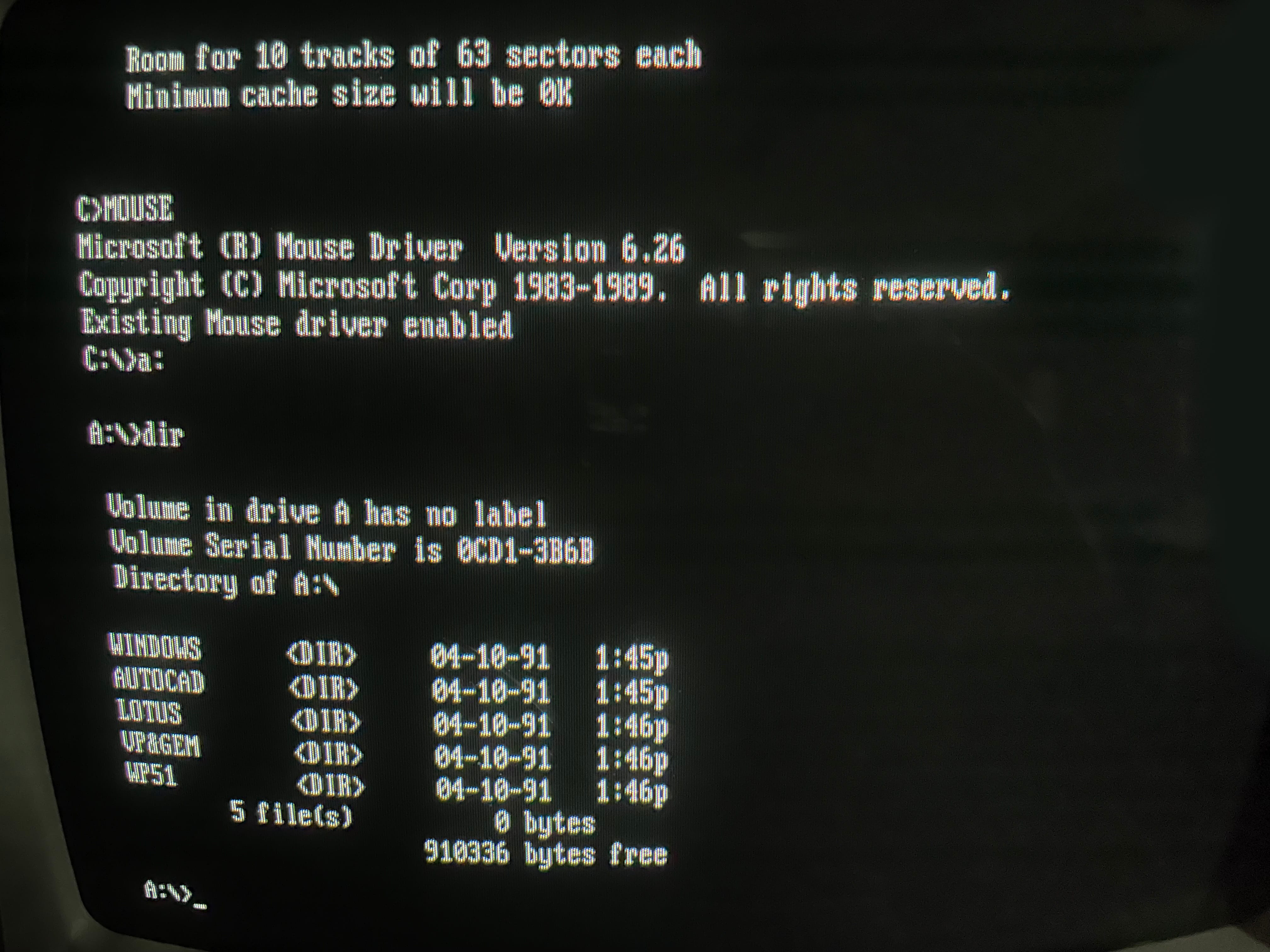
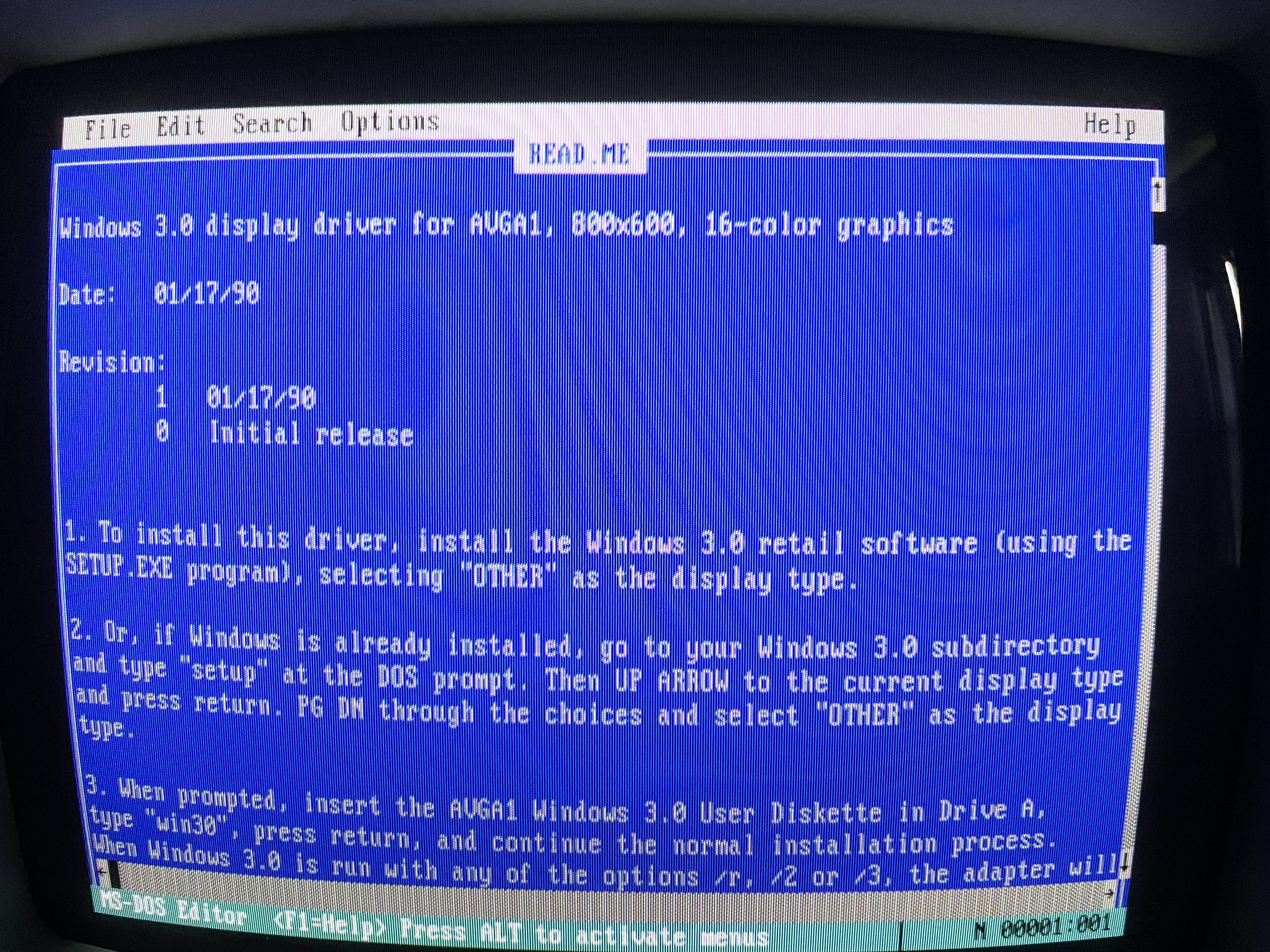
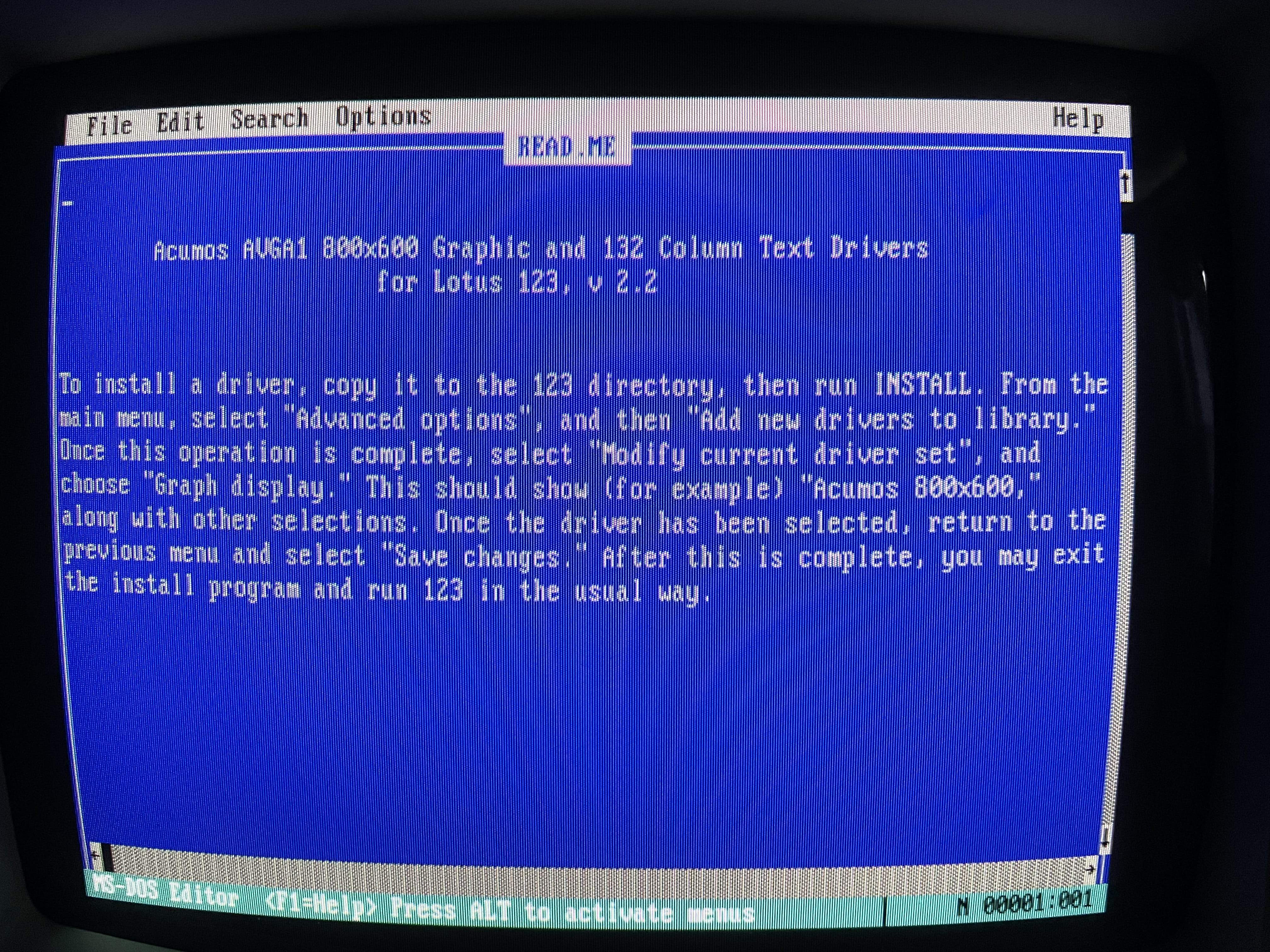
     Model D3 SX Plus Utility

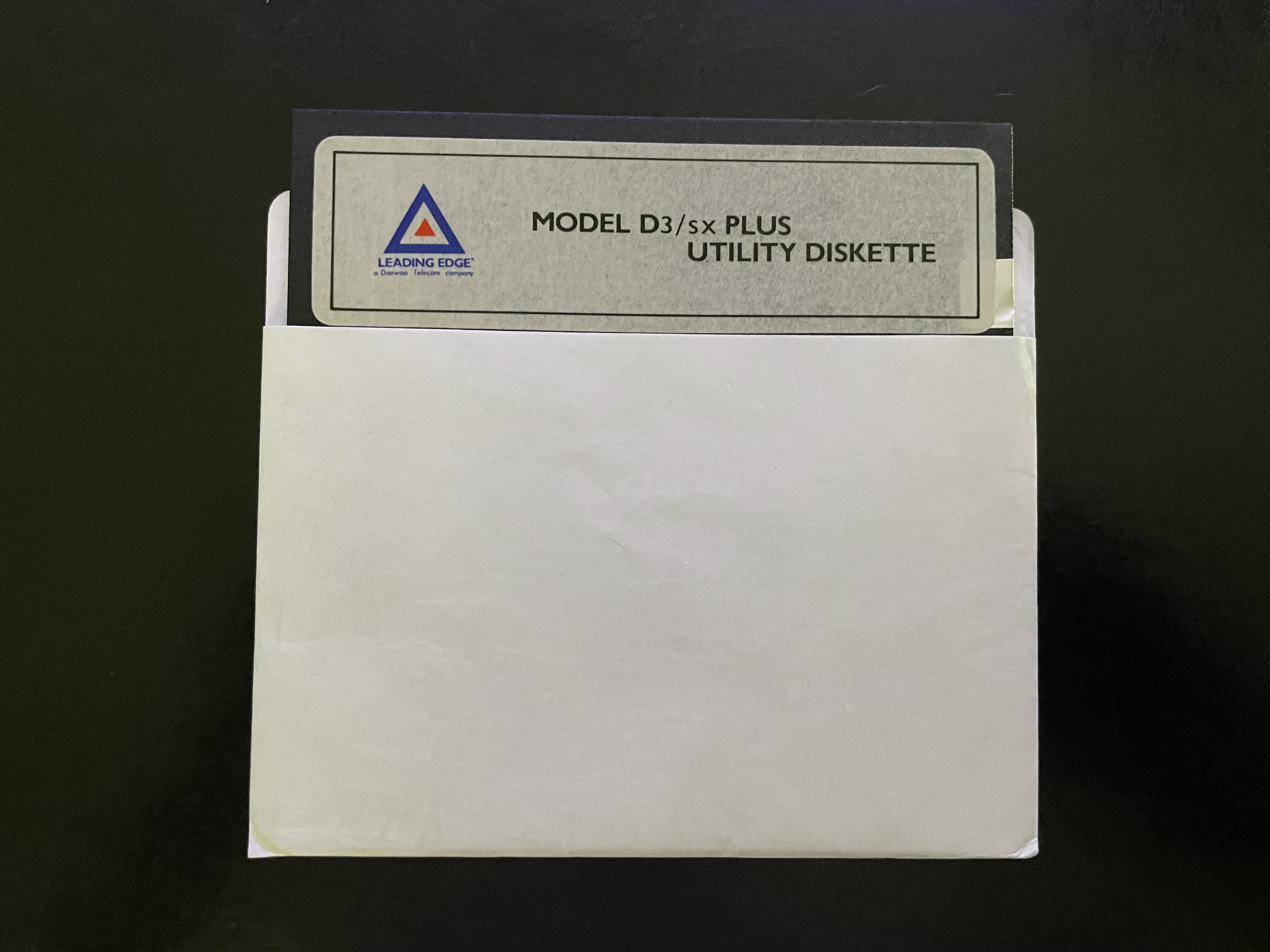
    model d3 sx plus utility model d3 sx plus utility model d3 sx plus utility model d3 sx plus utility model d3 sx plus utility model d3 sx plus utility

     Model D3 SX Manual

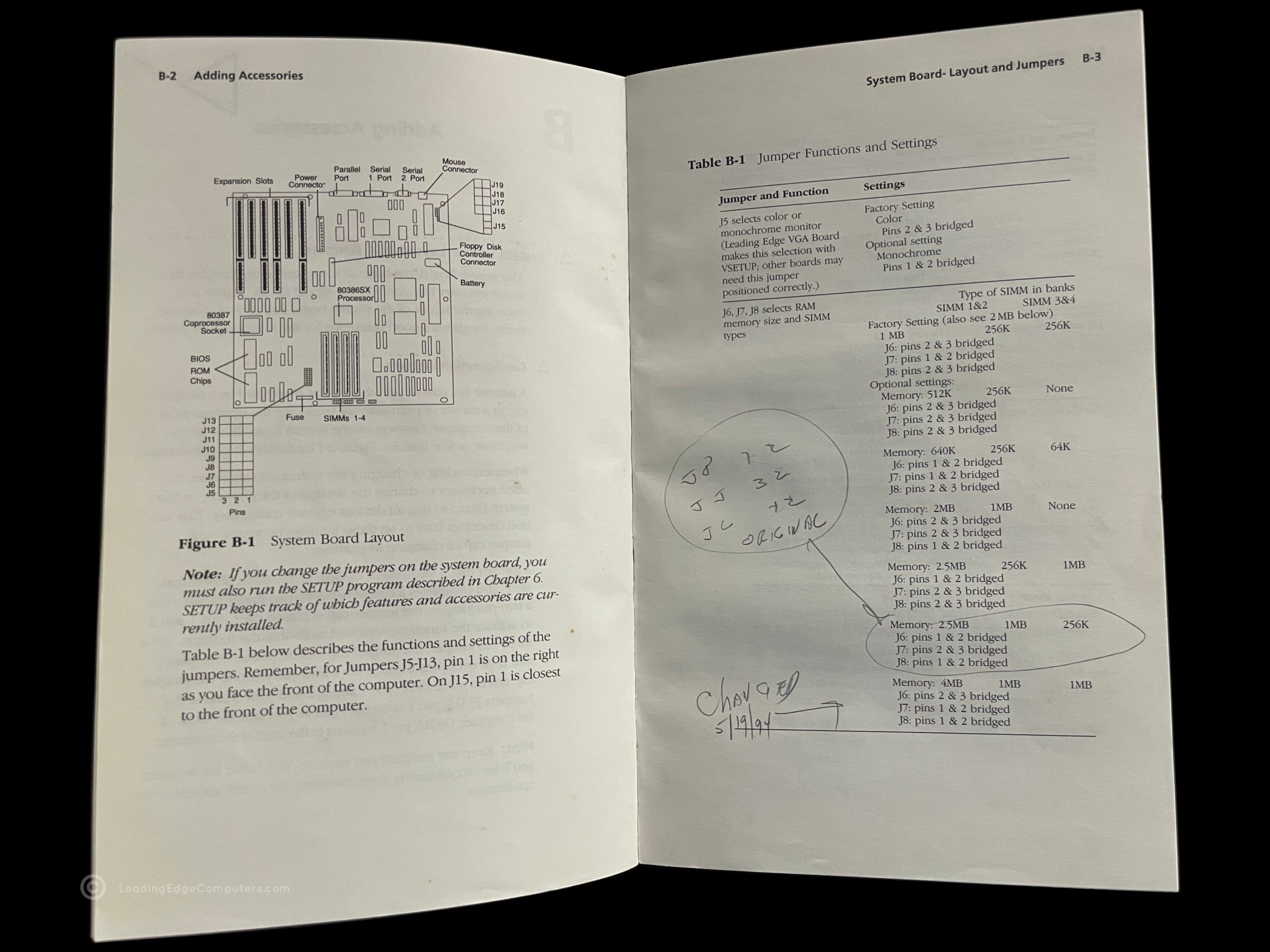
    model d3 sx manual model d3 sx manual model d3 sx manual model d3 sx manual model d3 sx manual model d3 sx manual

     Model D86

    model d86 model d86 model d86 model d86 model d86 model d86 model d86 model d86 model d86 model d86 model d86 model d86

     Model D Brochure

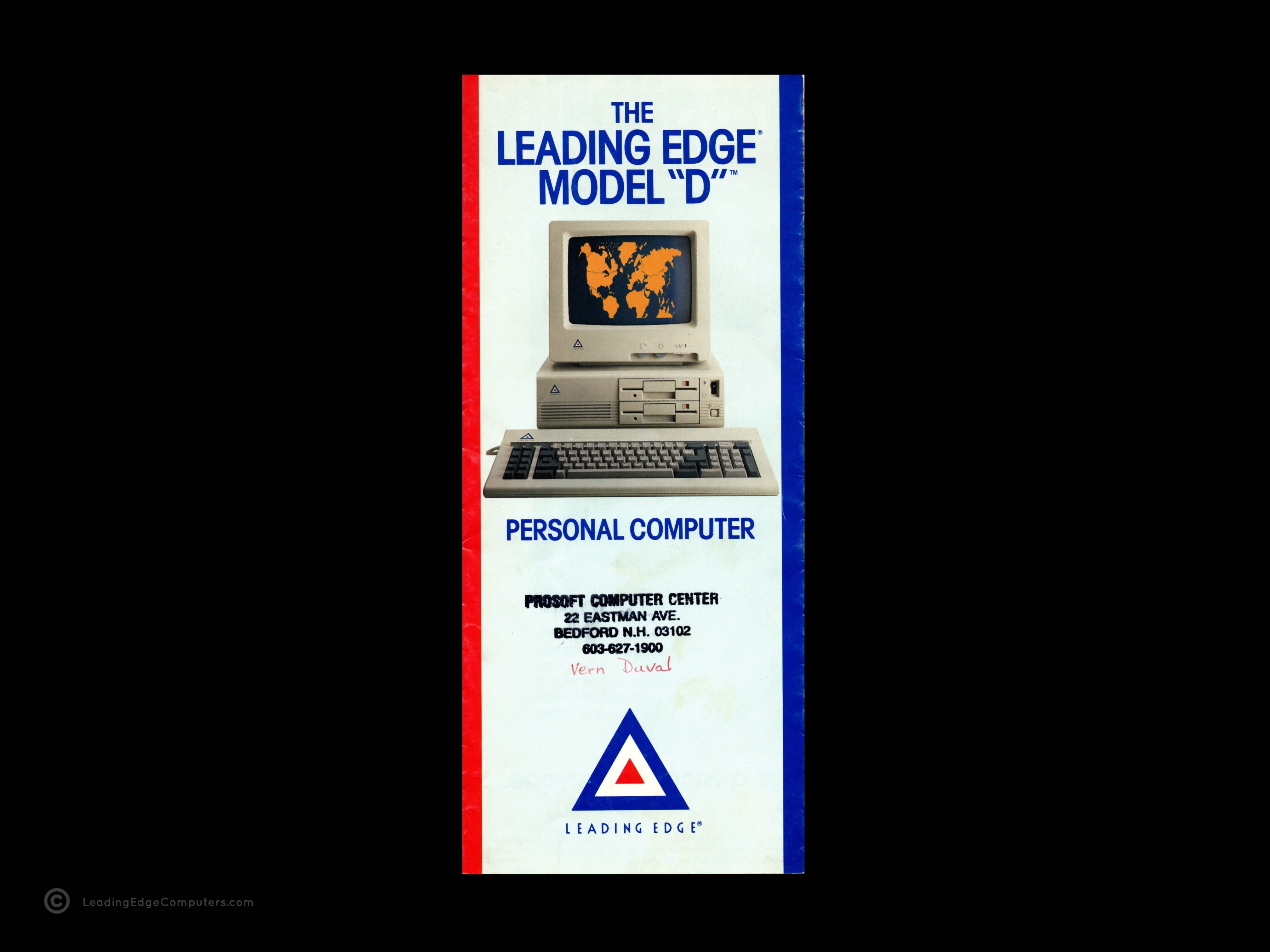
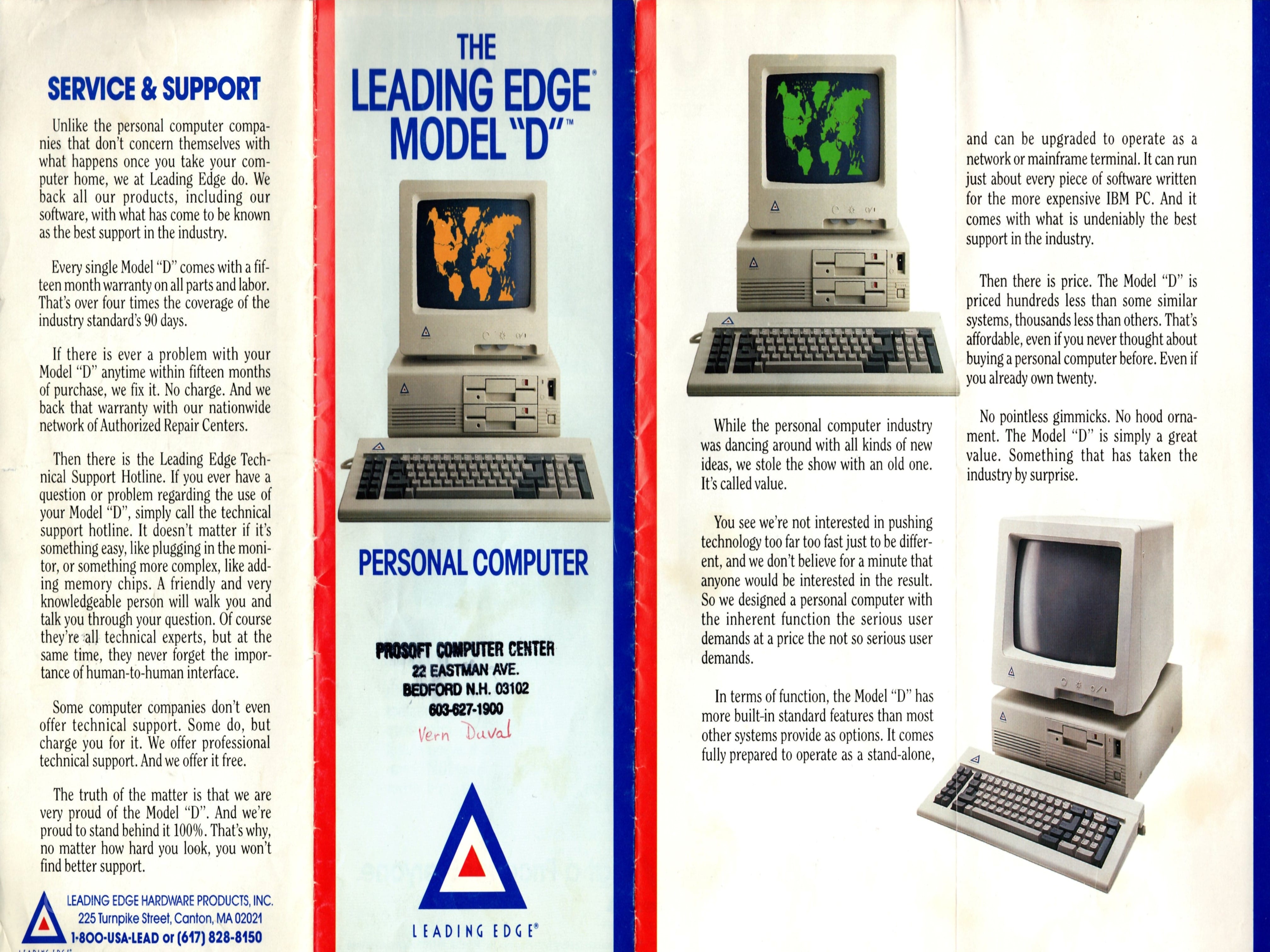
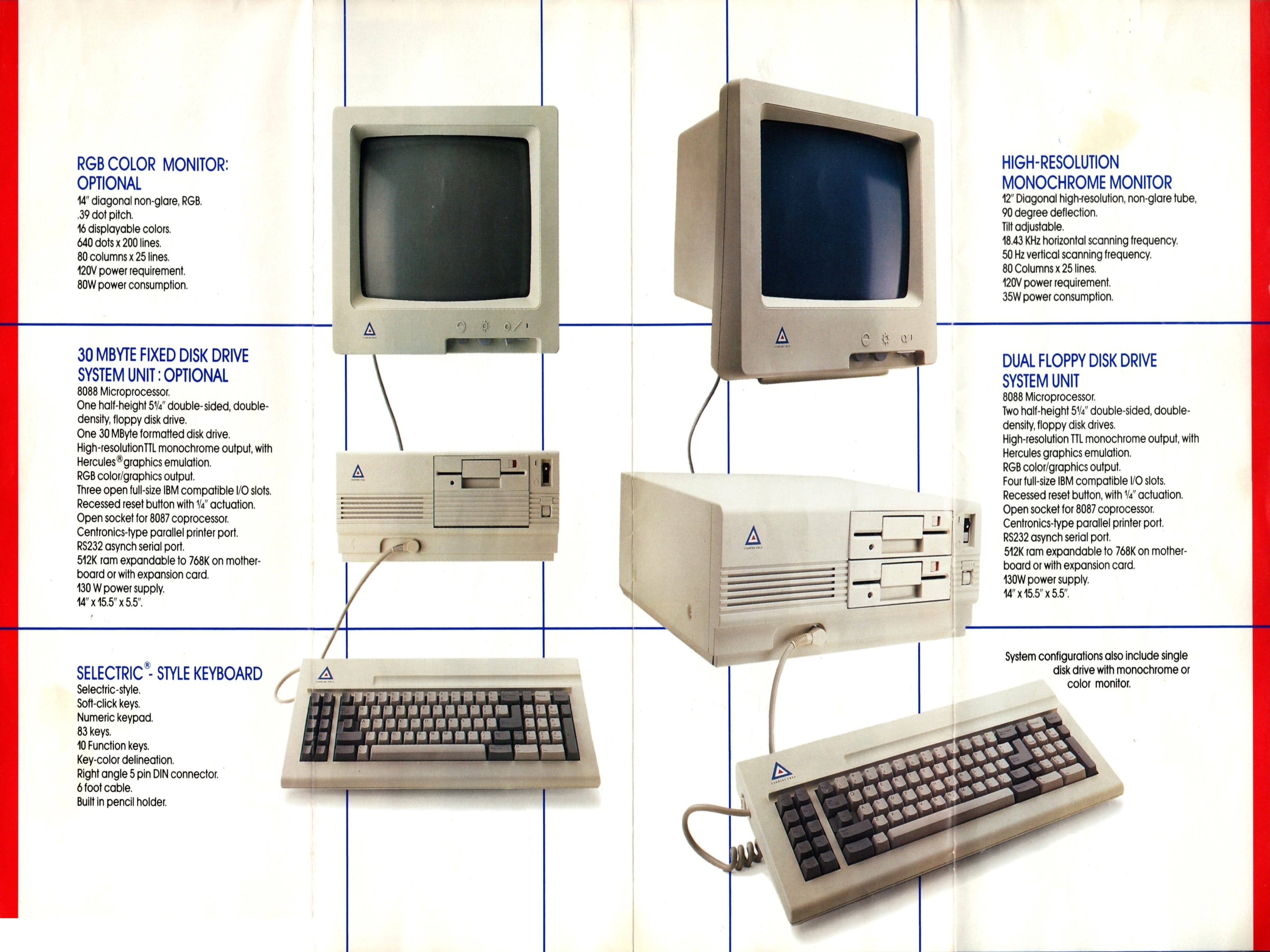
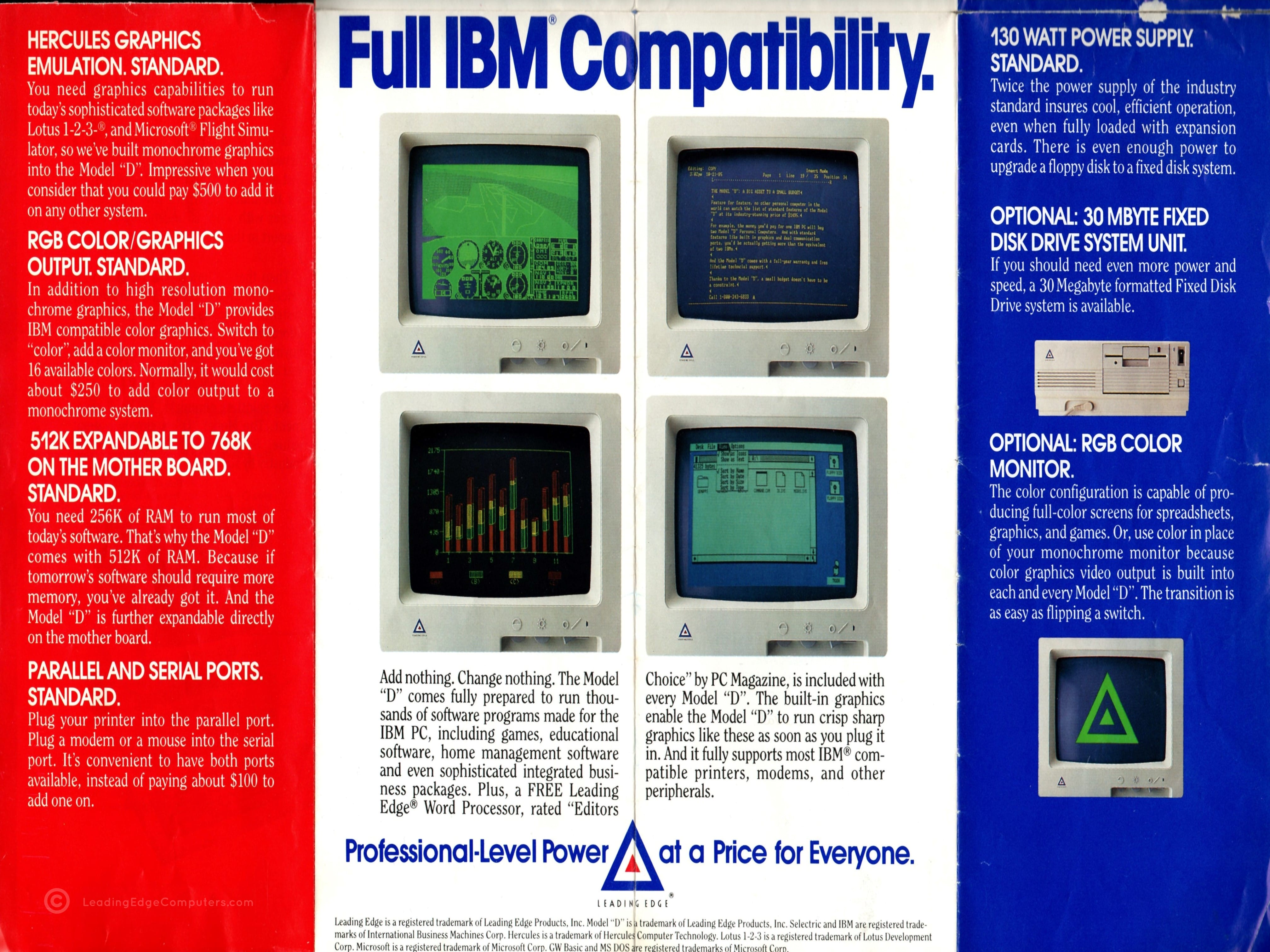
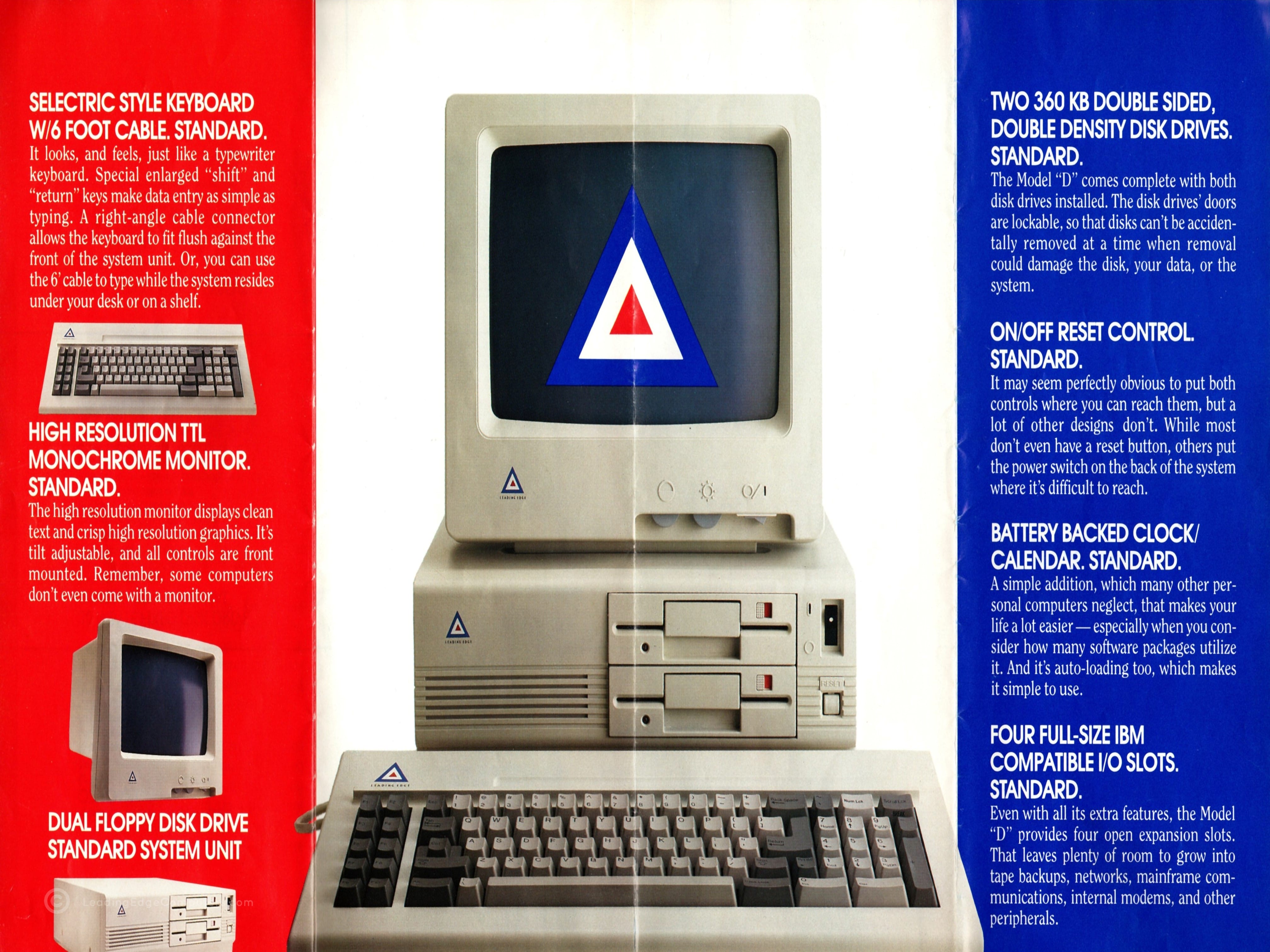
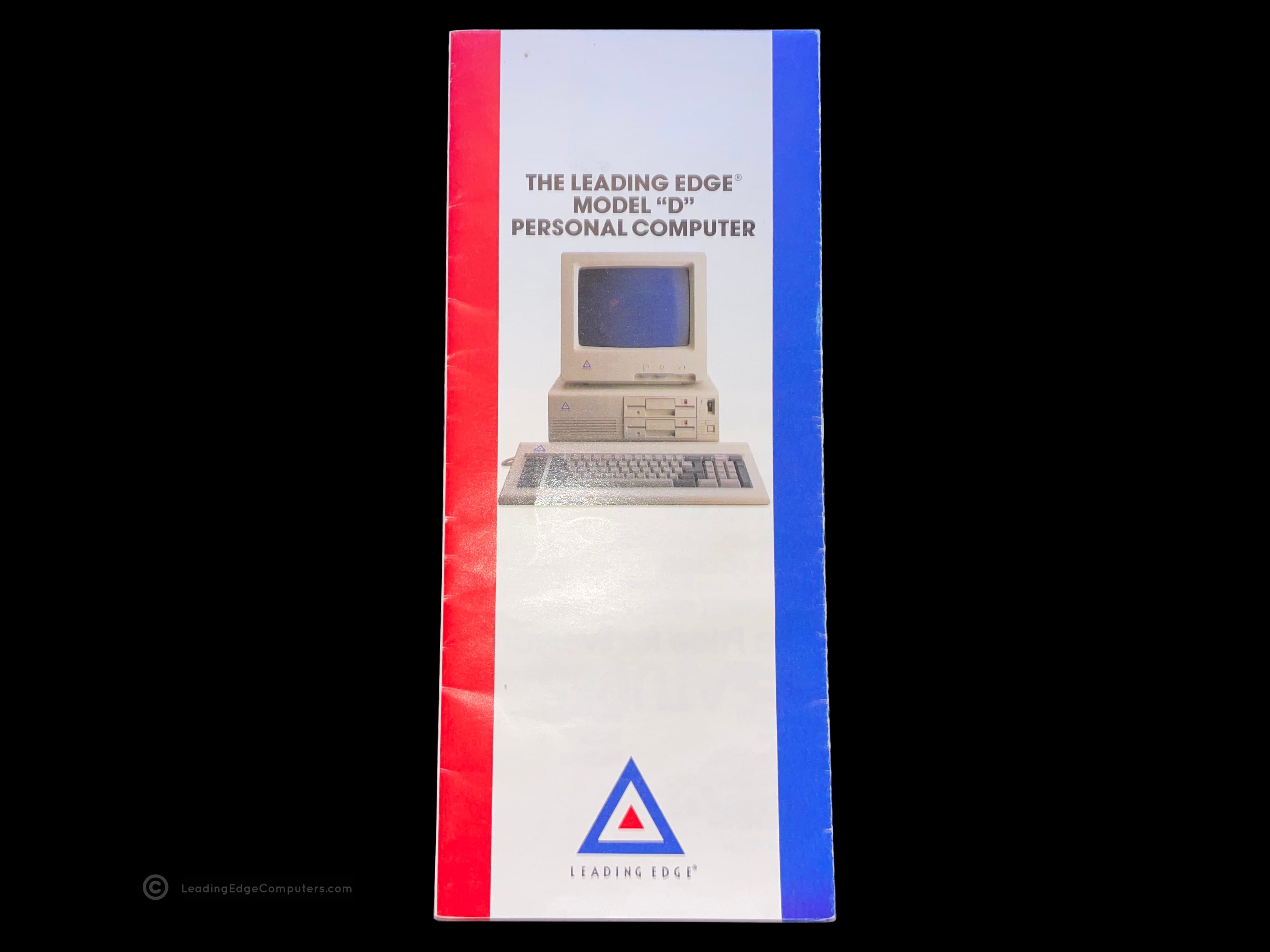
    model d brochure model d brochure model d brochure model d brochure model d brochure model d brochure

     Model D Personal Computer Brochure

    model d personal computer brochure model d personal computer brochure model d personal computer brochure model d personal computer brochure model d personal computer brochure model d personal computer brochure

     Model M

    model m model m model m model m model m model m model m model m model m model m model m model m model m model m model m

     Model MT33

    model mt33 model mt33 model mt33 model mt33 model mt33 model mt33 model mt33 model mt33 model mt33 model mt33 model mt33 model mt33 model mt33 model mt33 model mt33 model mt33 model mt33 model mt33

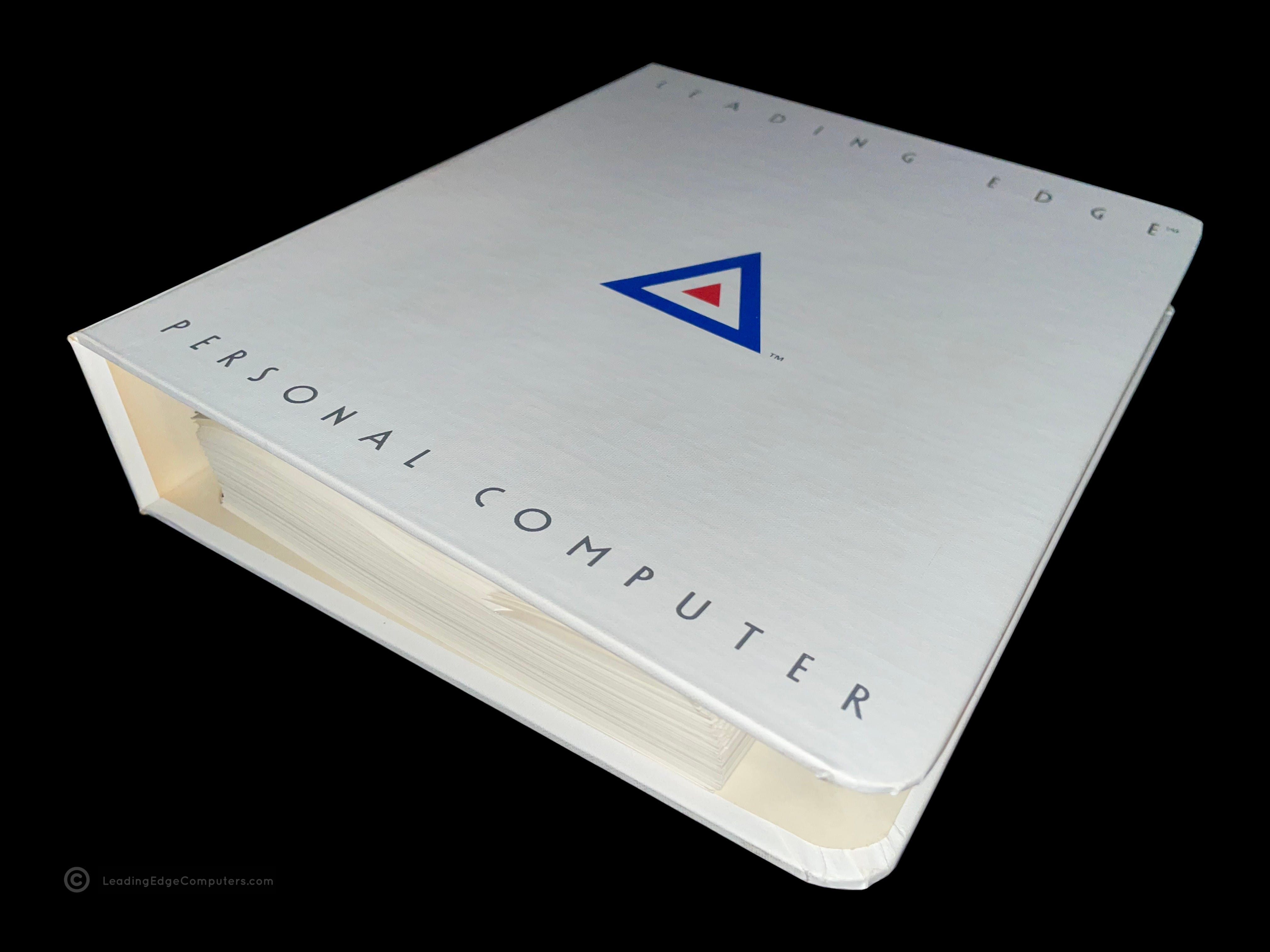
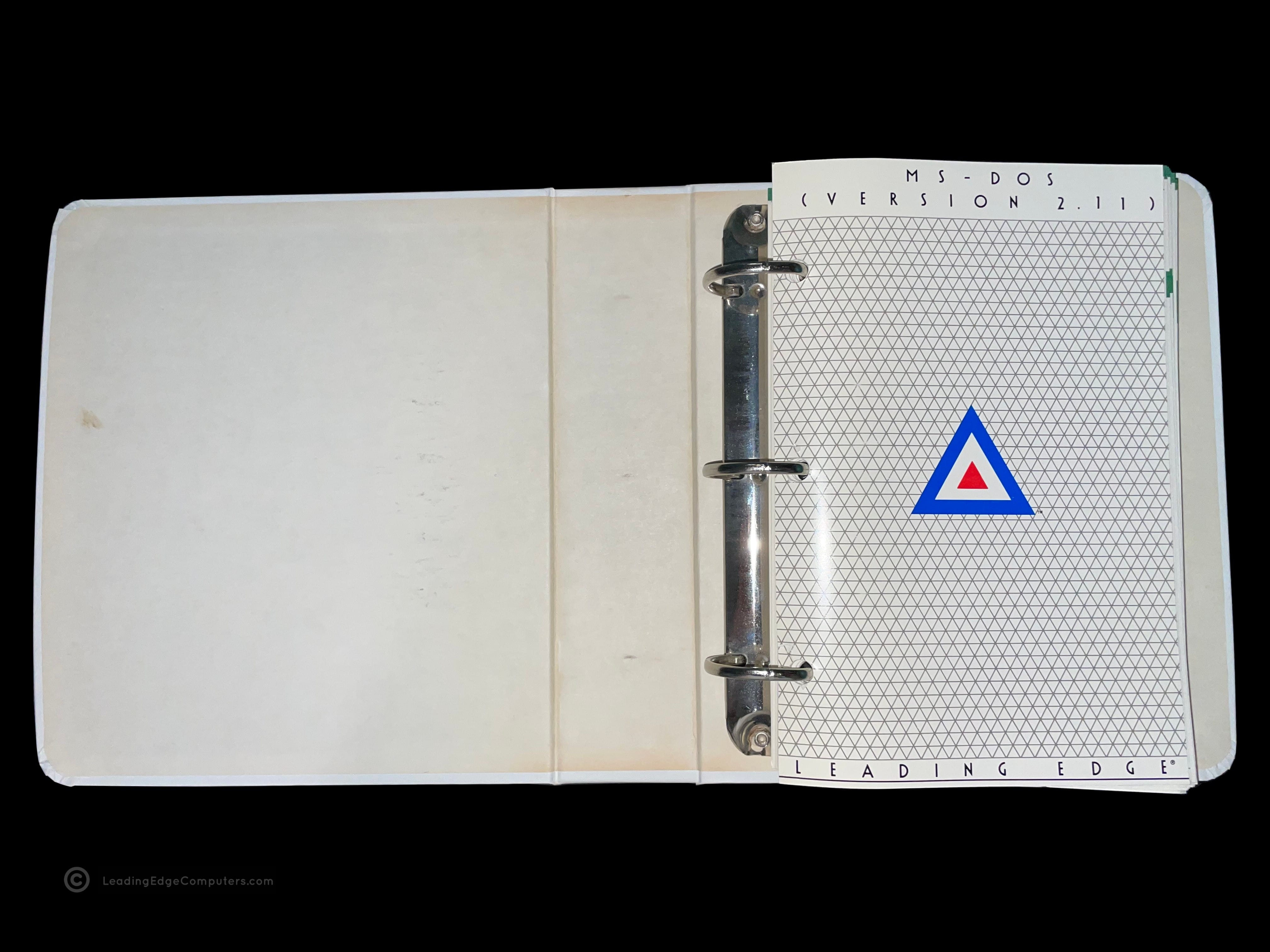
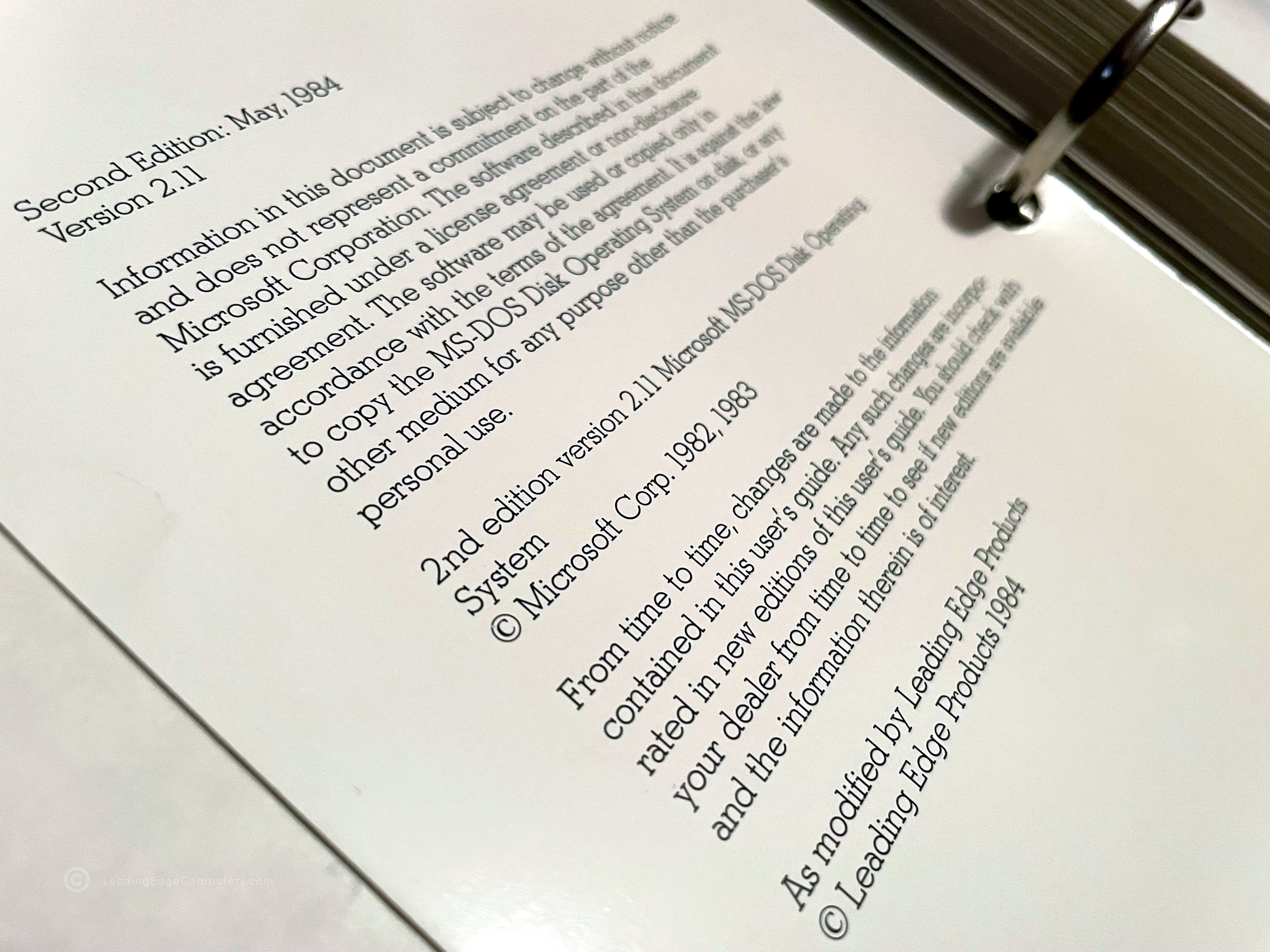
     MS‐DOS 2.11 Manual

    ms dos 2.11 ms dos 2.11 ms dos 2.11 ms dos 2.11 ms dos 2.11 ms dos 2.11 ms dos 2.11 ms dos 2.11 ms dos 2.11

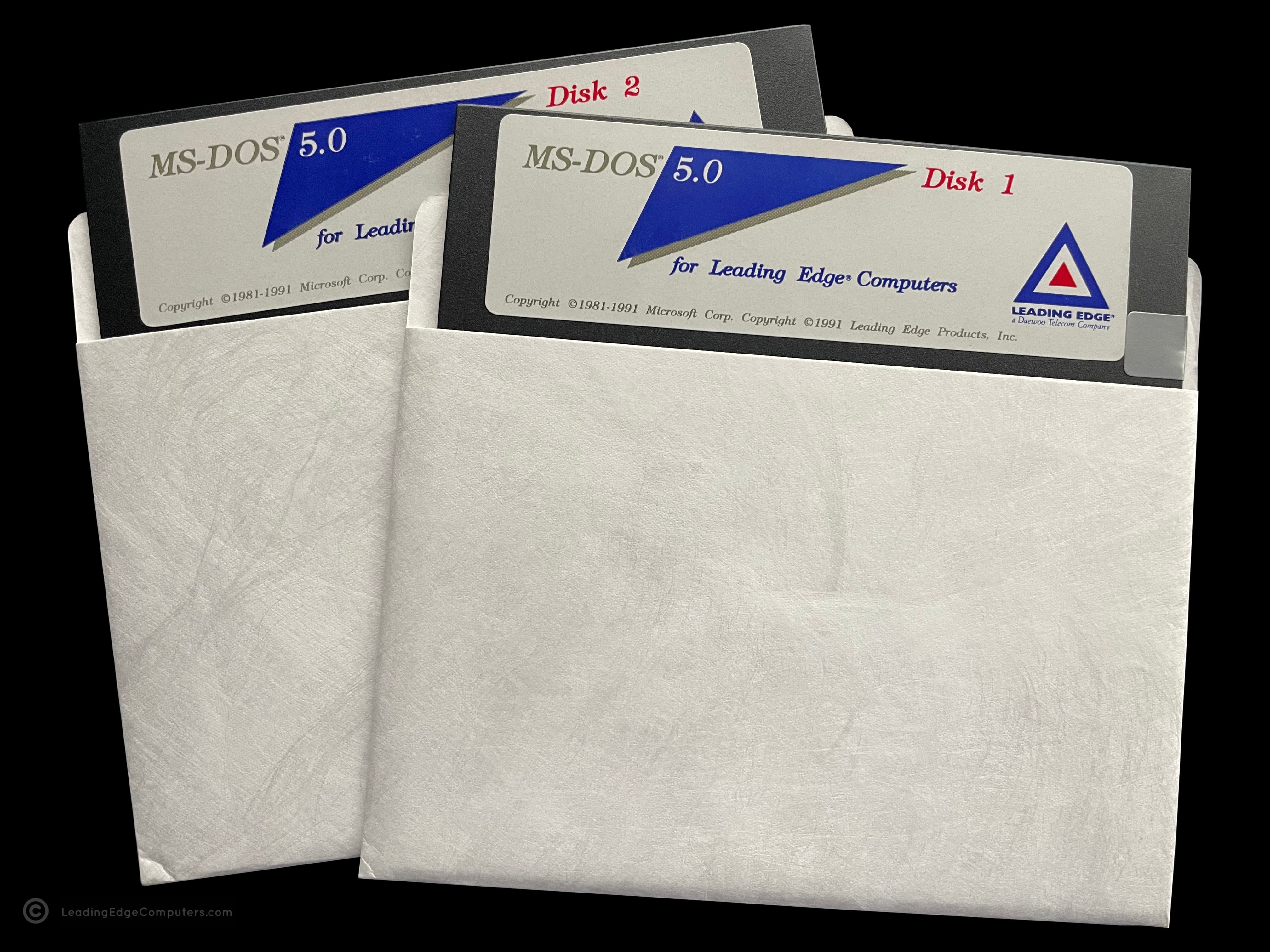
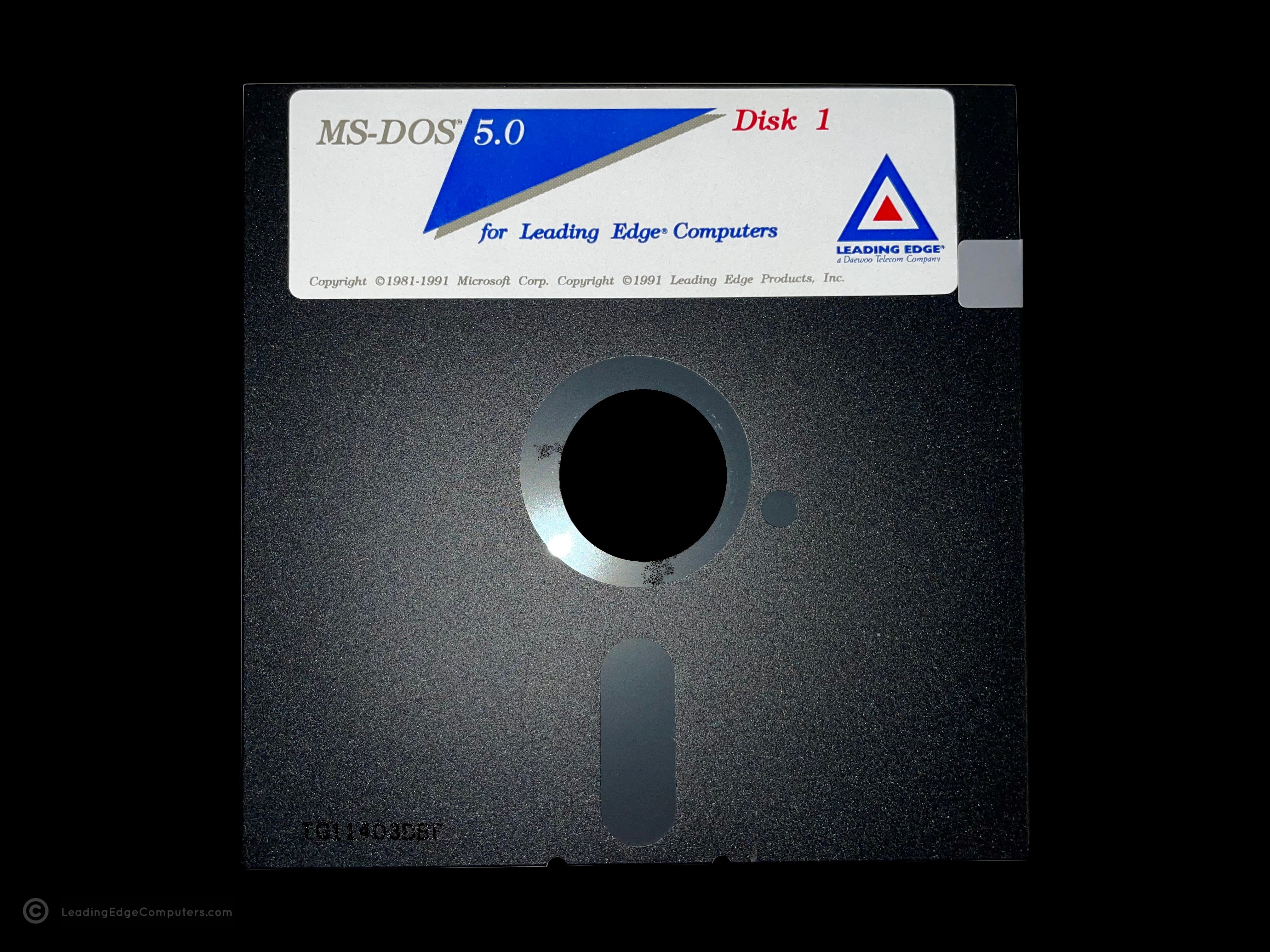
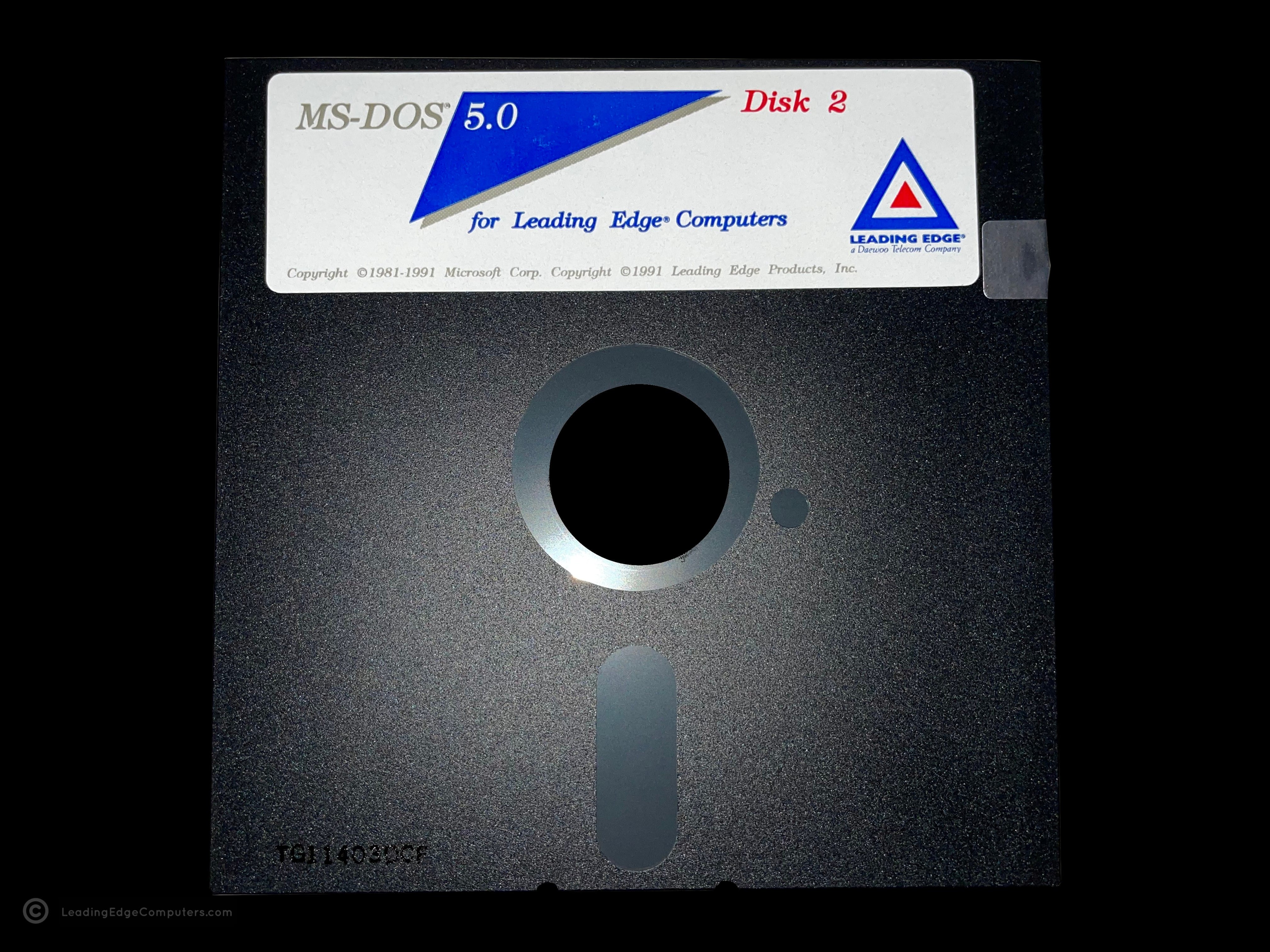
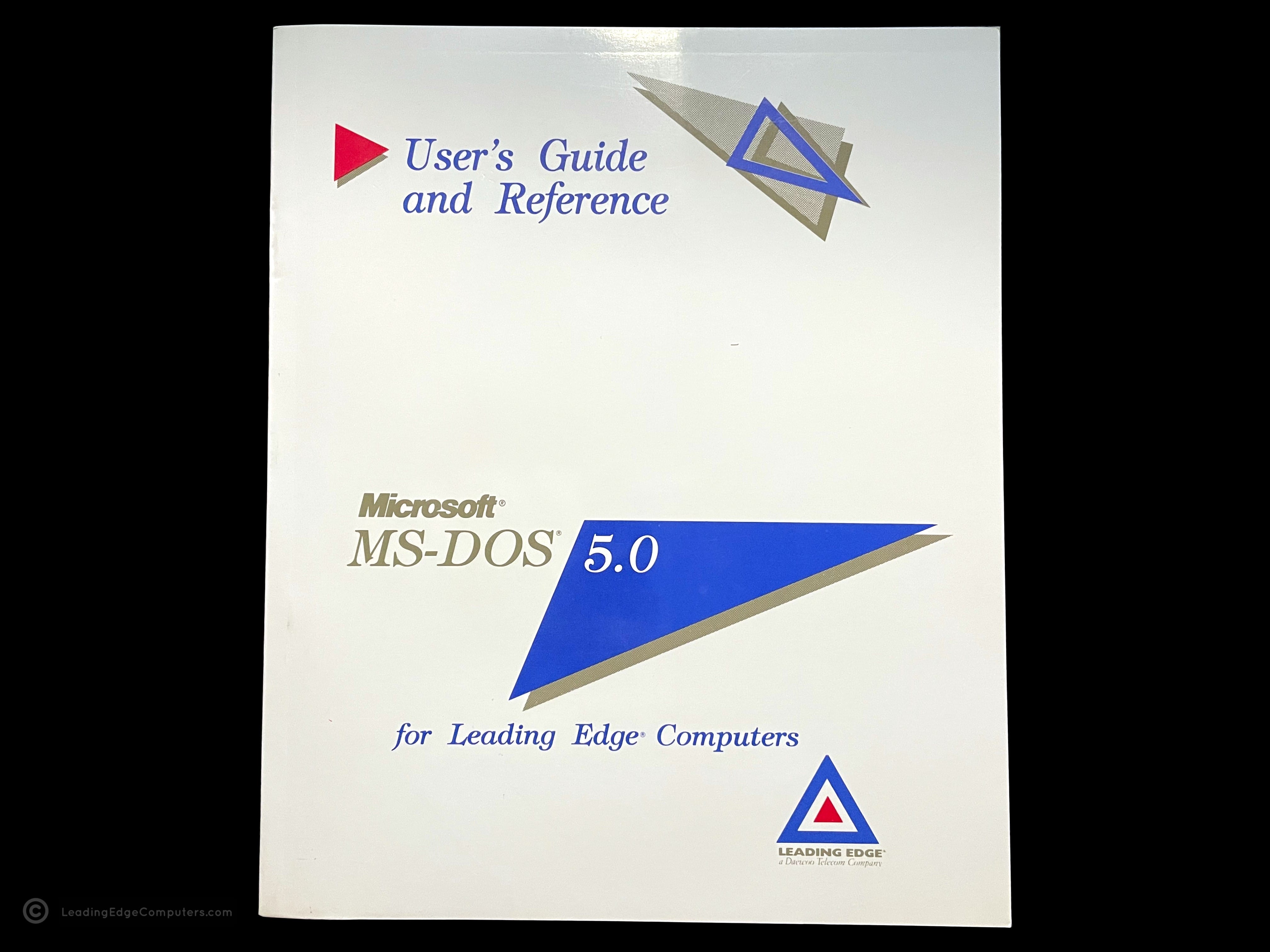
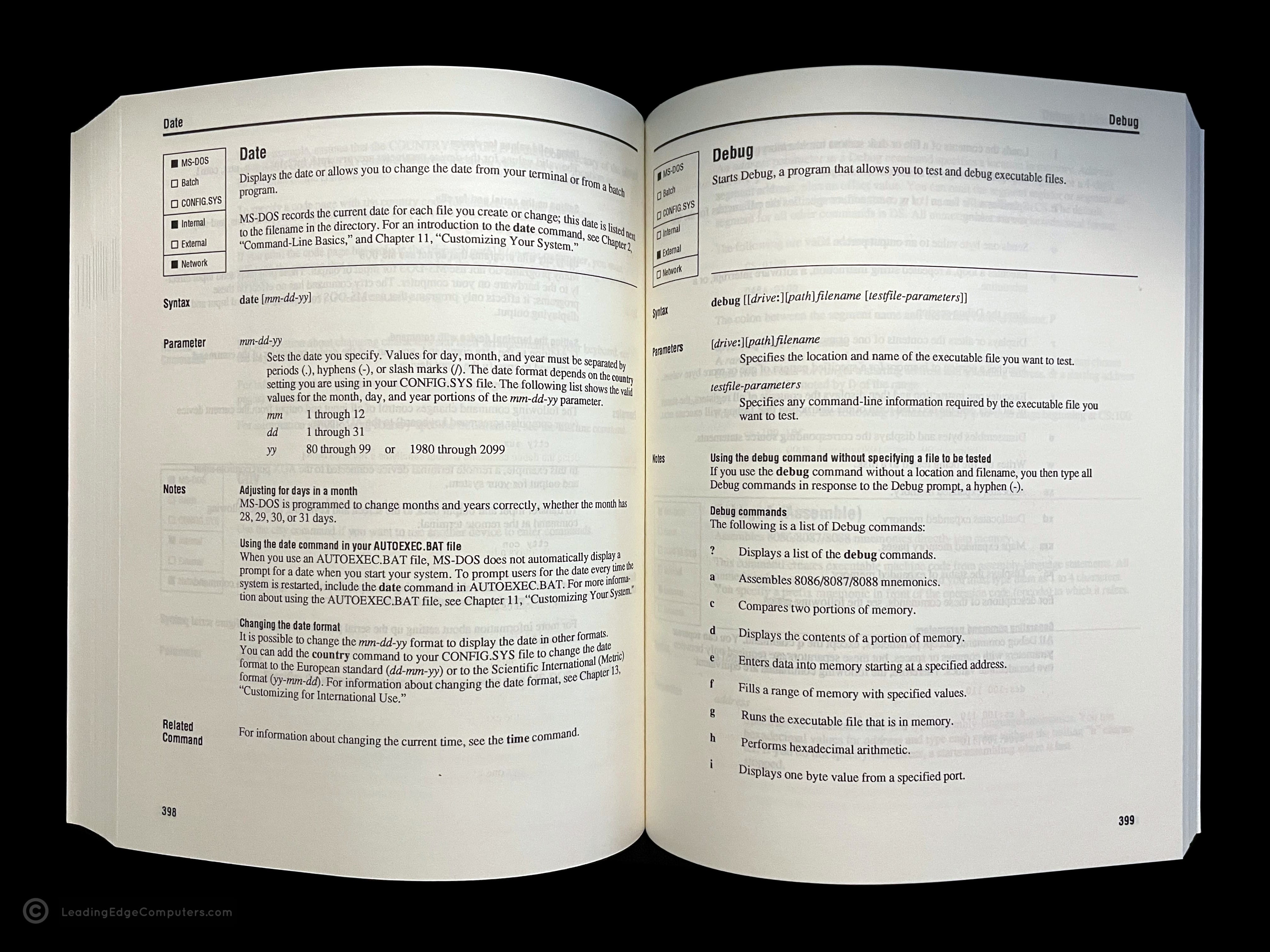
     MS‐DOS 5.0 For Leading Edge Computers

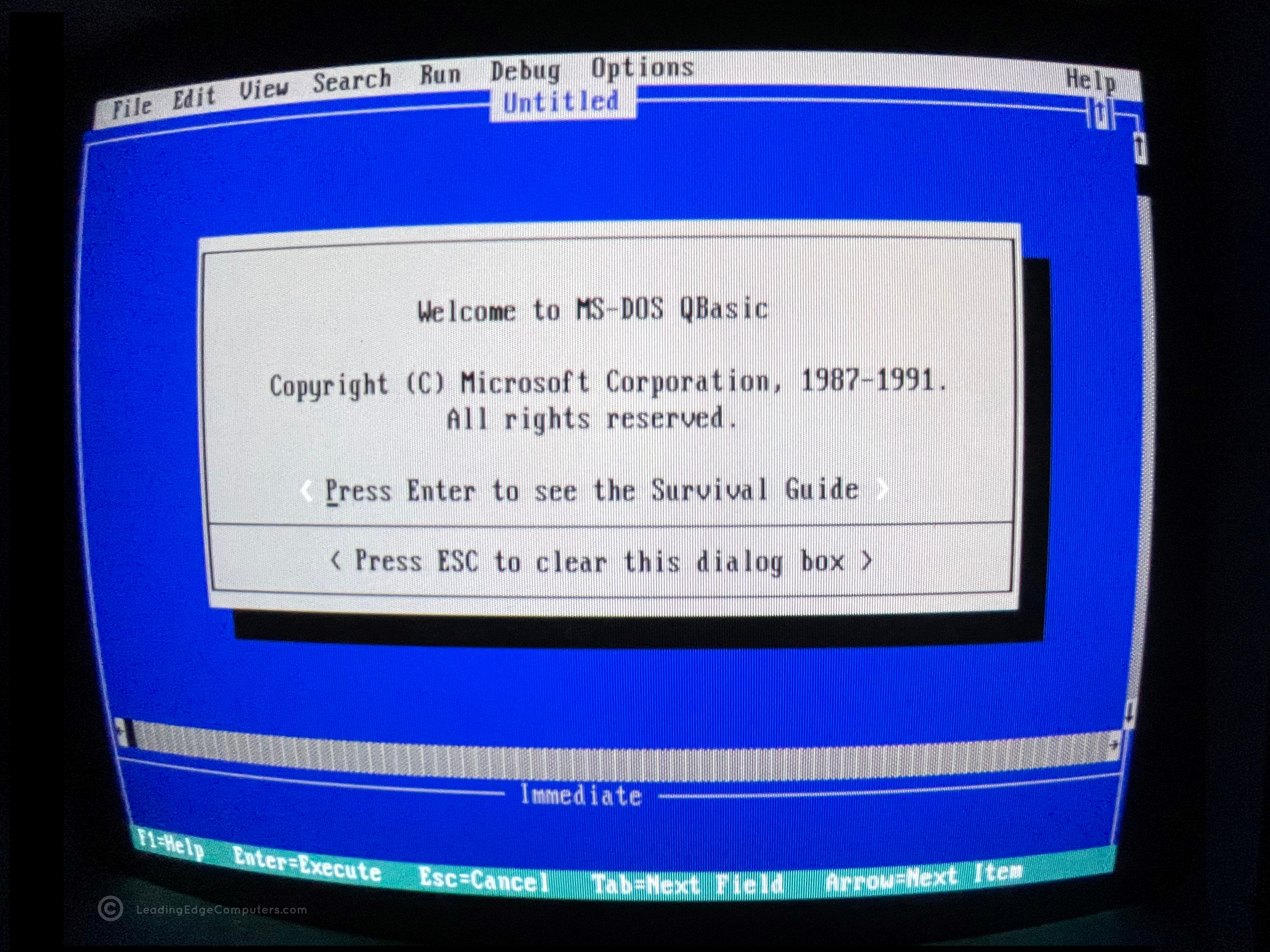
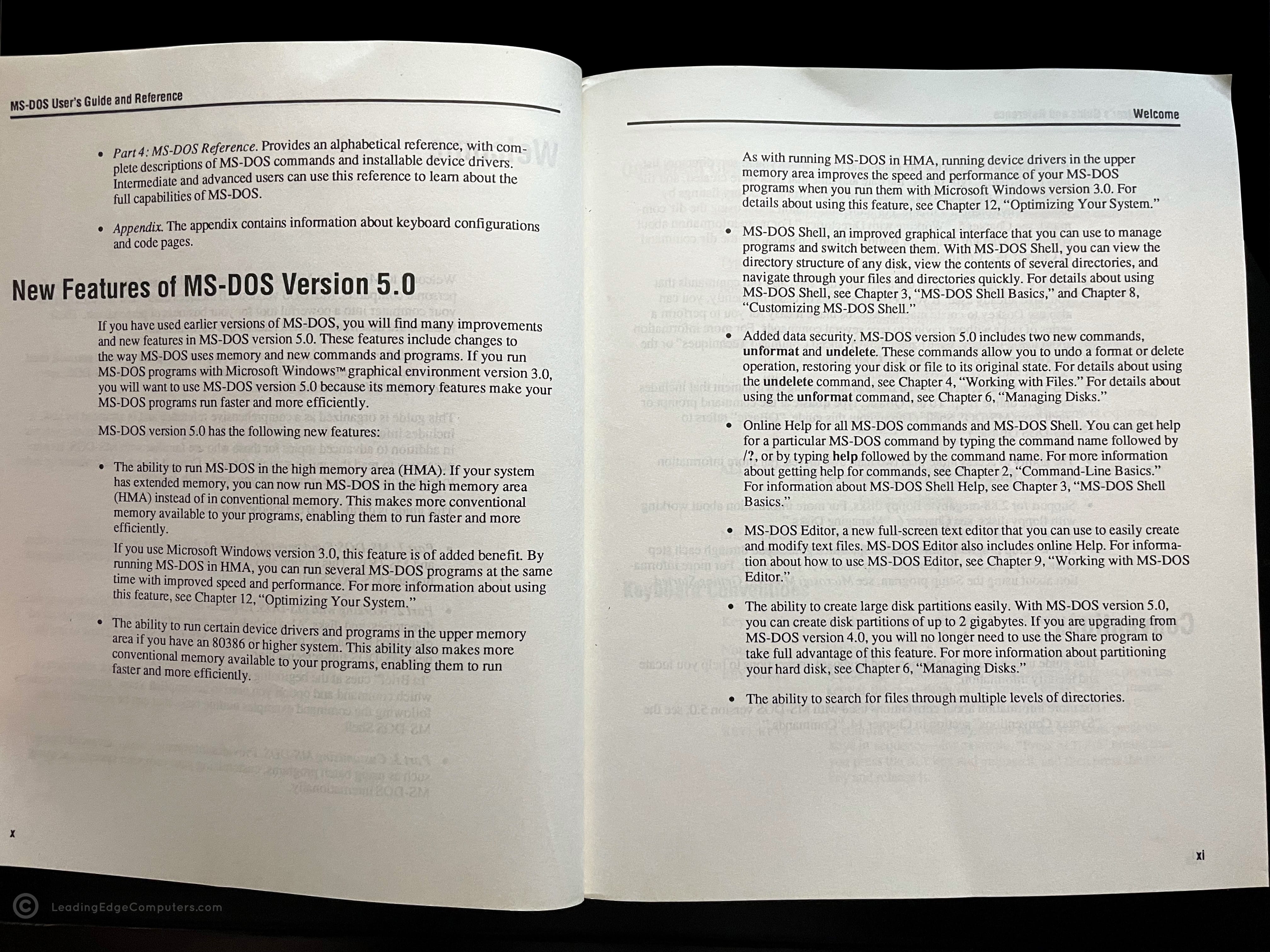
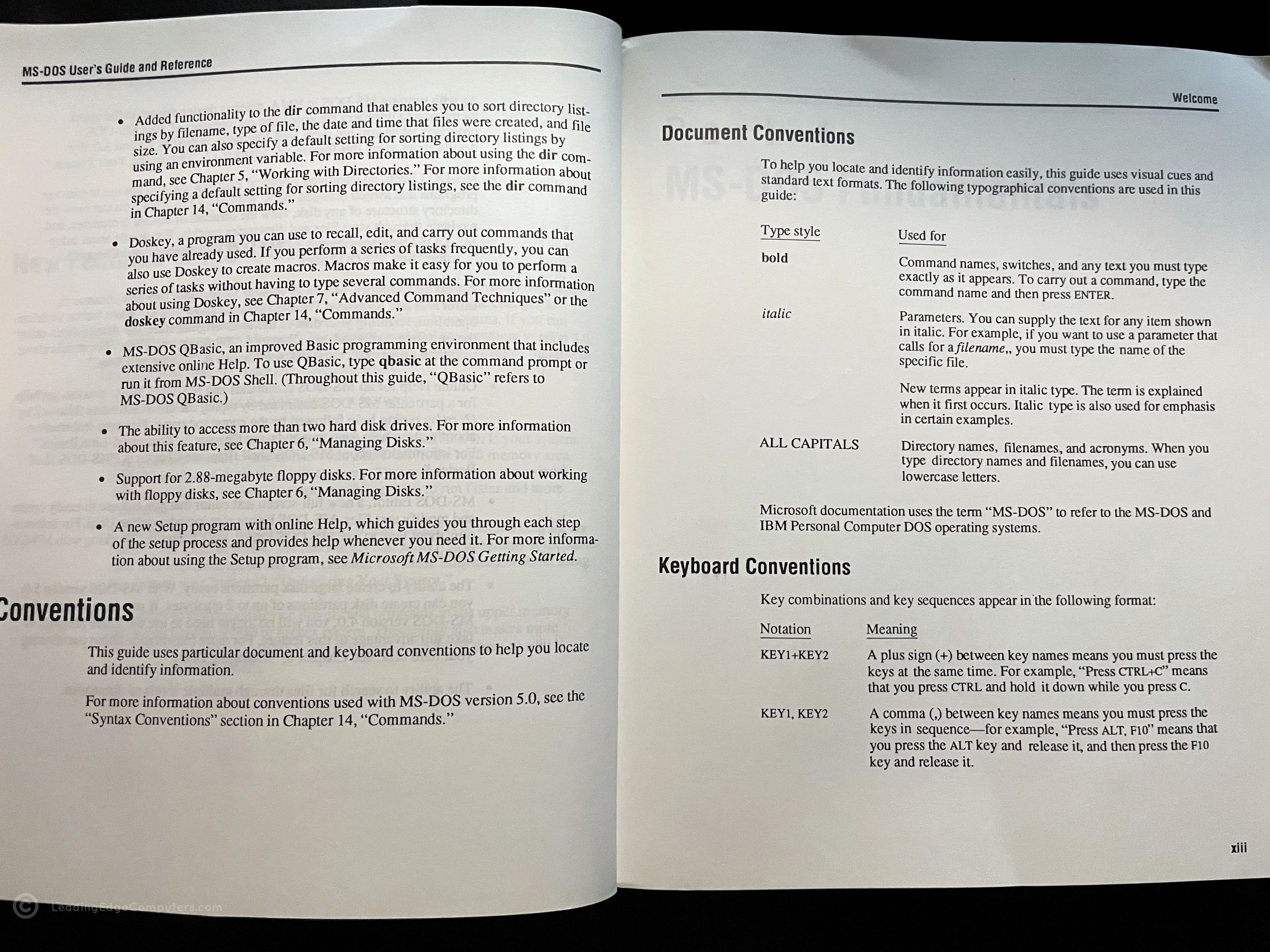
    ms dos 5.0 ms dos 5.0 ms dos 5.0 ms dos 5.0 ms dos 5.0 ms dos 5.0 ms dos 5.0 ms dos 5.0 ms dos 5.0 ms dos 5.0 ms dos 5.0 ms dos 5.0

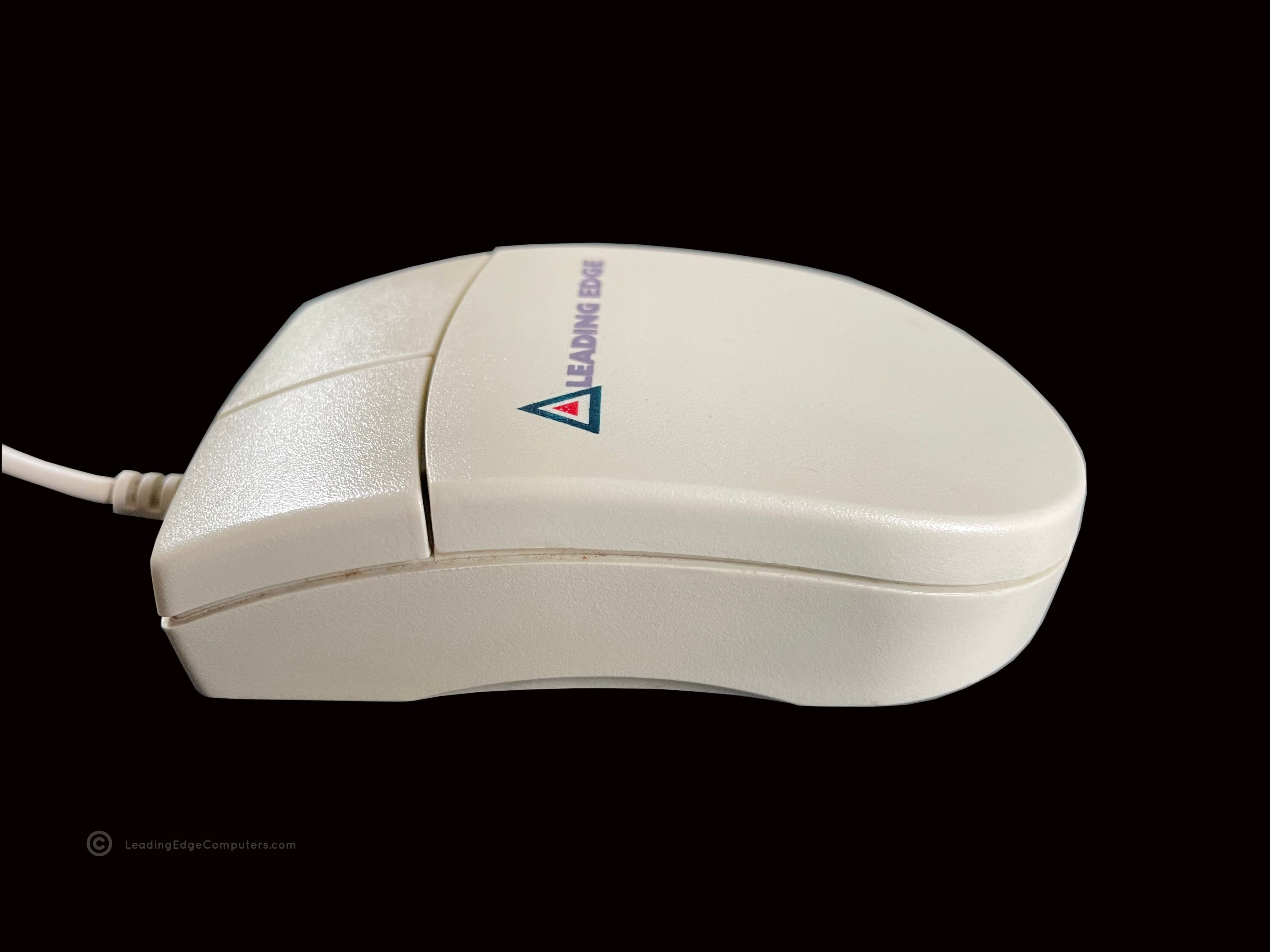
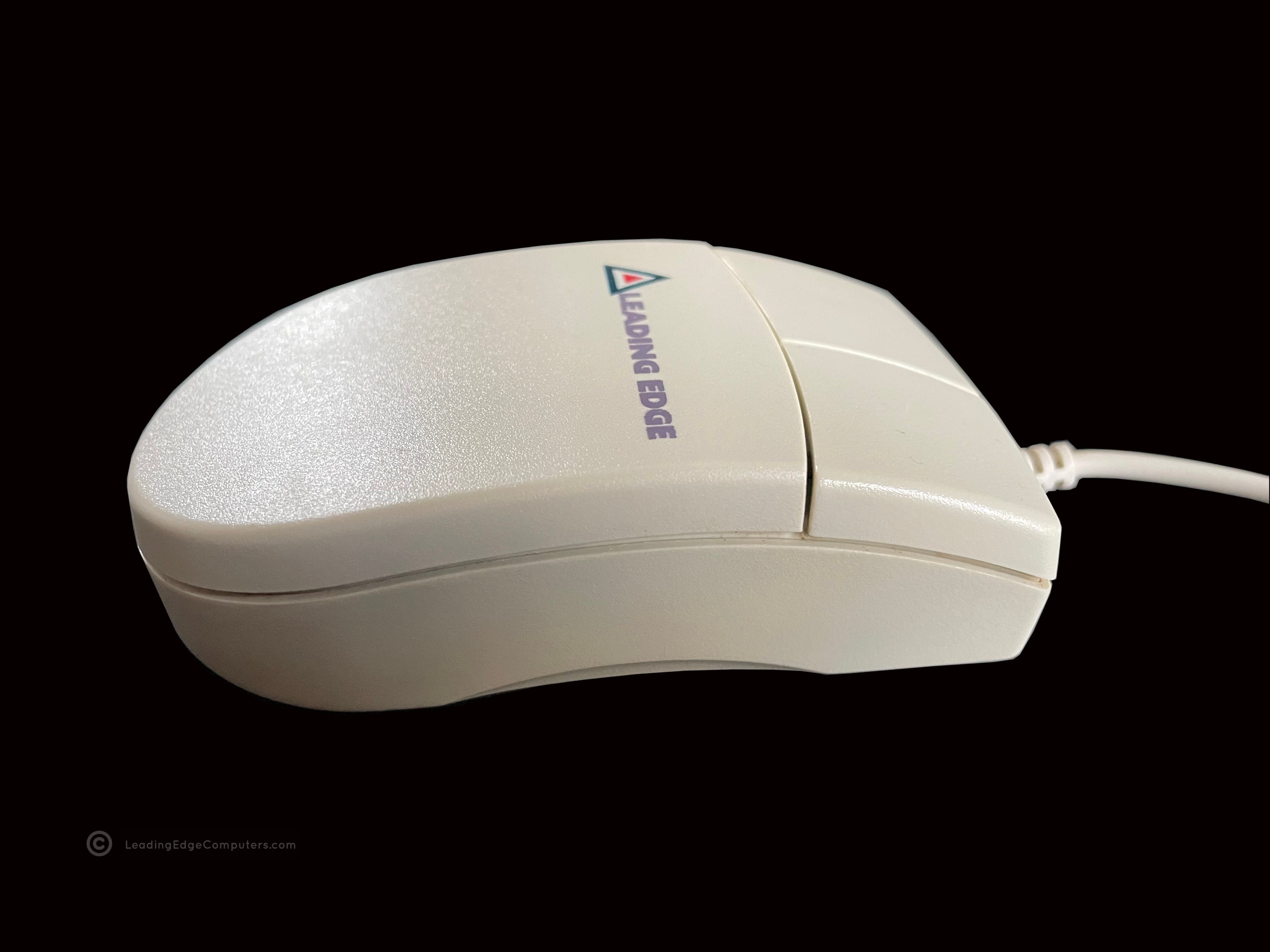
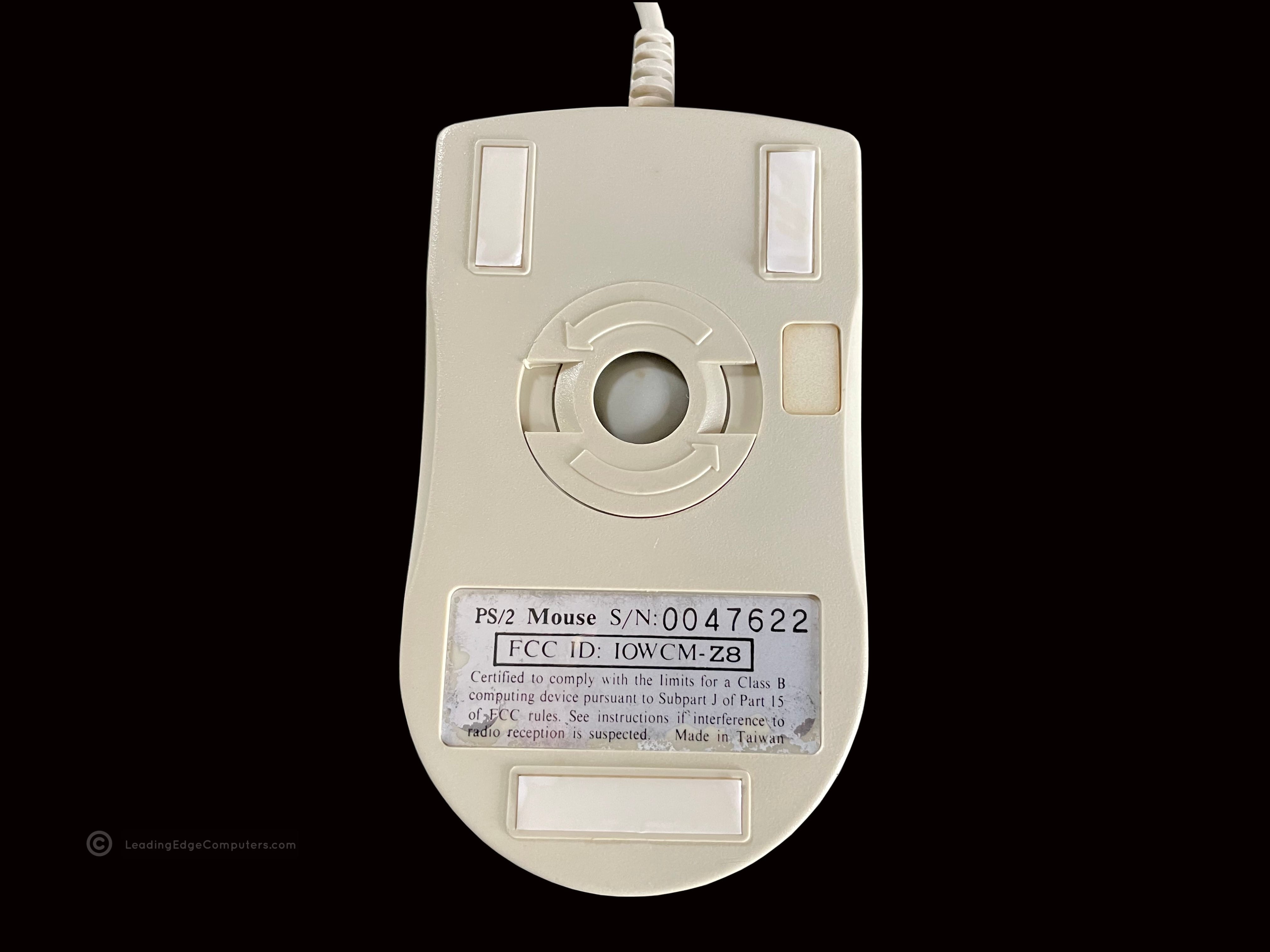
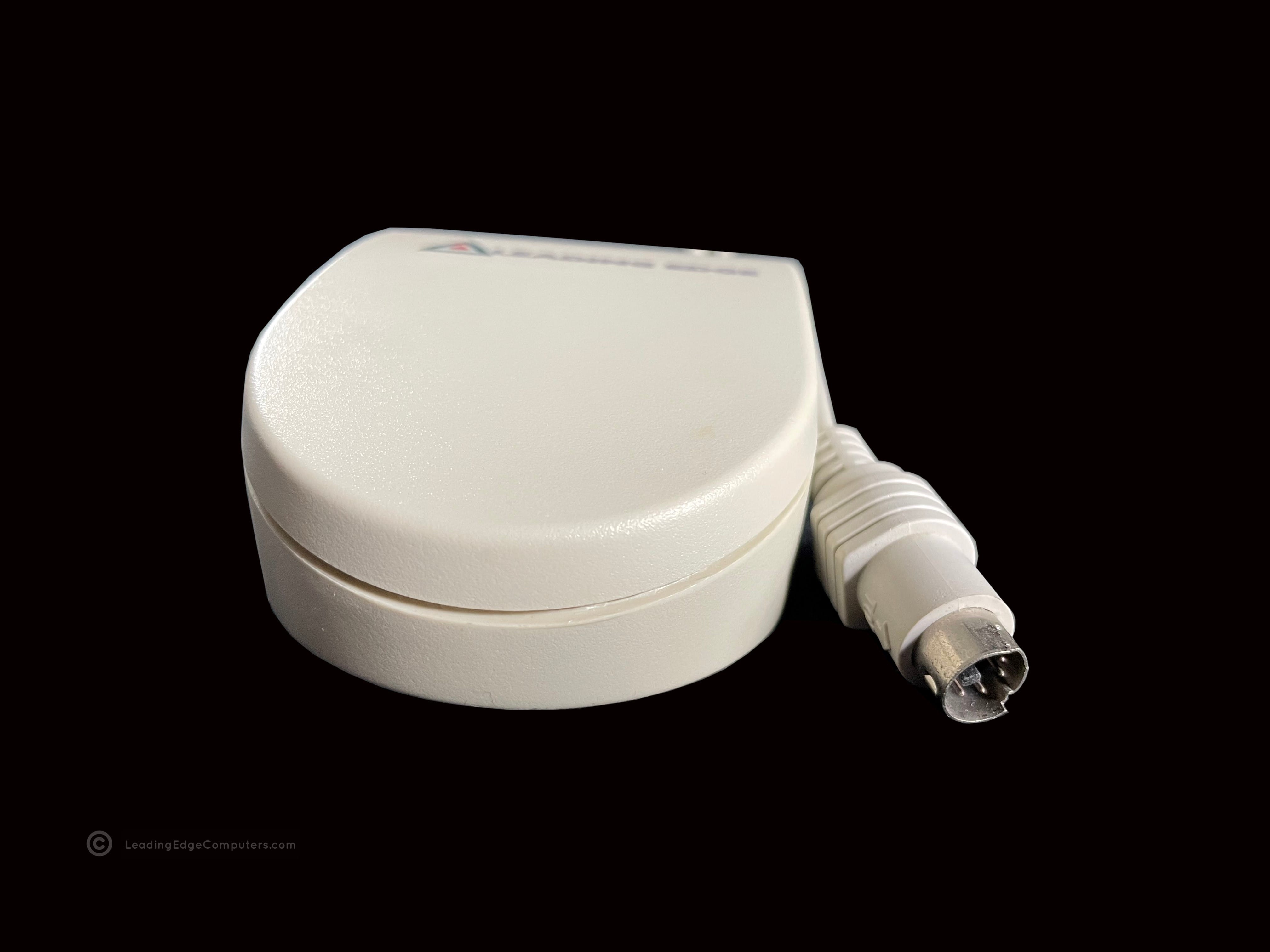
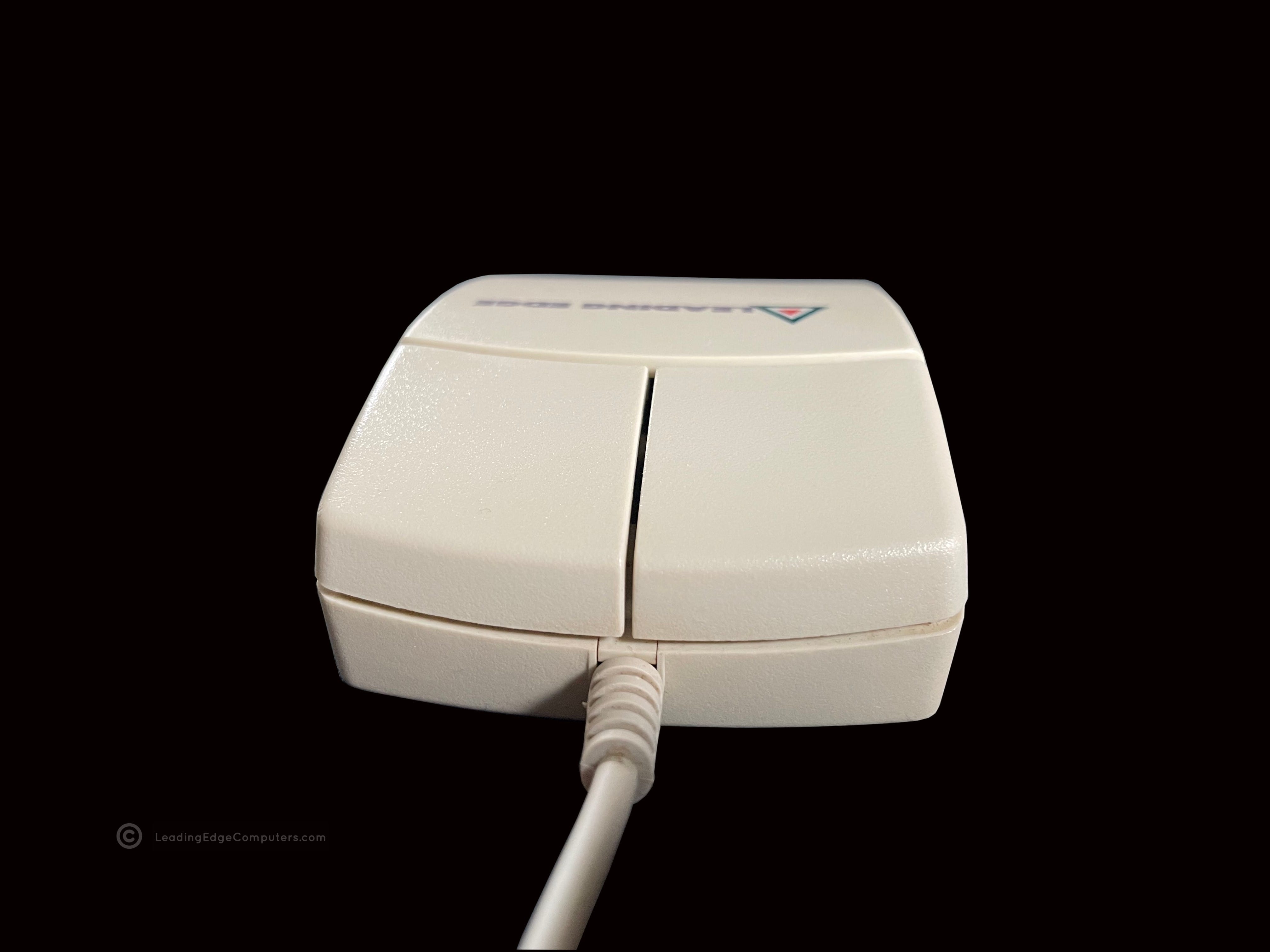
     PS/2 Mouse

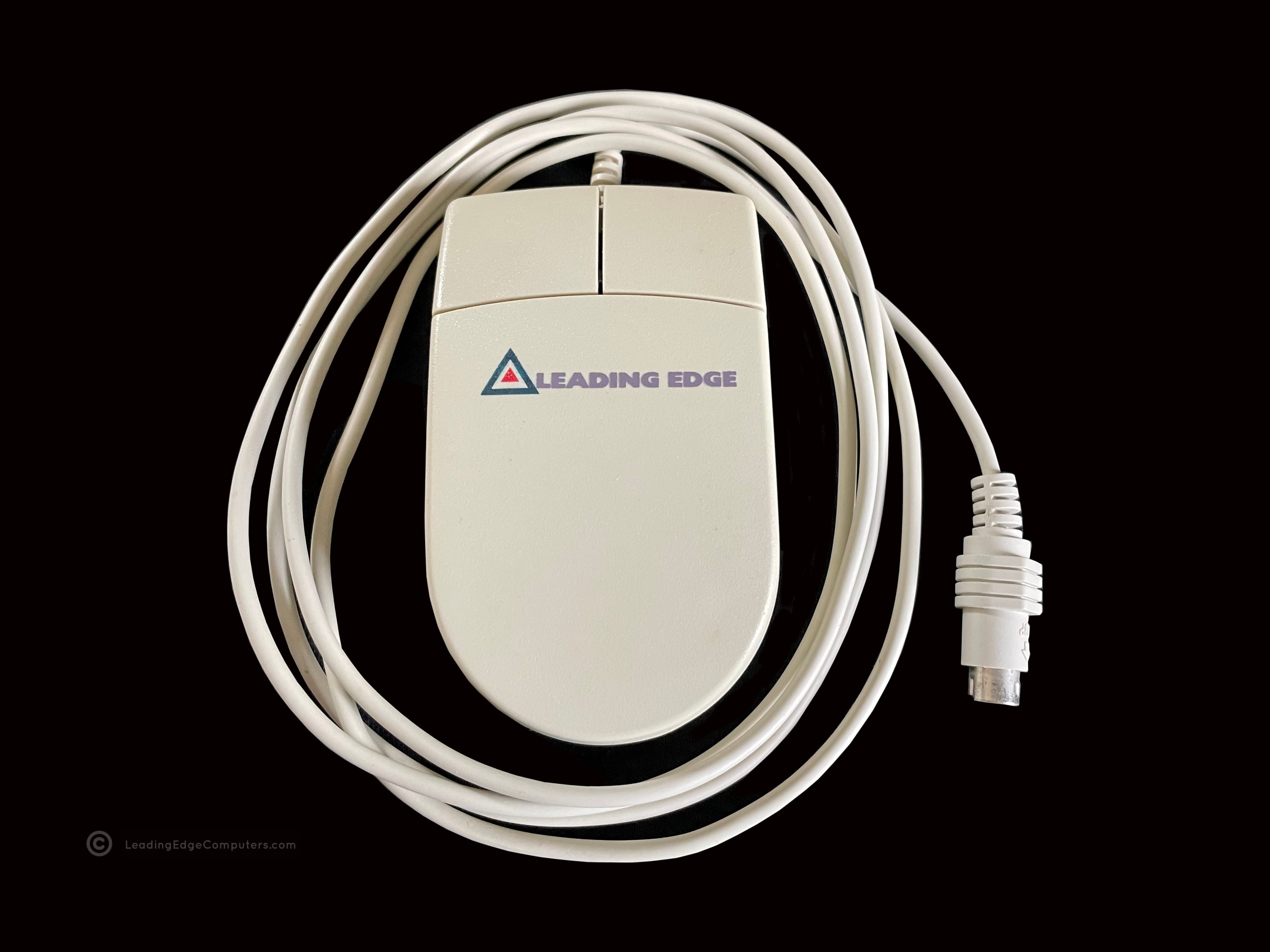
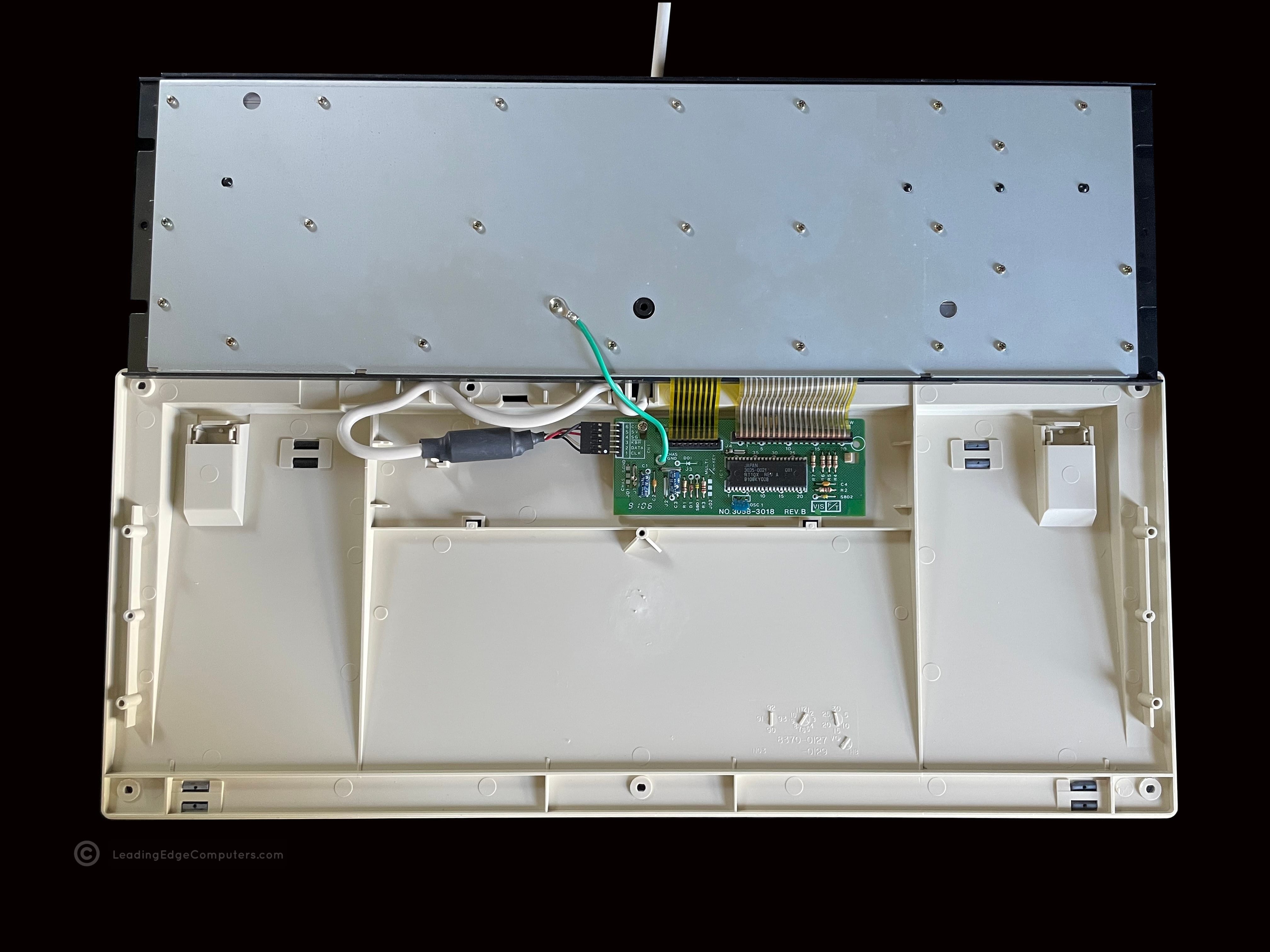
    PS2 mouse PS2 mouse PS2 mouse PS2 mouse PS2 mouse PS2 mouse

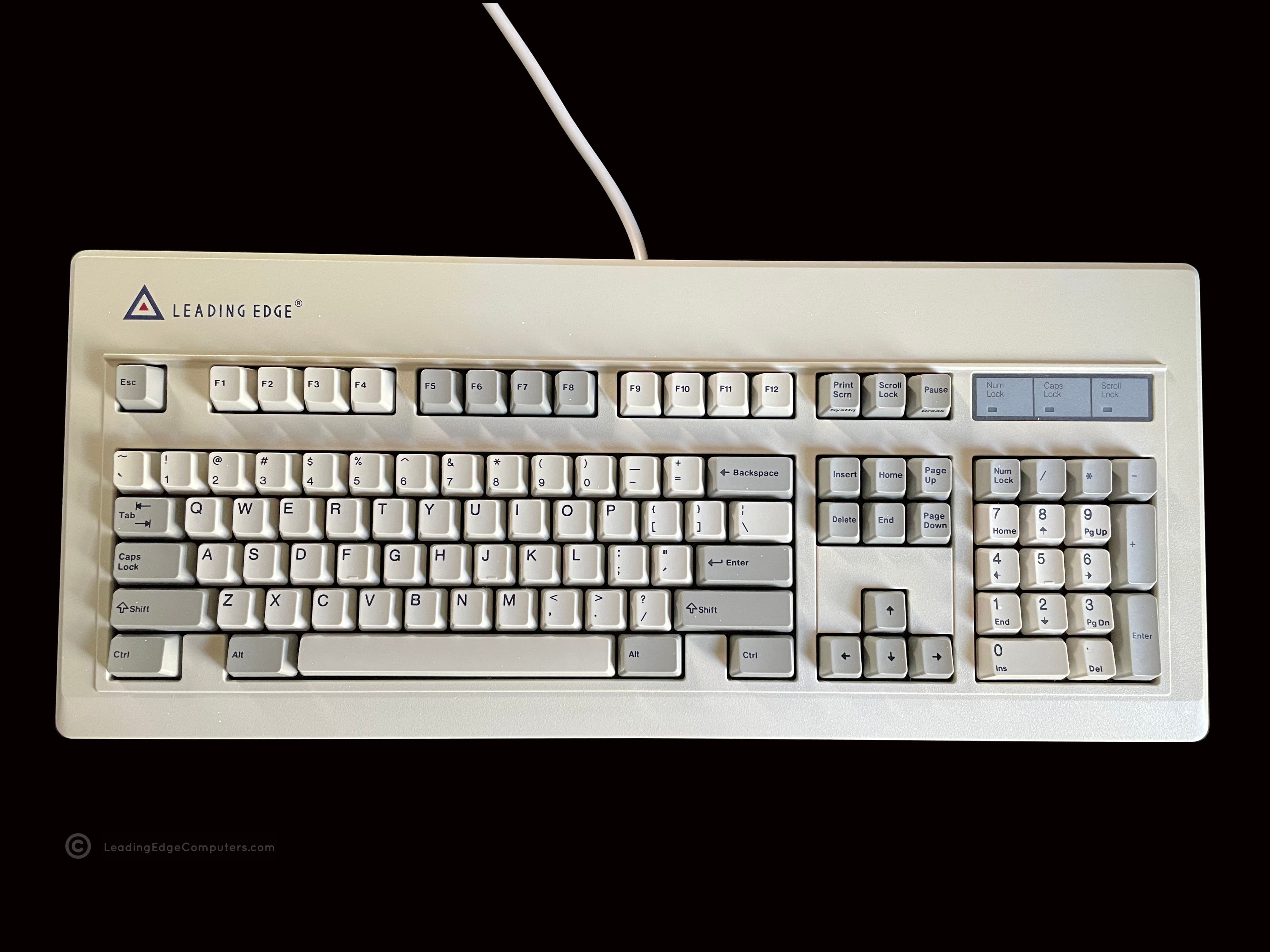
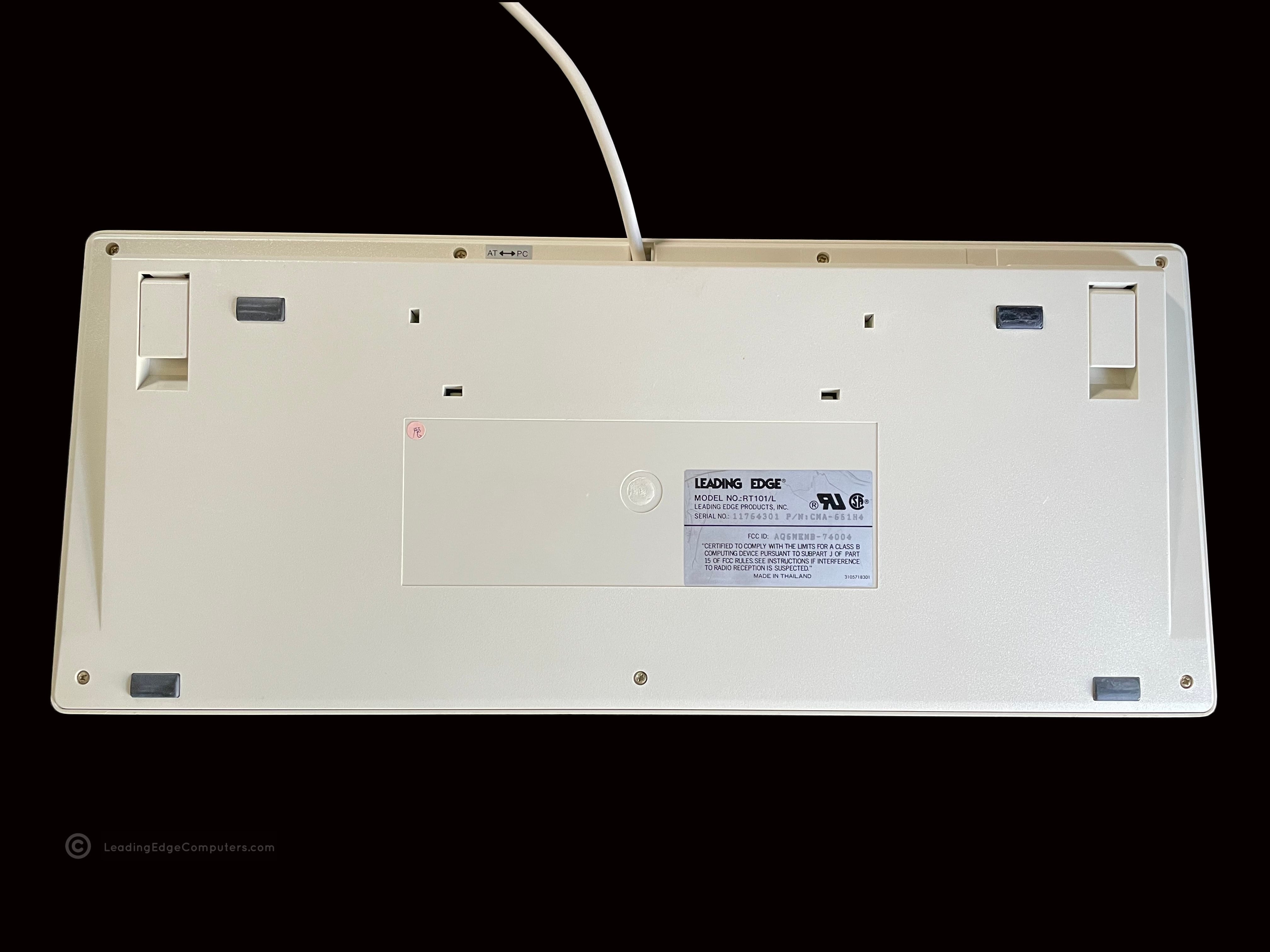
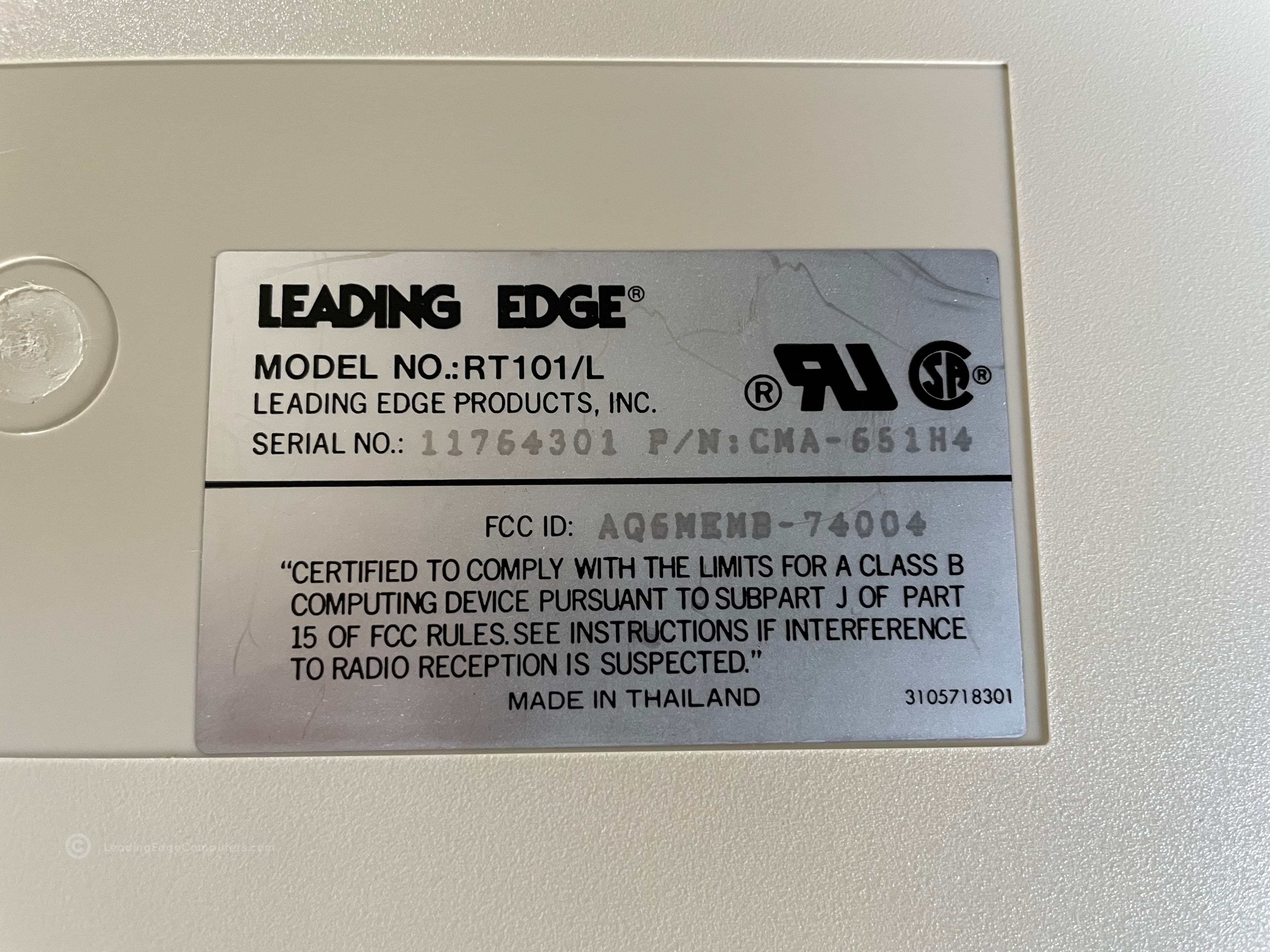
     RT101/L Keyboard

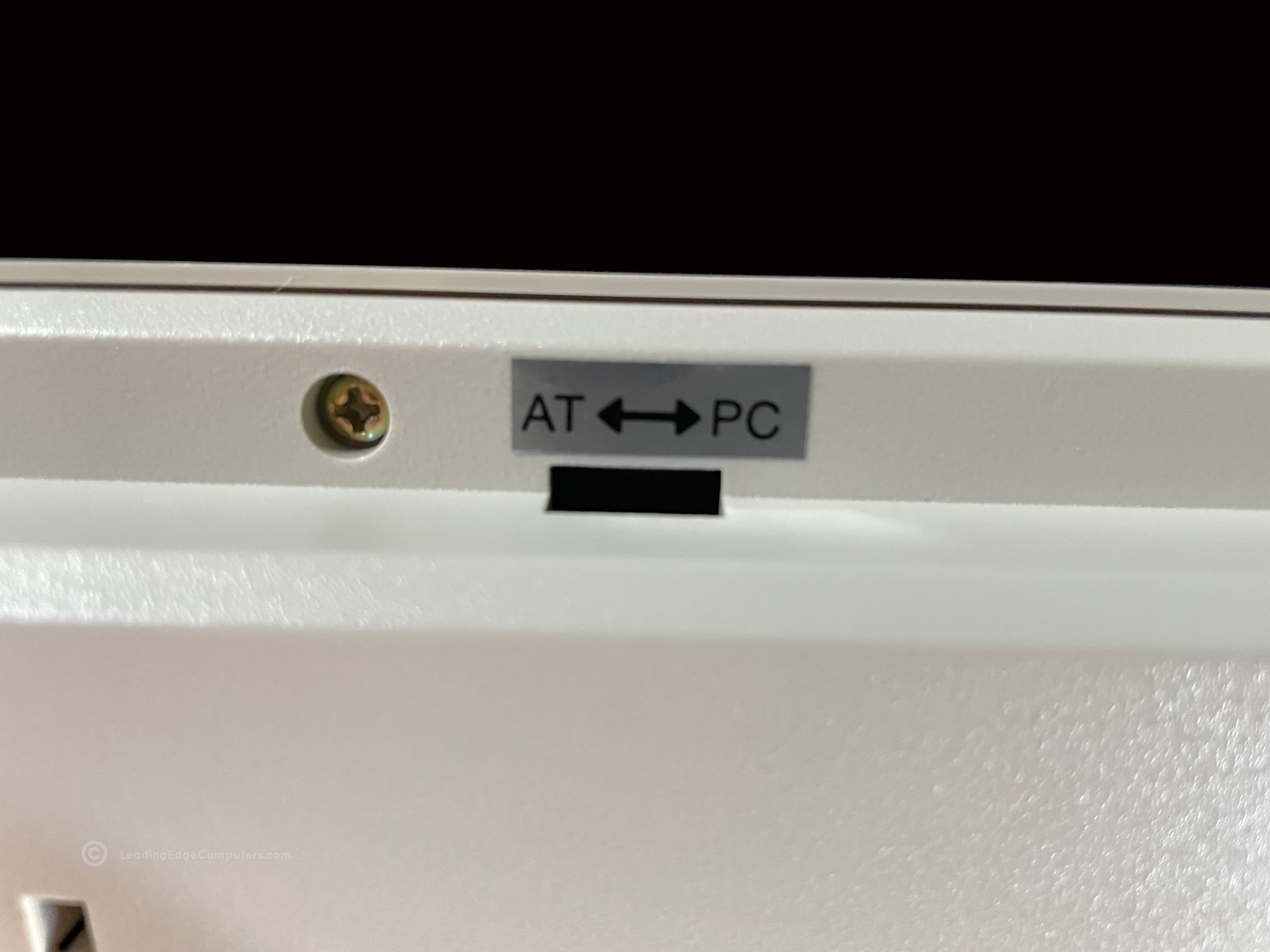
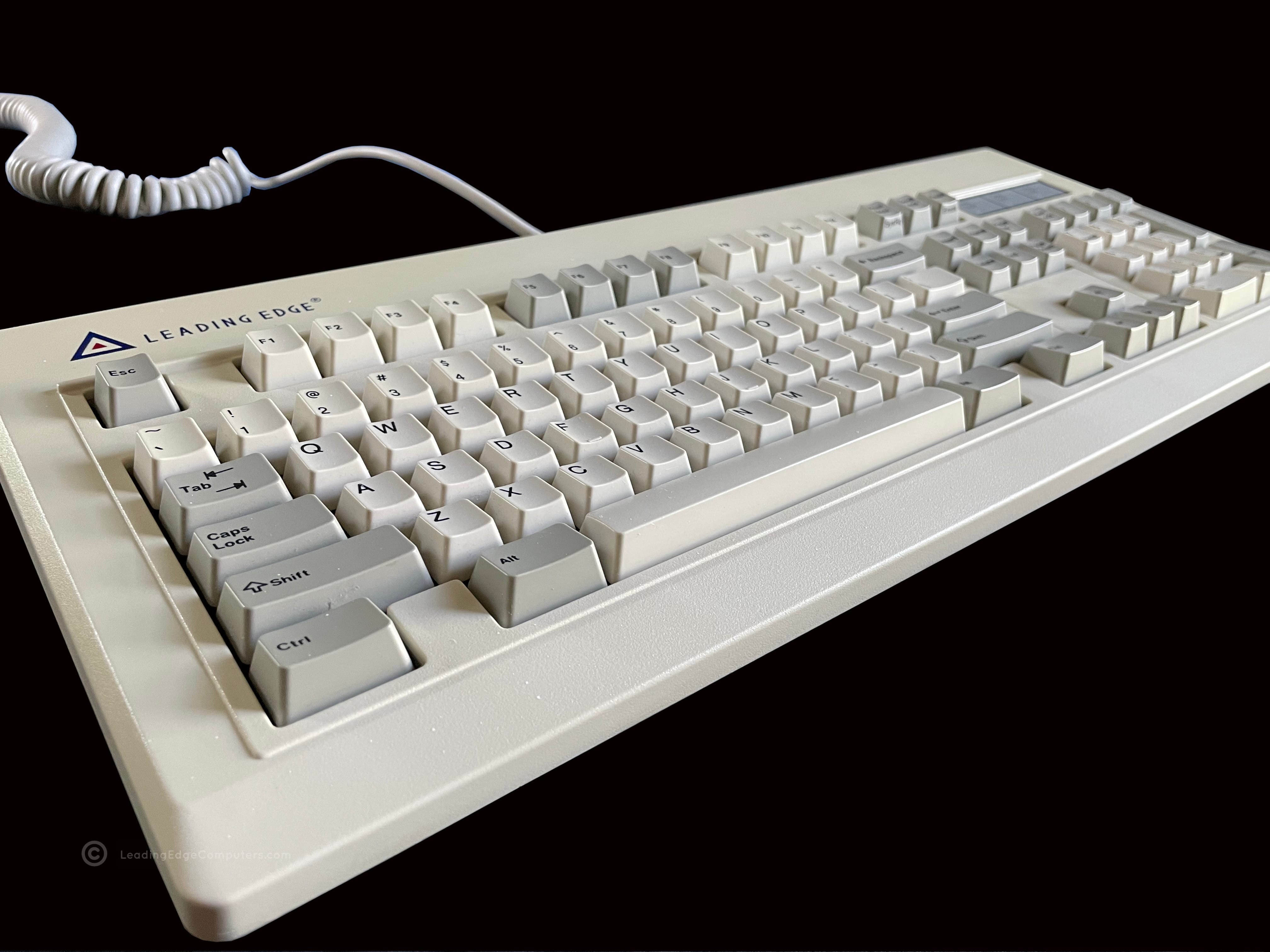
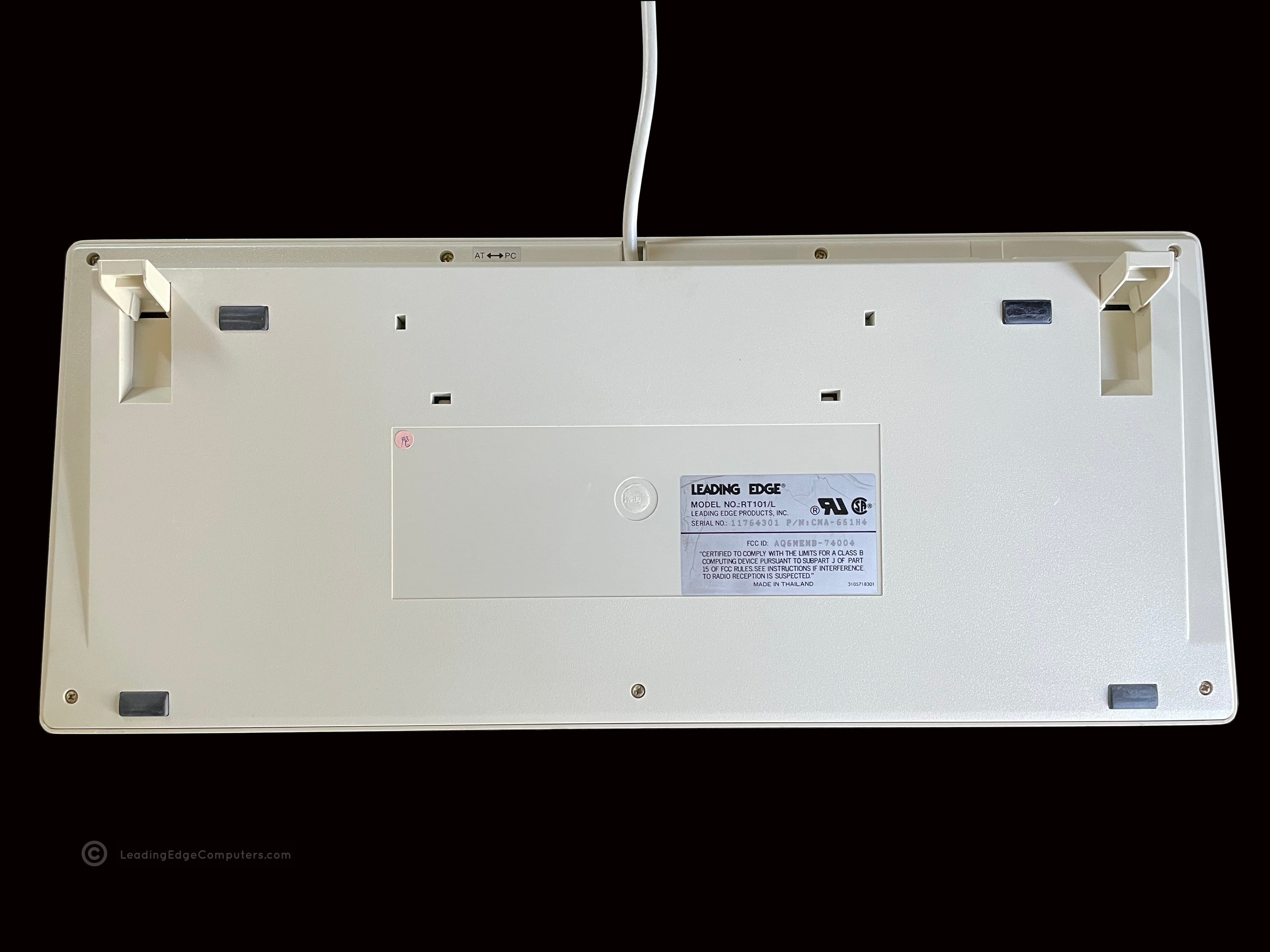
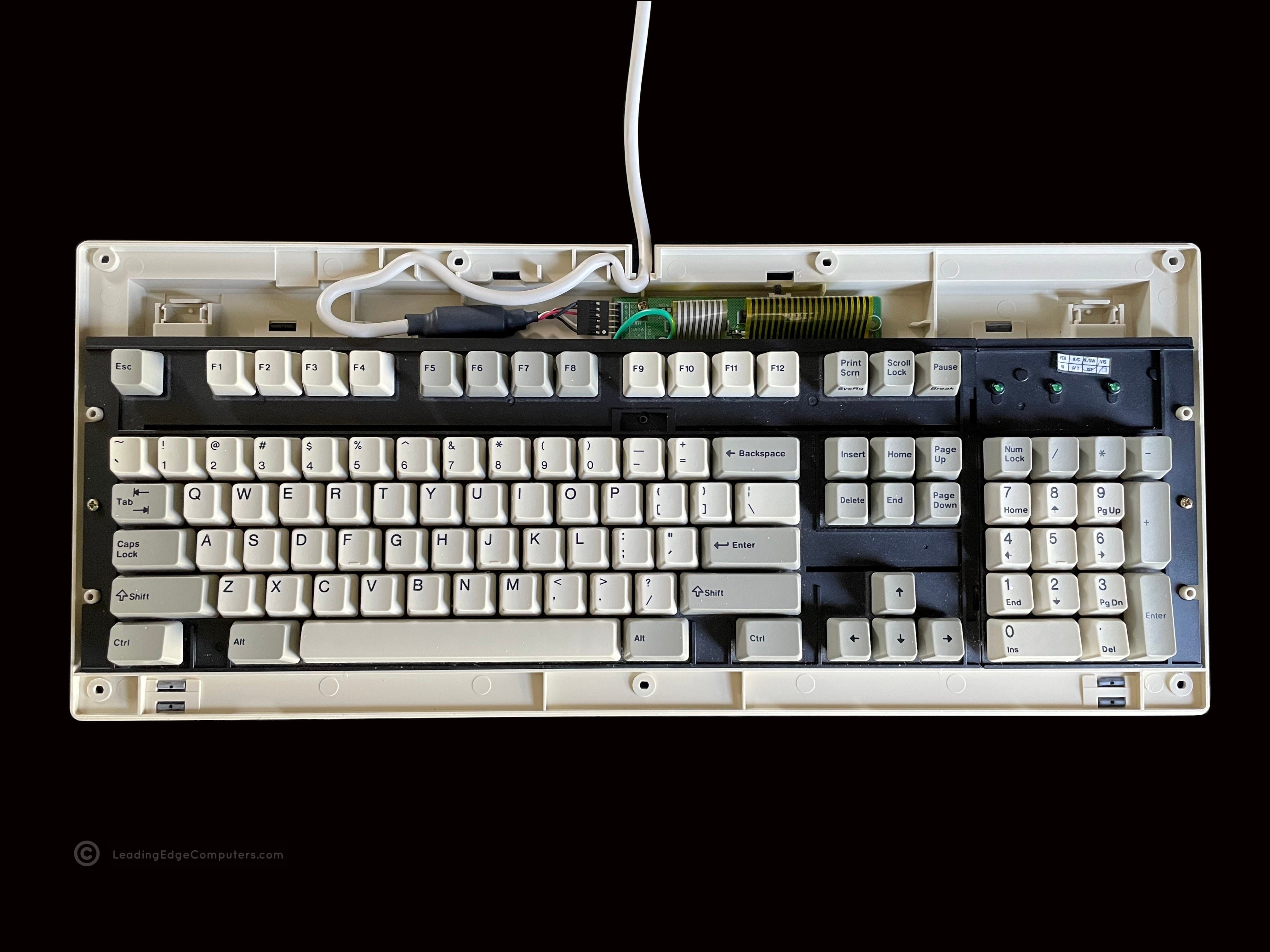
    RT101/L Keyboard RT101/L Keyboard RT101/L Keyboard RT101/L Keyboard RT101/L Keyboard RT101/L Keyboard RT101/L Keyboard RT101/L Keyboard RT101/L Keyboard RT101/L Keyboard RT101/L Keyboard RT101/L Keyboard

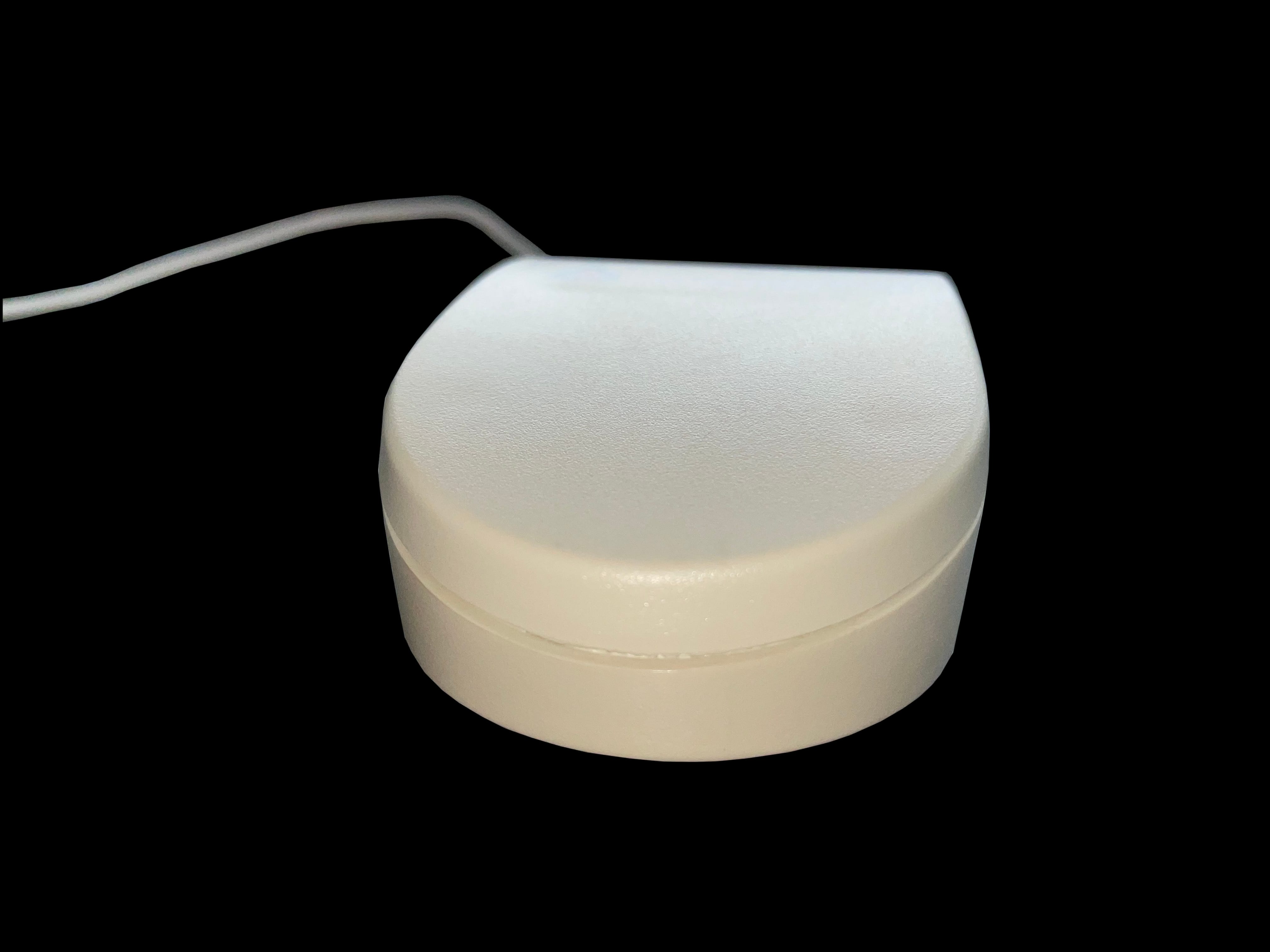
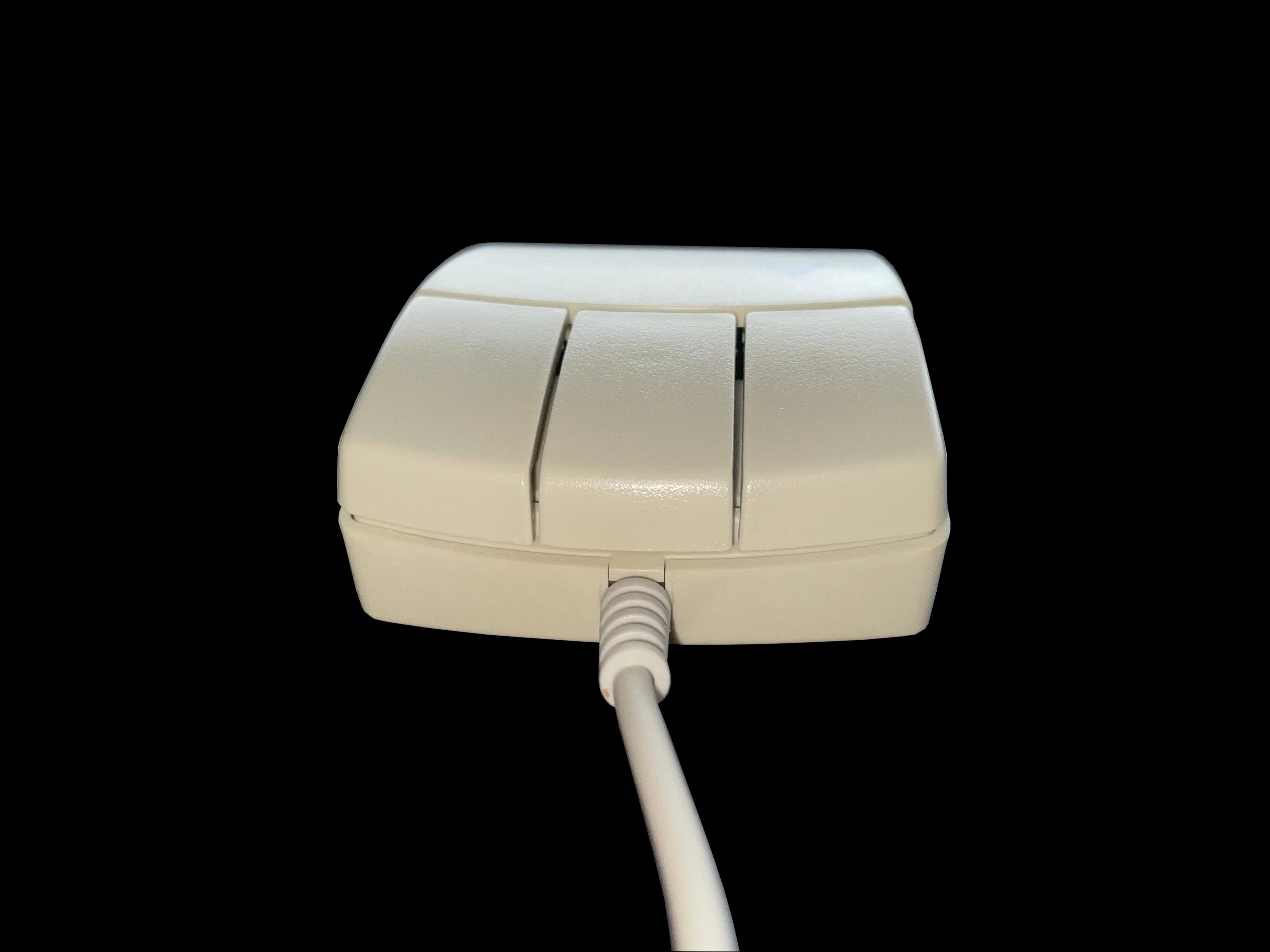
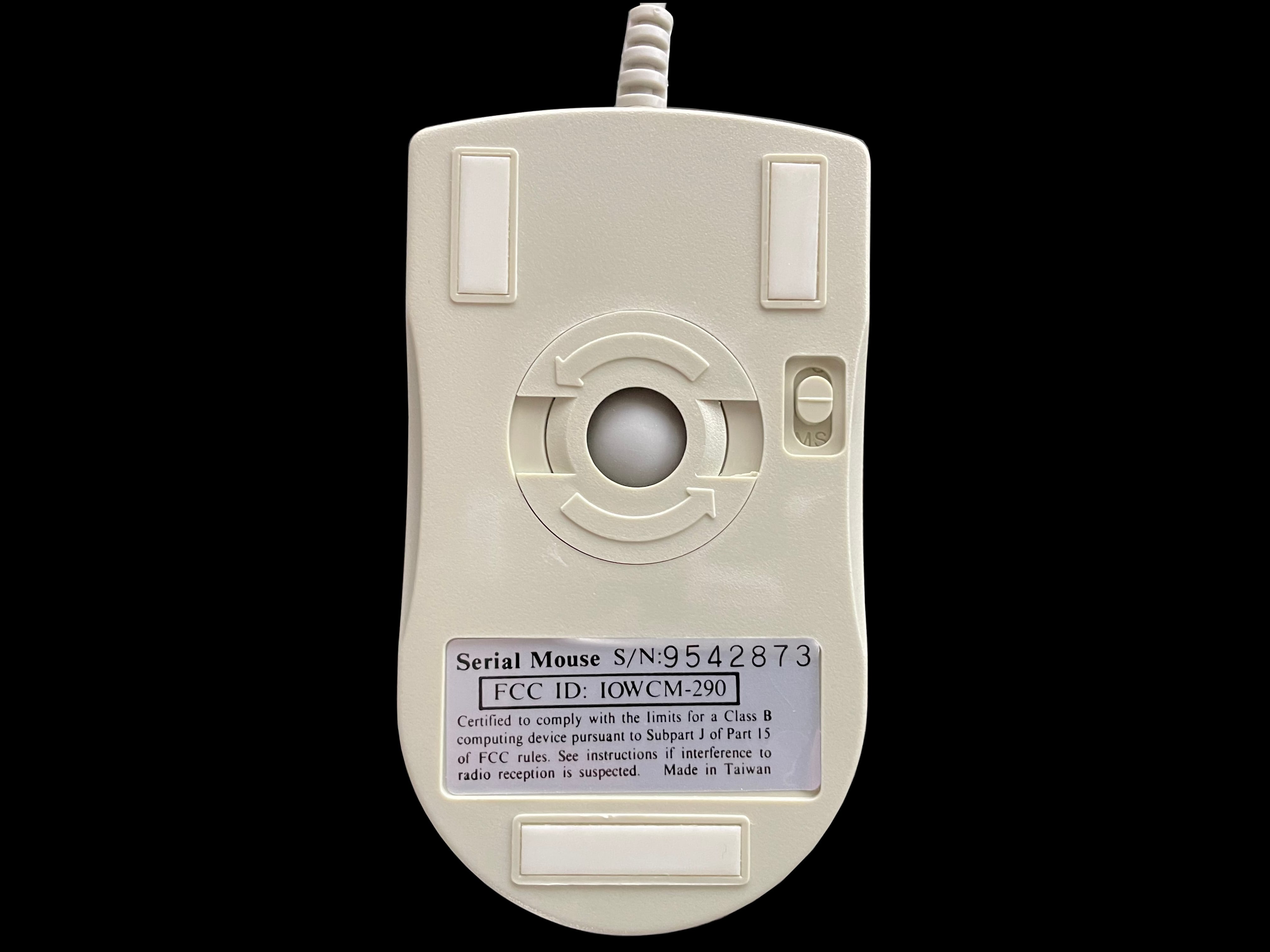
     Serial Mouse

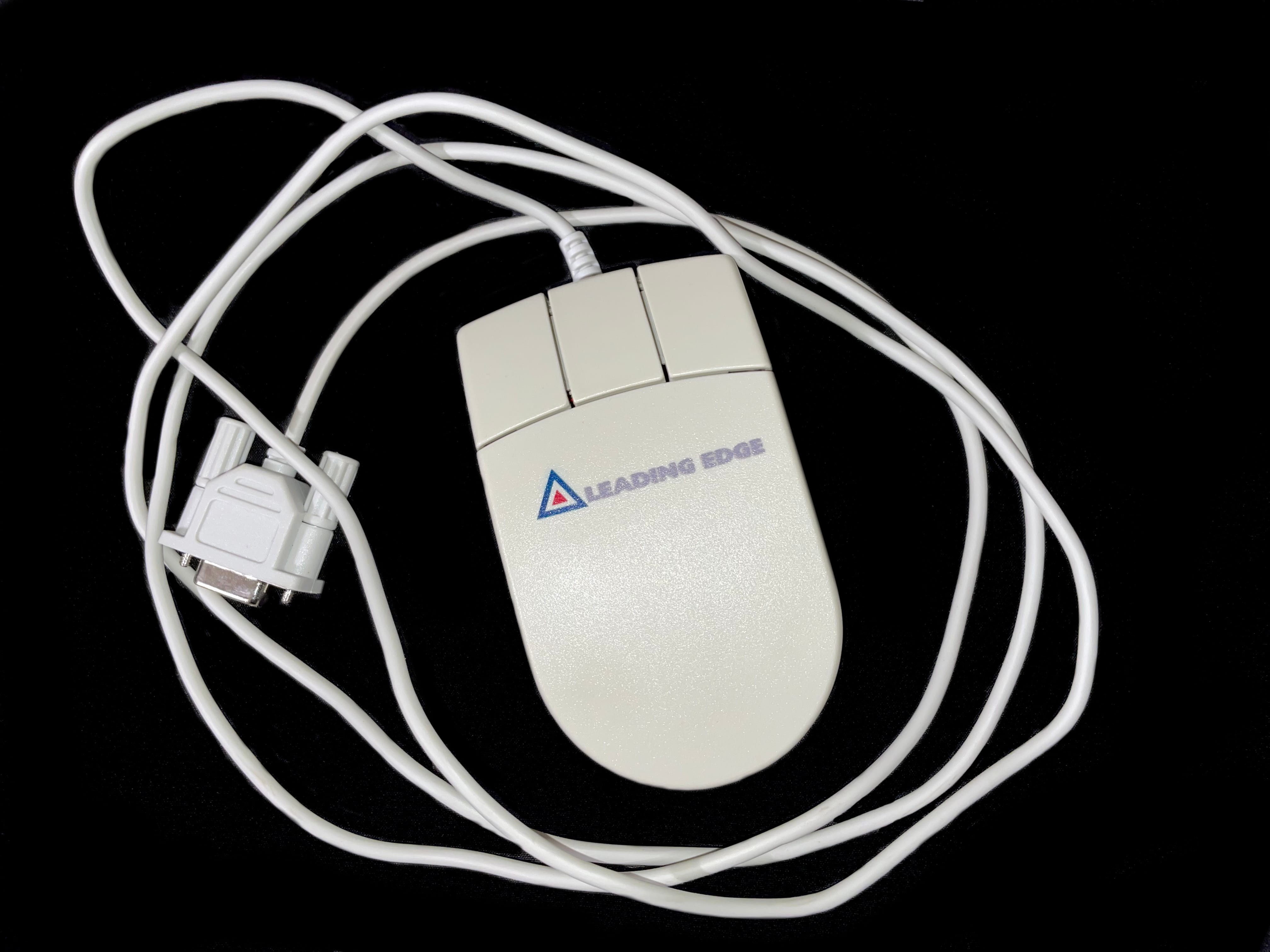
    serial mouse serial mouse serial mouse serial mouse serial mouse serial mouse

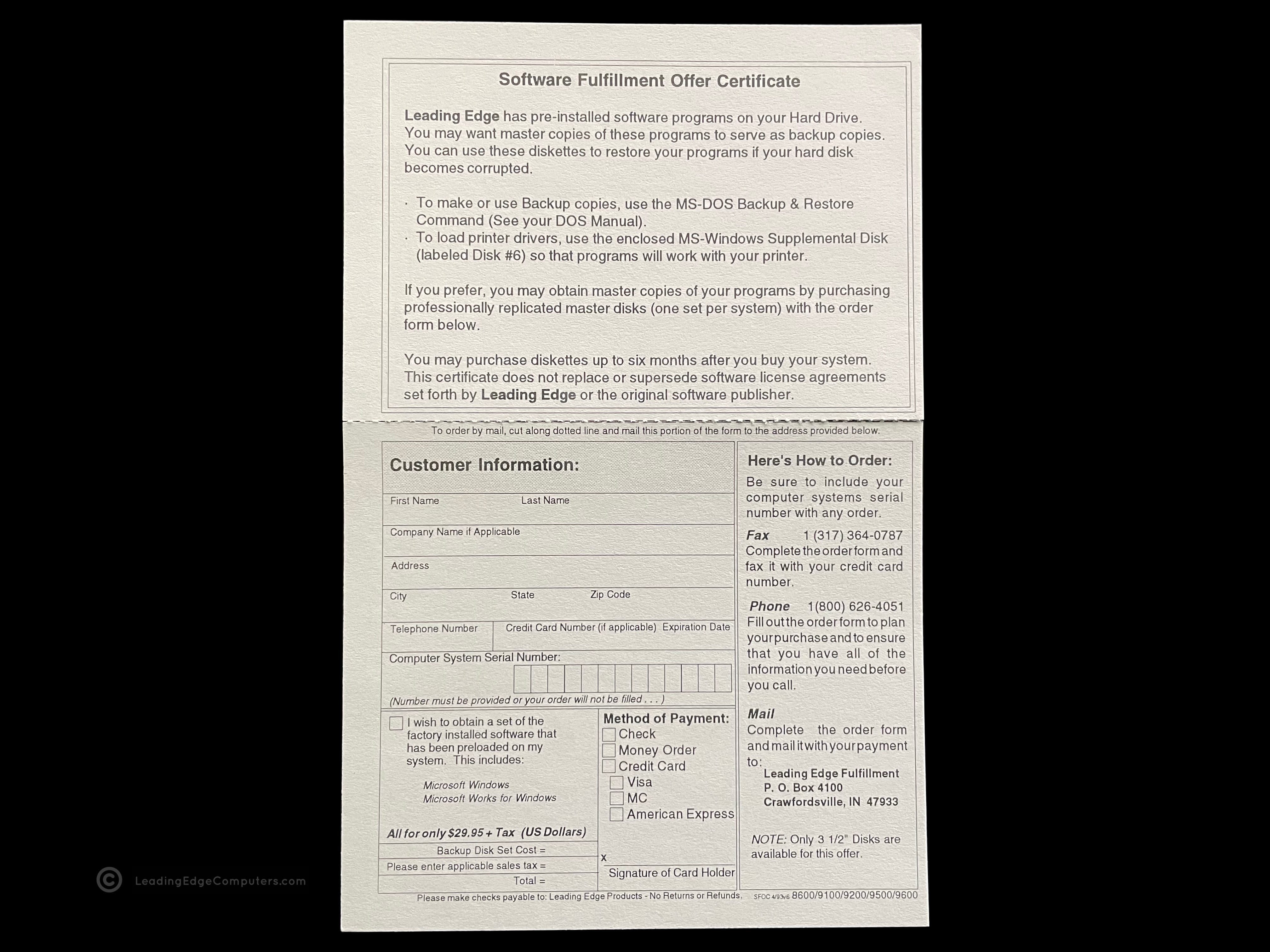
     Software Fullfilment Offer Certificate…

    software fullfilment offer certificate software fullfilment offer certificate

     VGA Monitors Manual

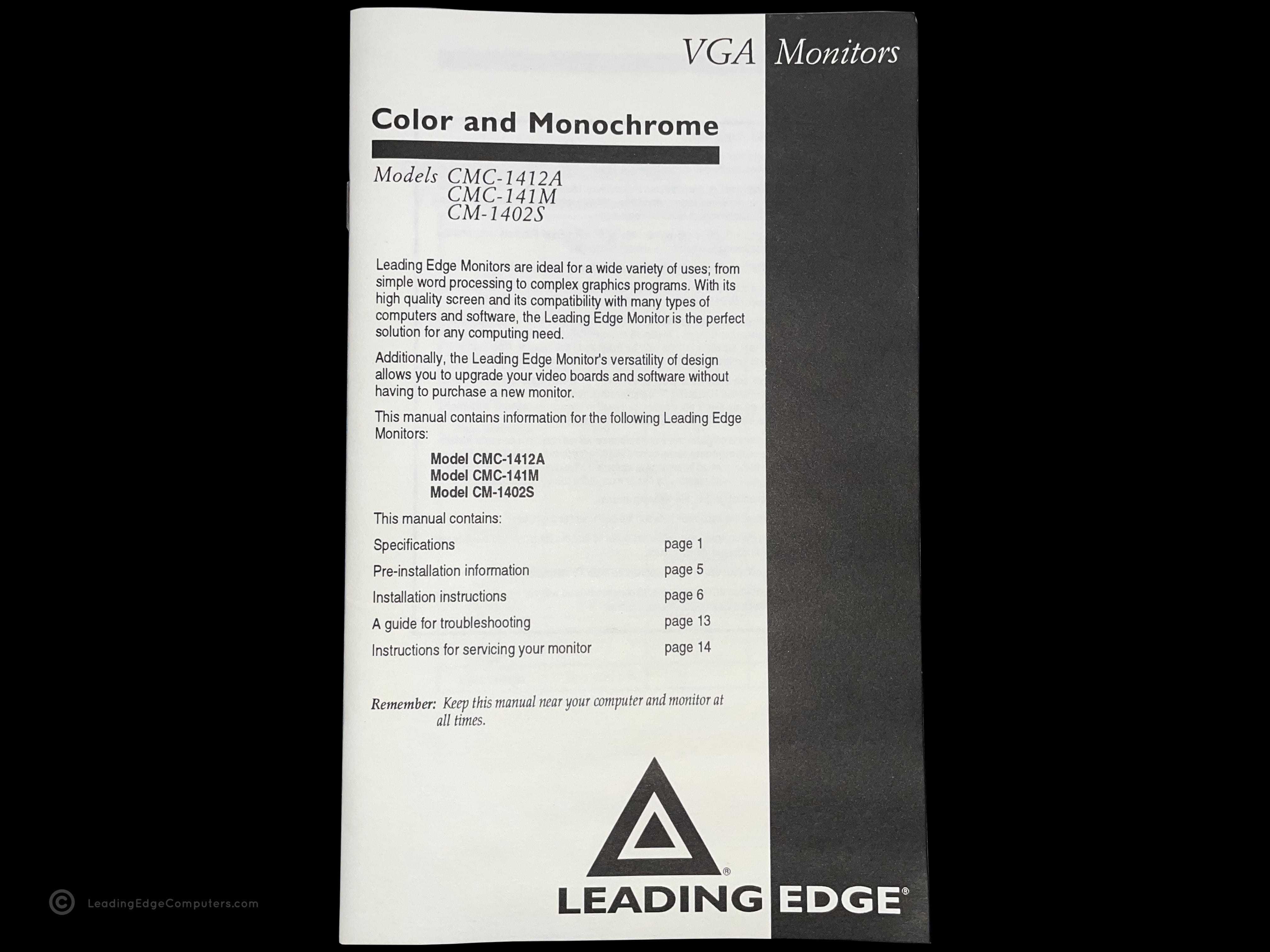
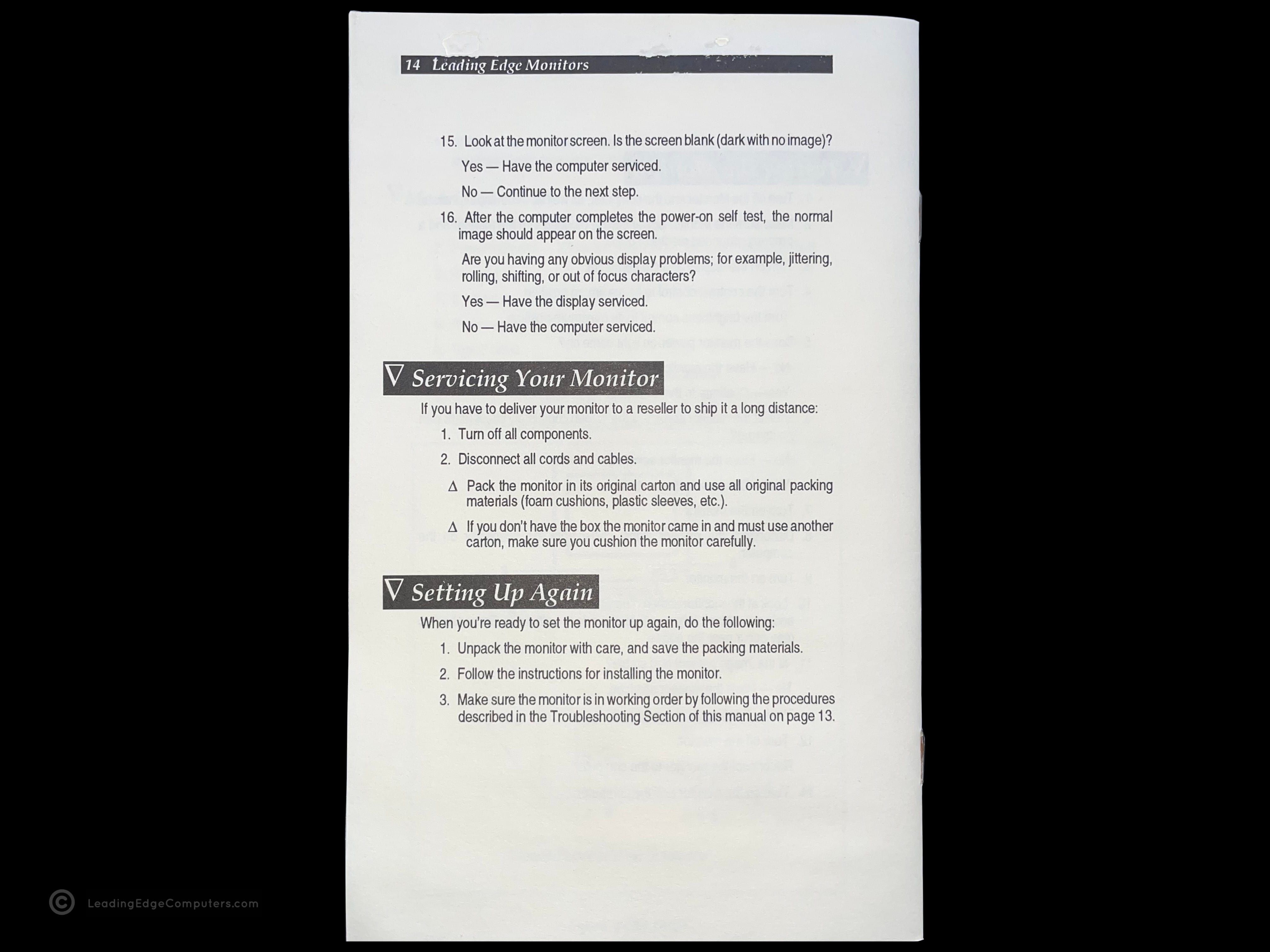
    vga monitors manual vga monitors manual vga monitors manual

     Viruscan

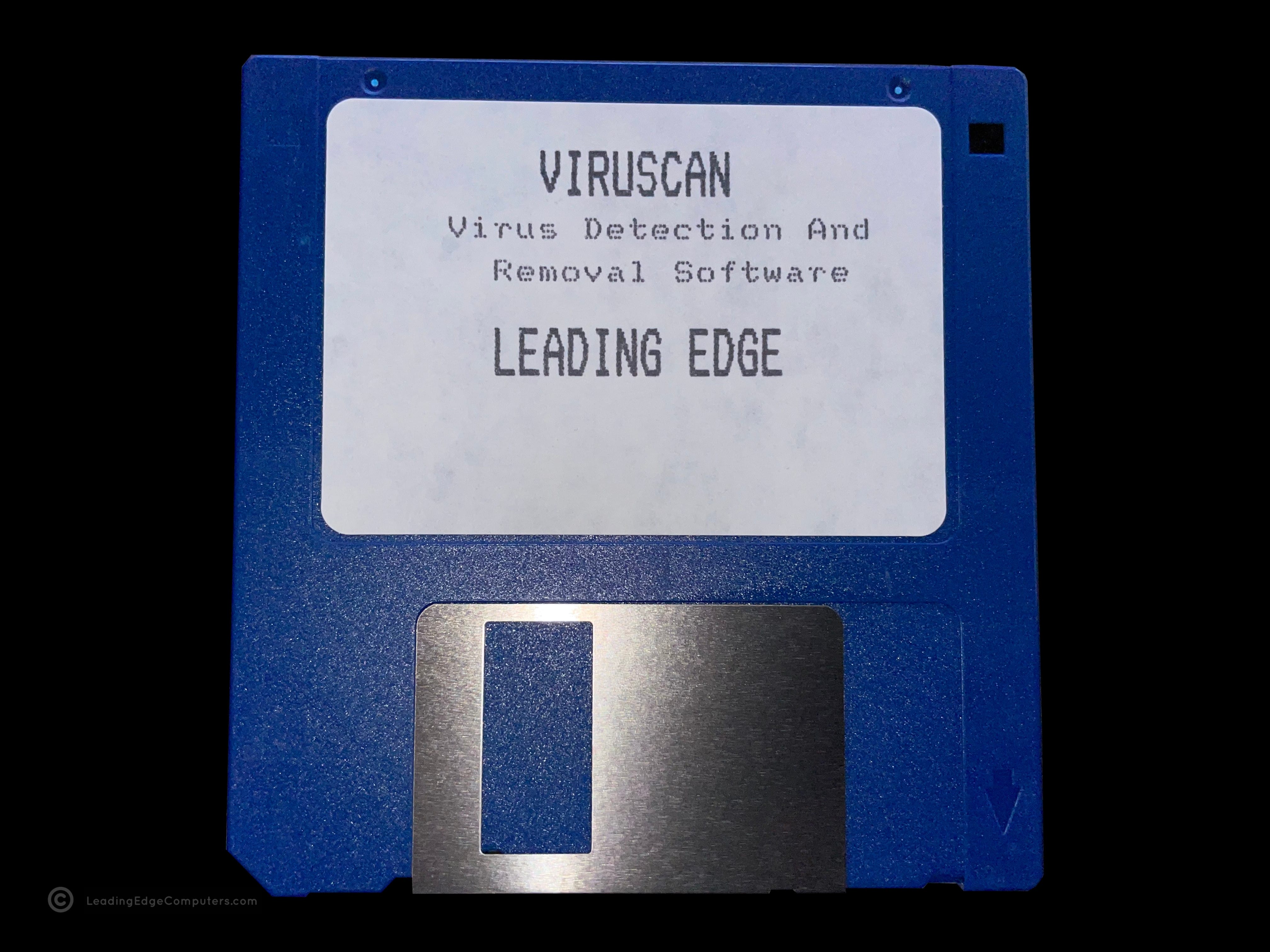
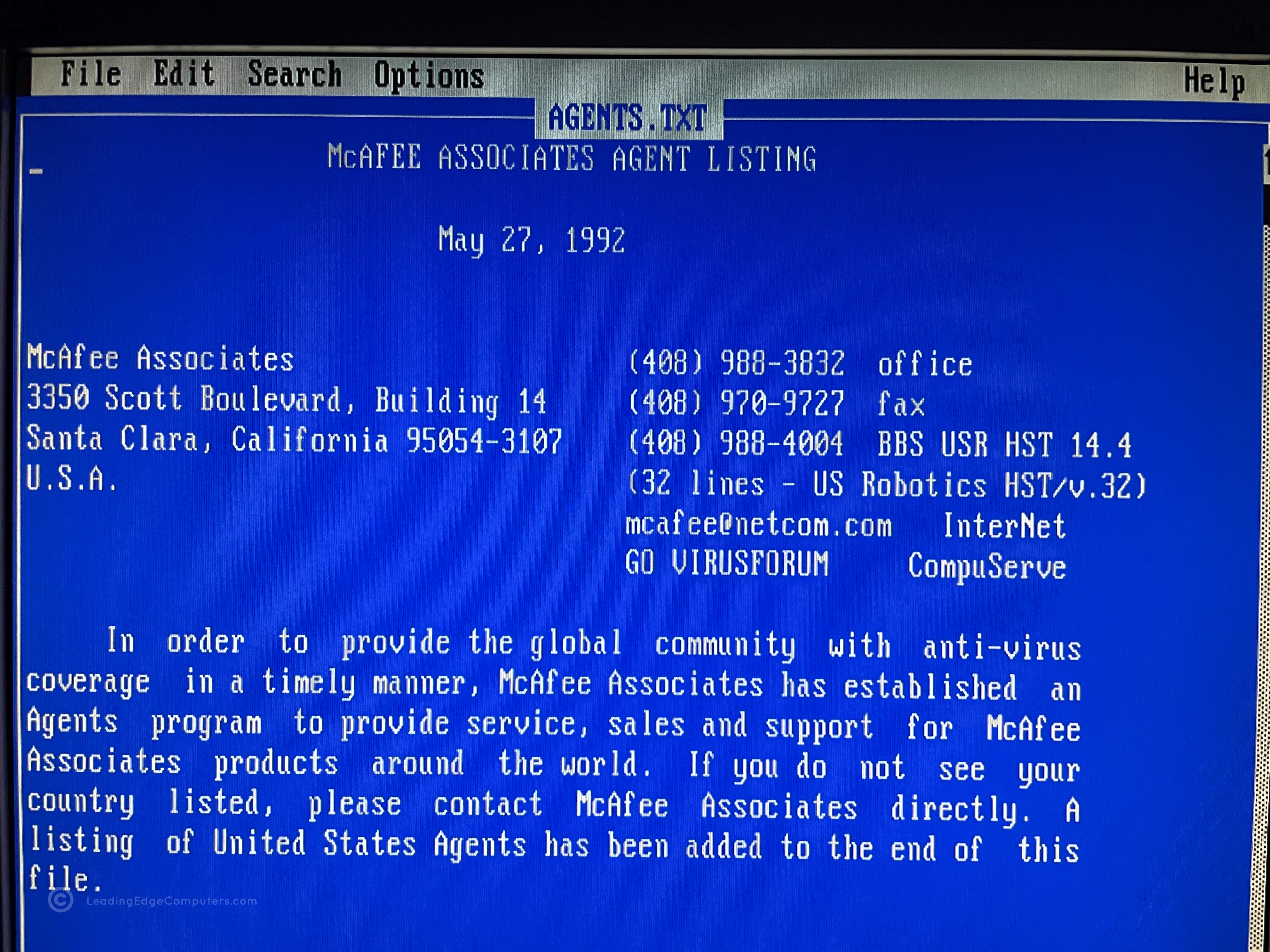
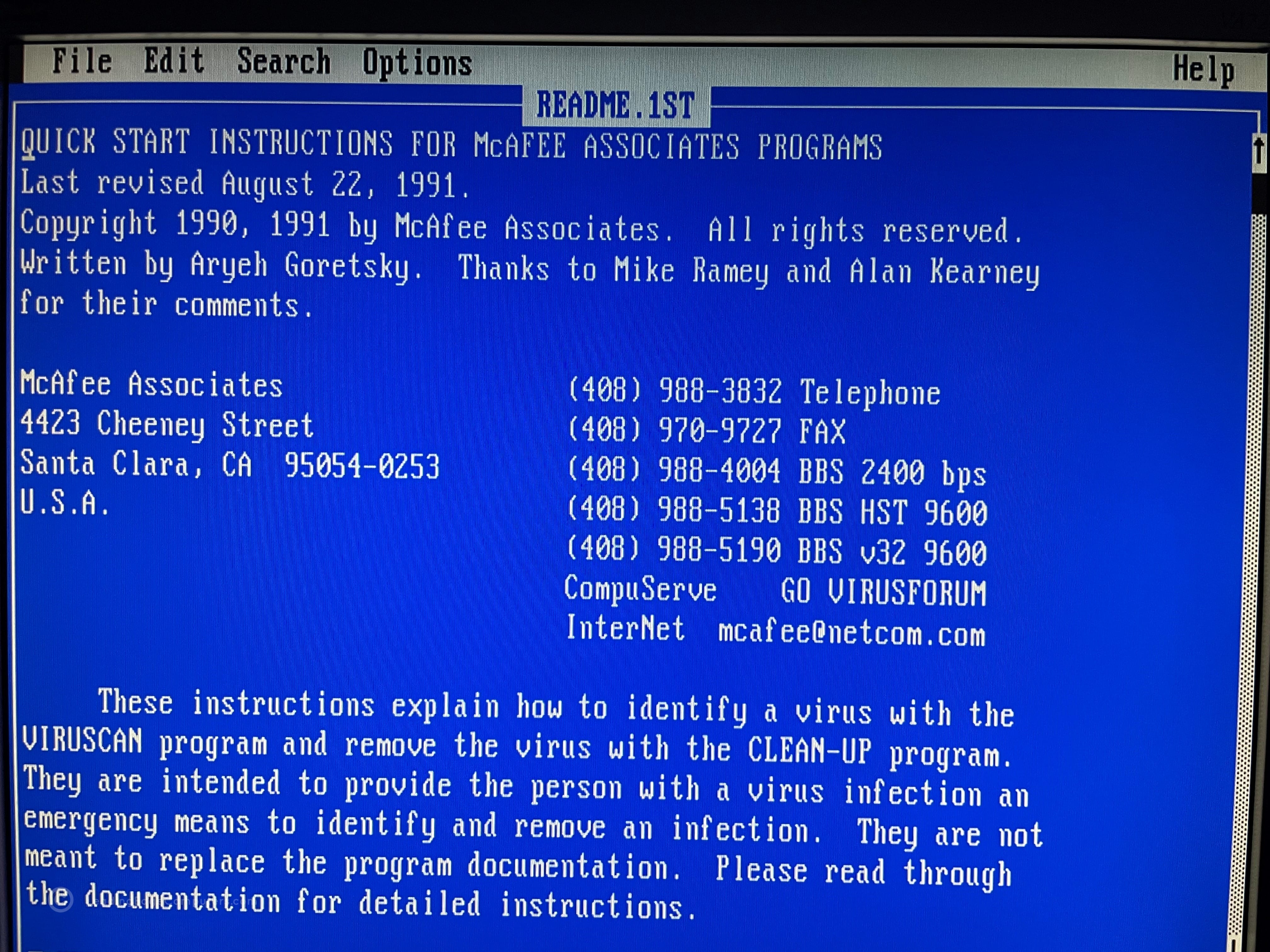
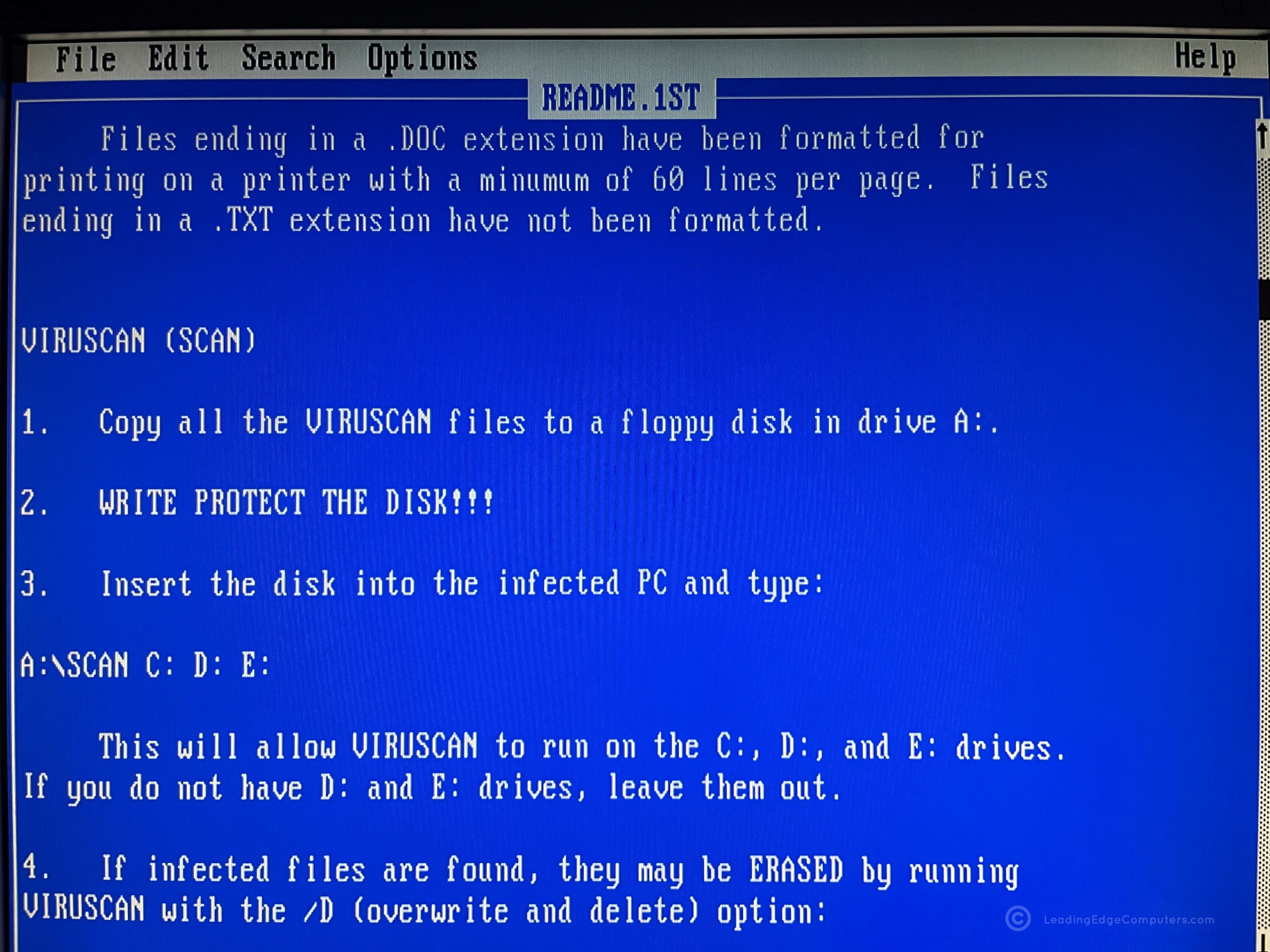
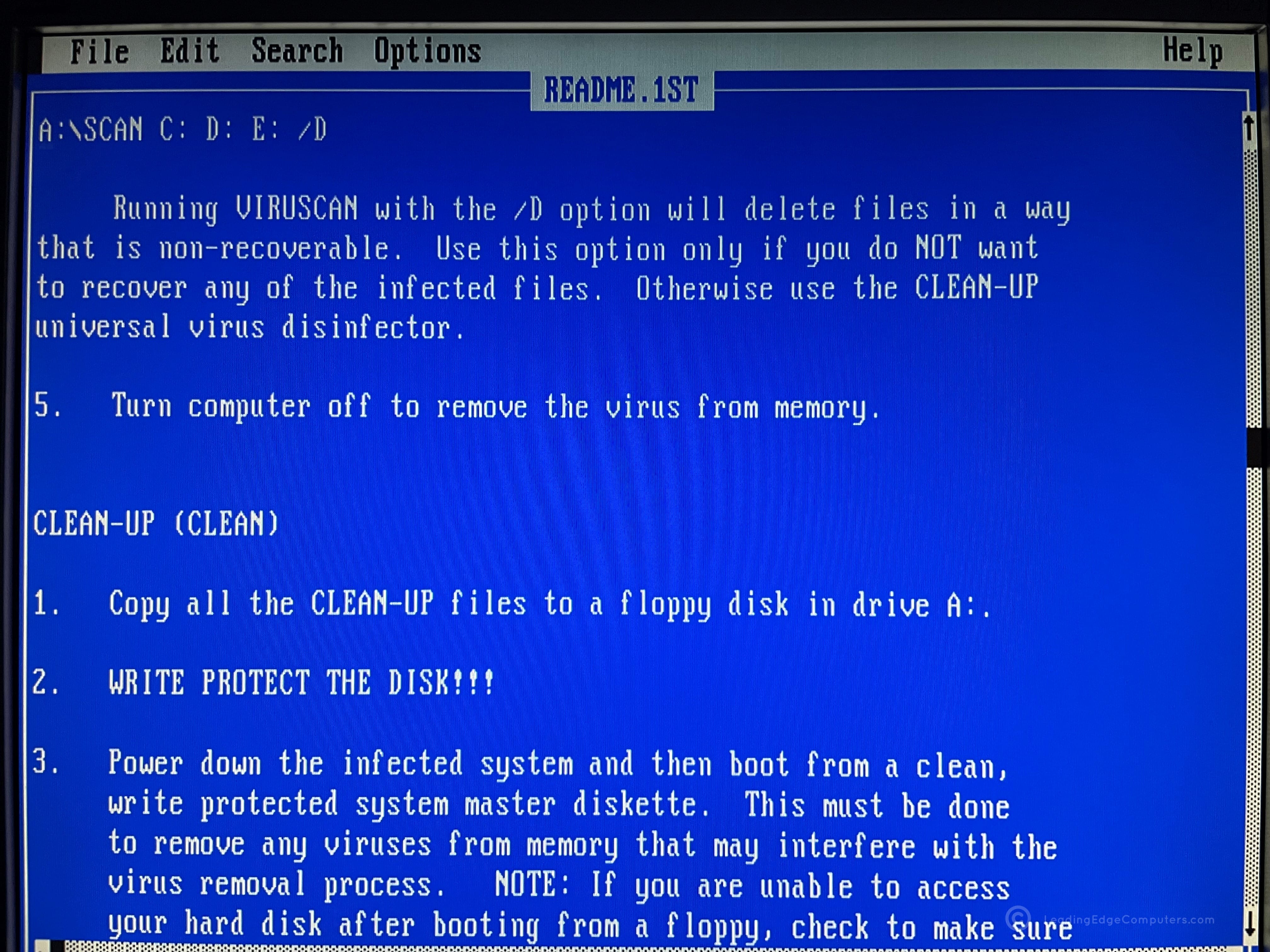
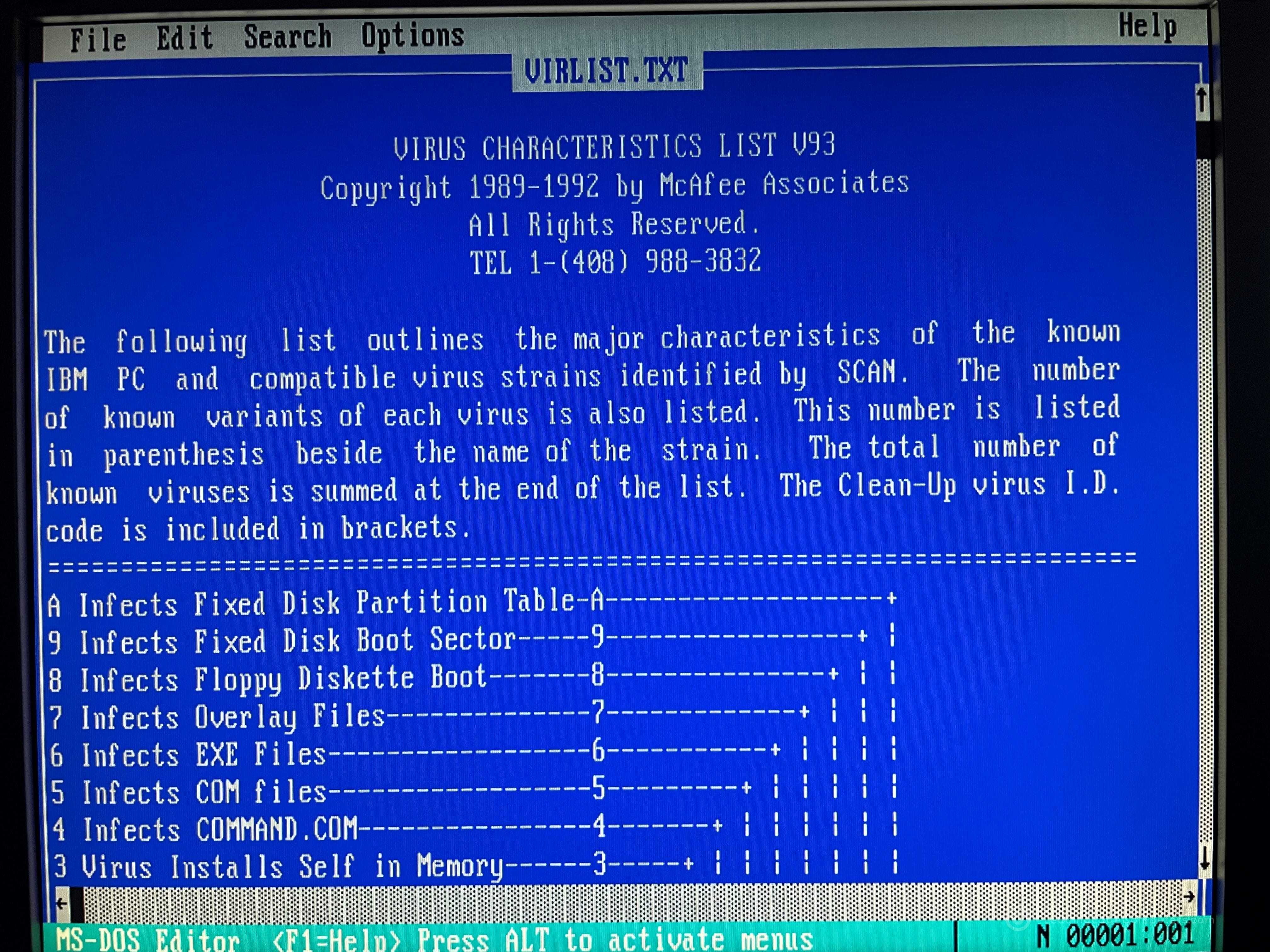
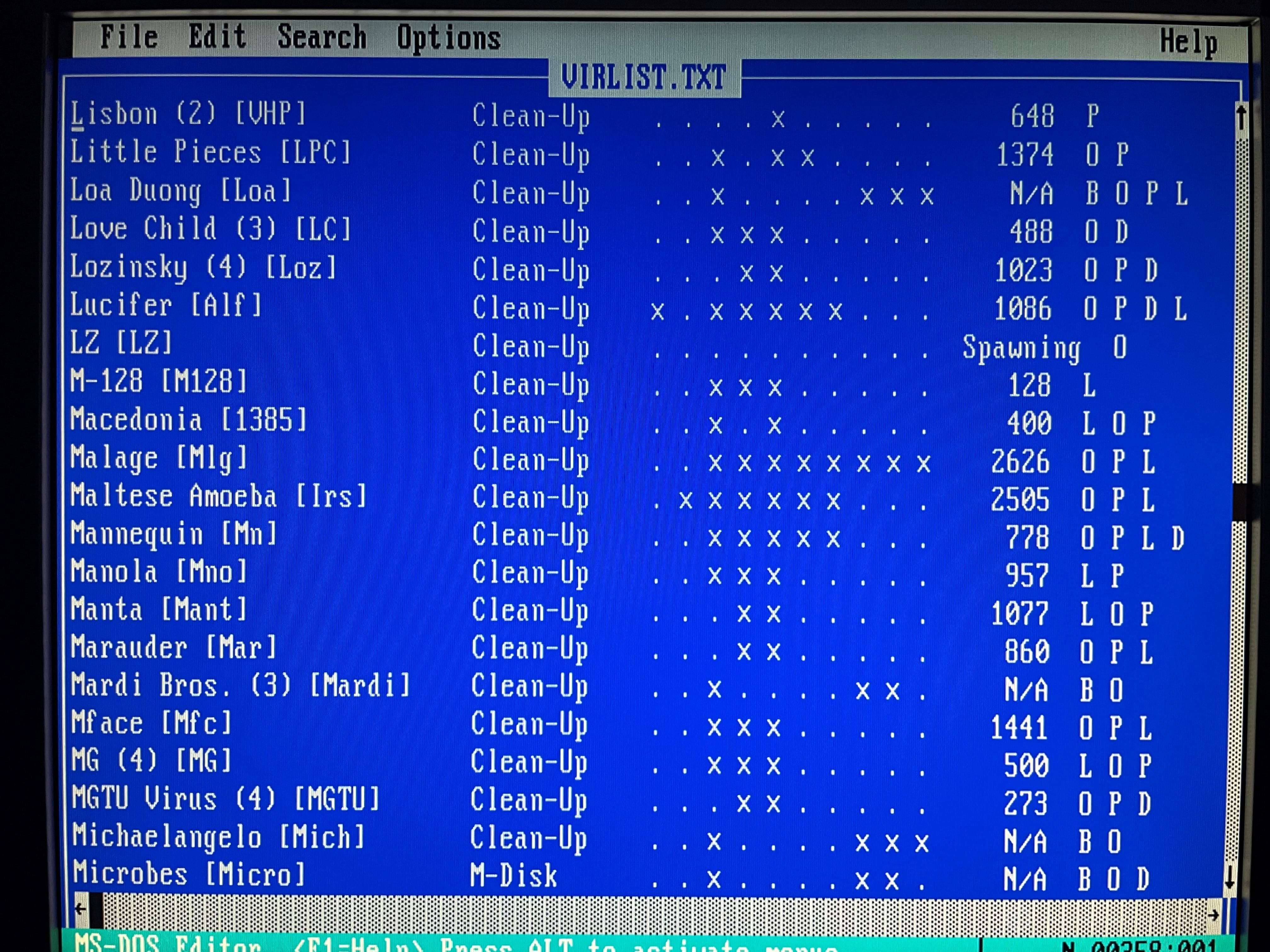
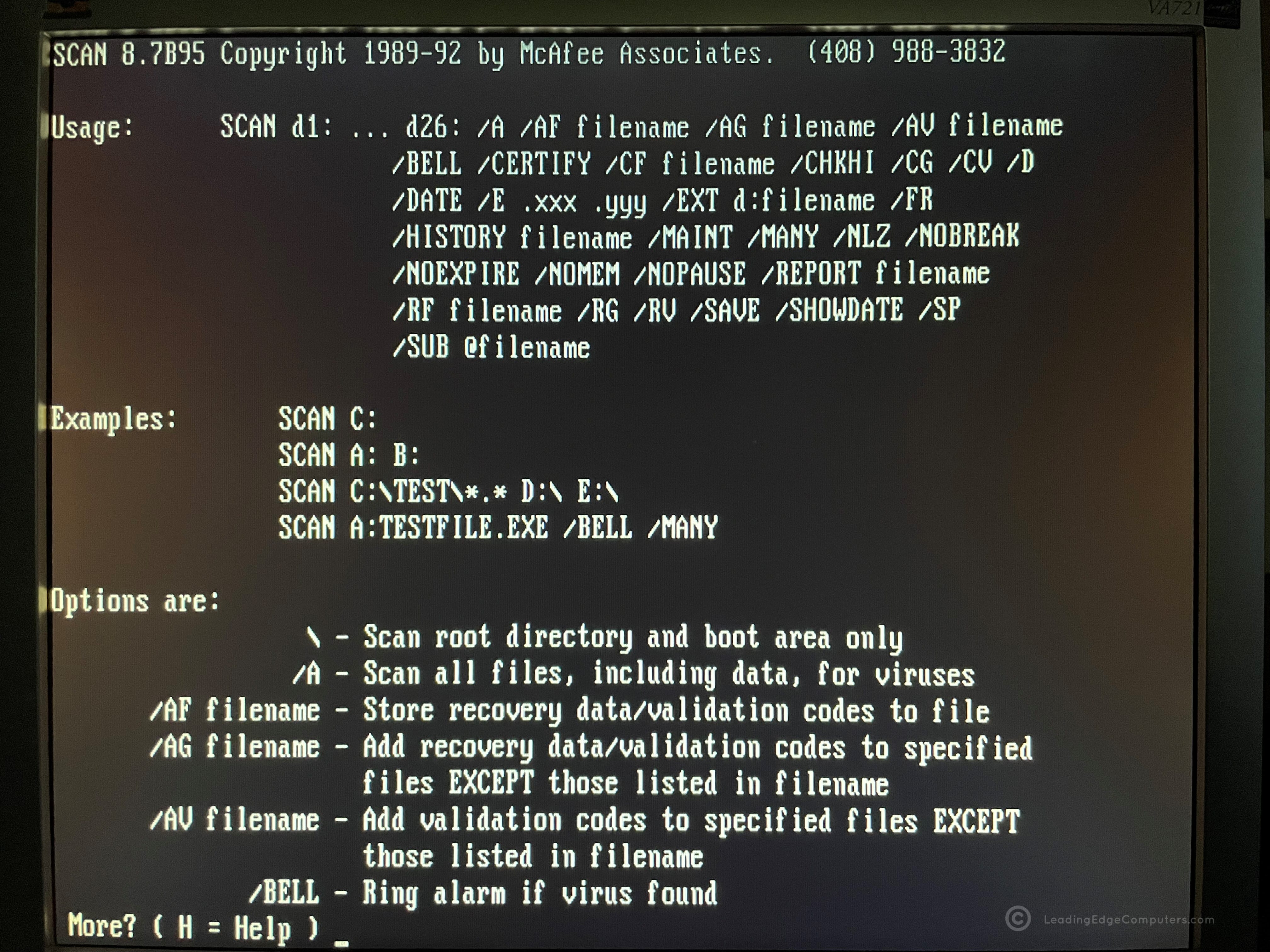
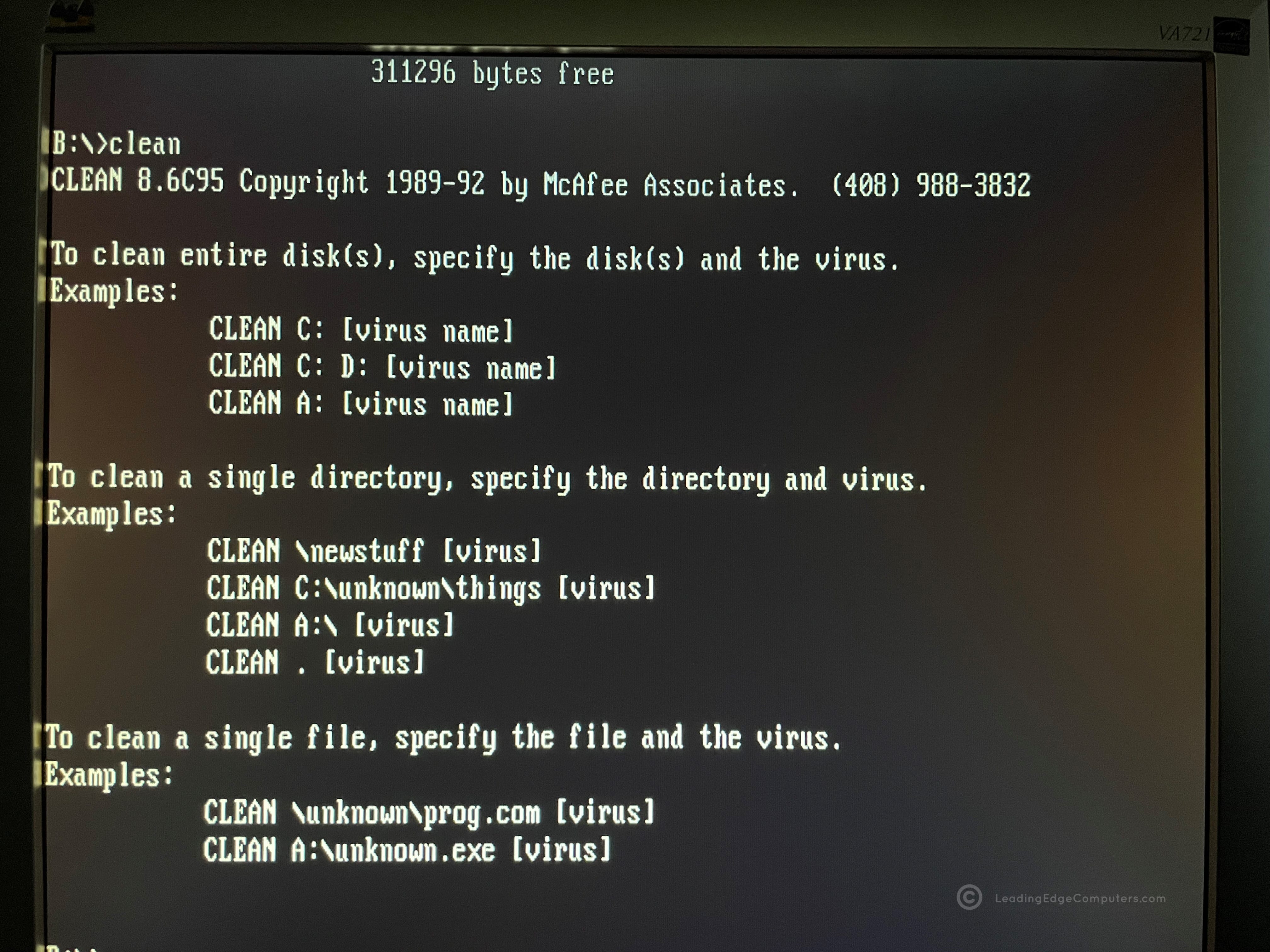
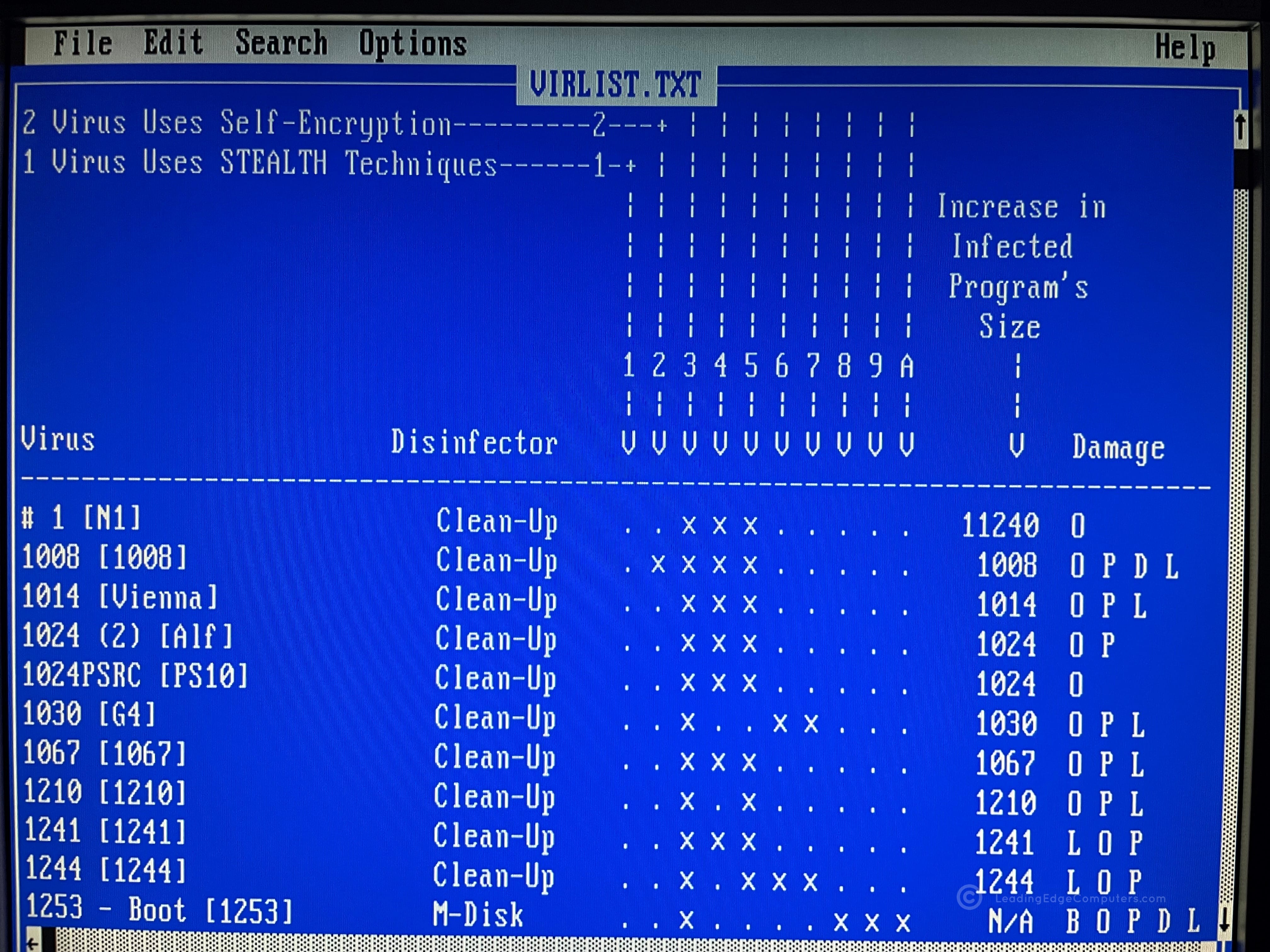
    viruscan viruscan viruscan viruscan viruscan viruscan viruscan viruscan viruscan viruscan viruscan viruscan

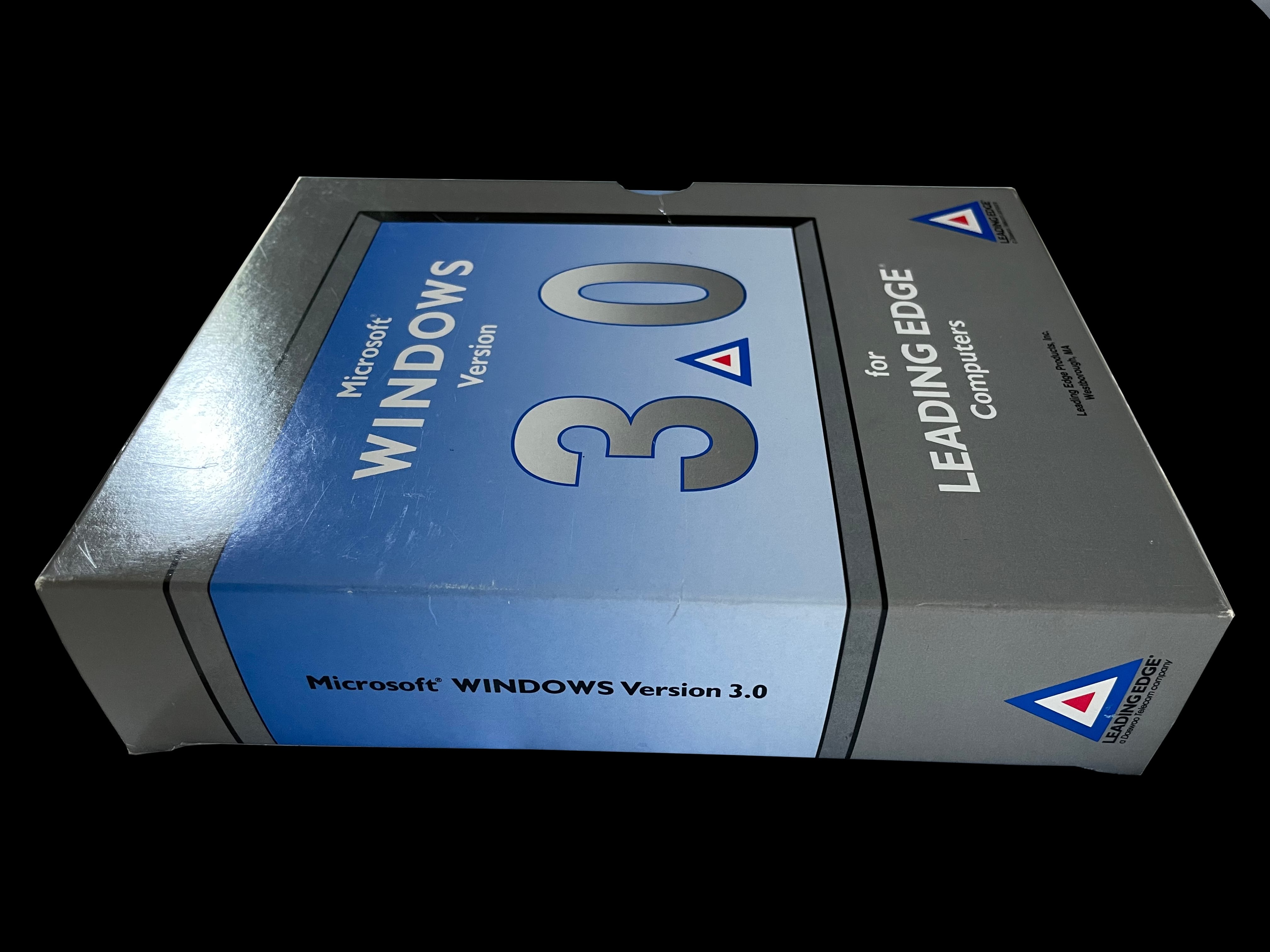
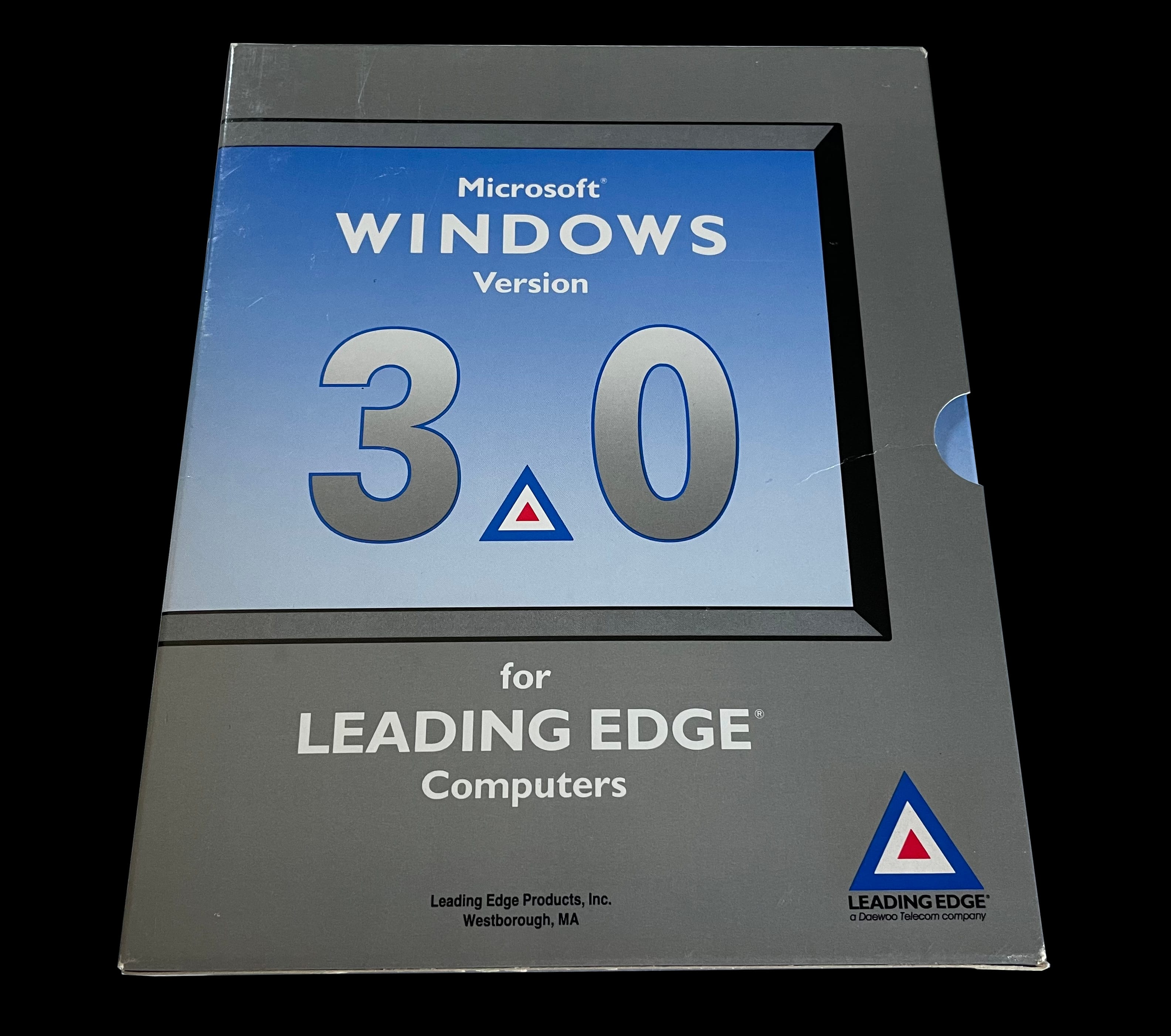
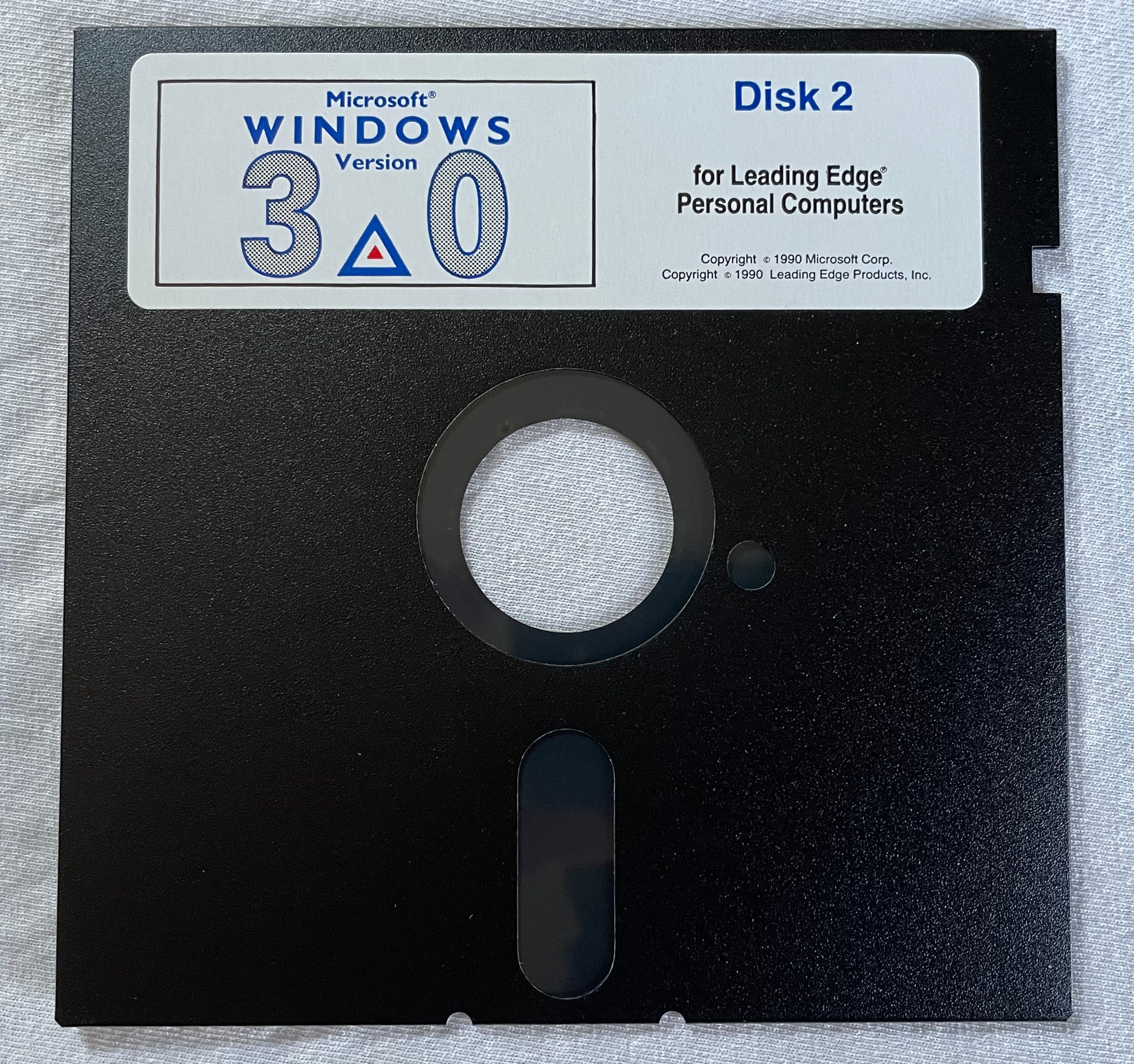
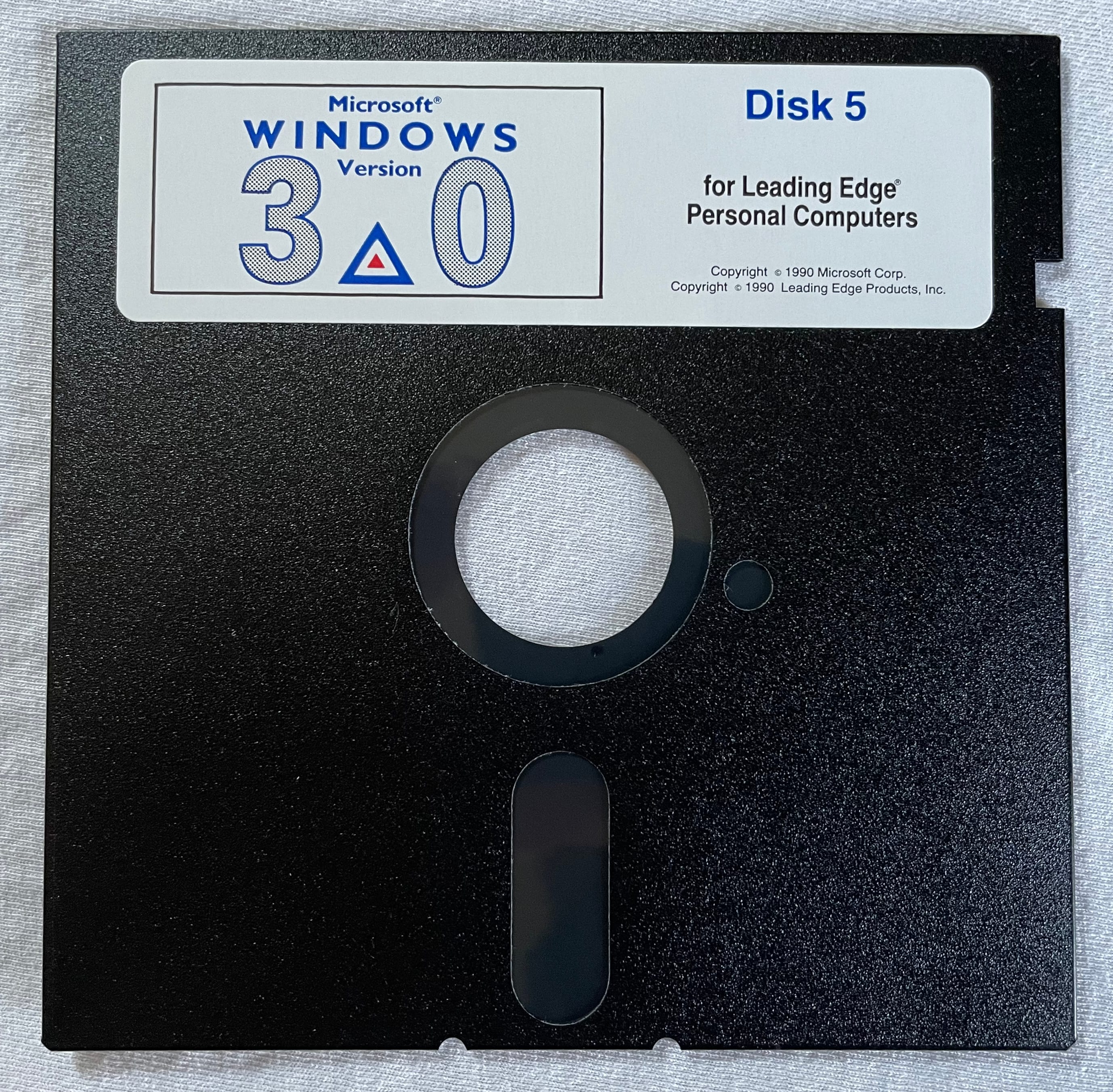
     Windows 3.0 for Leading Edge Computers

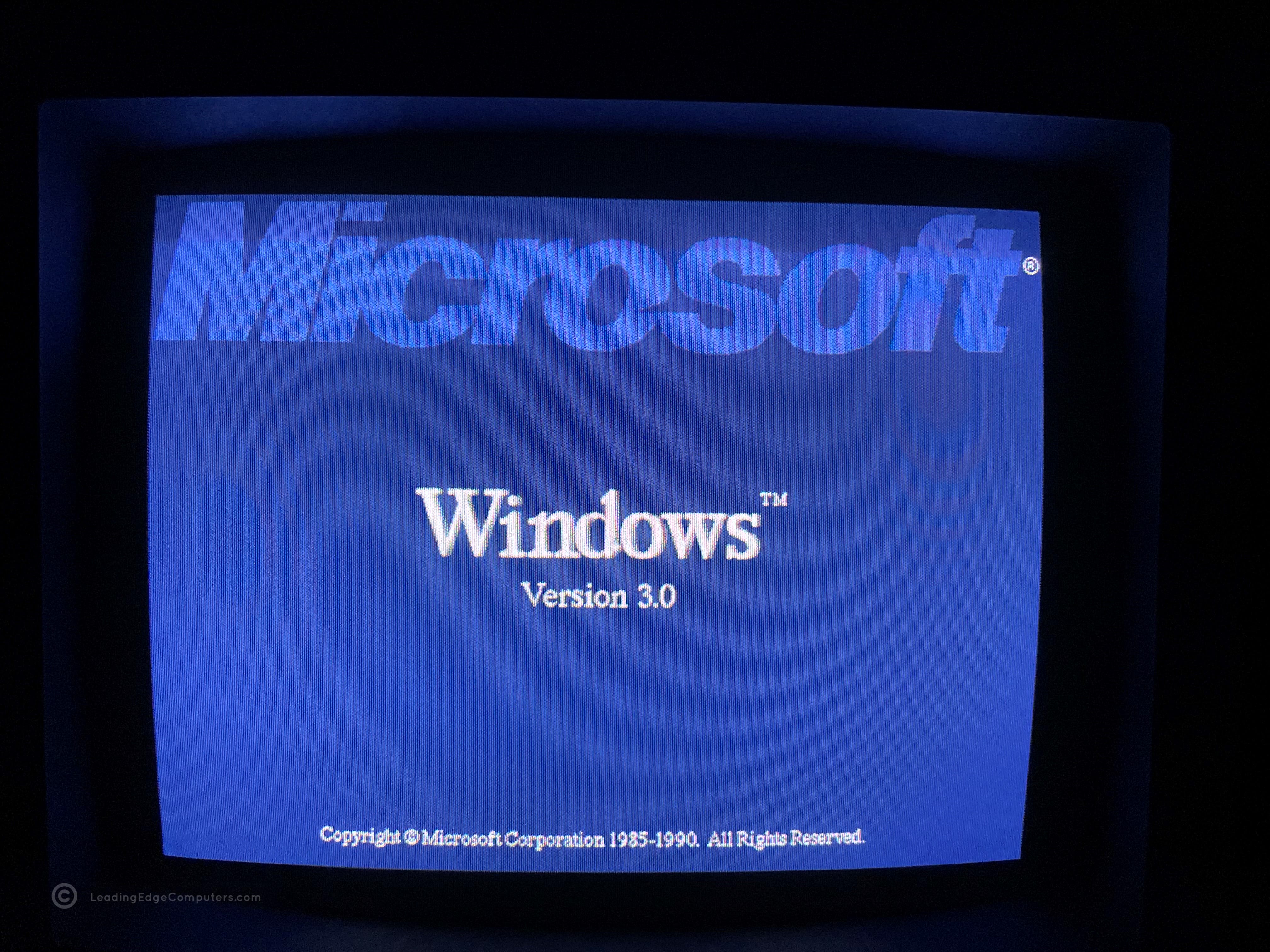
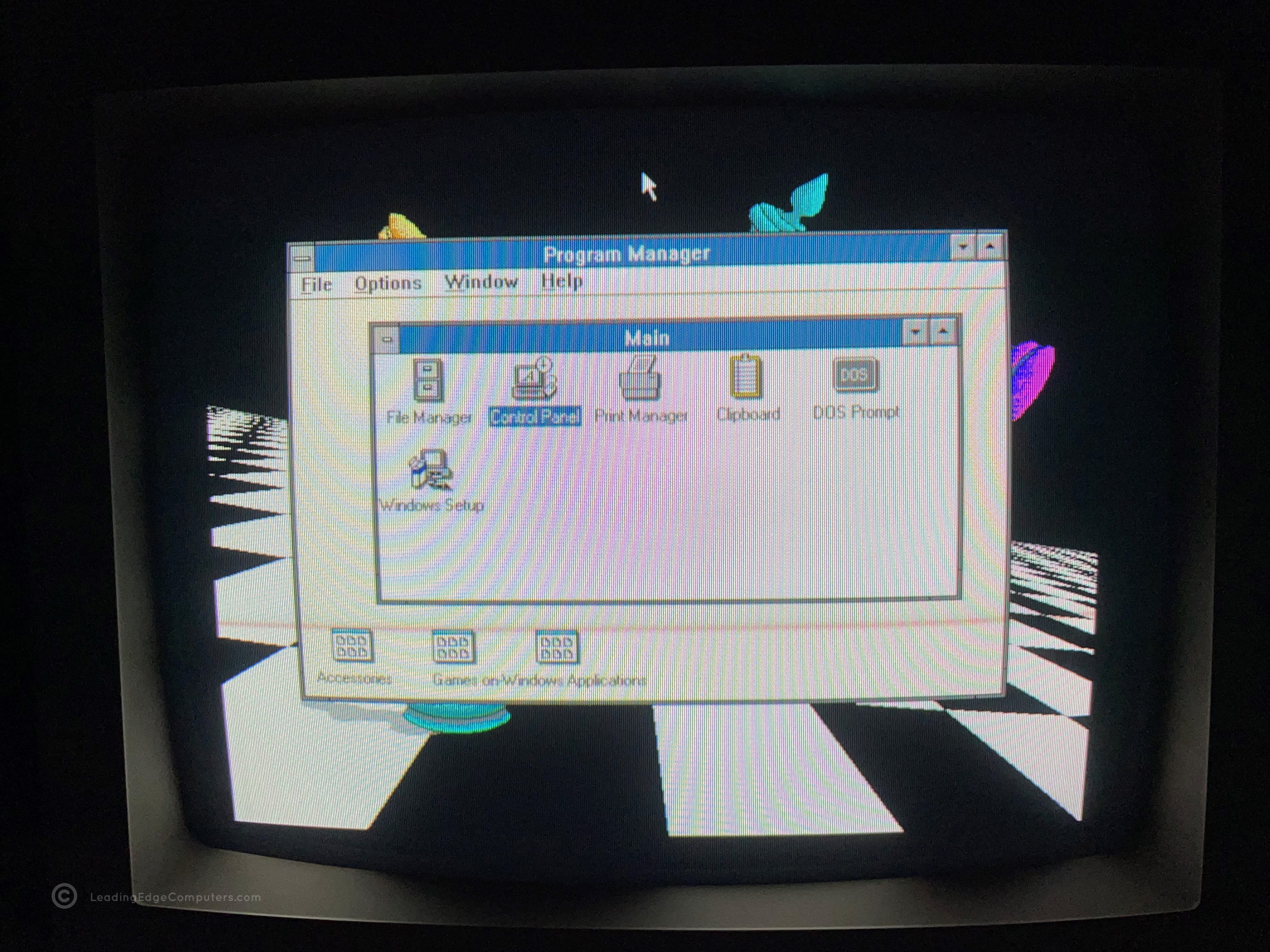
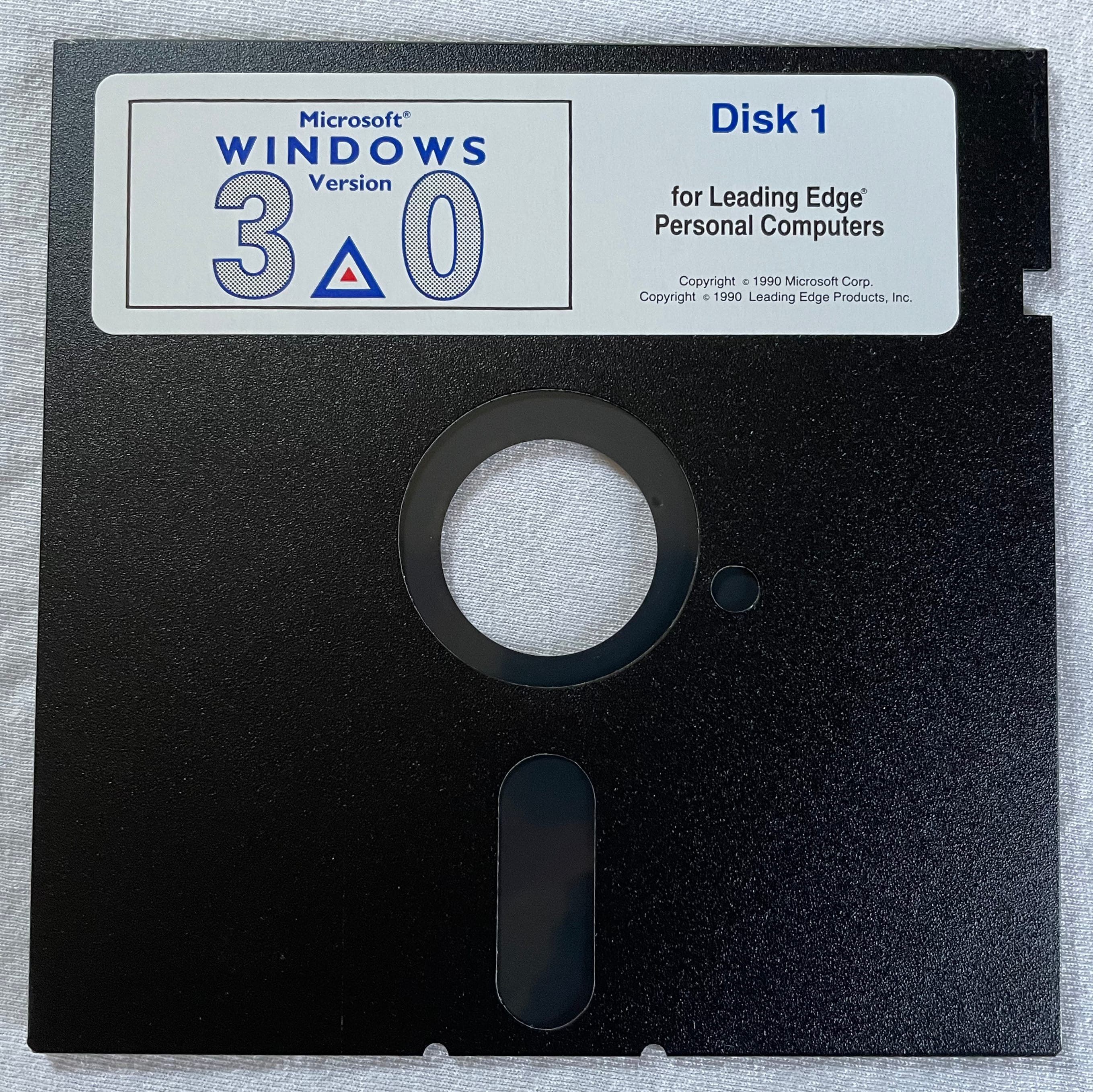
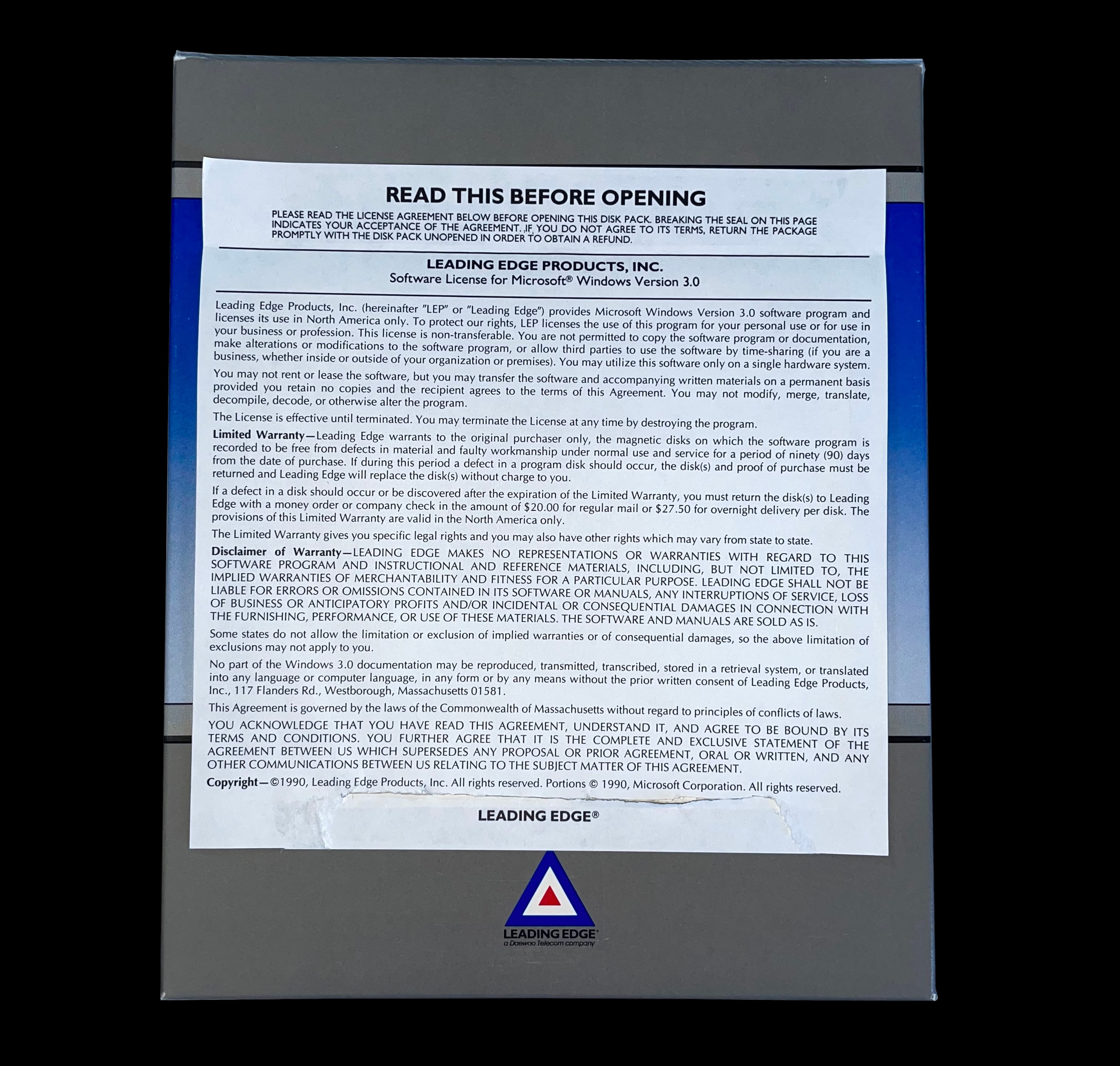
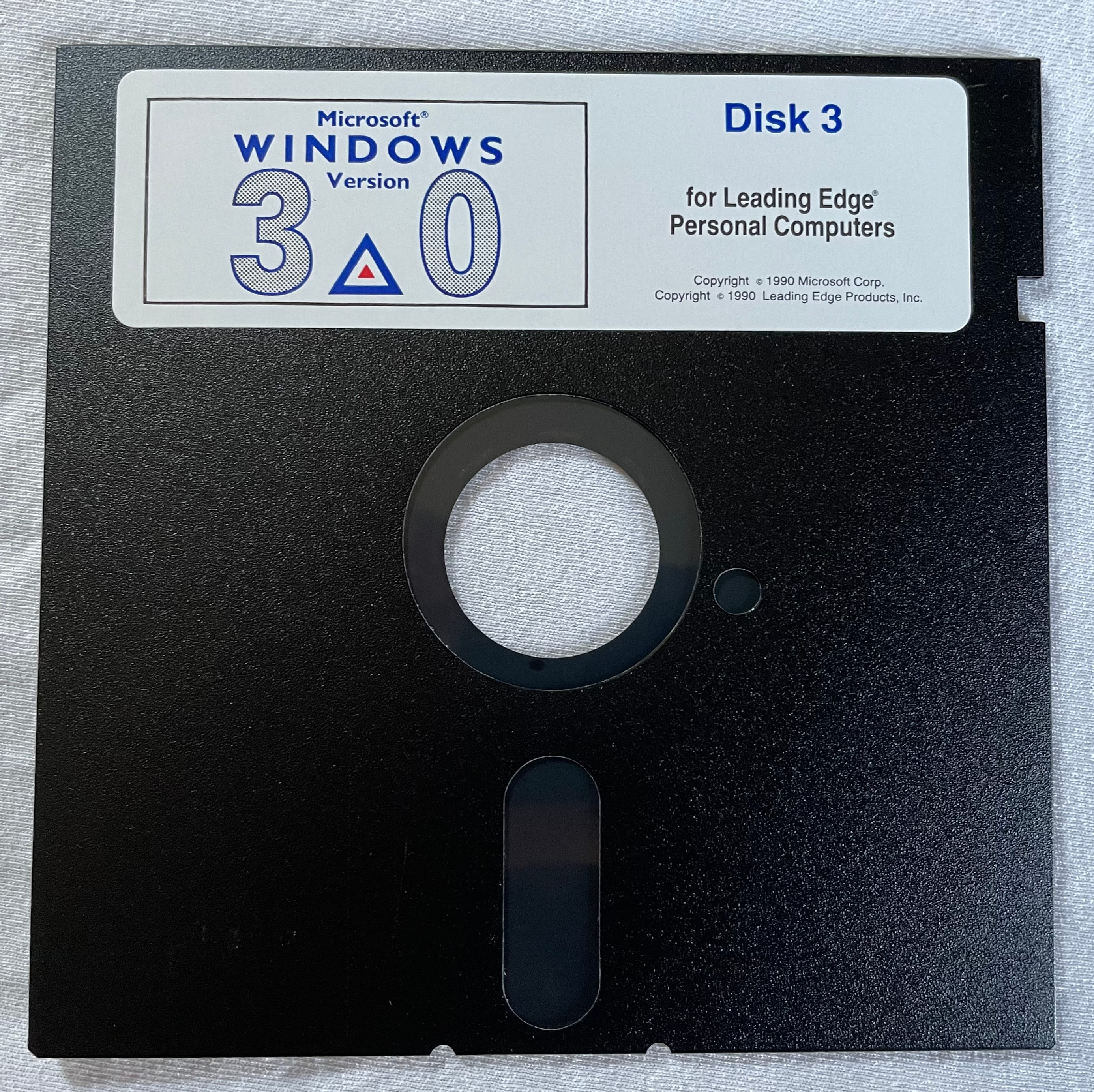
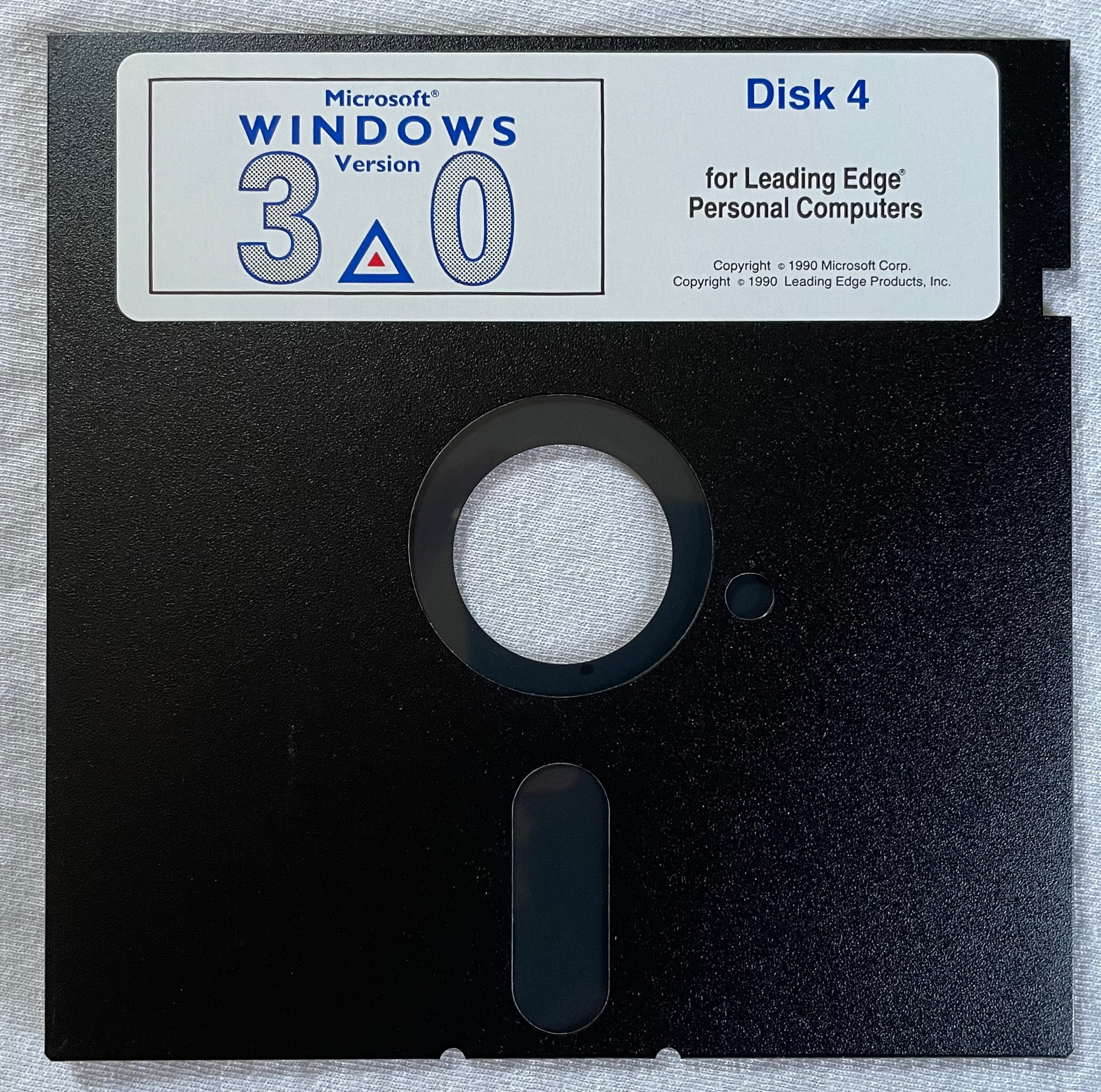
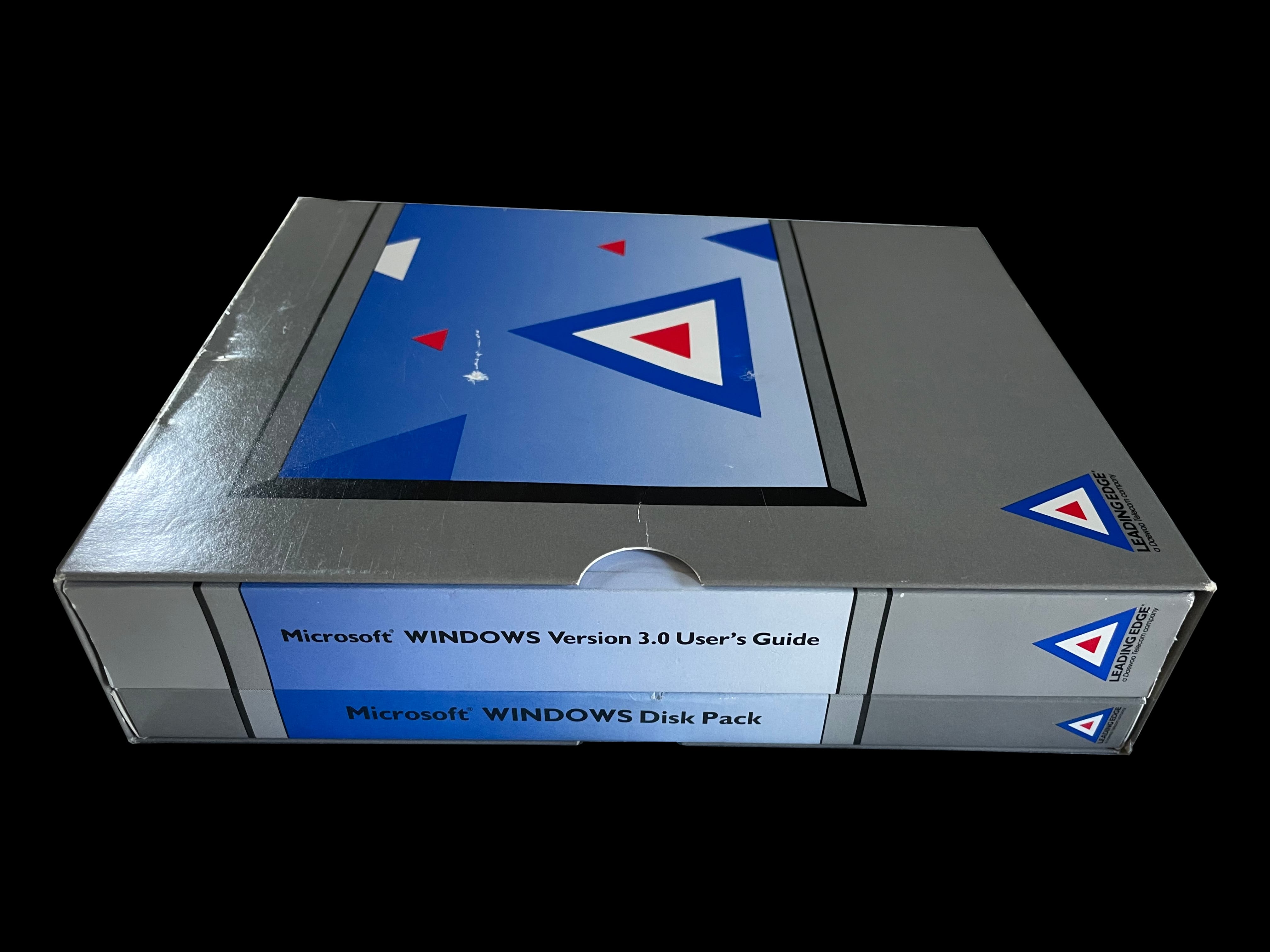
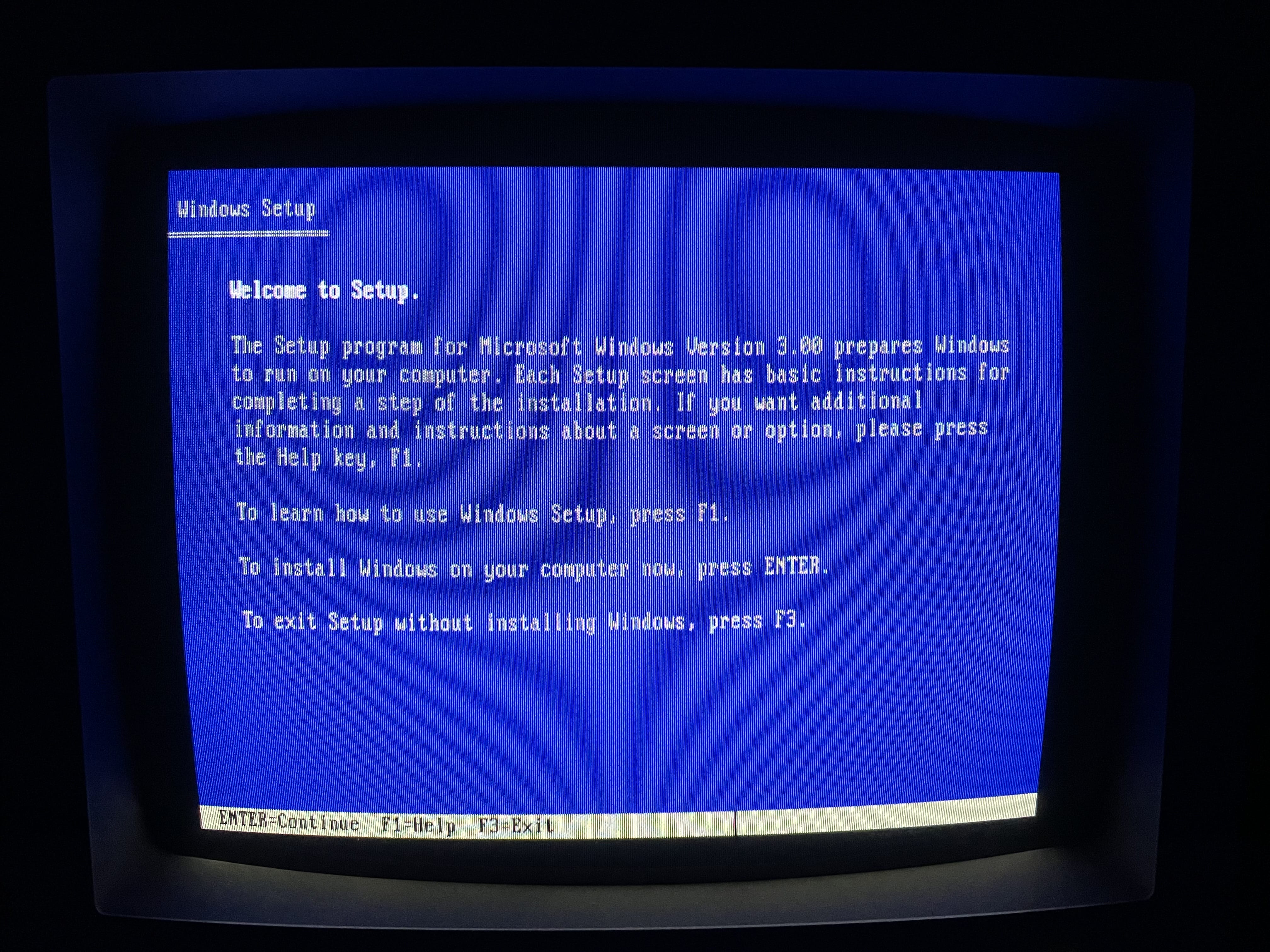
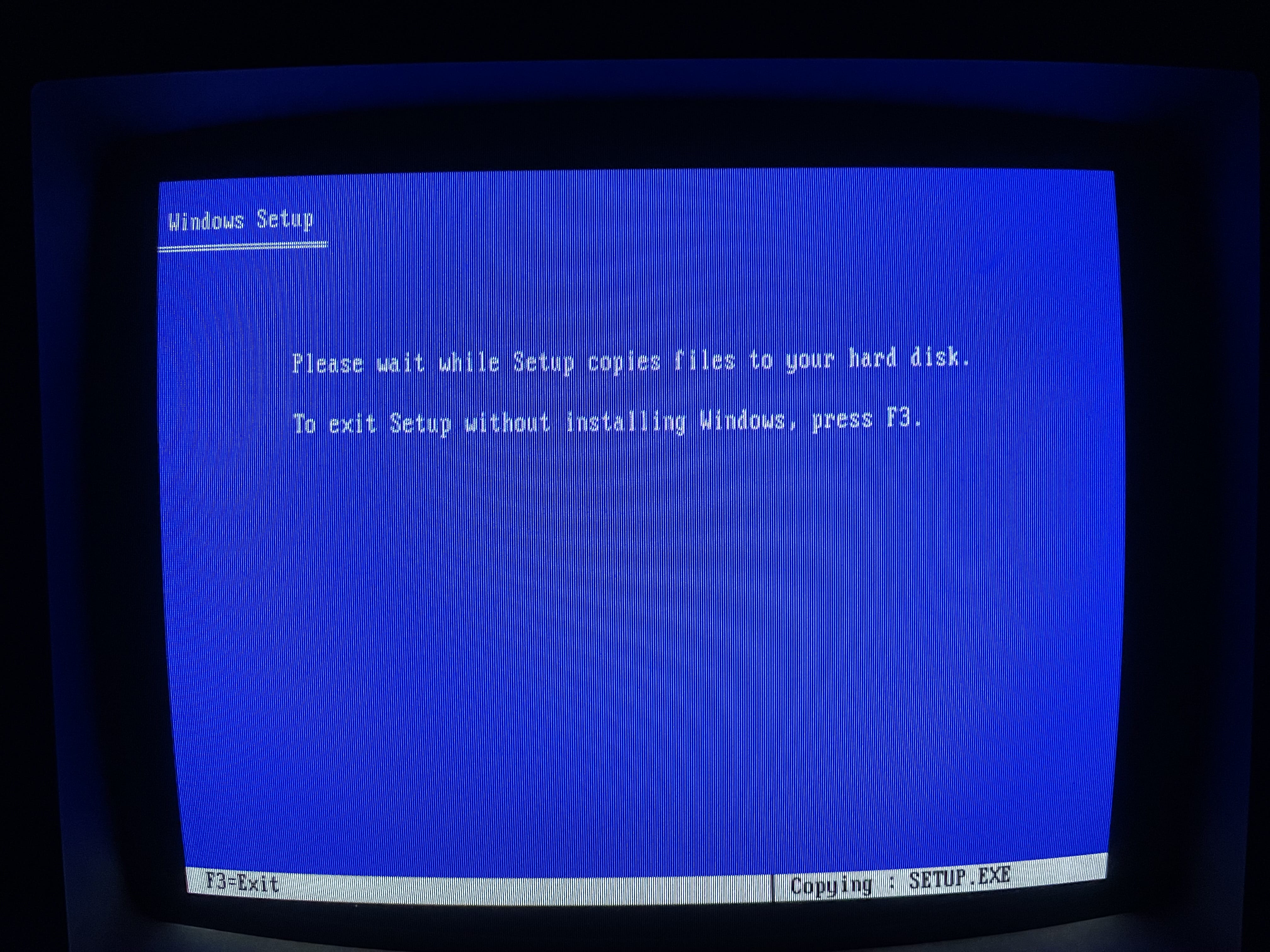
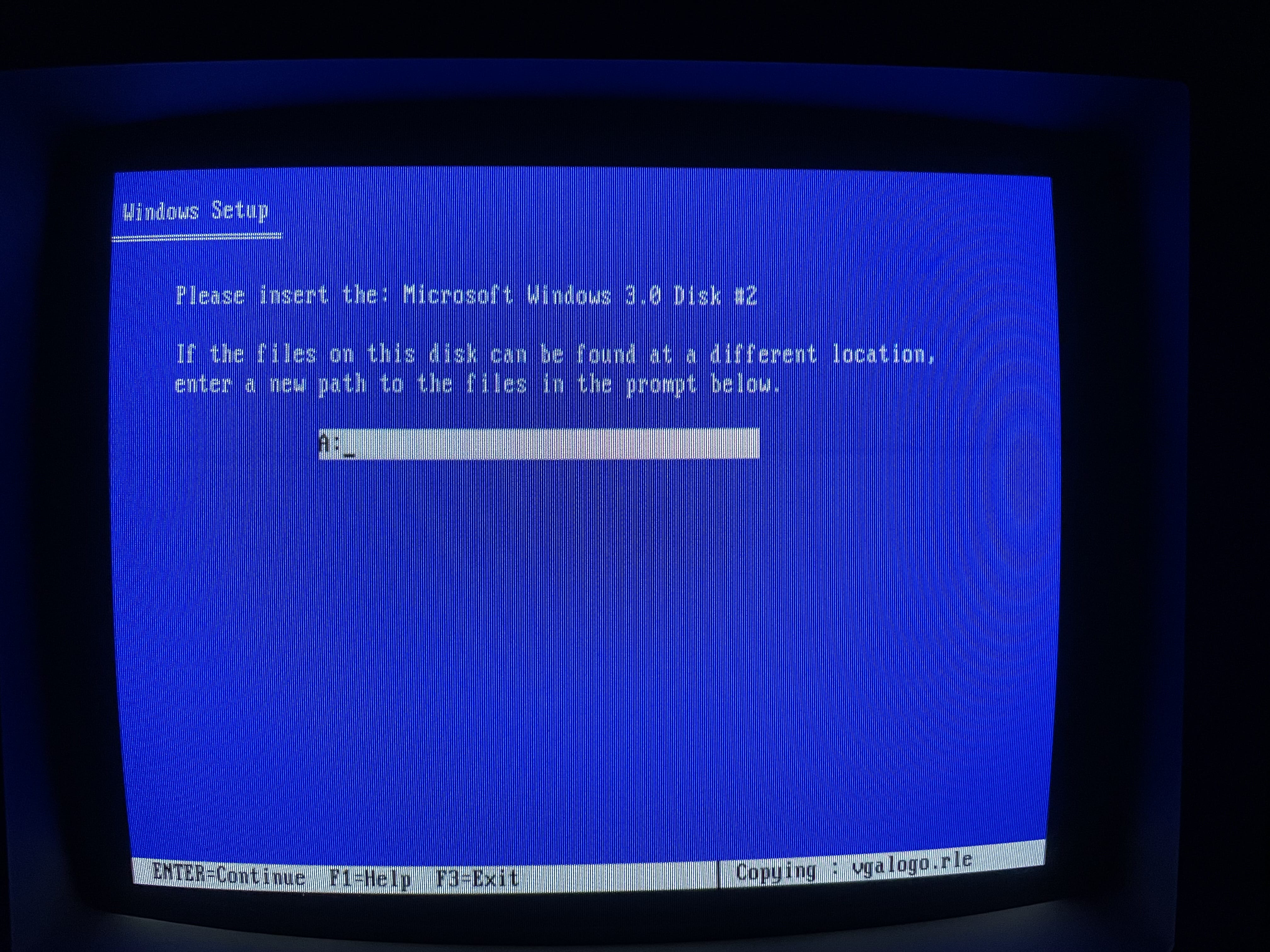
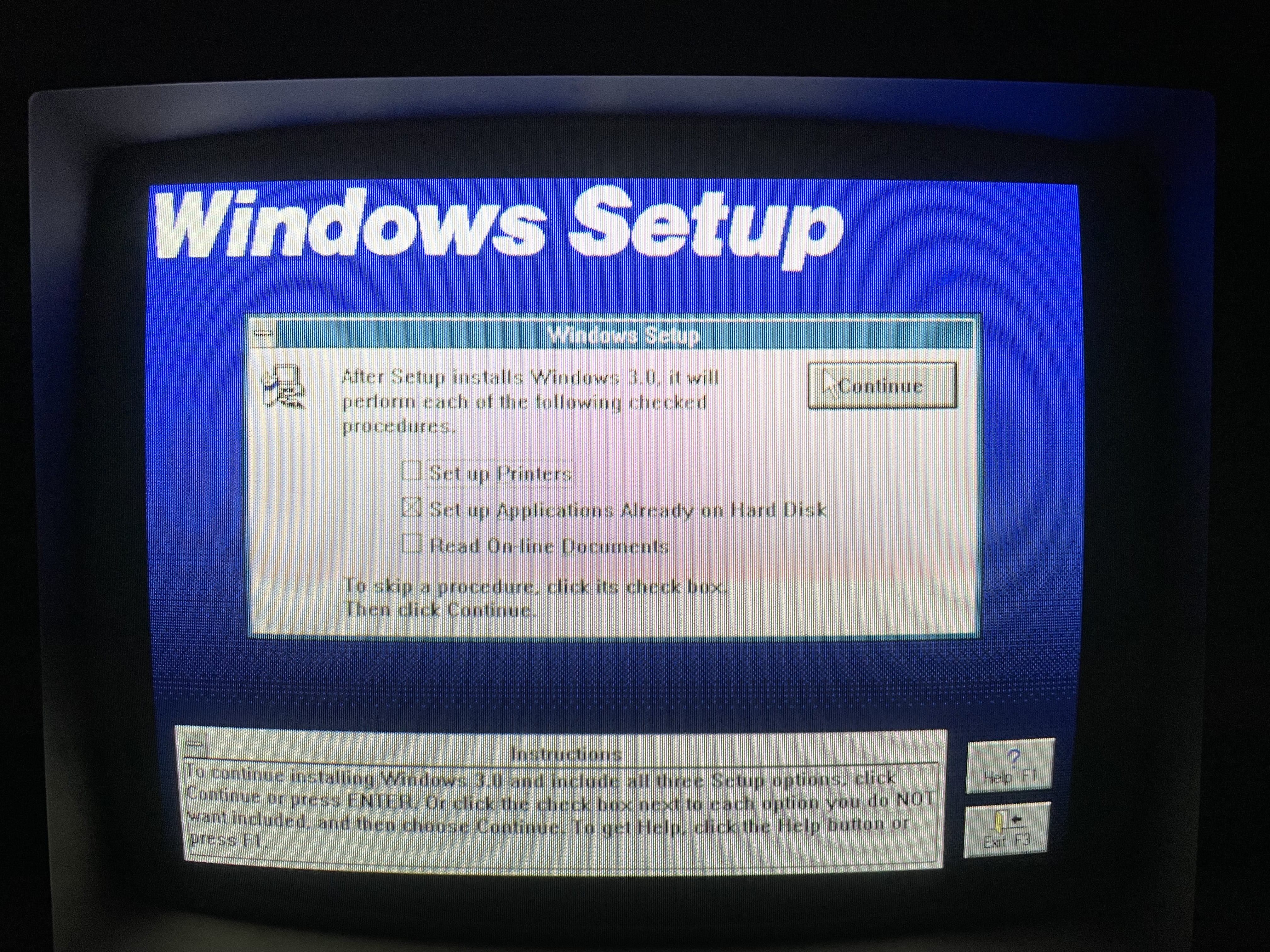
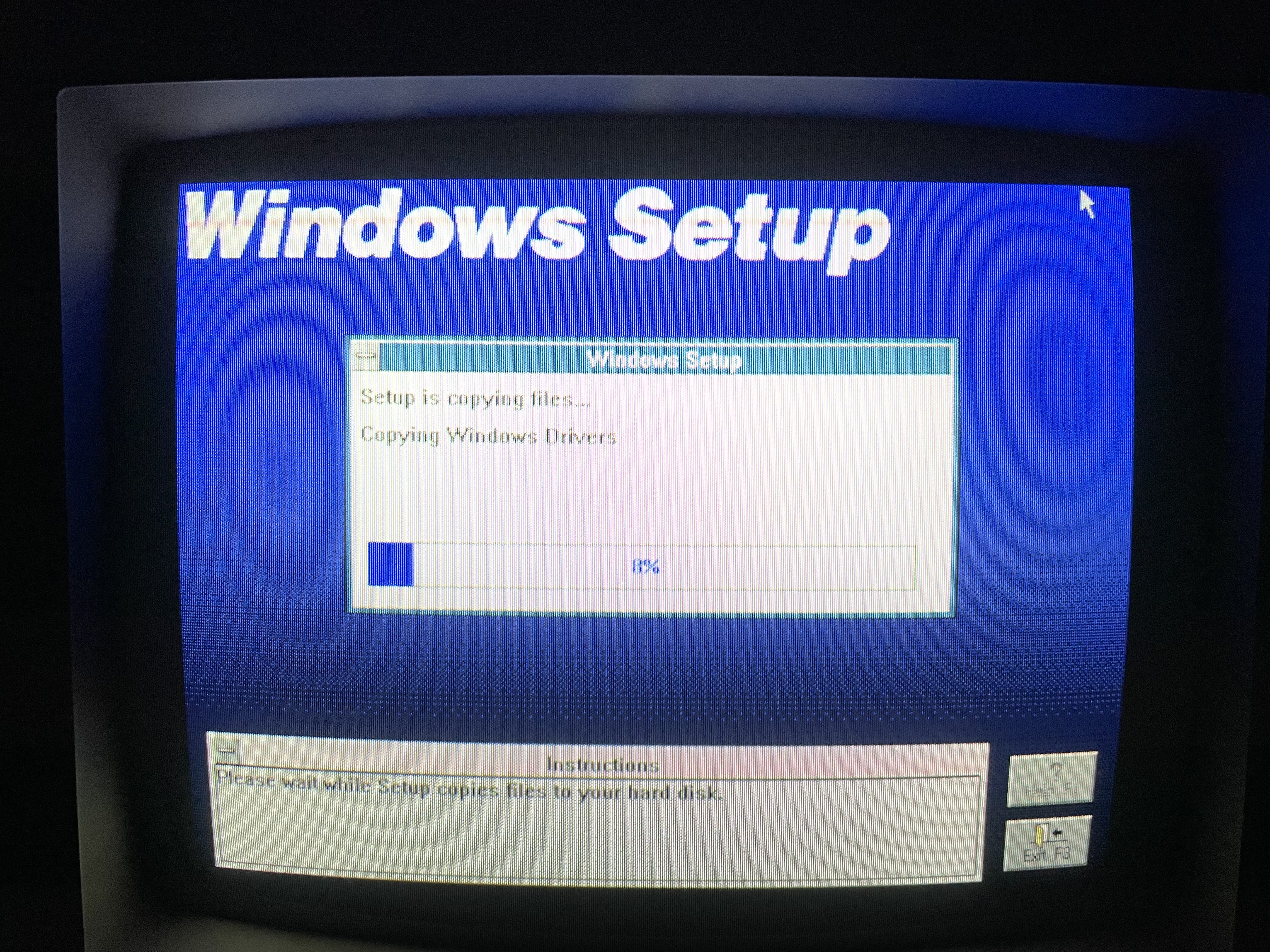
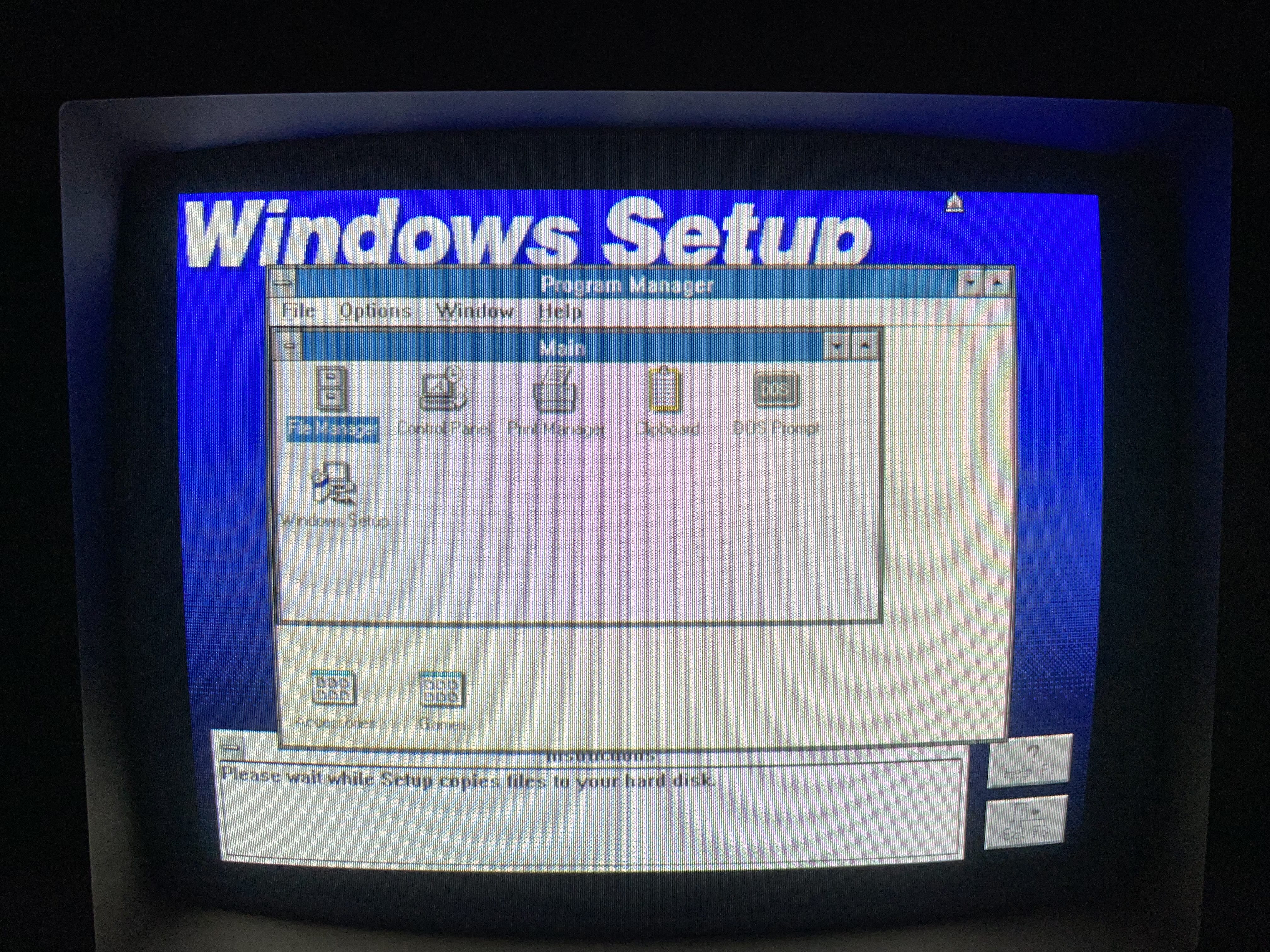
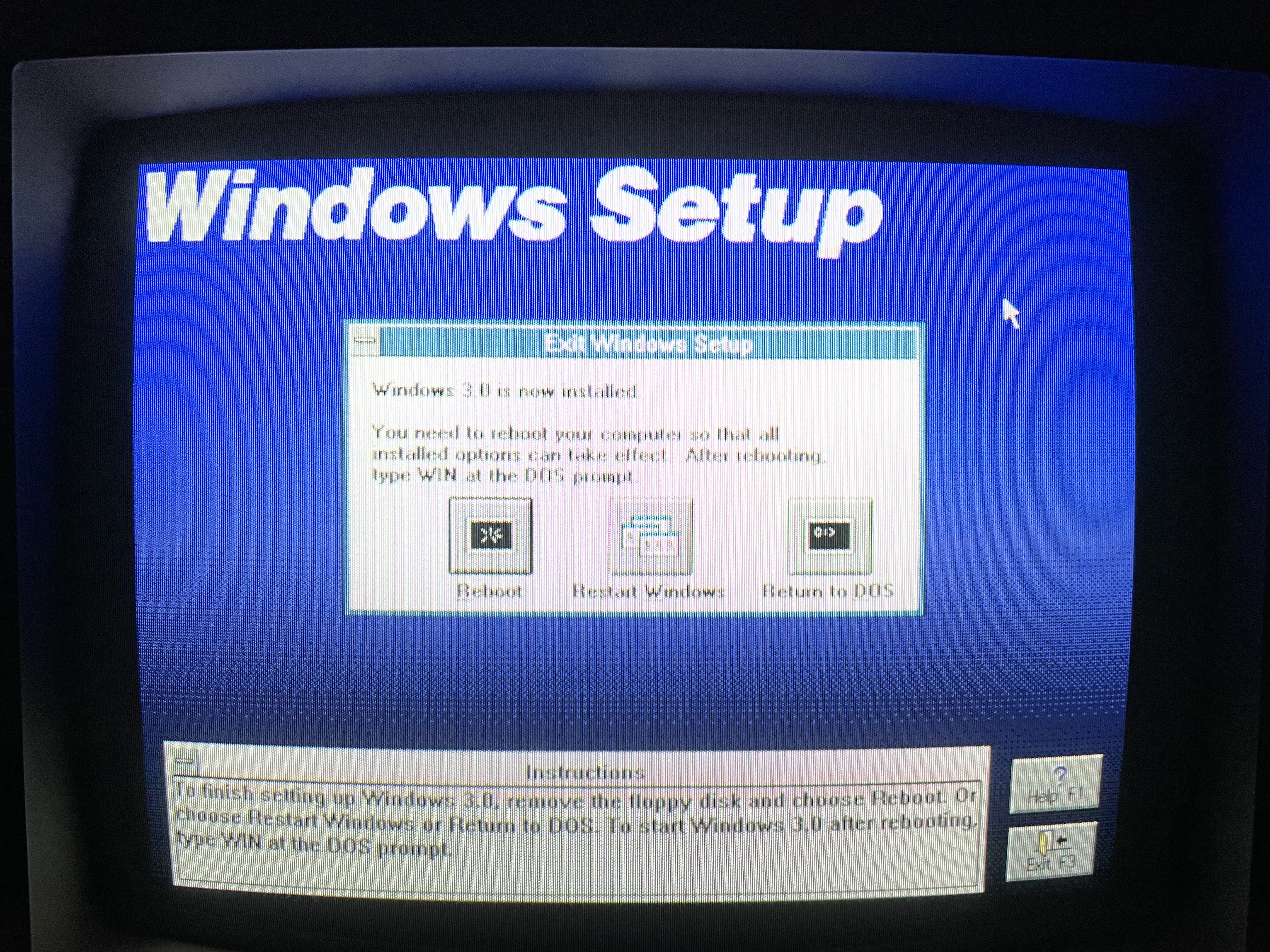
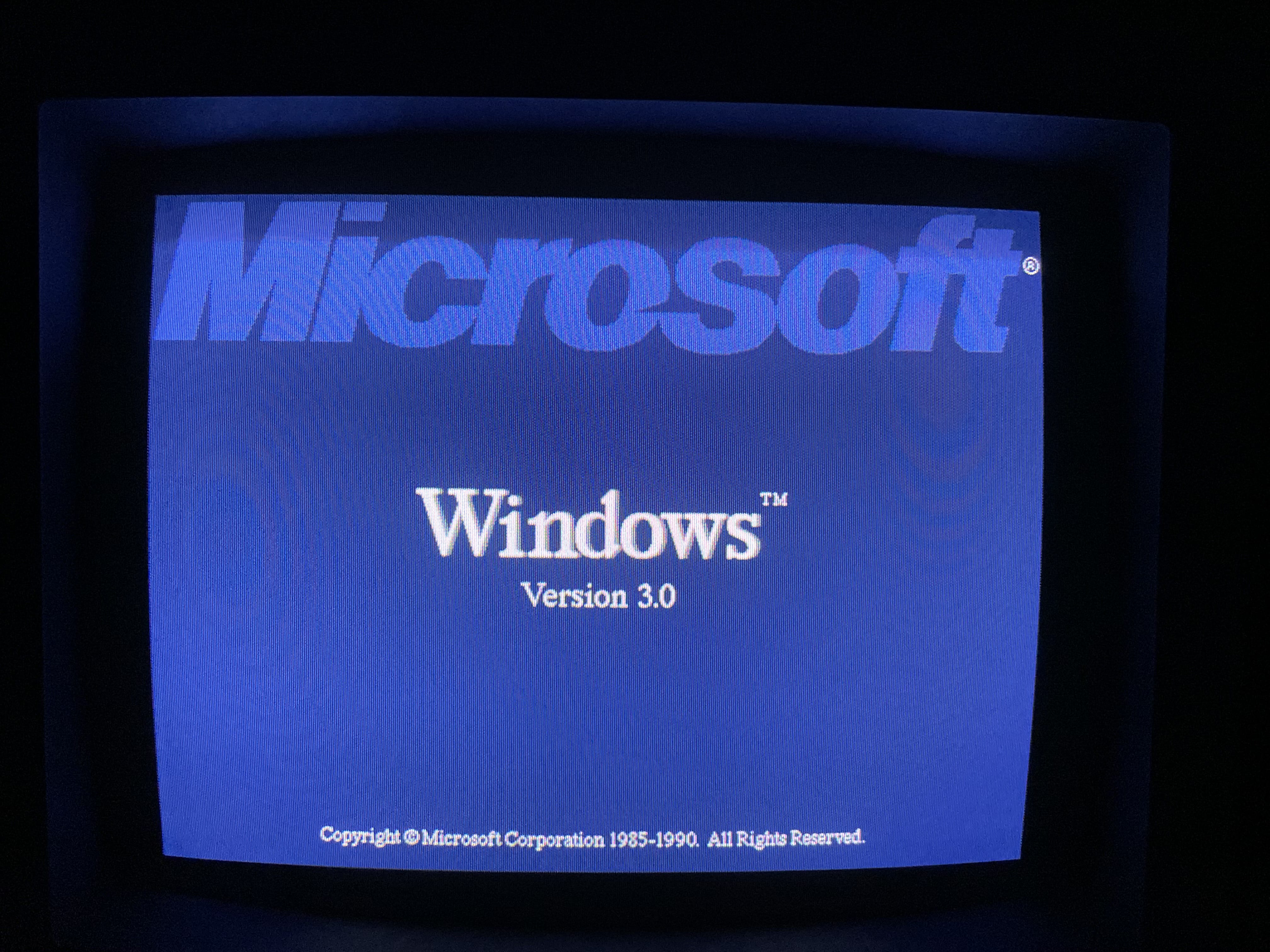
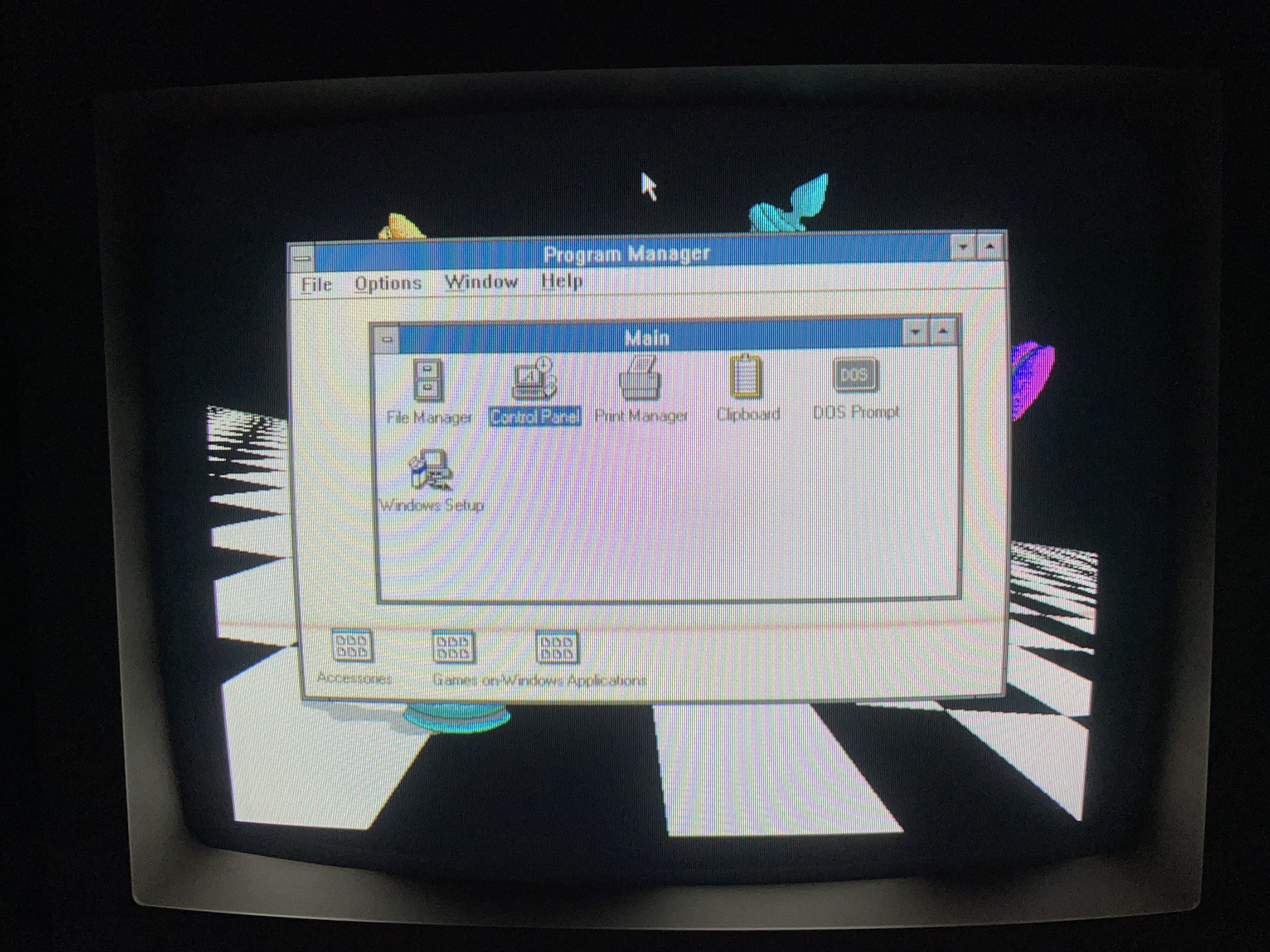
    windows 3.0 windows 3.0 windows 3.0 windows 3.0 windows 3.0 windows 3.0 windows 3.0 windows 3.0 windows 3.0 windows 3.0 windows 3.0 windows 3.0 windows 3.0 windows 3.0 windows 3.0 windows 3.0 windows 3.0 windows 3.0 windows 3.0 windows 3.0 windows 3.0

     Windows 3.1

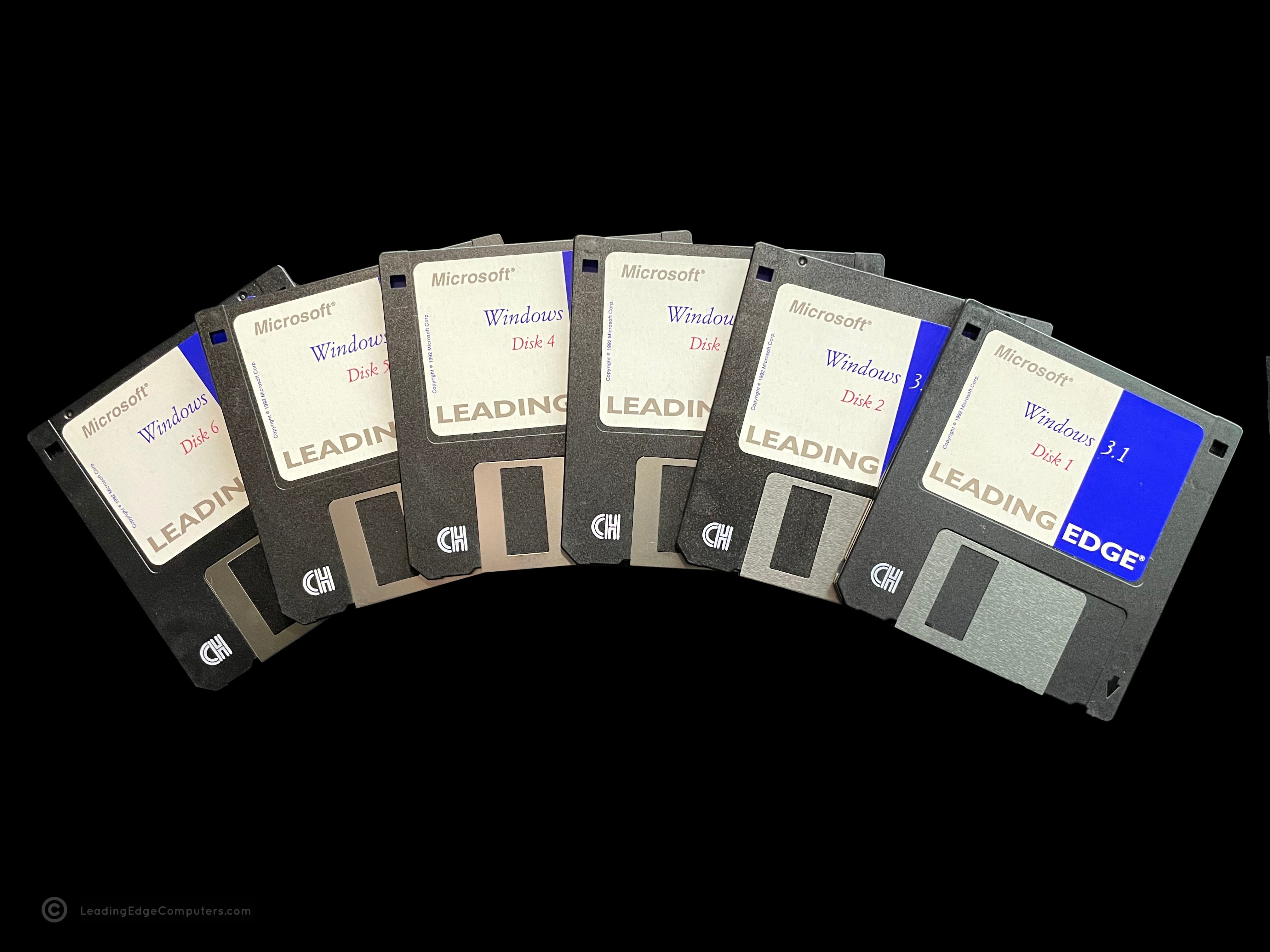
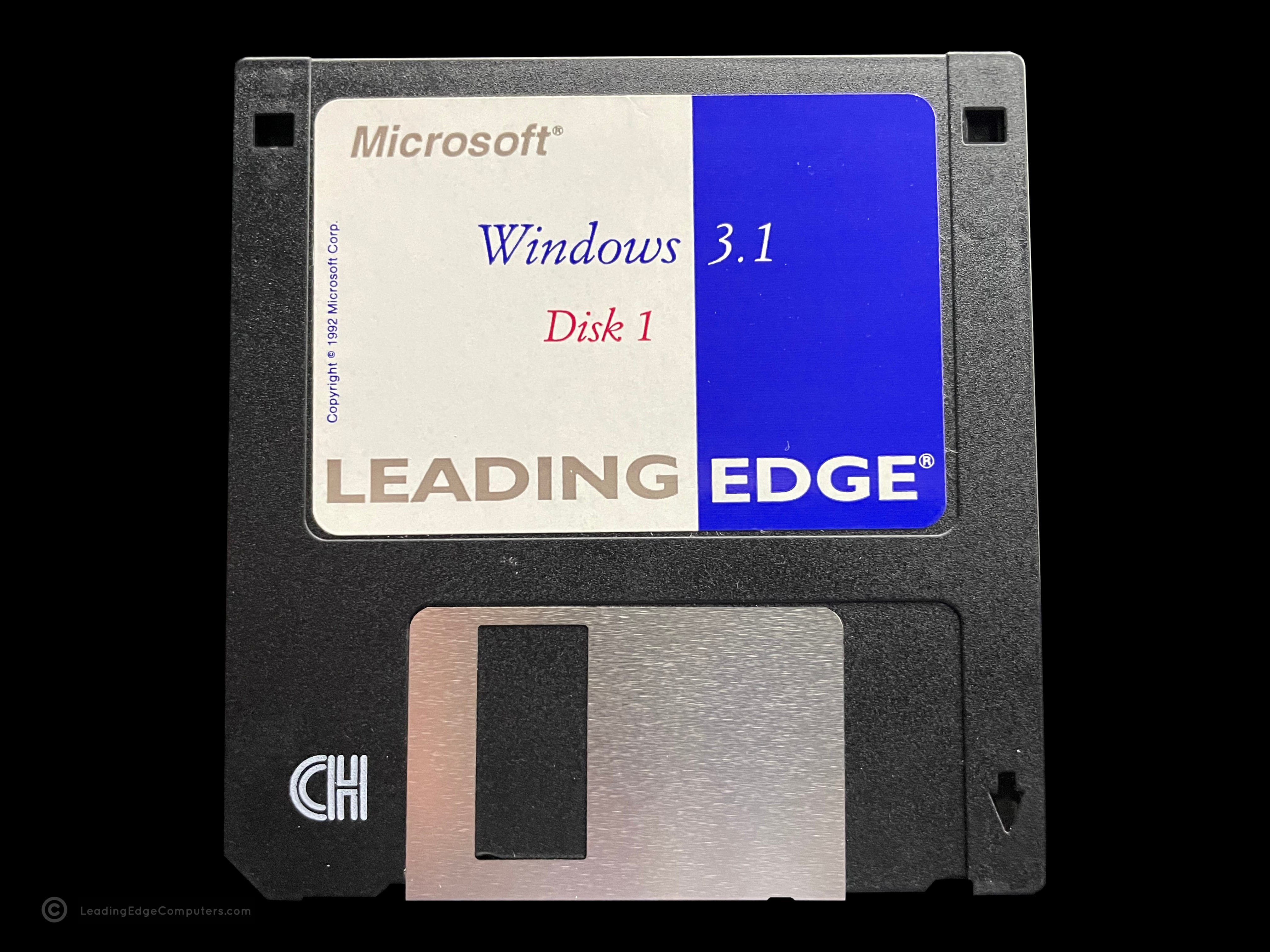
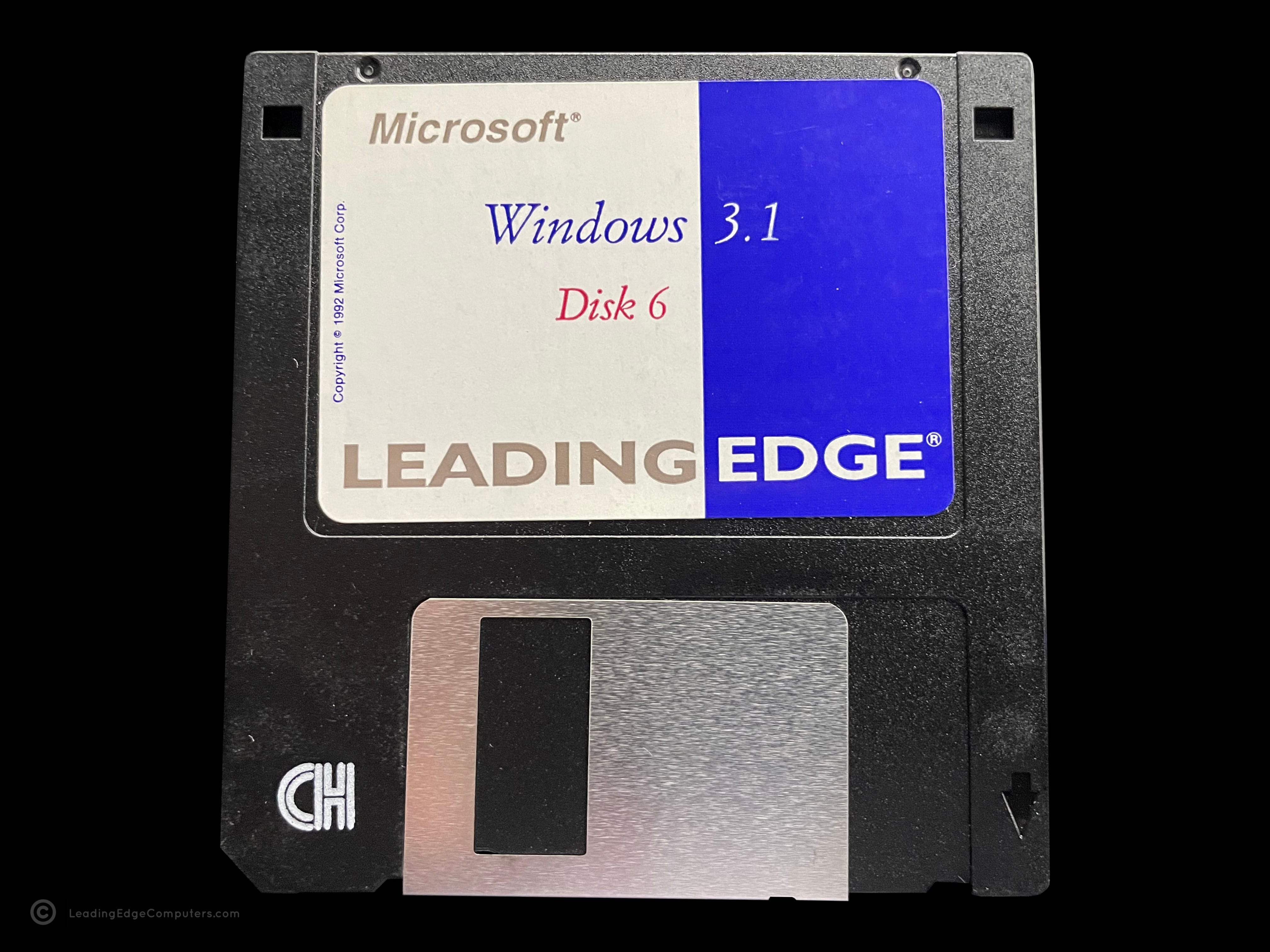
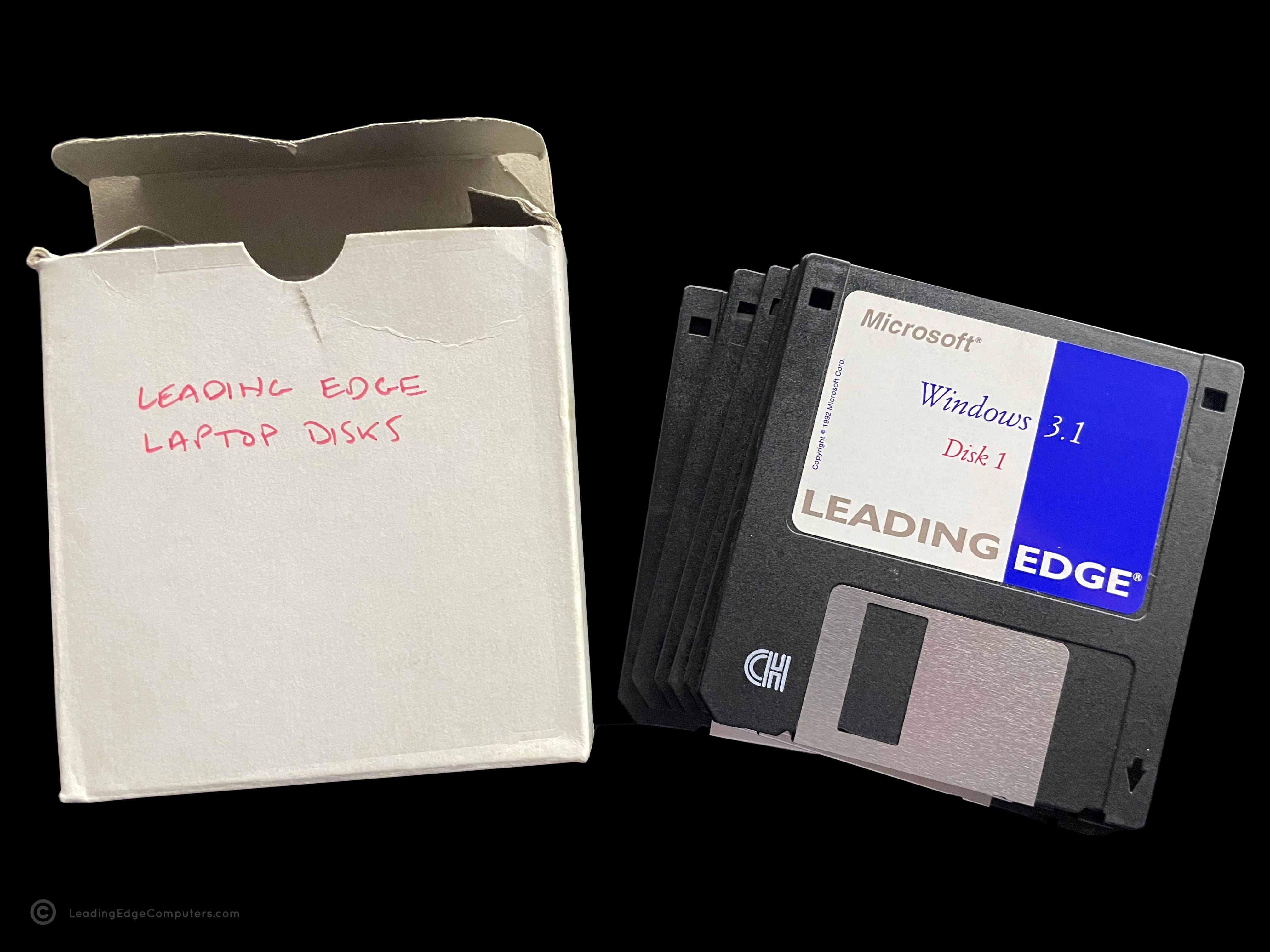
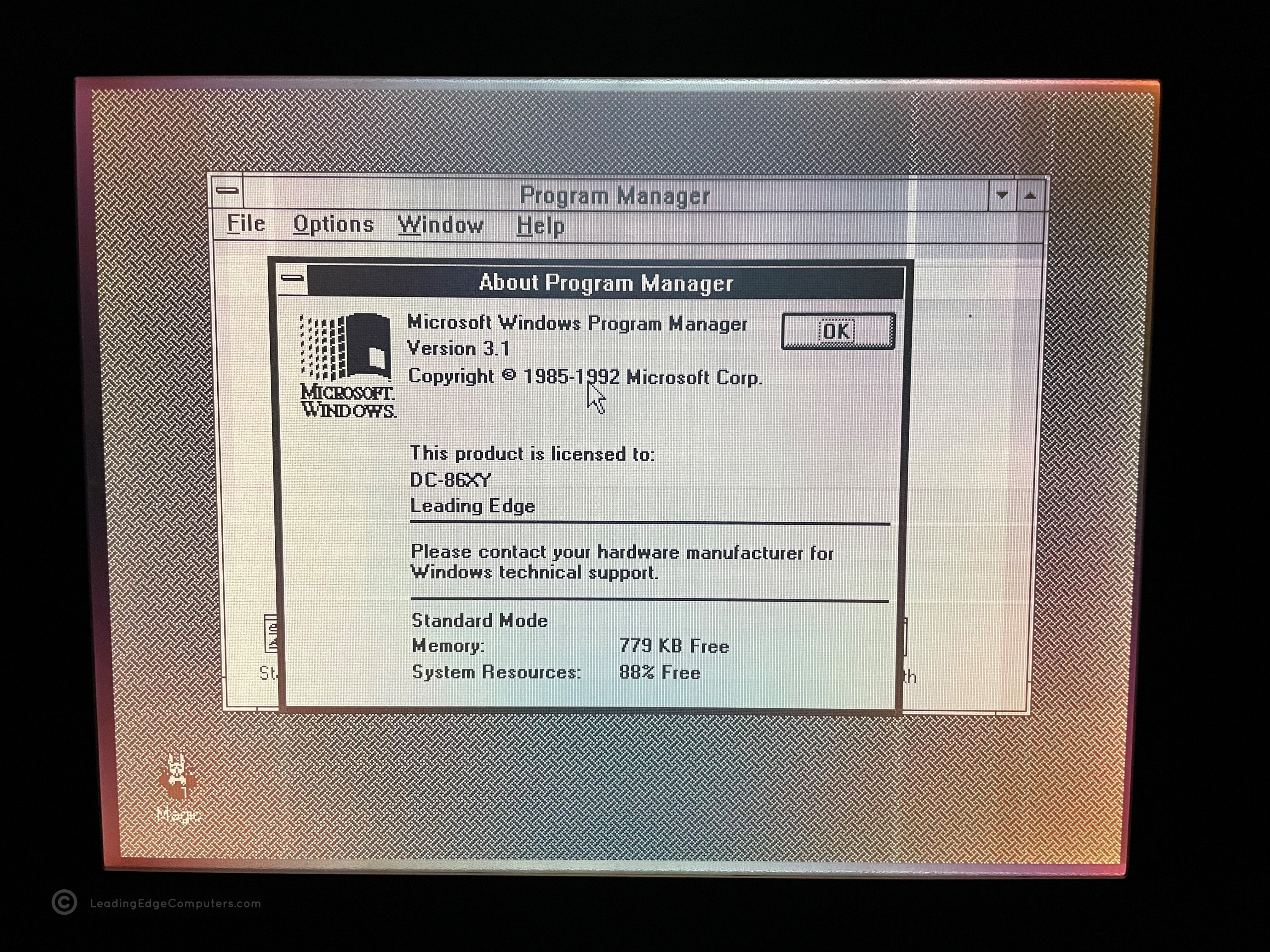
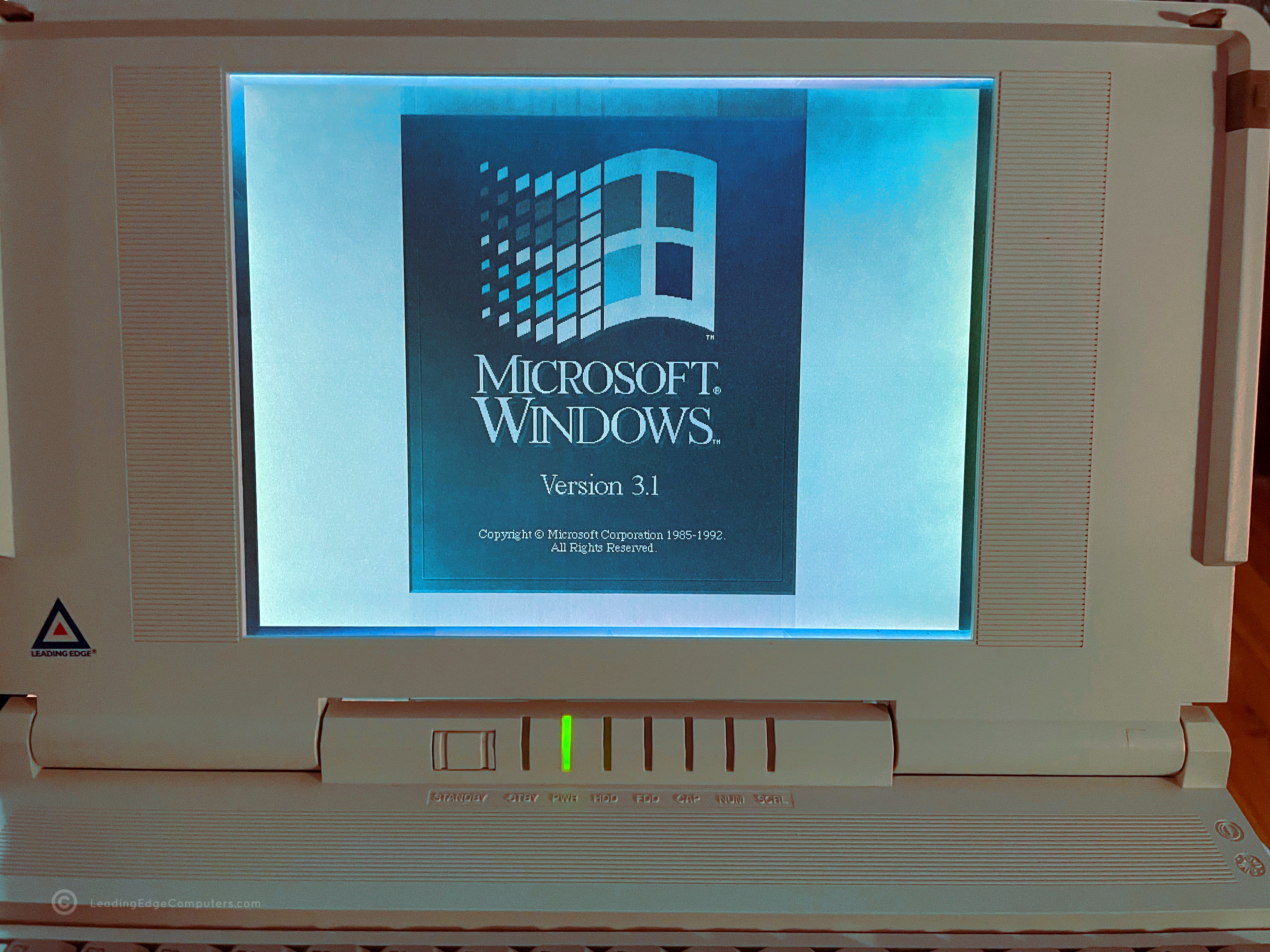
    windows 3.1 windows 3.1 windows 3.1 windows 3.1 windows 3.1 windows 3.1 windows 3.1 windows 3.1 windows 3.1 windows 3.1 windows 3.1 windows 3.1

     Word Processing

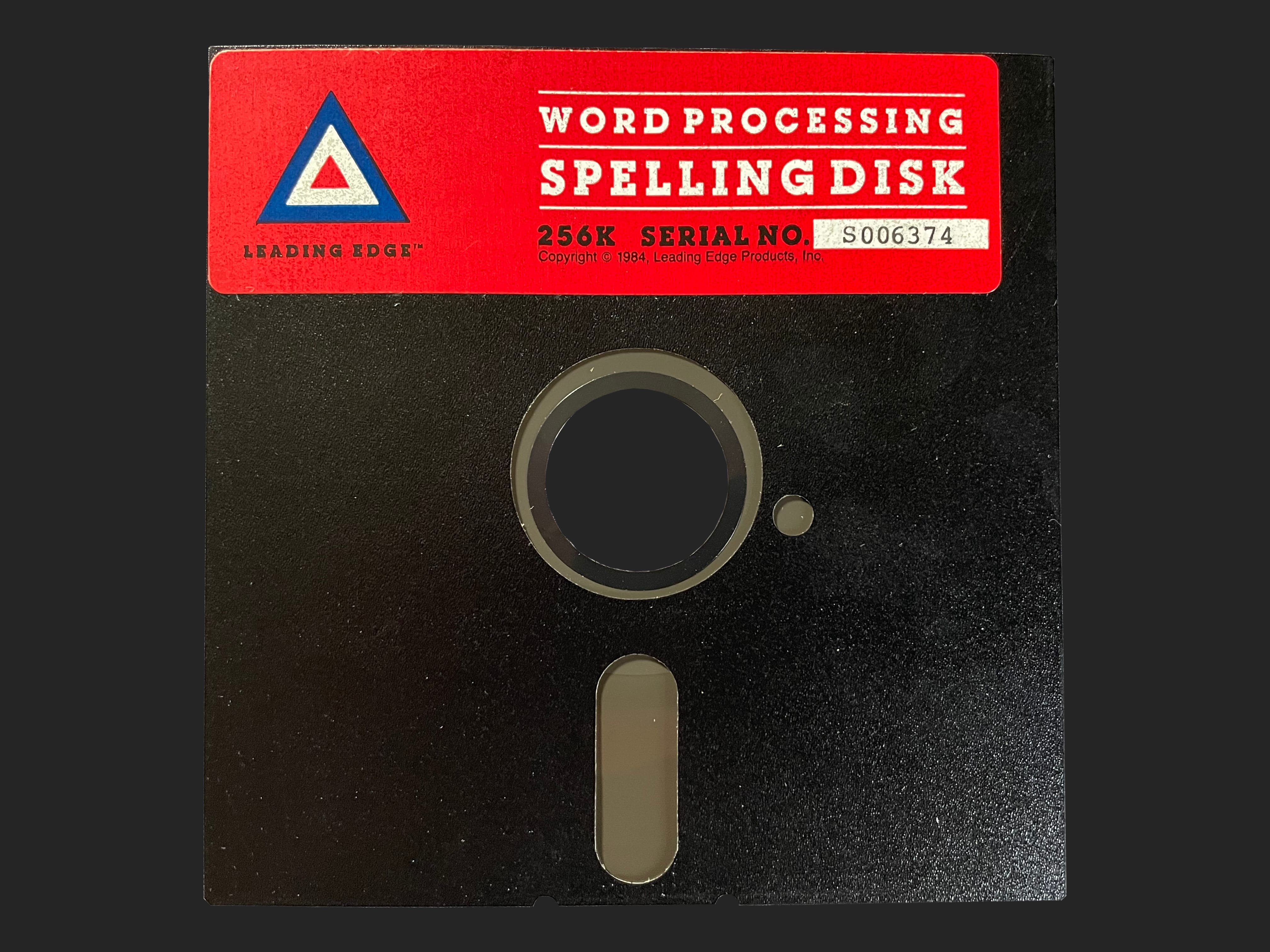
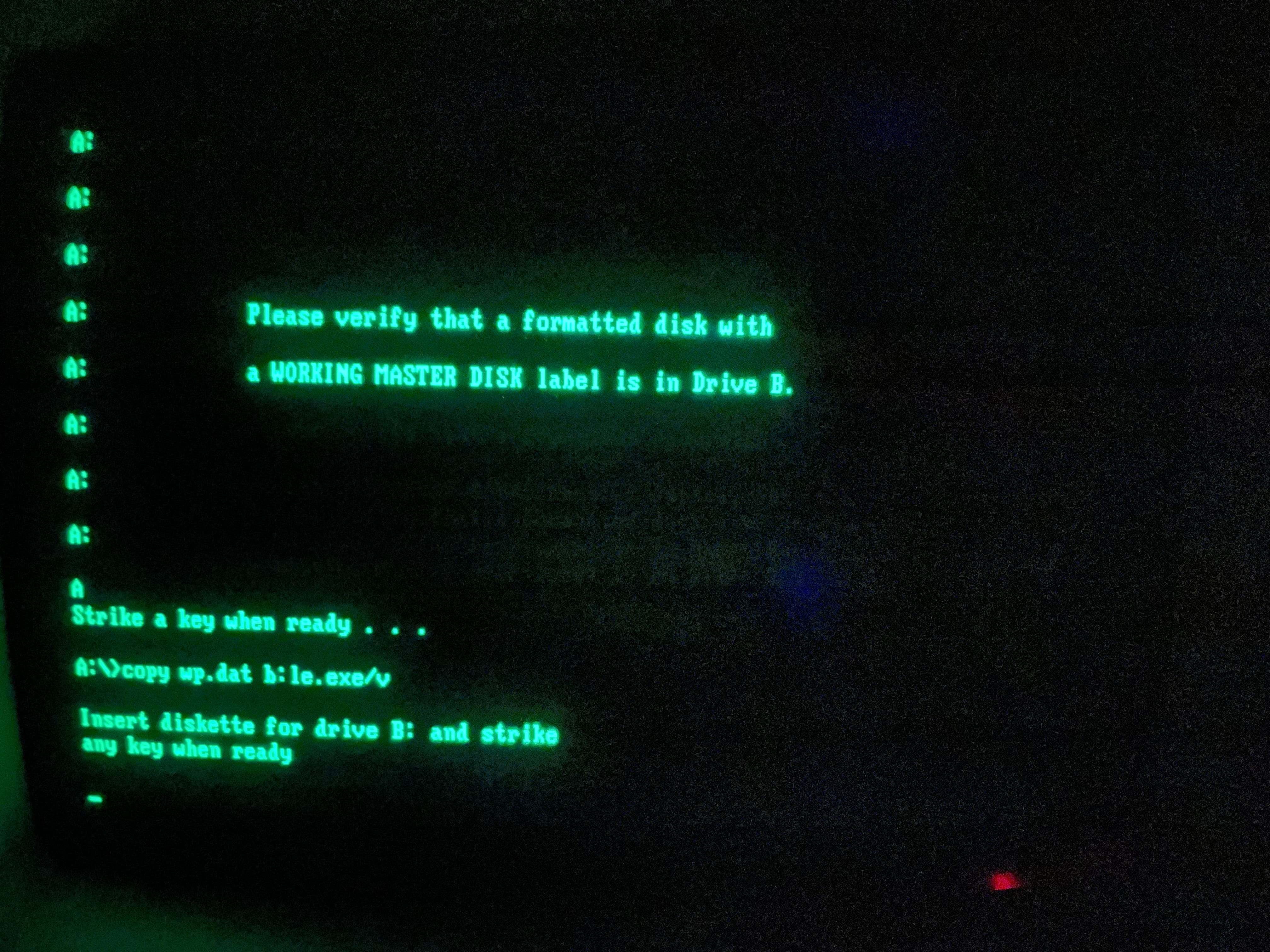
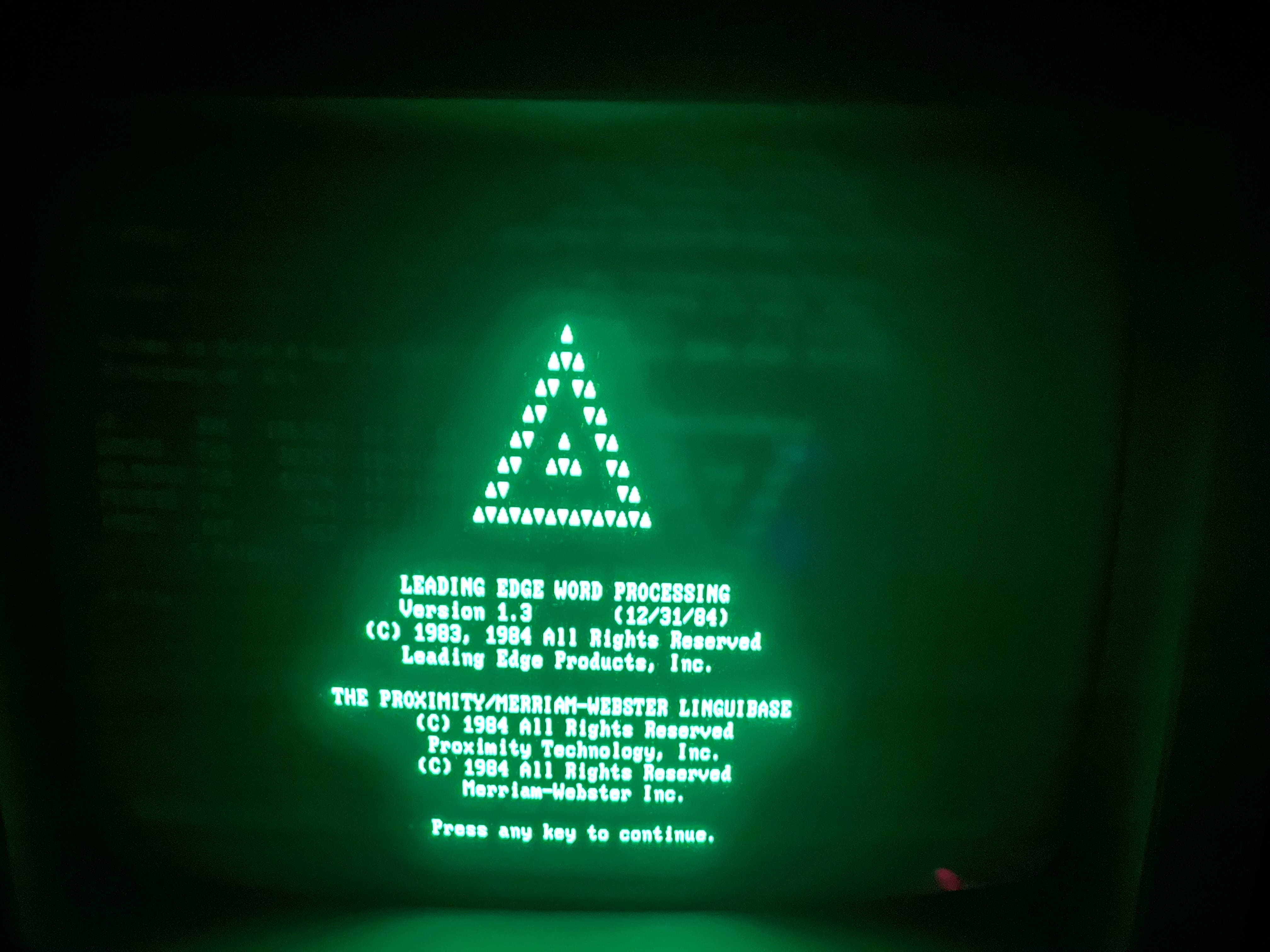
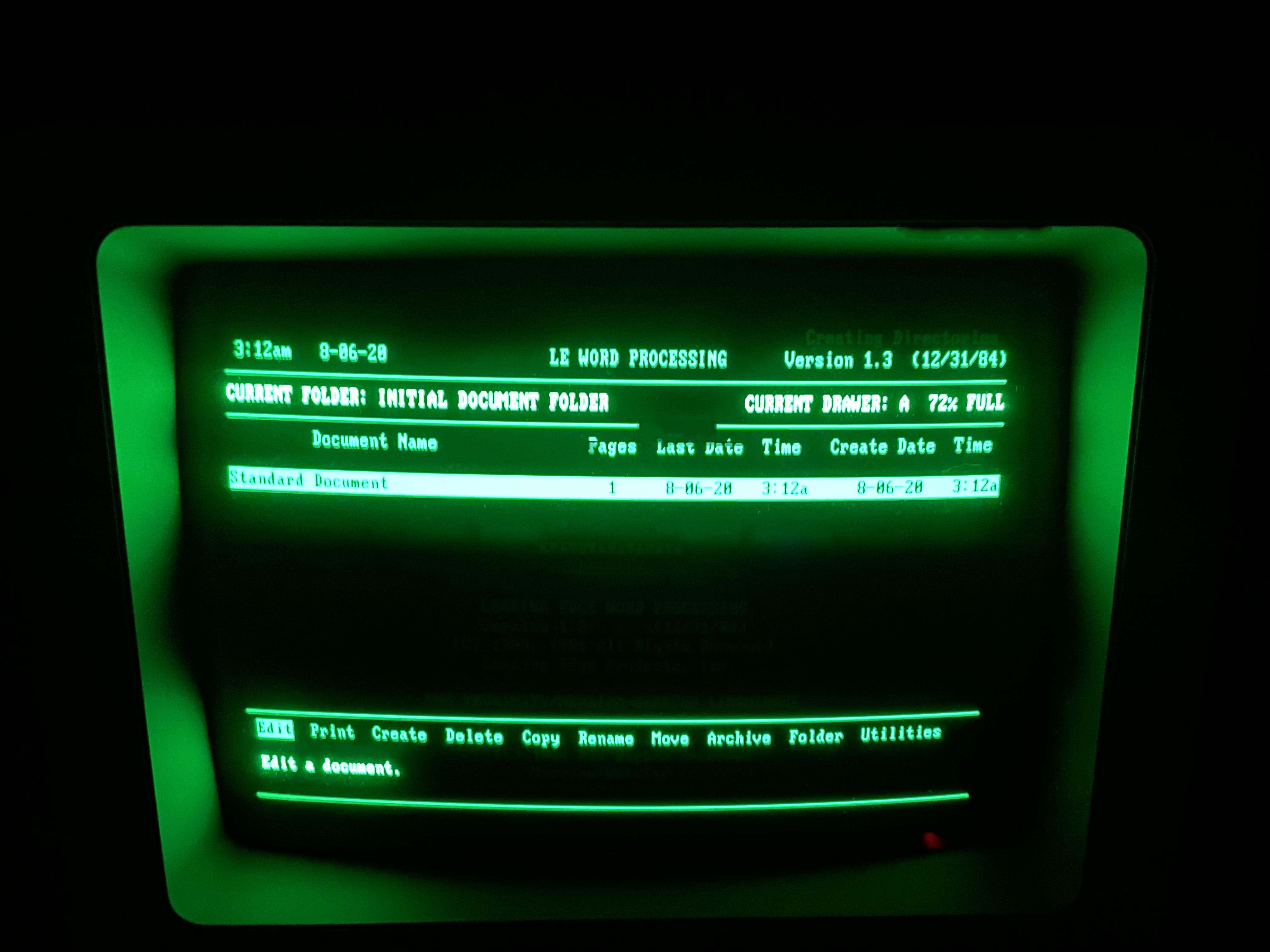
    word processing word processing word processing word processing word processing word processing word processing word processing word processing word processing word processing word processing word processing word processing word processing word processing word processing word processing word processing word processing word processing

     Word Processing Basic Version

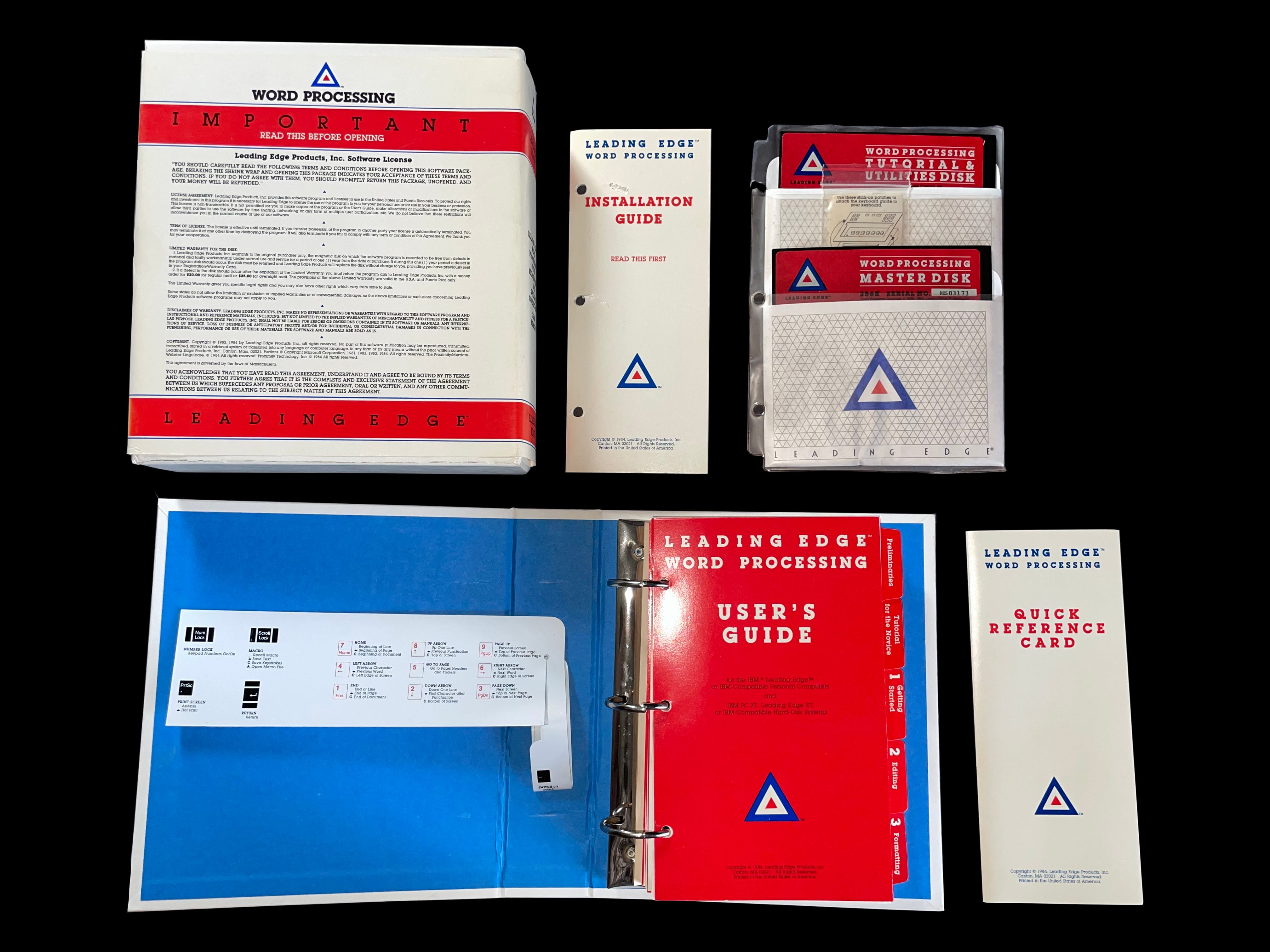
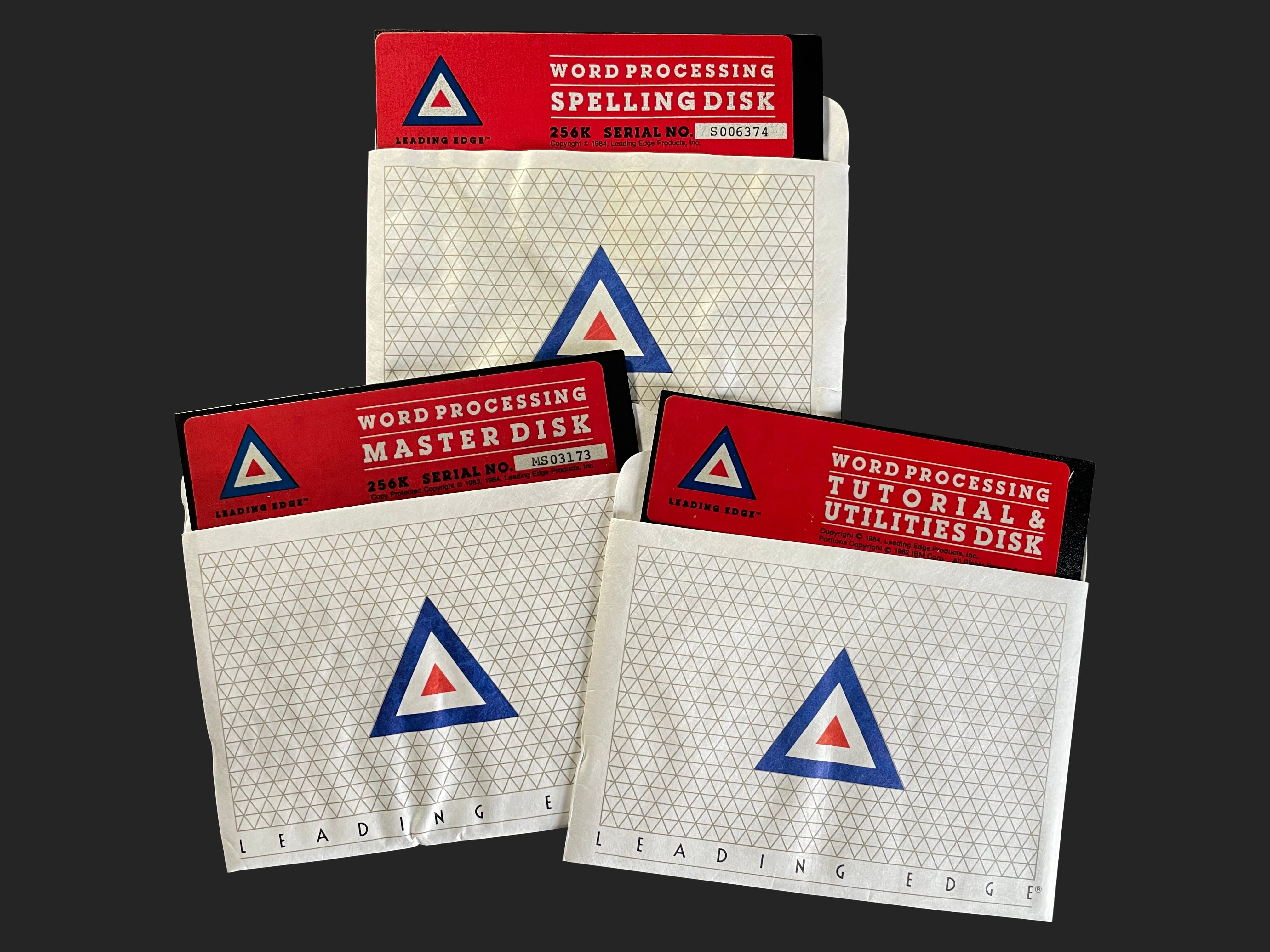
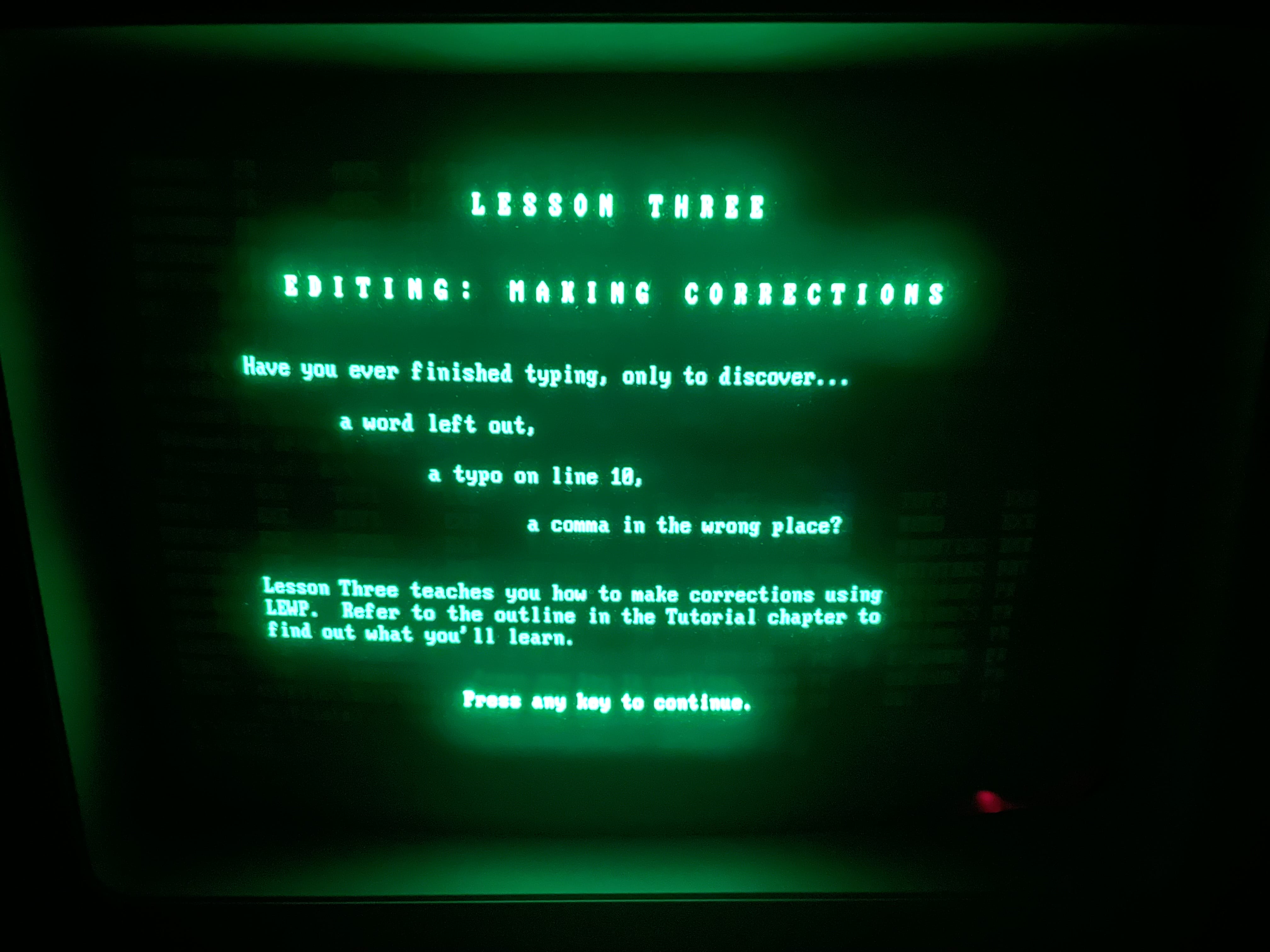
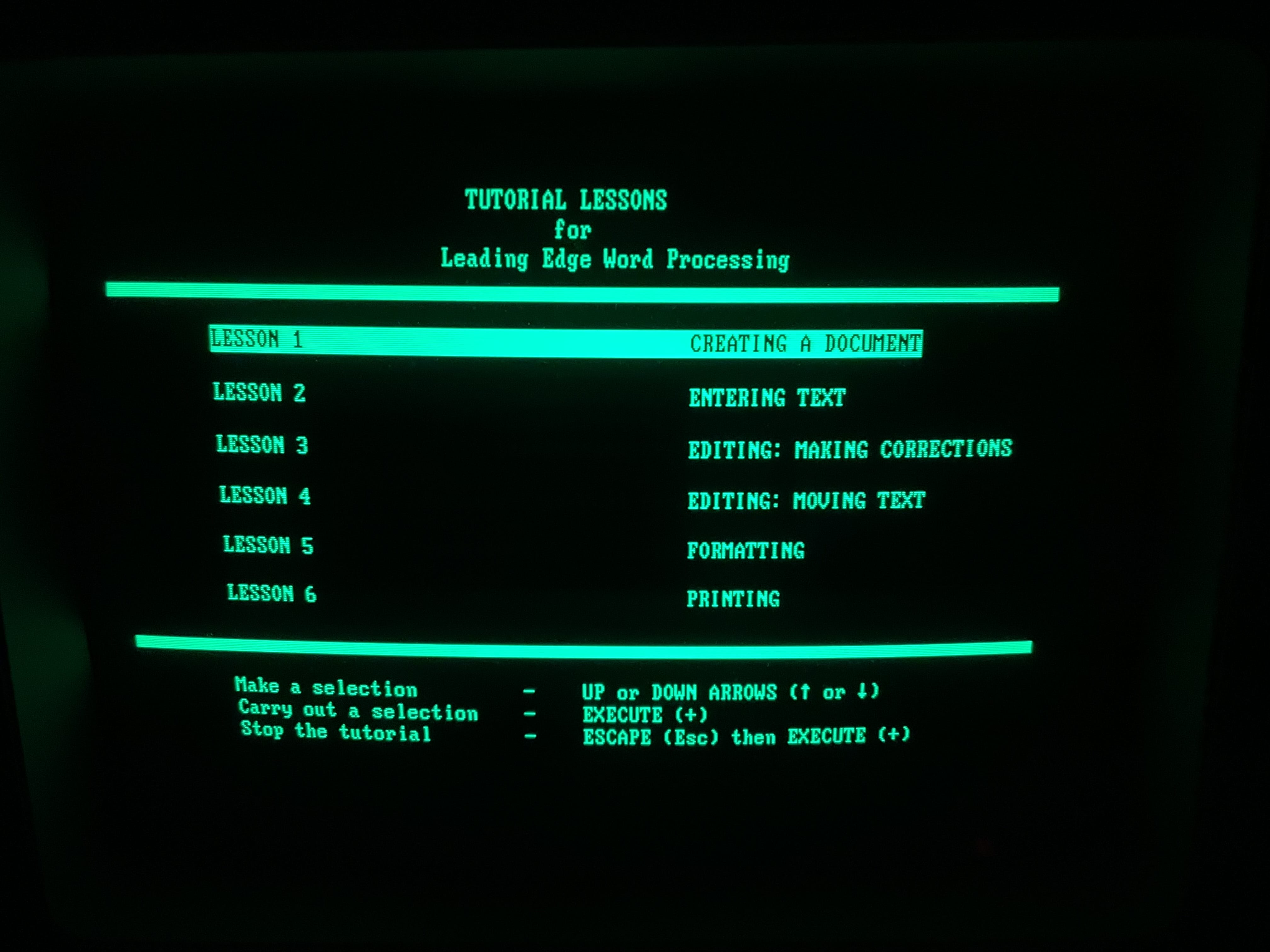
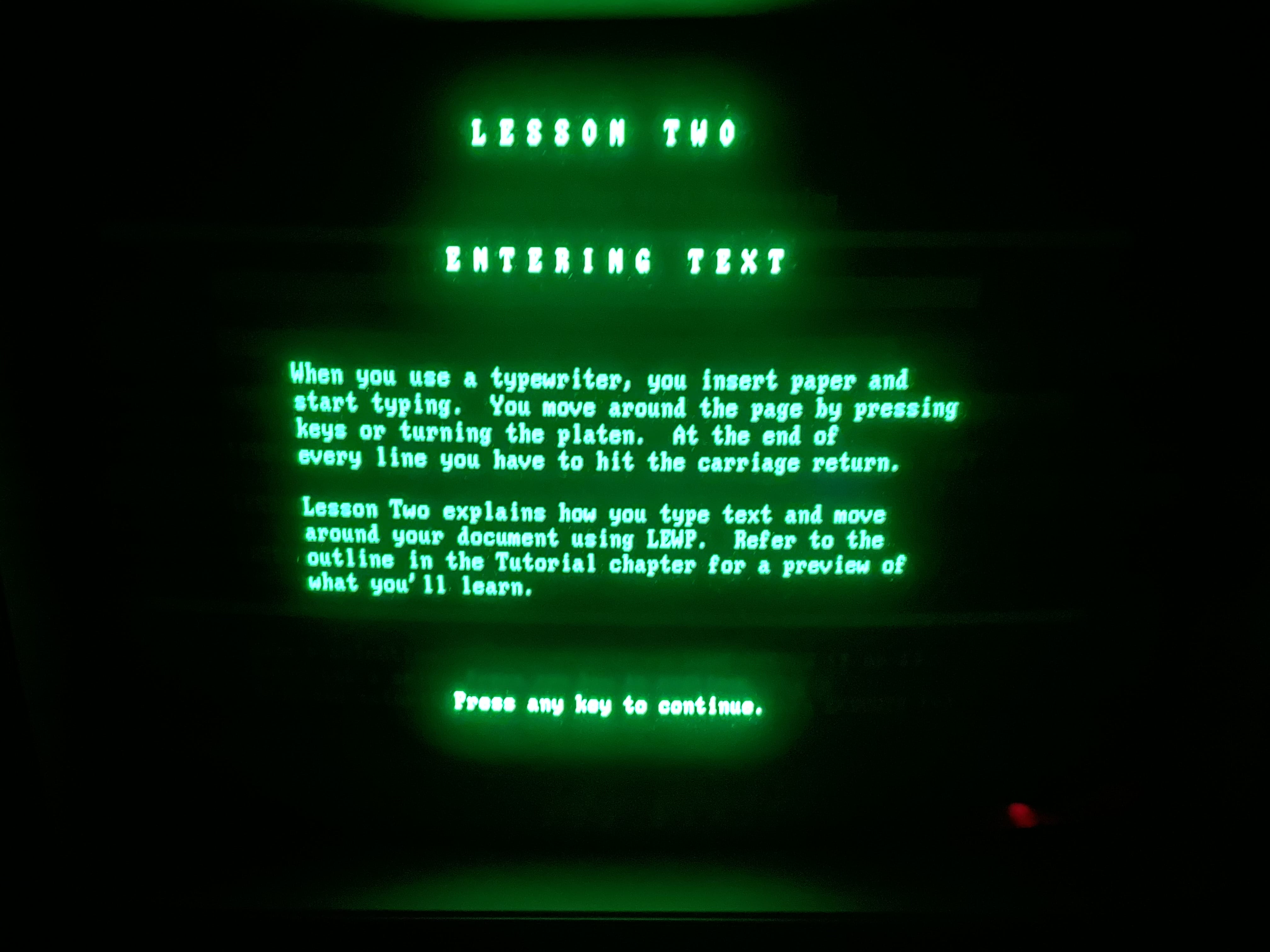
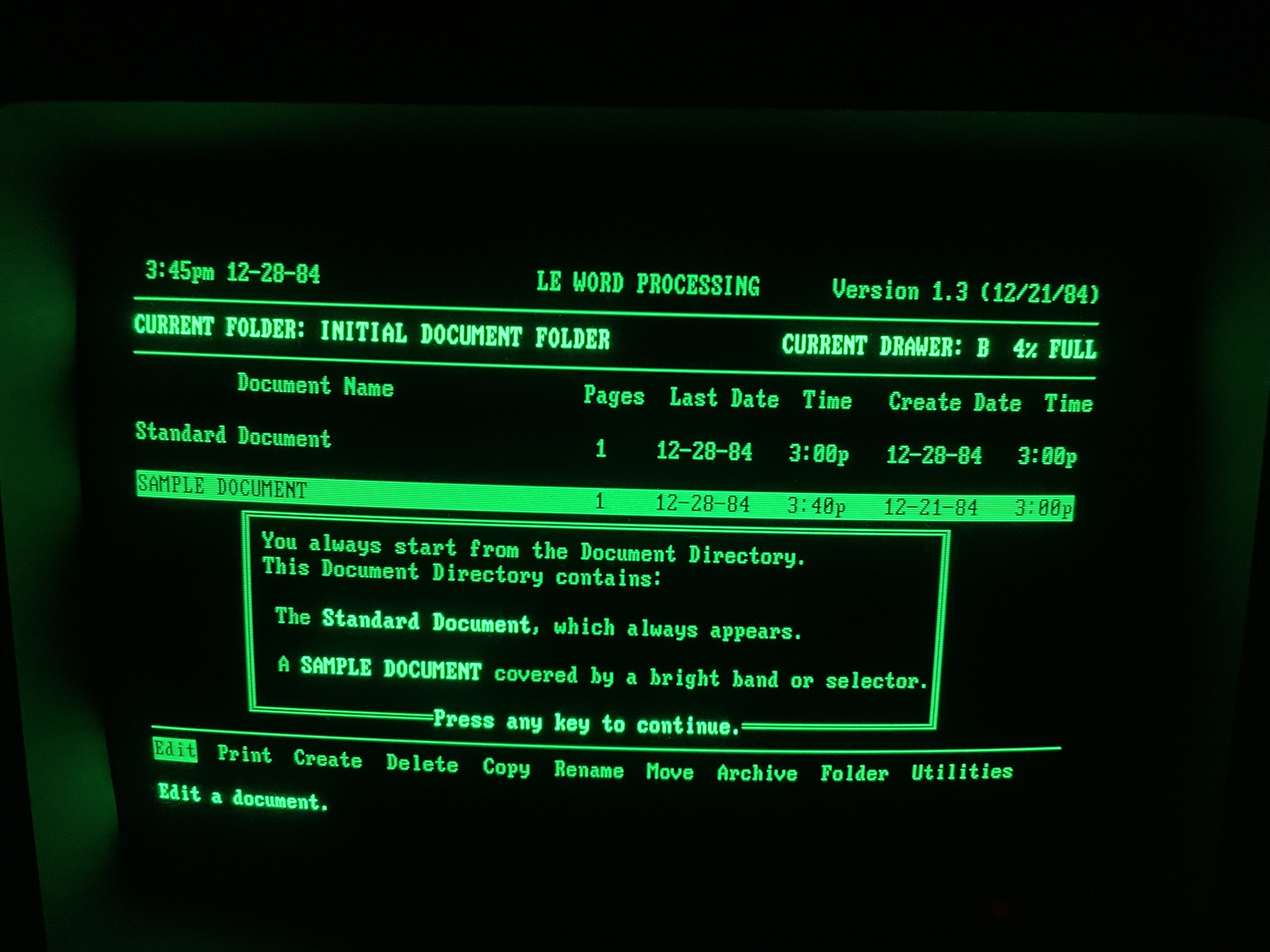
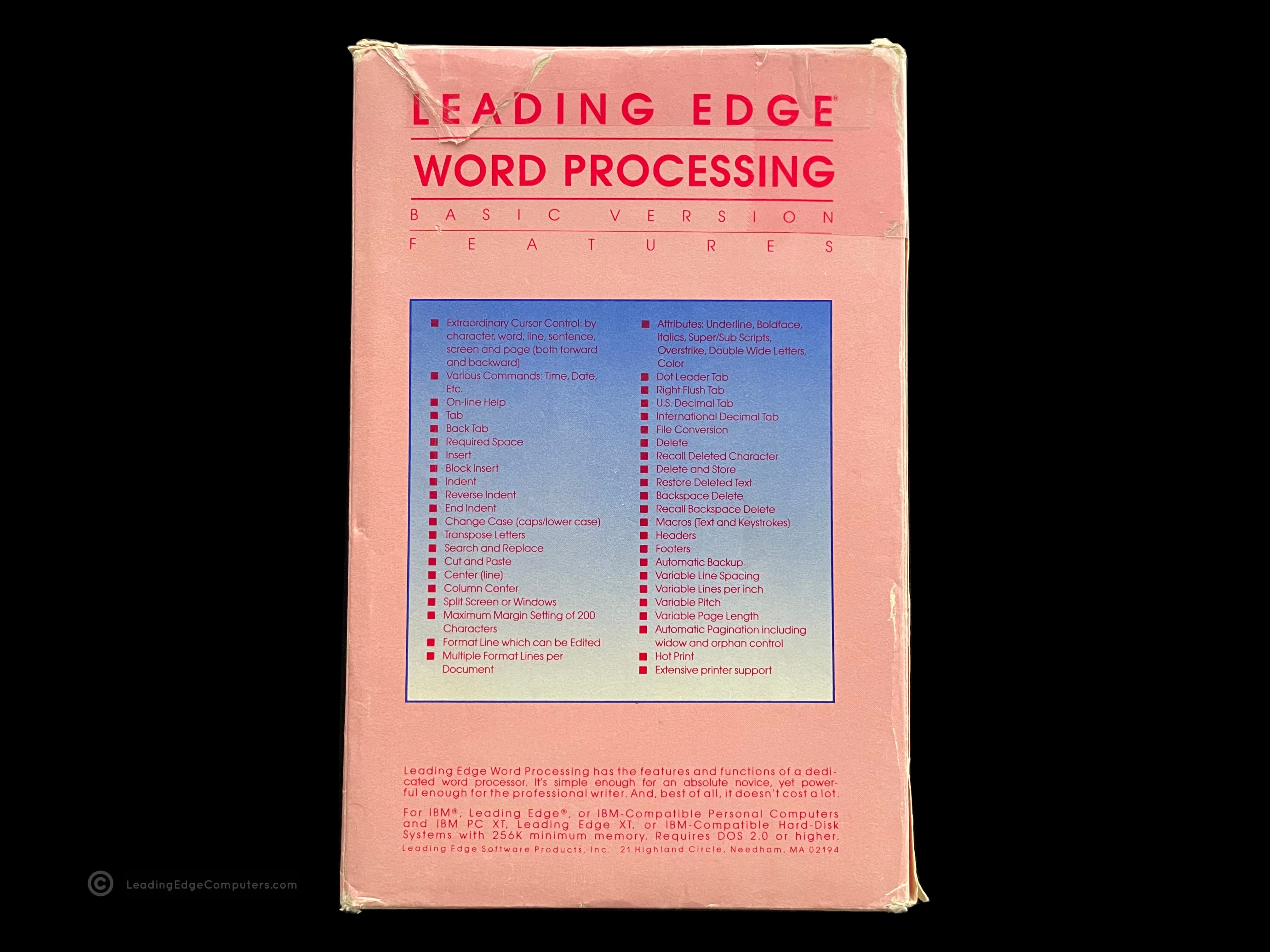
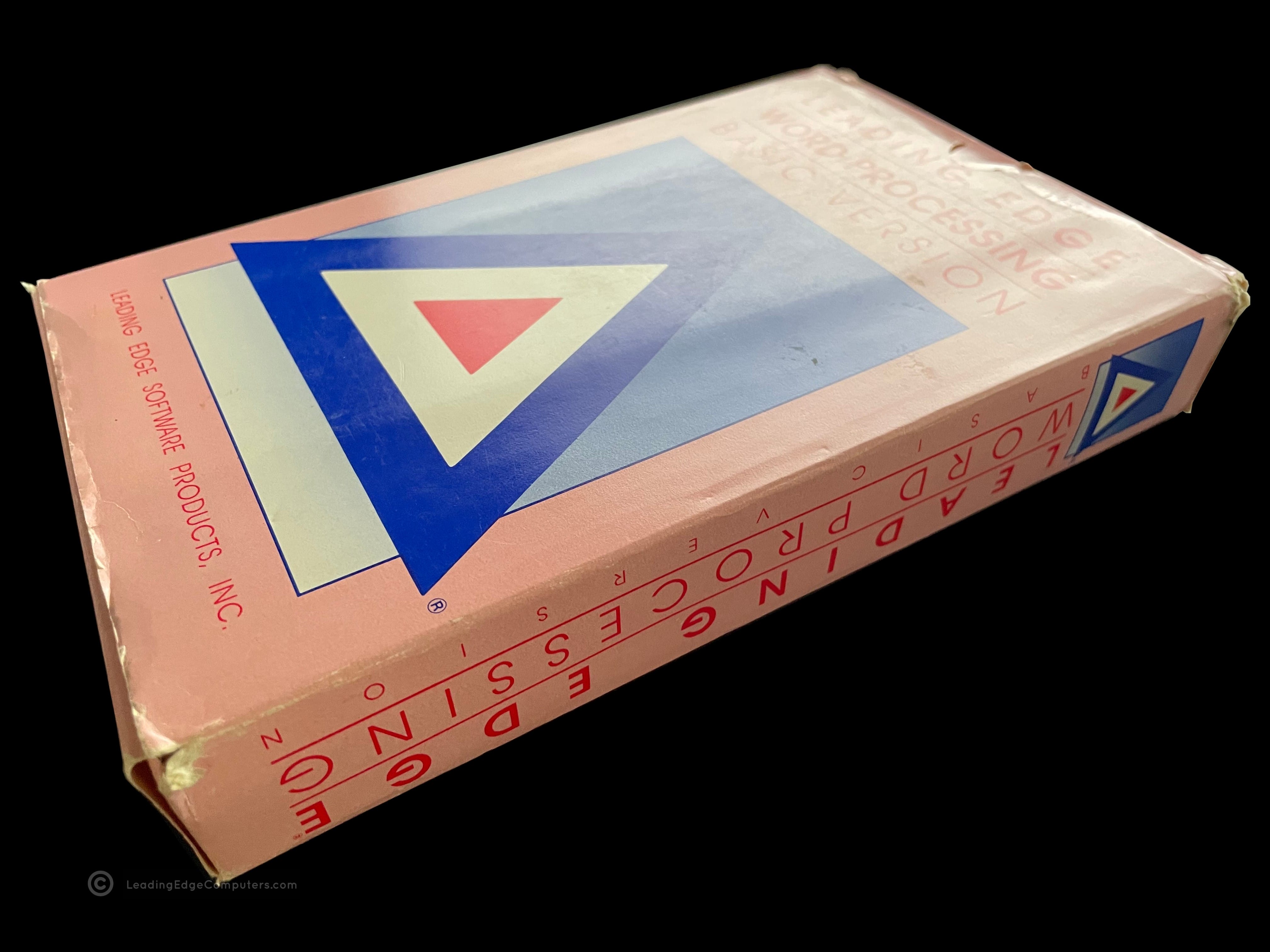
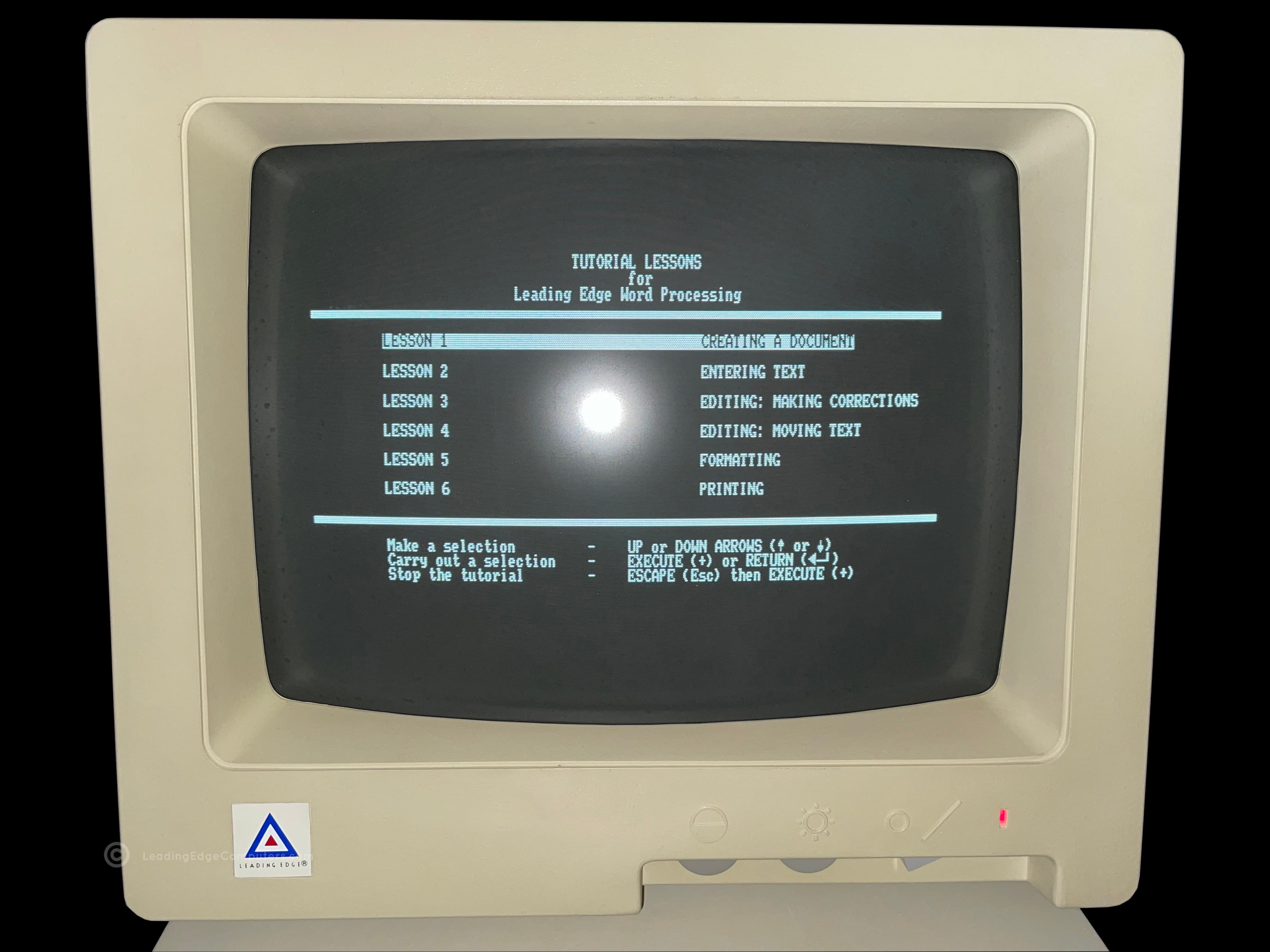
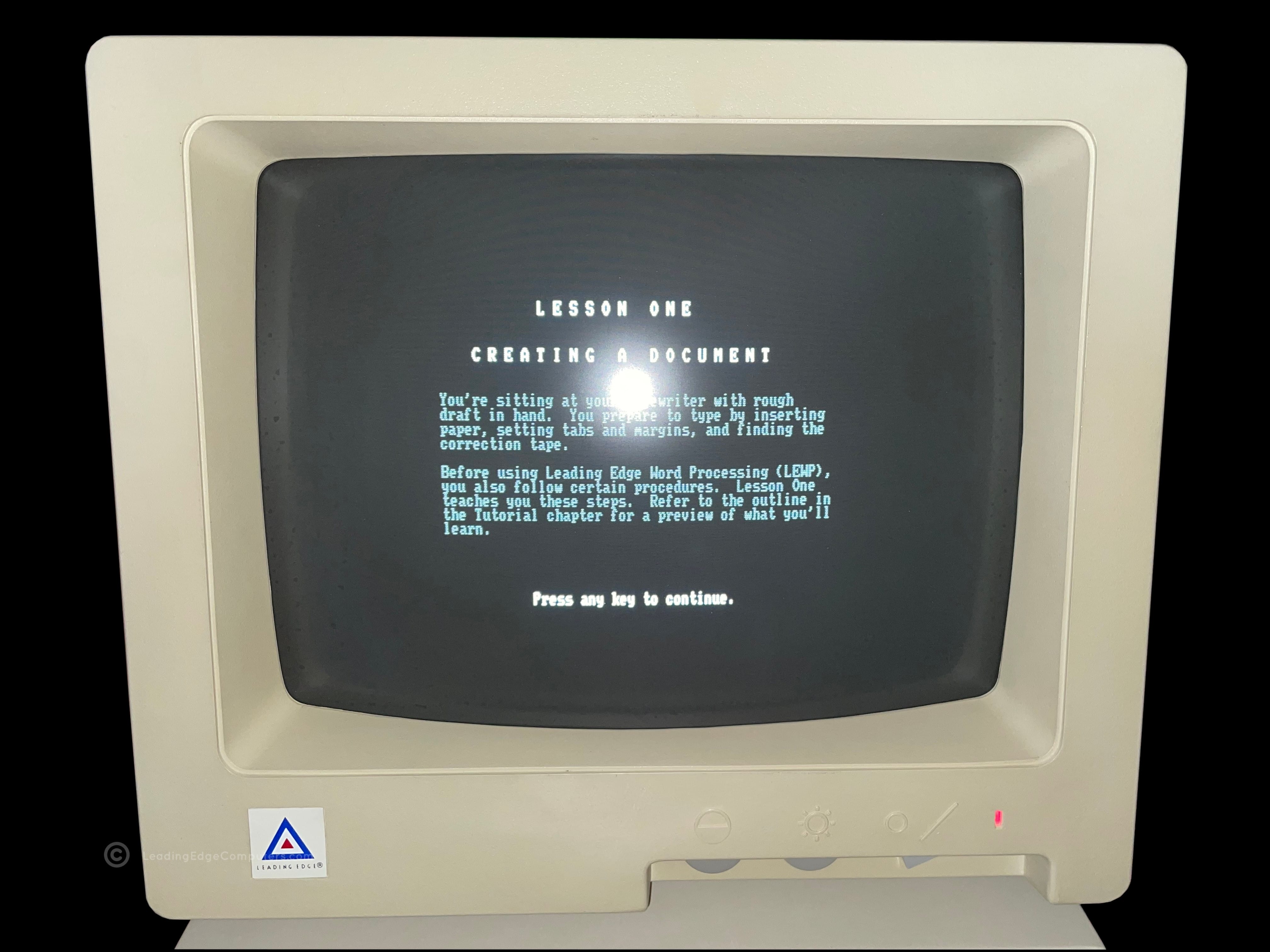
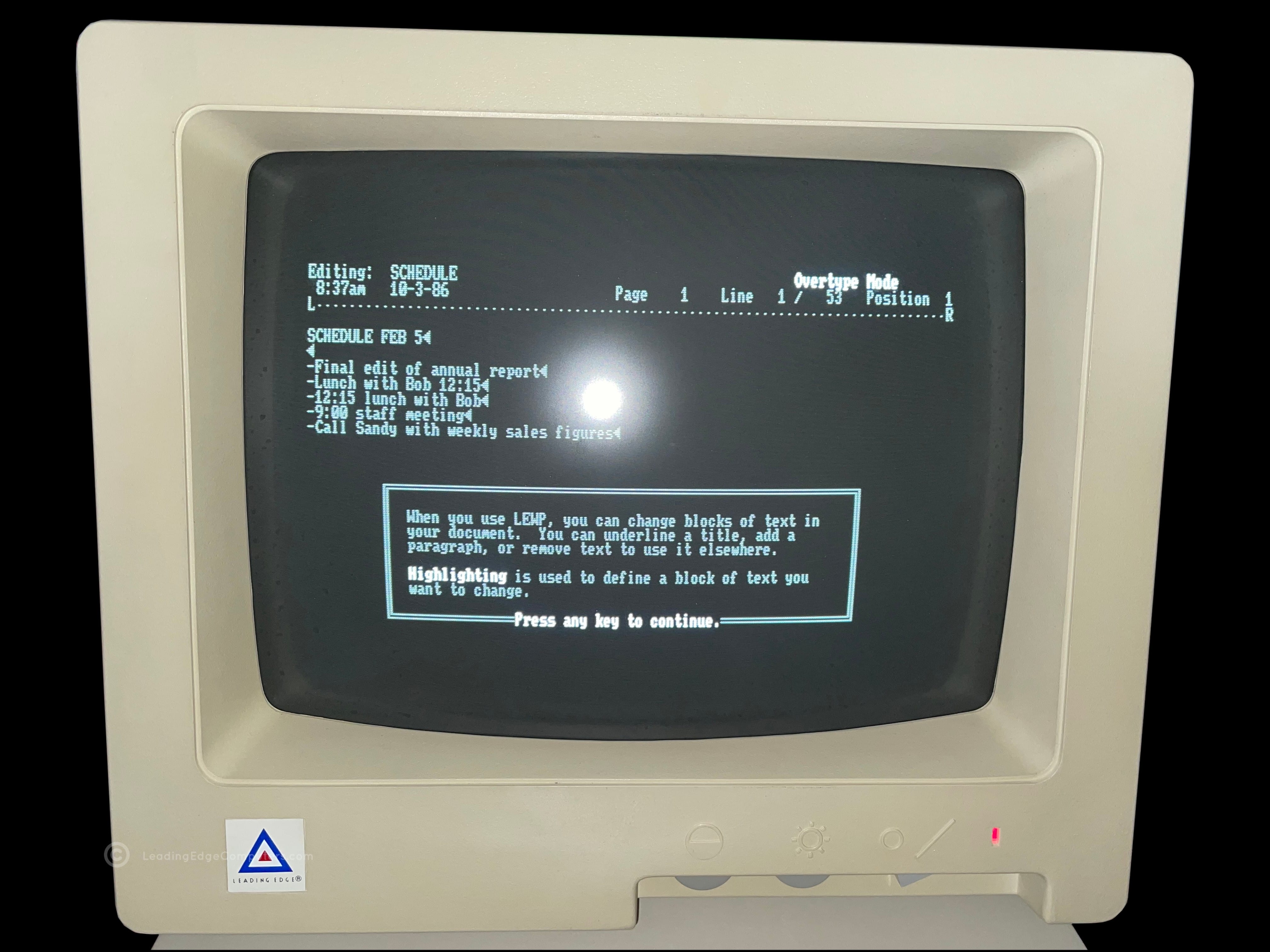
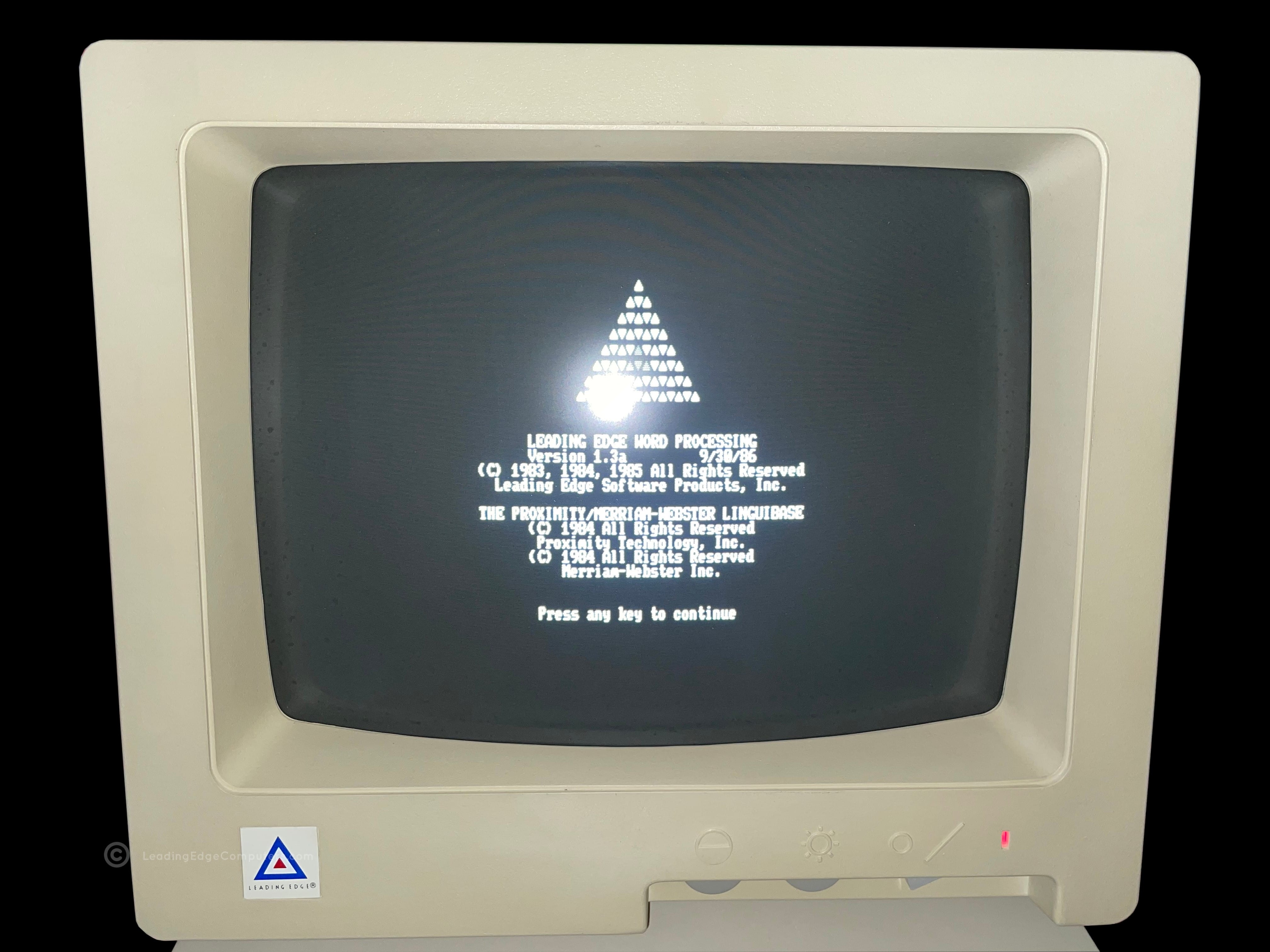
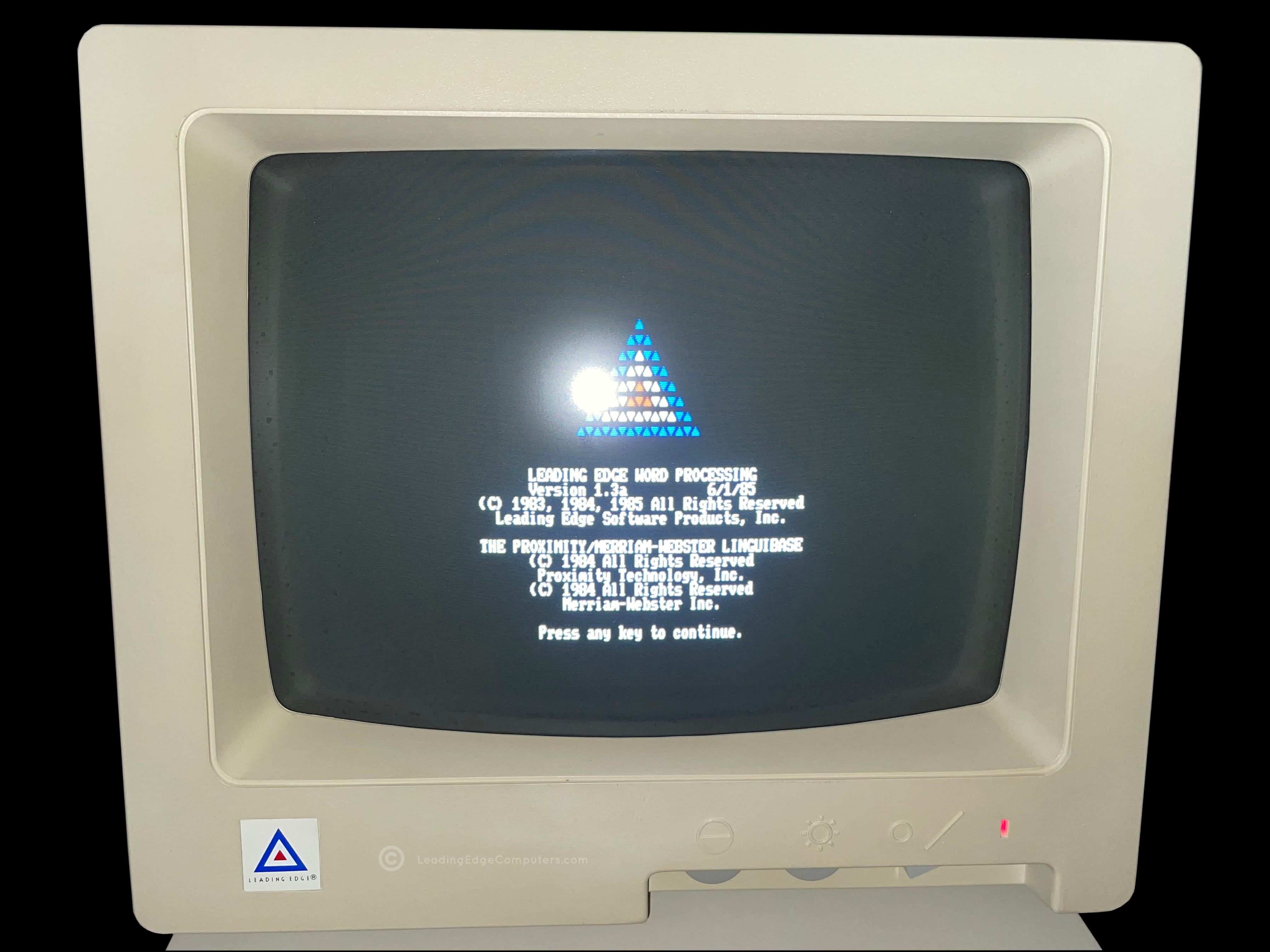
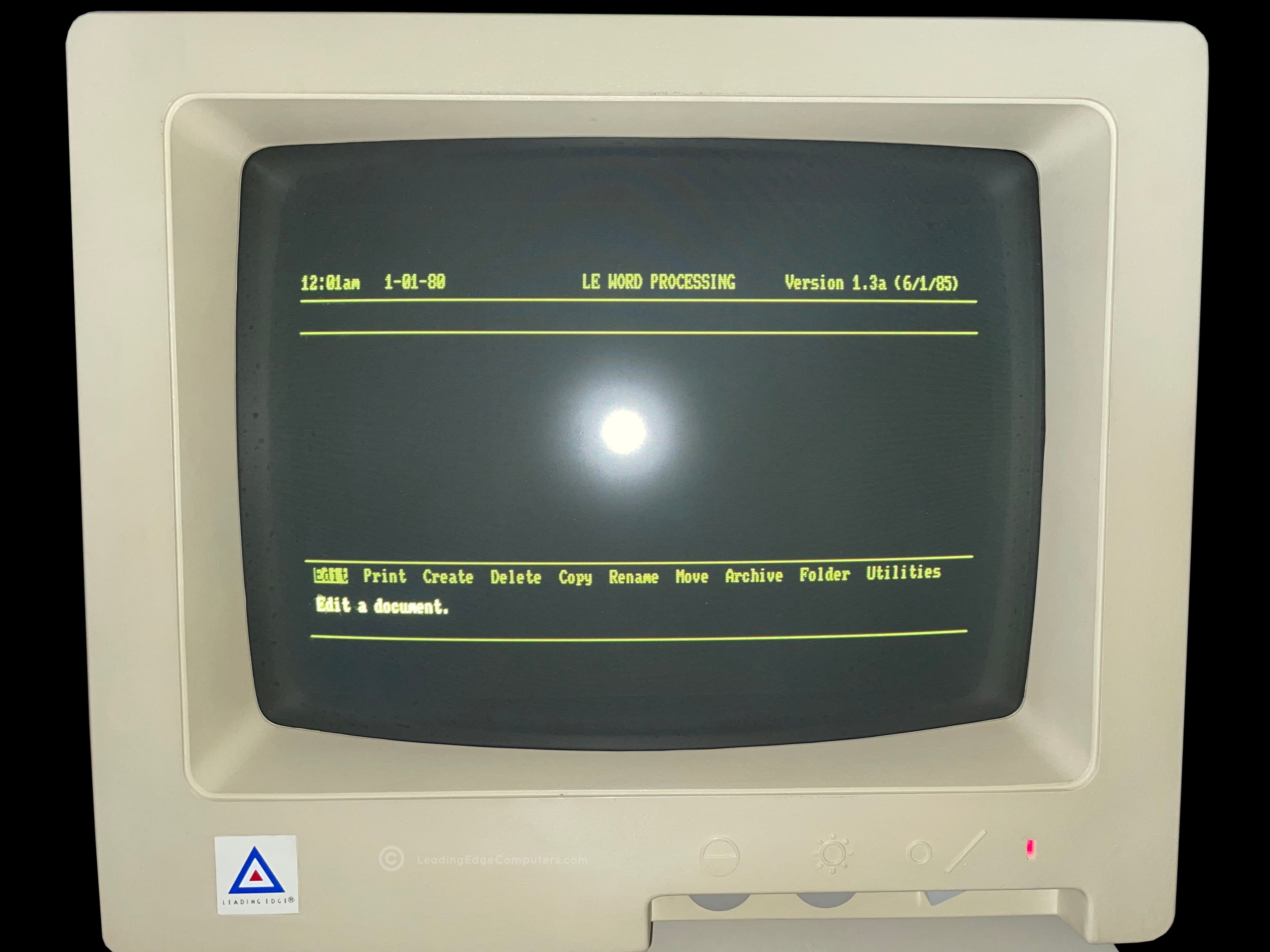
    word processing front of software pack word processing rear of software pack word processing software pack angled with sides visible word processing sofware pack opened with inner sleeve shown word processing basic version manual word processing, all of the documents included in the software pack word processing screenshot of tutorial lessons menu word processing start of tutorial lesson 1 word processing lesson one continues word processing copyright info in monochrome word processing copyright info in color word processing document editing mode

     Word Processing Installation Guide

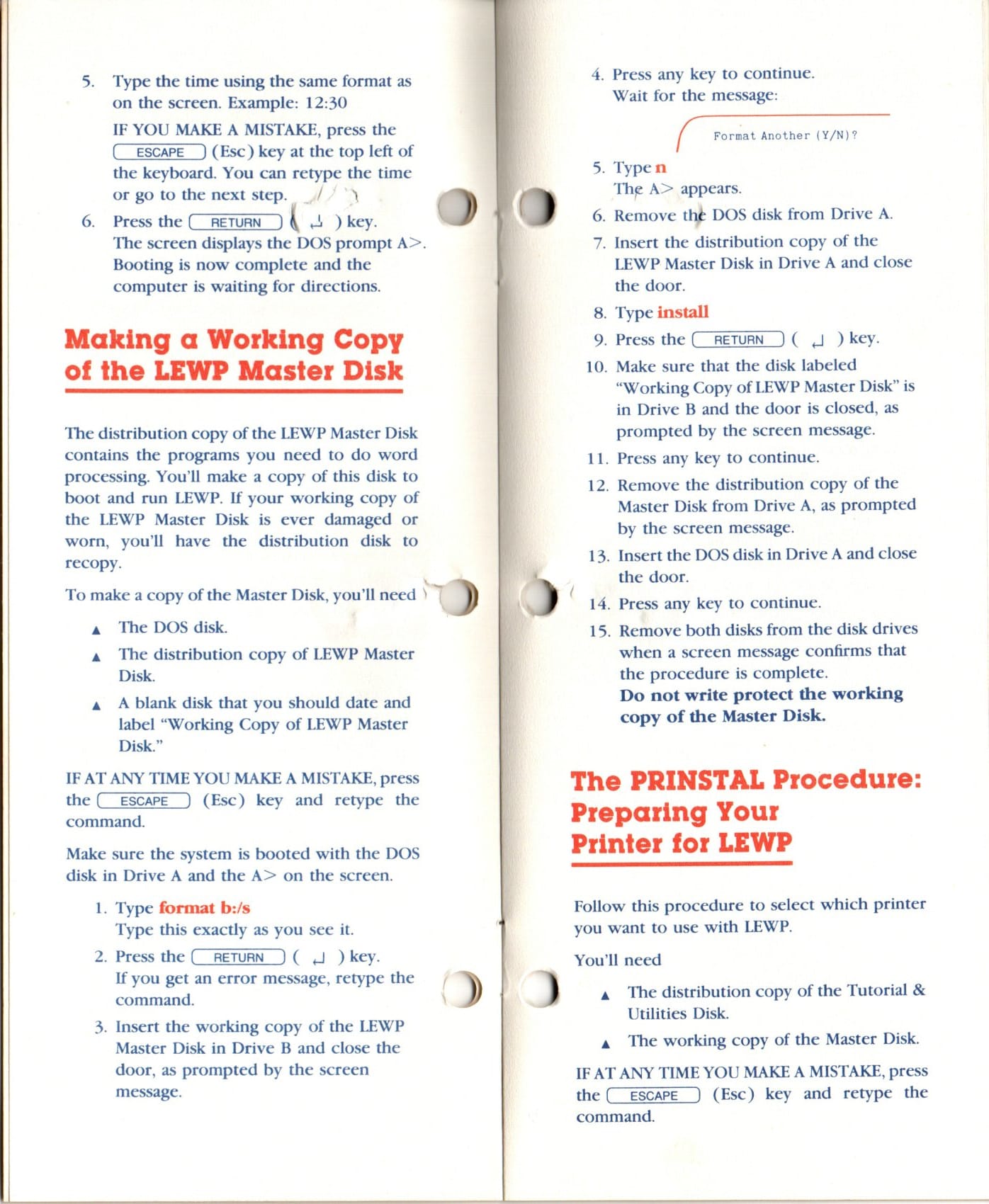
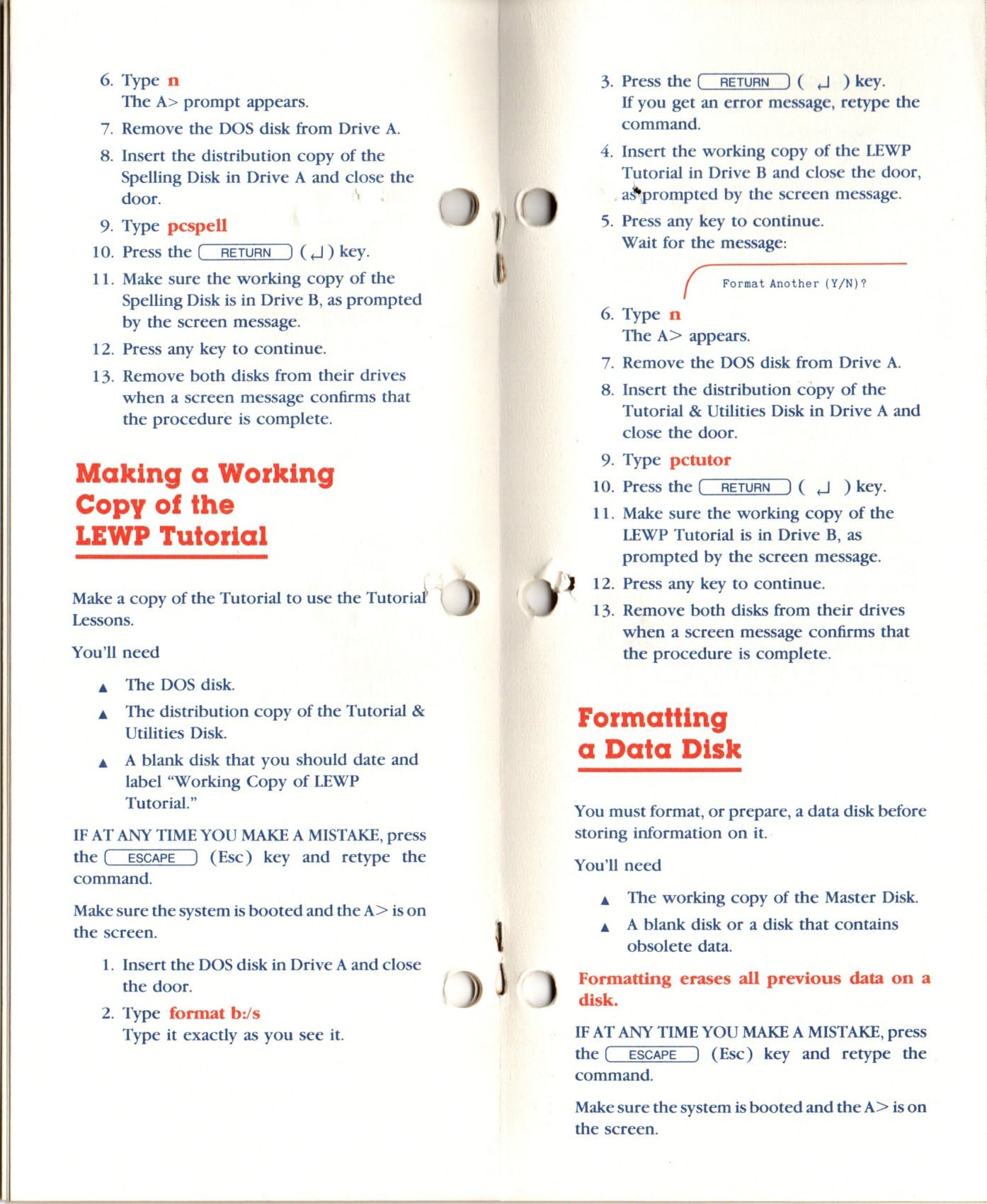
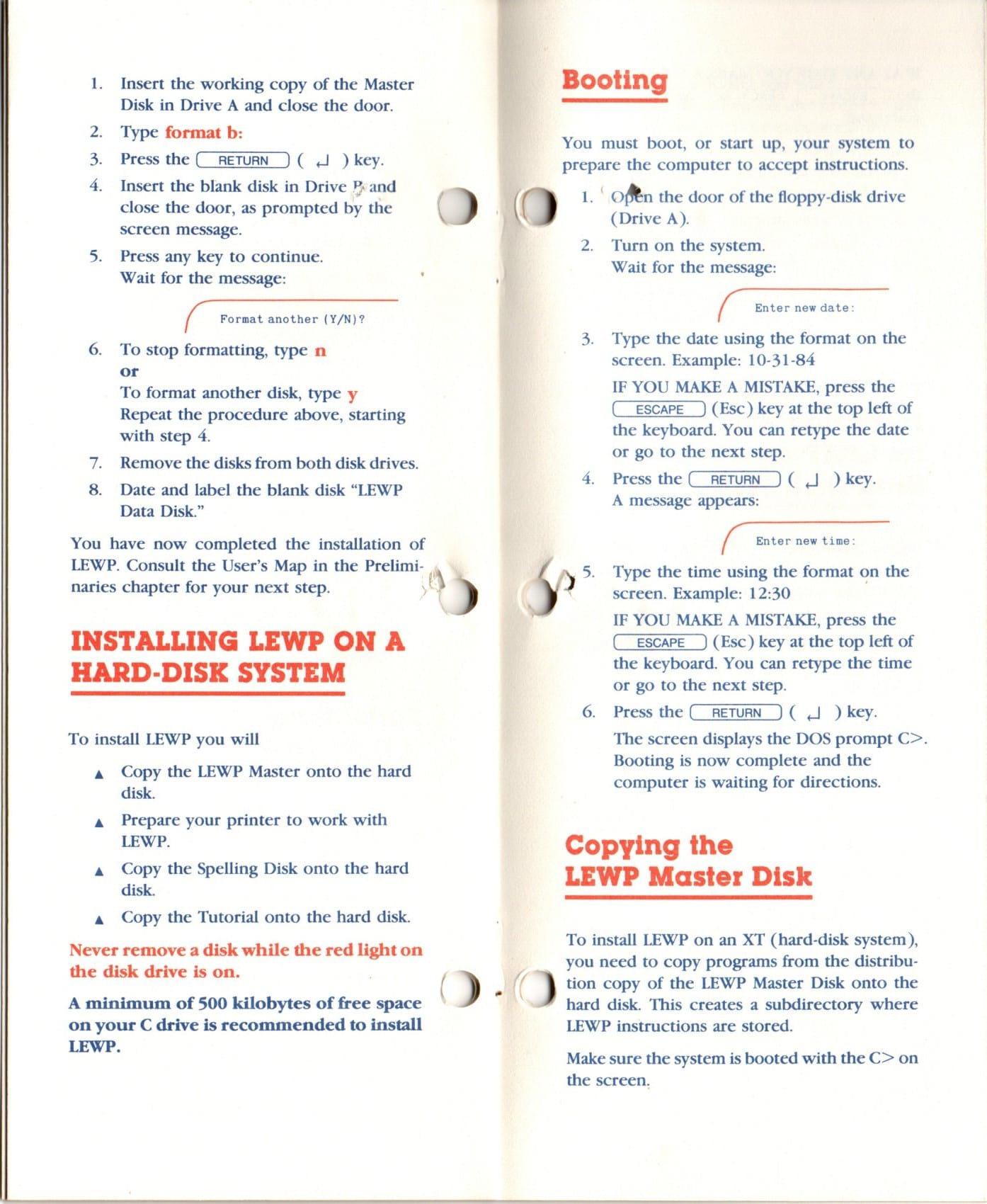
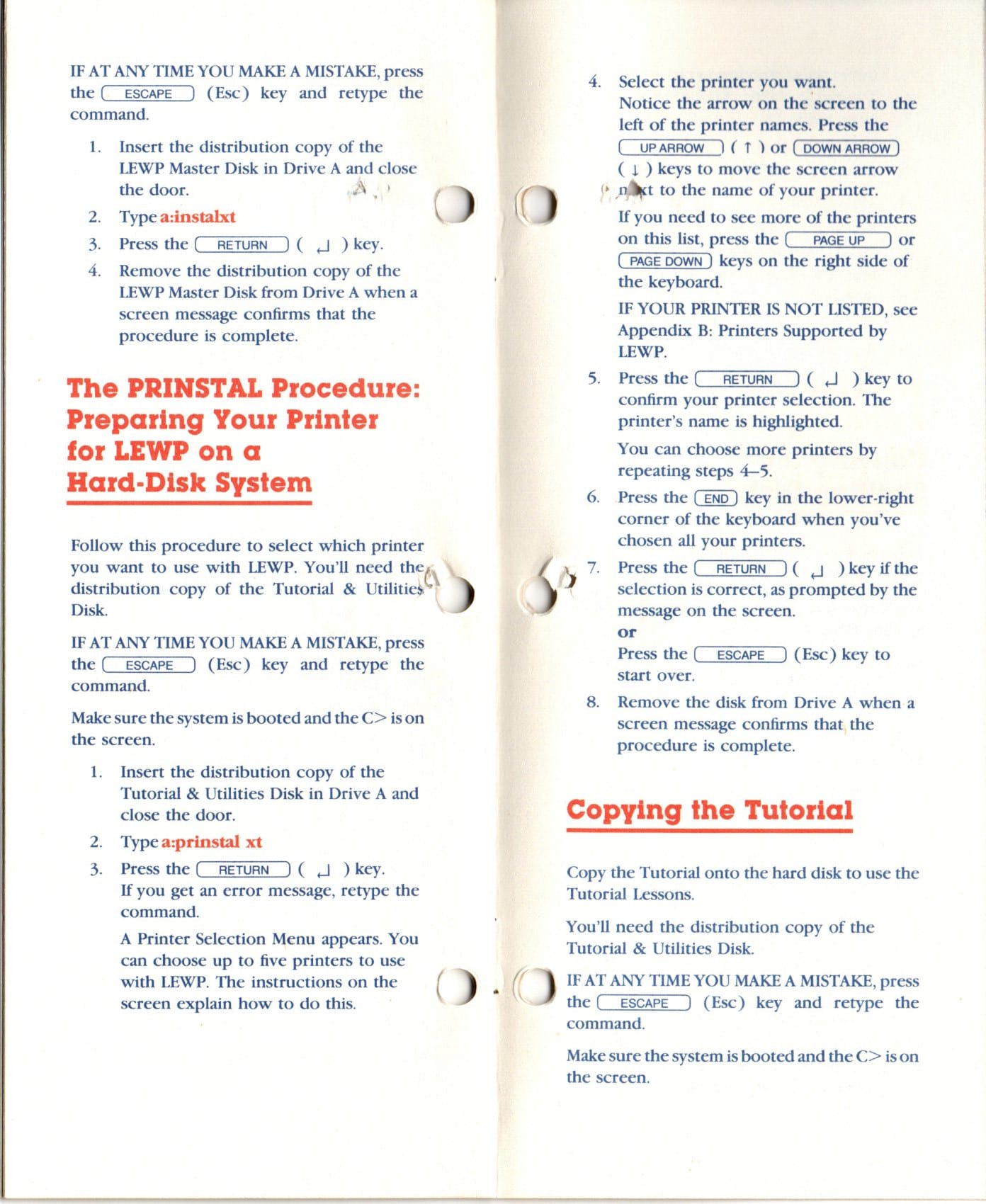
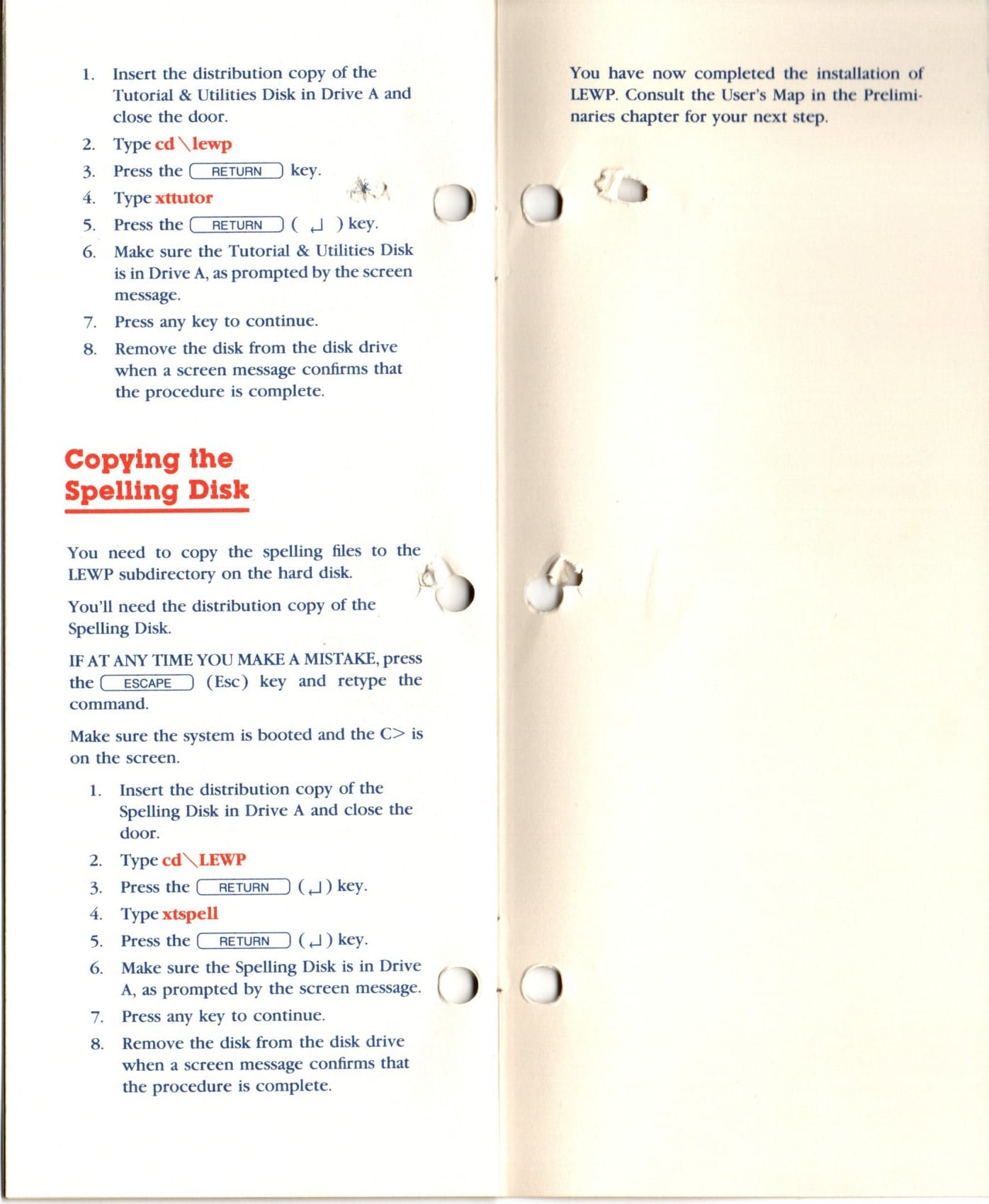
    view of the front of the word processing installation guide word processing installation guide open to the installation to floppy making a copy of the LEWP master disk making a working copy of the spelling disk making a copy of the LEWP Tutorial disk installing LEWP onto a hard drive installation of a printer for LEWP copying the spelling disk rear view of the word processing installation guide

     Consumer Channel Warranty Certificate

    main copy of the consumer channel warranty certificate back side of the carbon copy showing services available out of warranty main and carbon copies of the consumer channel warranty certificate

     DRC‐1311 Monitor

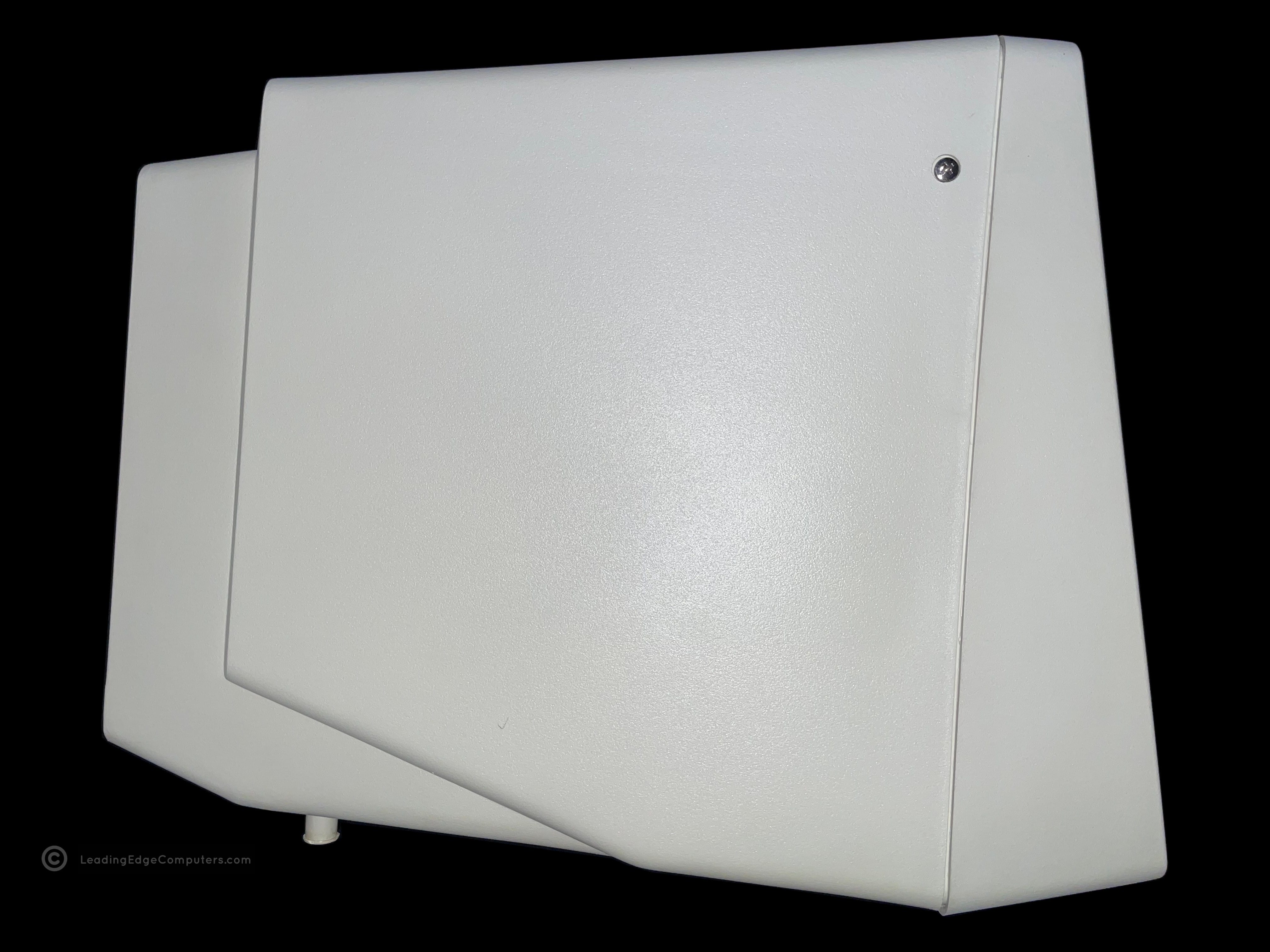
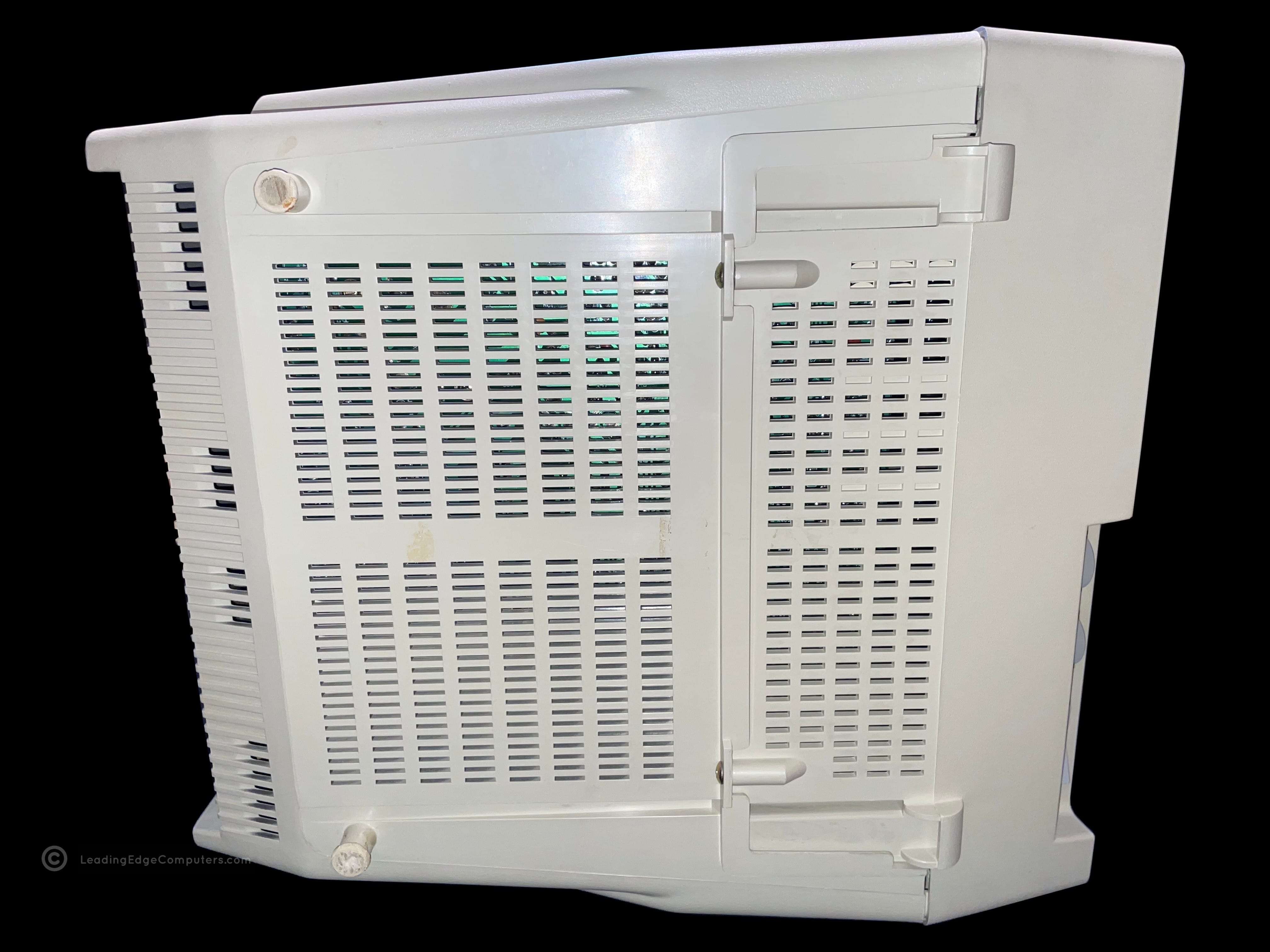
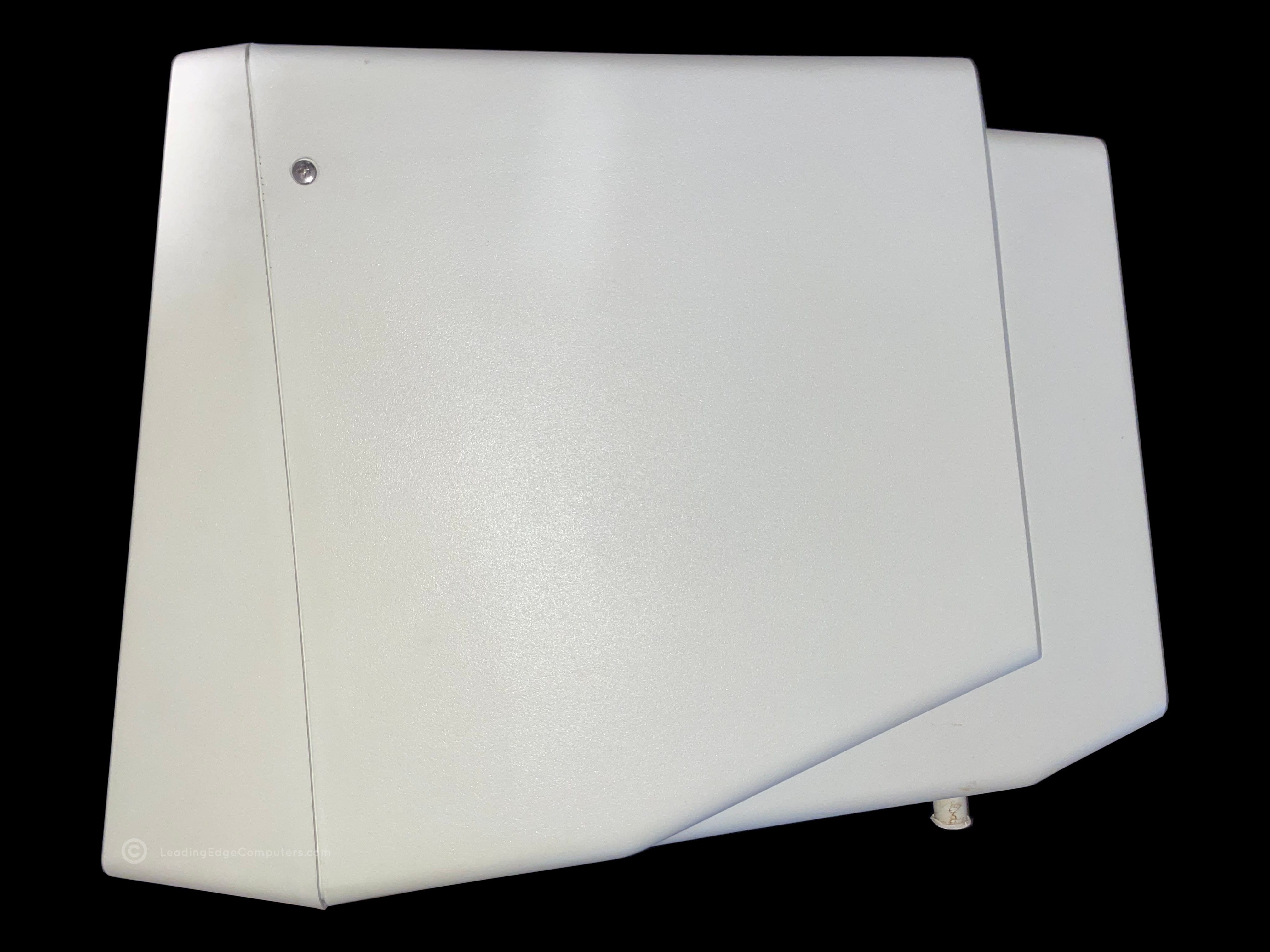
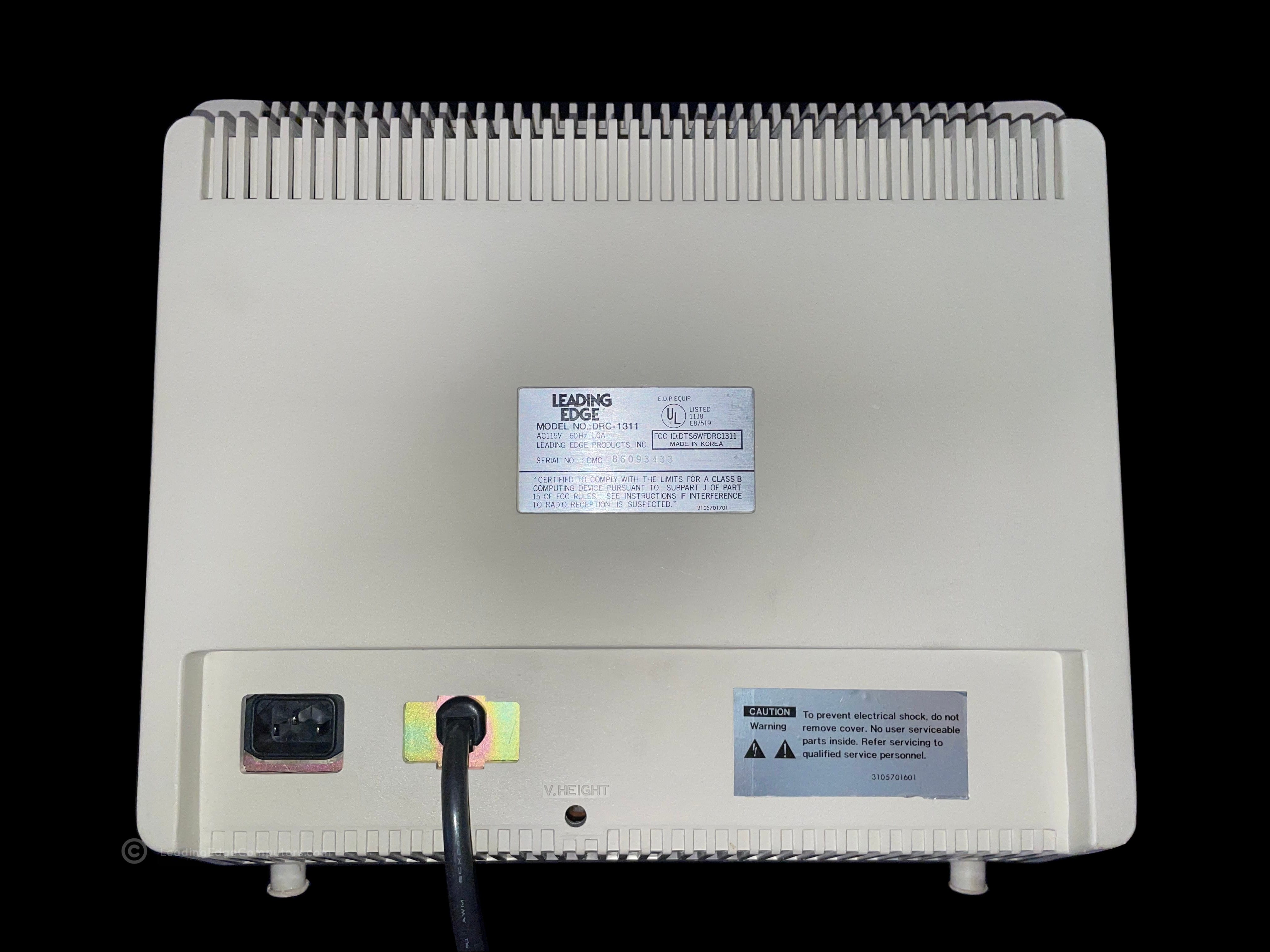
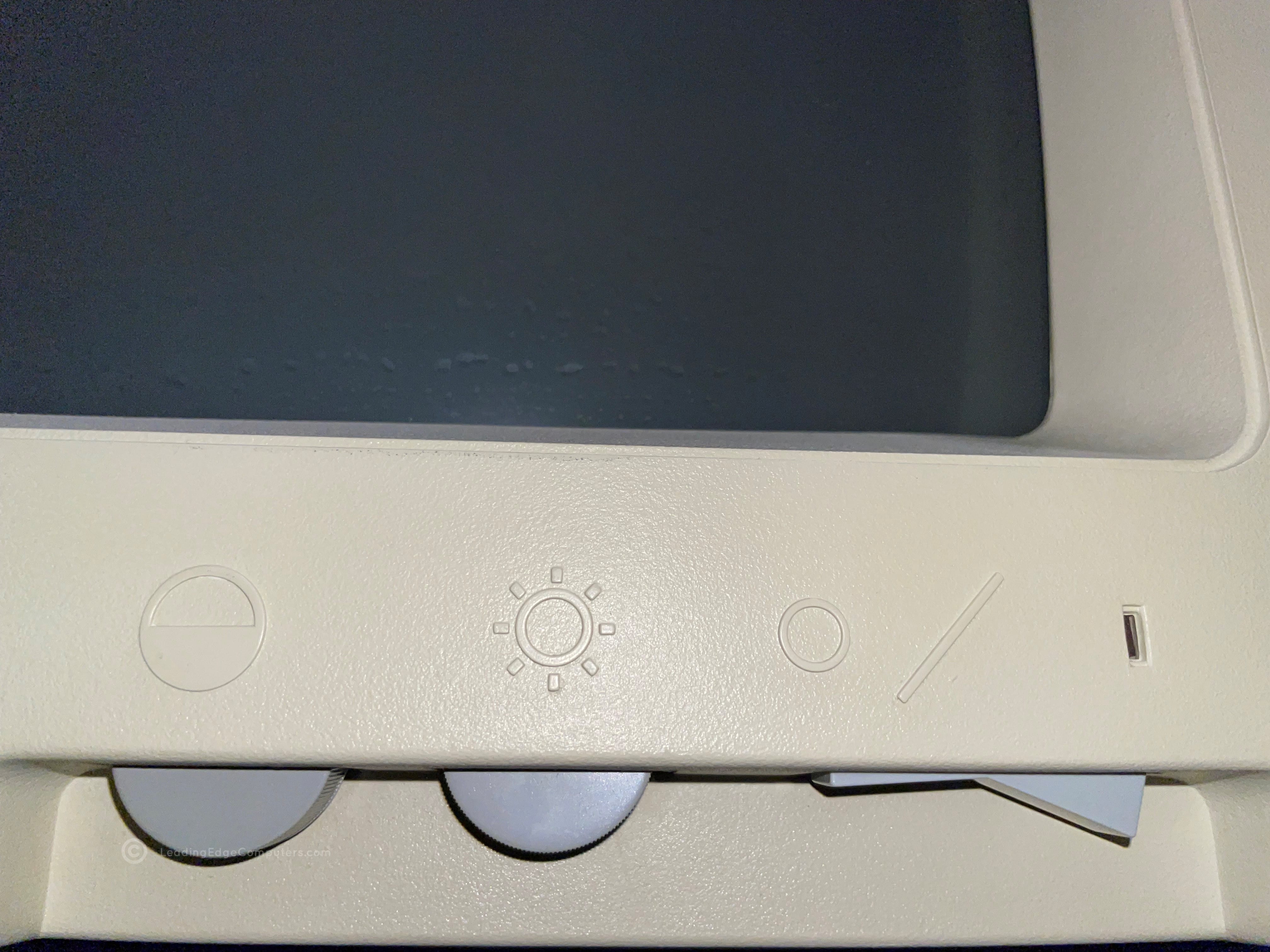
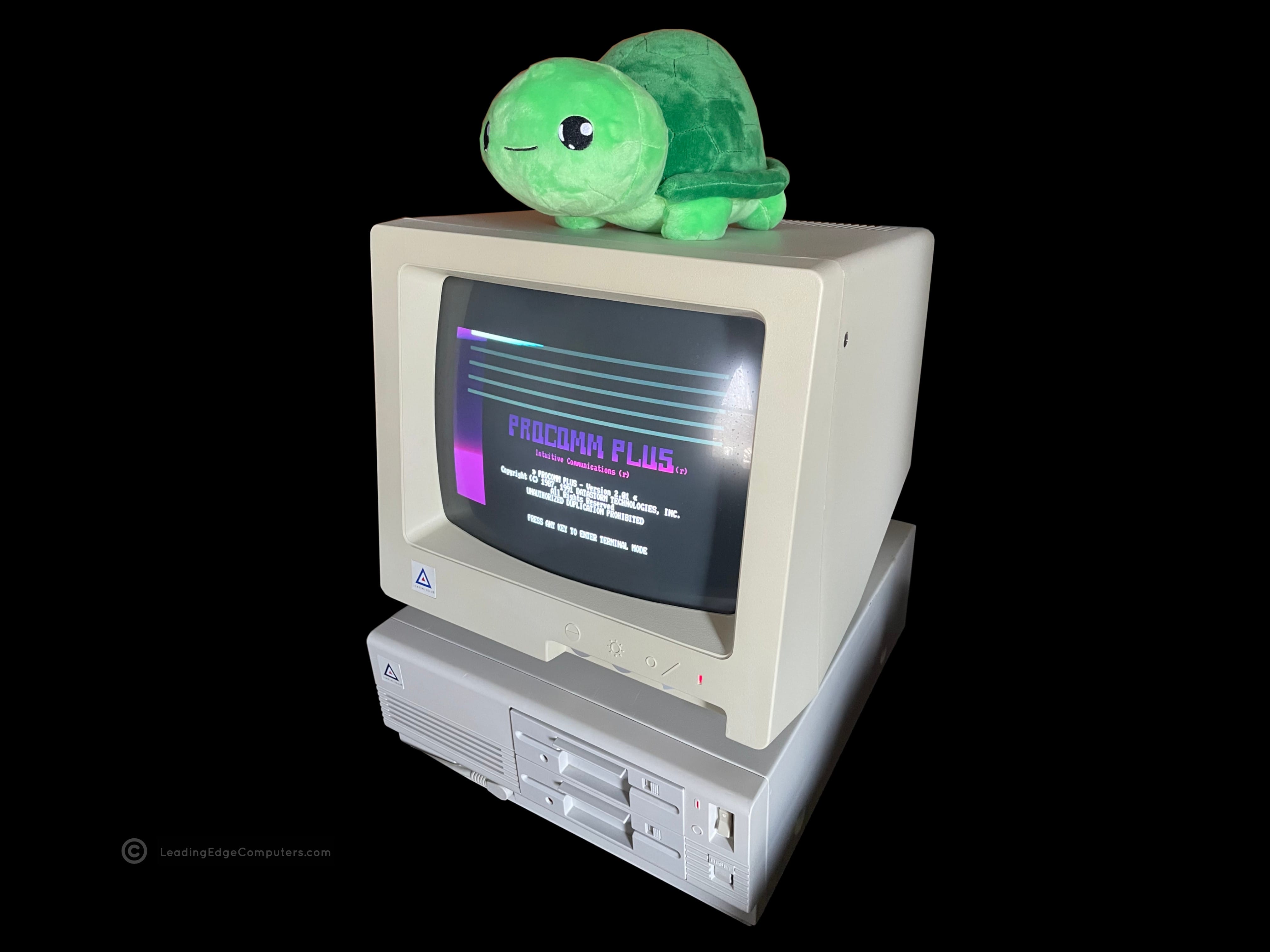
    Photo of a Leading Edge DRC-1311 monitor and it's contemporary computer, the Model D A photo of the Leading Edge DRC-1311 monitor as viewed from the front A top down photo of the DRC-1311 monitor A photo of the left-hand side of the DRC-1311 monitor A photo of the bottom of the Leading Edge DRC-1311 monitor A photo of the right-hand side of the DRC-1311 monitor A view of the rear of the DRC-1311 monitor showing the label and cables A close-up view of the DRC-1311 monitor's brightness, contrast, and power switch A photo of the Leading Edge DRC-1311 monitor running with the Model D displaying the Procom Plus

     Operator's Guide Technical Reference Manual LEPC #1

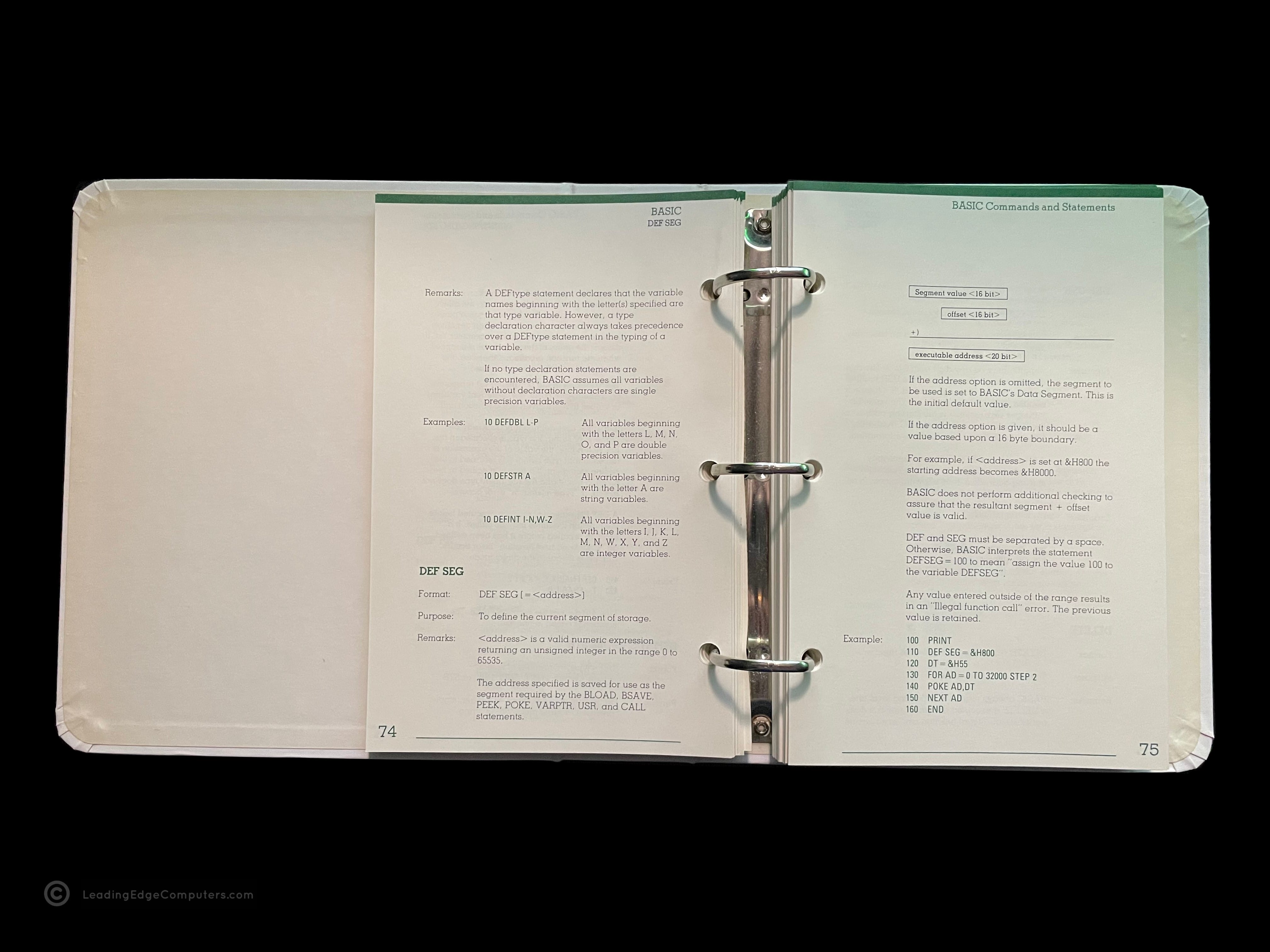
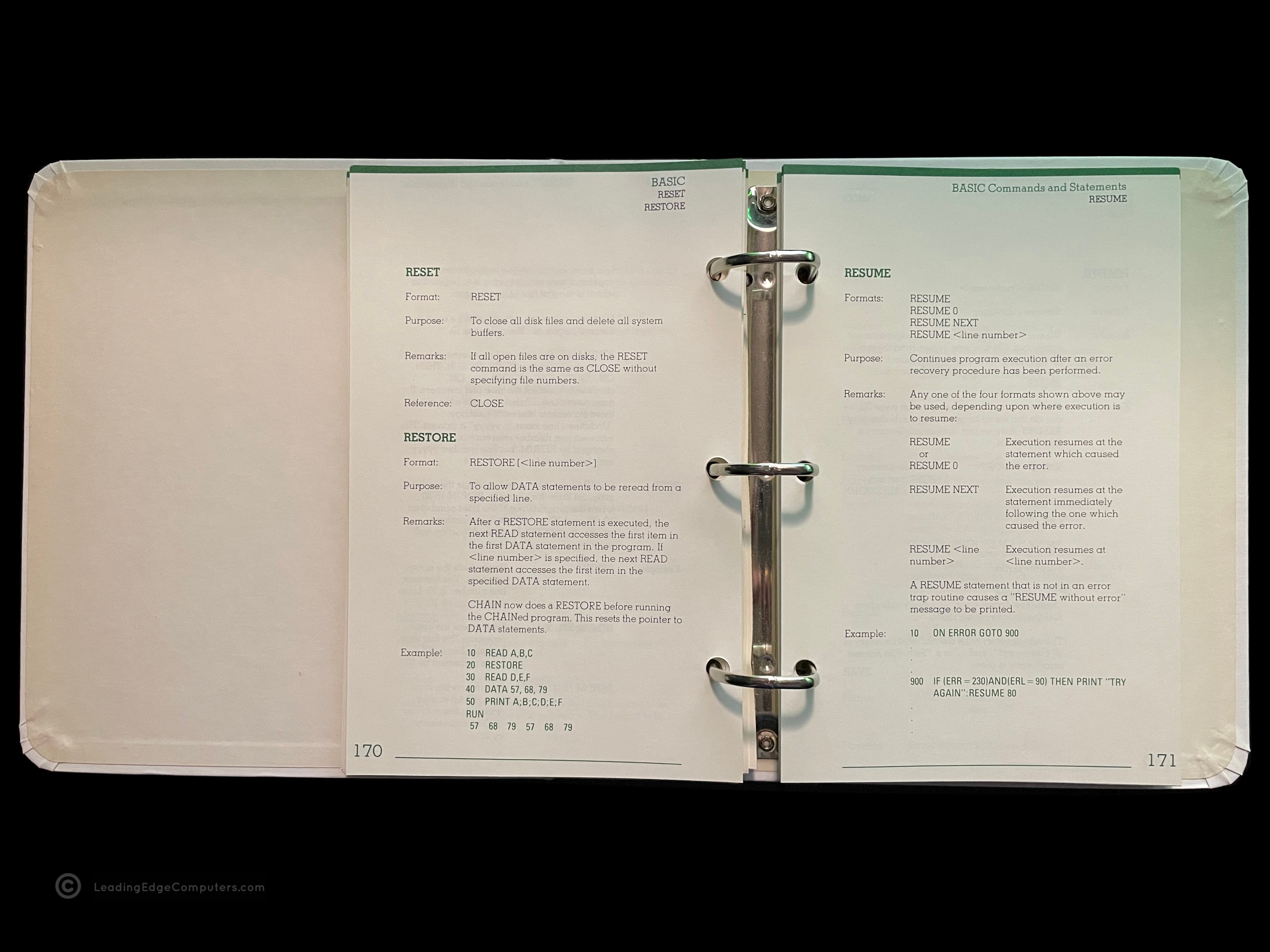
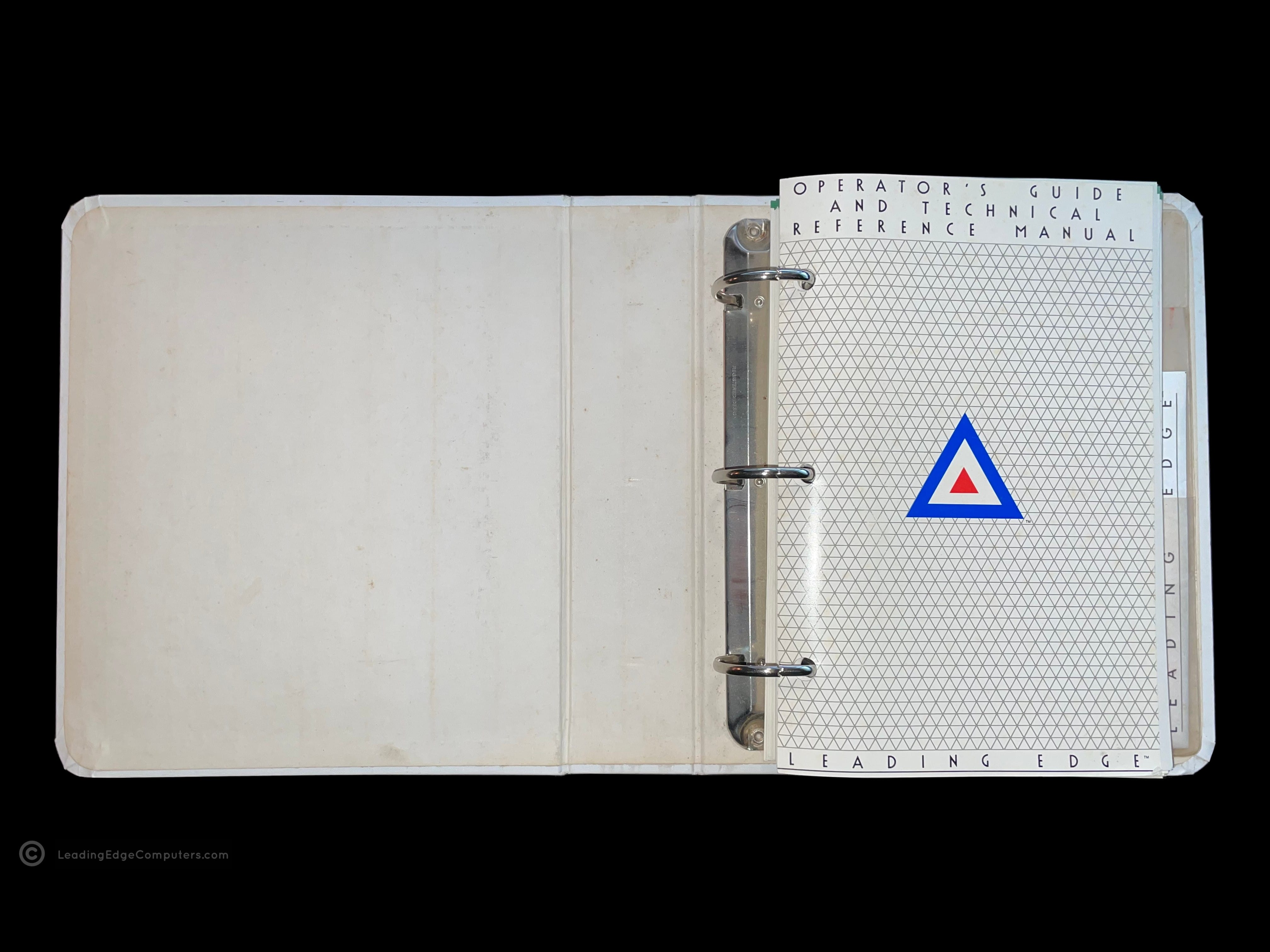
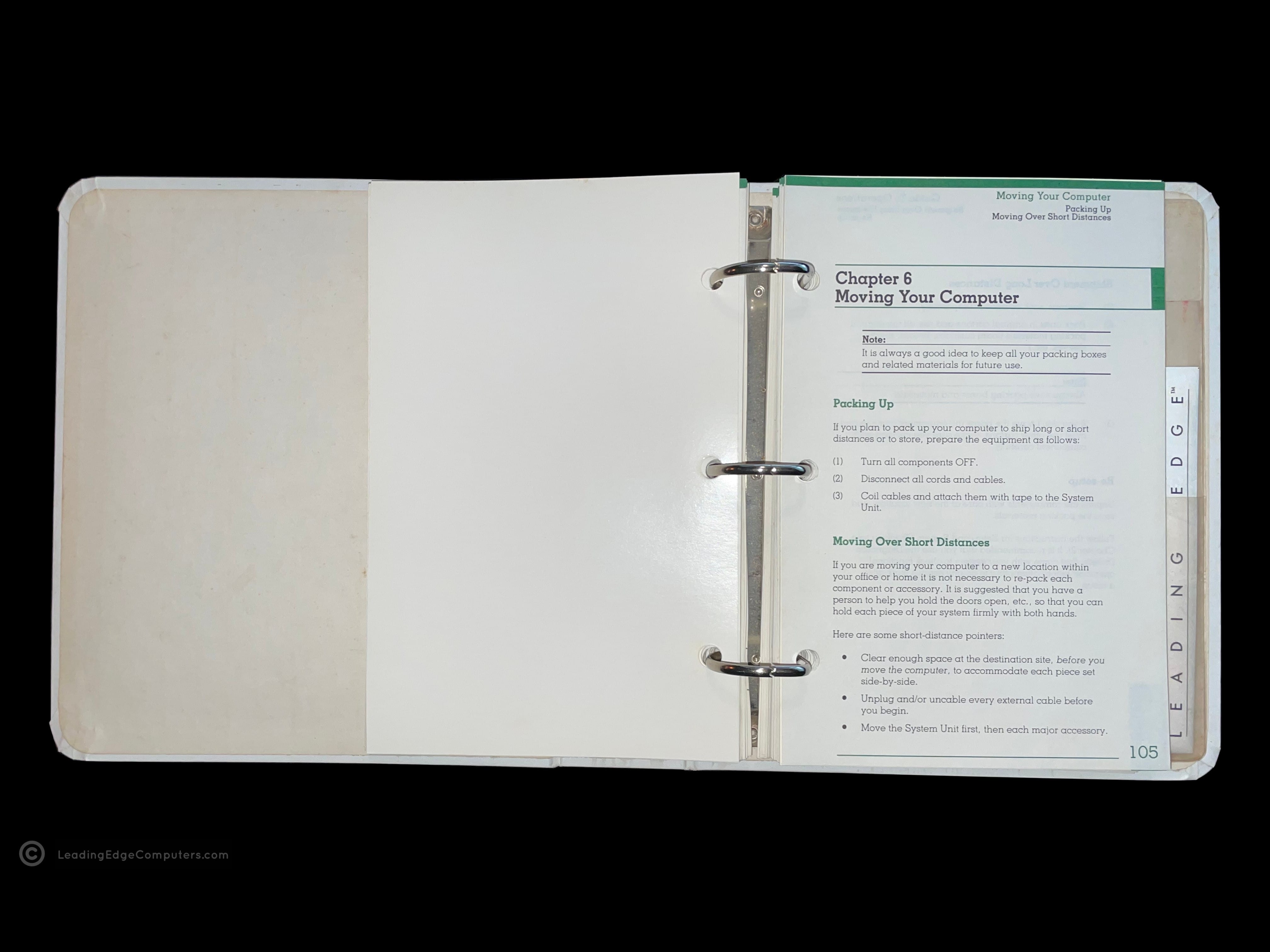
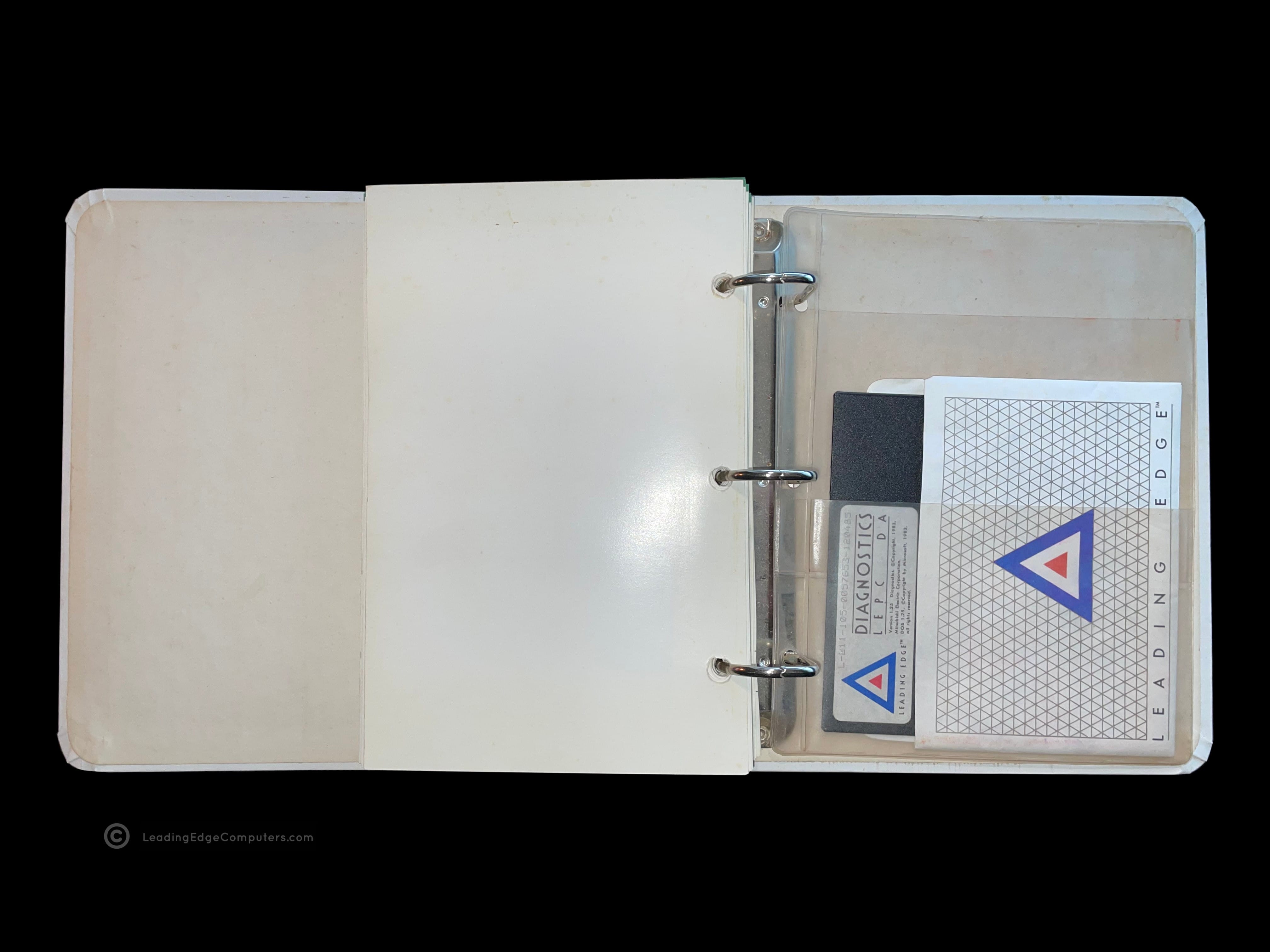
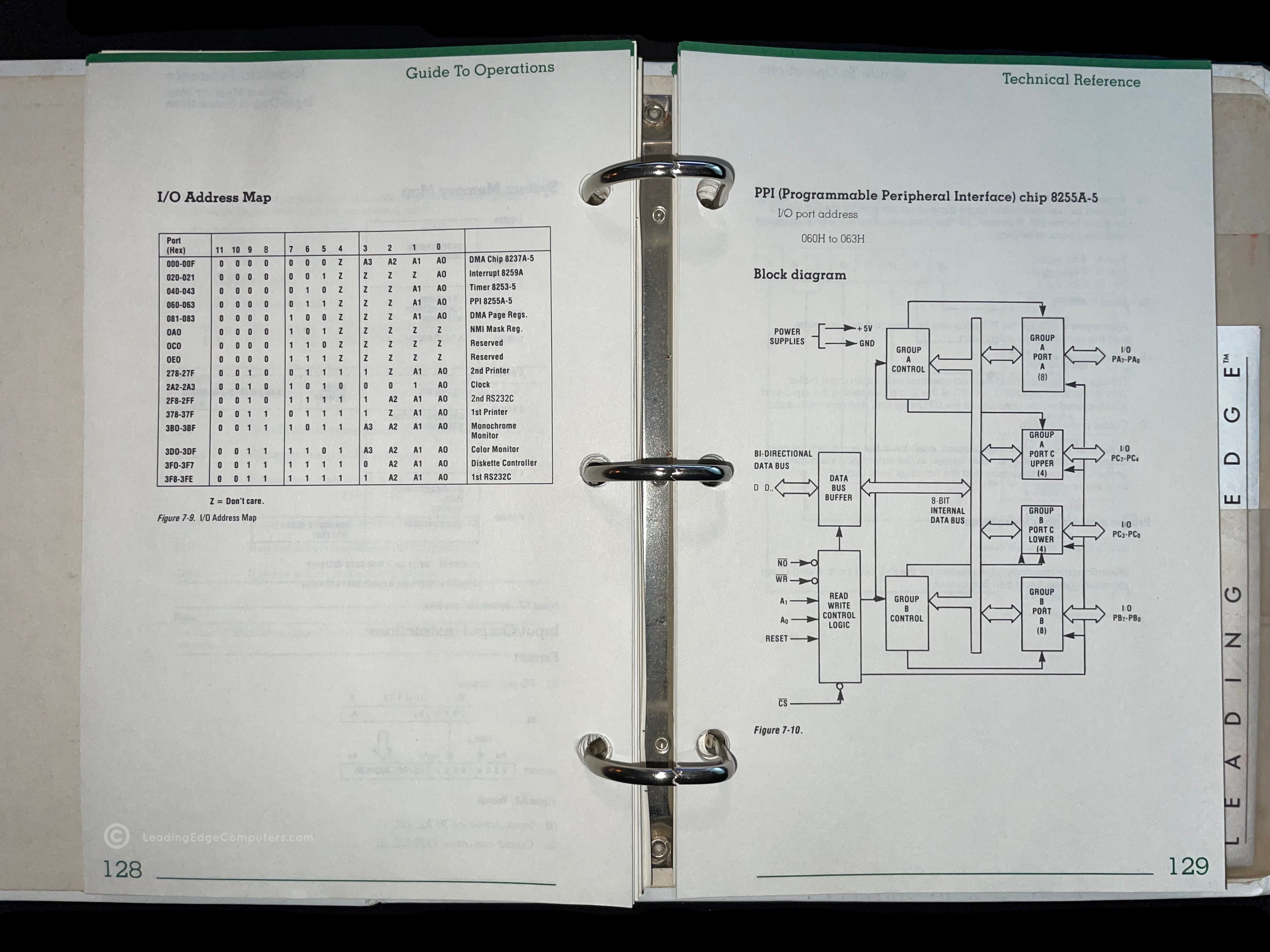
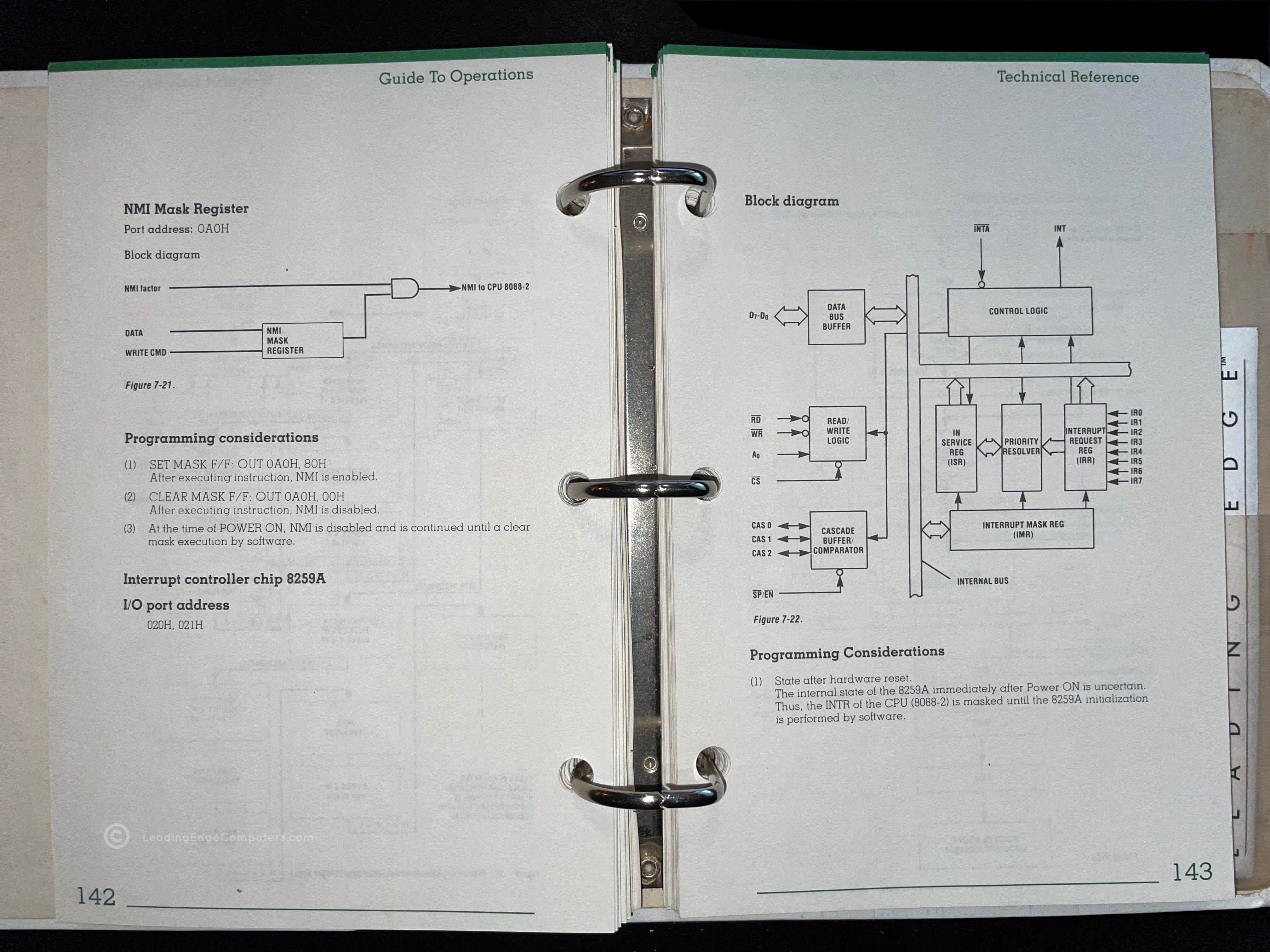
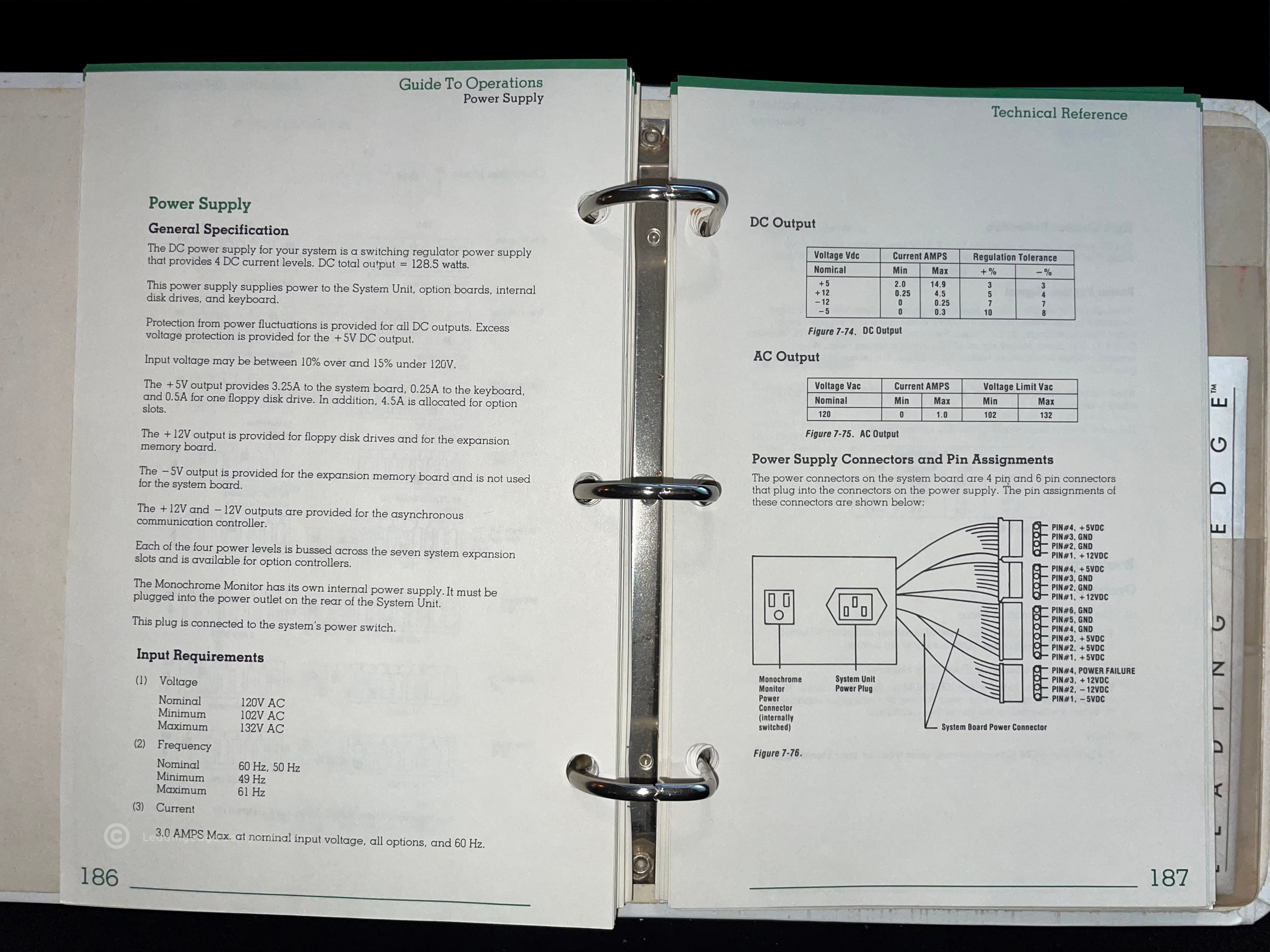
    A photo of the Leading Edge Operator's Guide Technical Reference Manual's three-ring binder cover and Leading Edge logo A photo of the Leading Edge Operator's Guide Technical Reference Manual in its sleeve A stylized angled view of the Leading Edge Operator's Guide Technical Reference Manual in its sleeve A photo of the Leading Edge Operator's Guide Technical Reference Manual opened to the title page A photo of the Leading Edge Operator's Guide page one of chapter six of the Technical Reference Manual, called moving your computer A photo of the back of an opened Leading Edge Operator's Guide Technical Reference Manual showing the plastic sleeve for housing the diagnostics disk A photo of the Leading Edge Operator's Guide Technical Reference Manual opened to page 128 showing I/O address mapping A picture of the Technical Reference Manual opened to page 142 showing a block diagram of the computer's logic A photo of the Technical Reference Manual opened to page 186, discussing the power supply for the Model M computer

     Leading Edge Philosophy Brochure

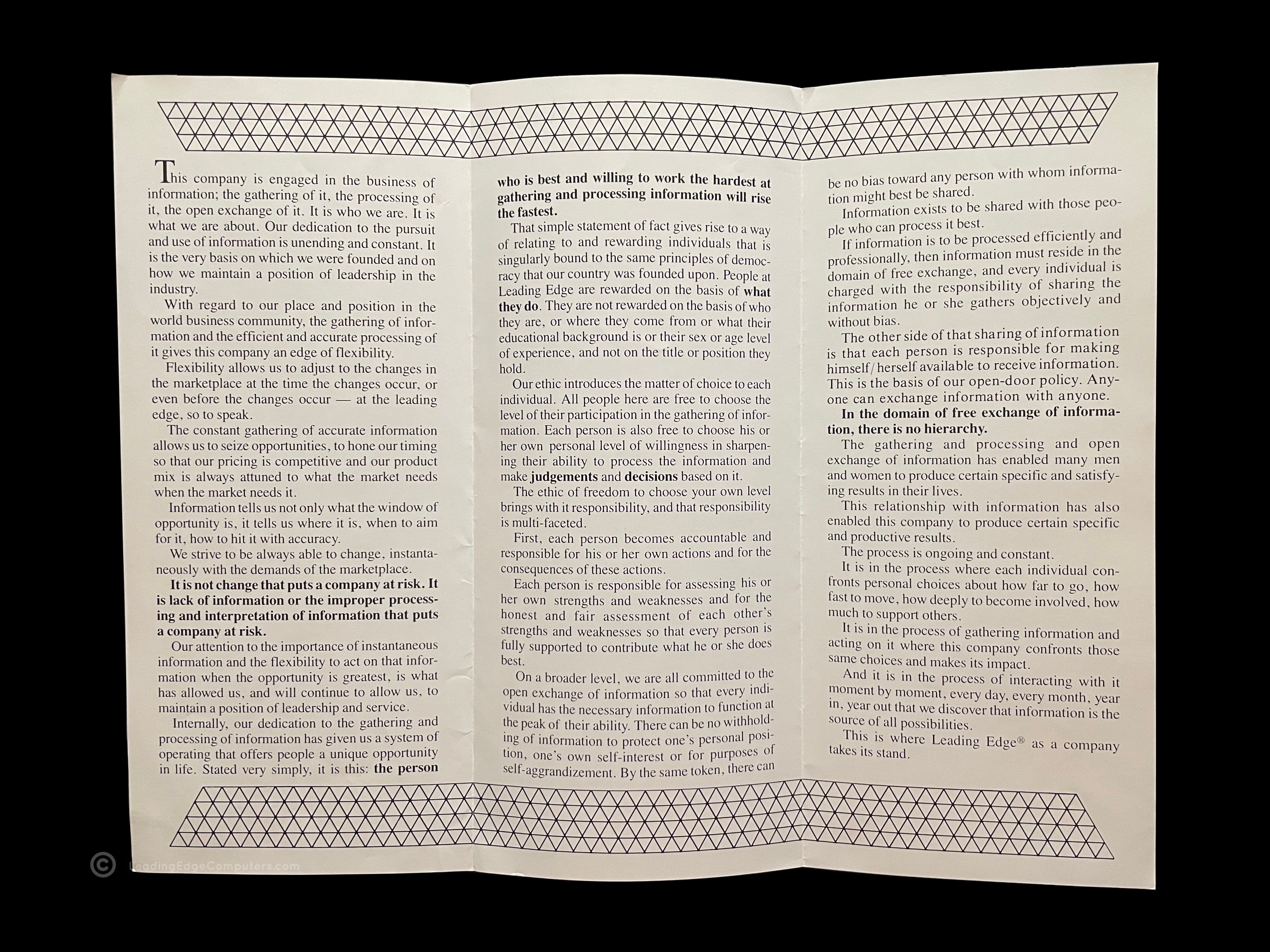
    Leading Edge Philosophy brochure in its folded up state Angled photo of the Leading Edge Philosophy Brochure Rear of the Leading Edge Philosophy brochure folded up Leading Edge Philosophy brochure partly opened Leading Edge Philosophy brochure fully opened Leading Edge Philosophy brochure fully opened back side

     Model L Series Modem Brochure

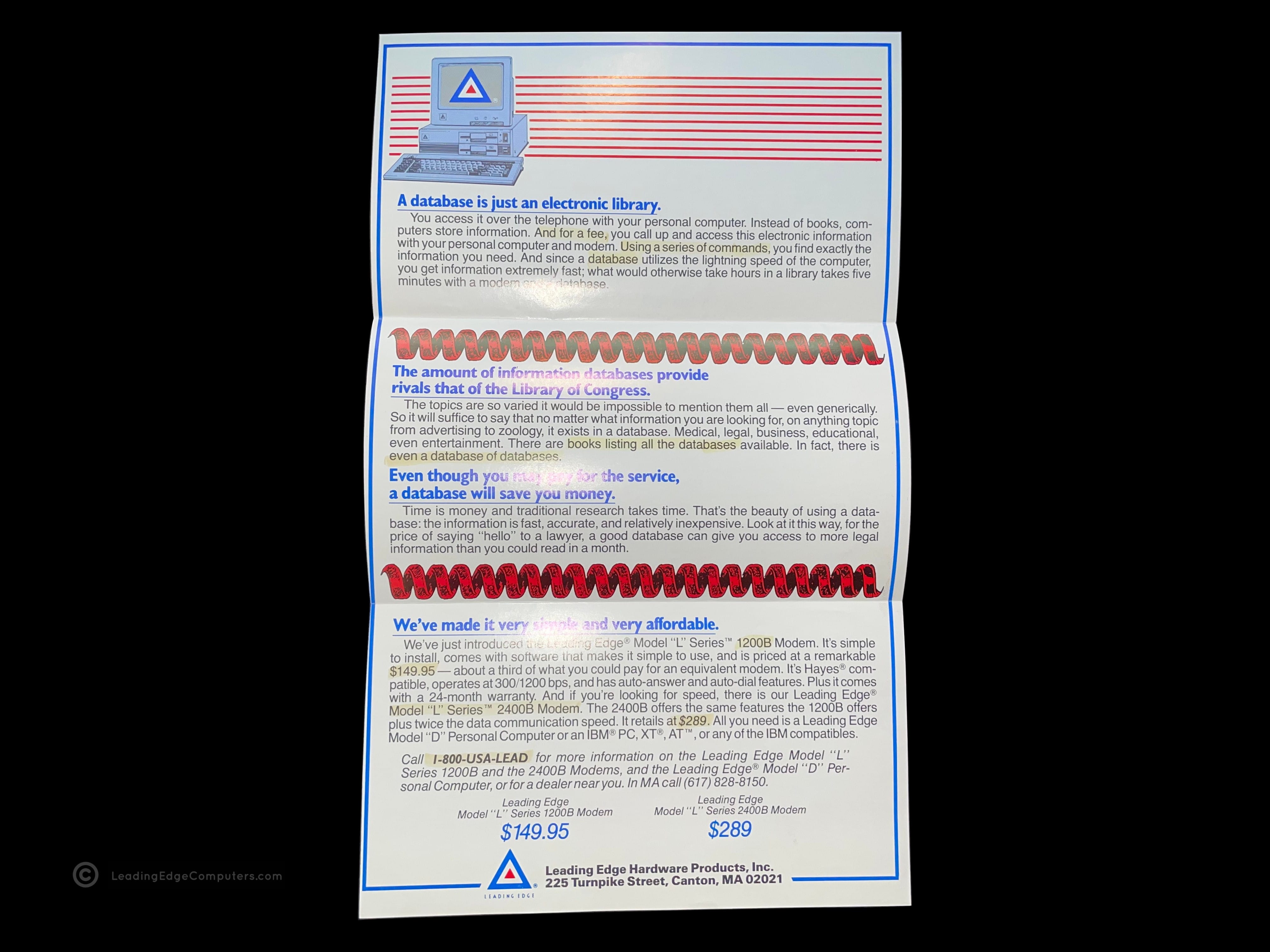
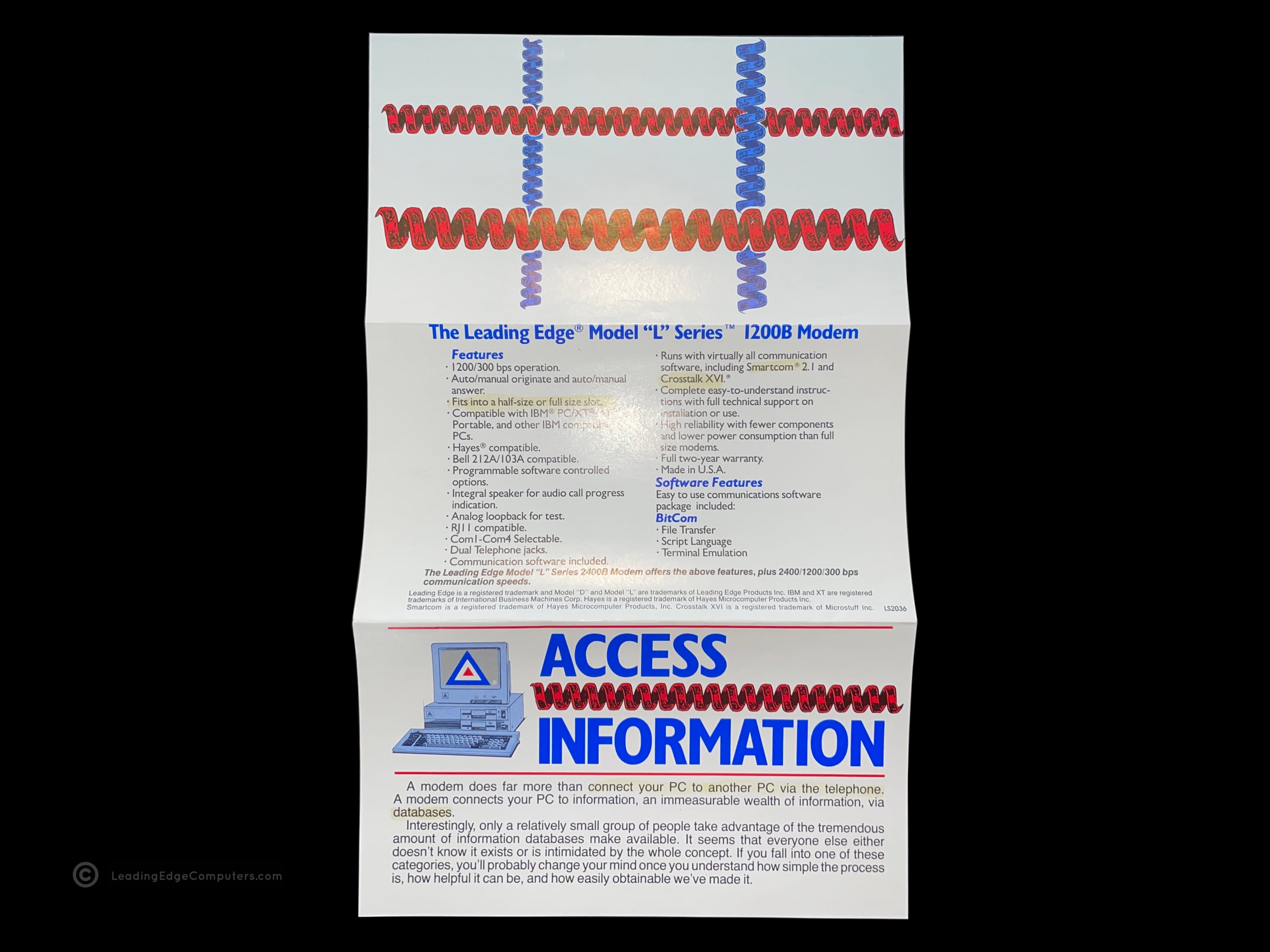
    front side view of the folded up model l series modem brochure unfolded interior view of the model l series modem brochure unfolded rear view of the model l series modem brochure

     Leading Edge Support Brochure

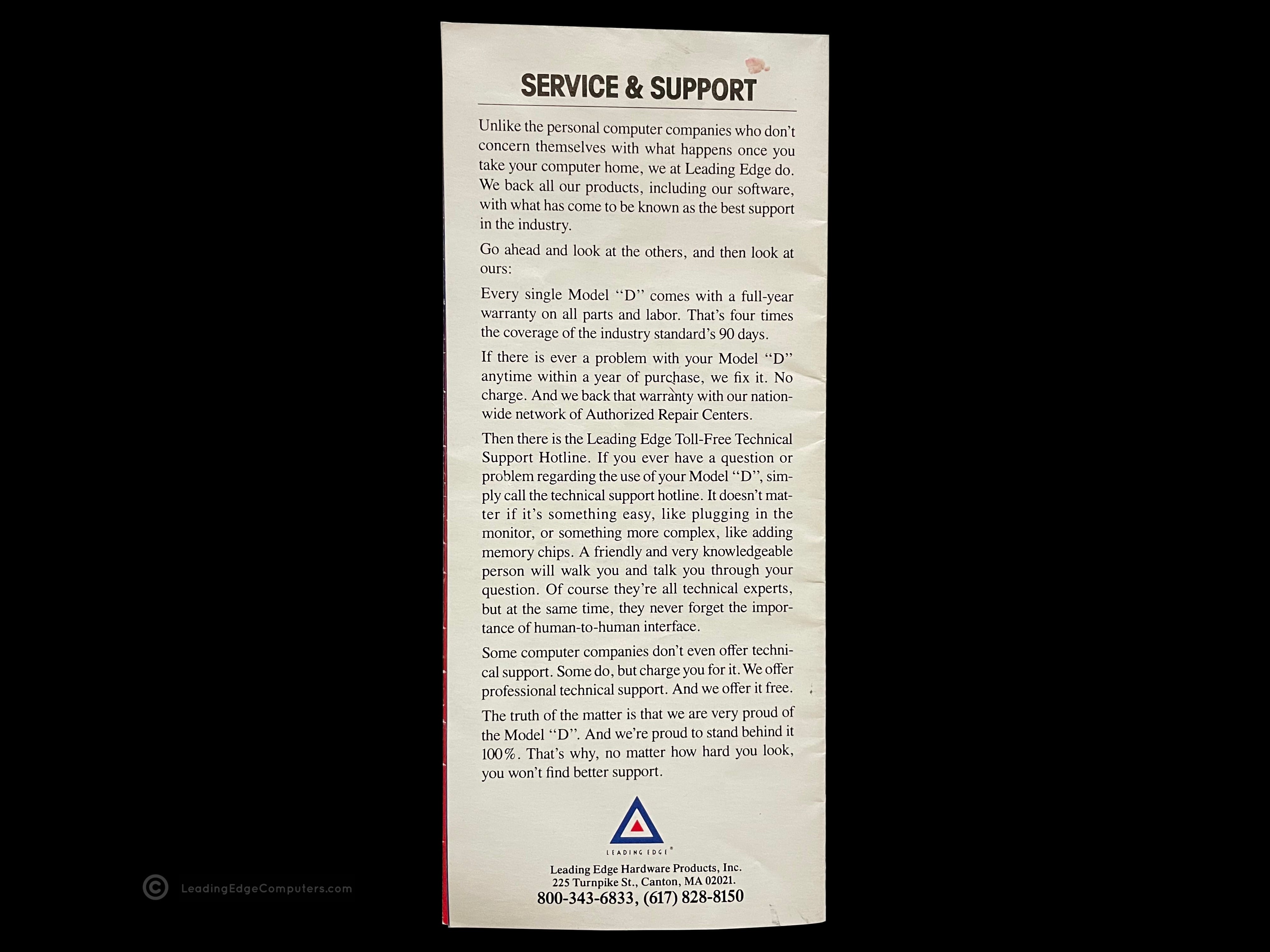
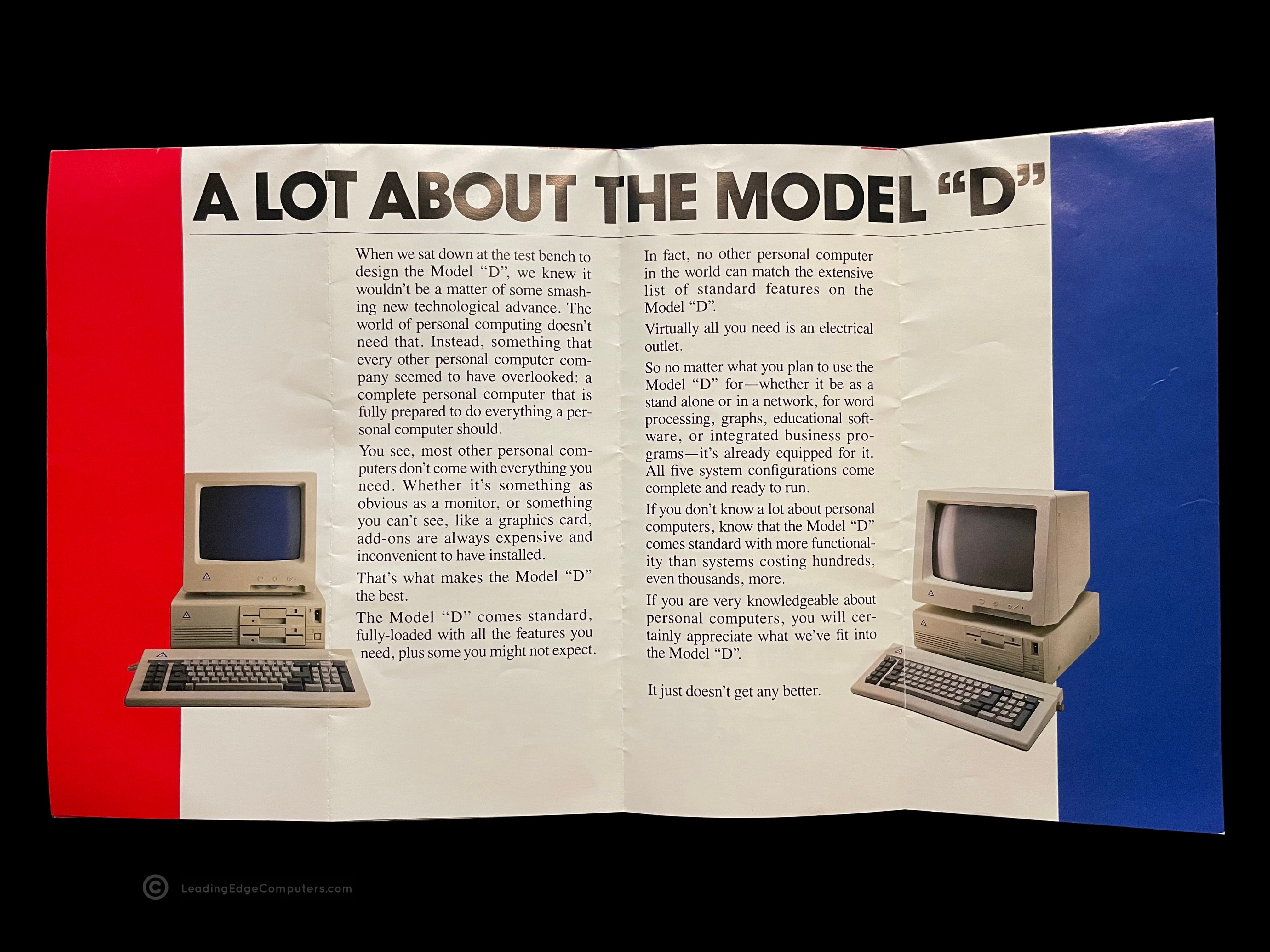
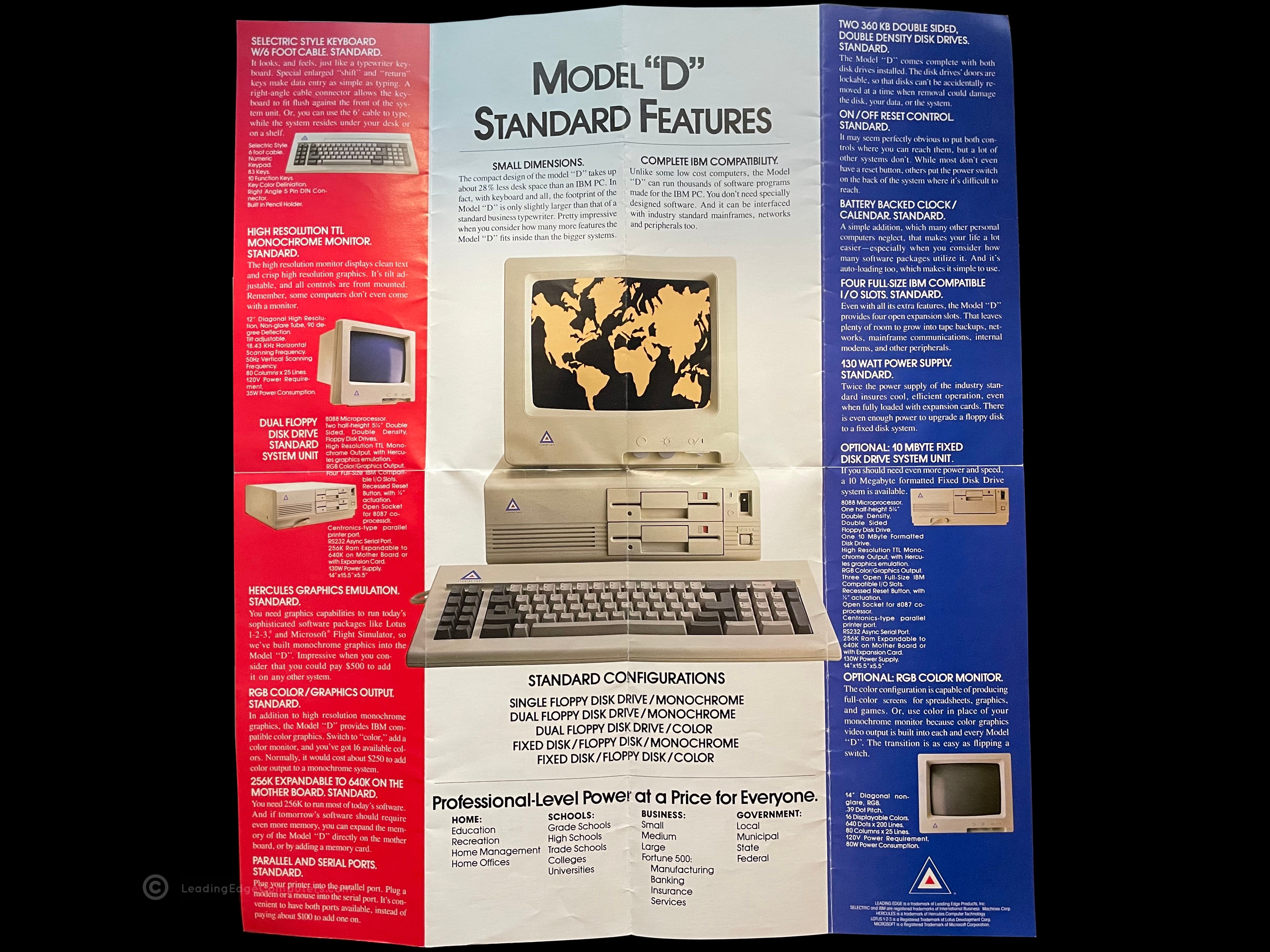
    front side view of the folded up leading edge support brochure unfolded interior view of the leading edge support brochure folded rear view of the leading edge support brochure

     Fortiva 5000 CPC 2800

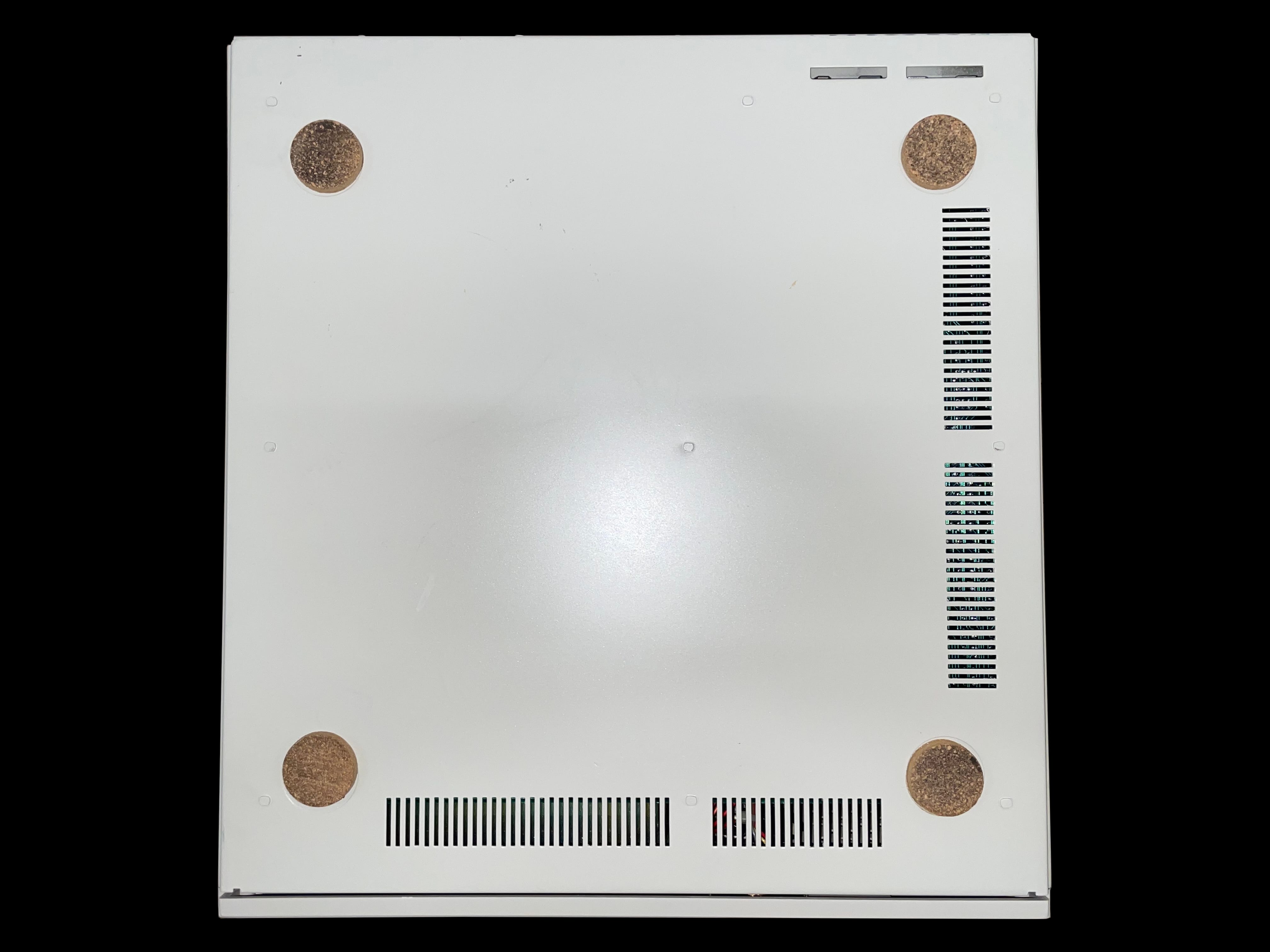
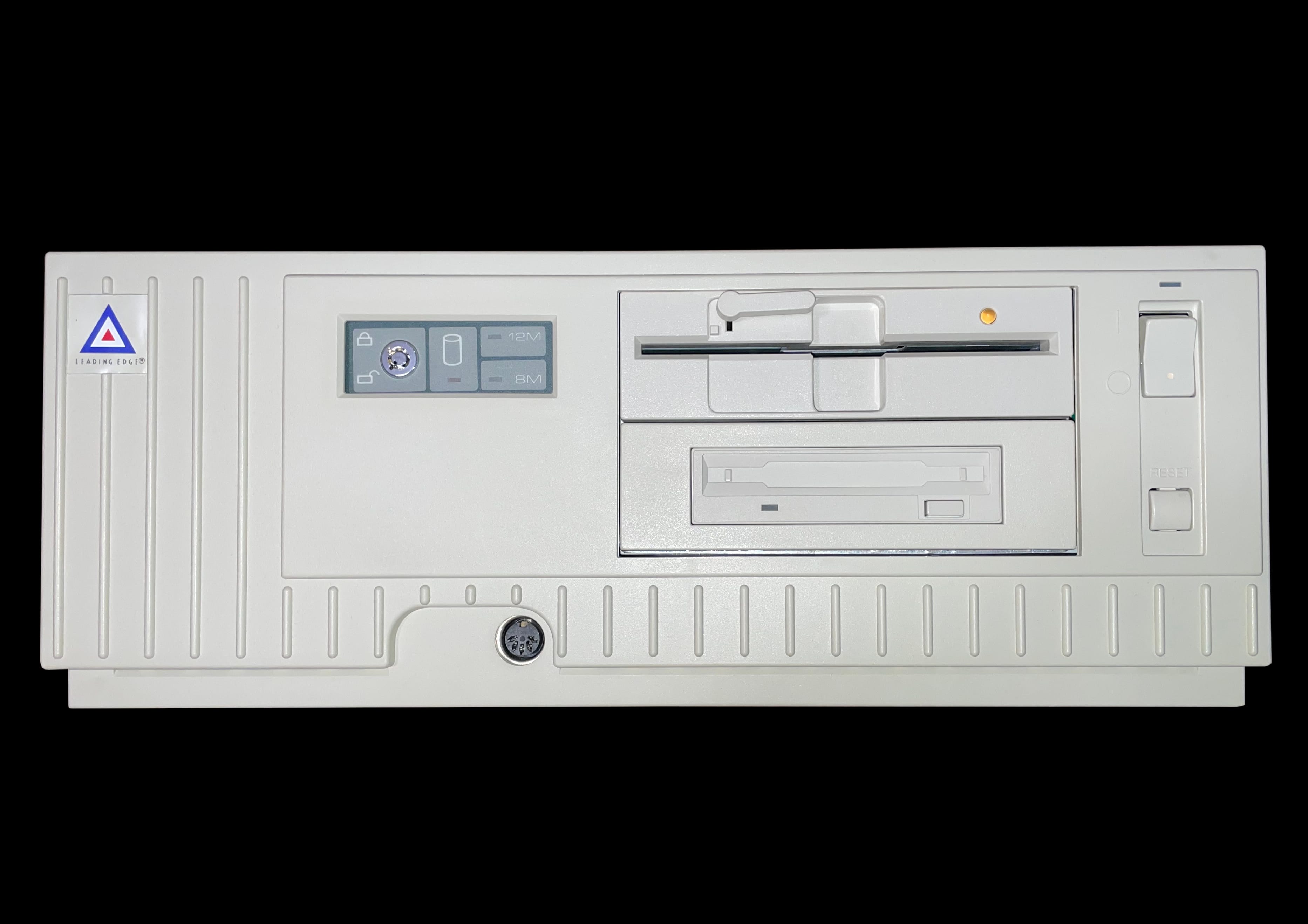
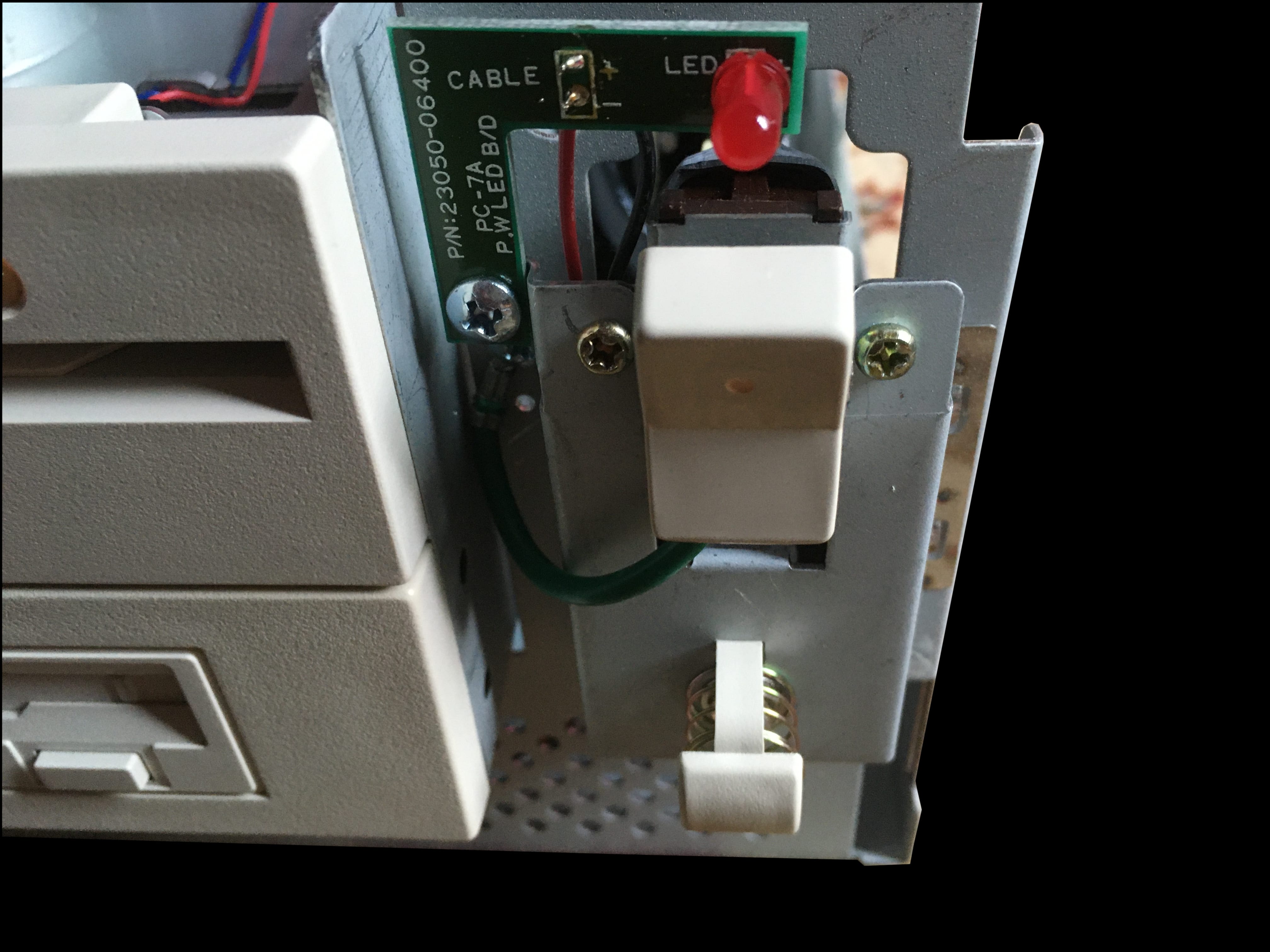
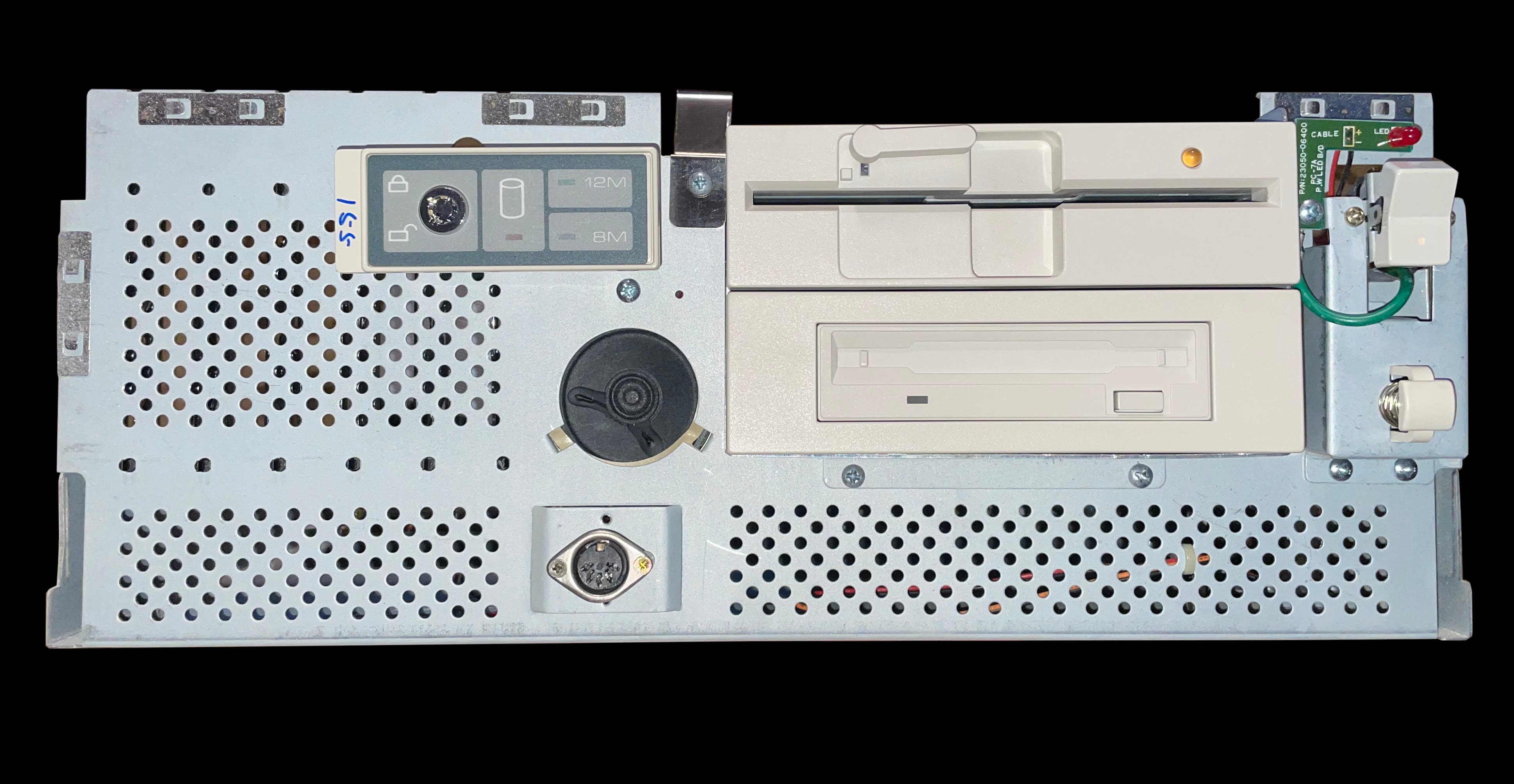
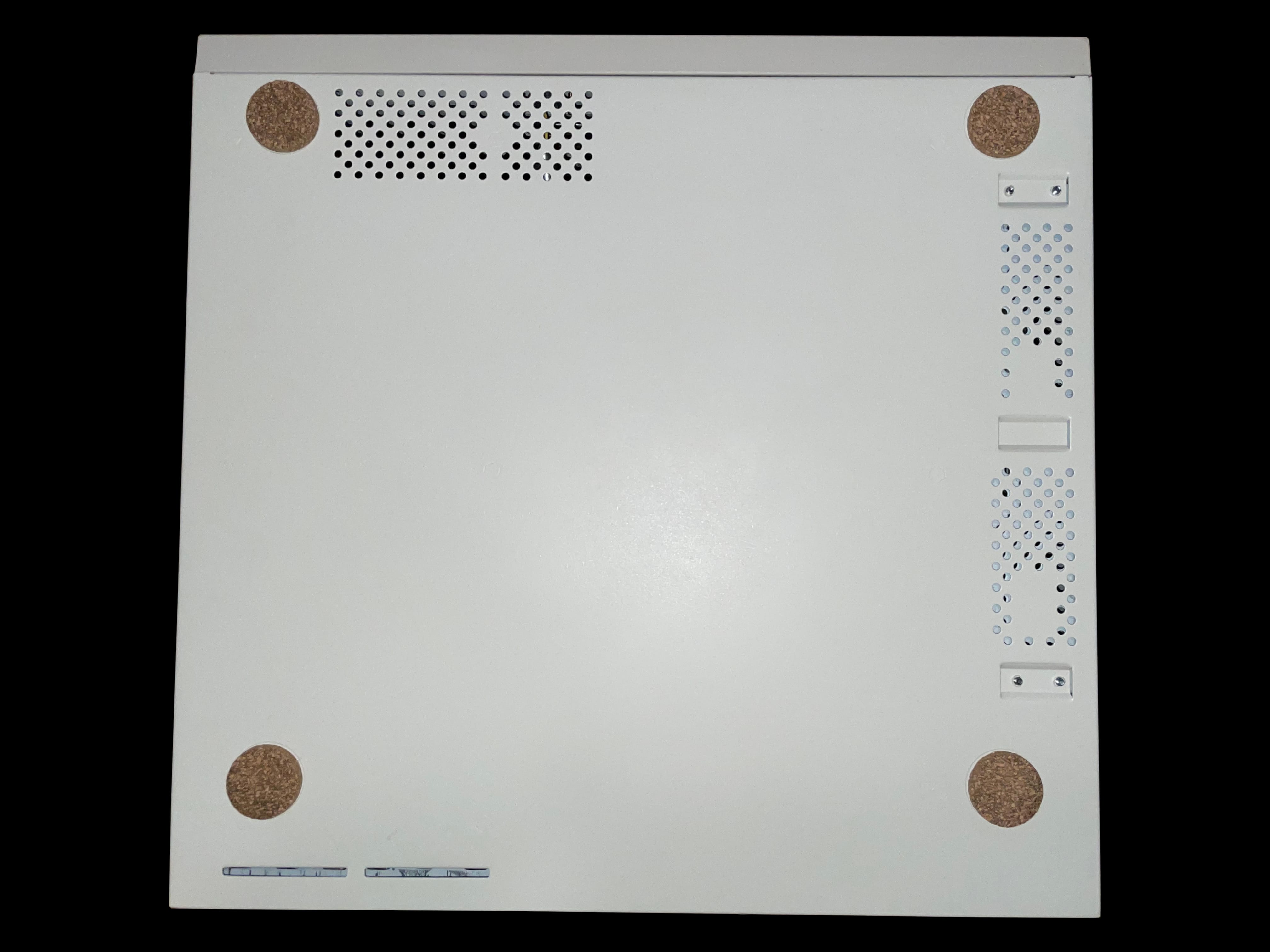
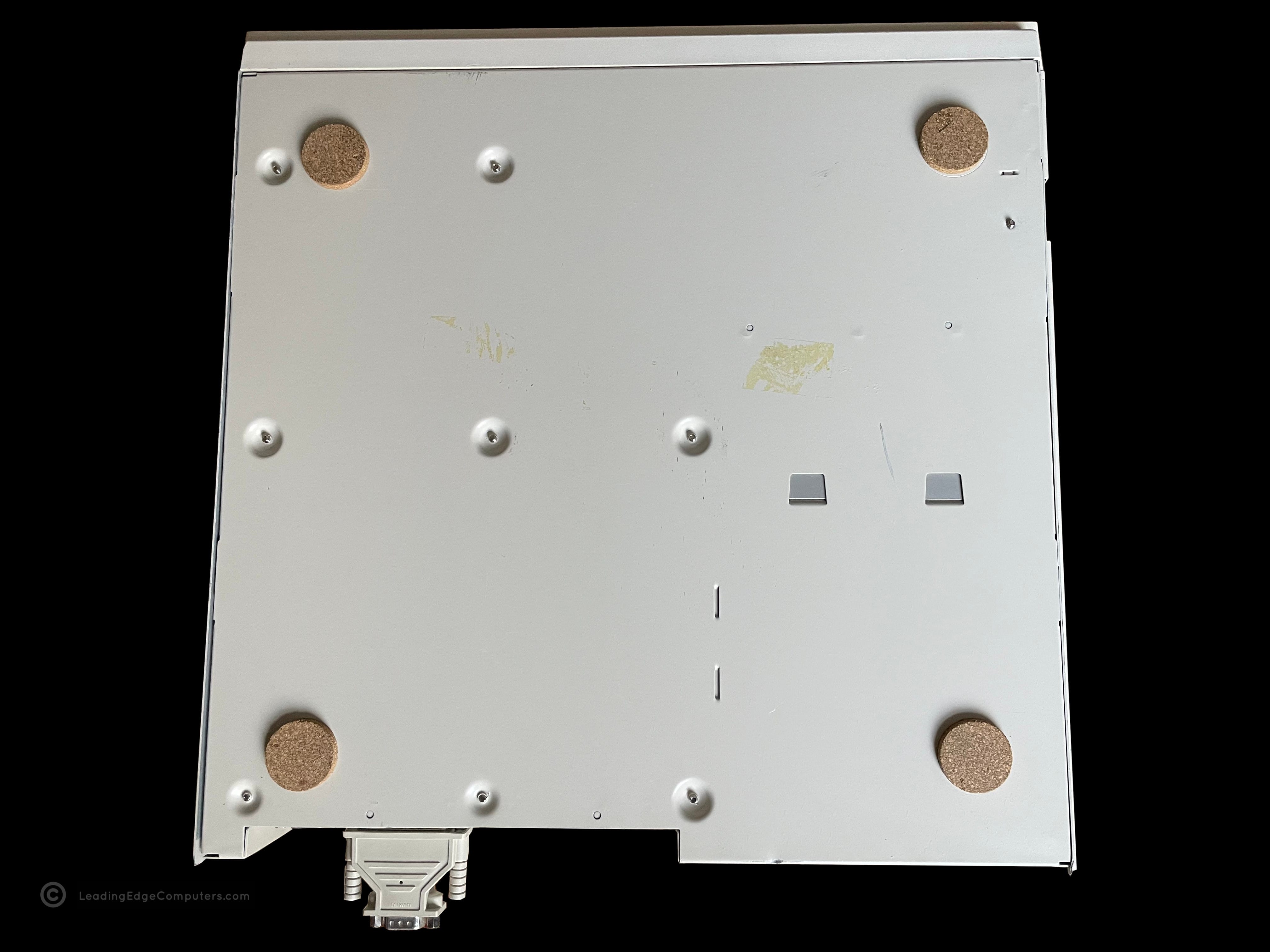
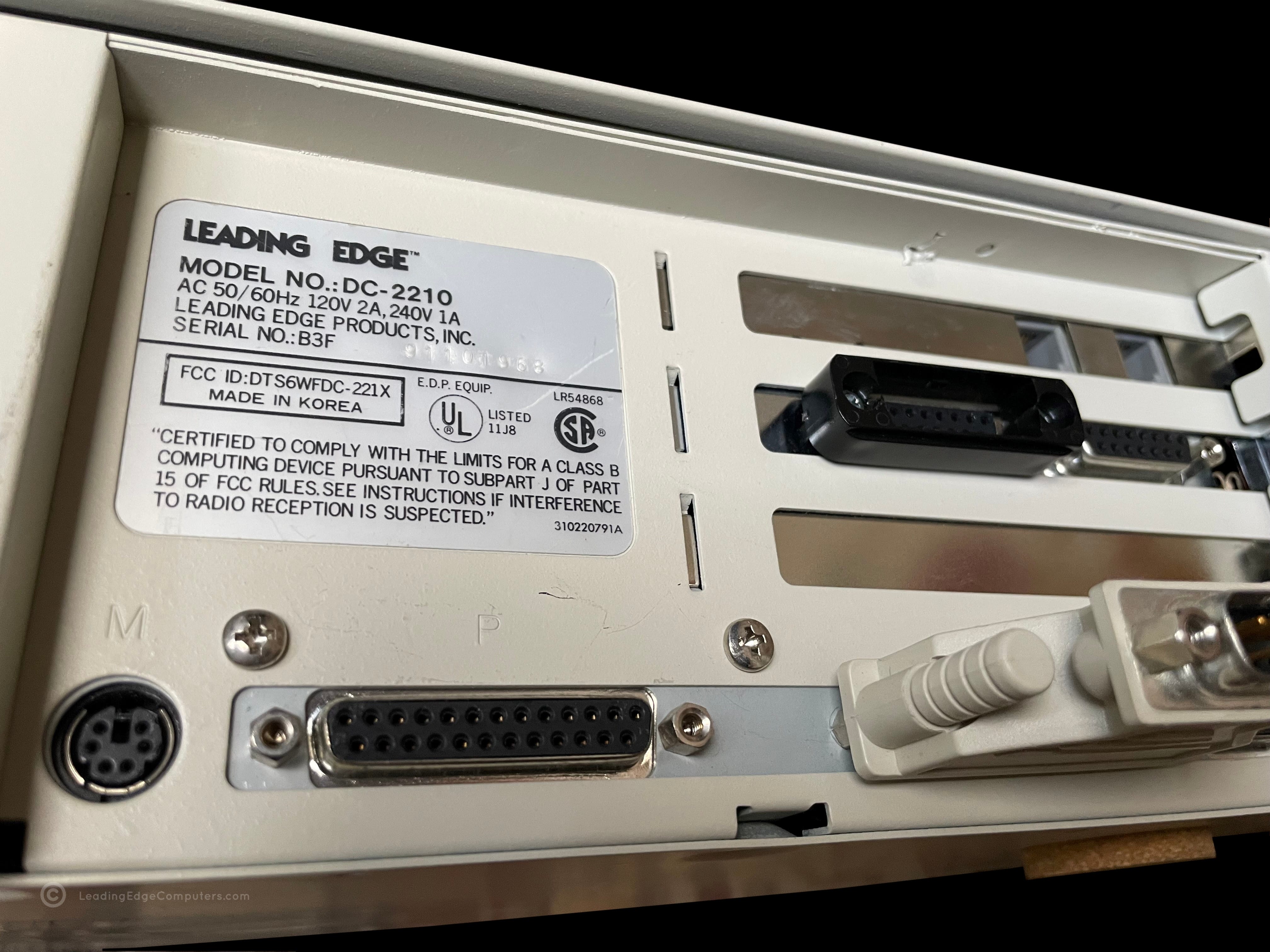
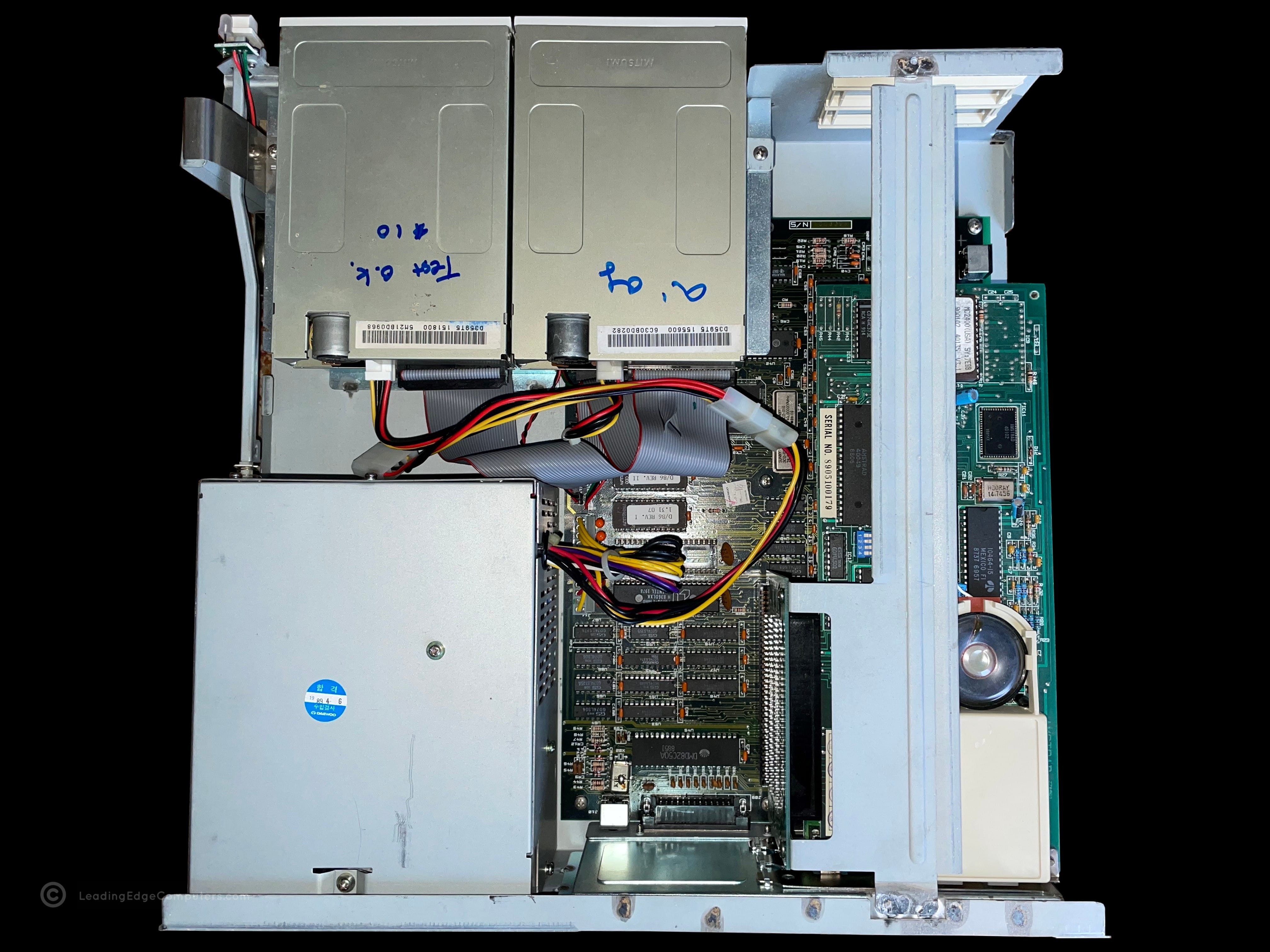
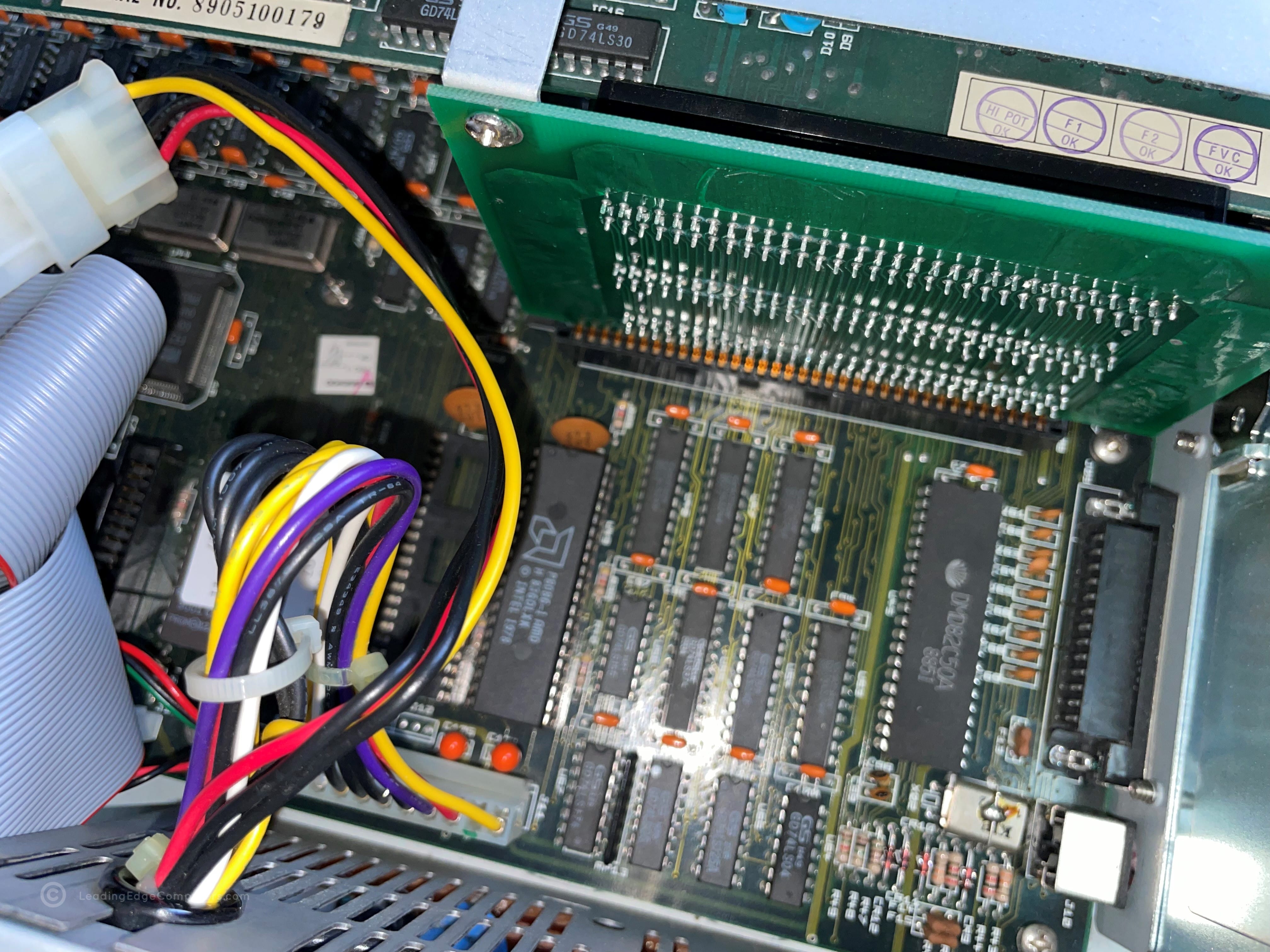
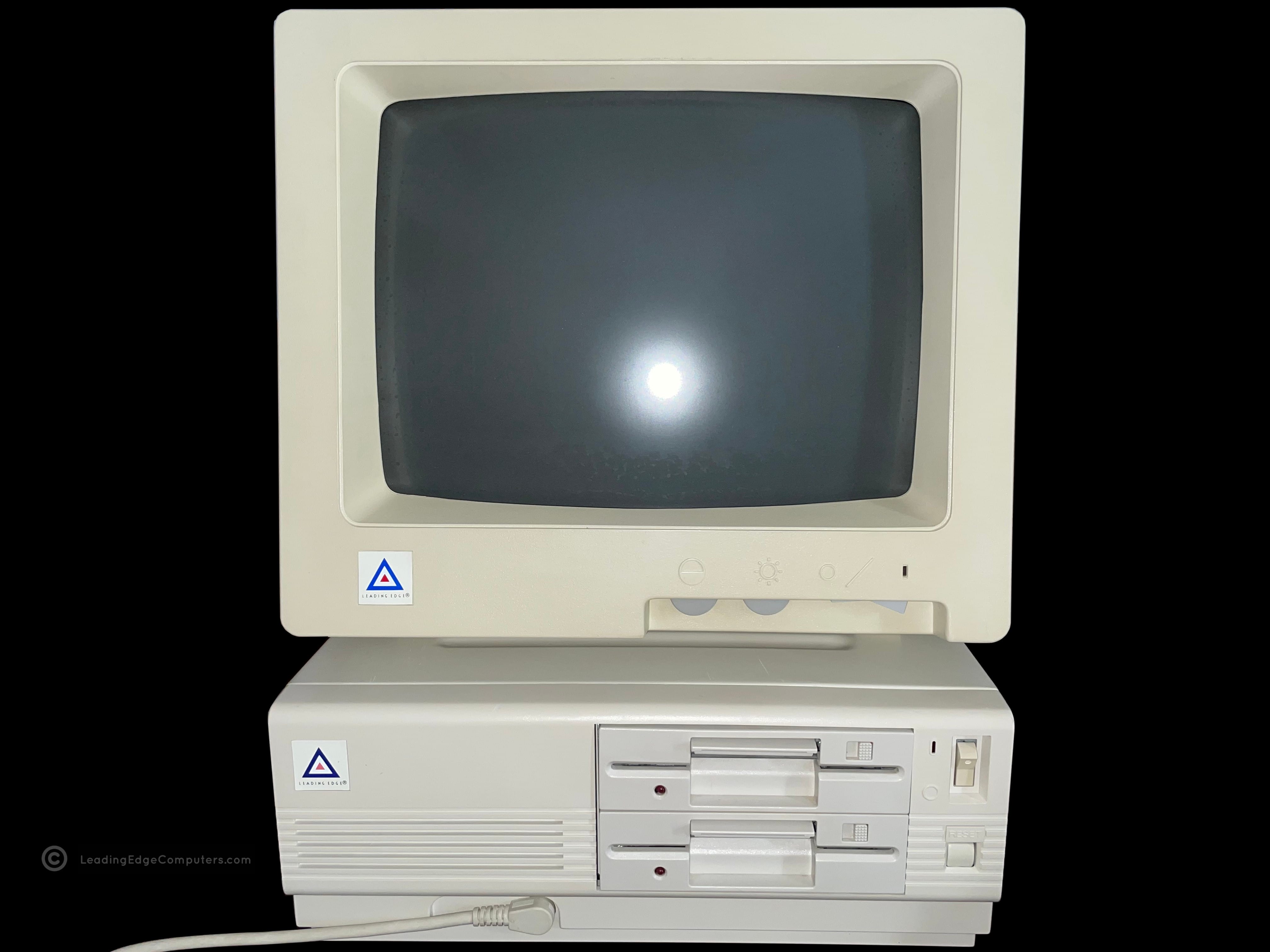
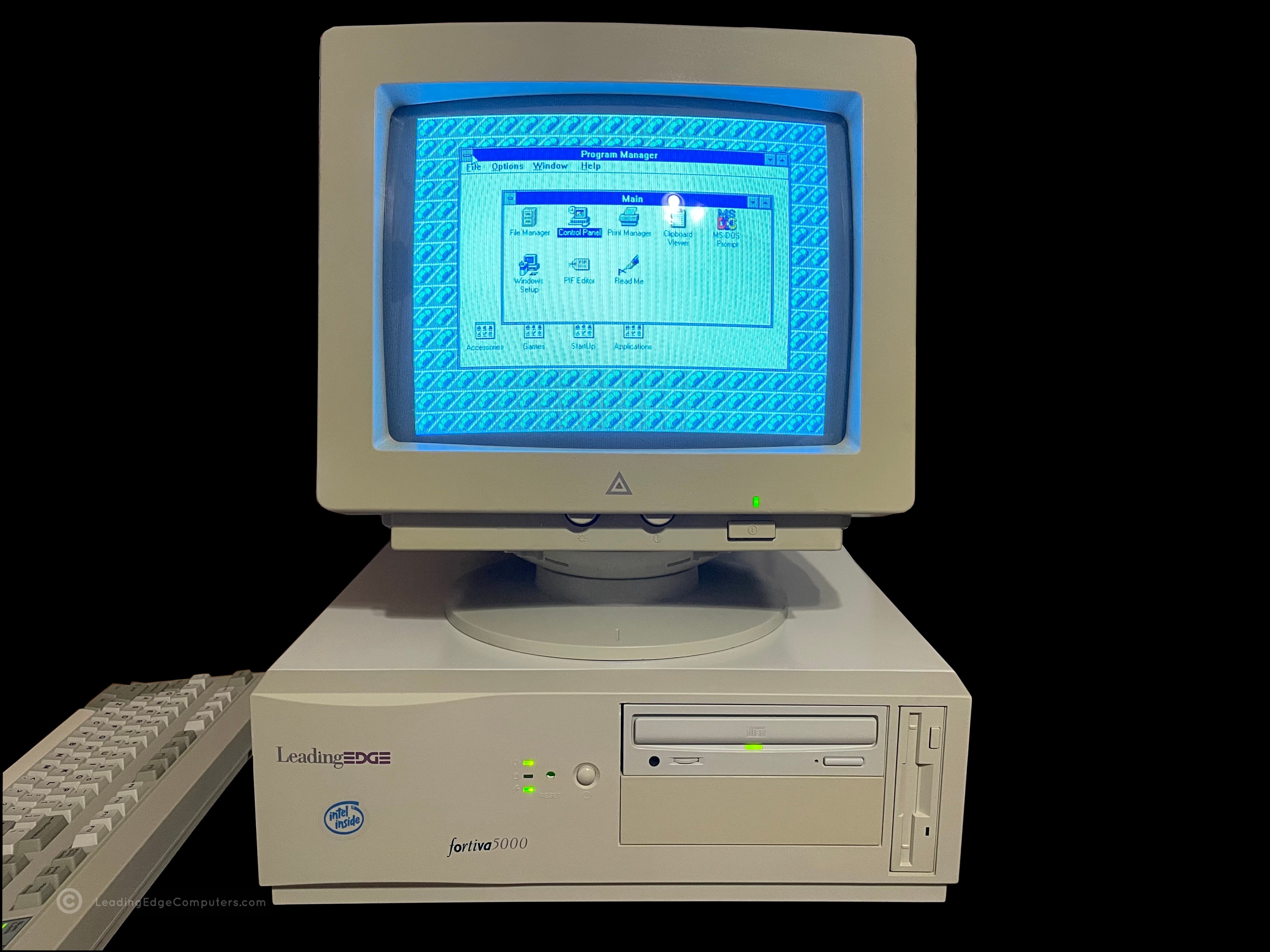
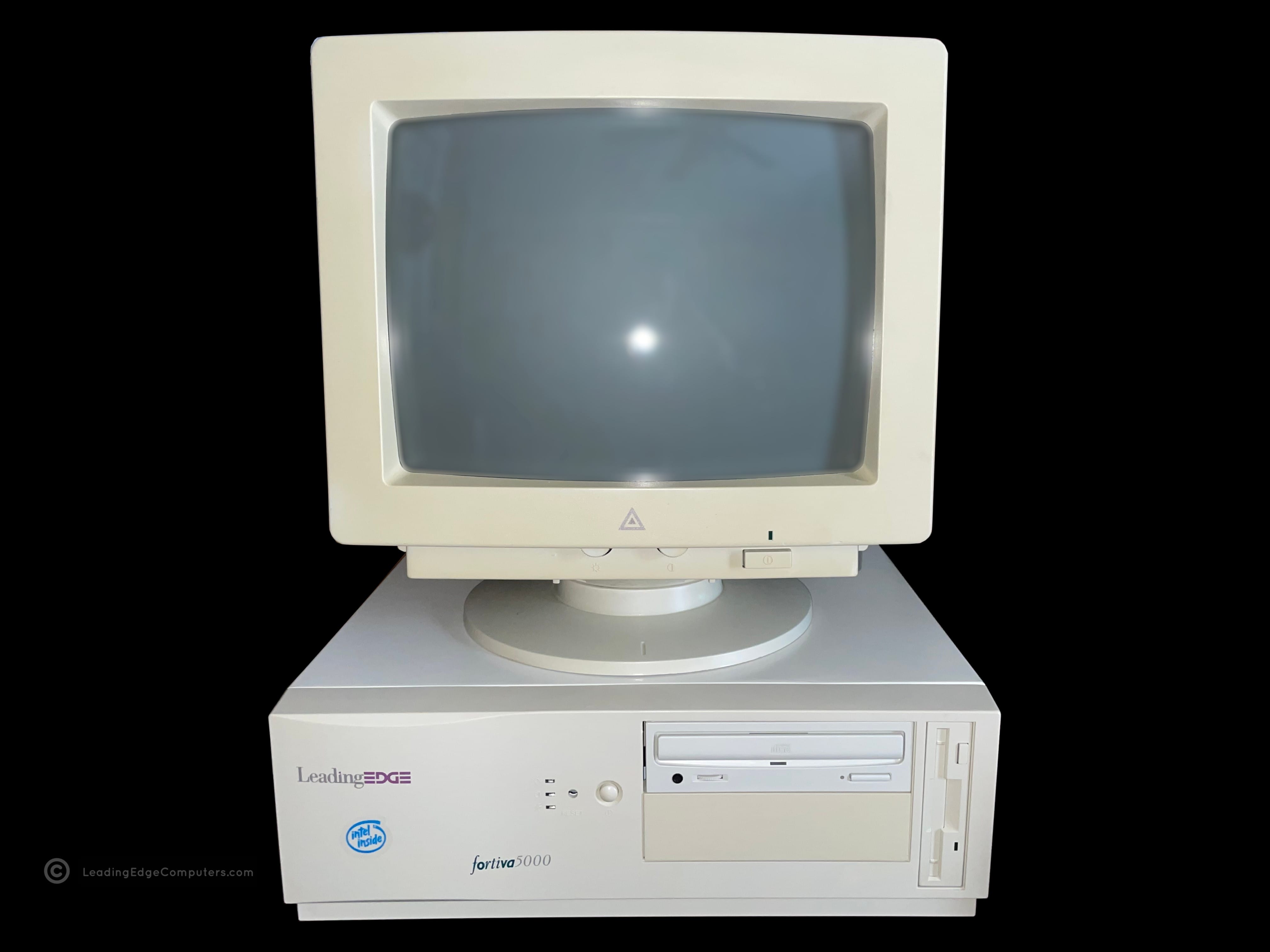
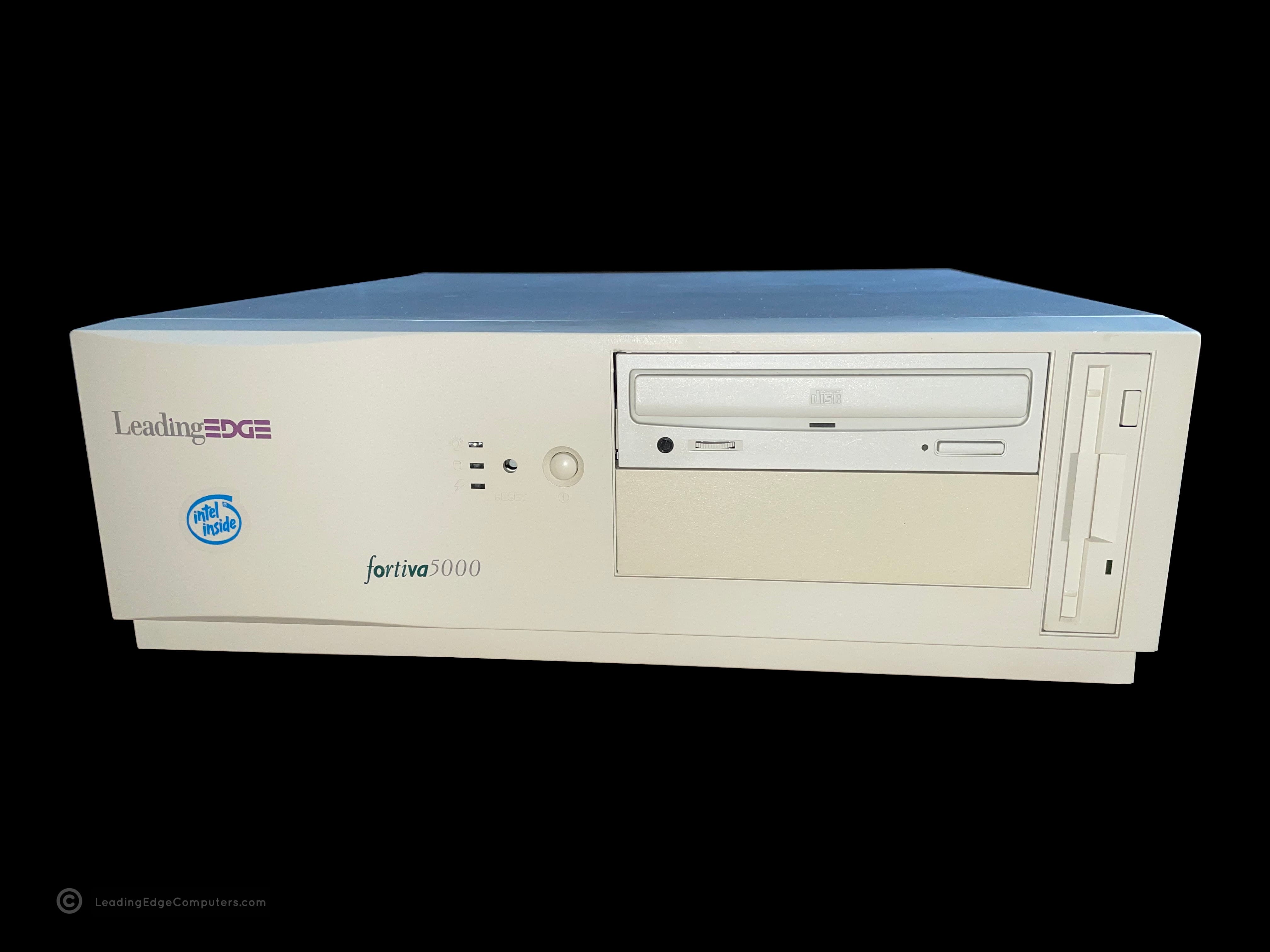
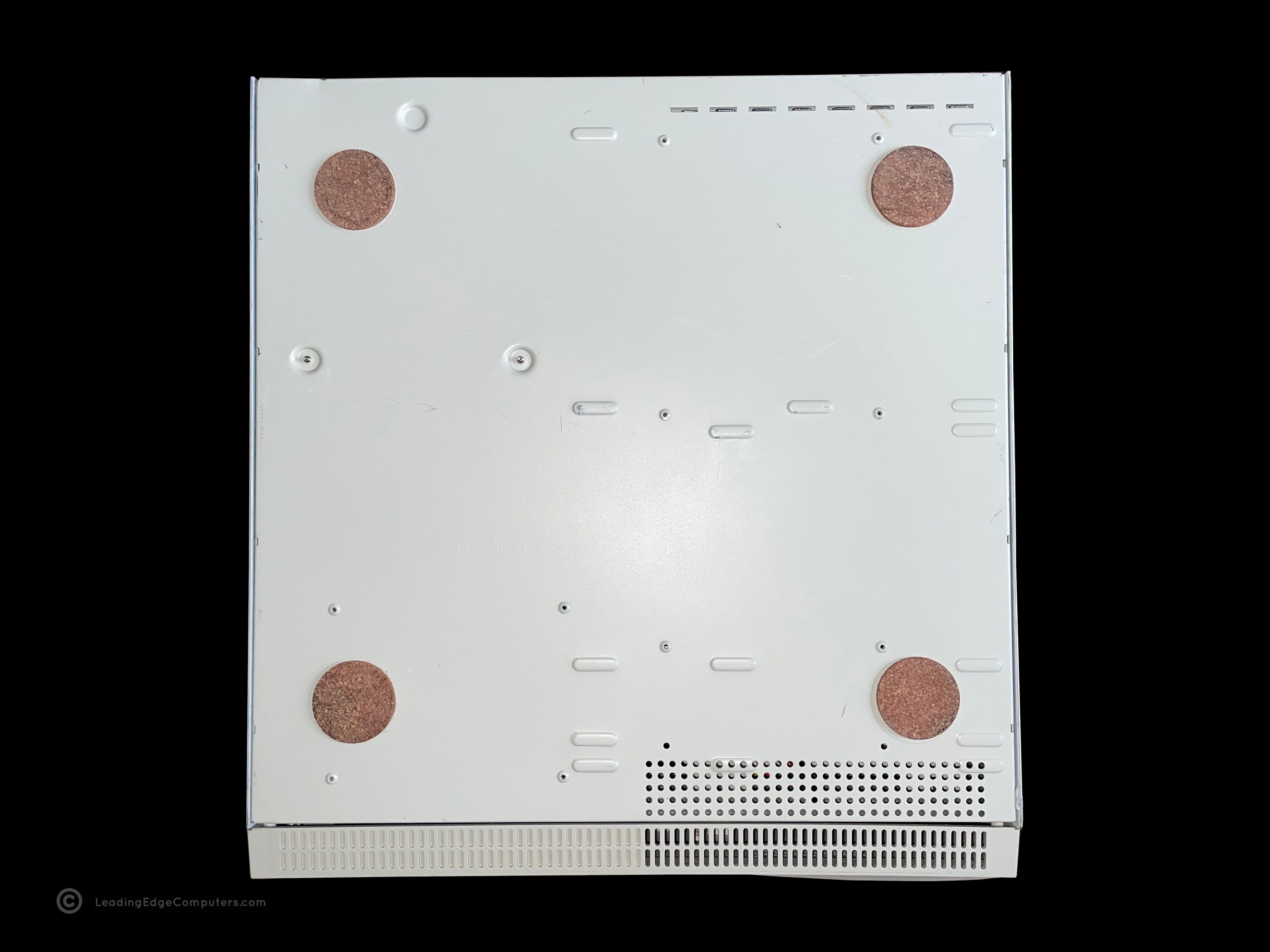
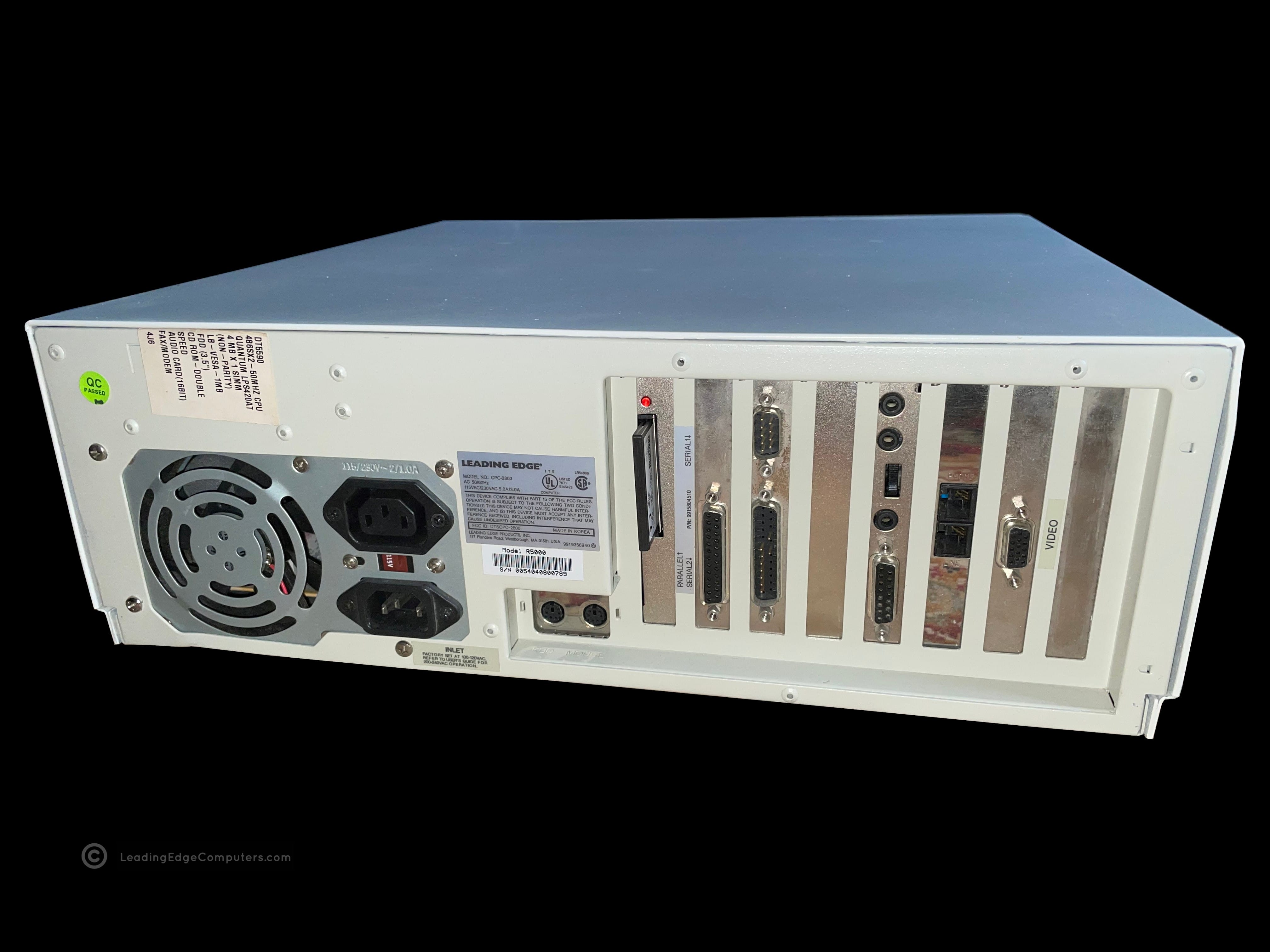
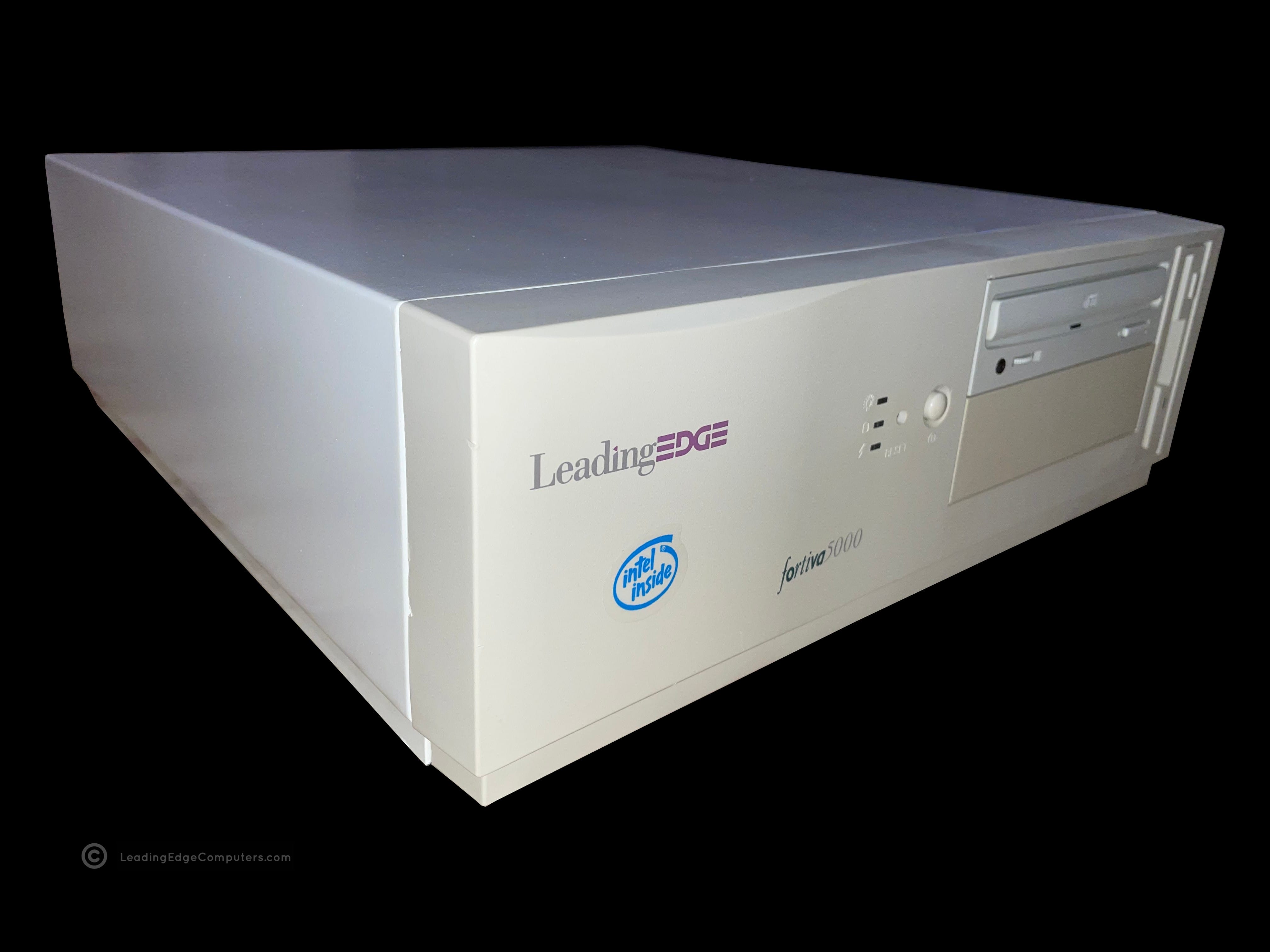
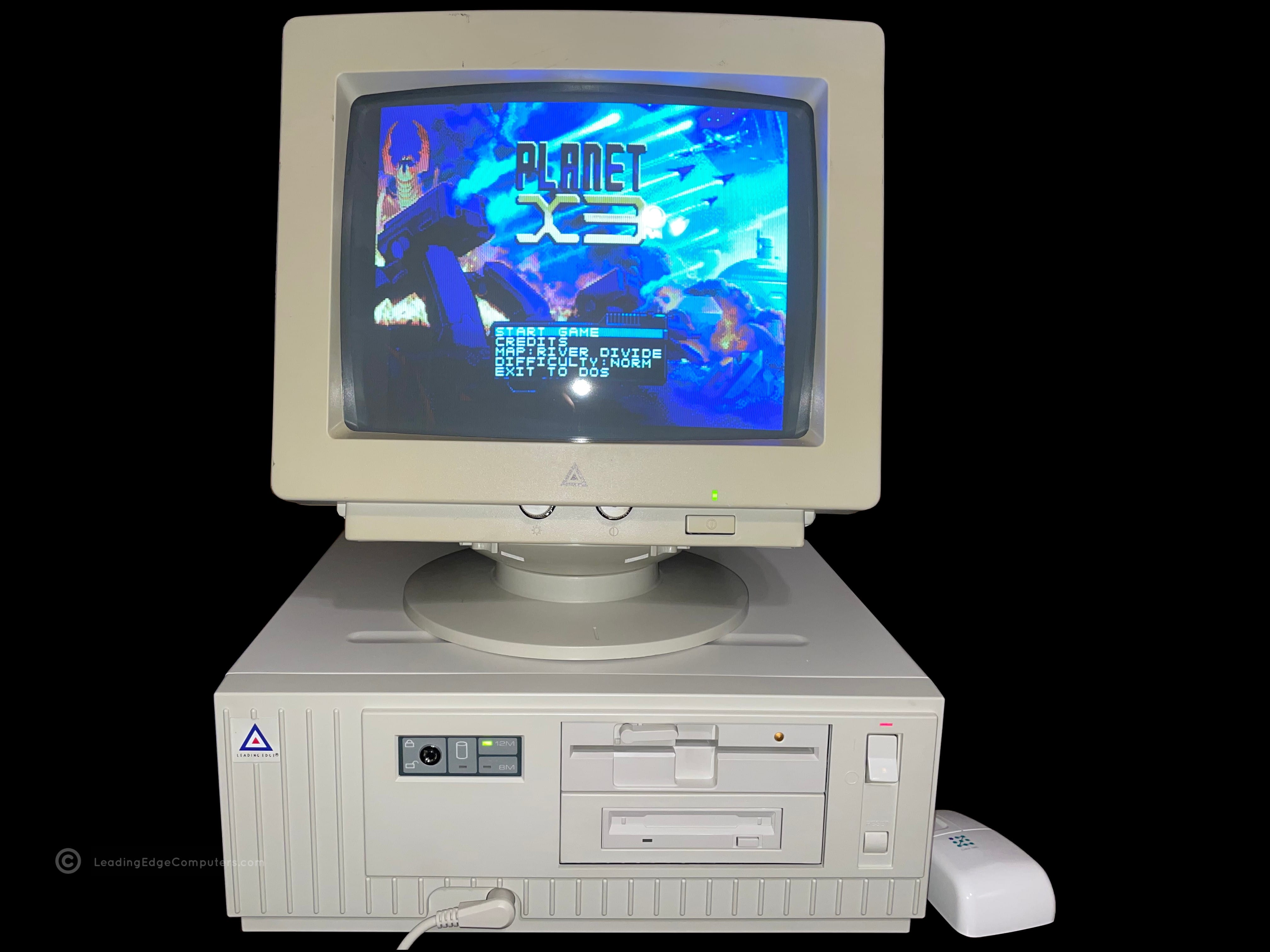
    A photo of a Foriva 5000 cpc 2800 booted into Windows 3.1 A top down view of the Fortiva 5000 cpc 2800 case A photo of a Fortiva 5000 CPC 2800 paired with a CMC 1417AE color monitor A photo of the front of a Fortiva 5000 CPC 2800 showing the revised Leading Edge logo A picture of the bottom of a Fortiva 5000 CPC 2800 computer showing the cork feet A photo of the rear of a Fortiva 5000 CPC 2800 computer showing the exhaust fan and expansion card interface A picture showing the right-hand side of a Fortiva 5000 cpc 2800 and its subdued styling A picture showing the left-hand side of a Fortiva 5000 CPC 2800 A diagonal view of the front of a Fortiva 5000 CPC 2800, showing the front and the left side of the machine

     CMC‐1417AE

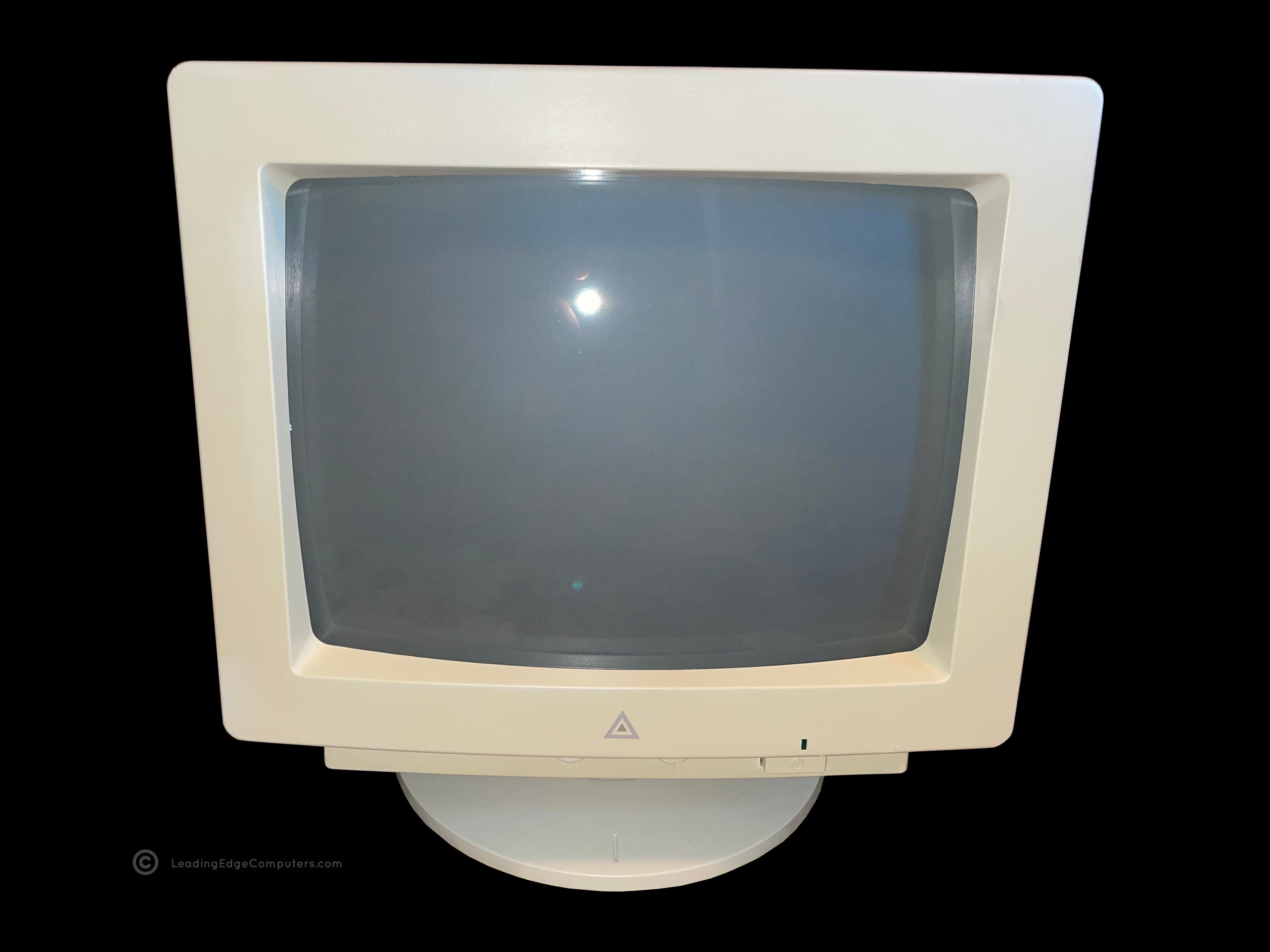
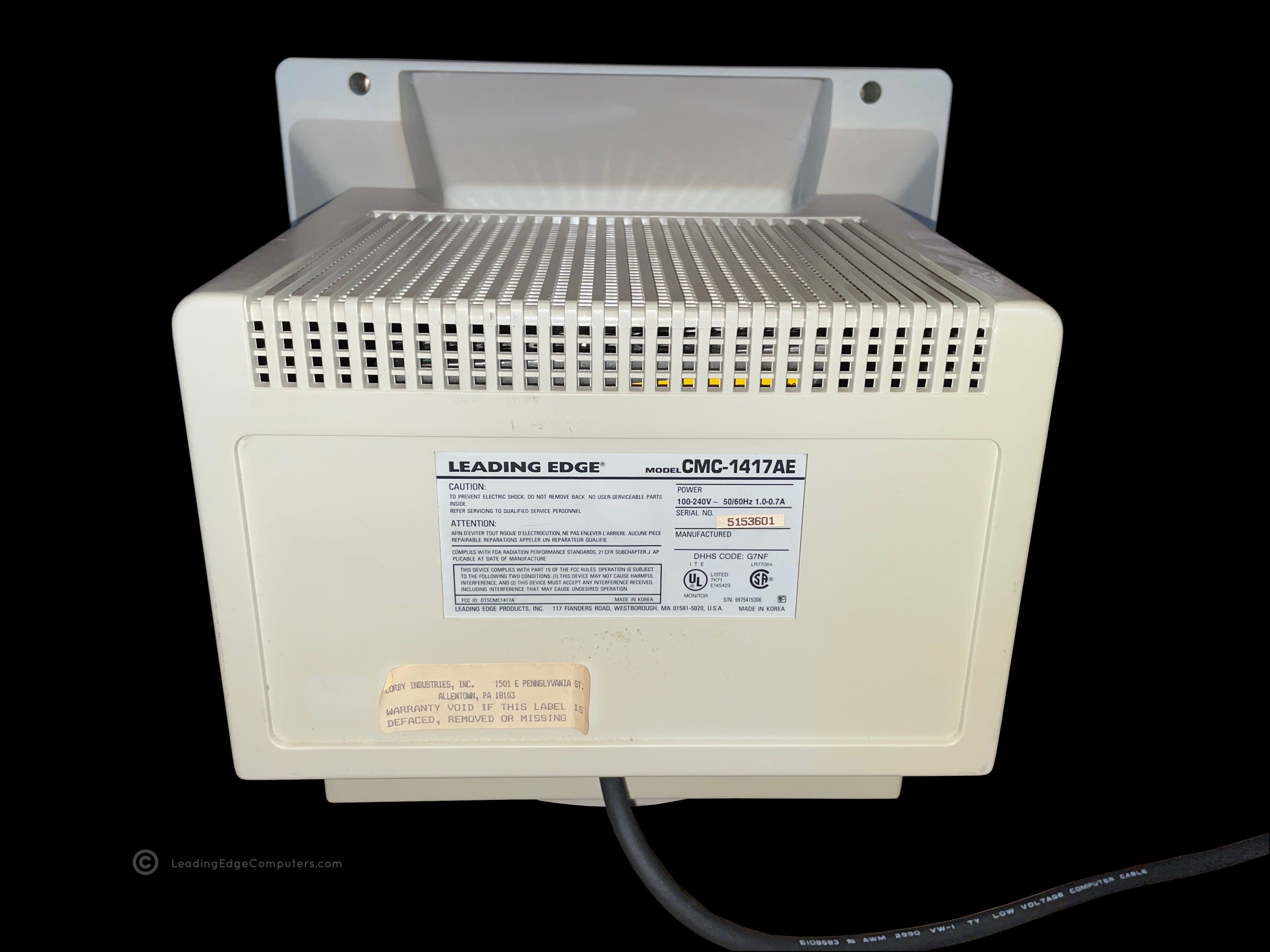
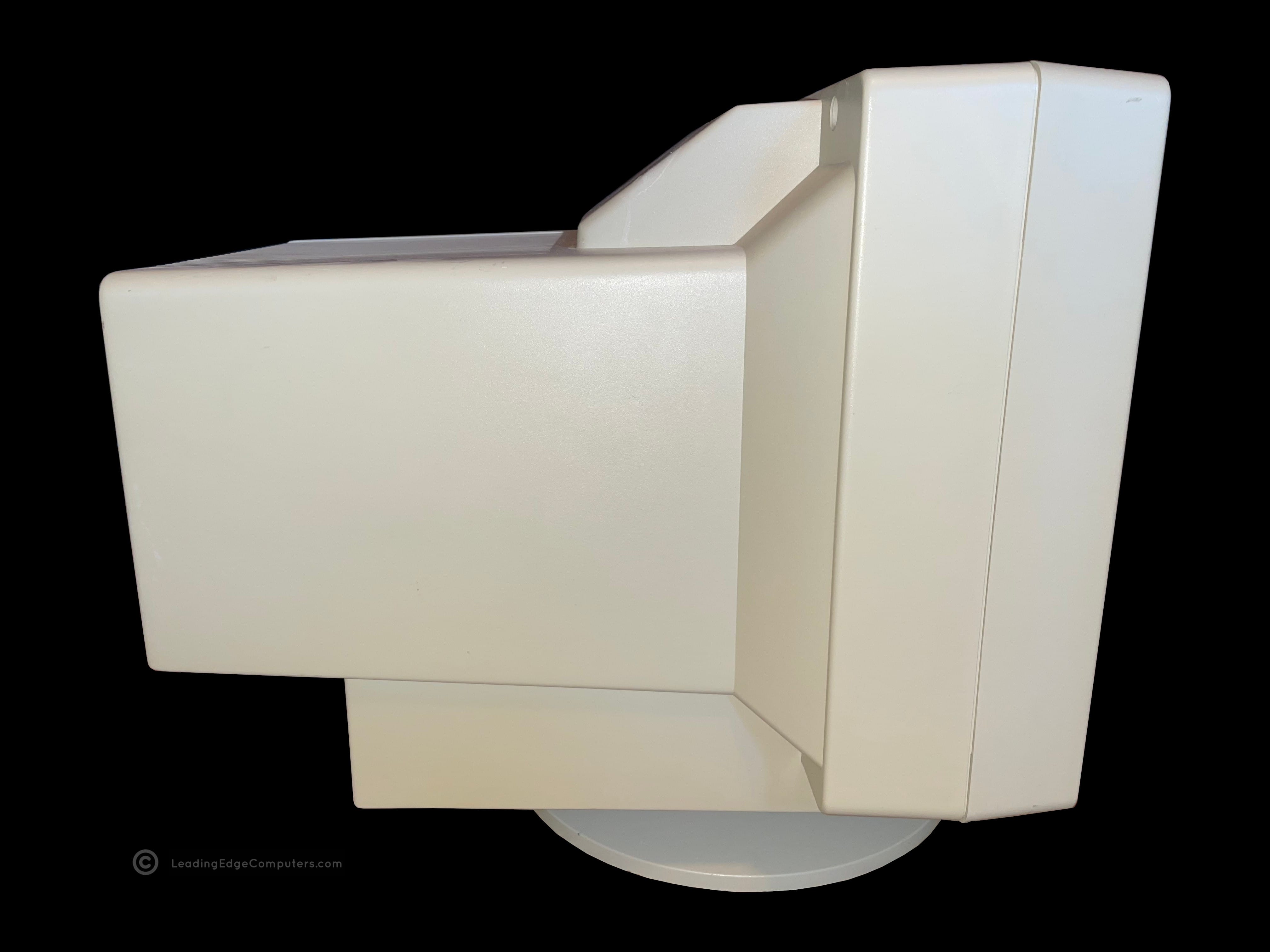
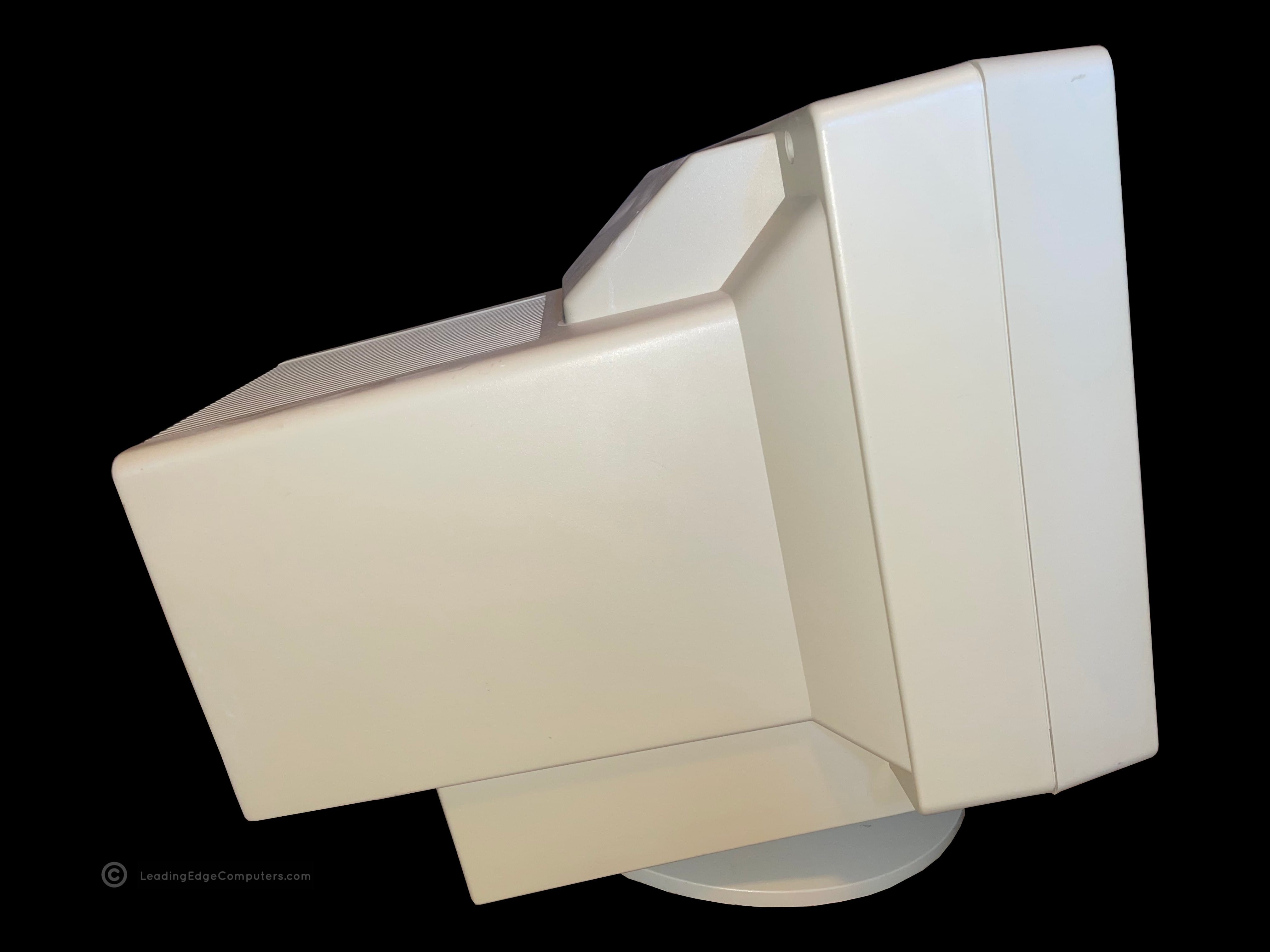
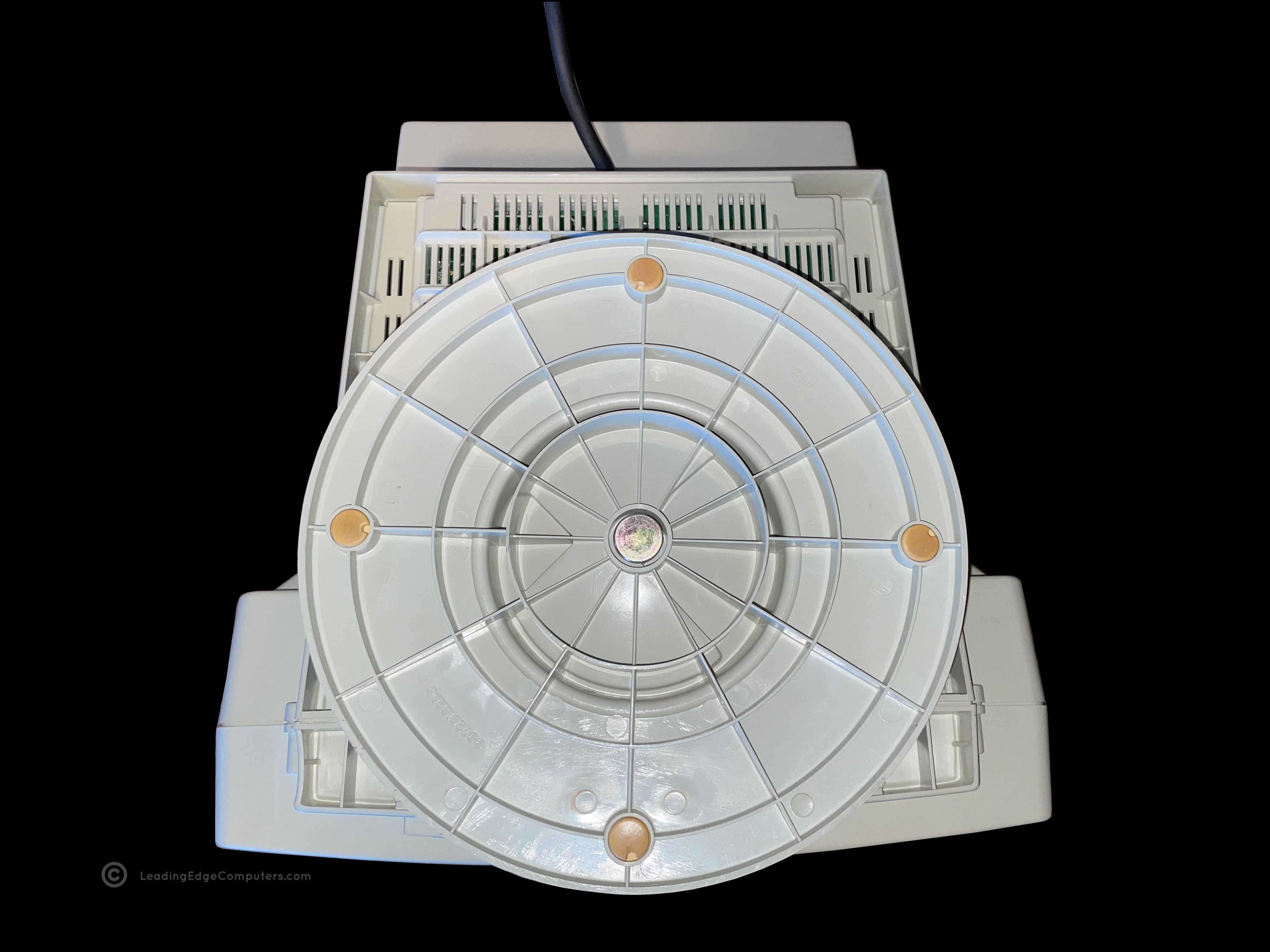
    front facing cmc 1417ae monitor top down view of cmc 1417ae right side profile of cmc 1417ae rear view of cmc 1417ae with manufacturer label left side profile view of cmc 1417ae left side profile view while tilted up of cmc 1417ae bottom of cmc 1417ae monitor with stand user adjustable dials for cmc 1417ae, contrast and brightness detail view of cmc 1417ae power plug and vga cable cmc 1417ae displaying fortiva 3000 bios cmc 1417ae displaying fortiva 3000 operating system cmc 1417ae paired with a model d2 plus computer

     CMC‐1417AE Manual Scan

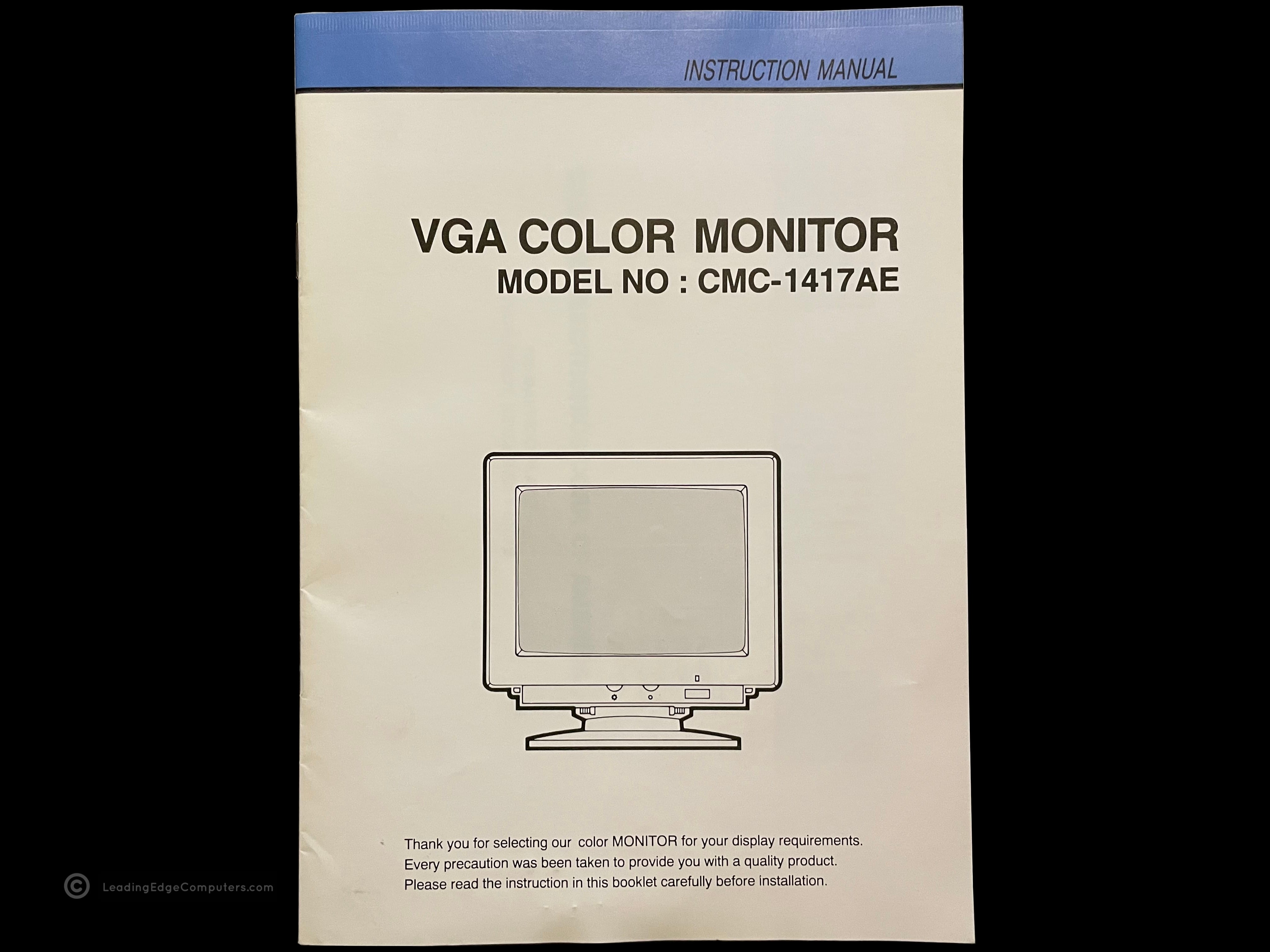
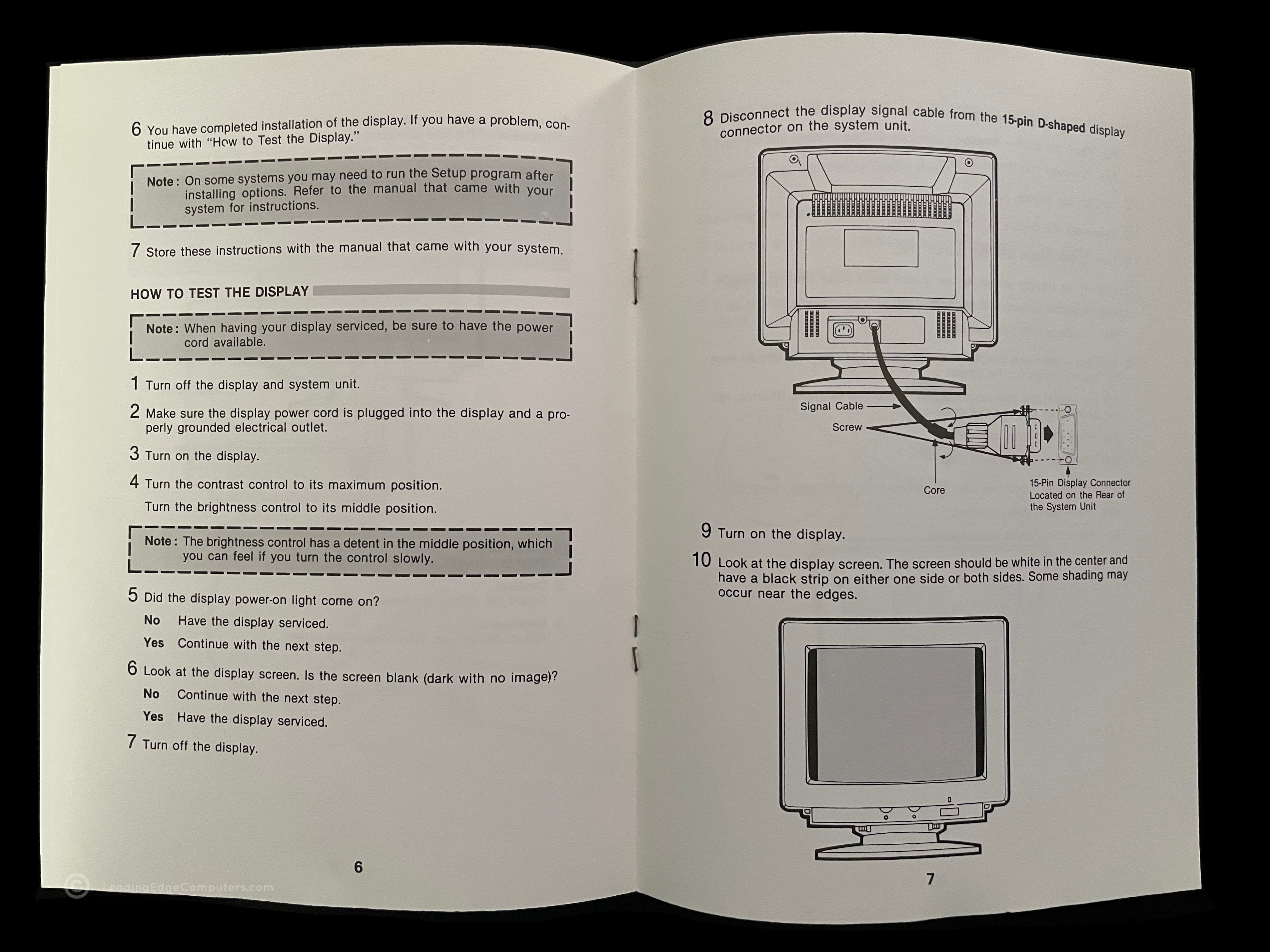
    front cover of the cmc 1417ae manual the cmc 1417ae manual opened to a random page reverse cover of the cmc 1417ae manual

     Multimedia Software

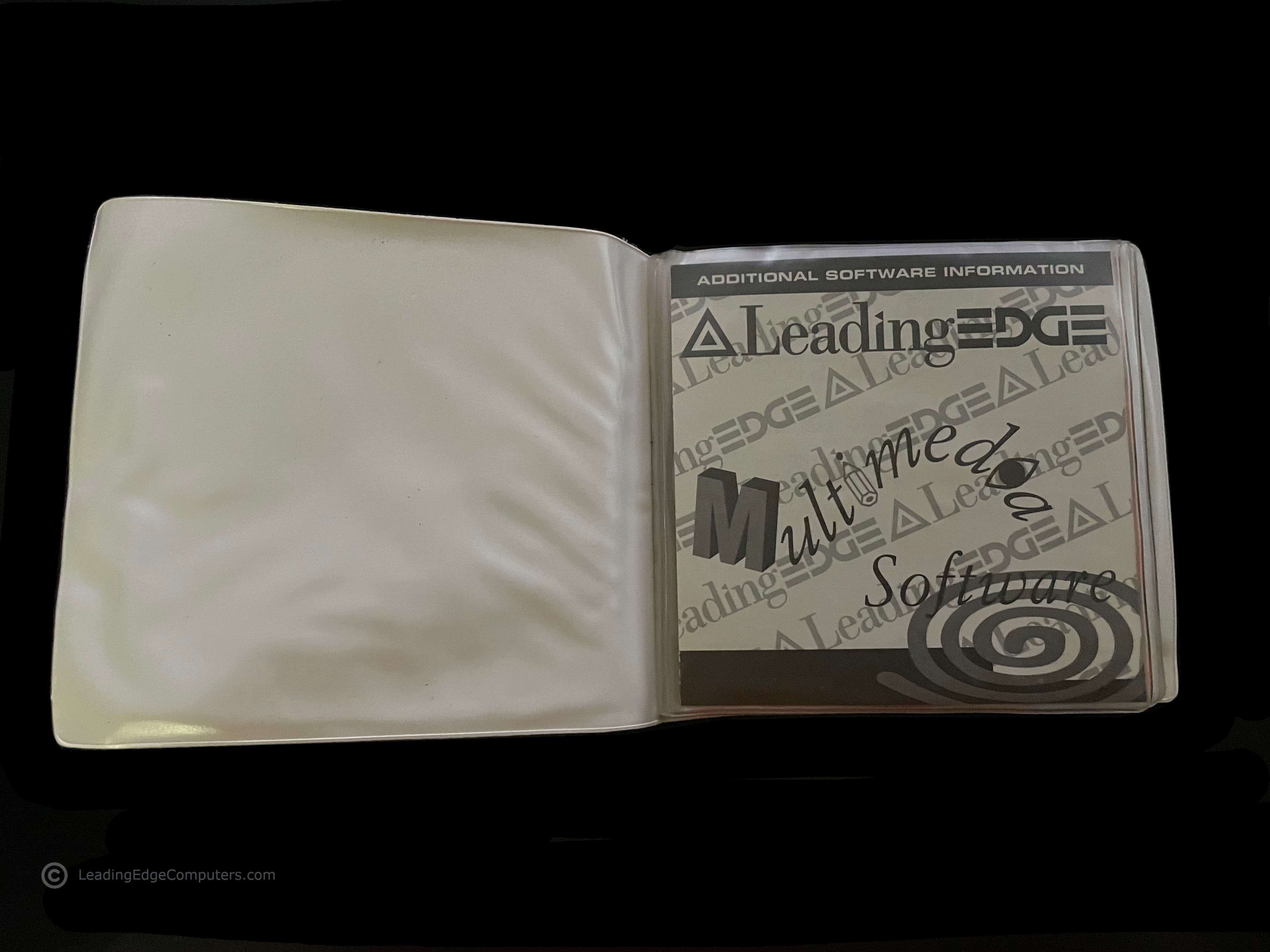
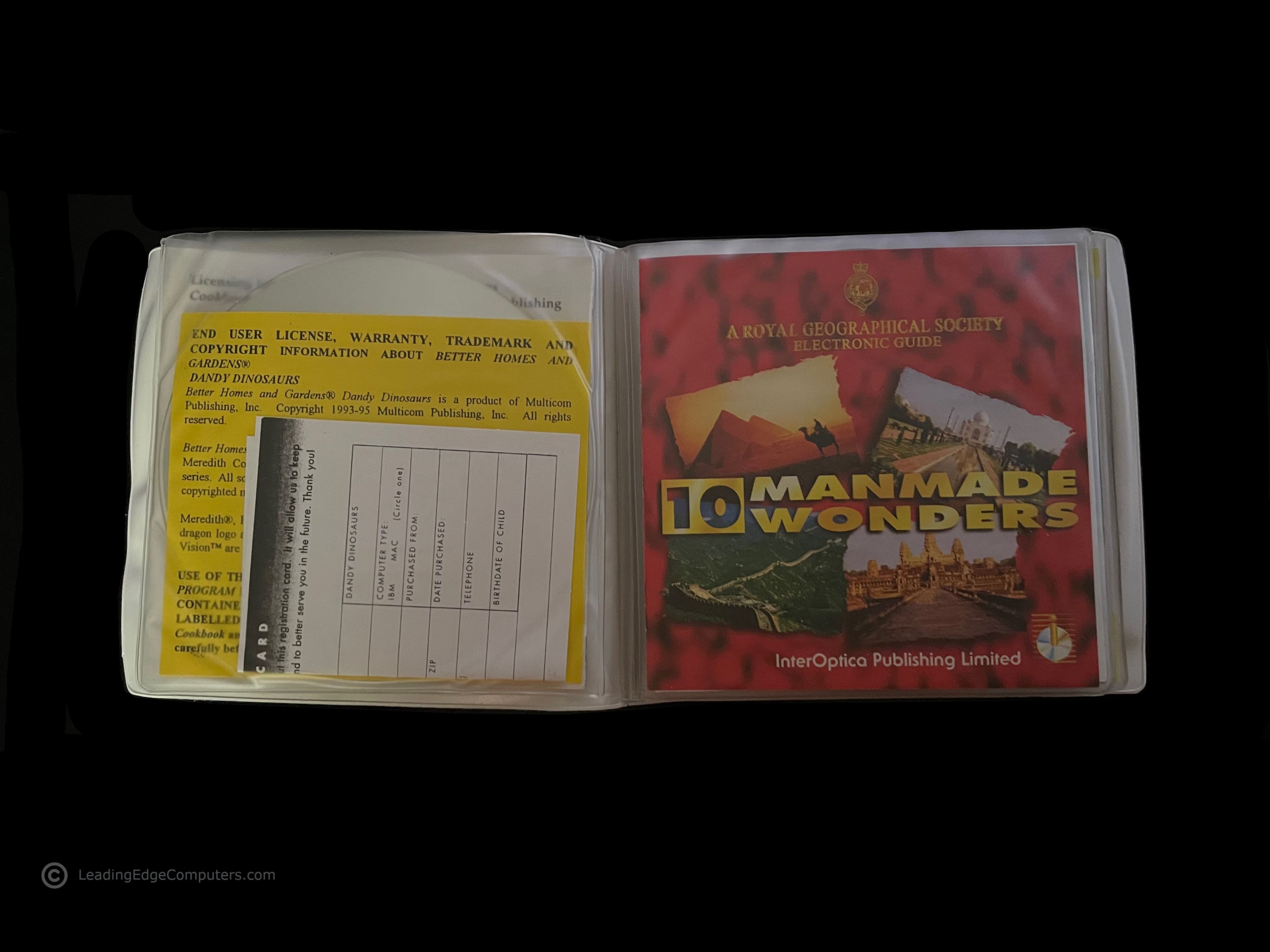
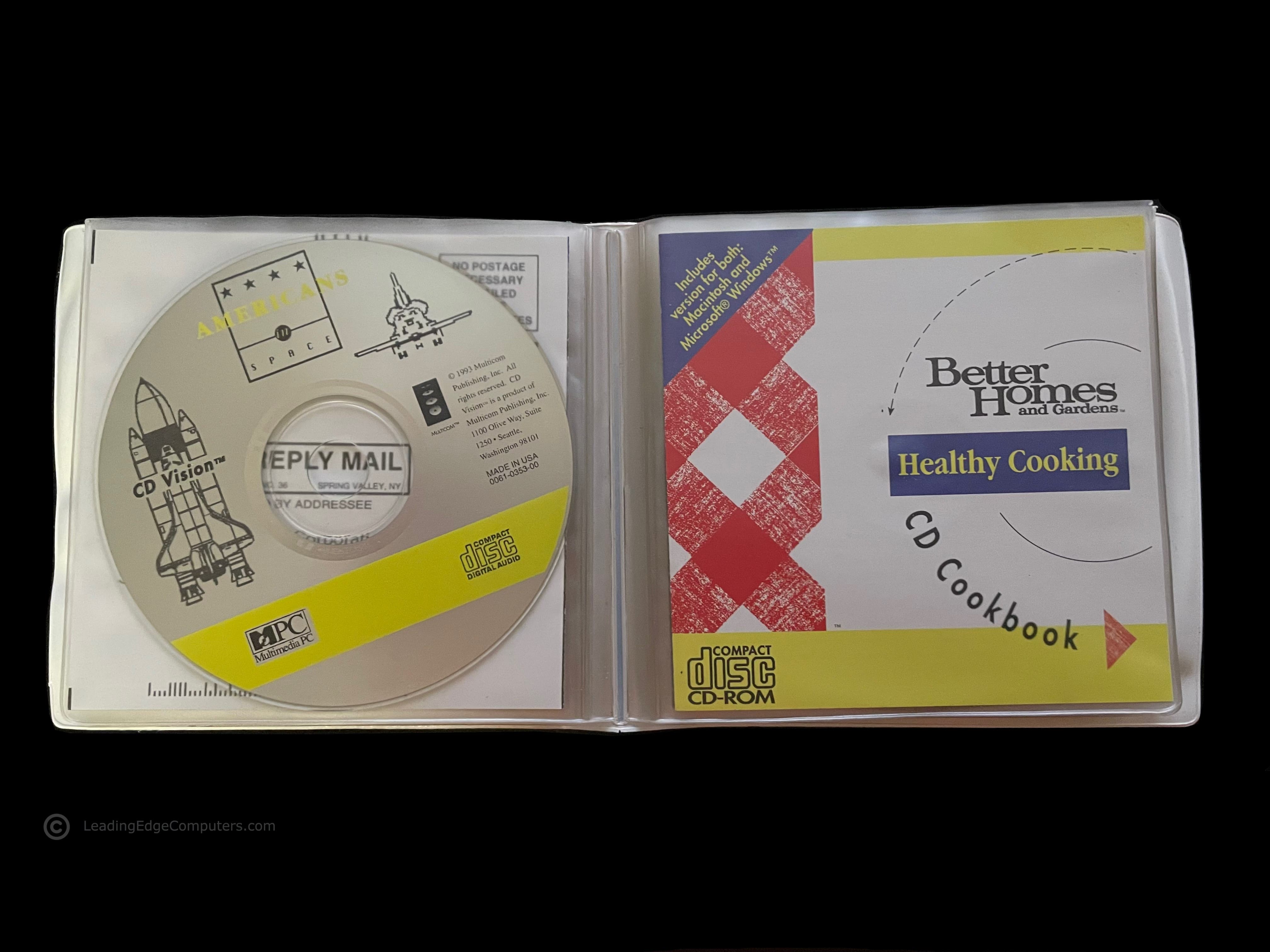
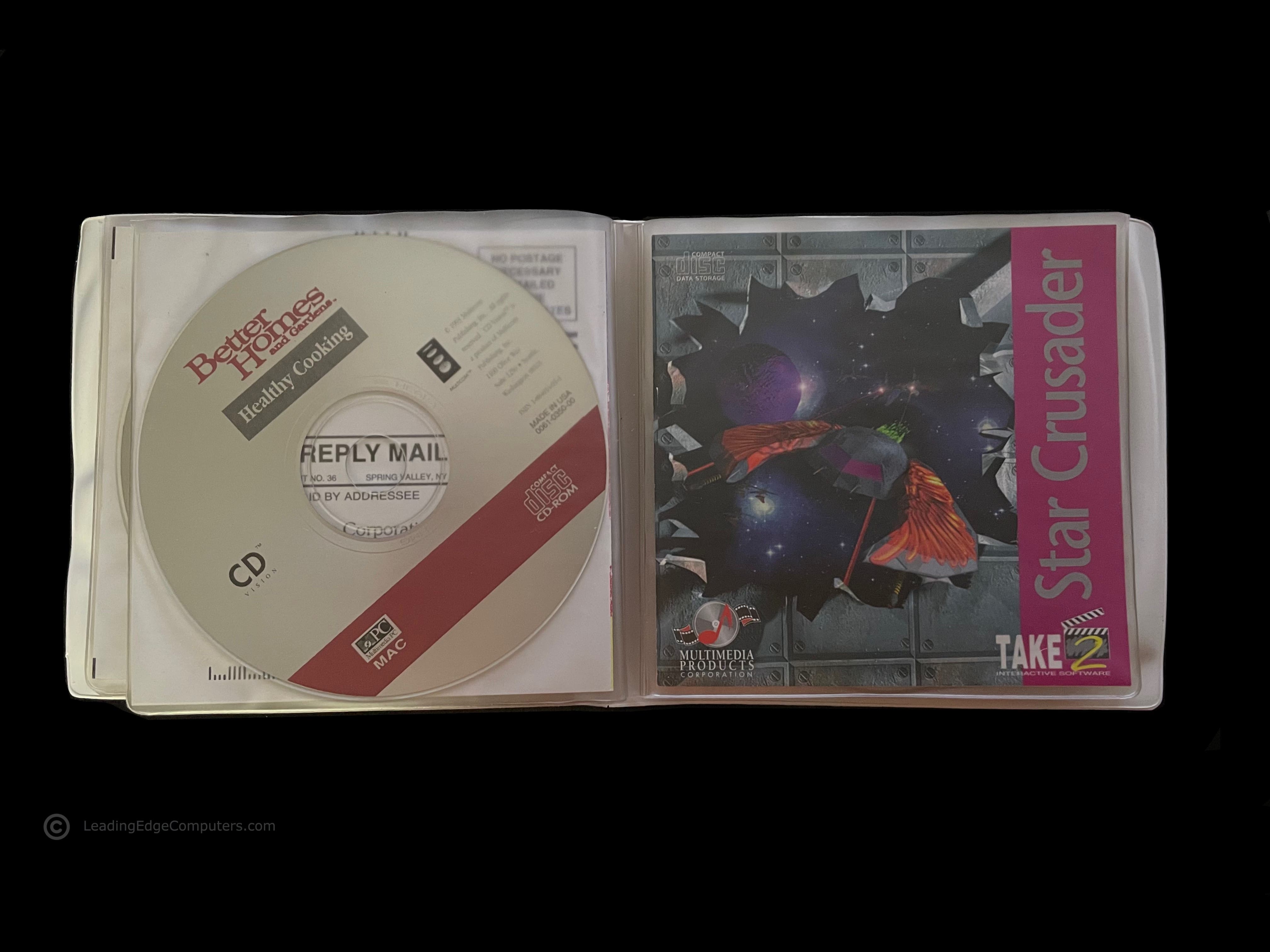
    front folio of Leading Edge's Multimedia Software pack for Fortiva personal computers Multimedia Software pack opened up to the first disc, showing the additional software information sleeve Multimedia Software pack EULA and warranty registration card and cover slip for the Royal Geographical Society Electronic Guide's 10 Manmade Wonders CD-ROM the cover slip for Infopedia software cover slip for Americans in Space CD-ROM the cover slip for Better Homes and Gardens Healthy Cooking CD Cookbook cover slip for Take 2's Star Crusader CD-ROM cover slip for Dr. T's Sing-A-Long Kids Classics CD-ROM CD-ROM labeled with Leading Edge branding with Dandy Dinosaurs, Multimedia Joke Book, and Musical Instruments of the Symphony Orchestra

     Model D Promotional Button

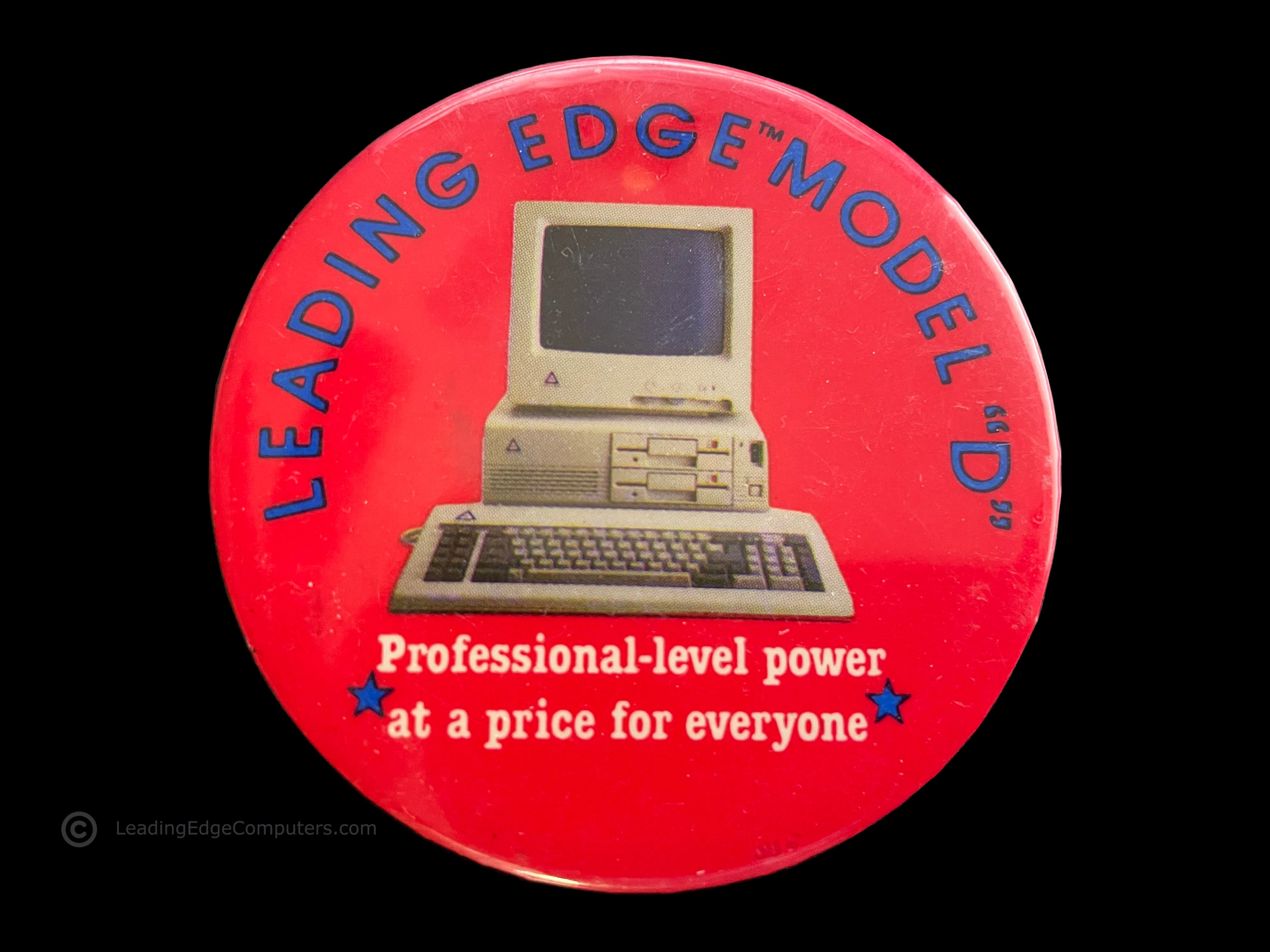
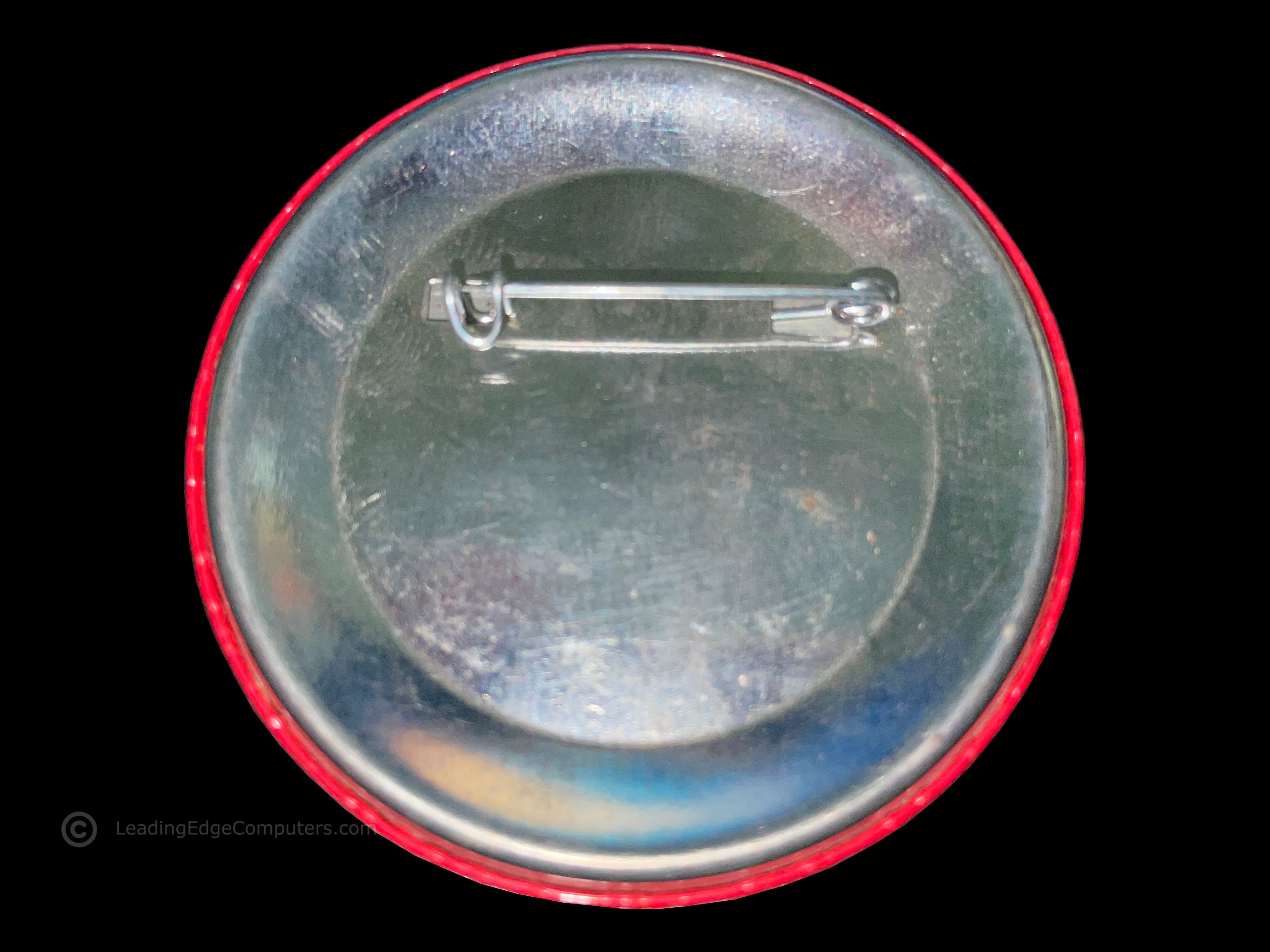
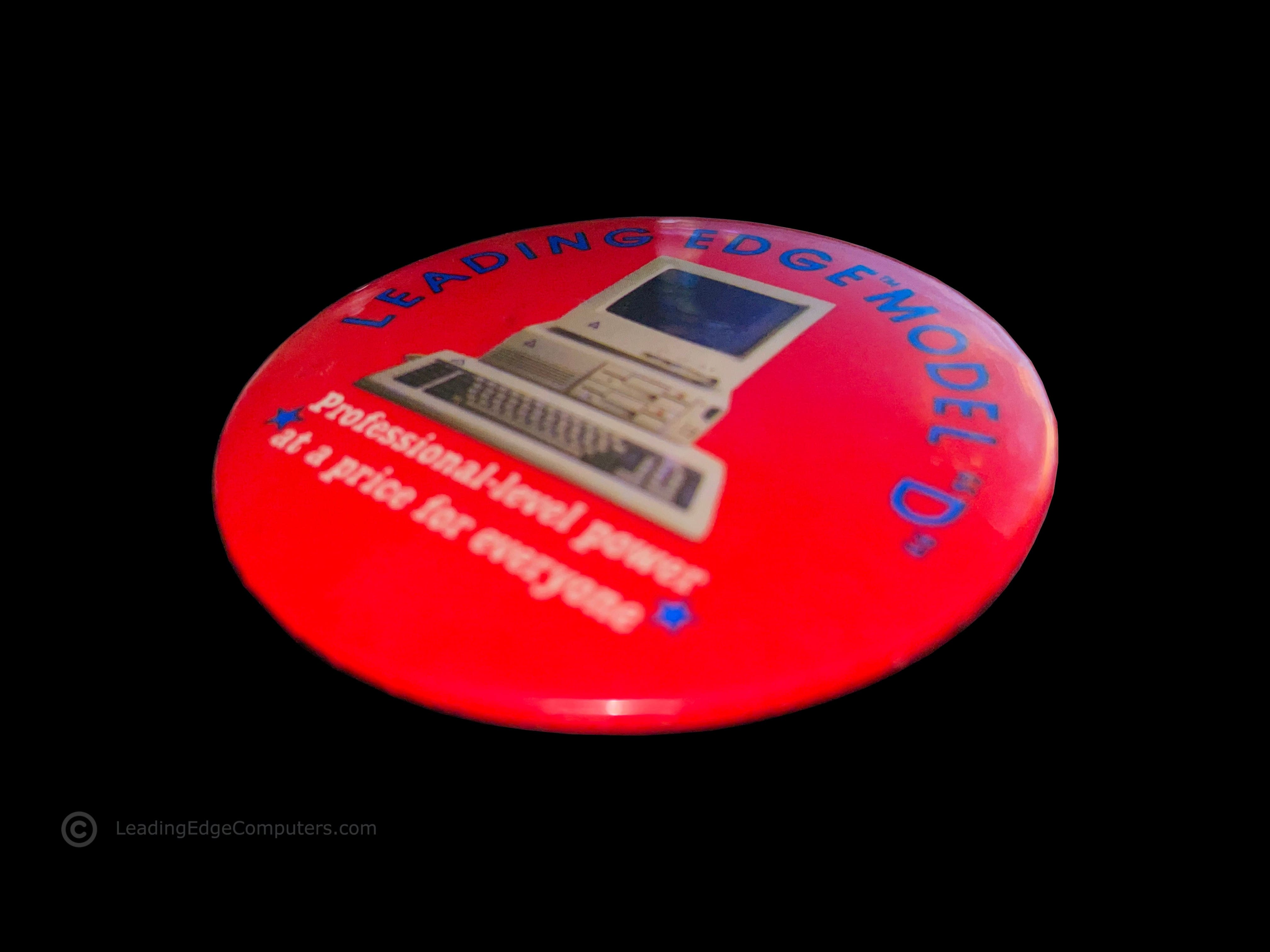
    the front of the model d promotional button showing the computer and slogan the rear of the model d promotional button showing the safety pin located at the top of the button a simple stylized photo from an angle attempting to show the thickness of the model d promotional button

     Letterhead

    straight down view of the leading edge letterhead with message letterhead with envelope letterhead with envelope rear

    Page:


      Back to Top To Bottom
